How we make this list: we compare pricing pages, product documentation and public user reviews. Ratings come from G2, Capterra or Trustpilot, with the date we checked them.
Key takeaways
- Paprika is the best buy-once recipe manager for cooks who save recipes from websites and want reliable offline access.
- Samsung Food is the strongest free starting point for discovery, meal planning, and grocery lists in one app.
- Plan to Eat suits households that already have favorite recipes and want a calendar plan that builds the shopping list automatically.
- Recipe Keeper is the best pick for scanning handwritten family recipes and turning a collection into a printable cookbook.
- Yummly, BigOven, and Tasty cover recipe discovery free, while Prepear covers saving, planning, and shopping in one connected workflow.
Quick comparison
| Tool | Best for | Starting price | Free plan |
|---|
 Paprika Recipe Manager Paprika Recipe Manager | Buy-once recipe library | $4.99 one-time (iOS) | Free trial |
 Samsung Food Samsung Food | Free discovery and meal planning | $0 (Food+ $59.99 per year) | Yes |
 Plan to Eat Plan to Eat | Calendar planning from own recipes | $49 per year | Free trial (14 days) |
 Recipe Keeper Recipe Keeper | Scanning cookbooks and family recipes | $0 (Pro $19.99 one-time on iOS) | Yes |
 Yummly Yummly | Personalized recipe discovery | $0 | Yes |
 BigOven BigOven | Large recipe library and planning | $0 | Yes |
 Tasty Tasty | Video-led recipes and inspiration | $0 | Yes |
 Prepear Prepear | Saving, planning, and shopping together | See website | Yes |
Is your product missing or out of date?
We review this list regularly. Vendors can request a listing, send updated pricing or ask about featured placement.
The best recipe apps for home cooks
Starting price$4.99 one-time (iOS)
Free planFree trial
Paprika has been the serious cook's recipe manager for more than a decade, and its strength is still the same: it turns a messy food blog page into a clean recipe with ingredients and steps, minus ads and long introductions. A built-in browser saves recipes with one tap, serving sizes scale with automatic ingredient math, timers in the directions can be started by tapping them, and the screen stays on while cooking. Grocery lists combine similar ingredients and sort by aisle, and meal plans can be saved as reusable menus.
Pricing is per platform: $4.99 on iOS, $29.99 each on Mac and Windows, with a free Android version limited to 50 recipes before a full purchase. Cloud sync between devices is included with no recurring fee for Paprika 3 owners. One change to note: Paprika 4 entered open beta in September 2026 as a free upgrade for Paprika 3 owners, with new features planned as a subscription after beta, so buyers should check current Paprika 4 terms before purchasing for a new platform.
What we like- One-tap web import with clean formatting
- Aisle-sorted grocery lists
- Reliable offline access
Watch out for- Each platform version is sold separately
- No social discovery feed
- New subscription features are coming in Paprika 4
Starting price$0 (Food+ $59.99 per year)
Free planYes
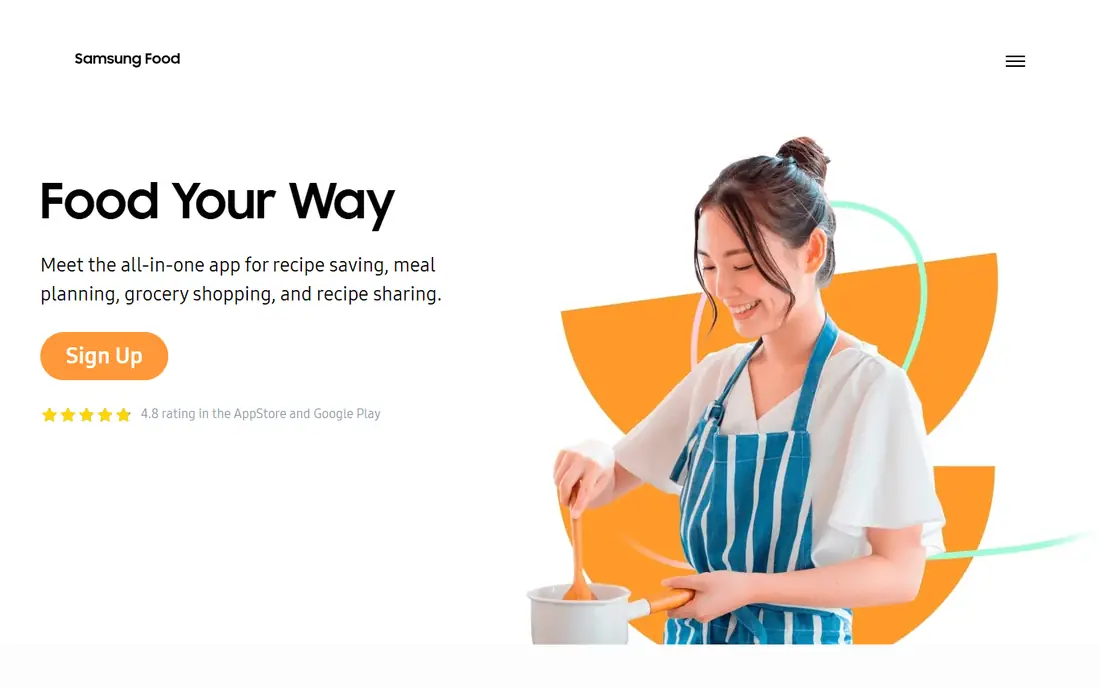
Samsung Food, formerly Whisk, is the best free all-rounder in this list. It combines recipe discovery, a personal recipe box, weekly meal planning, and smart shopping lists, with communities and notes from other cooks alongside each recipe. Recipes can be filtered by diet, cuisine, cook time, and ingredients on hand, and saved recipes from any website sit next to community recipes in one collection. Shared lists help households shop together, and grocery delivery is integrated with retailers in supported regions.
The base app is free, while Samsung Food+ costs $6.99 per month or $59.99 per year after a 7-day trial, adding an ad-free experience, AI-personalized weekly plans, pantry management, nutrition tracking, and unlimited saved meal plans. Free users can save only a few meal plans, which is the main reason to upgrade for regular planners. For cooks who want discovery and planning without paying, the free tier already covers a full week of cooking.
What we like- Huge recipe library and communities
- Recipe saving from any site
- Shared lists and grocery delivery links
Watch out for- Free plan limits saved meal plans
- Pantry and nutrition tracking sit behind Food+
- Ads appear on the free tier
Starting price$49 per year
Free planFree trial (14 days)
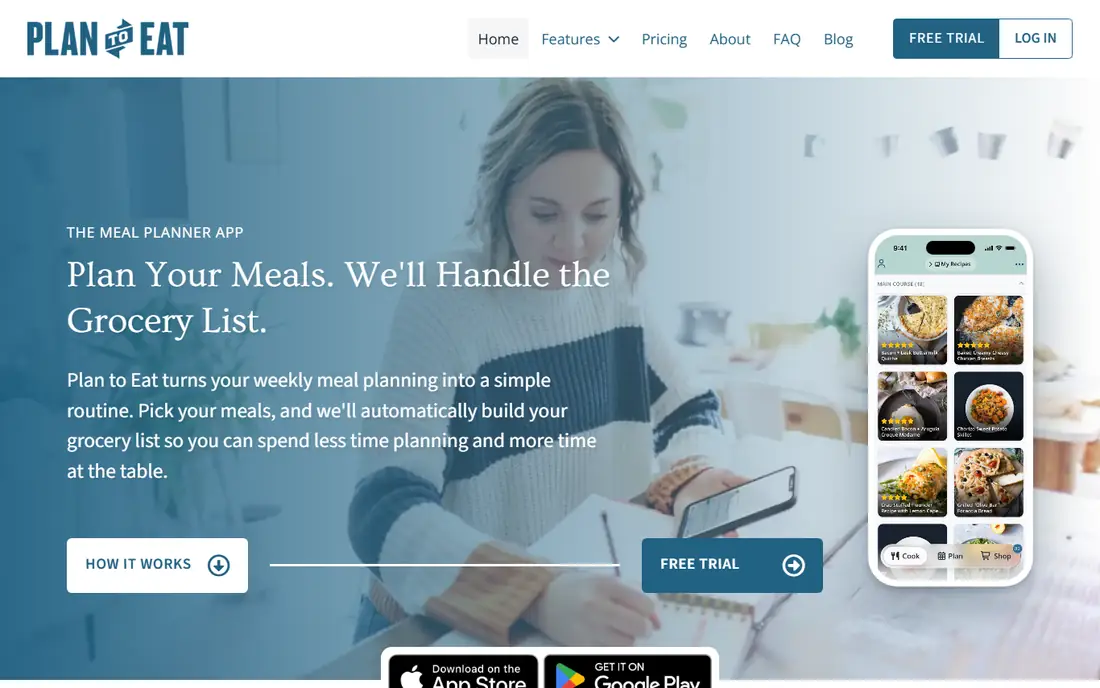
Plan to Eat solves a narrower problem than Samsung Food, and solves it well. Instead of suggesting recipes, it organizes the recipes a household already loves: import them from websites, cookbooks, or manual entry, drag them onto a calendar, and let the app build a grocery list from the plan. The list groups items by aisle, leftovers and freezer meals can be tracked, and plans can be saved and reused, which cuts the weekly "what is for dinner" decision to a few minutes.
There is no free plan, but a 14-day trial requires no card, and a subscription costs $5.95 per month or $49 per year, with one account covering the household across devices. The honest catch is discovery: cooks who want the app to suggest dinner will be disappointed, since Plan to Eat assumes the recipes already exist. For a household with a trusted set of favorites, that focus is exactly why it works.
What we like- Calendar planner built around the user's own recipes
- Automatic grocery list
- One account covers the household
Watch out for- No built-in recipe library for discovery
- No permanent free plan
- Importing from video sites is limited
Starting price$0 (Pro $19.99 one-time on iOS)
Free planYes
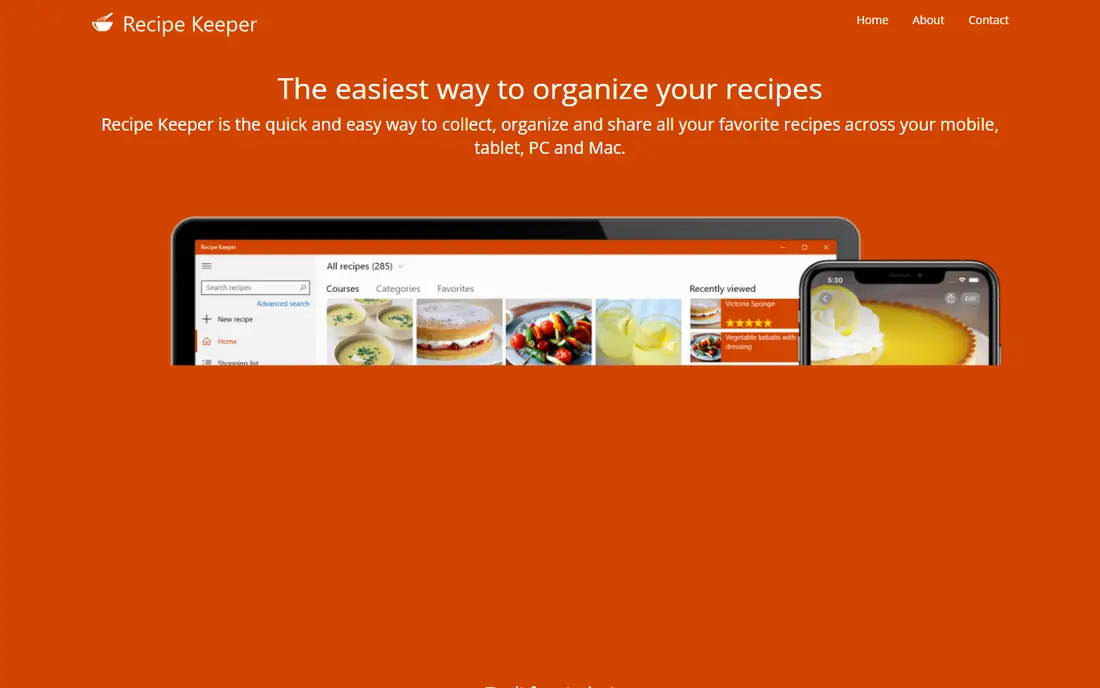
Recipe Keeper is the best choice for cooks with a box of handwritten cards, annotated cookbooks, or magazine clippings. Its phone camera scanning uses text recognition to turn a photo or PDF into an editable recipe, and imports also work from hundreds of websites plus Instagram and TikTok. Once saved, recipes can be scaled, rated, categorized, and planned on weekly or monthly calendars, with shopping lists grouped by aisle and an Alexa skill for hands-free cooking steps.
The app is free to download, and the Pro upgrade costs $19.99 as a one-time purchase on iOS, with other platforms sold separately. Its standout extra is the cookbook builder, which turns a collection into a printable PDF with a custom cover, chapters, and table of contents, a feature no other app here matches. The design is practical rather than beautiful, but for preserving family recipes, that trade is easy to accept.
What we like- OCR scanning from cookbooks, photos, and PDFs
- Imports from web, Instagram, and TikTok
- Printable cookbook builder
Watch out for- Pro is bought per platform
- Interface is functional rather than polished
- Some advanced features need Pro
Starting price$0
Free planYes
Yummly is a discovery app first. Tell it about diets, allergies, disliked ingredients, and preferred cuisines, and it filters a large recipe collection down to dishes that actually fit the household, with nutrition details and user ratings to help choose between similar options. Guided cooking mode walks through steps on screen, which helps newer cooks stay on track without juggling a phone and a printed page.
The app is free to use, with no subscription required for core browsing and saving, though exact premium or partner features should be confirmed on the vendor site, since Yummly's presentation has changed under KitchenAid ownership. Yummly will not replace a dedicated planner: its meal planning and grocery list tools are lighter than Plan to Eat or Samsung Food. Use it to find dinner, then save the winners into Paprika, Recipe Keeper, or Prepear for planning.
What we like- Strong personalization by diet, allergies, and taste
- Large searchable recipe collection
- Guided cooking mode on many recipes
Watch out for- Less of a full meal planner than Samsung Food or Plan to Eat
- Recipe saving and list features are lighter
Starting price$0
Free planYes
BigOven combines a very large recipe library with the planning tools a home cook needs week to week. Search by ingredient, diet, or course, save favorites into folders, plan meals on a calendar, and generate a grocery list from the plan. The use-up-leftovers search is a genuinely useful extra: enter three ingredients from the fridge and get recipes that use them, which reduces waste and last-minute shopping trips.
The base app is free, with a paid Pro tier for extra features and ad removal, and the current Pro price should be confirmed on the vendor site before buying, so the starting price here is listed from the free tier. The interface is functional rather than modern, and recipe quality varies because the library mixes professional, publisher, and community recipes. For cooks who value breadth and a built-in planner at no cost, BigOven remains a solid, if unglamorous, pick.
What we like- More than one million recipes
- Meal planner and grocery list included
- Use-up-leftovers search
Watch out for- Design feels dated next to newer apps
- Some features and ad-free use sit behind a paid tier
Starting price$0
Free planYes
Tasty is the inspiration app in this list. Most recipes come with a short overhead video that shows each step, which makes techniques, timing, and finished texture much easier to judge than a written description alone. The library leans toward approachable weeknight dinners, snacks, desserts, and party food, with filters for diet, occasion, and difficulty, and the app and website are free to browse.
Tasty is not a manager. Saving recipes, building a serious meal plan, and generating a combined grocery list are all weaker here than in Paprika, Samsung Food, or Plan to Eat, and scaling or editing a saved recipe is limited. Treat Tasty as the place to find what to cook, especially when a video helps confidence, then move the chosen recipes into a manager app for planning and shopping.
What we like- Short, clear cooking videos for most recipes
- Huge library of tested, approachable dishes
- Free on web and mobile
Watch out for- Not a full recipe manager or planner
- Saving and scaling tools are basic compared with Paprika or Plan to Eat
Starting priceSee website
Free planYes
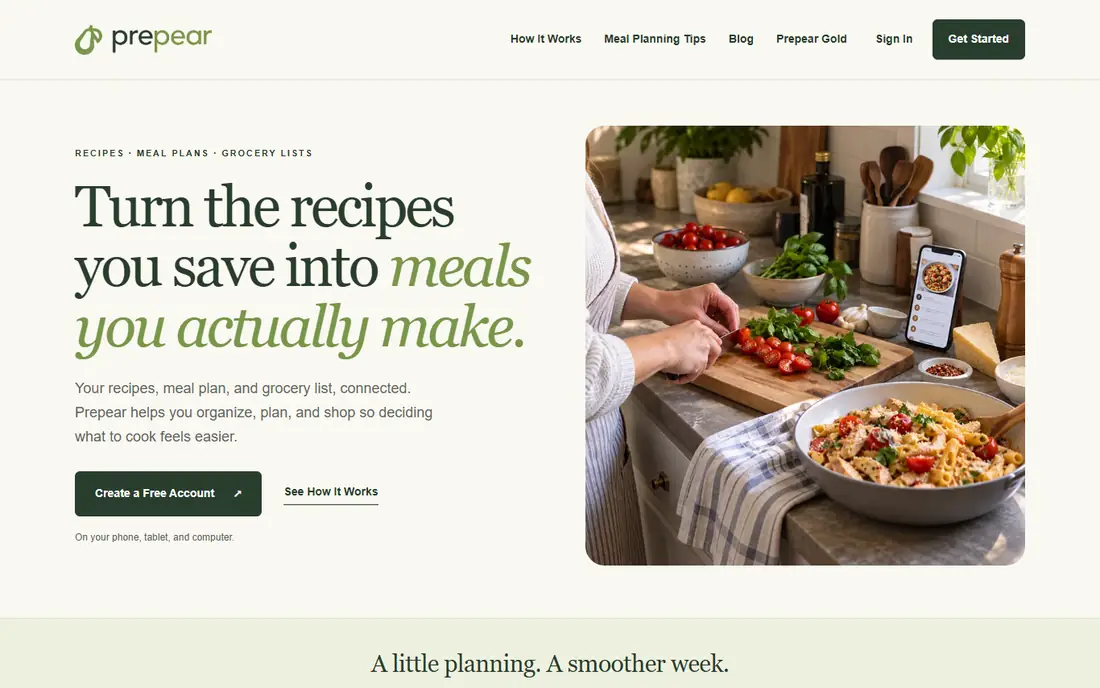
Prepear connects the three jobs that other apps often split apart: save a recipe, put it on a meal plan, and turn that plan into a grocery list. Recipes can be saved from the web, added manually, or organized into personal cookbooks, and the planner leaves room for leftovers, takeout nights, and changed plans without breaking the list. Cook mode keeps steps readable at the stove, and the mobile app can send a list to Walmart for pickup or delivery in supported areas.
A free account covers the core workflow, while Prepear Gold adds unlimited cook mode with ad-free recipes and access to every meal plan and cookbook on the platform. The Gold price was not verified on the vendor pricing page at the time of writing, so it is listed as See website here. Prepear's community is smaller than Samsung Food's, but for cooks who want one connected system rather than three separate apps, it is the tidiest option in this list.
What we like- Recipes, meal plan, and grocery list connected in one workflow
- Cook mode for hands-free steps
- Walmart shopping link in the app
Watch out for- Paid Gold price should be confirmed at checkout
- Community and library are smaller than Samsung Food
How we chose
Prices and plan details were checked against vendor pricing pages and current public pricing coverage in October 2026, and each homepage above was opened to confirm it loads and belongs to the named product. Tools were included only when they exist today as real recipe apps with genuine saving, planning, or discovery features. Public reviews on app stores, G2, Capterra, and Reddit were used to check recurring strengths and complaints, such as import quality, list accuracy, and free plan limits, rather than as a substitute for vendor pricing. No hands-on testing is claimed here; the comparison rests on published features, limits, and prices.
One exclusion is worth stating plainly. Mealime, once a popular meal planner, was discontinued on October 21, 2026, with its tools folded into grocery store apps, so it is not recommended here even though older guides still list it. Anyone with Mealime plans should copy or screenshot saved recipes before relying on an export that does not exist.
Choosing by how dinner actually gets planned
Start with the source of recipes. Cooks who save from blogs and websites need a strong importer, which points to Paprika, Recipe Keeper, or Samsung Food. Cooks who already have favorites and just need a weekly system should choose Plan to Eat or Prepear, since both turn a calendar into a shopping list without extra steps. Cooks who mainly need ideas should start free with Samsung Food, Yummly, BigOven, or Tasty, and add a manager only when saving and planning become regular habits.
The weekly routine that makes an app stick
Pick one planning day, plan five to seven meals, and let the app build the list from that plan. Keep two or three fast fallback meals in the collection for busy nights, and mark recipes that worked so the next plan writes itself faster. An app that is opened once on Sunday and once at the store is doing its job; an app that demands daily management will be abandoned, however good its library looks on day one.
What to check before paying
Confirm three things before subscribing: whether the paid tier is per platform or covers all devices, whether saved recipes and plans can be exported if the subscription ends, and whether the free plan caps saved recipes, meal plans, or list items. Paprika and Recipe Keeper charge per platform, Plan to Eat covers a household on one account, and Samsung Food+ limits on the free tier are about saved plans rather than recipes. Those details change the real cost more than the headline monthly price.
Frequently asked questions
What is the best recipe app overall?
Paprika is the best overall manager for cooks who save recipes from the web, while Samsung Food is the best free all-rounder for discovery, planning, and shopping. Plan to Eat is the best planner for households with their own favorite recipes. The right overall pick depends on whether discovery, saving, or planning is the main job.
Are free recipe apps good enough?
Yes, for most home cooks. Samsung Food, Yummly, BigOven, and Tasty all offer large free libraries, and Recipe Keeper and Prepear offer useful free tiers. Paid plans mainly add ad-free use, unlimited saved plans, pantry tracking, or advanced features, so paying makes sense only after the free tier's limits are actually hit.
Which recipe app is best for meal planning?
Plan to Eat is the most focused meal planner, since its calendar builds the grocery list automatically from the user's own recipes. Samsung Food and Prepear also plan well and add discovery, while Paprika covers monthly planning with reusable menus. Choose Plan to Eat for a strict weekly system and Samsung Food for planning plus inspiration.
Can recipe apps build a grocery list automatically?
Yes. Paprika, Samsung Food, Plan to Eat, Recipe Keeper, BigOven, and Prepear all build lists from planned meals or selected recipes, usually grouped by aisle. Lists still need a quick review before shopping, since pantry staples, quantities, and preferred brands vary by household and are not always guessed correctly.
Which recipe app is best for family recipes?
Recipe Keeper is the best pick, because its camera scanning turns handwritten cards, cookbook pages, and magazine clippings into editable recipes, and its cookbook builder turns a collection into a printable book. Paprika is the better pick when family recipes already live online or in digital form.
Do recipe apps work offline?
Paprika and Recipe Keeper both support offline access to saved recipes, which matters in kitchens with weak Wi-Fi. Web-first tools such as Yummly and Tasty depend more on a connection for browsing, though saved items may still be viewable. Check offline behavior for the specific device used in the kitchen before relying on it during cooking.
Sources we checked (8)
- https://www.paprikaapp.com
- https://samsungfood.com
- https://www.plantoeat.com
- https://recipekeeperonline.com
- https://www.yummly.com
- https://www.bigoven.com
- https://tasty.co
- https://prepear.com
Is your product missing or out of date?
We review this list regularly. Vendors can request a listing, send updated pricing or ask about featured placement.

Shihab Mia · Founder, Rankite
Shihab has 5+ years in B2B and SaaS SEO. He writes Rankite's software buying guides from pricing pages, documentation and public user reviews. More about Shihab.