How we make this list: we compare pricing pages, product documentation and public user reviews. Rankite is independent; if a vendor ever pays for a featured spot, that listing is clearly labeled Partner.
Key takeaways
- LeaveBoard is the cheapest serious option: free for teams under nine people and $1.35 per employee per month above that, with approval workflows included.
- Timetastic is the simplest dedicated leave tracker at $1.50 per user per month, ideal for small teams that want a visual wall chart instead of an HR suite.
- Vacation Tracker lives inside Slack, Teams, and Google Workspace, starting at $1 per user per month, which suits distributed teams that never open an HR portal.
- BambooHR, Gusto, and Eddy bundle PTO into full HR platforms; choose one of these only if you also need payroll, onboarding, or benefits in the same system.
- CharlieHR and Calamari serve specific niches well: UK small businesses with headcount-based pricing, and modular per-feature pricing for teams that want to pay only for what they use.
Quick comparison
| Tool | Best for | Starting price | Free plan |
|---|
 BambooHR BambooHR | growing companies that want PTO inside a complete HR platform | See website | No |
 Gusto Gusto | US small businesses that want payroll and PTO from one vendor | $49/mo + $6 per person (Simple plan) | Free trial |
 Timetastic Timetastic | small teams that want the simplest possible leave calendar | $1.50 per user/month (Business plan) | Free trial (30 days, no card required) |
 Vacation Tracker Vacation Tracker | remote and distributed teams living in Slack or Teams | $1 per user/month (Core, $25 minimum) | Free trial (14 days) |
 Eddy Eddy | small businesses starting their HR journey on a budget | $4 per person/month + $50 base (Starter plan) | Free trial |
 CharlieHR CharlieHR | UK small businesses that want simple headcount-based pricing | From £21/month (1-4 employees) | Free trial (7 days) |
 LeaveBoard LeaveBoard | cost-conscious teams that want real absence management for free or nearly free | Free (under 9 employees); Pro $1.35/employee/month | Yes |
 Calamari Calamari | teams that want to pay only for the HR modules they use | $2.50 per user/month (Time Off module) | Free trial (14 days, no card required) |
Is your product missing or out of date?
We review this list regularly. Vendors can request a listing, send updated pricing or ask about featured placement.
The best pto tracking software
#1
BambooHR
Best for: growing companies that want PTO inside a complete HR platform
Visit bamboohr.com
Starting priceSee website
Free planNo
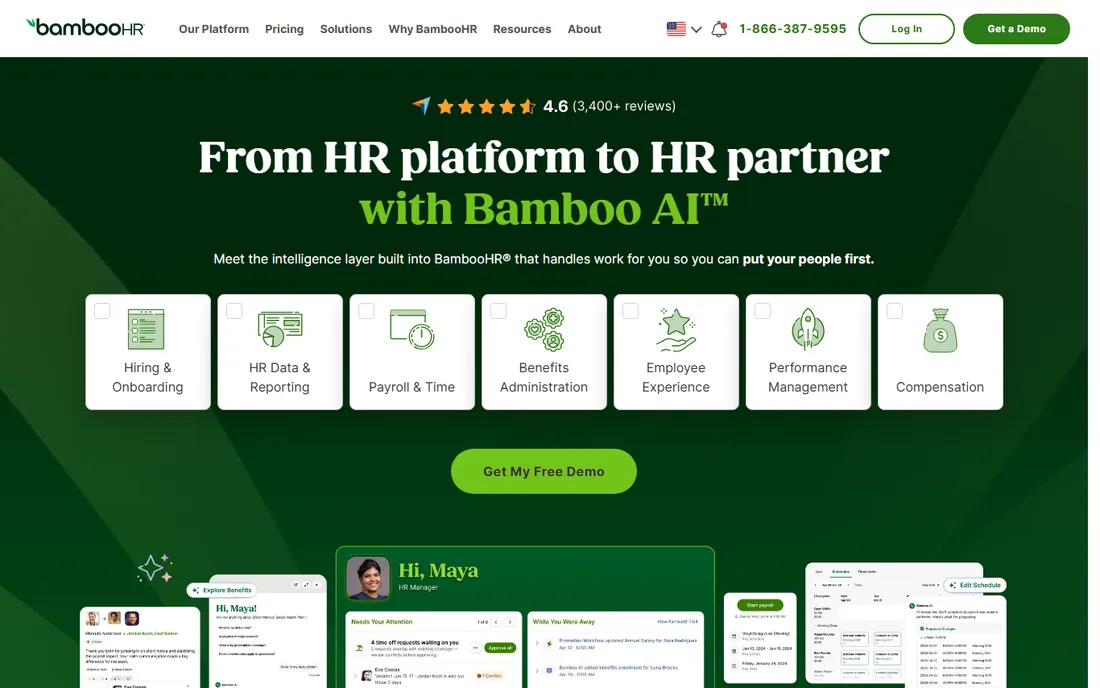
BambooHR is the answer when PTO is one piece of a bigger HR puzzle. Time-off requests flow through the same approval chains as the rest of your people data, balances feed into payroll, and managers see leave alongside performance and scheduling in one dashboard. For a company of 50 to 500 people building a real HR function, that consolidation replaces a stack of disconnected tools.
For pure PTO tracking, though, BambooHR is the wrong buy. Pricing is quoted per company based on headcount and modules, and you will pay HR-platform money for what a $1.50-per-user leave tracker does just as well. If your team is under 25 people and nobody runs payroll through an HRIS yet, start with a dedicated tracker like Timetastic or LeaveBoard and revisit BambooHR when the rest of the HR workload justifies it.
What we like- Time-off tracking sits alongside hiring, onboarding, payroll, and performance in one system
- Strong reporting and approval workflows
- 150+ integrations with payroll and accounting tools
Watch out for- Pricing is quote-based, so you cannot budget without a sales call
- Overkill and overpriced if all you need is leave tracking
#2
Gusto
Best for: US small businesses that want payroll and PTO from one vendor
Visit gusto.com
Starting price$49/mo + $6 per person (Simple plan)
Free planFree trial
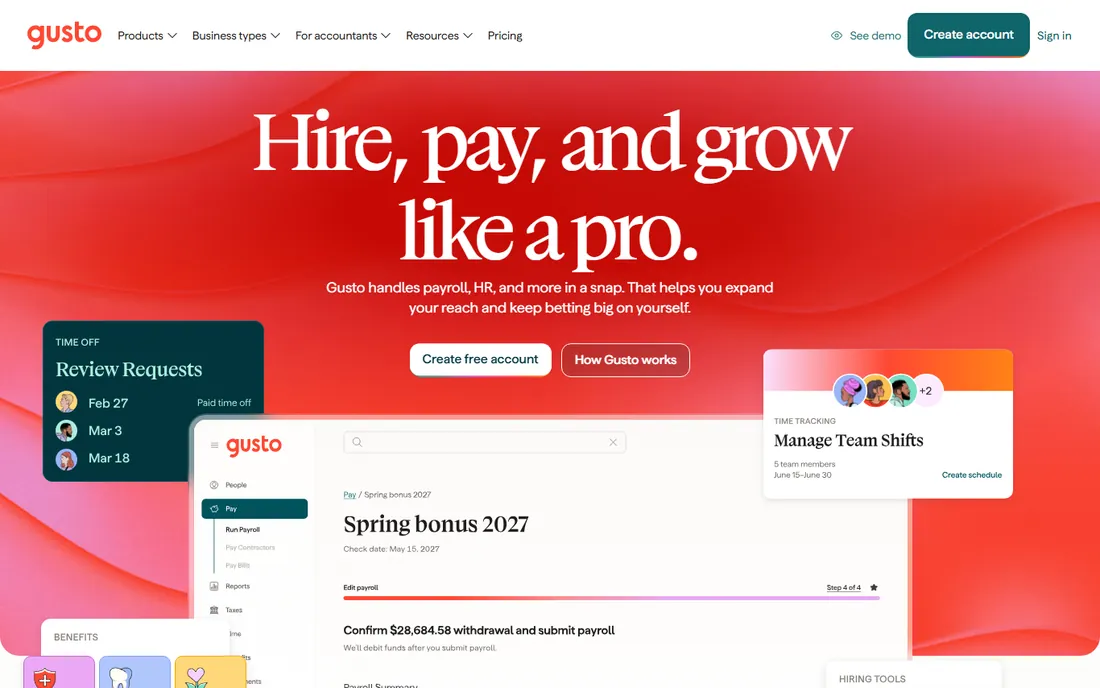
Gusto makes sense for the very common case: a US small business that needs payroll done right and wants time off handled in the same place. PTO policies, requests, and approvals live next to pay runs, so accrued balances and taken days flow into payroll without manual entry. The Simple plan starts at $49 per month plus $6 per person, with Plus at $80 plus $12 and Premium at $180 plus $22 for teams that need multi-state payroll and HR experts. You can create a free account and pay nothing until you run your first payroll.
The math deserves attention. That per-person fee means a 20-person team pays $169 per month on Simple before add-ons, which is many times the cost of a dedicated leave tracker. Gusto's time-off tools also cover the essentials rather than excelling: no wall-chart visualizations, limited policy flexibility compared with specialists. Buy Gusto for payroll and treat PTO as a convenient bonus, not the reason to sign up.
What we like- Time-off balances sync automatically with payroll runs
- Transparent published pricing with no contracts
- Strong onboarding, benefits, and compliance tools for US employers
Watch out for- Per-person fees add up fast as headcount grows
- PTO features are basic compared with dedicated trackers
- US-focused, with limited value for international teams
Starting price$1.50 per user/month (Business plan)
Free planFree trial (30 days, no card required)
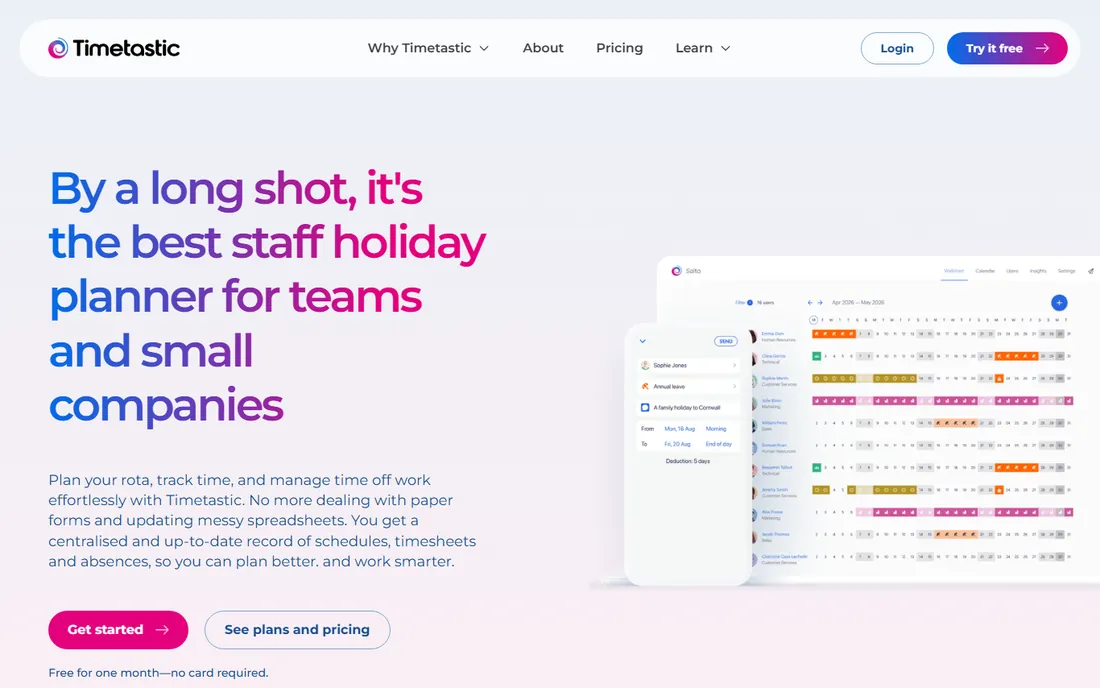
Timetastic wins on simplicity. Employees see their own holiday calendar, request time off in a couple of taps, and managers approve from email or Slack. The shared wall chart shows who is off and when at a glance, which is genuinely all most small teams need. Pricing is straightforward: $1.50 per user per month for the Business plan, $2.50 for Pro with burnout alerts and deeper reporting, and a separate rota product for shift scheduling. The 30-day trial requires no credit card.
The simplicity has edges. You get one approver per department, so layered management structures need workarounds. Multi-location policy differences are handled thinly compared with tools built for distributed teams. But for a flat team of 5 to 50 people who currently track holidays in a spreadsheet, Timetastic is the fastest upgrade on this list and the easiest to get everyone actually using.
What we like- Famously easy to set up and use, with a visual wall chart everyone understands
- 30-day free trial with no credit card
- Affordable flat per-user pricing with Pro at $2.50
Watch out for- Single approver per department limits complex approval chains
- Weaker on multi-country policies than Vacation Tracker or Calamari
- UK-built, so US holiday calendars need manual setup
Starting price$1 per user/month (Core, $25 minimum)
Free planFree trial (14 days)
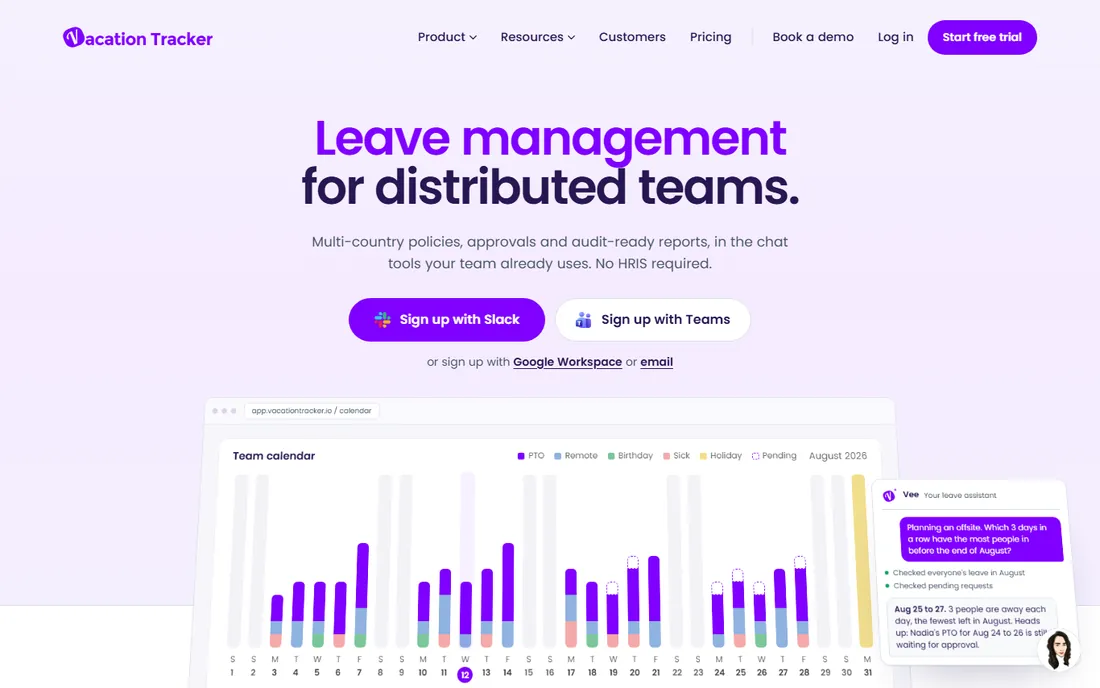
Vacation Tracker meets employees where they already work. Instead of another portal to check, leave requests arrive as Slack messages, approvals happen with a button tap, and the team calendar lives in the chat sidebar. Setup takes minutes: connect your workspace, set policies, invite the team. The Core plan runs $1 per user per month with a $25 monthly minimum, and Complete at $3 per user adds accruals, hourly tracking, and time off in lieu. A 14-day trial opens every feature.
This focus is both the strength and the limit. Vacation Tracker does leave management and nothing else, so you will still need payroll, onboarding, and HR records elsewhere. Teams that want one system should look at Gusto or BambooHR. But for a distributed startup whose whole company runs on Slack, the zero-friction design beats a prettier standalone app that nobody opens. The multi-location policy support is genuinely good for the price.
What we like- Requests and approvals happen inside Slack, Microsoft Teams, or Google Workspace with no separate login
- Handles multi-country policies and locations cleanly
- 14-day trial with full feature access
Watch out for- No HR features beyond leave, so payroll and onboarding stay elsewhere
- Per-user pricing with minimums can sting very small teams
- The interface is functional rather than beautiful
#5
Eddy
Best for: small businesses starting their HR journey on a budget
Visit eddyhr.com
Starting price$4 per person/month + $50 base (Starter plan)
Free planFree trial
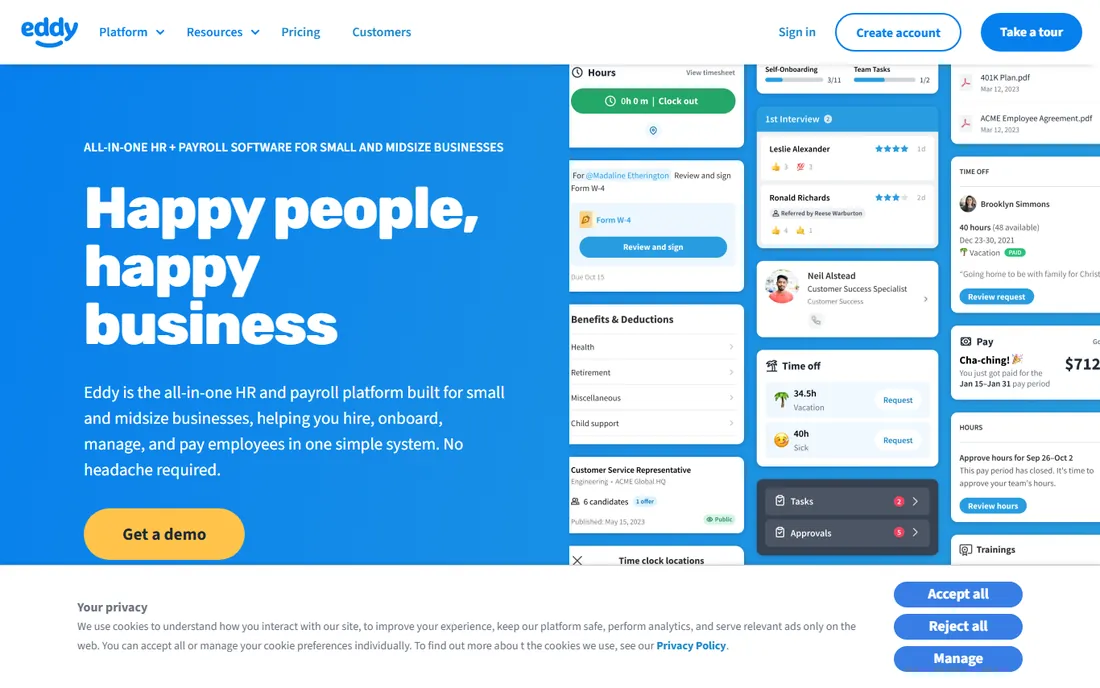
Eddy targets the owner who is doing HR on top of everything else. The platform bundles the essentials: applicant tracking, onboarding paperwork, time tracking, PTO policies with request and approval flows, and payroll, in one straightforward interface. Pricing undercuts the big HR platforms: Starter at $4 per person per month plus a $50 base fee, Growth at $8 per person plus $75, and custom Premium above that. A 10-person company pays $90 a month on Starter, which is hard to beat for a full HRIS.
Expect fewer refinements than the category leaders. The integration list is shorter, the reporting is simpler, and the PTO module covers standard policies without the configurability of Calamari or LeaveBoard. But Eddy knows its audience: small businesses that need HR to just work without an HR department. If your alternative is spreadsheets plus a payroll provider, Eddy consolidates both at a price a 15-person company can justify.
What we like- Full HRIS with hiring, onboarding, time tracking, and PTO at small-business prices
- Starter plan keeps costs predictable for tiny teams
- US-based support aimed at non-HR owners
Watch out for- Less polished than BambooHR or Gusto
- Fewer integrations with third-party tools
- PTO depth is basic next to dedicated trackers
#6
CharlieHR
Best for: UK small businesses that want simple headcount-based pricing
Visit charliehr.com
Starting priceFrom £21/month (1-4 employees)
Free planFree trial (7 days)
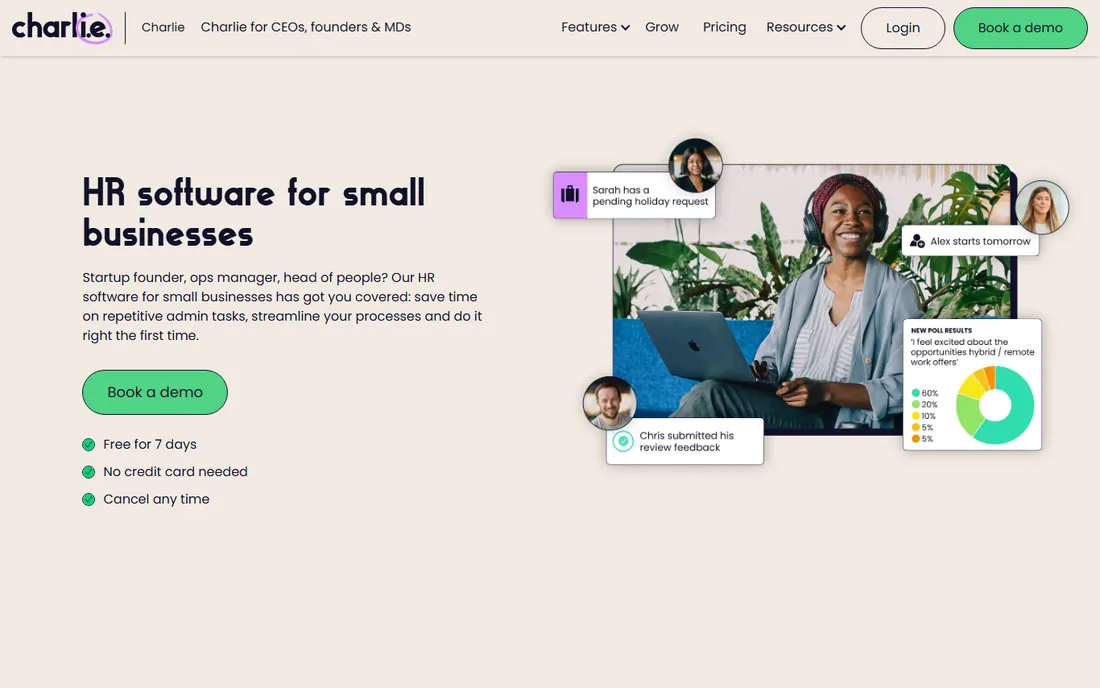
CharlieHR prices like a utility bill: £21 a month for 1 to 4 people, £47 for 5 to 14, £108 for 15 to 29, and so on up a published bracket ladder. No per-user math, no module upsells, no setup fees, and every plan includes the full feature set: time-off management, onboarding, employee records, performance reviews, and engagement tools. For a UK startup, that predictability is the selling point. You know exactly what HR software costs at every stage of growth.
The obvious caveat is geography. CharlieHR is built around UK small business needs, and US teams should choose a domestic platform for payroll and compliance. The 7-day trial is also tight; use it to test the time-off workflows specifically, since that is where most buyers feel the difference. Within its home market, though, CharlieHR is one of the cleanest values in small-business HR.
What we like- Flat monthly brackets by headcount, so costs stay predictable as you hire
- All features included on every plan with no setup fees
- Built for UK employment norms and compliance
Watch out for- UK-focused, with limited relevance for US teams
- 7-day trial is short for a proper evaluation
- Thinner payroll and benefits tooling than US HR platforms
#7
LeaveBoard
Best for: cost-conscious teams that want real absence management for free or nearly free
Visit leaveboard.com
Starting priceFree (under 9 employees); Pro $1.35/employee/month
Free planYes
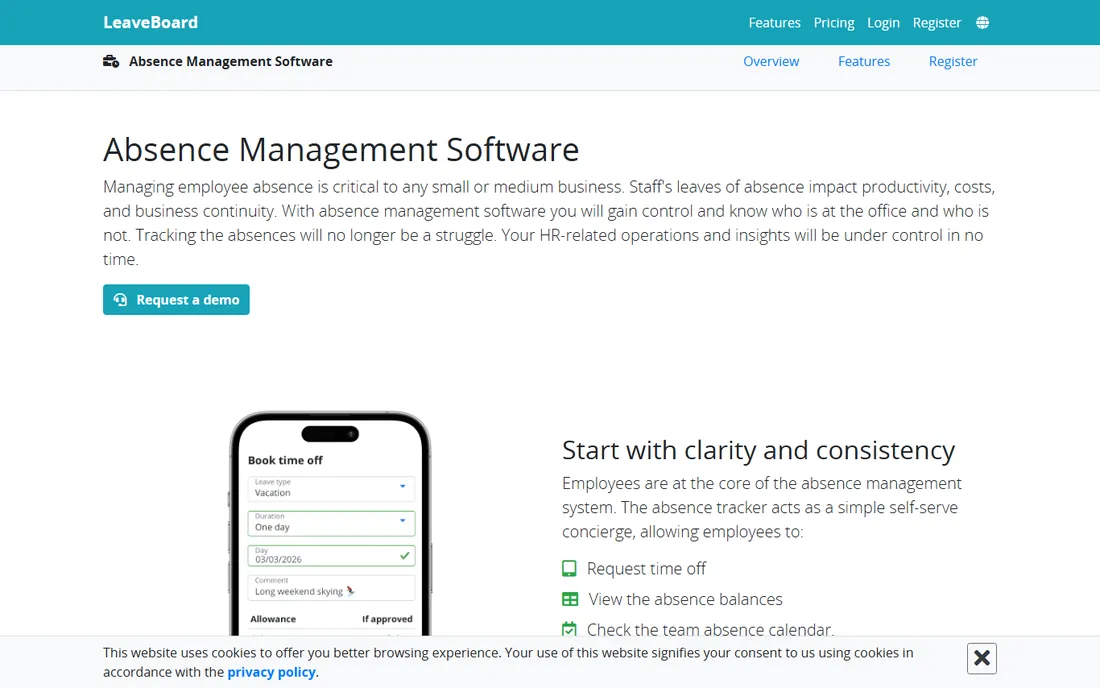
LeaveBoard is the price-performance pick. Companies with fewer than nine employees get the full system free, and larger teams pay just $1.35 per employee per month for Pro. That buys absence requests with custom approval flows, a team absence calendar, carryover and accrual rules, public holiday calendars by geography, and HR reports that export for payroll. Few tools at any price cover that much ground.
The polish lags the leaders. The interface looks like an earlier era of web software, and integrations center on the essentials: Google Calendar, Outlook, and Slack. But functionality per dollar is unmatched, and the free tier means a nine-person agency can run proper absence management at zero cost indefinitely. If your budget for PTO software rounds to nothing, start here before paying for prettier alternatives.
What we like- Genuinely free for companies with fewer than nine employees
- Pro at $1.35 per employee per month is the cheapest paid tier on this list
- Includes approval flows, team calendars, and HR reports
Watch out for- Interface feels dated next to Timetastic and Vacation Tracker
- Smaller integration ecosystem
- The free tier caps at nine employees, so growing teams graduate to paid quickly
#8
Calamari
Best for: teams that want to pay only for the HR modules they use
Visit calamari.io
Starting price$2.50 per user/month (Time Off module)
Free planFree trial (14 days, no card required)
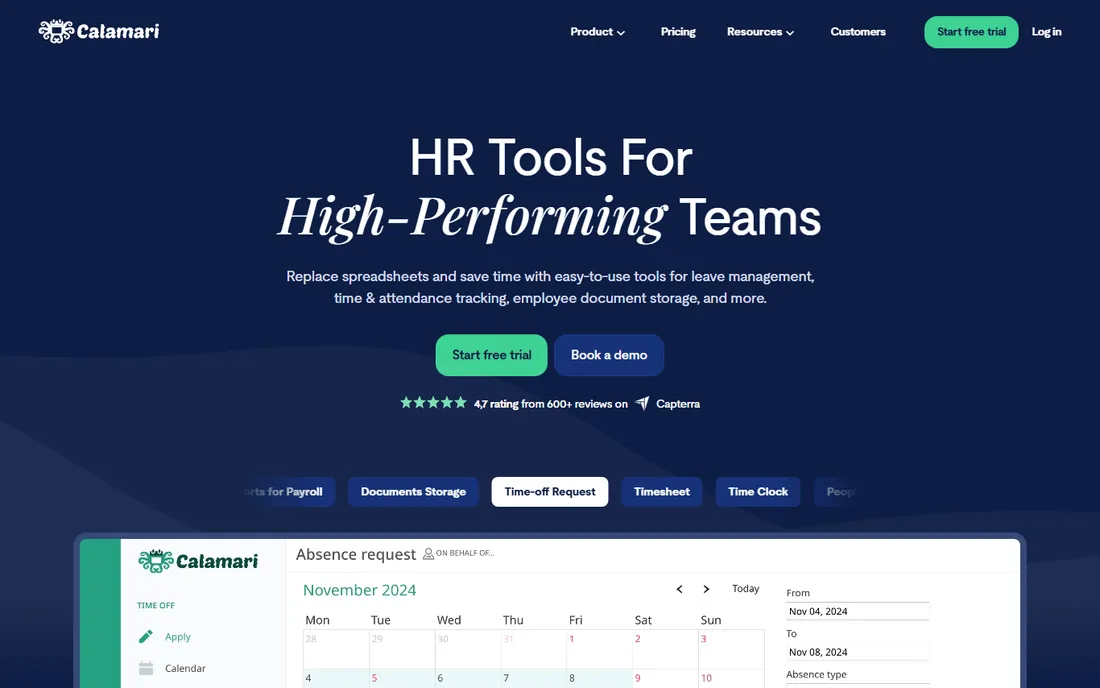
Calamari takes the opposite approach from all-in-one platforms: instead of one big subscription, you assemble HR from modules. The Time Off module costs $2.50 per user per month on monthly billing, or $2.00 on annual, and you can add Time & Attendance and Core HR at similar per-module rates. That modularity suits teams with specific needs, like a company that wants excellent leave management and could not care less about performance reviews. Multi-country policy configuration is a genuine strength, built for distributed teams from the start.
Watch the stacking math. Three modules at roughly $2 to $3 each puts you near $7 per user per month, at which point a bundled platform may cost less. The 10-seat minimum also rules out very small teams. But for a 20 to 200-person company that knows exactly which HR functions it needs, Calamari's pay-for-what-you-use model is refreshingly honest, and the 14-day no-card trial makes it easy to verify the fit.
What we like- Modular pricing means you buy Time Off alone at $2.50 per user per month and add attendance or core HR only if needed
- Strong multi-country leave policy support
- 14-day trial with no credit card and no long-term contract
Watch out for- Costs climb as you stack modules
- 10-seat minimum may exclude the smallest teams
- Onboarding takes a few days rather than minutes
Start with your headcount and your stack, not the feature list. A 12-person agency on Slack should shortlist Vacation Tracker and LeaveBoard. A 60-person company running payroll in-house should compare Gusto, Eddy, and BambooHR. A UK startup should look at CharlieHR and Timetastic first.
Count the real cost per employee per year
Multiply the monthly per-person price by headcount and by twelve, then add base fees and minimums. A $1.50 tool for 40 people costs $720 a year. A $49-plus-$6 platform for the same team costs $3,468. Both can be correct purchases; just make sure you are comparing annual totals, not headline monthly rates.
Test the approval flow with a real scenario
During every trial, run your messiest real case: the half-day request spanning a public holiday, the carryover from last year, the contractor who accrues differently. Dedicated trackers usually handle these gracefully. HR suites sometimes force workarounds. The trial is the time to find out.
Check the payroll handoff
PTO data is only useful if it reaches payroll accurately. Ask how balances and taken days export or sync to your payroll provider. Native sync, like Gusto's internal handoff, beats a CSV export you have to remember every pay period.
How we chose
We did not run hands-on trials for this roundup, and we do not claim otherwise. Our method was document-based: we read each vendor's pricing page and product documentation, compared plan tiers and limits, and cross-checked against public reviews on G2, Capterra, and Software Advice plus practitioner discussions on Reddit. We scored tools on pricing transparency, approval flexibility, policy depth for different leave types and locations, integrations with chat and payroll tools, and fit for specific team sizes. Where vendors publish no pricing, we say so rather than repeating estimates. Confirm current prices on the vendor's site, since plans change.
The hidden cost of doing PTO in spreadsheets
A shared spreadsheet feels free until you price the failure modes. Someone overwrites a formula and balances go wrong for months. Two people approve the same week off because neither saw the other's email. Payroll runs with stale balances and you fix it with manual adjustments. None of these show up as a software line item, but they consume manager hours every single month. A dedicated tracker at $1 to $3 per user per month typically pays for itself the first time it prevents one scheduling conflict or one payroll correction. The question is not whether you can afford PTO software. It is whether you can afford the errors.
Frequently asked questions
What is PTO tracking software?
PTO tracking software manages employee time-off requests, approvals, and balances in one place. Employees request vacation, sick days, or personal time through the system, managers approve or decline, and the software tracks remaining balances, accruals, and carryover automatically. It replaces spreadsheets and email chains with a clear record everyone can see.
How much does PTO tracking software cost?
Dedicated trackers run from free to about $3 per user per month. LeaveBoard is free under nine employees and $1.35 per employee above that. Timetastic costs $1.50 per user, Vacation Tracker $1 per user, and Calamari $2.50 per user for its Time Off module. Full HR platforms with PTO included cost more: Gusto starts at $49 plus $6 per person monthly, and BambooHR is quote-based.
Can PTO software handle different leave types and accruals?
The dedicated tools on this list handle multiple leave types as standard: vacation, sick leave, parental leave, and custom types. Accrual rules, carryover limits, and probation periods are covered by Vacation Tracker (Complete plan), LeaveBoard, Calamari, and Timetastic Pro. If your policies are complex, test your exact rules during the free trial before committing.
Does PTO tracking software integrate with payroll?
Some do natively and some do not. Gusto and BambooHR sync time-off data with payroll inside the same platform. Eddy includes payroll in its HRIS. Dedicated trackers like Timetastic, Vacation Tracker, and Calamari export data or integrate with payroll providers, but the handoff takes setup. Ask specifically about your payroll provider during the trial.
What is the best free PTO tracker?
LeaveBoard offers the most generous free plan: full absence management free for companies with fewer than nine employees. Vacation Tracker also offers a free tier with limited features. Most other tools offer free trials rather than permanent free plans, typically 7 to 30 days.
How long does it take to set up PTO tracking software?
Dedicated trackers take minutes to hours. Vacation Tracker connects to Slack or Teams and can be running the same day. Timetastic and LeaveBoard take a few hours including policy setup. Full HR platforms take longer: BambooHR and Gusto implementations typically run one to four weeks including payroll setup and data migration.
Sources we checked (10)
- http://www.bamboohr.com
- https://gusto.com
- https://gusto.com/product/pricing
- https://timetastic.co.uk/
- https://vacationtracker.io/
- https://www.eddyhr.com
- https://www.eddyhr.com/pricing
- https://www.charliehr.com/small-business-hr-software-uk
- https://leaveboard.com/absence-management/
- https://www.calamari.io/
Is your product missing or out of date?
We review this list regularly. Vendors can request a listing, send updated pricing or ask about featured placement.

Shihab Mia · Founder, Rankite
Shihab has spent more than a decade helping SaaS and e-commerce brands grow through search. He writes Rankite's software buying guides from pricing pages, documentation and public user reviews. More about Shihab.