How we make this list: we compare pricing pages, product documentation and public user reviews. Rankite is independent; if a vendor ever pays for a featured spot, that listing is clearly labeled Partner.
Key takeaways
- Nonprofits get steep discounts on project management software. monday.com offers 10 free seats, Trello 75% off, Asana and Notion 50% off.
- The best project management software for nonprofits balances ease of use for volunteers with enough structure for staff. ClickUp ($0), Asana ($0) and Trello ($0) lead on free tiers.
- monday.com is the nonprofit favorite with dedicated nonprofit templates. Zoho Projects ($0) and Freedcamp ($0) are the budget picks.
- Match the tool to your complexity: Trello for simple boards, Asana/monday for programs, Wrike for portfolio-level reporting.
Quick comparison
| Tool | Best for | Starting price | Free plan |
|---|
 monday.com monday.com | nonprofit work management | $0 (nonprofit: 10 free seats) | Yes |
 Asana Asana | task and program management | $0 | Yes |
 ClickUp ClickUp | all-in-one workspace | $0 | Yes |
 Trello Trello | simple kanban boards | $0 | Yes |
 Notion Notion | wiki plus project tracking | $10/user/mo (billed annually) | Yes |
 Wrike Wrike | portfolio-level reporting | See website | Yes |
 Teamwork Teamwork | client and program delivery | $0 | Yes |
 Zoho Projects Zoho Projects | budget-friendly projects | $0 | Yes |
 Basecamp Basecamp | simple, flat-fee collaboration | $0 | Yes |
 Freedcamp Freedcamp | free for good causes | $0 | Yes |
Is your product missing or out of date?
We review this list regularly. Vendors can request a listing, send updated pricing or ask about featured placement.
The best project management software for nonprofits
Starting price$0 (nonprofit: 10 free seats)
Free planYes
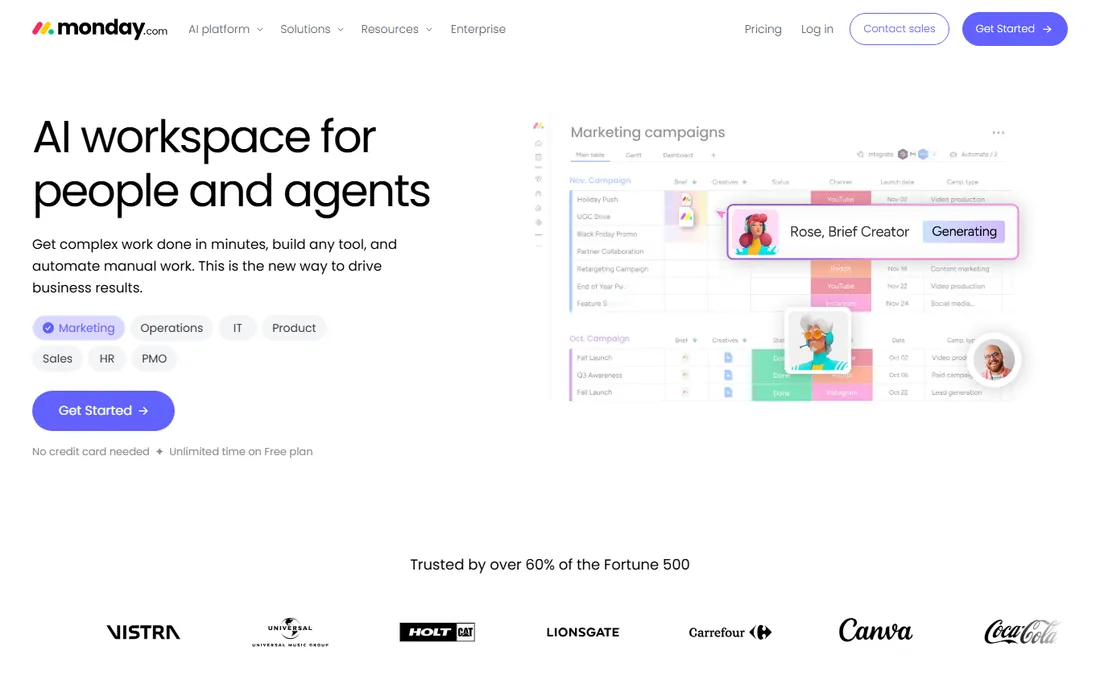
monday.com is the visual work OS that nonprofits get nearly free. The nonprofit program, confirmed on monday's own support site, moves eligible organizations to a Nonprofit Pro plan with 10 free seats and 70% off additional seats. For a small nonprofit, that means a full Pro workspace at zero cost.
The product suits nonprofits well: customizable boards for grants, fundraising pipelines, events and volunteer management, with automations, dashboards and 200+ integrations. The nonprofit templates for grant tracking and donor management save setup time.
Beyond 10 seats the cost rises, and the flexibility can become complexity without governance. For nonprofits that want a visual, template-rich workspace with the best nonprofit discount in the category, monday.com is the top pick and the best project management software for nonprofits overall.
What we like- 10 free Pro seats for eligible nonprofits
- Nonprofit-specific templates for grants and volunteers
- Highly visual
Watch out for- Can get expensive beyond the free seats
- Complexity grows with customization
Starting price$0
Free planYes
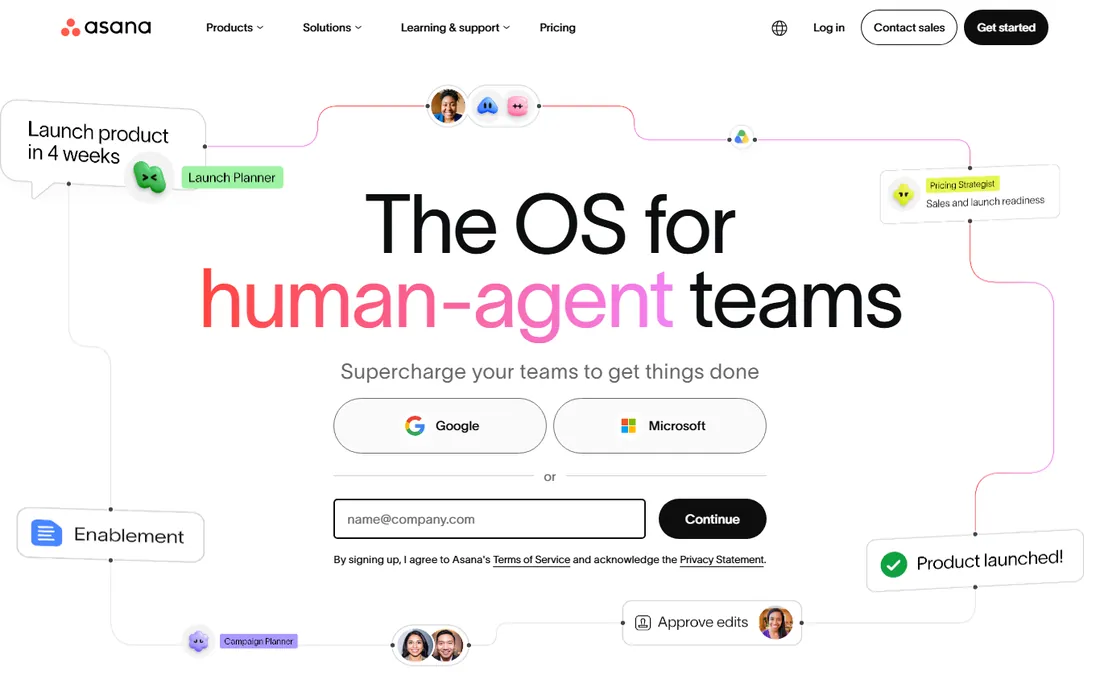
Asana is the task manager that nonprofits have used for a decade. The Personal plan is free forever for up to 2 users with unlimited tasks and projects. Starter is $10.99 per user per month billed annually, and eligible nonprofits get 50% off paid plans.
The strength is clarity. Tasks, projects, timelines, Gantt charts and portfolios give programs structure without drowning staff in configuration. Forms capture requests, custom fields track grant data, and unlimited free guests let partners collaborate at no cost.
The free tier is limited to 2 users, so teams grow into paid plans. For nonprofits that want proven, structured project management with a real nonprofit discount, Asana is the safe choice.
What we like- Generous Personal plan ($0, unlimited tasks)
- 50% nonprofit discount
- Proven at nonprofit scale
Watch out for- Advanced features need paid tiers
- Can feel rigid for creative teams
Starting price$0
Free planYes
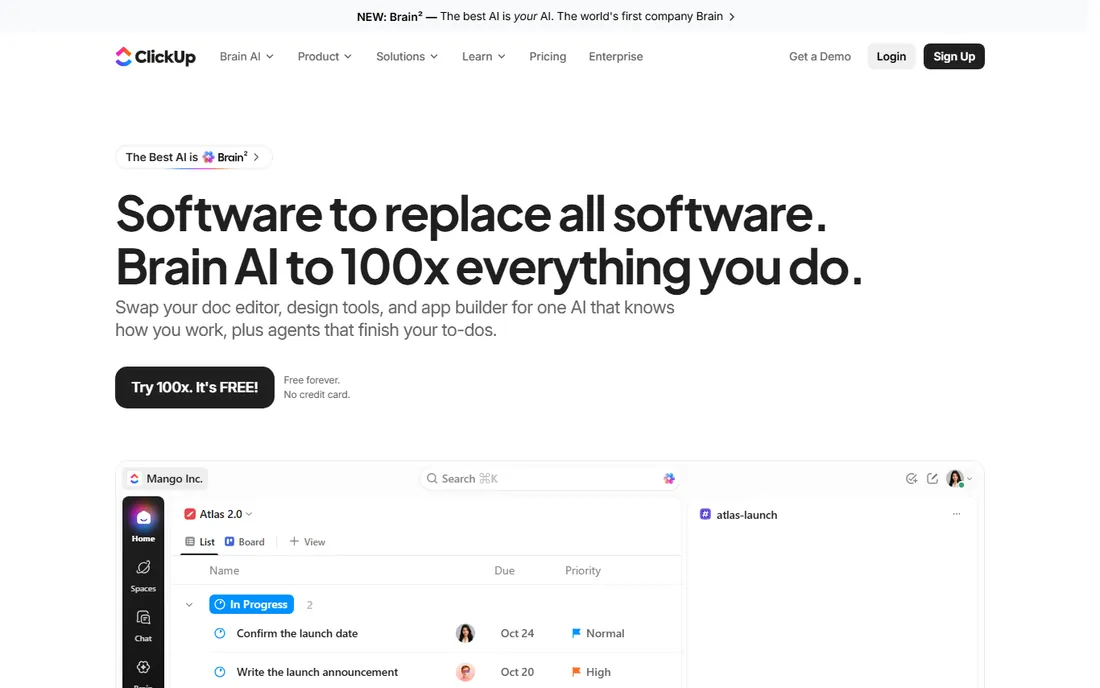
ClickUp is the all-in-one that tries to replace five tools. The Free Forever plan includes unlimited tasks and members, docs, kanban boards, calendar, time tracking and video calls. Core is $8 per user per month billed annually, Business $17, and nonprofits can claim a discount.
For cash-strapped nonprofits, the consolidation is the pitch. Instead of separate tools for tasks, documents, forms and dashboards, ClickUp does it all in one workspace, often at lower total cost than a stack of single-purpose apps.
The learning curve is real; the interface packs in features that take time to master. For nonprofits willing to invest in setup, ClickUp delivers the most functionality per dollar in the category.
What we like- Free Forever plan with unlimited tasks and members
- Replaces docs, forms and dashboards
- Nonprofit discount available
Watch out for- Feature density overwhelms new users
- Setup takes effort
Starting price$0
Free planYes
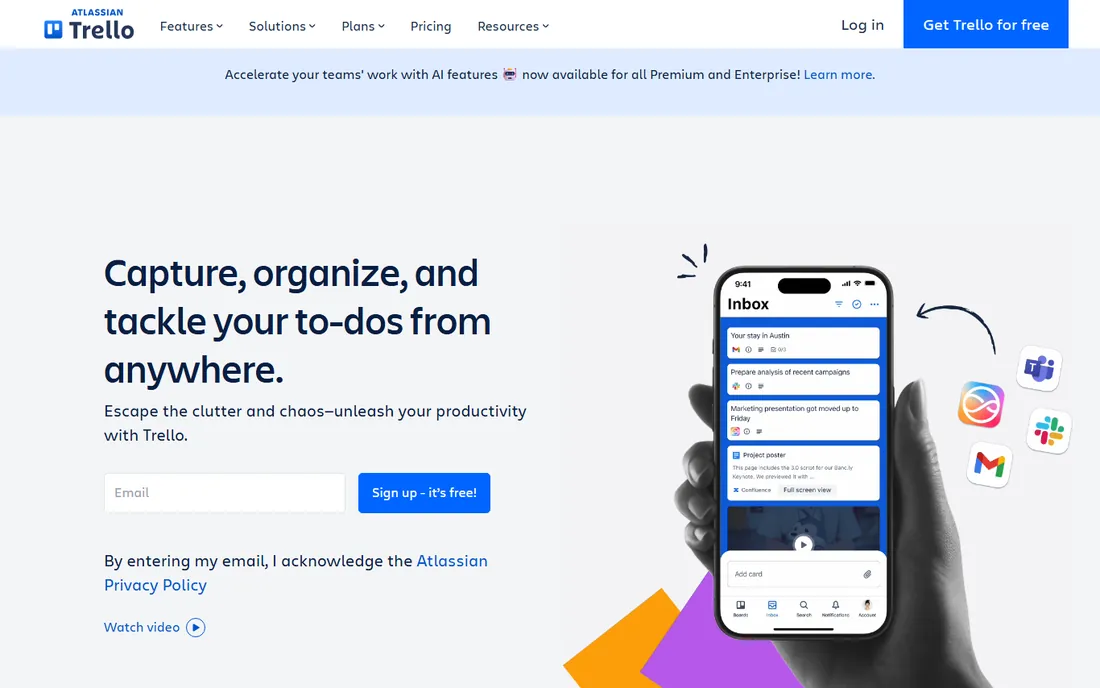
Trello is the kanban board that volunteers actually open. The Free plan costs $0 for up to 10 collaborators per workspace. Standard is $5 per user per month billed annually, and nonprofits get 75% off paid plans.
The simplicity is the point. Boards, lists and cards need no training; a volunteer can be productive in ten minutes. Butler automation handles routine moves, and Power-Ups add calendar, voting and integrations.
For complex programs with dependencies and portfolios, Trello runs out of steam. For volunteer coordination, event checklists and simple campaign tracking, it is the fastest to adopt and the easiest to love.
What we like- Free plan ($0, up to 10 collaborators)
- 75% nonprofit discount
- Volunteers learn it in minutes
Watch out for- Thin on advanced project features
- Reporting is basic
Starting price$10/user/mo (billed annually)
Free planYes
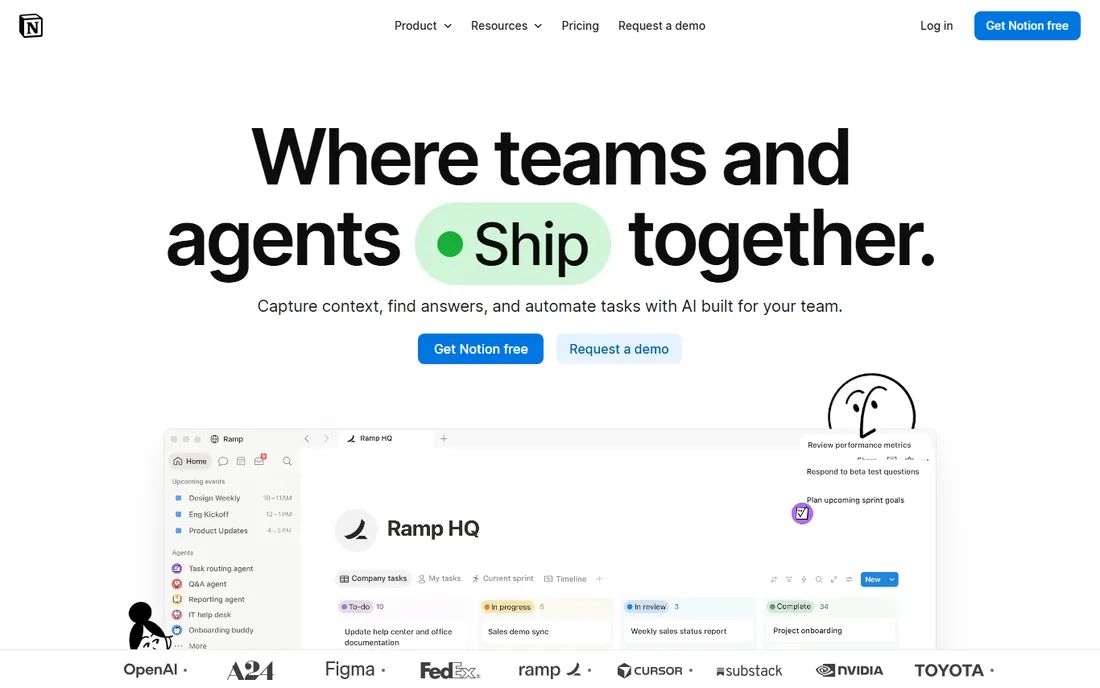
Notion is the wiki-meets-project-manager. The Free plan covers individuals and small teams. Plus is $10 per user per month billed annually, Business $20, with a 50% nonprofit discount on the Plus plan.
Nonprofits use Notion as the institutional memory: program docs, grant libraries, volunteer handbooks and project trackers in one searchable workspace. The databases flex into task boards, calendars and tables, and the AI features help draft and summarize.
It is not a true project manager; Gantt charts, resource management and portfolios are thinner than Asana or monday. For nonprofits that need knowledge management plus light project tracking, Notion is ideal.
What we like- Combines docs, wiki and project tracking
- 50% nonprofit discount on Plus
- Flexible databases
Watch out for- Project features are lighter than dedicated PM tools
- Can become disorganized
Starting priceSee website
Free planYes
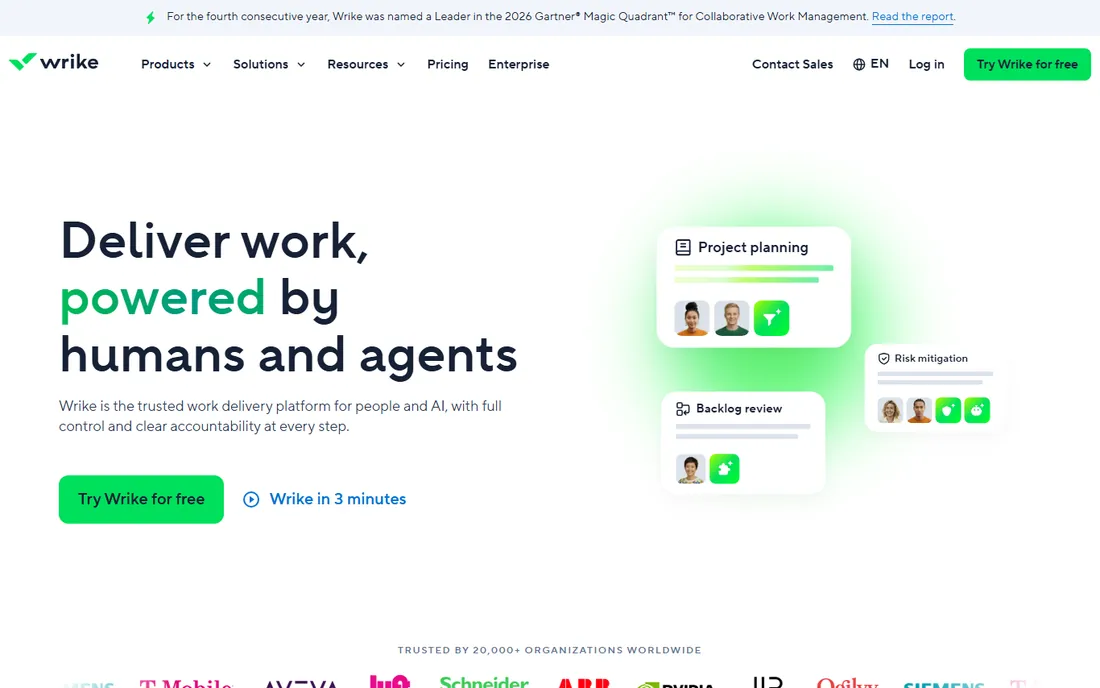
Wrike is the portfolio-level tool for multi-program nonprofits. It brings together project schedules, resources, budgets and portfolio reporting in one connected environment, which suits larger nonprofits juggling programs, grants and funder reporting.
The depth serves complexity. Custom workflows, request forms, time tracking and advanced reporting give program directors the visibility that simple boards cannot. The free plan covers basic use.
Pricing is not published on the vendor site, and Wrike offers no nonprofit discount. For small nonprofits it is overkill. For multi-program organizations where funder reporting matters, Wrike earns its keep.
What we like- Strong portfolio and resource management
- Good for multi-program organizations
- Free plan available
Watch out for- Pricing not published on the site
- No nonprofit discount
- Complex for small teams
Starting price$0
Free planYes
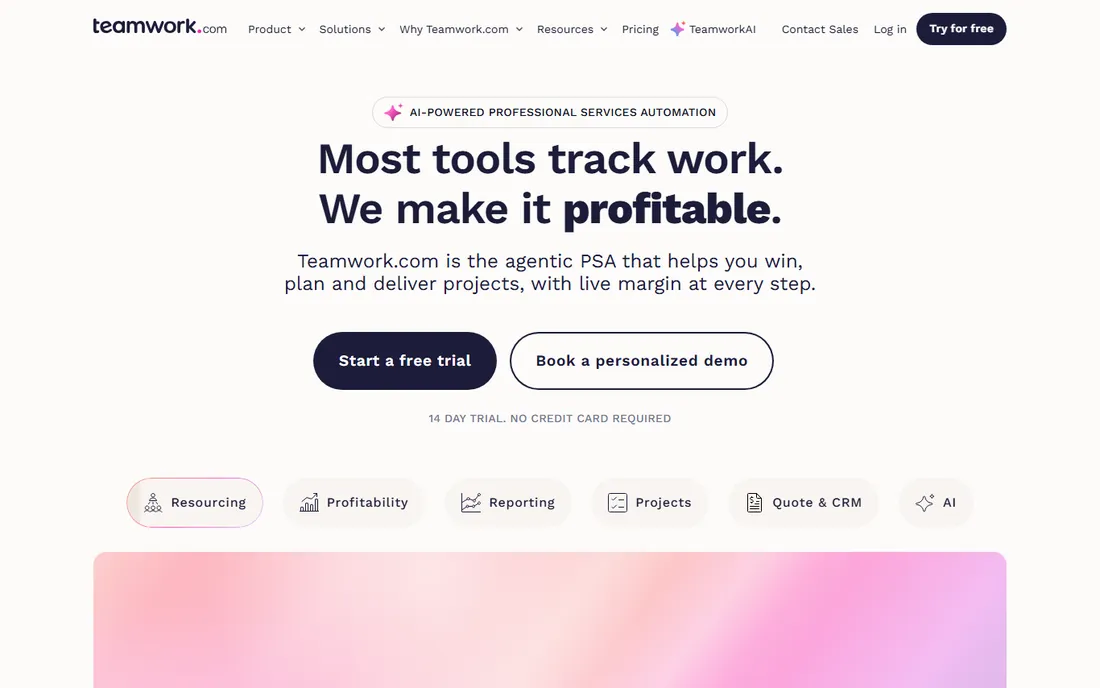
Teamwork is the client-work specialist. The Free plan covers up to 5 users and 5 projects. Basics is $9.99 per user per month billed yearly, with time tracking, Gantt, boards and templates.
Nonprofits that deliver services, like consulting, training or program delivery, benefit from Teamwork's DNA. Time tracking, billable hours, retainers and client invoicing fit organizations that account for staff time against grants or contracts.
For pure internal project management it is less distinctive. For nonprofits with client-like stakeholders and time-based reporting needs, Teamwork is the natural fit.
What we like- Free plan (up to 5 users, 5 projects)
- Strong time tracking and billing
- Built for service delivery
Watch out for- Client-work focus may not suit all nonprofits
- Paid plans from $9.99/user/mo
Starting price$0
Free planYes
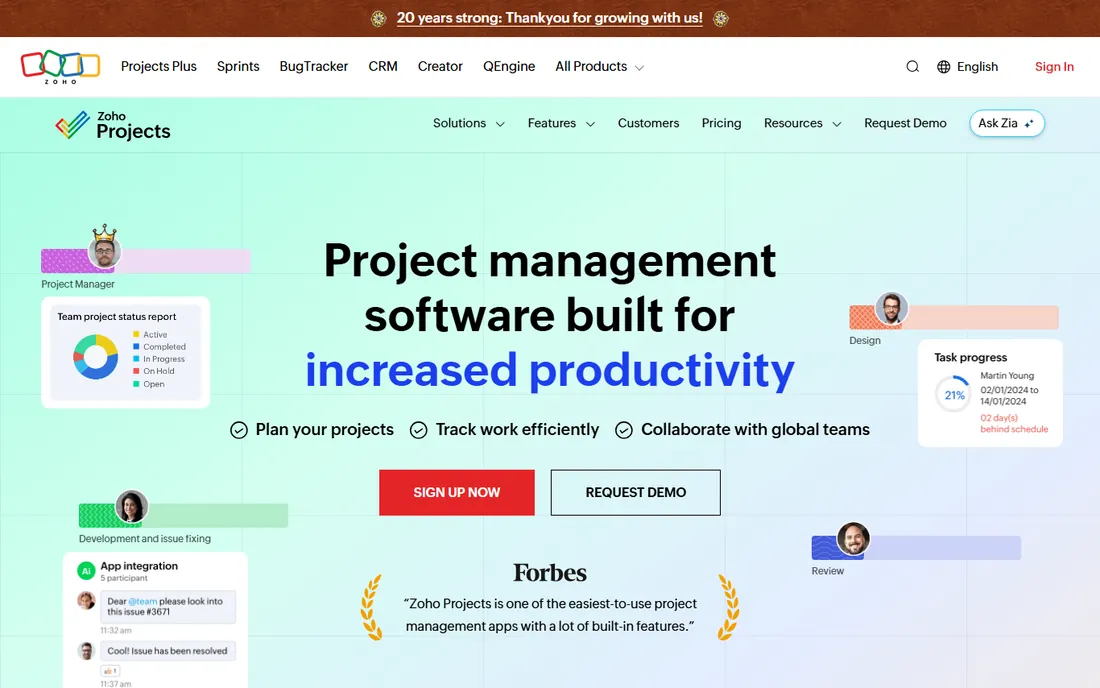
Zoho Projects is the budget pick. The Free plan covers up to 5 users with 3 projects. Paid plans are among the cheapest in the category, and the value compounds inside the Zoho ecosystem alongside Zoho CRM, Books and Desk.
The feature set is solid: Gantt charts, task management, time tracking, issue tracking and project templates. For a small nonprofit already using Zoho apps, adding Projects is a no-brainer.
The interface is less polished than Asana or monday, and the product shines brightest with other Zoho tools. For nonprofits counting every dollar, Zoho Projects delivers real project management at minimal cost.
What we like- Free for up to 5 users
- Part of the affordable Zoho ecosystem
- Gantt and time tracking included
Watch out for- Interface feels dated
- Best value inside the Zoho suite
Starting price$0
Free planYes
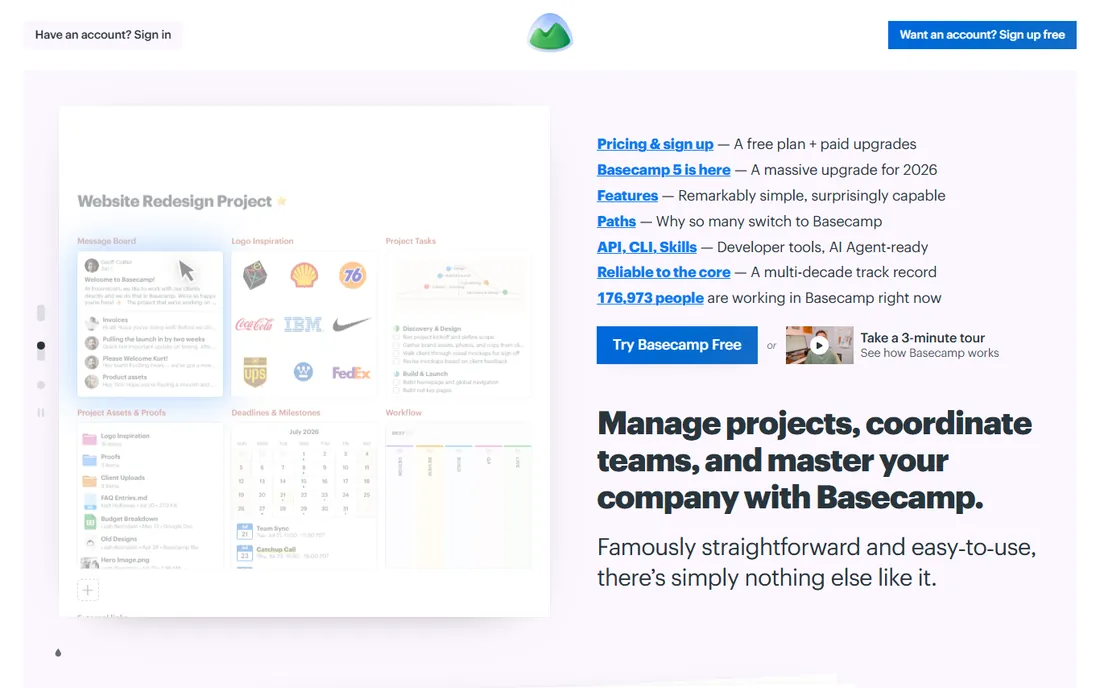
Basecamp is the anti-complexity option. The Free plan covers 1 project and 5 users. Paid tiers use flat pricing with no per-user fees, so adding volunteers costs nothing extra. Registered 501(c)(3) nonprofits get 10% off.
The philosophy is simplicity: message boards, to-dos, schedules, docs and group chat in one calm interface. There are no Gantt charts, no custom fields, no automation rules. For teams exhausted by feature bloat, that restraint is the feature.
Organizations that need structured project management will outgrow it. For small nonprofits that want one simple place for team communication and task tracking, Basecamp is refreshingly sane.
What we like- Free plan (1 project, 5 users)
- Flat pricing with no per-user fees on paid tiers
- 10% nonprofit discount
Watch out for- Deliberately feature-light
- No Gantt or advanced reporting
Starting price$0
Free planYes
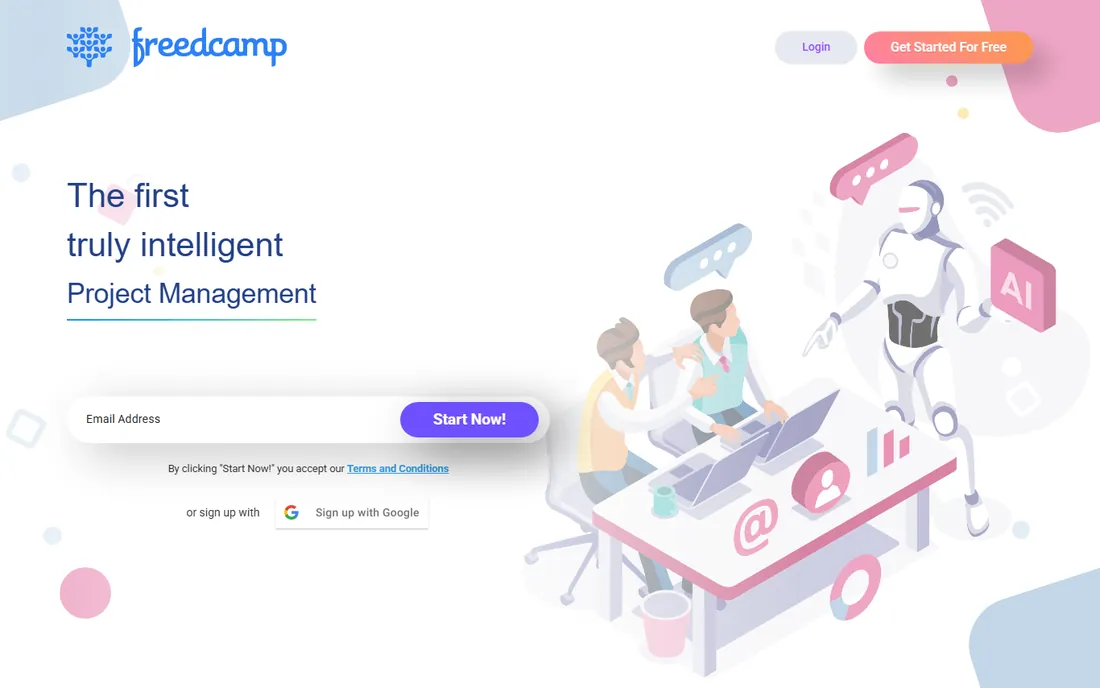
Freedcamp is the free-for-good-cause tool. The Free plan costs $0 per user with unlimited tasks, projects and storage (fair use). Pro is $2.49 per user per month, Business $8.99, and the vendor explicitly supports nonprofit organizations.
The mission is affordability. Freedcamp aims to give teams that cannot afford expensive tools a real alternative, with tasks, discussions, calendar, milestones, time tracking and invoicing. The pricing undercuts every major competitor.
The ecosystem is smaller and integrations fewer. For grassroots nonprofits, community groups and volunteer teams that need capable project management at zero cost, Freedcamp is the honest choice.
What we like- Free plan ($0/user) with unlimited tasks and projects
- Pro from $2.49/user/mo
- Explicit nonprofit support
Watch out for- Smaller ecosystem
- Fewer integrations than major players
Nonprofit discounts: the money you're leaving on the table
Most nonprofits overpay for project management because nobody applies for the discounts. The programs are real and substantial: monday.com gives 10 free Pro seats plus 70% off additional seats. Trello offers 75% off. Asana and Notion offer 50% off. Basecamp takes 10% off for 501(c)(3)s. ClickUp and Freedcamp have nonprofit programs too.
The catch is eligibility and process. Most require 501(c)(3) status or equivalent, verified through a third party like Goodstack or Percent. Applications take days, not weeks, but they do take someone's time. Assign one person to apply for every discount before buying anything.
Do the math on your actual team size. A 15-person nonprofit on monday.com's nonprofit plan pays for 5 discounted seats instead of 15 full ones. On Asana with 50% off, the Starter plan drops to about $5.50 per user. The discounts change which tool is cheapest, so compare post-discount prices, not list prices.
Free tiers vs paid plans: what nonprofits actually need
The free tiers in this category are unusually generous. ClickUp's Free Forever includes unlimited tasks and members. Asana's Personal is free for 2 users. Trello's Free covers 10 collaborators. Zoho Projects is free for 5 users. Freedcamp is free with unlimited projects. Many small nonprofits never need to pay.
The trigger for paid plans is usually one of three things: more users than the free tier allows, advanced features like portfolios, Gantt charts or automations, or admin controls for a growing team. Volunteers complicate the count; tools with free guests (Asana) or free collaborators (Freedcamp) stretch further.
Start free and upgrade when a specific limitation blocks real work, not in anticipation. The nonprofit discounts make the paid step affordable when it comes. And re-audit annually; a tool bought for a 20-person team may be overkill when the team is 8.
Frequently asked questions
What is the best project management software for nonprofits?
For most nonprofits, monday.com leads with 10 free Pro seats and nonprofit templates. Asana is the proven structured choice with 50% off. ClickUp offers the most free functionality. Trello is simplest for volunteers. Zoho Projects and Freedcamp are the budget picks. Match the tool to your team's size and complexity.
How much does project management software cost for nonprofits?
Many options are free: ClickUp, Trello, Asana Personal, Zoho Projects and Freedcamp all have $0 tiers. Paid plans with nonprofit discounts run roughly $2.50 to $12 per user per month depending on the tool. monday.com's nonprofit plan is free for the first 10 seats. Always apply for nonprofit pricing before comparing costs.
Which project management tool is easiest for volunteers?
Trello is the easiest; volunteers learn boards, lists and cards in minutes. Basecamp is similarly simple. Asana and monday.com need a short onboarding but reward it with more structure. Avoid ClickUp and Wrike for volunteer-heavy teams unless staff can provide training.
Should nonprofits use free or paid project management software?
Start free. The free tiers from ClickUp, Trello, Zoho Projects and Freedcamp handle real work for small teams. Upgrade when you hit a specific limit: user caps, missing features like Gantt or portfolios, or admin needs. With nonprofit discounts, the paid step is affordable, but there is no reason to pay before the free tier constrains you.
What is the difference between Asana and monday.com for nonprofits?
Both are excellent. Asana is more structured and task-focused, with a cleaner learning curve and 50% nonprofit discount. monday.com is more visual and customizable, with 10 free Pro seats for nonprofits and stronger templates for grants and volunteers. Asana suits teams that want clarity; monday.com suits teams that want flexibility.
Sources we checked (21)
- https://monday.com/
- https://monday.com/pricing
- https://support.monday.com/hc/en-us/articles/19035051855890-How-to-sign-up-for-the-nonprofit-plan
- https://asana.com/
- https://asana.com/pricing
- https://clickup.com/
- https://clickup.com/pricing
- https://trello.com/
- https://trello.com/pricing
- https://www.notion.so/
- https://www.notion.so/pricing
- https://www.wrike.com/
- https://www.wrike.com/pricing
- https://www.teamwork.com/
- https://www.teamwork.com/pricing
- https://www.zoho.com/projects/
- https://www.zoho.com/projects/pricing.html
- https://basecamp.com/
- https://basecamp.com/pricing
- https://freedcamp.com/
- https://freedcamp.com/pricing
Is your product missing or out of date?
We review this list regularly. Vendors can request a listing, send updated pricing or ask about featured placement.

Shihab Mia · Founder, Rankite
Shihab has spent more than a decade helping SaaS and e-commerce brands grow through search. He writes Rankite's software buying guides from pricing pages, documentation and public user reviews. More about Shihab.