How we make this list: we compare pricing pages, product documentation and public user reviews. Ratings come from G2, Capterra or Trustpilot, with the date we checked them.
Key takeaways
- The affordable, price-transparent entries: Simplio3D ($29/month with a 30-day trial) and Kickflip ($59/month with a 14-day trial); every other tool here is custom-quoted.
- For complex manufactured products, Tacton and Configure One bring constraint-based rules engines plus CAD and BOM output; Epicor CPQ adds 3D visualization with native Epicor Kinetic integration.
- Zakeke fits ecommerce personalization with 3D, AR and print-ready files, but plans add a per-sale transaction fee and it cannot generate fabrication files.
- DriveWorks is the specialist for SOLIDWORKS shops that want design automation; expect weeks to months of implementation.
Quick comparison
| Tool | Best for | Starting price | Free plan |
|---|
 Threekit Threekit | Large brands and manufacturers with serious 3D visualization programs | See website (custom quote only) | No (no free trial advertised) |
 Epicor CPQ Epicor CPQ | Manufacturers selling complex, configurable physical products | See website (custom quote only) | No (no free trial advertised) |
 Tacton Tacton | Manufacturers of highly configurable products with engineering-driven rules | See website (custom quote only) | No (no free trial offered) |
 Configure One Configure One | Engineer-to-order manufacturers needing deep product logic | See website (custom quote only) | No (no free trial advertised) |
 Experlogix Experlogix | Companies wanting no-code rules across multiple CRM and ERP platforms | See website (custom quote only) | No (no free trial advertised) |
 Zakeke Zakeke | Ecommerce stores selling personalized and made-to-order products | See website (plans reported from ~$70/month by reviewers) | Free trial (no credit card required, per reviewers) |
 Simplio3D Simplio3D | Retailers and manufacturers wanting 3D configuration without enterprise budgets | $29/month (Starter plan) | Free trial (30 days, no credit card required) |
 DriveWorks DriveWorks | SOLIDWORKS users automating design, quoting and document generation | See website (one-time license reported around GBP 3,600 by reviewers) | Free trial (per reviewers) |
 Kickflip Kickflip | Shopify, WooCommerce and Wix stores adding product customization | $59/month (plus 1.95% down to 0% per custom product sale) | Free trial (14 days) |
Is your product missing or out of date?
We review this list regularly. Vendors can request a listing, send updated pricing or ask about featured placement.
The best product configurator software
A customer who cannot configure your product cannot buy it. That is the whole case for a product configurator: it turns "call us for a quote" into a guided experience where buyers pick options, see a valid configuration in 3D, get an accurate price and place the order. These nine tools cover the real market, from $29/month ecommerce configurators to enterprise CPQ platforms that drive CAD and factory output.
#1
Threekit
Best for: Large brands and manufacturers with serious 3D visualization programs
Visit threekit.com
Starting priceSee website (custom quote only)
Free planNo (no free trial advertised)
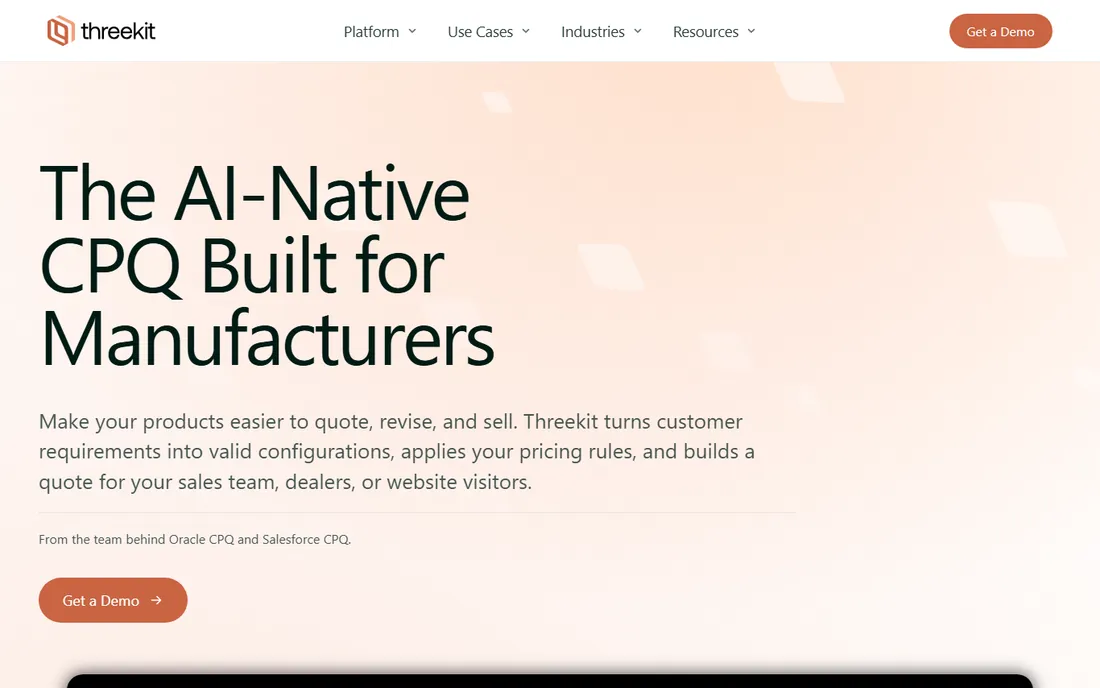
Threekit is the enterprise visualization pick. You render a product once and reuse it across product pages, sales tools and AR, which is why big catalogs stay consistent instead of multiplying photo shoots. The platform handles 2D and 3D configuration, CPQ integration, dynamic pricing options and saved configurations, with mobile AR built in.
The cost of that polish is opacity and effort. Threekit publishes no prices, and everything about its setup assumes a program budget: asset creation, onboarding and integrations. Mid-market stores get more for less from the tools lower on this list. If you run a large brand with an existing 3D pipeline, Threekit is the reference point. Everyone else should get the quote in writing and compare it against Simplio3D or Zakeke before deciding.
What we like- Photorealistic 3D, AR and virtual photography from a single design file
- Broad enterprise integrations (Salesforce, Shopify, ERP, PIM, CRM)
- Configuration analytics with buyer-behavior data
Watch out for- No published pricing, so buyers enter a sales process blind
- You supply the 3D assets (Maya, 3DS Max or an agency)
- Setup measured in months, not weeks
#2
Epicor CPQ
Best for: Manufacturers selling complex, configurable physical products
Visit epicor.com
Starting priceSee website (custom quote only)
Free planNo (no free trial advertised)
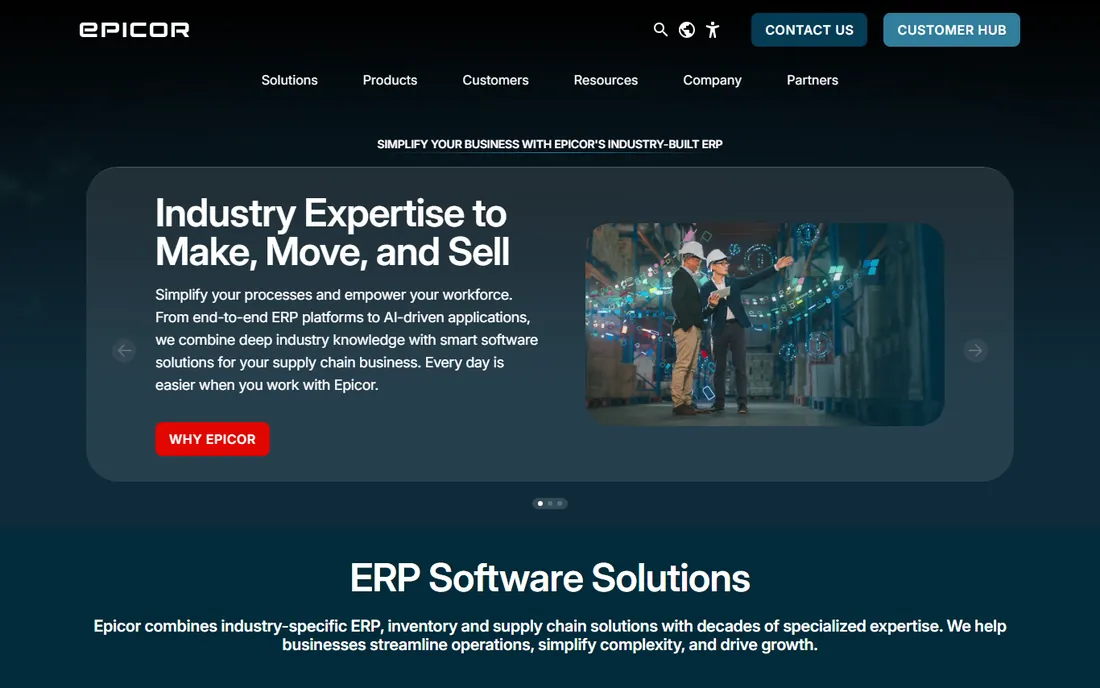
Epicor CPQ (formerly KBMax) is built for physical products that are hard to sell: configurable machinery, specialty vehicles, medical devices. Customers see and interact with the configured product in 3D, pricing follows the rules, and the output includes CAD drawings, BOMs and assembly instructions. The Snap rules engine is drag-and-drop and handles deep dependency logic without custom code.
The honest catch is the enterprise wrapper. Third-party listings put the starting price near $100 per user per month plus implementation, but Epicor publishes nothing, so treat every number as a rumor until your quote arrives. Implementation runs months and often needs consultants. If you already run Epicor Kinetic, the native integration is the reason to shortlist it. If you do not, Tacton and Configure One deserve equal time.
What we like- Visual 3D configuration with CAD automation and BOM generation
- Drag-and-drop rules engine that handles complex product logic
- Native integration with Epicor Kinetic plus Salesforce
Watch out for- Enterprise implementation measured in months
- Pricing starts around $100 per user per month per third-party listings and is never confirmed by the vendor
#3
Tacton
Best for: Manufacturers of highly configurable products with engineering-driven rules
Visit tacton.com
Starting priceSee website (custom quote only)
Free planNo (no free trial offered)

Tacton's core technology is constraint-based configuration: instead of scripting every valid combination, you define the constraints and the engine finds valid solutions automatically. For products with thousands of interdependent options, that difference is the difference between a maintainable model and a brittle one. The platform adds visual configuration with drag and drop, AR, advanced pricing with multiple price lists and currencies, and out-of-the-box ERP integration including SAP.
The commercial reality is enterprise-only. Tacton publishes no prices, and the product assumes a serious implementation program with expert consultants. Smaller manufacturers often get further with Configure One or Experlogix. Tacton earns its place when the product complexity genuinely exceeds what simpler tools can model, and when you have the budget and the team to match.
What we like- Constraint-based configuration engine that needs far fewer rules than competitors
- CAD automation for SOLIDWORKS, Inventor and Creo
- Leader in the 2026 Gartner Magic Quadrant for CPQ for the fourth consecutive year
Watch out for- No published pricing at all
- Reviewers report a steep learning curve and implementations that need specialized knowledge or consultants
Starting priceSee website (custom quote only)
Free planNo (no free trial advertised)
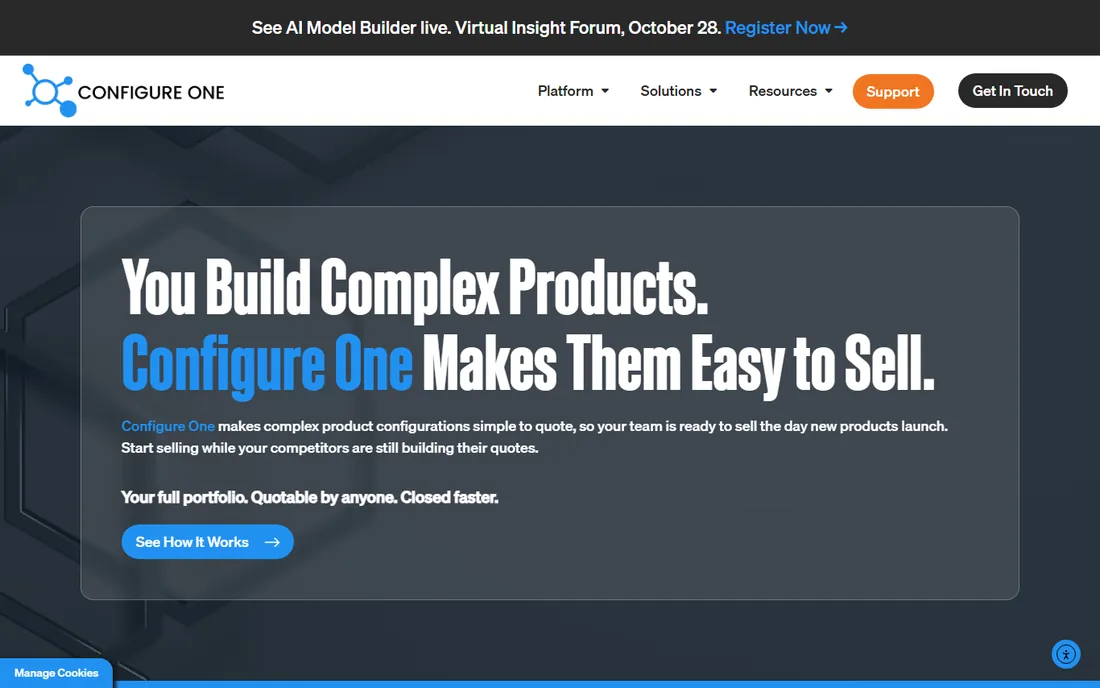
Configure One has spent more than 20 years on one problem: making complex engineered products quotable. The platform combines rules-based configuration with dynamic pricing models, document generation and CAD integration, aimed at sectors like heavy machinery, building components, electrical instruments and commercial equipment. In October 2026 it launched an AI Model Builder that translates drawings, specs and BOMs into configuration rules, plus an AI Seller quoting assistant in beta.
The trade-off is presentation. Configure One's strength is logic depth, not the storefront experience; visual configuration exists but is not the headline feature. There is no published pricing, so every engagement starts with a sales conversation. Manufacturers who configure-to-order or engineer-to-order and live in CAD should shortlist it alongside Tacton. Ecommerce-led businesses should look at Zakeke or Simplio3D instead.
What we like- Deep rules engine built for complex manufactured goods
- Automated multi-level BOM generation and CAD integration
- AI Model Builder launched in 2026 to speed up product modeling
Watch out for- No published pricing
- Visual and ecommerce experience is not the primary focus compared with 3D-first tools
#5
Experlogix
Best for: Companies wanting no-code rules across multiple CRM and ERP platforms
Visit experlogix.com
Starting priceSee website (custom quote only)
Free planNo (no free trial advertised)
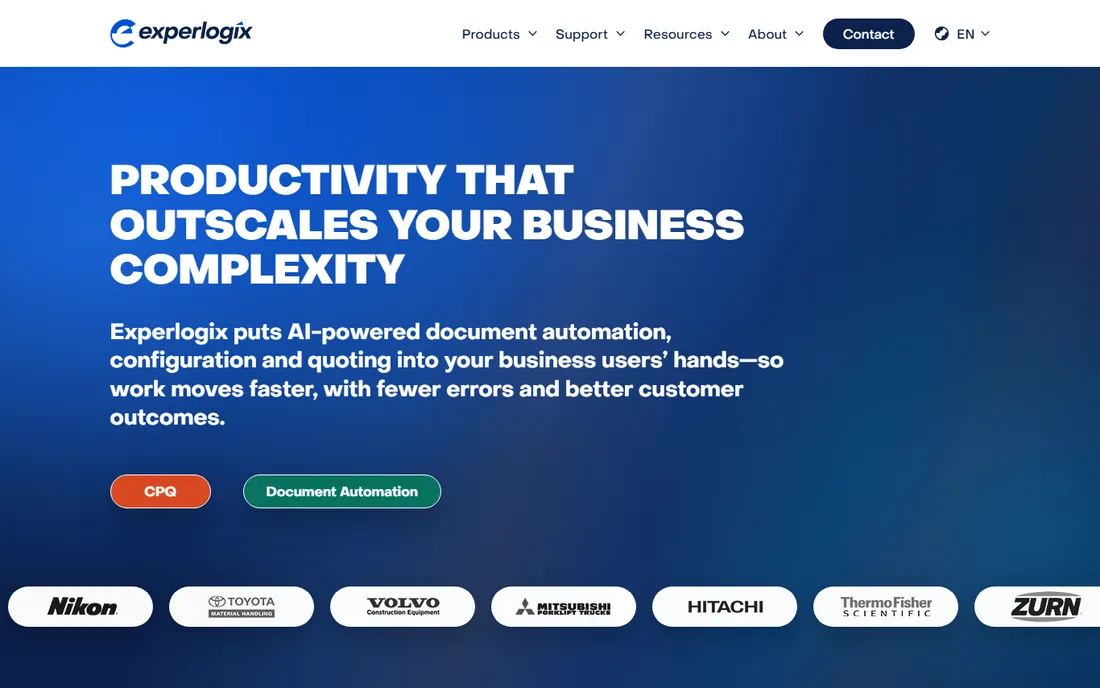
Experlogix sits between the manufacturing specialists and the general CPQ suites. Its pitch is flexibility: the same rules engine works across Salesforce, Microsoft Dynamics and NetSuite, so companies with mixed or changing tech stacks are not locked to one ecosystem. Guided selling walks reps through questions to surface the right products, and the no-code admin lets business users manage pricing and discount logic without developers.
Reviewers are consistent about the catch. Implementation is complex and slow, the learning curve is steep, and some integrations still need workarounds. Third-party estimates place it in the $35 to $83 per user per month range, but the vendor publishes nothing. Experlogix makes sense when your products are genuinely complex and your CRM setup is not Salesforce-only. For simpler catalogs, the cost and effort are hard to justify.
What we like- Rules engine admins control without writing code
- Visual configuration tools that verify complex setups in real time
- Integrates with Salesforce, Microsoft Dynamics and NetSuite
Watch out for- No pricing published
- Users report complex, time-consuming implementation and a steep learning curve
#6
Zakeke
Best for: Ecommerce stores selling personalized and made-to-order products
Visit zakeke.com
Starting priceSee website (plans reported from ~$70/month by reviewers)
Free planFree trial (no credit card required, per reviewers)
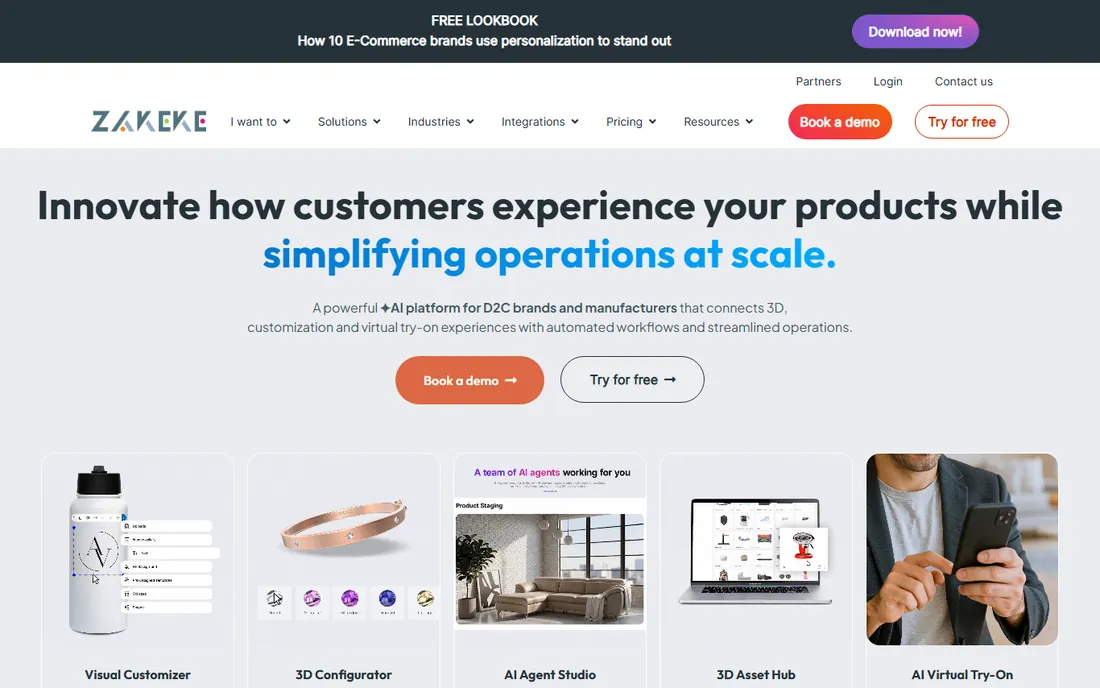
Zakeke is the personalization specialist. Shoppers customize apparel, home decor and accessories with text, images and designs, preview them in 3D or AR, and the platform generates print-ready files that can route to printers like Printful. The free trial requires no credit card, and installation is a normal app install on the major platforms.
The fine print matters. Every plan caps published products and adds a transaction fee of 1.5% to 1.9% per order, which compounds as volume grows. Because models are static, products with custom dimensions need separate models for each size. And Zakeke produces visual previews and print files, not manufacturing files like STEP or G-code, so it suits decoration and personalization, not engineered products. For print-on-demand and personalized goods, it is the most complete option here.
What we like- 3D configurator plus AR and virtual try-on from one platform
- Print-ready files generated for every order
- Integrates with Shopify, WooCommerce, BigCommerce, Etsy and more
Watch out for- Geometry is always pre-uploaded static models, so no true parametric dimensions
- Plans add a 1.5% to 1.9% transaction fee per order
- Lower tiers show Zakeke branding
#7
Simplio3D
Best for: Retailers and manufacturers wanting 3D configuration without enterprise budgets
Visit simplio3d.com
Starting price$29/month (Starter plan)
Free planFree trial (30 days, no credit card required)
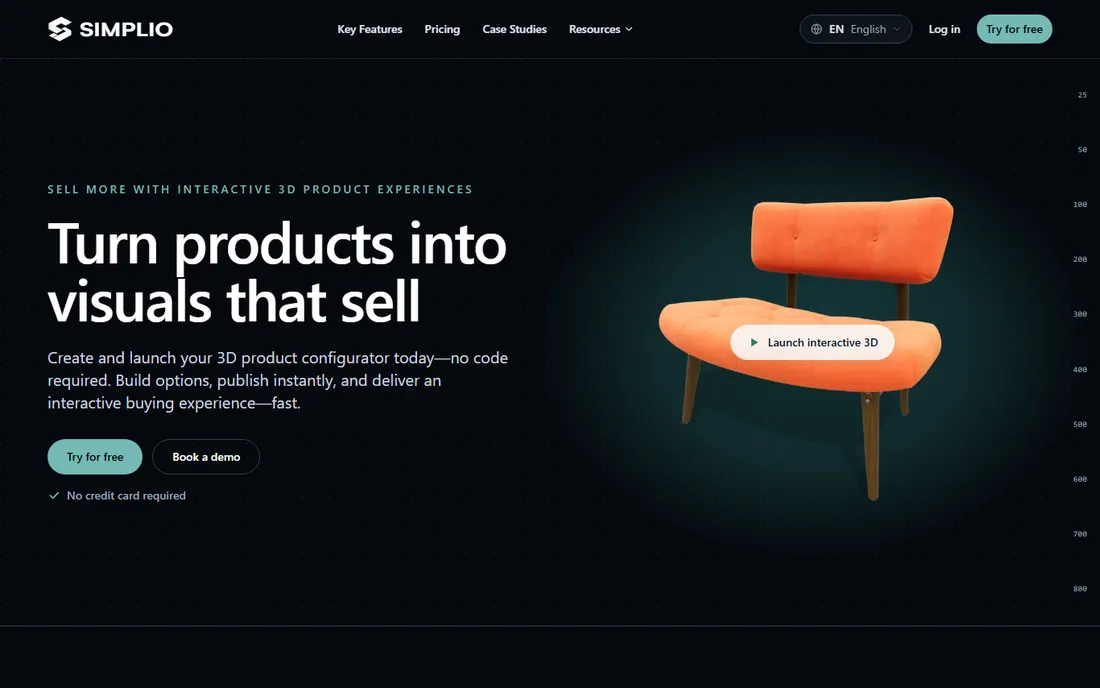
Simplio3D is the value pick. Starter at $29 per month includes the 3D viewer, configurator, conditional logic, pricing structure and ecommerce integration for up to about 20 configurators; Pro at $49 opens the API, advanced integrations and more capacity. The token-based visual formula editor handles real pricing logic, and the WordPress plugin connects configurations to WooCommerce carts while Shopify uses draft orders or SKU-matched carts.
The catches are honest ones. Simplio3D does not create 3D models, so you upload your own or hire help (the vendor charges optional one-time setup fees for that). Complex setups benefit from onboarding. For small and mid-size businesses that want a real configurator with published pricing and a trial that actually lets you test integrations, this is the easiest yes on the list.
What we like- Published pricing starting at $29 per month with a 30-day trial and no credit card
- Conditional logic and real-time pricing included from Starter
- Shopify, WooCommerce, BigCommerce and Magento integrations plus an open API
Watch out for- You supply the 3D models (GLB, GLTF, FBX, OBJ and more)
- Optional setup and service fees apply for model preparation or integration help
- Advanced modular projects need Enterprise
#8
DriveWorks
Best for: SOLIDWORKS users automating design, quoting and document generation
Visit driveworks.co.uk
Starting priceSee website (one-time license reported around GBP 3,600 by reviewers)
Free planFree trial (per reviewers)
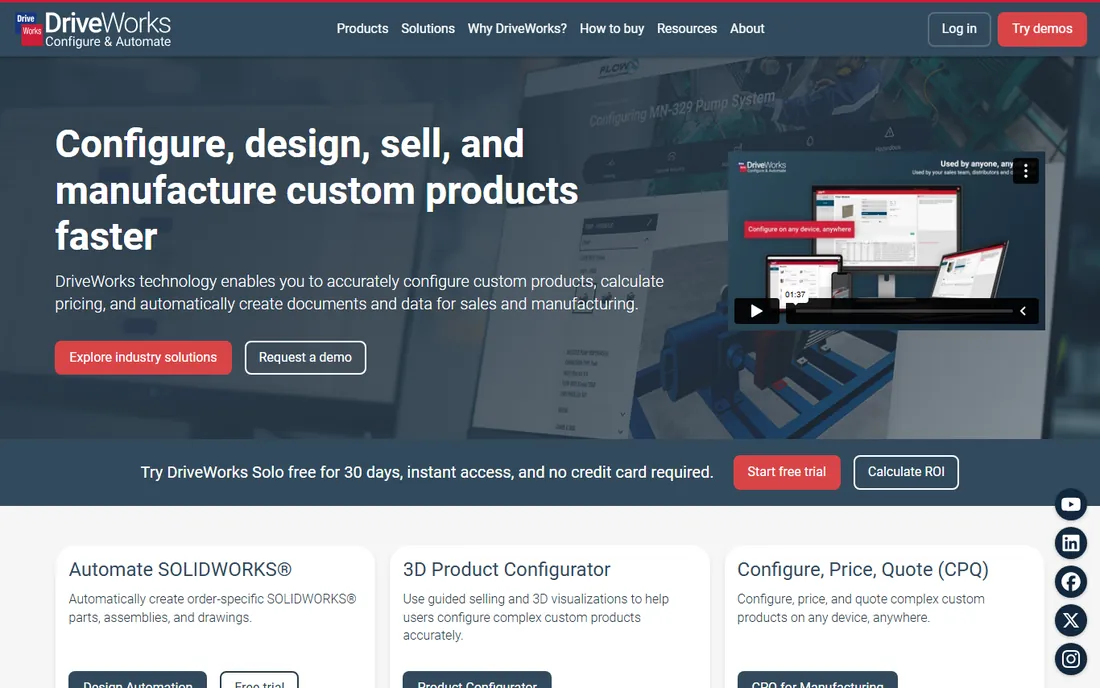
DriveWorks is not really an ecommerce tool. It is design automation: engineers build rules into their SOLIDWORKS models, and sales teams, distributors or customers configure products that generate correct drawings, documents and quotes every time. For configure-to-order manufacturers already standardized on SOLIDWORKS, it eliminates the repetitive design work that slows quoting to a crawl.
That specialization is also the limit. Without SOLIDWORKS there is no product, and implementation is an in-house engineering project measured in weeks to months. Third-party listings report a starting price near GBP 3,600 as a one-time license, but the vendor sells through resellers and publishes nothing. If your world is SOLIDWORKS, DriveWorks is the default choice. If it is not, every other tool on this list is a better fit.
What we like- Deep SOLIDWORKS automation with intelligent rules and logic
- Generates 3D models, 2D drawings, DXF, PDF and sales documents automatically
- CPQ configurator deployable to sales teams, distributors and customers
Watch out for- Requires SOLIDWORKS, which is a separate cost and skill set
- Implementation takes weeks to months and runs through your own engineering team
- Pricing is handled through resellers, not published
#9
Kickflip
Best for: Shopify, WooCommerce and Wix stores adding product customization
Visit gokickflip.com
Starting price$59/month (plus 1.95% down to 0% per custom product sale)
Free planFree trial (14 days)
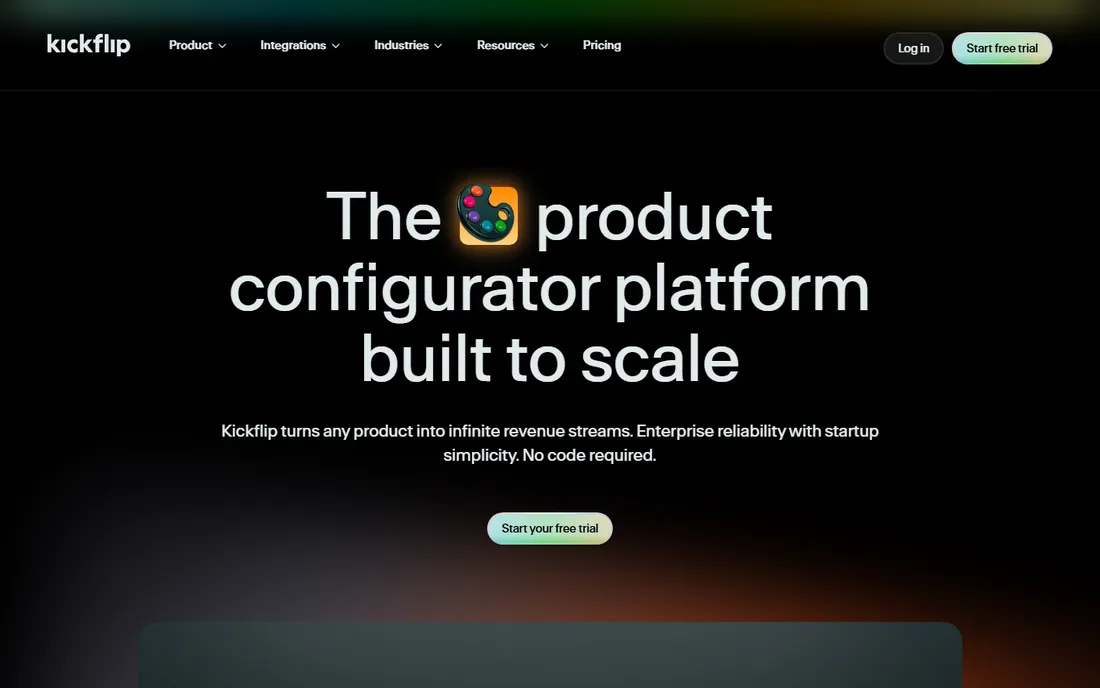
Kickflip has sold product customization to ecommerce stores since 2010. The builder needs no coding: colors, textures, image and text upload, dynamic pricing that updates as shoppers configure, and a live preview on the product page. Hosting is included with unlimited bandwidth, and the platform installs as an app on Shopify, WooCommerce and Wix.
The pricing is published, which is rare in this category: $59 per month plus a transaction fee that scales from 1.95% down to 0% as volume grows. The trade-off is scope. Kickflip is built for consumer customization (apparel, accessories, furniture finishes), not for engineering rules, CAD output or dealer quoting. If your products are configured, not engineered, it is the simplest way to start.
What we like- Published pricing from $59 per month with a 14-day trial
- Unlimited products, page views and storage with hosting included
- Live preview, dynamic pricing and unlimited variants
Watch out for- A transaction fee of 1.95% down to 0% applies per custom sale
- White-labeling costs extra
- Aimed at simpler products rather than deep B2B configuration logic
How to pick the right configurator for your products
Start with what the configurator has to produce. If the output is an order on your store, you need a customer-facing visual tool: Simplio3D, Zakeke or Kickflip, depending on whether your products are 3D-configured, personalized or simply customized. If the output is a quote, a drawing and a BOM, you need a CPQ engine: Tacton, Configure One, Experlogix or Epicor CPQ. If the output is SOLIDWORKS files, the answer is DriveWorks.
Then check the rules. Products with independent options (colors, sizes, add-ons) work on any of these tools. Products with interdependent engineering rules (this motor only fits that housing, this dimension changes the BOM) need a constraint-based engine, which is where Tacton and Configure One earn their enterprise prices. Be honest about which kind of product you sell; paying for constraint engines you do not need is the most expensive mistake in this category.
Finally, price the whole project, not the subscription. Published prices here cover only Simplio3D and Kickflip. Everything else is custom-quoted, and the quote is only the license: add 3D asset creation (Threekit, Zakeke, Simplio3D), implementation services (Tacton, Epicor CPQ, Configure One, Experlogix, DriveWorks) and transaction fees (Zakeke, Kickflip). Get the full first-year cost in writing before you compare.
Visualization or rules: the real trade-off in this market
Product configurator vendors split into two camps, and the split explains most pricing differences. Visualization-first tools (Threekit, Zakeke, Simplio3D, Kickflip) sell the customer experience: photorealistic 3D, AR, virtual try-on, live previews. Rules-first tools (Tacton, Configure One, Experlogix, Epicor CPQ) sell correctness: constraint engines, pricing logic, CAD automation, BOMs that match the configuration.
Most buyers need both, but weight them differently. An apparel brand lives or dies on the visual experience; a wrong configuration is a return, not a factory error. A machinery manufacturer lives or dies on the rules; a wrong configuration is a scrapped part. Epicor CPQ and Threekit try to bridge the gap, with Epicor leaning rules-first and Threekit leaning visualization-first.
The practical test: give each shortlisted vendor your three hardest configuration rules and one product page, then judge the demo on those alone. Marketing sites show best cases. Your rules show whether the engine survives contact with your catalog.
How we chose
We started with the searches buyers use: product configurator software, 3D product configurator, visual CPQ and ecommerce product customizer. For each candidate we opened the vendor's own pricing page, checked prices against public reviews on G2 and Capterra and practitioner discussion on Reddit, and compared feature lists, rule-engine depth, integration coverage and company-size fit. Where a price could not be verified on the vendor's page we wrote "See website" rather than guessing.
Frequently asked questions
How much does product configurator software cost?
Published prices start at $29 per month (Simplio3D) and $59 per month (Kickflip). The enterprise tools (Threekit, Epicor CPQ, Tacton, Configure One, Experlogix, DriveWorks) are all custom-quoted; third-party listings suggest anywhere from around $100 per user per month to one-time licenses in the low thousands, but treat those as unverified until you get a quote.
Do I need 3D models before buying a configurator?
For visualization-first tools, yes. Threekit, Zakeke and Simplio3D all require you to supply the 3D models; none of them create models for you. Budget for modeling (freelancers, your 3D team or the vendor's setup services) as a separate line item. Rules-first CPQ tools can often start without 3D and add visualization later.
What is the difference between a product configurator and CPQ?
A product configurator guides option selection and shows the result, often visually. CPQ (configure, price, quote) adds the commercial machinery: pricing rules, discounts, approvals, quote documents and ERP integration. Most tools here do both to some degree; Tacton, Configure One, Experlogix and Epicor CPQ lead on CPQ, while Zakeke and Kickflip lead on the customer-facing experience.
Which product configurator works with Shopify or WooCommerce?
Simplio3D, Zakeke and Kickflip all integrate with Shopify and WooCommerce; Kickflip also supports Wix. Simplio3D and Kickflip publish their pricing and offer trials, so they are the fastest to evaluate. Zakeke's app installs from the platform marketplaces with a free trial.
How long does implementation take?
Ecommerce configurators (Simplio3D, Zakeke, Kickflip) can go live in days to weeks, mostly spent on 3D models and option setup. Enterprise CPQ (Tacton, Epicor CPQ, Configure One, Experlogix) and DriveWorks take weeks to months, usually with consultants or your own engineering team doing the modeling work.
Can a configurator generate files for manufacturing?
Some can. DriveWorks generates SOLIDWORKS-native files, drawings and DXF. Epicor CPQ automates CAD drawings and BOMs. Configurator-focused tools like Zakeke generate print-ready files for decoration but not fabrication files such as STEP or G-code. If factory output matters, confirm the exact file formats with the vendor before buying.
Sources we checked (14)
- https://www.simplio3d.com/faq
- https://www.simplio3d.com/blog/top-10-best-product-configurator-software-in-2026-pros-cons-comparison
- https://gokickflip.com/blog/what-is-a-product-configurator
- https://www.tacton.com/
- https://configureone.com
- https://www.experlogix.com
- https://www.zakeke.com
- https://www.threekit.com
- https://www.driveworks.co.uk
- https://www.epicor.com
- https://configurator.tech/blogs/zakeke-product-customization-review/
- https://www.softwareworld.co/software/zakeke-reviews/
- https://www.itqlick.com/kbmax-product-configurator/pricing
- https://www.capterra.com/product-configurator-software/
Is your product missing or out of date?
We review this list regularly. Vendors can request a listing, send updated pricing or ask about featured placement.

Shihab Mia · Founder, Rankite
Shihab has 5+ years in B2B and SaaS SEO. He writes Rankite's software buying guides from pricing pages, documentation and public user reviews. More about Shihab.