How we make this list: we compare pricing pages, product documentation and public user reviews. Ratings come from G2, Capterra or Trustpilot, with the date we checked them.
Key takeaways
- Signal and Proton Mail cover the two places most private information lives, which are messages and email.
- A VPN hides traffic from a local network, but it does not replace a private browser, a password manager, or careful sharing habits.
- Bitwarden, Signal, Tor Browser, Brave, and DuckDuckGo all offer strong free options, so a privacy setup does not need a large budget.
- Paid privacy tools are worth it mainly for extra storage, more devices, faster VPN speeds, or family sharing.
- No single app makes a person anonymous online, and the best setup combines a few tools that each solve one clear problem.
Quick comparison
| Tool | Best for | Starting price | Free plan |
|---|
 Signal Signal | Private messaging | Free | Yes |
 Proton Mail Proton Mail | Encrypted email | See website | Yes |
 Proton VPN Proton VPN | Private internet connection | See website | Yes |
 Brave Brave | Private browsing by default | Free | Yes |
 DuckDuckGo DuckDuckGo | Private search and browsing tools | Free | Yes |
 Bitwarden Bitwarden | Password and passkey management | See website | Yes |
 1Password 1Password | Family and team password sharing | See website | Free trial |
 Mullvad VPN Mullvad VPN | Anonymous VPN accounts | 5 euros per month | No |
 Tor Browser Tor Browser | Strong anonymity browsing | Free | Yes |
 Standard Notes Standard Notes | Encrypted notes | See website | Yes |
Is your product missing or out of date?
We review this list regularly. Vendors can request a listing, send updated pricing or ask about featured placement.
The best privacy apps
#1Signal
Best for: Private messaging4.4/5 on
G2 (453 reviews, checked Oct 2026)
Visit signal.org
Starting priceFree
Free planYes
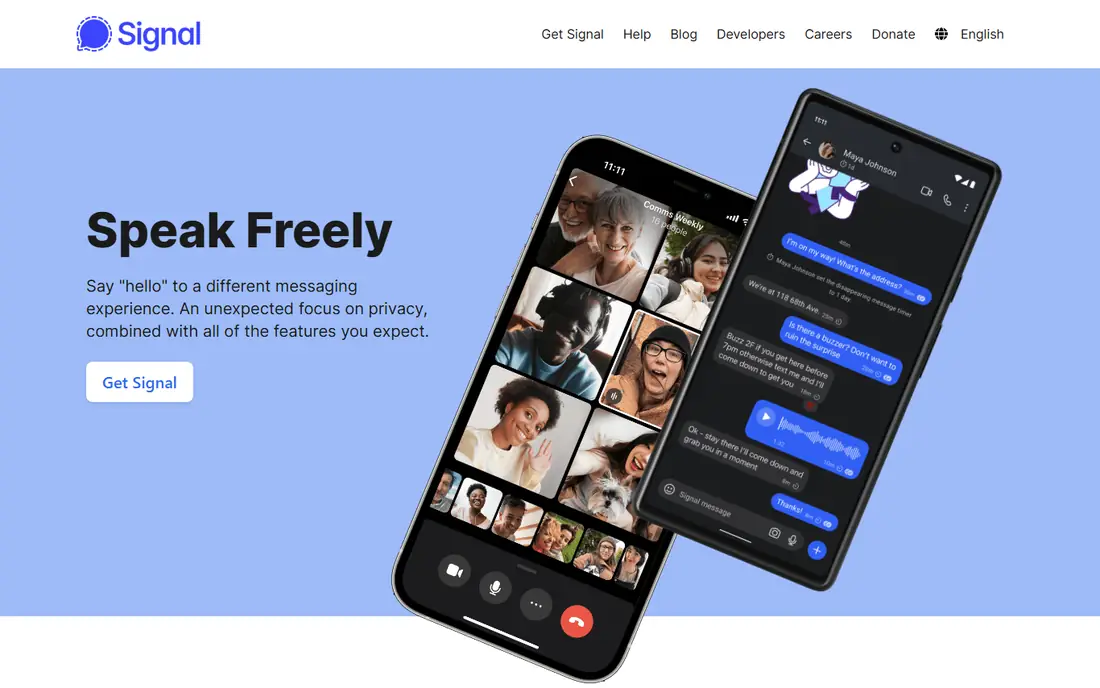
Signal is the simplest place to start for private messaging. Messages, voice calls, and video calls use end to end encryption by default, so only the sender and receiver can read them. The app also offers disappearing messages, group chats, and sticker packs, which cover most everyday messaging needs without adding trackers or ads. Signal is run as a nonprofit, funded by grants and donations, which helps explain why it does not sell attention or data.
The main limit is social, not technical. Signal only protects a conversation when the other person uses it too, so moving a family group or a work team takes some persuasion. It also lacks the large business integrations found in workplace chat tools. For personal conversations, health details, finances, or anything you would not want read from a server, Signal is a strong default.
What we like- End to end encryption for messages and calls
- No ads or trackers
- Nonprofit funding model
Watch out for- Contacts must also use Signal for full benefit
- Fewer business features than mainstream chat apps
Starting priceSee website
Free planYes
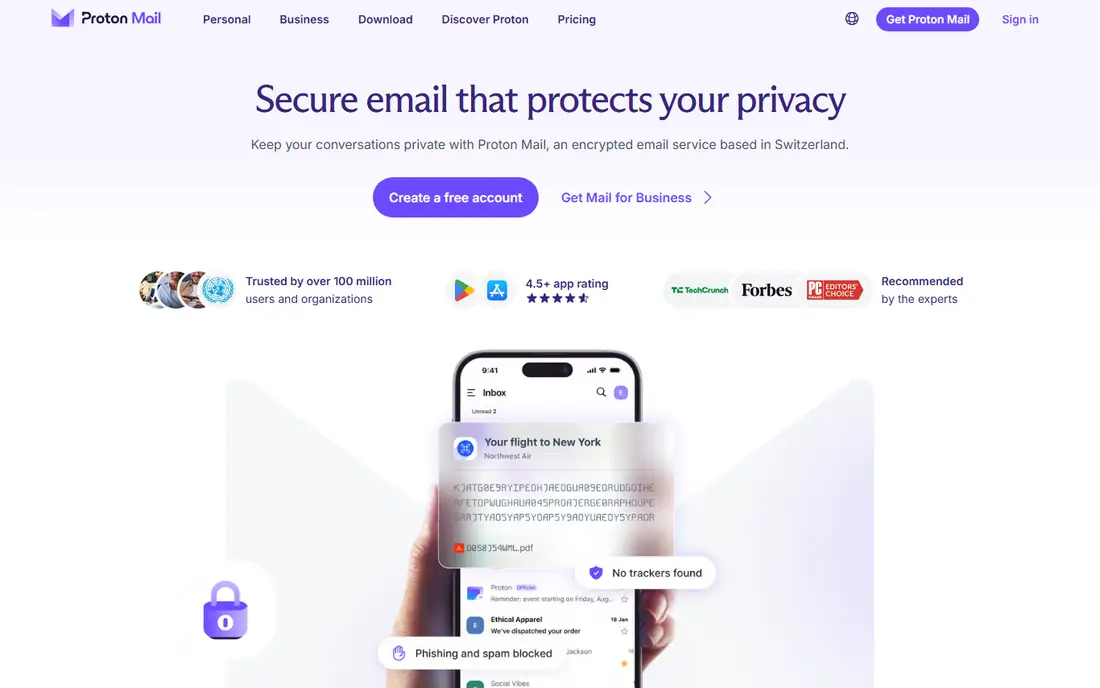
Proton Mail protects email at rest with zero access encryption, which means Proton cannot read the stored messages. The free plan includes 1 GB of storage and one address, which suits a second private address for banking, health, or sensitive accounts. Paid plans add storage, extra addresses, custom domains, folders, and hide my email aliases, which create a different address for each service and reduce exposure after a breach.
Email has a built in limit that no provider can fully remove. Messages sent to a Gmail or Outlook address travel outside Proton encryption unless you use a password protected message, so the protection is strongest between Proton users. Still, tracker blocking, encrypted storage, and a company funded by subscriptions rather than ads make Proton Mail a clear step up from a free ad supported inbox.
What we like- Zero access encryption for stored mail
- Tracker protection
- Swiss based company with a free plan
Watch out for- Full encryption needs the other side to use Proton or a password protected message
- Paid plans needed for more storage and domains
Starting priceSee website
Free planYes
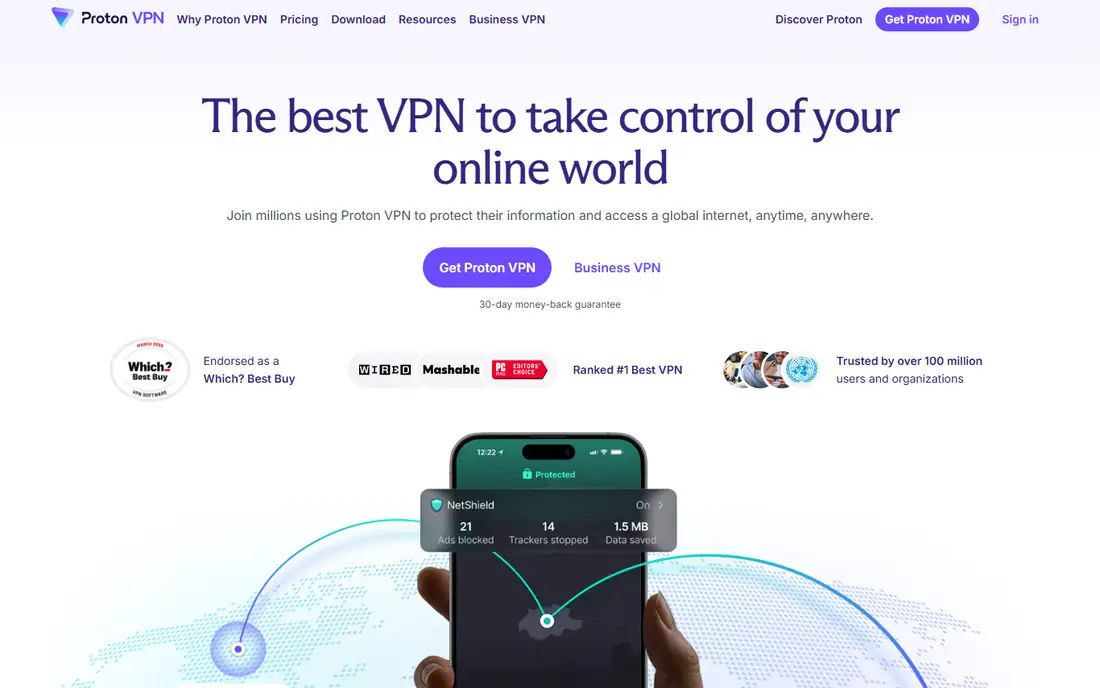
Proton VPN encrypts internet traffic and hides a real IP address from websites and from a local network, such as public Wi-Fi. The free plan covers one device and a small set of countries, which is enough for banking or email on an airport network. Paid plans add 10 devices, more than 140 countries, faster speeds, ad and malware blocking, and streaming support. The apps are open source, and the company publishes audit material, which helps a buyer judge trust rather than relying on marketing claims alone.
A VPN is not a cloak of invisibility. Websites can still track a signed in account, and a VPN provider can see connection metadata unless its no logs policy and audits hold up in practice. Proton VPN fits travelers, remote workers, and anyone on shared networks. It fits less well as a tool to bypass every geographic restriction, because streaming services and some sites block VPN servers. Check the pricing page for the current Plus price, since Proton changes bundles with its other products.
What we like- Free plan with no data limit stated on its site
- Open source apps
- Kill switch and strong protocols
Watch out for- Free plan is slower and limited to fewer countries
- Streaming and fastest speeds need a paid plan
Starting priceFree
Free planYes
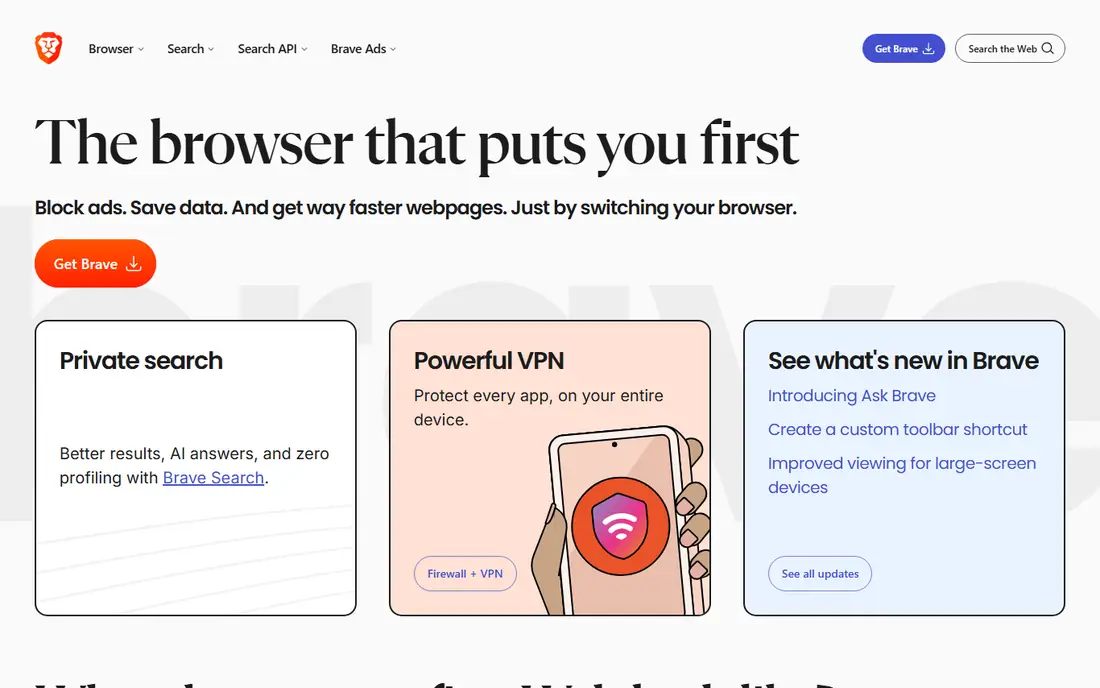
Brave gives most people private browsing without a settings project. It blocks third party ads and trackers by default, upgrades connections to HTTPS where possible, and adds fingerprinting protection. Because it uses the Chromium core, most Chrome extensions and websites work as expected, which lowers the switching cost from Chrome. Brave Search offers private search without profiling, and a paid firewall and VPN option covers traffic outside the browser.
The catch is the extra features. Brave Rewards, a wallet, and news features are optional, but they make the first run feel busy for a user who only wants a quiet browser. A few websites also break when shields block a script, and fixing that means lowering shields for that site. Turn off Rewards if you do not want it, import bookmarks from your old browser, and keep Brave as the daily browser while using Tor Browser for the rare case that needs stronger anonymity.
What we like- Blocks ads and trackers by default
- Built on Chromium, so most extensions work
- Private search option included
Watch out for- Rewards and crypto features confuse some users
- Some sites break until shields are adjusted
Starting priceFree
Free planYes
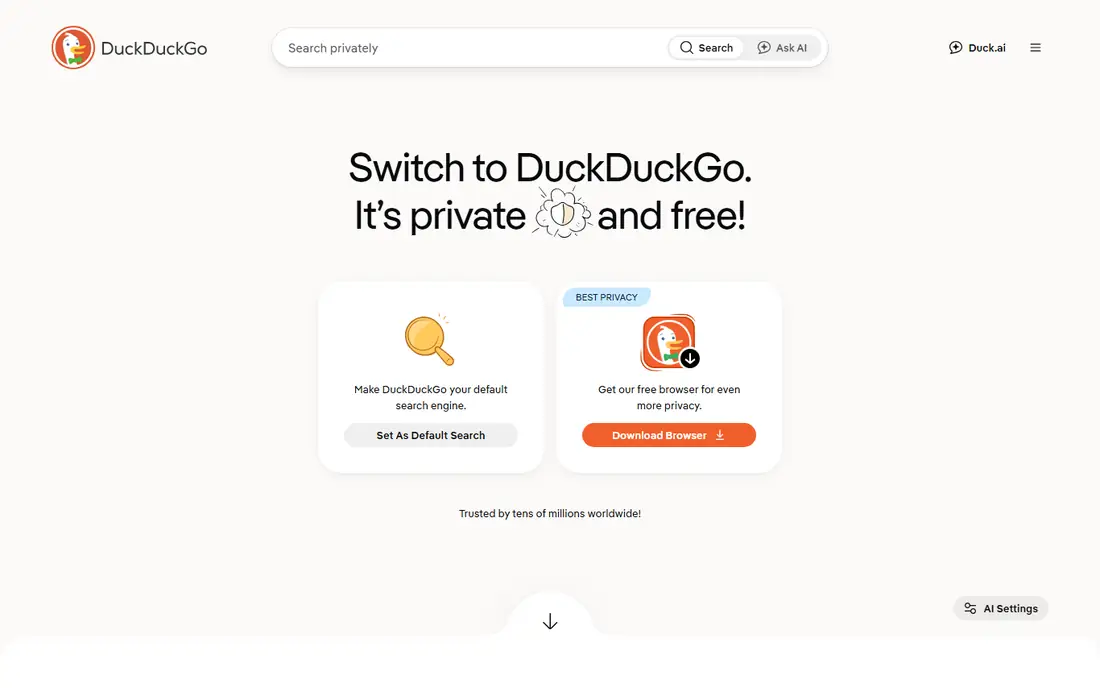
DuckDuckGo is best known for search that does not build a profile from queries, but its browser apps and email protection add more value than search alone. The browser blocks trackers, forces encrypted connections where possible, and includes a fire button to clear tabs and data in one tap. Email Protection creates a personal duck address that forwards mail to a real inbox after removing trackers, which helps for signups and newsletters.
Search quality is the honest trade off. For general questions, news, and how to guides, DuckDuckGo works well. For local business hours, maps, or very specific shopping filters, Google often gives a more complete answer, so many users keep Google as a backup rather than a default. DuckDuckGo fits anyone who wants less tracking with almost no learning curve. Set it as the default search engine first, then try the browser or email alias for a week before deciding whether to move further.
What we like- Search without profiling
- Browser apps with tracker blocking
- Email protection aliases
Watch out for- Search results can differ from Google for local or shopping queries
- Fewer integrated services than Google
#6Bitwarden
Best for: Password and passkey management4.6/5 on
G2 (1,475 reviews, checked Oct 2026)
Visit bitwarden.com
Starting priceSee website
Free planYes
Bitwarden solves the most common privacy failure, which is password reuse. It stores logins, passkeys, cards, and secure notes in an encrypted vault, generates strong passwords, and fills them across devices. The free plan covers unlimited devices for one user, which is more generous than many rivals that limit free use to one device type. Families and businesses can share selected items without sharing a master password, and self hosting is an option for technical teams.
The interface is functional rather than beautiful, and new users may need a few minutes to learn collections, folders, and emergency access. Paid plans add more sharing, file attachments, and advanced authentication options, but most individuals do fine on the free plan. Bitwarden is the right first privacy app for anyone who still reuses passwords or keeps them in a notes app. Start by importing from the browser, then change the most important accounts first, such as email, banking, and cloud storage.
What we like- Open source and end to end encrypted
- Strong free plan
- Works across desktop, mobile, and browsers
Watch out for- Interface feels plain next to polished rivals
- Some advanced sharing features need a paid plan
Starting priceSee website
Free planFree trial
1Password is the smoother, more guided alternative to Bitwarden, and it shines for families and small teams. Shared vaults let a household share streaming or utility logins without sharing everything, and Watchtower flags weak, reused, or breached passwords in plain language. Travel Mode removes selected vaults from a device during border crossings, which is a thoughtful feature for frequent travelers. Business plans add access controls, reporting, and developer tools for secrets.
The main downside is cost. There is no permanent free tier, only a trial, so a household pays per person or per family plan. That cost is easy to justify if it means everyone actually uses the manager, because an unused password manager protects nothing. Choose 1Password when ease of use and family sharing matter more than a free plan, and when you want guided setup rather than a plain vault. Check the current pricing page, since individual, family, and business prices differ.
What we like- Polished apps and travel mode
- Strong family sharing
- Watchtower flags weak or reused passwords
Watch out for- No permanent free plan
- Price rises with family or business seats
Starting price5 euros per month
Free planNo
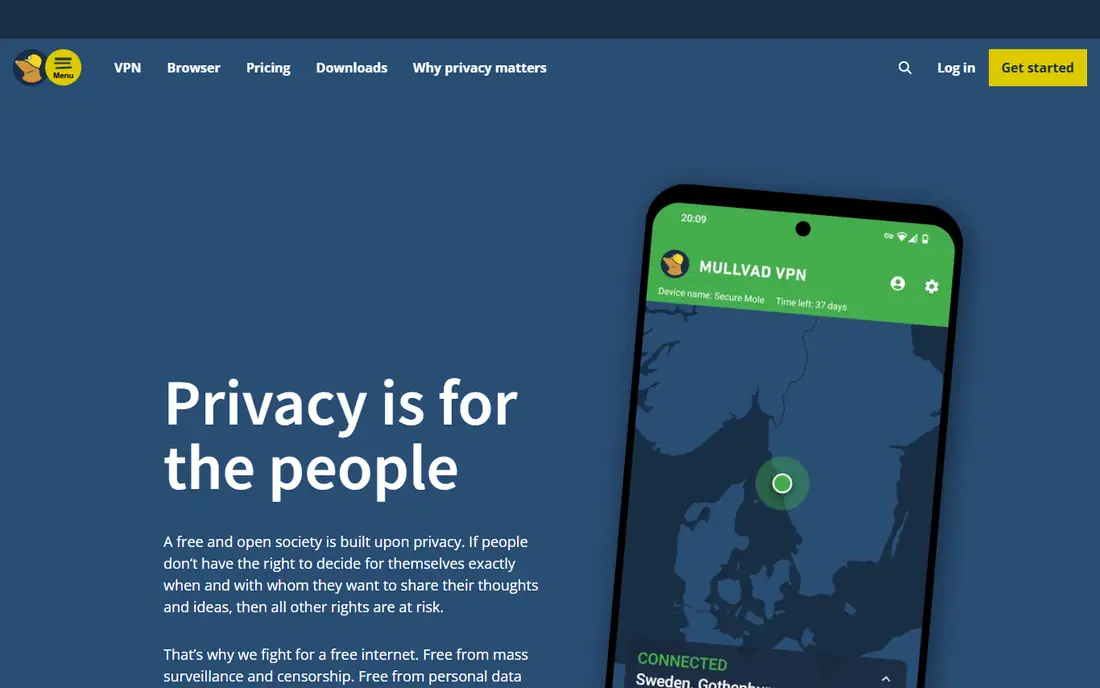
Mullvad takes a stricter approach to anonymity than most VPN brands. Accounts use a generated number rather than an email address, and users can pay by cash or card without creating a personal profile. The price is flat at 5 euros per month, with no long term discount tiers to decode, and the service supports WireGuard and OpenVPN with a kill switch. Mullvad also makes a free browser with the Tor Project, which pairs well with the VPN for users who want stronger browser fingerprint protection.
Mullvad is less suited to streaming or to users who want a large server list marketed for unblocking services. It has no free plan, so trying it means paying for a month, though the flat price makes that trial cheap and clear. Choose Mullvad when account anonymity and a simple price matter more than streaming extras. Avoid it if you need a free tier or hands on support for every device, since the setup assumes a bit more comfort with VPN settings.
What we like- Flat 5 euro monthly price
- Account numbers instead of email signup
- No logs policy with audits
Watch out for- No free plan
- Fewer streaming focused features than larger VPN brands
Starting priceFree
Free planYes
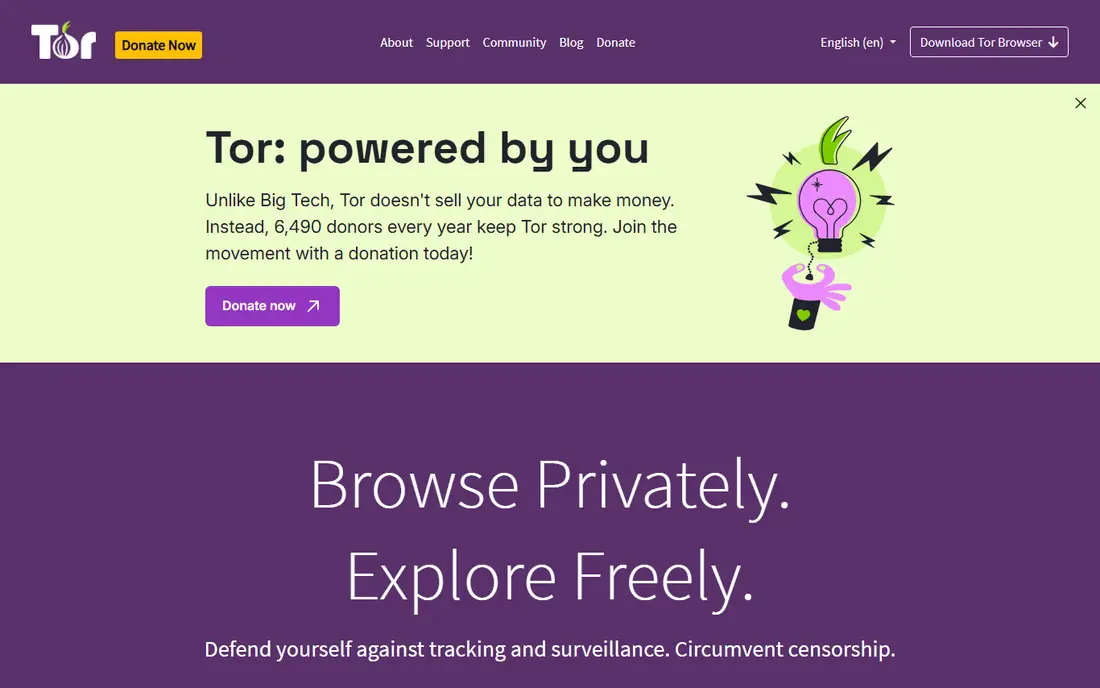
Tor Browser is the strongest free tool for anonymous browsing, and it works differently from a VPN. Traffic passes through three volunteer relays with layered encryption, so no single relay sees both the user and the destination. The browser also isolates each site, clears cookies and history on close, and tries to make users look alike to resist fingerprinting. That design helps journalists, researchers, and people in countries with heavy censorship.
Speed is the price. Pages load more slowly, video and large downloads suffer, and some sites block Tor traffic or show repeated checks. Tor Browser is not a daily browser for most people, and it does not protect traffic from other apps on the same device. Use it for sensitive research, for accessing blocked information, or for any task where hiding the browsing destination from a local network matters more than speed. For daily browsing, Brave or DuckDuckGo is the better fit.
What we like- Routes traffic through three relays with layered encryption
- Isolates sites to resist tracking
- Free and nonprofit run
Watch out for- Much slower than a normal browser
- Some sites block Tor or require extra checks
Starting priceSee website
Free planYes
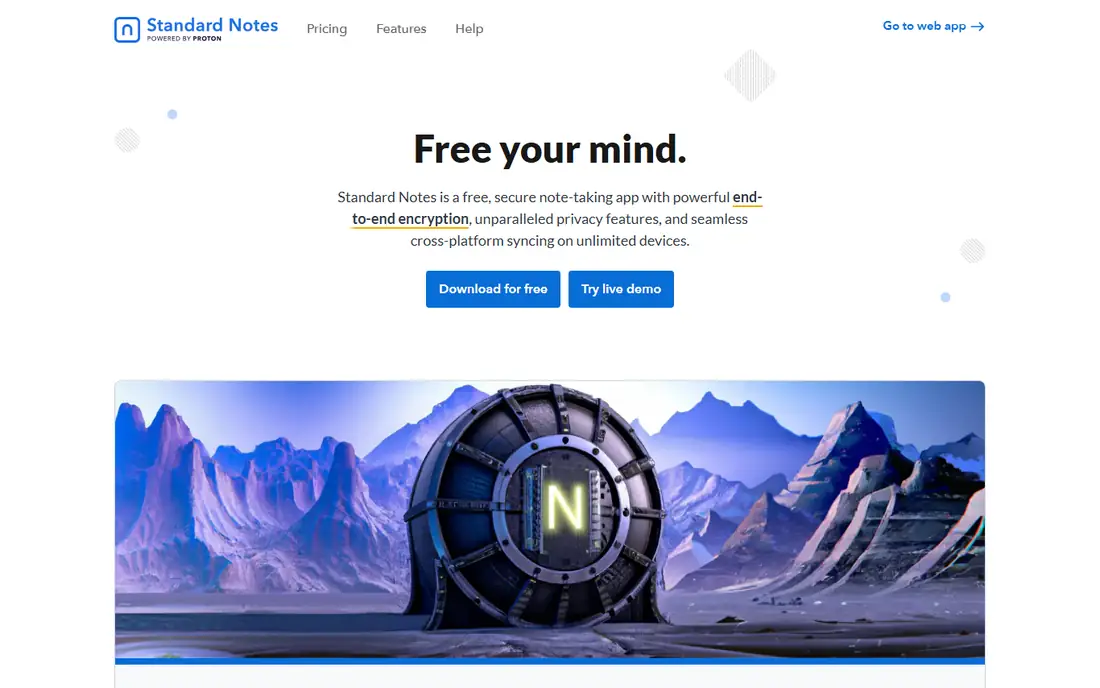
Standard Notes protects notes, files, tasks, and journals with end to end encryption, so only the account holder holds the keys. The free plan allows unlimited notes and devices, with offline access, which makes it a practical replacement for a plain notes app. Paid plans add richer editors, file storage, and more note types, while keeping the same encryption model. The company is funded by paying users rather than venture capital, which matches its privacy pitch.
The limit is collaboration and polish. Standard Notes does not match Notion for team wikis, templates, or databases, and it is not built for real time shared editing. It fits personal journals, health notes, financial records, passwords stored as secure notes, and any note you would not want readable from a server. Use it for sensitive notes first, keep a mainstream app for shared work if needed, and export notes regularly so you always hold a local copy.
What we like- End to end encrypted notes and files
- Unlimited notes and devices on the free plan
- Offline access
Watch out for- Fewer templates and collaboration features than Notion or Evernote
- Best features need a paid plan
How we chose
We compared pricing pages, documentation, audit statements, and public reviews on G2, Capterra, and Reddit, and we weighed encryption design, free plan limits, device support, company funding, and fit for everyday users. We did not claim hands on testing, and we favored apps with a clear current homepage and published pricing. Where a paid price was not confirmed on the vendor pricing page during this review, we wrote See website rather than guessing.
Building a privacy setup without overdoing it
Start with the account that opens everything else, which is usually email. Move important accounts to Proton Mail or add a strong password manager, then turn on two factor authentication for email, banking, and cloud storage. Those two steps protect more than any single browser or VPN change, because most account takeovers start with a reused password or a compromised inbox.
A simple three layer plan
Layer one is everyday protection, with Brave or DuckDuckGo as the browser, DuckDuckGo as search, and Bitwarden or 1Password for logins. Layer two is network protection, with Proton VPN or Mullvad on public Wi-Fi and when traveling. Layer three is sensitive work, with Signal for private conversations and Tor Browser for research that should not be linked to an identity. Add Standard Notes only if you keep sensitive notes, and skip tools that duplicate a layer you already cover.
What privacy apps cannot fix
No app stops tracking from a signed in account, a loyalty card, or a photo with location data shared publicly. Review app permissions once a month, remove apps you no longer use, and check which services can read your contacts, photos, or location. Privacy apps reduce exposure, but sharing habits and account settings decide how much of that gain survives in daily use.
Frequently asked questions
Do I need a VPN if I already use a private browser?
A private browser blocks trackers and ads on websites, while a VPN hides traffic from a local network and hides an IP address from sites. They solve different problems, so travelers and public Wi-Fi users benefit from both, while home users on a trusted network may only need the browser.
Is a free VPN safe?
Some free VPNs are safe, and some fund themselves by logging or selling data, so the funding model matters. Proton VPN offers a free plan funded by paid users, while Mullvad has no free plan. Read the privacy policy and audit statements before trusting any free VPN with banking or sensitive work.
Will Signal protect messages if my phone is open?
Signal encrypts messages in transit and at rest in its own store, but anyone with an open phone and the app open can read recent chats. Use a strong phone lock, a Signal screen lock, and disappearing messages for conversations that should not stay on the device.
Is Tor Browser legal to use?
Tor Browser is legal in most countries, and it is used by journalists, researchers, and ordinary readers. Some countries restrict or block Tor, and some websites block Tor traffic, so check local rules before relying on it while traveling.
Should I pay for a password manager?
A free manager such as Bitwarden covers most individuals well, so payment is mainly for family sharing, extra storage, or business controls. Pay when the extra sharing or support means the whole household actually uses it, because consistent use matters more than premium features.
Can privacy apps make me fully anonymous?
No single app makes a person fully anonymous, because accounts, payments, device fingerprints, and sharing habits can still link activity. A combination of encrypted messaging, private browsing, a VPN, and careful sharing reduces exposure a great deal, but it does not erase identity on its own.
Sources we checked (10)
- https://signal.org/
- https://proton.me/mail/pricing
- https://protonvpn.com/pricing
- https://www.brave.com/
- https://duckduckgo.com/
- https://bitwarden.com/pricing/
- https://1password.com/pricing
- https://mullvad.net/pricing
- https://www.torproject.org/download/
- https://standardnotes.com/pricing
Is your product missing or out of date?
We review this list regularly. Vendors can request a listing, send updated pricing or ask about featured placement.

Shihab Mia · Founder, Rankite
Shihab has 5+ years in B2B and SaaS SEO. He writes Rankite's software buying guides from pricing pages, documentation and public user reviews. More about Shihab.