How we make this list: we compare pricing pages, product documentation and public user reviews. Rankite is independent; if a vendor ever pays for a featured spot, that listing is clearly labeled Partner.
Key takeaways
- The first decision is solo versus remote guests: Audacity, GarageBand and Adobe Podcast cover solo recording free, while Riverside, Zencastr and Cleanfeed handle remote guests in the browser.
- Riverside and Zencastr record each guest locally and upload separately, which protects your audio from bad internet connections.
- Descript and Adobe Podcast let you edit by deleting words in a transcript, which is far easier for beginners than learning a waveform editor.
- Alitu automates cleanup, assembly and publishing for beginners who want the fewest decisions, while Hindenburg suits spoken-word purists.
- Start free: Audacity, GarageBand, Descript, Zencastr and Adobe Podcast all have free tiers, so do not pay until your show needs it.
Quick comparison
| Tool | Best for | Starting price | Free plan |
|---|
 Riverside Riverside | remote interviews with studio-quality tracks | See website | Yes |
 Audacity Audacity | free solo recording and editing on any computer | Free | Yes |
 GarageBand GarageBand | Mac owners starting their first show | Free | Yes |
 Descript Descript | editing by deleting words in a transcript | See website | Yes |
 Zencastr Zencastr | free remote recording with hosting included | Free | Yes |
 Alitu Alitu | beginners who want recording to publishing automated | See website | Free trial (7 days) |
 Cleanfeed Cleanfeed | the cleanest remote audio quality | See website | Yes |
 Async Async | AI-assisted recording, editing and repurposing | See website | Yes |
 Adobe Podcast Adobe Podcast | browser recording with one-click audio enhancement | See website | Yes |
 Hindenburg Hindenburg | spoken-word editing with a journalist's workflow | See website | Free trial |
Is your product missing or out of date?
We review this list regularly. Vendors can request a listing, send updated pricing or ask about featured placement.
Starting priceSee website
Free planYes
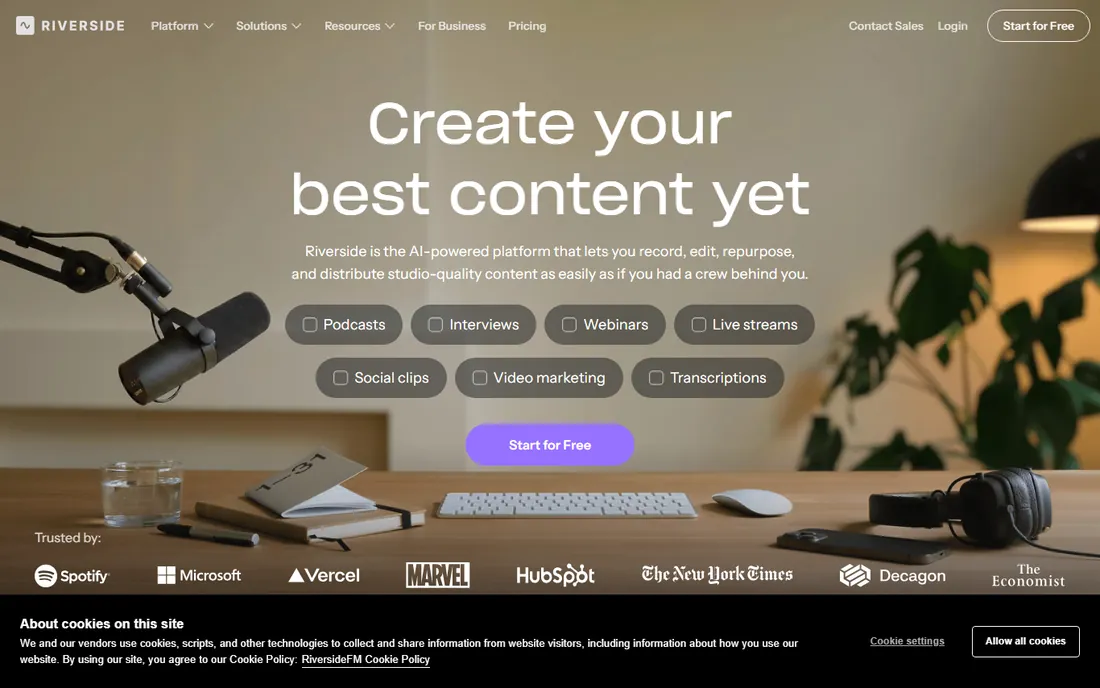
Riverside has become the default recommendation for interview podcasts, and the reason is local recording. Each guest's audio and video is captured on their own device and uploaded separately, so a shaky connection does not ruin the episode. You get separate tracks, automatic transcription, and AI tools for turning highlights into clips.
Beginners like that guests join from a browser link with no install. The tradeoff is that Riverside is built for remote conversations; solo podcasters recording alone will find simpler tools faster. Start on the free tier and upgrade when your recording hours demand it.
What we like- Records each participant locally in up to 4K video and high-quality audio
- Browser-based so guests install nothing
- Built-in editor, transcription and clips
Watch out for- The free tier limits recording hours
- Heavier than needed if you only record solo
Starting priceFree
Free planYes
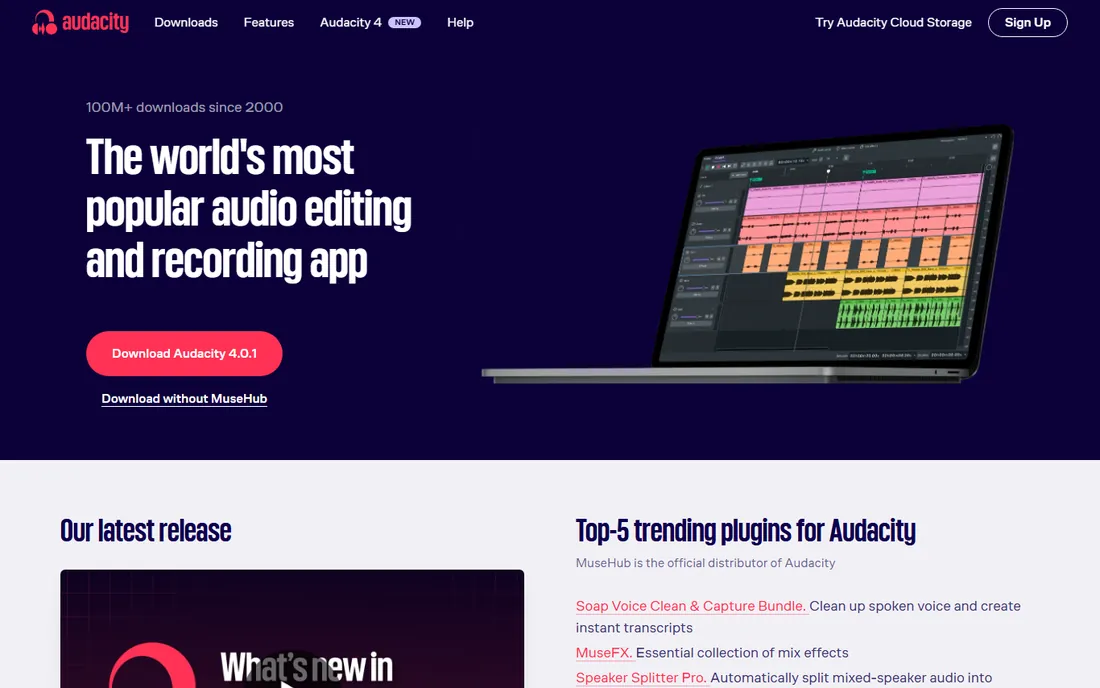
Audacity is the free workhorse of podcasting. Record your voice, cut mistakes, normalize levels, export to MP3, all without paying a cent or hitting a paywall. Twenty-plus years of development and a massive tutorial ecosystem mean any question you have has already been answered somewhere.
It is not pretty, and it will not record your remote co-host. But for a beginner recording solo episodes on a budget of zero, Audacity remains the most capable free option, and the skills transfer if you later move to a paid editor.
What we like- Completely free and open source with no tier limits
- Runs on Windows, Mac and Linux
- Huge community and tutorial library
Watch out for- The interface is dated and the learning curve is real
- No remote guest recording
#3
GarageBand
Best for: Mac owners starting their first show
Visit apple.com
Starting priceFree
Free planYes
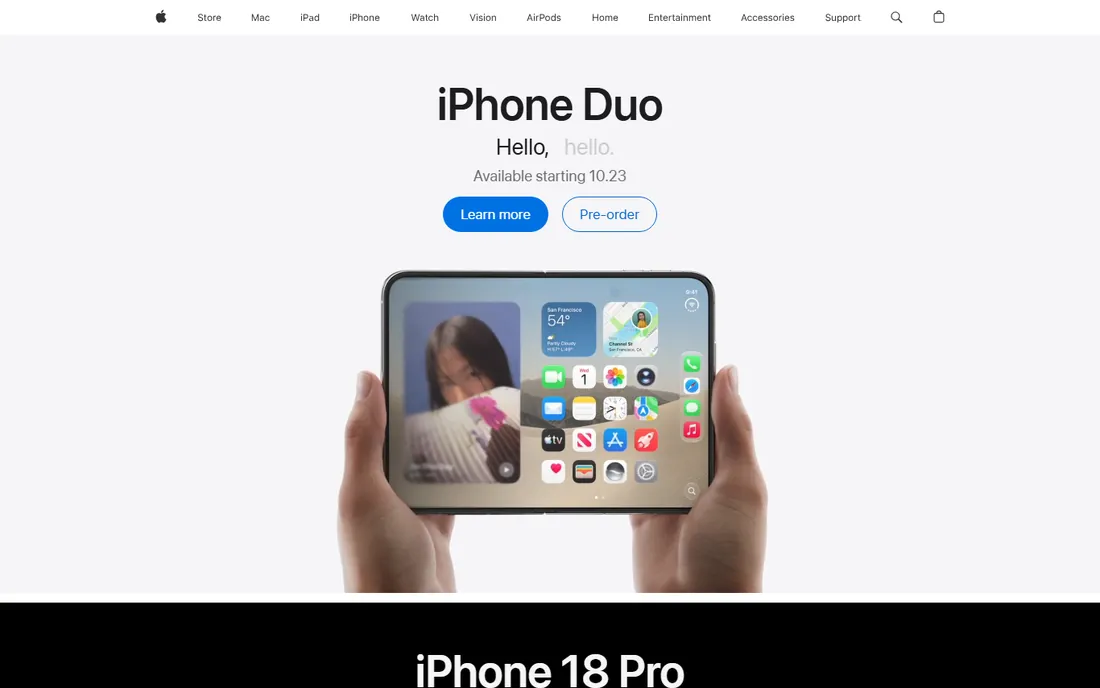
If you own a Mac, you already own a capable podcast recorder. GarageBand's guided interface, voice presets and simple multitrack timeline make it the gentlest on-ramp to audio editing, and it handles music beds and jingles better than most free tools.
The limits are platform and scope: no Windows version, no browser-based guest recording. For a solo Mac podcaster, though, GarageBand plus a decent USB microphone is a complete starter studio at no extra cost.
What we like- Free with every Mac
- Friendlier than Audacity with loops, presets and visual editing
- Solid multitrack recording
Watch out for- Mac and iOS only
- No remote recording or collaboration features
Starting priceSee website
Free planYes
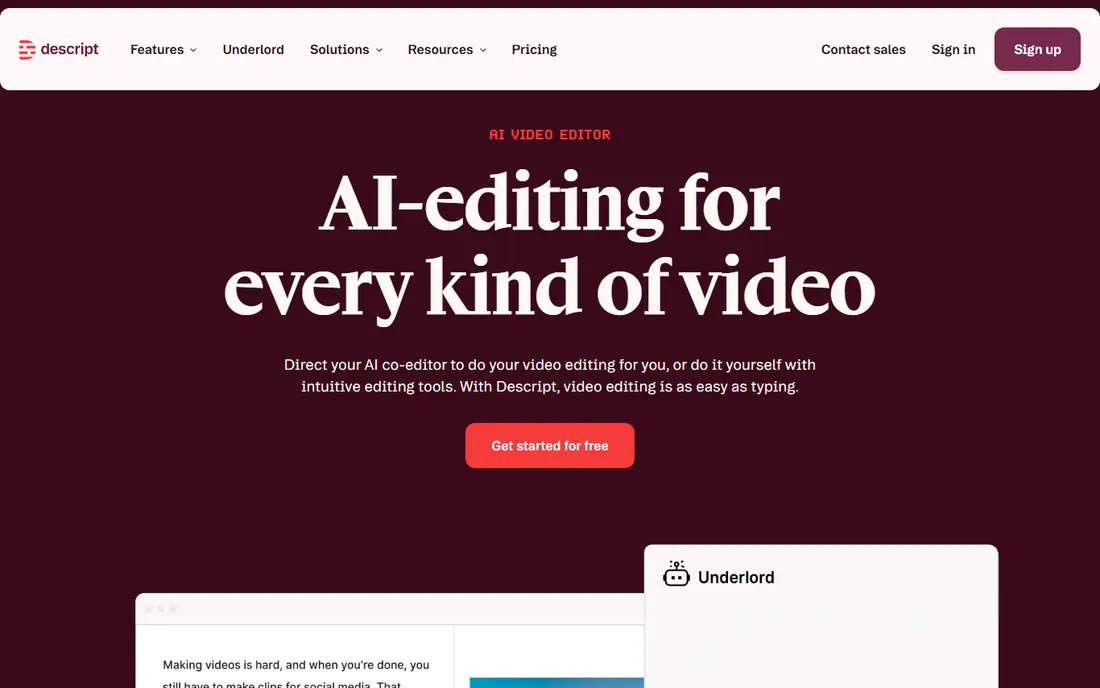
Descript changed podcast editing by making it feel like editing a document. Record or import audio, get a transcript, delete a sentence in the text and it disappears from the recording. For beginners intimidated by timelines and waveforms, this is the fastest path from raw recording to finished episode.
The free plan covers recording and basic editing without a credit card. Note that Squadcast, once a standalone remote recorder, is now part of Descript, so the remote recording workflow lives inside the same product.
What we like- Transcribe then edit text to edit audio, which beginners learn in minutes
- Studio Sound cleans up noisy recordings
- Remote recording and publishing in one place
Watch out for- The transcript-first workflow feels strange if you think in waveforms
- Advanced AI features sit on paid plans
Starting priceFree
Free planYes
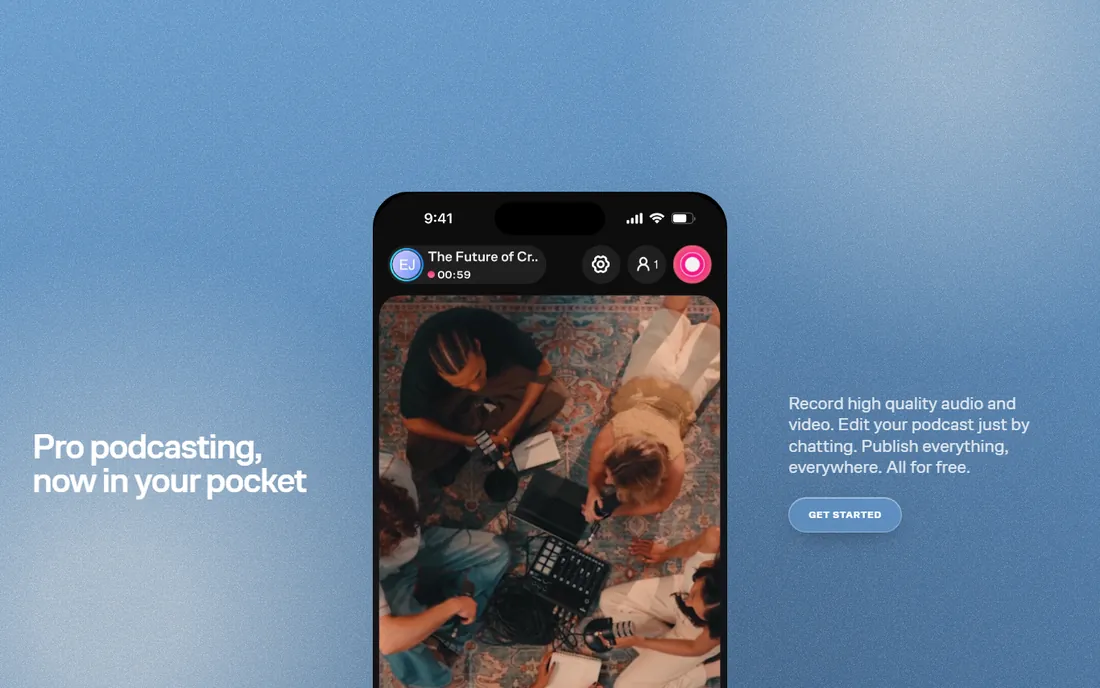
Zencastr built its name on free remote recording, and it still offers one of the most generous free tiers: separate audio tracks recorded locally for each participant, right in the browser. The company has since added hosting, distribution and AI editing, positioning itself as a full podcast platform.
For a beginner, that means you can record, host and publish without leaving one product or paying anything to start. If you prefer a focused recording tool without the extra suite, Riverside or Cleanfeed may feel cleaner.
What we like- Generous free tier with separate-track local recording
- Now bundles hosting and distribution
- Browser-based for guests
Watch out for- The platform has pivoted toward an all-in-one creator suite, which adds complexity
- Video features trail Riverside
#6
Alitu
Best for: beginners who want recording to publishing automated
Visit alitu.com
Starting priceSee website
Free planFree trial (7 days)
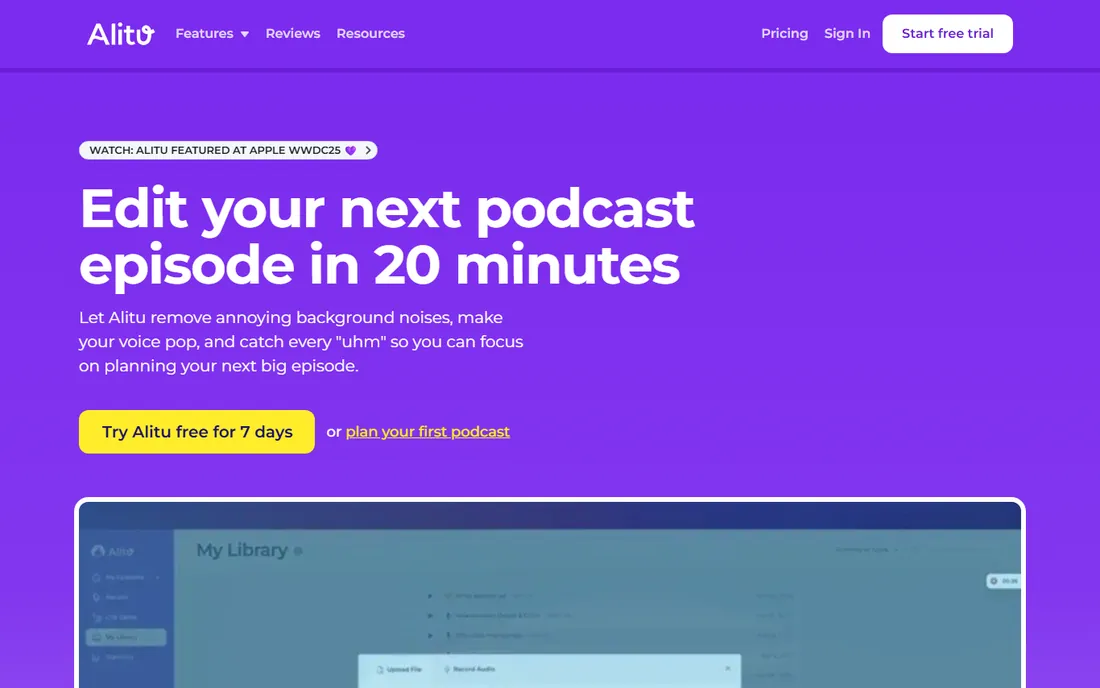
Alitu is for the podcaster who wants to think about content, not engineering. Record a call inside Alitu or upload audio from your phone or Zoom, and it cleans noise, levels volume, adds your intro music and publishes to Apple and Spotify. The 7-day trial includes full features and lets you publish.
The honest tradeoff is control: automation means fewer knobs. If you enjoy fine-tuning every edit, you will outgrow it. If you want episodes out the door with minimum fuss, Alitu removes more friction than anything else here.
What we like- Automates audio cleanup, assembly and publishing
- Record remote calls or upload from anywhere
- Free hosting up to 1,000 downloads per month
Watch out for- No permanent free tier beyond the 7-day trial
- Less manual control than a real editor
Starting priceSee website
Free planYes
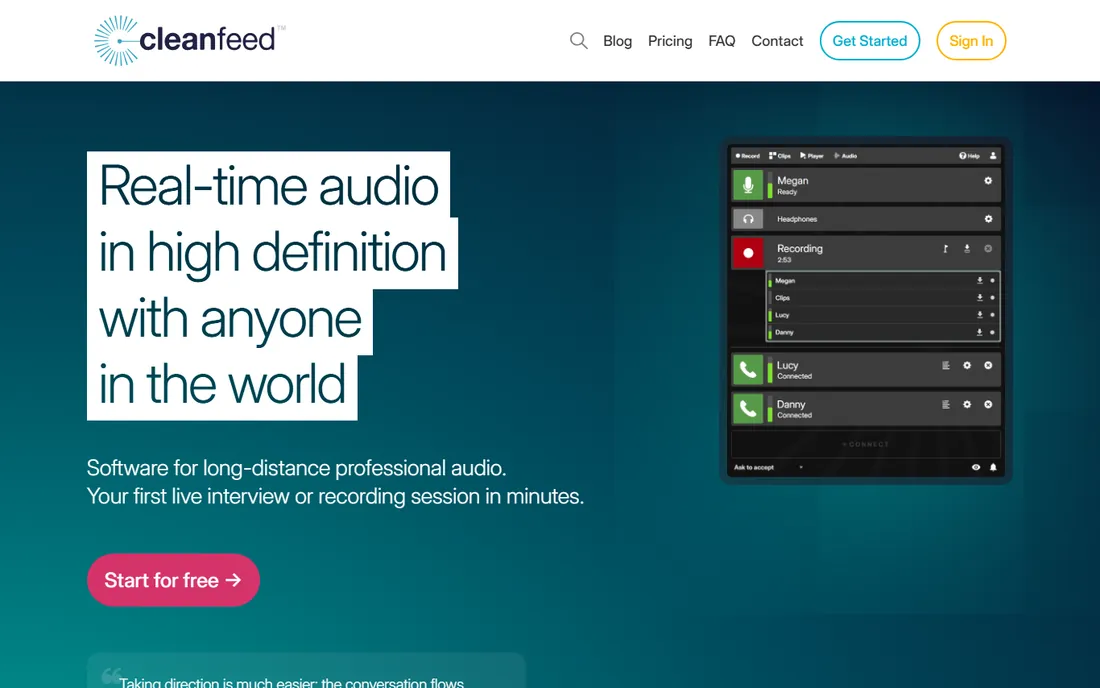
Cleanfeed is the connoisseur's choice for remote audio. Its low-latency, high-definition audio engine was built for broadcasters, and it shows: guests sound like they are in the room, and multitrack routing into tools like Pro Tools is straightforward. A free tier lets beginners test it.
There is no video, so video podcasters should look at Riverside or Zencastr. But if your show is audio-only and guest sound quality is the priority, Cleanfeed's free starting point is unusually generous for pro-grade tech.
What we like- Emmy-winning audio engine with very low latency
- Free tier for getting started
- Trusted by BBC, radio stations and pro podcasters
Watch out for- Audio-focused with no video recording
- The pro features that justify the price target broadcast users
Starting priceSee website
Free planYes
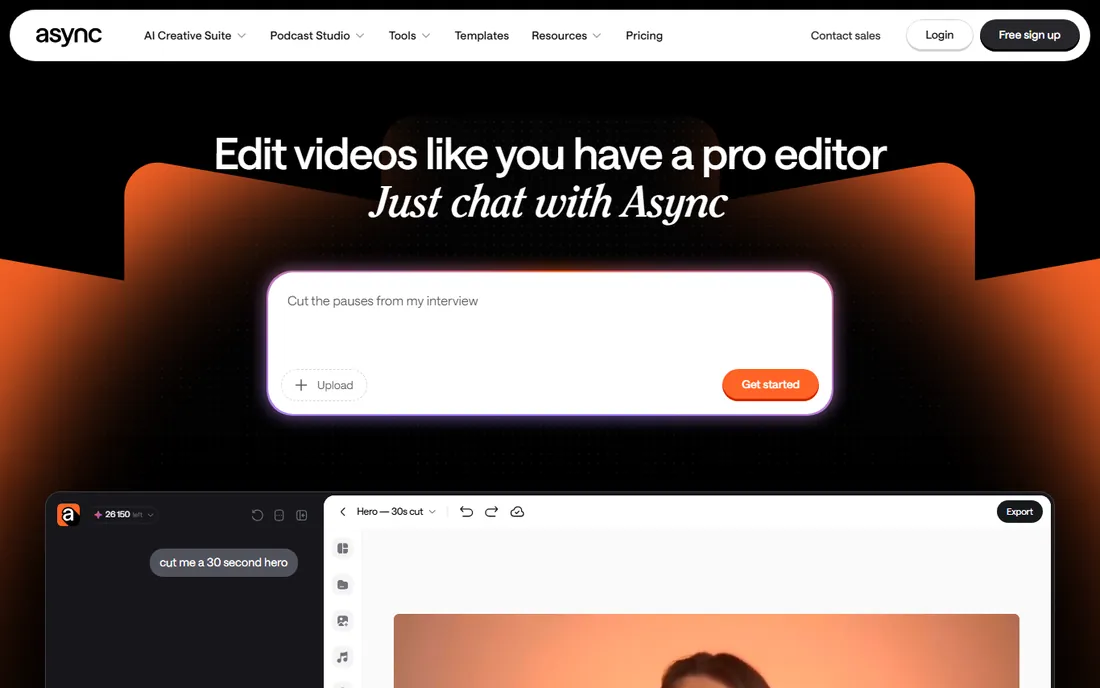
Async is the new name for Podcastle: the company rebranded its AI podcast studio, and podcastle.ai now serves the Async product. The pitch is editing by conversation: tell the AI what to cut, generate clips, add captions and create voiceovers without learning an editor.
For beginners who want maximum assistance, the guided workflow is appealing, and you can start creating free. Treat AI edits as a strong first pass rather than a finished product, and review anything the automation touches before publishing.
What we like- Chat-based AI editing that needs no timeline skills
- Recording, text-to-speech and clip generation in one browser tool
- Free tier to start
Watch out for- The Podcastle-to-Async rebrand is recent, so expect the product to keep evolving
- AI-first workflow suits simple edits more than precise ones
Starting priceSee website
Free planYes
Adobe Podcast brings Adobe's audio AI to the browser. Record yourself or remote guests with separate tracks, then run Enhance Speech to remove noise and echo, which can rescue recordings made on mediocre microphones in untreated rooms. Editing works on the transcript, like Descript.
The free tier is enough to learn the workflow. Heavy users graduate to Premium. Pair it with a separate host for distribution, since Adobe Podcast focuses on recording and enhancement rather than publishing.
What we like- Enhance Speech makes bad recordings sound studio-clean with one click
- Record solo or with remote guests in the browser
- Transcript-based editing
Watch out for- The free tier has usage limits with Premium at $9.99/month
- Fewer publishing and hosting features than all-in-one platforms
Starting priceSee website
Free planFree trial
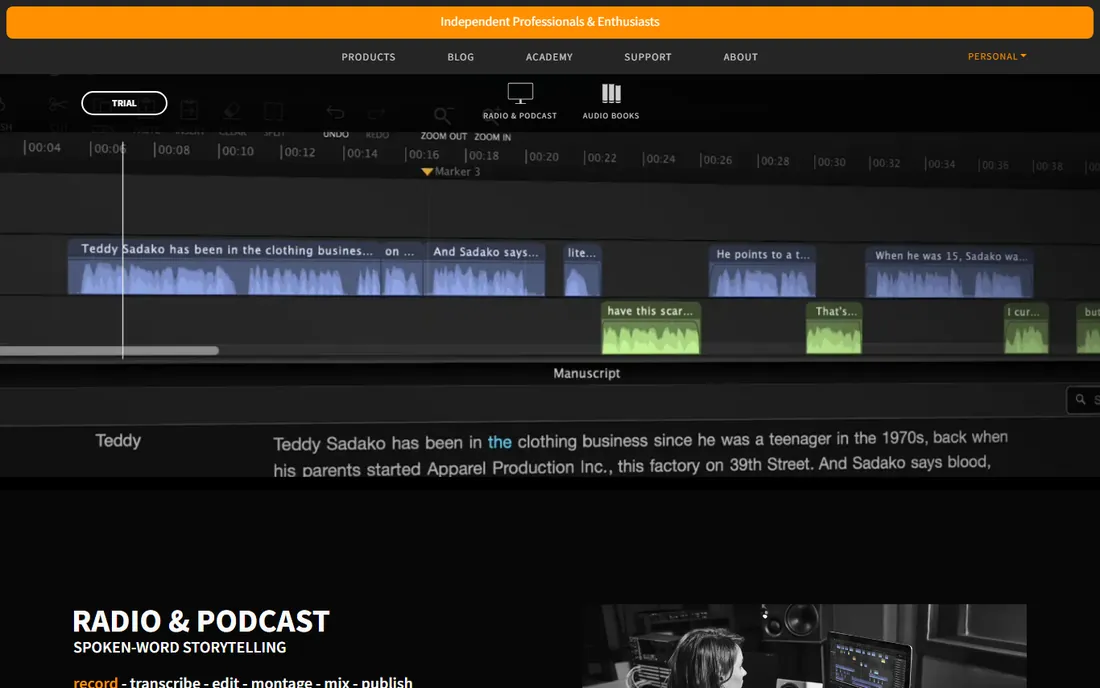
Hindenburg is the editor radio journalists reach for. It automates the technical chores of spoken-word production, like loudness and levels, so you focus on the story, and Hindenburg PRO 2 adds editing by transcript. The trial lets you test the workflow before buying.
Beginners on a budget should start free elsewhere. But if your show is narrative or interview-driven and you want an editor designed for voice from the ground up, Hindenburg is worth the trial.
What we like- Purpose-built for voice rather than music, with automatic levels
- The new PRO version adds transcript-based editing
- Respected in radio and narrative podcasting
Watch out for- Paid software with no free tier beyond the trial
- Overkill for simple solo shows
How we chose
We prioritized tools a genuine beginner can start with: free tiers or trials, gentle learning curves, and workflows that avoid technical jargon. We compared solo versus remote recording capabilities, editing paradigms, audio quality approaches, and pricing transparency, reading vendor homepages, pricing pages, documentation and public reviews on Reddit, G2 and podcasting publications. We did not test the software hands-on.
The fastest way to choose is to answer two questions. First, solo or with guests? Solo podcasters should start with Audacity, GarageBand or Adobe Podcast and spend their energy on the microphone and the room. Remote guests change everything: you need local separate-track recording, which means Riverside, Zencastr or Cleanfeed.
Second, how much editing do you want to do? If the answer is "as little as possible," Alitu or Async automate the most. If you want to learn real editing without pain, Descript or Adobe Podcast teach through transcripts. Only reach for Audacity's waveform or Hindenburg when you are ready to think like an editor. And whatever you pick, record a test episode before buying anything: microphone placement matters more than software.
The beginner recording checklist
Before your first real episode, run through the basics. Wear headphones to prevent echo. Record in the smallest, softest room available; closets beat kitchens. Do a 30-second test recording and listen back on earbuds, since that is how most listeners will hear you. If you have remote guests, send them a one-line setup note: headphones on, quiet room, join from Chrome on a laptop. Save raw recordings before editing, export a backup, and keep file names consistent. These habits improve your show more than any upgrade.
Frequently asked questions
What is the easiest podcast recording software for a complete beginner?
For solo recording, GarageBand on Mac or Audacity anywhere is the simplest free start. For remote guests, Riverside and Zencastr run in the browser with no installs. For editing without learning curves, Descript and Adobe Podcast let you edit a transcript instead of a waveform.
Can I record a podcast for free?
Yes. Audacity and GarageBand are completely free, and Descript, Zencastr, Cleanfeed, Adobe Podcast and Async all offer free tiers. Alitu and Hindenburg offer free trials. You can launch a show without spending anything on software.
Do I need separate software to record remote guests?
Yes, if quality matters. Regular call apps compress audio and mix everyone into one track. Tools like Riverside, Zencastr and Cleanfeed record each person locally on separate tracks, which sounds dramatically better and gives you control in editing.
What microphone should a beginner buy?
This guide covers software, but the short answer is a USB condenser or dynamic microphone from a known audio brand, recorded in a quiet room. A $70 USB mic in a closet outperforms a $300 mic in an echoey kitchen. Fix the room before upgrading the gear.
Should I record video for my podcast too?
Video opens up YouTube and social clips, and tools like Riverside, Zencastr and Async record video alongside audio. But video adds complexity to recording, editing and storage. Start audio-only unless you have a clear plan for the video, then add it once the show is running smoothly.
Sources we checked (10)
- https://riverside.fm
- https://audacityteam.org/
- https://www.apple.com
- https://www.descript.com
- https://zencastr.com/
- https://alitu.com
- https://cleanfeed.net/
- https://podcastle.ai/
- https://podcast.adobe.com
- https://hindenburg.com
Is your product missing or out of date?
We review this list regularly. Vendors can request a listing, send updated pricing or ask about featured placement.

Shihab Mia · Founder, Rankite
Shihab has spent more than a decade helping SaaS and e-commerce brands grow through search. He writes Rankite's software buying guides from pricing pages, documentation and public user reviews. More about Shihab.