How we make this list: we compare pricing pages, product documentation and public user reviews. Ratings come from G2, Capterra or Trustpilot, with the date we checked them.
Key takeaways
- iLovePDF is the best pick for splitting PDFs for free on mobile, with Android and iOS apps and a very simple split page.
- Smallpdf is the most polished online splitter, with no account or install needed and files deleted after one hour.
- Sejda is the pick for splitting by ranges online, with free limits of 200 pages, 50 MB, and 3 tasks an hour.
- PDF2Go suits basic splitting by page or range with editing features, while UPDF suits all-round PDF work on mobile.
- PDF Expert suits Apple users, PDFelement suits cross-platform editing, and Adobe Acrobat suits professional workflows.
- Online splitters upload your file to third-party servers, so avoid sensitive documents and check deletion policies.
Quick comparison
| Tool | Best for | Starting price | Free plan |
|---|
 iLovePDF iLovePDF | Free mobile splitting | Free | Yes |
 Smallpdf Smallpdf | Polished online splitting | $7 per month | Yes |
 Sejda Sejda | Splitting by ranges | $7.50 per month | Yes |
 PDF2Go PDF2Go | Basic splitting and editing | Free | Yes |
 UPDF UPDF | All-round mobile PDF work | Free | Yes |
 PDF Expert PDF Expert | Apple devices | $79.99 per year | Yes |
 PDFelement PDFelement | Cross-platform editing | $79.99 per year | Yes |
 Adobe Acrobat Adobe Acrobat | Professional workflows | See website | No |
Is your product missing or out of date?
We review this list regularly. Vendors can request a listing, send updated pricing or ask about featured placement.
The best pdf splitting apps for mobile
#1iLovePDF
Best for: Free mobile splitting4.6/5 on
G2 (583 reviews, checked Oct 2026)
Visit ilovepdf.com
Starting priceFree
Free planYes
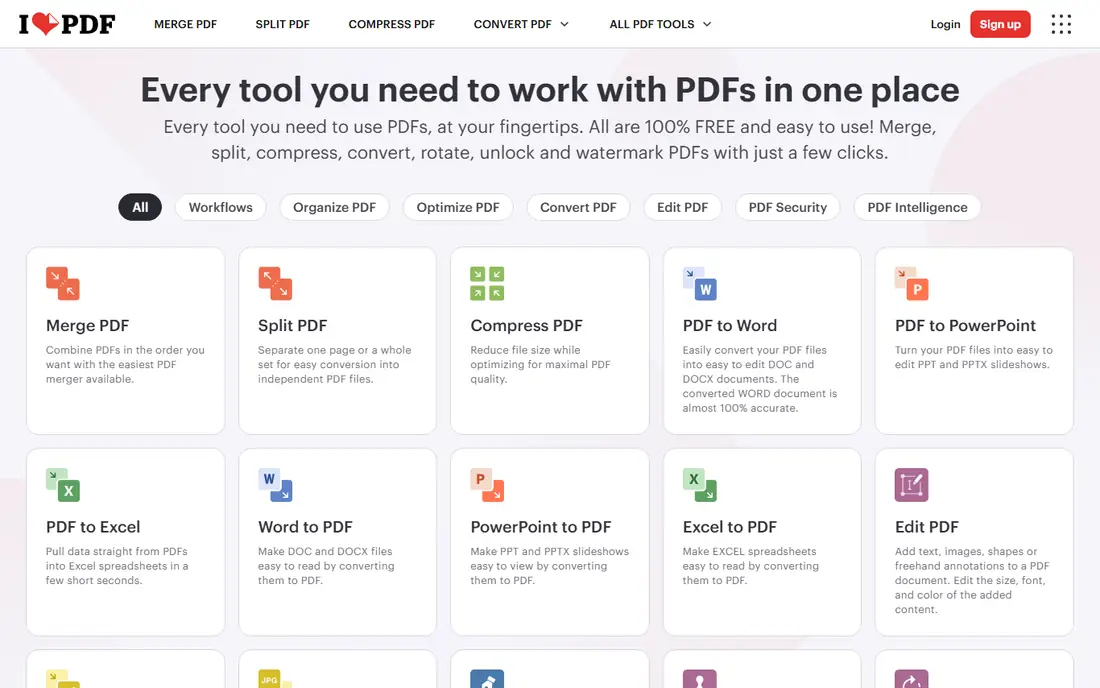
iLovePDF is the best pick for splitting PDF for free, with mobile apps for both Android and iOS that include PDF splitting features for on-the-go use. The split page is as simple as it gets: one button, then separate a page or a whole set into new files. Premium removes the limits, and students and academic staff get a full year of Premium free, which is the best reason to pick it for students.
Free limits are listed without numbers, and files are processed on its servers and deleted within two hours. For free mobile splitting, iLovePDF is clearly the best pick, since its mobile apps cover Android and iOS.
What we like- Best pick for splitting PDF for free
- Mobile apps for Android and iOS
- Very simple split page
Watch out for- Free limits listed without numbers
- File uploaded to servers
- Ads on free page
#2Smallpdf
Best for: Polished online splitting4.5/5 on
G2 (306 reviews, checked Oct 2026)
Visit smallpdf.com
Starting price$7 per month
Free planYes
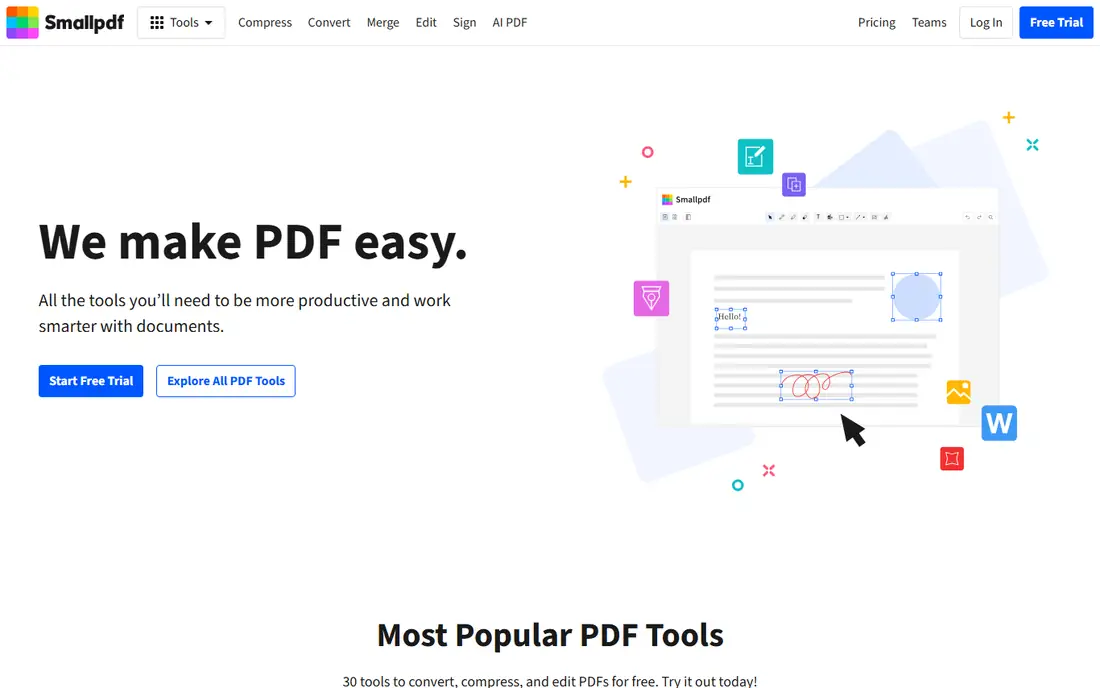
Smallpdf is the most polished online splitter, with a simple drag-and-drop interface, batch splitting, and cloud storage integration. The page is clear about security: TLS encryption, ISO/IEC 27001 certification, and files deleted after one hour. It needs no account or install, and it lets you upload several PDFs, rearrange pages, and split them in one pass.
The free plan limits document downloads, with unlimited downloads on Pro at $7 per month. For polished online splitting, Smallpdf is clearly the best pick, since its interface and security pages lead the category.
What we like- Most polished online splitter
- No account or install needed
- Files deleted after one hour
Watch out for- Free plan limits document downloads
- Uploads to servers
- Starting price $7 per month
#3Sejda
Best for: Splitting by ranges4.5/5 on
G2 (42 reviews, checked Oct 2026)
Visit sejda.com
Starting price$7.50 per month
Free planYes
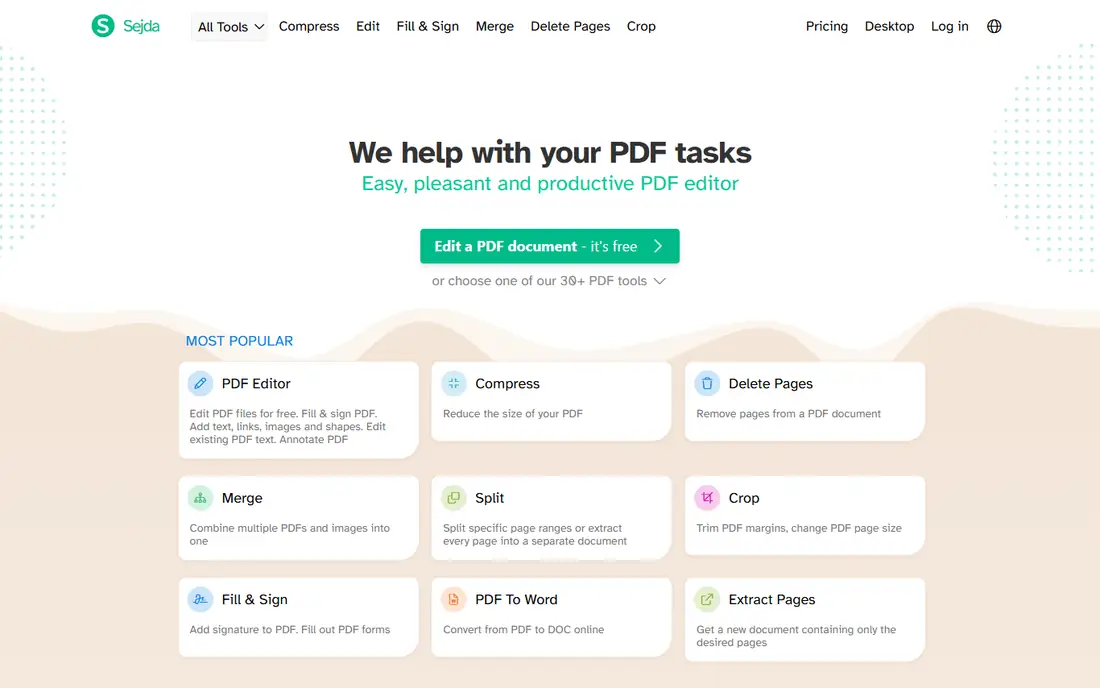
Sejda split page offers ranges, every page, every X pages, or click to split, with no sign-up and files deleted after 2 hours. A one-time $5 week pass covers 7 days, with Web Monthly at $7.50 a month and Desktop plus Web Annual at $63 a year. A desktop version does not upload files, which suits sensitive documents.
Free stops at 200 pages, 50 MB, and 3 tasks an hour, and the web version uploads your file. For splitting by ranges online, Sejda is clearly the best pick, since its range modes cover every common splitting job.
What we like- Ranges, every page, every X pages, or click to split
- No sign-up
- Files deleted after 2 hours
Watch out for- Free stops at 200 pages, 50 MB, and 3 tasks an hour
- Web version uploads your file
- Week pass excludes desktop
#4PDF2Go
Best for: Basic splitting and editing4.8/5 on
G2 (8 reviews, checked Oct 2026)
Visit pdf2go.com
Starting priceFree
Free planYes
PDF2Go allows users to split PDFs by page or range and includes editing features, with a mobile-friendly web version for phones and tablets. The interface suits basic splitting jobs, with page selection and range splitting in a few taps. Free access covers common splitting tasks.
Web uploads mean files go to third-party servers, and free tier limits apply to larger jobs. For basic splitting and editing, PDF2Go is clearly the best pick, since its mobile-friendly web version suits phones.
What we like- Split by page or range
- Editing features included
- Mobile-friendly web version
Watch out for- Web uploads files
- Free tier limits
- Fewer advanced features than Acrobat
#5UPDF
Best for: All-round mobile PDF work4.5/5 on
G2 (506 reviews, checked Oct 2026)
Visit updf.com
Starting priceFree
Free planYes
UPDF supports editing, annotating, and managing PDFs on Windows, Mac, iOS, and Android, with page management to rotate, delete, extract, and rearrange pages. The mobile apps suit users who want splitting plus editing in one app, with a clean interface for beginners. Free tier covers basic page management.
Advanced features sit behind a paid plan, and free tier limits apply to larger files. For all-round mobile PDF work, UPDF is clearly the best pick, since it combines splitting, editing, and annotation in one app.
What we like- Edit, annotate, and manage PDFs
- Page management with rotate, delete, extract, and rearrange
- IOS and Android apps
Watch out for- Advanced features paywalled
- Free tier limits
- Newer brand with fewer reviews
Starting price$79.99 per year
Free planYes
PDF Expert is the best PDF app for iPhone and iPad, with page management, annotation, and editing in a clean Apple design. The app suits Apple users who want splitting plus reading and signing in one app, with iCloud sync across iPhone, iPad, and Mac. Free tier covers basic reading and annotation.
Premium costs $79.99 per year, and the app is Apple only, with no Android version. For Apple devices, PDF Expert is clearly the best pick, since its iCloud sync spans iPhone, iPad, and Mac.
What we like- Best PDF app for iPhone and iPad
- Page management and annotation
- Clean Apple design
Watch out for- Apple only
- Premium costs $79.99 per year
- Free tier limited
Starting price$79.99 per year
Free planYes
PDFelement offers split, merge, and edit tools on mobile, with cross-platform apps for iOS, Android, Windows, and Mac. The app suits users who need splitting plus form filling and OCR on paid plans, with page management for organizing documents. Free tier covers basic splitting and viewing.
Premium costs $79.99 per year, and free tier watermarks some outputs. For cross-platform editing, PDFelement is clearly the best pick, since its apps cover iOS, Android, Windows, and Mac.
What we like- Split, merge, and edit on mobile
- Cross-platform apps
- Form and OCR features on paid plans
Watch out for- Premium costs $79.99 per year
- Free tier watermarks some outputs
- Interface busy
#8Adobe Acrobat
Best for: Professional workflows4.7/5 on
Capterra (4,264 reviews, checked Oct 2026)
Visit adobe.com
Starting priceSee website
Free planNo
Adobe Acrobat offers highly featured splitting options with reliable customer support and professional standard output. The mobile app suits business and professional users who need splitting plus signing, forms, and compliance features in one tool. Acrobat is the industry standard for PDF workflows.
Splitting is paid only, and the mobile interface is average compared with iLovePDF or Smallpdf. For professional workflows, Adobe Acrobat is clearly the best pick, since it is the industry standard for PDF work.
What we like- Most featured splitting options
- Reliable customer support
- Professional standard
Watch out for- Paid only for splitting
- Interface average for mobile
- Subscription cost highest
How we chose
We compared free tier usefulness, splitting modes, mobile app quality, privacy and deletion policies, and pricing. We also weighed output quality, since a splitter that corrupts fonts or images in the new files fails even if its interface is polished. We favored apps with clear free limits, like Sejda, and noted where free limits are vague, like iLovePDF. We weighed privacy heavily, since online splitters upload files, and favored tools with short deletion windows or desktop options. We did not test any app hands-on, and prices come from vendor and comparison sources verified in October 2026.
Buying guide: what to check before you pick
Start with your splitting job: ranges suit Sejda, single pages suit iLovePDF, and batch jobs suit Smallpdf. Count your pages first, since a 250-page file exceeds Sejda free limits and needs a paid pass or a desktop tool instead. Check free limits before starting, since Sejda stops at 200 pages, 50 MB, and 3 tasks an hour, while Smallpdf limits free downloads. Split large jobs across hours or upgrade to a week pass, rather than starting a job that stalls halfway. Check privacy before uploading: use reputable services with clear policies, avoid sensitive documents on web splitters, and prefer desktop apps or apps that process locally for confidential files. When in doubt, split sensitive files offline, since no deletion promise beats never uploading at all. Check mobile app availability, since some tools are web-only and need a browser, while iLovePDF, UPDF, and PDF Expert offer true mobile apps. Test the app with a small file first, since mobile browsers can stall on large uploads over weak connections. Finally, check student discounts, since iLovePDF offers a full year of Premium free for students and academic staff. Keep your student email proof ready, since verification is usually required before the free year starts for new accounts, and set a calendar reminder before renewal to avoid surprise charges later in the year after graduation or job changes at school each term every year without fail ever again today promptly indeed.
Frequently asked questions
What is the best free PDF splitter for mobile?
iLovePDF is the best pick for splitting PDF for free on mobile, with Android and iOS apps. Sejda and Smallpdf are strong free web options with clear limits.
Can I split PDFs without uploading them?
Yes, desktop versions like Sejda desktop and mobile apps that process locally avoid uploads. Web splitters upload your file, so check deletion policies before use.
How do I split a PDF by page range?
Open the splitter, upload or open the PDF, select pages or enter a range, and download the new files. Sejda supports ranges, every page, every X pages, and click-to-split modes.
Are online PDF splitters safe for sensitive documents?
Online splitters upload files to third-party servers, so avoid sensitive documents and use reputable services with clear privacy policies. Smallpdf deletes files after one hour, while iLovePDF and Sejda delete after two hours, per their own pages today, though policies can change without notice at any time for any user worldwide in any country today or tomorrow morning either way always now indeed.
Do I need to pay to split PDFs on mobile?
No, iLovePDF, Sejda, Smallpdf, PDF2Go, and UPDF all offer free splitting, with limits on pages, file size, or downloads. Paid plans remove limits and add features.
Sources we checked (0)
Is your product missing or out of date?
We review this list regularly. Vendors can request a listing, send updated pricing or ask about featured placement.

Shihab Mia · Founder, Rankite
Shihab has 5+ years in B2B and SaaS SEO. He writes Rankite's software buying guides from pricing pages, documentation and public user reviews. More about Shihab.