How we make this list: we compare pricing pages, product documentation and public user reviews. Ratings come from G2, Capterra or Trustpilot, with the date we checked them.
Key takeaways
- Gusto and OnPay offer the clearest published pricing for small teams, both starting at $49 per month plus $6 per person on their entry plans.
- ADP and Paychex suit larger or more complex payrolls, but you will need a quote to compare them fairly against published-price rivals.
- Rippling and Deel make more sense when payroll sits inside a wider HR, IT, or global hiring system, not when payroll is your only need.
- Full-service tax filing, direct deposit timing, and multi-state support matter more than a low base fee, because add-ons change the monthly total.
Quick comparison
| Tool | Best for | Starting price | Free plan |
|---|
 Gusto Gusto | Small teams wanting payroll and benefits together | $49 per month plus $6 per person | Free trial |
 OnPay OnPay | One plan with all features included | $49 per month plus $6 per person | Free trial |
 Paychex Flex Paychex Flex | Midsize teams wanting a named specialist | See website | Free trial |
 ADP RUN ADP RUN | Growing companies that expect to scale past 50 staff | See website | Free trial |
 Rippling Rippling | Payroll joined to HR and IT | $8 per employee per month | Free trial |
 QuickBooks Payroll QuickBooks Payroll | Teams already using QuickBooks accounting | See website | Free trial |
 Square Payroll Square Payroll | Hourly teams already using Square | $35 per month plus $6 per person | Free trial |
 SurePayroll SurePayroll | Very small payrolls and household employers | See website | Free trial |
 Deel Deel | Global teams and contractors | $29 per employee per month | Free trial |
Is your product missing or out of date?
We review this list regularly. Vendors can request a listing, send updated pricing or ask about featured placement.
The best payroll companies
#1Gusto
Best for: Small teams wanting payroll and benefits together4.6/5 on
G2 (13,355 reviews, checked Oct 2026)
Visit gusto.com
Starting price$49 per month plus $6 per person
Free planFree trial
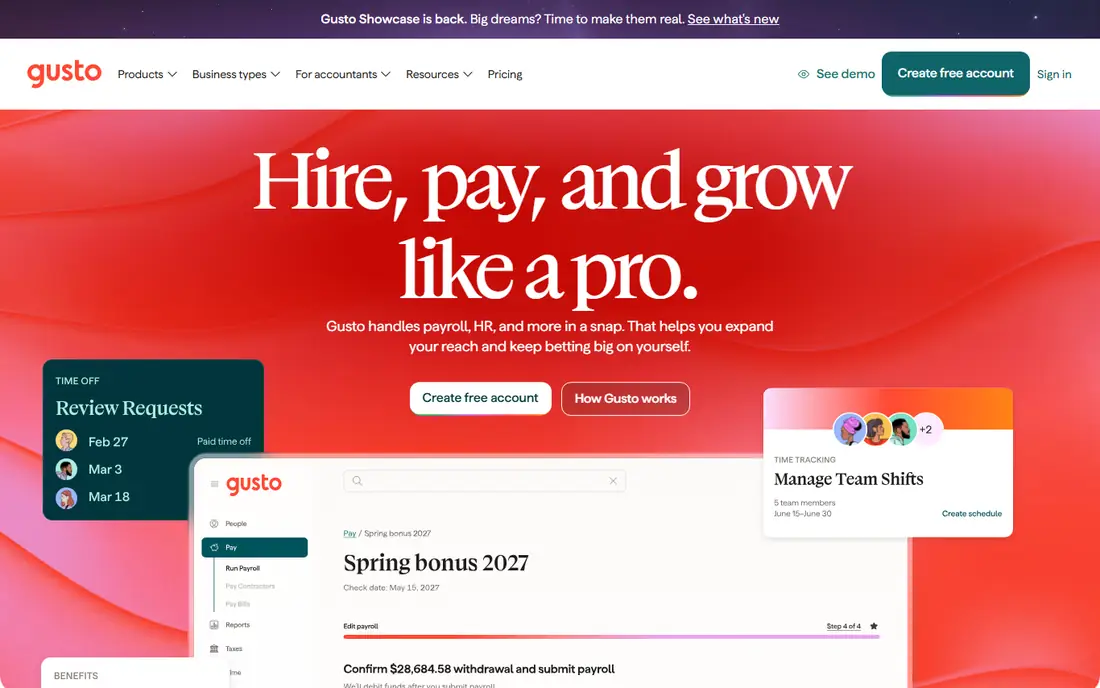
Gusto is the default shortlist pick for many US small businesses, and the reason is clarity. You can see the entry price online, run payroll in a guided flow, and let Gusto file taxes and send W-2s and 1099s without hiring a separate payroll specialist. Benefits, workers compensation, and onboarding sit in the same account, which reduces the number of systems a small team must manage.
The limits appear as a company grows more complex. Lower tiers do not include a dedicated specialist, so support comes through general channels. Benefits options also vary by state, so a team spread across several states should confirm coverage before committing. For a team of under 50 people with standard payroll needs, Gusto balances price, ease of use, and filing coverage well.
What we like- Clear published pricing
- Automatic federal, state, and local tax filing
- Benefits and onboarding in the same system
Watch out for- No dedicated payroll specialist on lower tiers
- Benefits availability varies by state
#2OnPay
Best for: One plan with all features included4.8/5 on
G2 (407 reviews, checked Oct 2026)
Visit onpay.com
Starting price$49 per month plus $6 per person
Free planFree trial
OnPay takes the opposite approach to tiered rivals: one plan, one price, and every feature included. Multi-state payroll, benefits administration, HR tools, and unlimited pay runs come standard, so you do not discover later that a needed feature sits two tiers higher. That simplicity appeals to owners who want to budget payroll once and move on.
Two trade-offs deserve attention. OnPay does not offer same-day direct deposit, which matters for teams that run payroll close to payday. Its mobile experience is also browser based rather than a full native app, though most payroll work still happens on a desktop. If your priority is predictable pricing and multi-state coverage without tier games, OnPay is a strong Gusto alternative.
What we like- Single plan with multi-state payroll and HR tools included
- No tier guessing
- Unlimited pay runs
Watch out for- No same-day direct deposit
- Mobile experience is mainly browser based
#3Paychex Flex
Best for: Midsize teams wanting a named specialist4.1/5 on
G2 (1,748 reviews, checked Oct 2026)
Visit paychex.com
Starting priceSee website
Free planFree trial
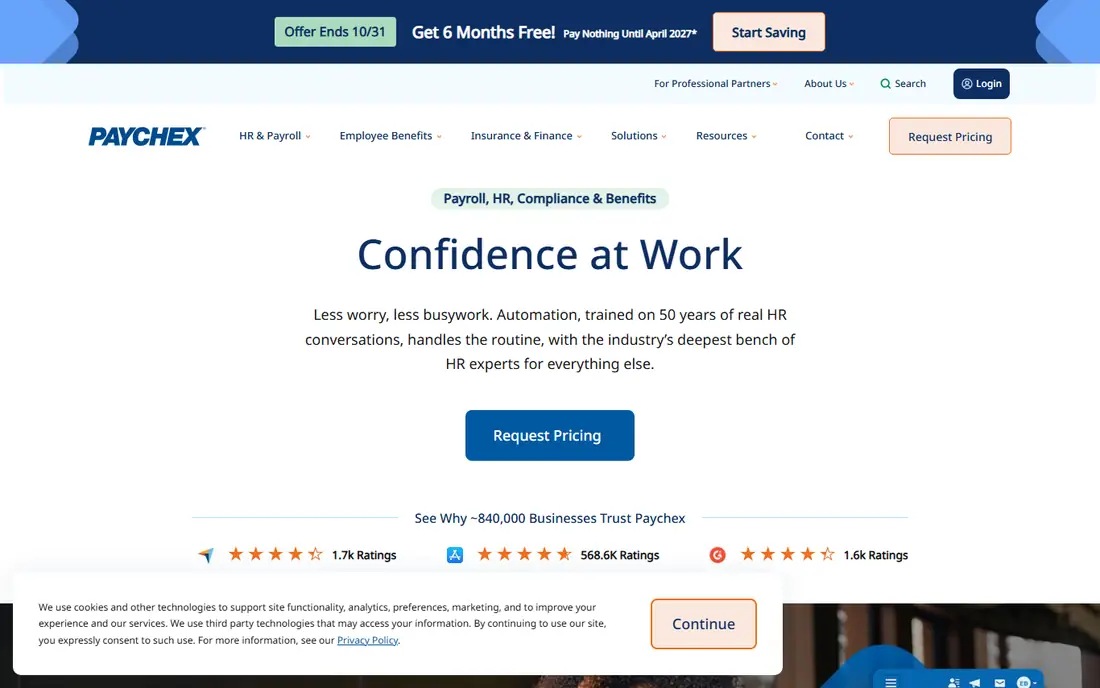
Paychex Flex serves teams that want a person, not just a portal, behind their payroll. Many plans include a named payroll specialist, which helps when a tax notice arrives or a multi-state filing gets complicated. The platform also scales into HR services, time tracking, and benefits, so a growing company can add modules without switching vendors.
The main drawback is price transparency. Paychex quotes by company size and needs, so you cannot compare it directly online against Gusto or OnPay without a sales conversation. Add-ons also stack up, so ask for an all-in written quote for your headcount, states, and pay frequency before you decide. For teams that value specialist support over self-service pricing, that extra step is worth it.
What we like- Dedicated payroll specialist on many plans
- Broad HR add-ons
- Long history with midsize employers
Watch out for- Pricing requires a quote
- Add-ons can raise the monthly total quickly
#4ADP RUN
Best for: Growing companies that expect to scale past 50 staff4.7/5 on
G2 (6,546 reviews, checked Oct 2026)
Visit adp.com
Starting priceSee website
Free planFree trial
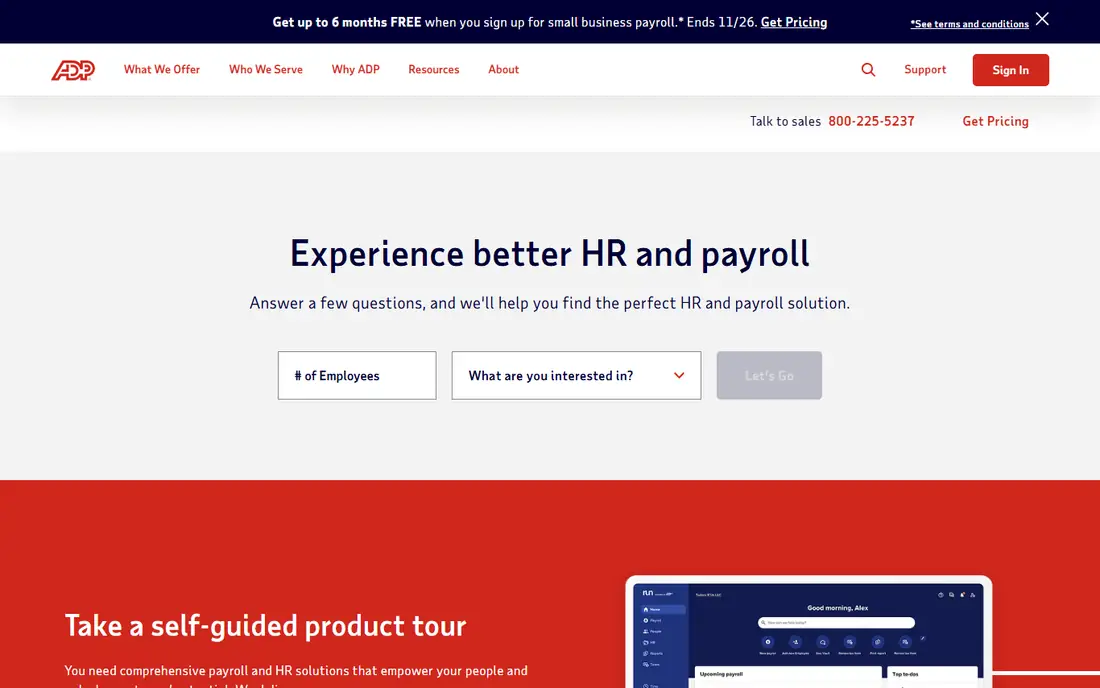
ADP RUN is built for companies that plan to grow. A business that starts with a handful of staff can stay with ADP as it passes 50 employees and moves into enterprise-grade HR, without migrating payroll history to a new vendor. Compliance coverage across states, reporting depth, and integrations with accounting and time systems are all strengths.
Small teams may find the experience heavier than they need. Pricing is quote only, and the bundle structure takes time to understand. If you run payroll in one state with five employees and no growth plans, a published-price rival will be simpler and cheaper to compare. If growth past 50 staff is likely, ADP's upgrade path is a real advantage.
What we like- Scales from small business to enterprise
- Strong compliance coverage
- Wide integrations
Watch out for- Quote-only pricing
- Entry bundles can feel complex for very small teams
#5Rippling
Best for: Payroll joined to HR and IT4.8/5 on
G2 (13,464 reviews, checked Oct 2026)
Visit rippling.com
Starting price$8 per employee per month
Free planFree trial
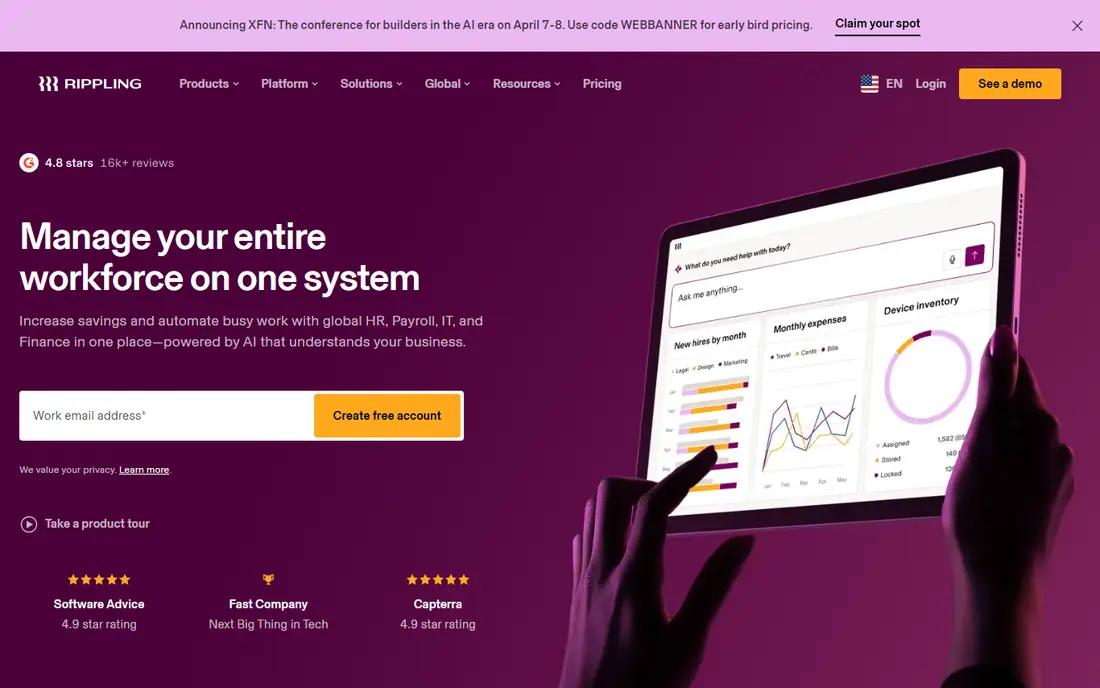
Rippling stands out when payroll is part of a wider system. Hiring, device setup, app access, and payroll can flow from one employee record, which reduces duplicate data entry as a team grows. Automation and custom workflows also help larger teams enforce approvals and keep records consistent across departments.
Pricing is modular, starting at $8 per employee per month for payroll, with other modules adding cost. That model rewards teams that use several modules and penalizes teams that need payroll alone, because the headline rate is not the full bill. Get a written total for every module you plan to use, and compare it against a payroll-only provider before you commit.
What we like- Payroll, HR, IT, and finance in one system
- Modular pricing
- Strong automation and workflows
Watch out for- Modular pricing means the total depends on add-ons
- Smaller teams may pay for breadth they do not use
Starting priceSee website
Free planFree trial
QuickBooks Payroll makes the most sense for a team that already runs its books in QuickBooks. Payroll entries flow into accounting without manual imports, and an accountant who knows QuickBooks can review both systems in one place. Automatic tax filing and direct deposit cover the standard payroll tasks, and the interface will feel familiar to existing QuickBooks users.
The case weakens if you do not use QuickBooks accounting. You would then pay for an accounting link you do not need, and a payroll-only provider may offer a cleaner setup. Pricing also varies by plan and by current promotion, so confirm the ongoing rate after any introductory discount ends. For QuickBooks shops, though, the integration often outweighs a slightly higher headline price.
What we like- Tight integration with QuickBooks accounting
- Automatic tax filing
- Familiar interface for accountants
Watch out for- Best value only if you already use QuickBooks
- Pricing varies by plan and promotion
#7Square Payroll
Best for: Hourly teams already using Square4.2/5 on
G2 (31 reviews, checked Oct 2026)
Visit squareup.com
Starting price$35 per month plus $6 per person
Free planFree trial
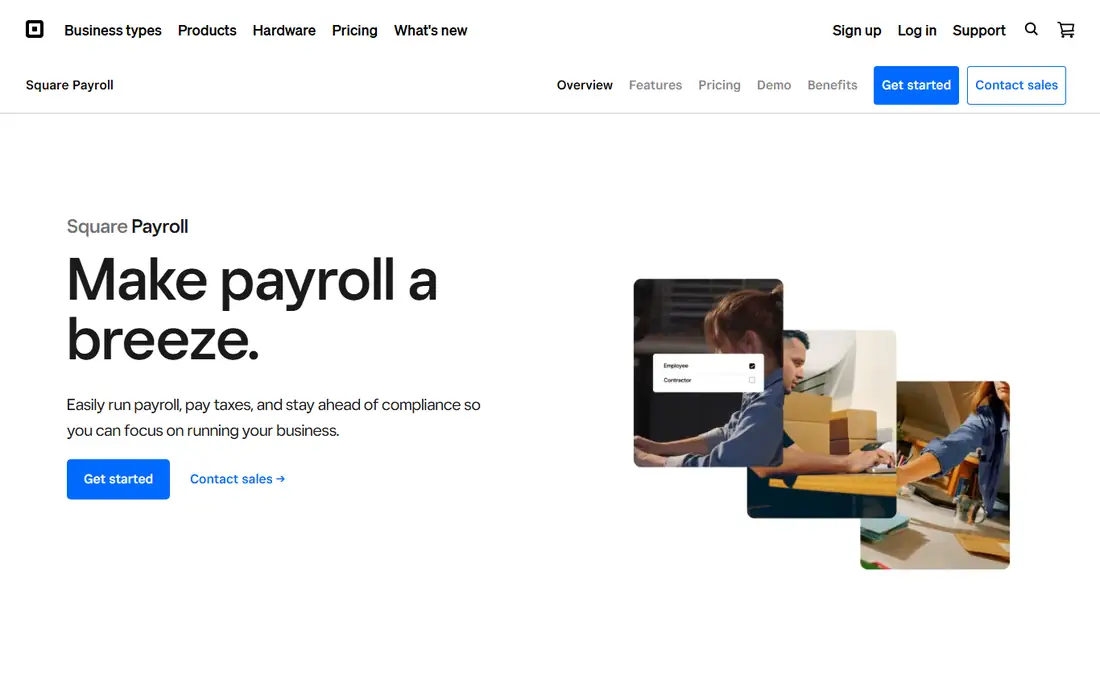
Square Payroll fits retail, restaurant, and hospitality teams that already take payments through Square. Hours from Square point of sale and time tracking can flow into payroll, which reduces manual entry for shift workers. The base fee of $35 per month plus $6 per person is also among the lowest published rates for a full-service option.
HR depth is the trade-off. Square Payroll covers payroll, taxes, and basic benefits, but it does not match the HR suites from Gusto, Paychex, or Rippling. Teams that need performance reviews, extensive onboarding workflows, or complex benefits administration should look elsewhere. For an hourly team that values a low base fee and Square integration, it is a practical pick.
What we like- Low base fee
- Strong fit for hourly and shift workers
- Connects to Square point of sale
Watch out for- Fewer HR features than Gusto or Rippling
- Benefits options are more limited
#8SurePayroll
Best for: Very small payrolls and household employers4.3/5 on
G2 (538 reviews, checked Oct 2026)
Visit surepayroll.com
Starting priceSee website
Free planFree trial

SurePayroll targets the smallest end of the market, including businesses with one or a few employees and household employers paying a nanny or caregiver. Setup stays simple, payroll runs online, and tax filing is included on standard plans. That focus keeps the product from feeling bloated for a two-person payroll.
Advanced HR features are thinner here than on larger platforms, so a company that needs onboarding workflows, performance tools, or benefits administration will outgrow SurePayroll sooner. Pricing also changes by plan and promotion, so confirm the current rate for your headcount before you compare it against Square or Gusto. For a tiny, straightforward payroll, simplicity is the selling point.
What we like- Simple setup for tiny payrolls
- Household employer support
- Online payroll and tax filing
Watch out for- Fewer advanced HR tools
- Pricing and plan details require checking the current page
#9Deel
Best for: Global teams and contractors4.7/5 on
G2 (6,959 reviews, checked Oct 2026)
Visit deel.com
Starting price$29 per employee per month
Free planFree trial
Deel closes the list for a different buyer: a US company hiring abroad. Its global payroll service starts at $29 per employee per month, and its employer-of-record service lets you employ staff in countries where you have no local entity. Contractor payments, local compliance, and benefits in many countries sit in the same platform, which is hard to replicate with a US-only payroll provider.
For a team that only pays US staff, Deel adds complexity and cost without benefit. Global pricing also varies by country, worker type, and service, so the headline rate is a starting point, not a final quote. If your next hire is in another country, Deel belongs on the shortlist. If every employee sits in the US, a domestic provider will serve you better.
What we like- Global payroll and employer-of-record services
- Contractor payments in many countries
- Compliance support abroad
Watch out for- Overkill for a US-only team
- Global pricing varies by country and worker type
How we chose
We compared providers that offer full-service US payroll today, using vendor pricing pages, product documentation, and public reviews on G2, Capterra, and Reddit. We favored providers with automatic tax filing, direct deposit, multi-state support, and a clear path for small teams to grow. Where a vendor prices by quote, we wrote "See website" rather than repeating a third-party estimate, because quote-only totals depend on headcount, states, and add-ons.
What to compare beyond the base fee
A low base fee can hide a higher monthly total once per-person charges, add-ons, and year-end forms are included. Ask each vendor for an all-in monthly figure for your exact headcount, pay frequency, and states, and ask what happens to that figure when you add an employee mid-year. That single number makes published-price and quote-only providers comparable.
Tax filing, pay timing, and state coverage
Full-service filing should cover federal, state, and local taxes, plus W-2s and 1099s at year end, without a separate filing fee for each form. Check direct deposit timing too, since same-day, next-day, and two-day deposit options affect when you must run payroll. Multi-state teams should confirm that every state where staff live or work is covered on the plan they buy, not only on a higher tier.
Benefits, integrations, and support
Benefits administration, time tracking, and accounting integrations can save more time than a $10 monthly price difference. Confirm whether benefits are included or added, whether your accounting system connects without manual imports, and whether support includes a named specialist or only general help. A provider that fits your accounting and HR stack will cost less in staff time, even if its headline price is higher.
Contracts and switching costs
Most modern payroll providers bill month to month, but some enterprise bundles include longer terms or implementation fees. Ask about contract length, implementation charges, and how payroll history transfers if you leave. A short trial or a first payroll run with a small group can reveal setup friction before you move an entire company.
Frequently asked questions
What payroll company is the best for a small business?
For most small US teams, Gusto or OnPay offer the best balance of published pricing, automatic tax filing, and ease of use. Square Payroll suits hourly teams already using Square, while Paychex and ADP suit teams that want specialist support or a path to enterprise scale.
How much does payroll software cost per month?
A small team typically pays a base fee of $35 to $49 per month plus $5 to $8 per person per month on published-price plans. Quote-only providers vary more, and add-ons for benefits, time tracking, or HR can raise the total. Always ask for an all-in figure for your headcount.
Does payroll software file taxes for you?
Full-service providers file federal, state, and local payroll taxes and handle year-end W-2s and 1099s. Confirm that filing is included on the plan you buy, and ask whether the provider covers penalties if a filing error is its fault.
Can I switch payroll providers mid-year?
Yes, but timing matters. Switching at a quarter or year boundary is simplest, because tax filings and wage history transfer more cleanly. Ask the new provider about migration support and confirm that prior payroll data will import before you cancel the old service.
Is ADP or Paychex better for a growing company?
Both scale well, and the better choice depends on your quote and support needs. ADP offers a clear upgrade path from small business to enterprise, while Paychex emphasizes a named payroll specialist. Compare written quotes for the same headcount, states, and services before deciding.
Do I need payroll software if I have only contractors?
Contractor-only teams can often use a simpler payment tool, but payroll software still helps with 1099 filing, payment records, and compliance. If you also have employees, full-service payroll becomes much more valuable, because employee tax withholding and filings are more complex.
Sources we checked (9)
- https://gusto.com
- https://www.onpay.com
- https://www.paychex.com
- https://www.adp.com
- https://www.rippling.com
- https://quickbooks.intuit.com/payroll/
- https://squareup.com/us/en/payroll
- https://www.surepayroll.com
- https://www.deel.com
Is your product missing or out of date?
We review this list regularly. Vendors can request a listing, send updated pricing or ask about featured placement.

Shihab Mia · Founder, Rankite
Shihab has 5+ years in B2B and SaaS SEO. He writes Rankite's software buying guides from pricing pages, documentation and public user reviews. More about Shihab.