How we make this list: we compare pricing pages, product documentation and public user reviews. Rankite is independent; if a vendor ever pays for a featured spot, that listing is clearly labeled Partner.
Key takeaways
- 1Password is the most polished all-rounder for individuals, families and teams, with travel mode and excellent apps on every platform.
- Bitwarden is the best free password vault software: unlimited passwords and devices on the free tier, open source, and a premium plan that costs very little.
- Proton Pass is the pick if you already live in the Proton ecosystem and want your vault under the same privacy roof as your email and VPN.
- For businesses, Keeper and Dashlane lead on admin controls, compliance reporting and employee onboarding features.
Quick comparison
| Tool | Best for | Starting price | Free plan |
|---|
 1Password 1Password | polished all-rounder for people and teams | See website | Free trial |
 Bitwarden Bitwarden | best free and open-source vault | See website | Yes |
 Dashlane Dashlane | all-in-one with VPN and monitoring | See website | See website |
 Keeper Keeper | business compliance and admin control | See website | See website |
 NordPass NordPass | simple vault for Nord ecosystem users | See website | Yes |
 RoboForm RoboForm | budget-friendly form filling | See website | Yes |
 Enpass Enpass | offline-first with one-time purchase option | See website | Yes |
 Proton Pass Proton Pass | privacy-first vault in the Proton ecosystem | See website | Yes |
Is your product missing or out of date?
We review this list regularly. Vendors can request a listing, send updated pricing or ask about featured placement.
Eight password vaults compared
Starting priceSee website
Free planFree trial
1Password has been the reference password manager for over a decade, and it shows in the details. Apps are native and fast on Mac, Windows, iOS and Android, the browser extension fills logins reliably even on fussy sites, and features like Watchtower (which flags weak, reused or breached passwords), masked email aliases and document storage go beyond passwords into a full digital vault. Setup takes minutes: install, import from your browser, and the extension starts offering to save logins immediately.
The standout extras are travel mode, which removes designated vaults from your devices when you cross borders, and genuinely good family and business tiers with shared vaults and permission controls. There is no free plan, only a trial, so this is a paid commitment from day one. For individuals who want the smoothest experience and teams that need sharing without friction, it remains the default recommendation.
What we like- Best-in-class apps and browser extension
- Travel mode hides sensitive vaults at borders
- Great family and team plans
Watch out for- No free tier
- Subscription only
- Can feel pricey for solo users who need little
Starting priceSee website
Free planYes
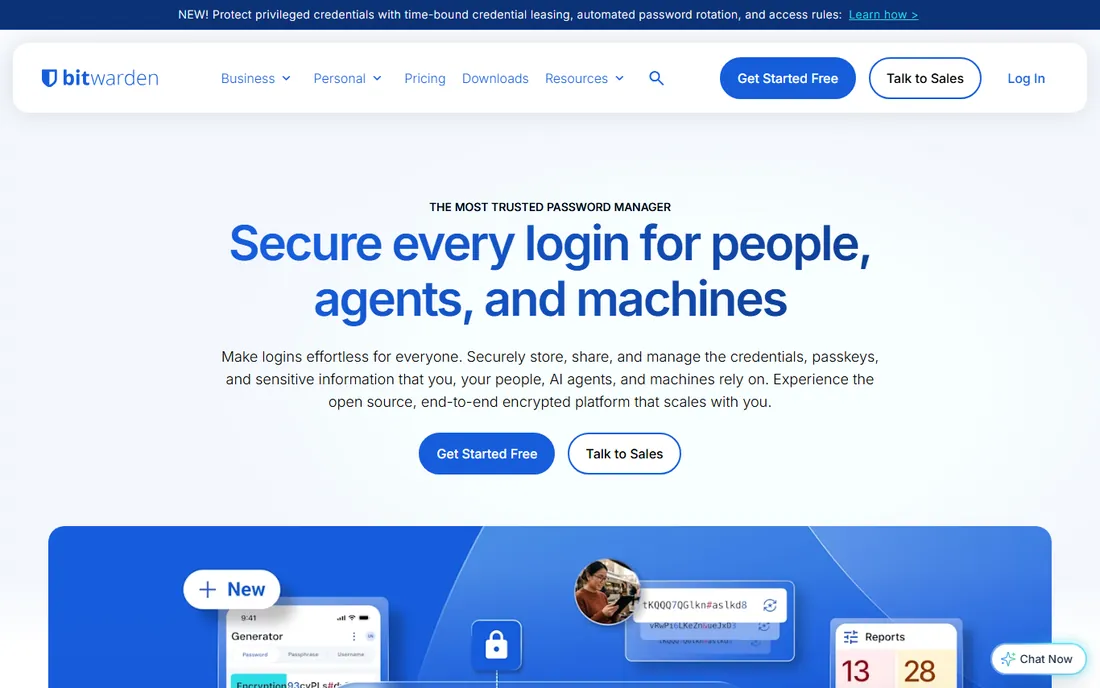
Bitwarden is the rare product that is both the best free option and a genuinely great paid one. The free tier includes unlimited passwords across unlimited devices, secure sharing between two users, a built-in authenticator for two-factor codes and passkey support. No other free vault comes close to that package. Being open source, its code and cryptography are publicly inspectable, and it undergoes regular third-party security audits.
The premium tier adds encrypted file storage, emergency access, advanced two-factor options and priority support for a small annual fee. Self-hosting is possible for the technically inclined, and business plans cover teams with directory integration and event logs. The interface will not win design awards, and first-time setup involves a master password lecture you should take seriously, but on value alone nothing else in this list competes.
What we like- Free tier covers unlimited passwords and devices
- Open source and independently audited
- Premium is very cheap
Watch out for- Interface is functional rather than beautiful
- Setup asks slightly more of beginners
- Some advanced features need premium
Starting priceSee website
Free planSee website
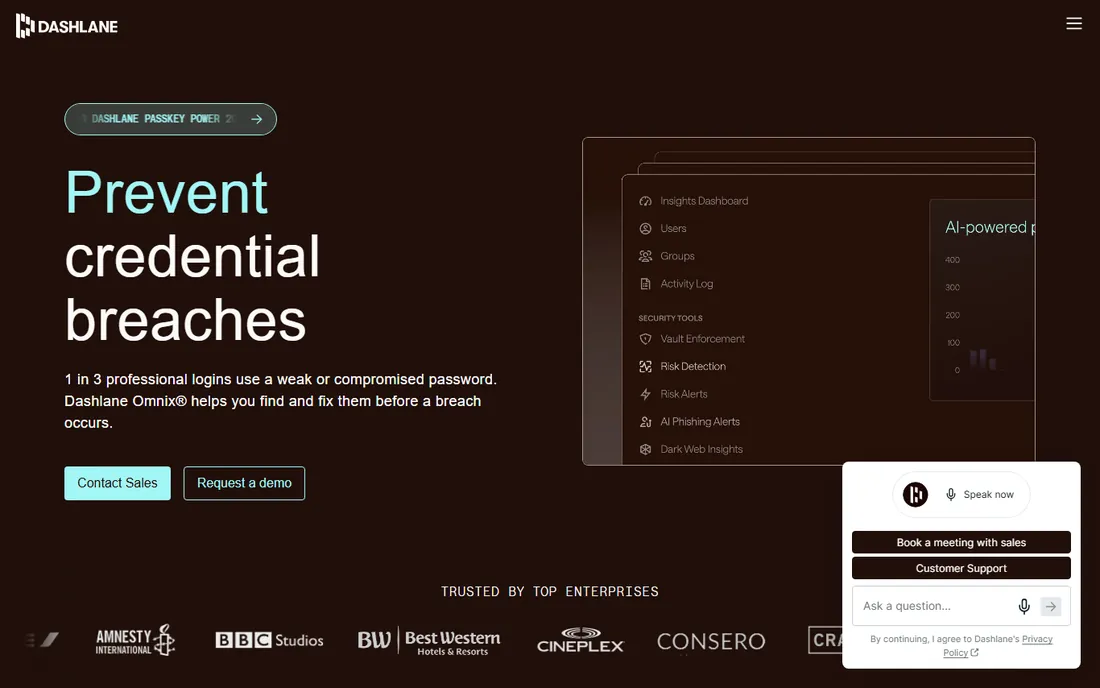
Dashlane positions itself as more than a vault: paid plans bundle a VPN, dark web monitoring that alerts you when your credentials appear in breaches, and secure WiFi protection. The password changer can rotate passwords on supported sites with one click, which is a genuinely useful feature nobody else does as well. Business tiers add a polished admin console, smart spaces that separate work and personal vaults, and onboarding tools for IT teams.
The catch is the entry point. Dashlane's free offering has shrunk over the years to something you outgrow fast, pushing most people to paid plans that cost more than Bitwarden or NordPass. If you will actually use the VPN and monitoring bundle, the math works. If you just need passwords stored and filled, simpler and cheaper tools do that job.
What we like- Bundles VPN and dark web monitoring
- Strong business admin console
- Active password changer on supported sites
Watch out for- Free offering is very limited
- Historically pricier than rivals
- Past interface overhauls annoyed long-time users
Starting priceSee website
Free planSee website
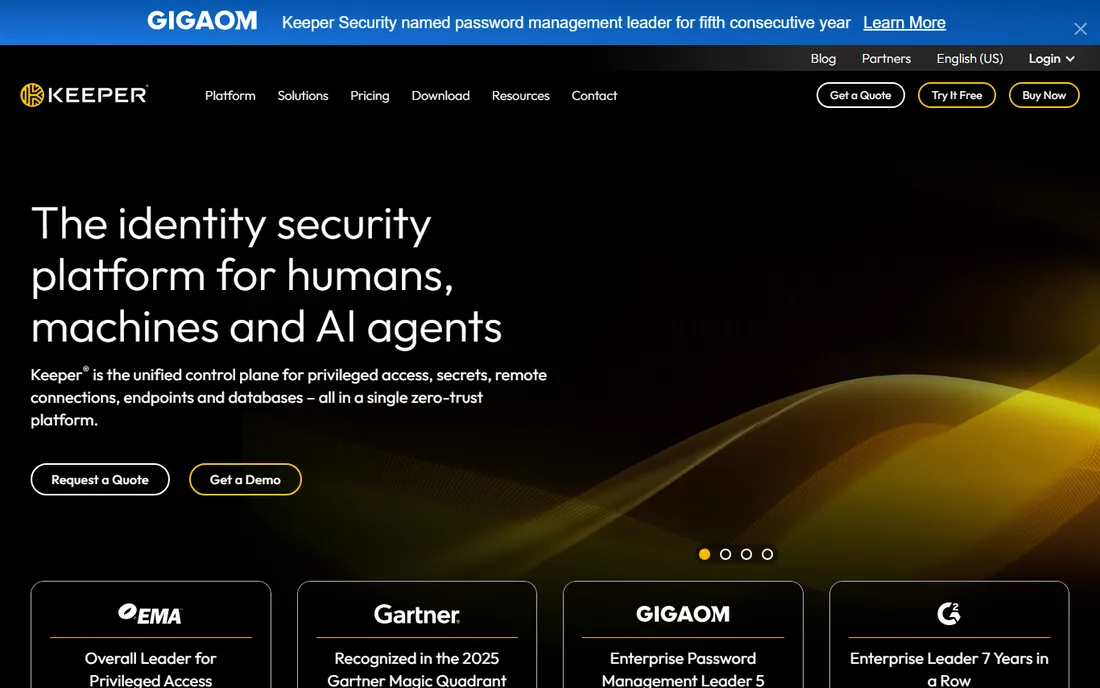
Keeper built its reputation in the enterprise, and it shows. The business platform offers role-based permissions, detailed event logging, compliance reporting for frameworks like SOC 2 and HIPAA, Active Directory and SSO integration, and secure file storage alongside passwords. BreachWatch scans the dark web for compromised credentials, and KeeperChat adds encrypted messaging for teams that want it.
For personal and family use, Keeper is competent but less delightful than 1Password or Bitwarden: the apps work well but feel built for IT departments first. Pricing for individuals and families is straightforward; larger business deployments go through sales for quotes. Choose Keeper when compliance checkboxes and admin oversight matter more than consumer polish.
What we like- Deep enterprise controls and compliance certifications
- Encrypted messaging and file storage
- BreachWatch monitoring
Watch out for- Consumer experience lags the polish of 1Password
- Pricing is quote-driven for larger teams
- Interface can feel corporate
Starting priceSee website
Free planYes
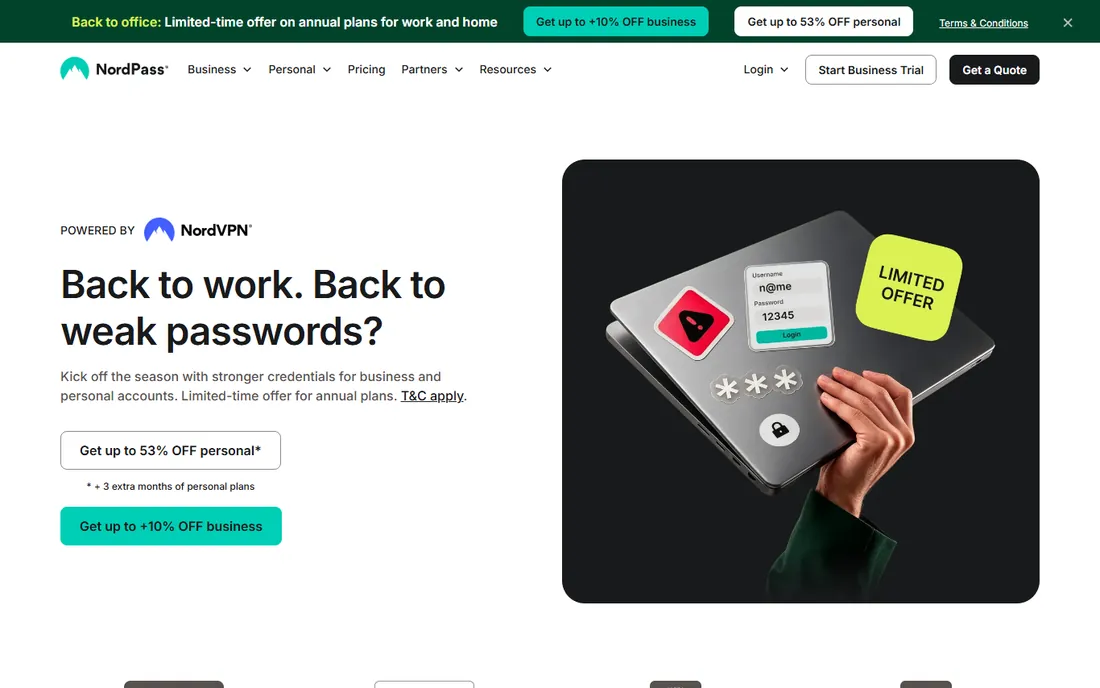
NordPass comes from the company behind NordVPN, and it shares the family traits: simple design, aggressive pricing and a free tier to get you in. The apps are clean and easy, with password health reports, a data breach scanner and secure sharing. If you already pay for NordVPN or NordLocker, bundling password management into the same account is convenient.
The free tier keeps you to one active device at a time, which is fine for trying it but limiting as a daily driver. Paid personal and family plans remove that limit and add the full feature set. Power users will miss 1Password's depth: no travel mode equivalent, thinner document storage, fewer integrations. For straightforward password storage from a brand you already trust, it does the job well.
What we like- Clean, simple apps
- Free tier available
- Data breach scanner included
Watch out for- Free tier limited to one active device
- Fewer power features than 1Password
- Account tied to Nord Account system
Starting priceSee website
Free planYes
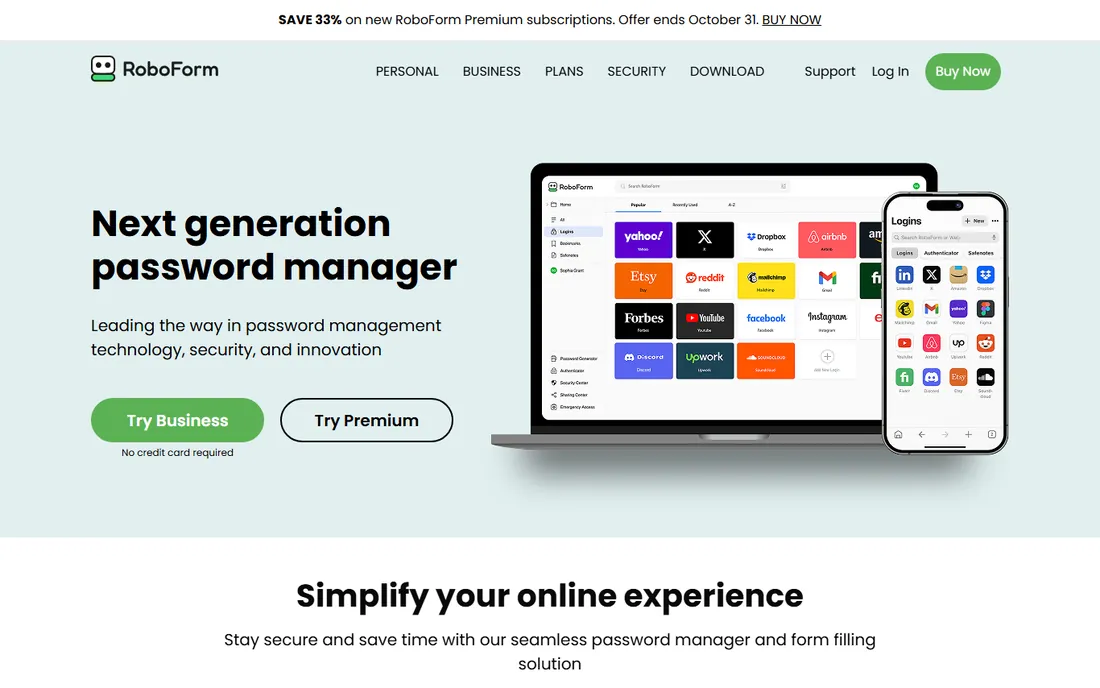
RoboForm is one of the oldest names in the business: it started as a form filler before password managers were a category, and it still fills web forms better than almost anyone. The paid tier is among the cheapest in the category, covering unlimited passwords, devices and sharing. A free tier handles basic password management on limited terms.
The trade-off is modernity. The interface looks and feels a generation behind 1Password and Dashlane, security extras like dark web monitoring are thinner, and the product evolves more slowly. But the core job, storing passwords and filling them plus every form field on every site, works reliably. If your budget is tight and you value function over fashion, RoboForm stretches a dollar further than most.
What we like- Excellent form filling, its original strength
- Very affordable paid tier
- Free tier for basic use
Watch out for- Dated interface
- Smaller development pace than rivals
- Brand feels legacy next to newer competitors
#7
Enpass
Best for: offline-first with one-time purchase option
Visit enpass.io
Starting priceSee website
Free planYes
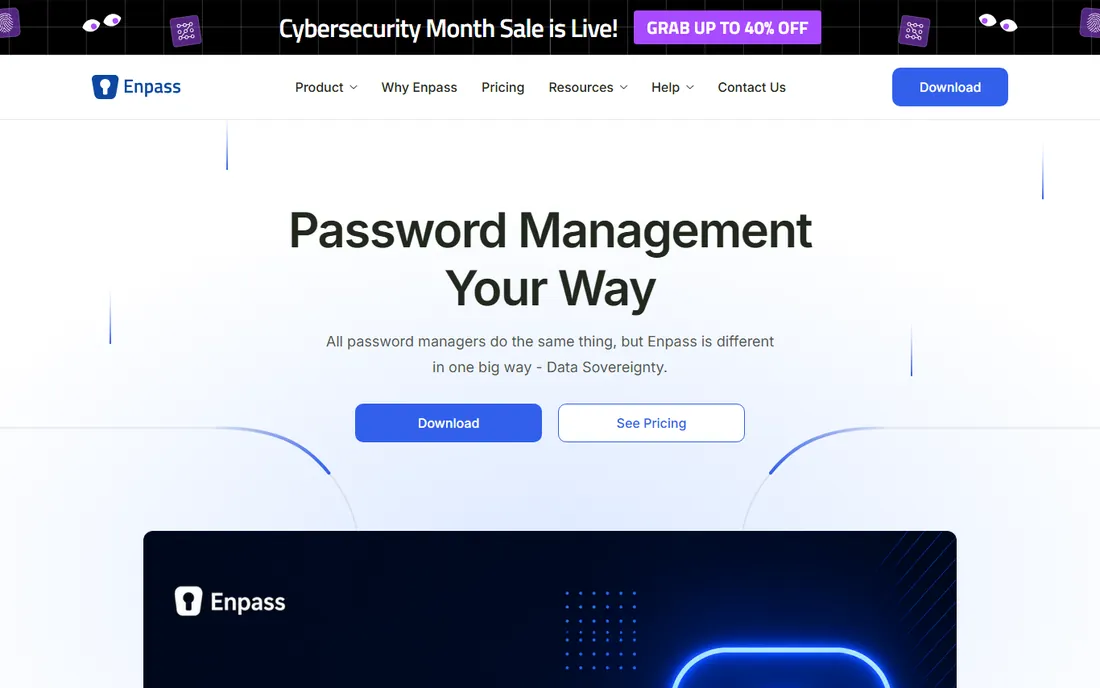
Enpass takes a different architectural stance: your vault lives on your devices, and syncing happens through your own cloud storage (iCloud, Google Drive, Dropbox, OneDrive, WebDAV) rather than the vendor's servers. Nothing password-related touches Enpass infrastructure, which appeals to the privacy-conscious and the subscription-averse alike. Desktop apps are free; mobile premium is available as a one-time purchase rather than a subscription.
The DIY sync is both the feature and the friction. You control everything, but you also configure everything, including troubleshooting when a sync conflict appears. The apps are solid but plain, and new features arrive more slowly than at bigger rivals. For users who want a vault with no vendor cloud and no recurring bill, Enpass is the most practical option.
What we like- Works fully offline with your own cloud sync
- One-time purchase option avoids subscriptions
- Desktop apps are free
Watch out for- Sync setup is DIY through your own cloud storage
- Interface is utilitarian
- Smaller team means slower feature rollouts
#8
Proton Pass
Best for: privacy-first vault in the Proton ecosystem
Visit proton.me
Starting priceSee website
Free planYes
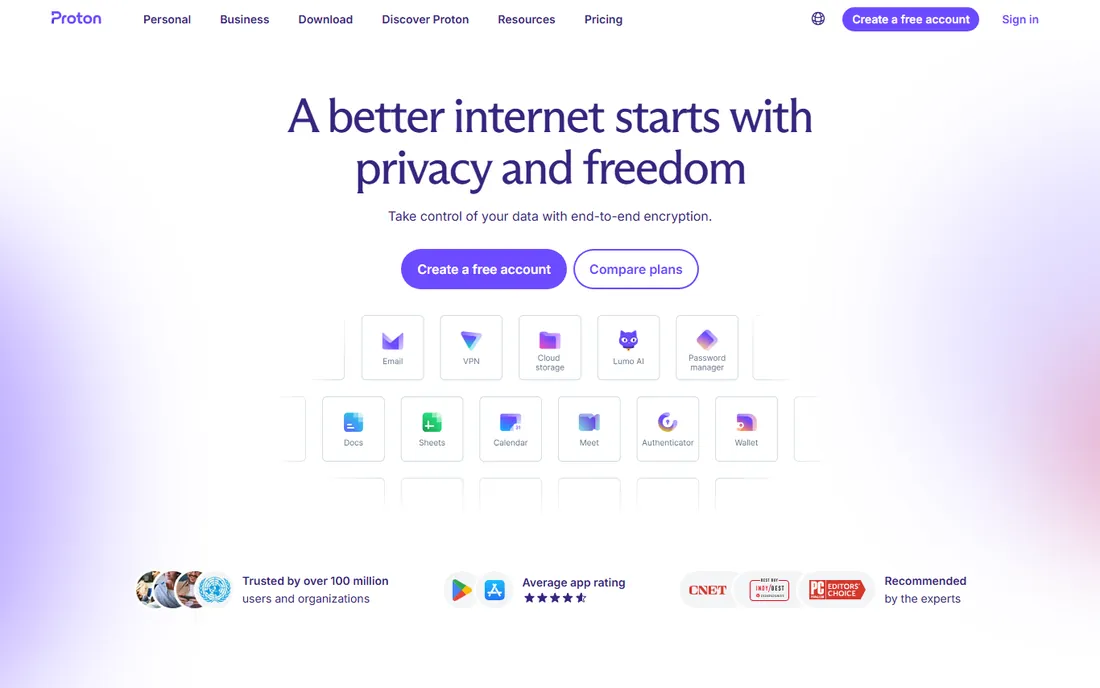
Proton Pass comes from the Swiss company behind Proton Mail and Proton VPN, and it inherits the privacy-first DNA: open-source clients, end-to-end encryption, and a company structure designed to resist data requests. The free tier is genuinely useful, and a standout feature is integrated email aliasing through SimpleLogin, letting you create unique forwarding addresses for every account.
As a standalone password manager it is younger than the competition, so expect fewer integrations and admin features than 1Password or Keeper. The value proposition sharpens inside the Proton ecosystem: Proton Unlimited bundles mail, VPN, drive and Pass into one subscription. If privacy is your organizing principle and you already use Proton services, Pass is the natural vault.
What we like- Strong privacy pedigree and open source
- Generous free tier
- Built-in email aliases (SimpleLogin integration)
Watch out for- Younger product with a smaller feature set
- Best value requires Proton Unlimited bundle
- Business features still maturing
How to choose a password vault
Start with who it is for. Solo users who want free: Bitwarden or Proton Pass. Families: compare 1Password and Dashlane family plans on seats and sharing features. Businesses: Keeper for compliance-heavy environments, 1Password or Dashlane for general team use with easier onboarding.
Then check the practical details that cause regret later. Can you export your vault in an open format if you leave? Does the free tier cover all your devices or just one? Is there a genuine trial of the paid features, not just a feature tour? And for families and teams, test shared vaults during the trial: permission quirks only show up with real users. Every tool here imports from browsers and competitors, so switching costs are low and there is little reason to stay with a bad fit.
Frequently asked questions
What is the best free password vault software?
Bitwarden. Its free tier includes unlimited passwords on unlimited devices, two-user sharing, a built-in authenticator and passkey support, which beats every other free offering. Proton Pass is a strong second if you prefer the Proton ecosystem.
Are password managers actually safe?
Yes, when you use a reputable one. They encrypt your vault with your master password using audited cryptography, so the vendor cannot read your data. The realistic risks are a weak master password, phishing that tricks you into typing it, and malware on your device, not the vault's encryption being broken.
What happens if I forget my master password?
Most zero-knowledge vaults cannot recover it for you: that is the point of the encryption model. Bitwarden offers emergency access through a trusted contact on paid plans; 1Password provides a printable emergency kit with your secret key. Set up account recovery options during onboarding, not after you need them.
Should I use my browser's built-in password manager instead?
Browser managers are better than nothing and fine for casual use, but dedicated vaults win on cross-browser and cross-device sync, secure sharing, password health reports, breach monitoring and support for passkeys and 2FA codes. If your digital life spans more than one browser, get a real vault.
What is the difference between a password vault and single sign-on?
A password vault stores your individual logins and fills them for you. Single sign-on lets you access many work apps with one corporate identity, managed by your employer. They complement each other: SSO for work apps, a vault for everything SSO does not cover.
Can I share passwords safely with family or a team?
Yes, through shared vaults or collections, which is far safer than texting passwords. 1Password, Dashlane, Keeper and Bitwarden all support granular sharing with permissions. Never share your master password itself; share individual items or vaults with the built-in tools.
How we chose
We compared feature lists, vendor documentation, independent security audits and reviews on G2, Capterra and privacy-focused communities, focusing on what matters when you trust software with every login you own: encryption model and audit history, free-tier generosity, family and team sharing, breach monitoring, passkey support, and honest pricing. We did not run hands-on tests of the software. Our research browser tooling was unavailable during verification, so vendor homepage URLs and pricing below could not be re-confirmed in this session and are flagged for a verification pass before publication.
Sources we checked (8)
- https://1password.com
- https://bitwarden.com
- https://www.dashlane.com
- https://www.keepersecurity.com
- https://nordpass.com
- https://www.roboform.com
- https://www.enpass.io
- https://proton.me
Is your product missing or out of date?
We review this list regularly. Vendors can request a listing, send updated pricing or ask about featured placement.

Shihab Mia · Founder, Rankite
Shihab has spent more than a decade helping SaaS and e-commerce brands grow through search. He writes Rankite's software buying guides from pricing pages, documentation and public user reviews. More about Shihab.