How we make this list: we compare pricing pages, product documentation and public user reviews. Ratings come from G2, Capterra or Trustpilot, with the date we checked them.
Key takeaways
- Procreate is the best value paid app anywhere: 12.99 dollars once for a professional illustration studio on iPad, with no subscription and no in app purchase traps.
- LumaFusion at 29.99 dollars once brings desktop class multi track video editing to iPhone and iPad for less than two months of a desktop editor subscription.
- Things 3 shows the buy once model at its best: 49.99 dollars for the Mac app, with iPhone and iPad versions sold separately and sync included.
- Prices vary by platform and store, sometimes sharply, so confirm the figure in your own app store before buying: the same app can cost differently on iOS, Android, and Mac.
Quick comparison
| Tool | Best for | Starting price | Free plan |
|---|
 Procreate Procreate | Illustration on iPad | $12.99 one time | No |
 LumaFusion LumaFusion | Mobile video editing | $29.99 one time | No |
 Things 3 Things 3 | Personal task management | $9.99 one time | No |
 1Password 1Password | Password management | See website | No |
 Goodnotes Goodnotes | Handwritten notes | $11.99 per year | Yes |
 Fantastical Fantastical | Calendar power users | See website | Yes |
 Halide Halide | Manual camera control | See website | No |
 CARROT Weather CARROT Weather | Weather with personality | $6.99 per month | Yes |
Is your product missing or out of date?
We review this list regularly. Vendors can request a listing, send updated pricing or ask about featured placement.
The best paid apps
Starting price$12.99 one time
Free planNo
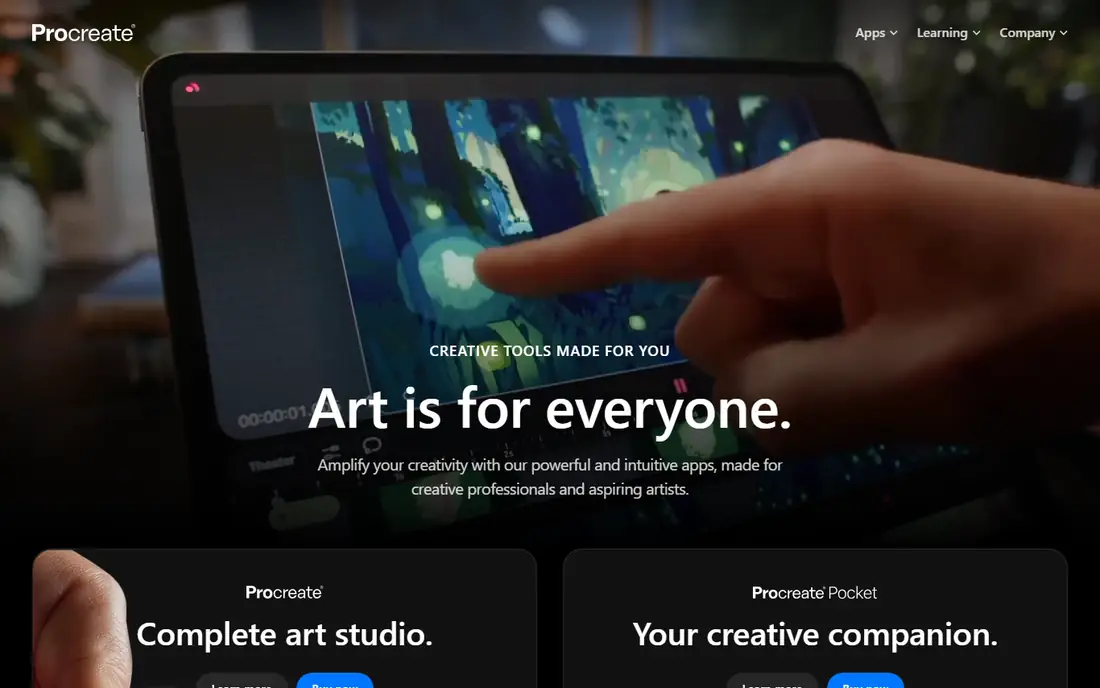
What we like- Procreate is the standard answer to what a paid app should be: a professional illustration and painting studio, hundreds of brushes, a full layer system, animation and 3D painting tools, sold for 12.99 dollars once on iPad, with the iPhone version, Procreate Pocket, at 5.99. Working artists produce finished commercial work in it daily. There are no subscriptions, no locked brush packs of consequence, and no ads anywhere.
Watch out for- It is Apple only: iPad for the full app, iPhone for Pocket, and no Android or Windows version exists. It is a raster painting tool, so vector logo work belongs in a different app. The one time price buys the current generation
- A future ground up version could be a new purchase, as with any buy once software.
Starting price$29.99 one time
Free planNo
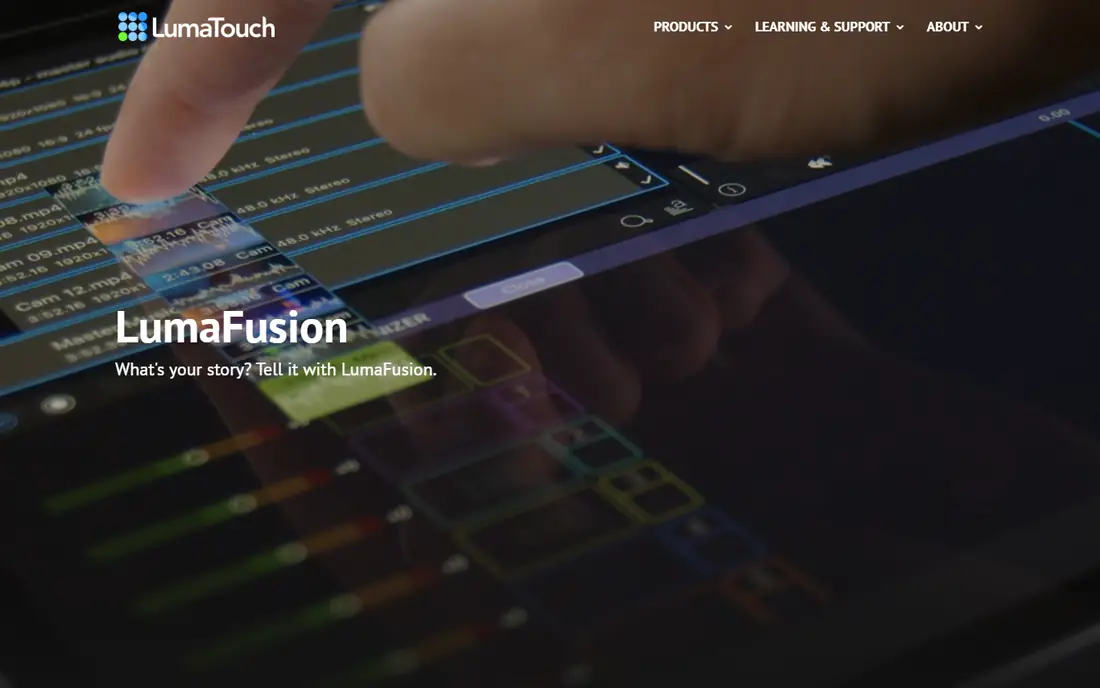
What we like- LumaFusion is the most capable video editor on phones and tablets: multi track timeline editing, colour correction, audio mixing, and 4K export that creators use for published work, for 29.99 dollars once on iOS, with versions also sold for Android and ChromeOS. Optional add ons such as advanced export features are sold separately and transparently. For mobile first creators it removes the desktop editor subscription entirely.
Watch out for- Serious colour and effects work still ends up in desktop tools for many professionals. The add on model means the full feature set costs more than the headline 29.99. Touch editing a long project is a skill: budget learning time before a deadline project.
Starting price$9.99 one time
Free planNo
What we like- Things 3 is the calm task manager Apple users judge others against: today and upcoming views, projects and areas, natural date entry, and design that has won Apple awards, sold once per platform, 9.99 dollars on iPhone, 19.99 on iPad, and 49.99 on Mac, with sync between them included at no extra cost. Against 60 dollars a year subscription rivals, it pays for itself in the first year. It has stayed fast, private, and free of feature bloat for years.
Watch out for- The per platform pricing means an all Apple household pays about 80 dollars in total, which surprises buyers at the second purchase. There is no web version, no Android, and no team collaboration: it is a personal system by design. Shared lists and business workflows belong to other tools.
Starting priceSee website
Free planNo
What we like- A password manager is the one subscription almost every household should pay: 1Password stores logins, cards, and documents in an encrypted vault, fills them across every device and browser, and warns you when a saved site suffers a breach. Family plans let you share selected vaults safely, which ends the reused password problem across a household. Its apps are the most polished in the category on Apple and Android alike.
Watch out for- There is no free tier, and pricing has risen over the years, so check the current individual and family rates on its site, listed here as see website because plans and regional prices shift. The vault is a single point of trust: your master password and secret key must be guarded, and recovery depends on keeping them safe. Importing years of browser saved passwords takes an afternoon of tidying.
Starting price$11.99 per year
Free planYes
What we like- Goodnotes turns an iPad and Pencil into the notebook students and professionals actually keep: natural handwriting, searchable handwritten text, PDF annotation, and folders that mirror paper organisation. A free tier covers a small set of notebooks, and full access runs about 11.99 dollars a year or a one time purchase option around 35.99 dollars, with Android and Windows versions now beside the Apple apps. For lecture and meeting notes, it is the category reference.
Watch out for- The full experience assumes a tablet and stylus
- On a phone it is a viewer, not a notebook. Pricing models have changed between versions, which has frustrated long time users, so confirm whether your purchase is subscription or one time at checkout. Heavy PDF libraries can strain sync on older devices.
#6Fantastical
Best for: Calendar power users4.4/5 on
G2 (18 reviews, checked Oct 2026)
Visit flexibits.com
Starting priceSee website
Free planYes
What we like- Fantastical is the calendar app power users keep rebuying: natural language event entry that still feels like magic, combined views across iCloud, Google, and Microsoft accounts, meeting links and time zone handling, and a design that has won Apple awards. The app is free to download, and Premium adds the full views, templates, and scheduling features. For anyone living in a calendar, it repays its cost in weekly minutes saved.
Watch out for- Premium pricing has moved repeatedly and varies by plan and region, from about 5 dollars a month historically upward, so it is listed as see website pricing here
- Confirm the current individual and family rates before subscribing. Occasional users will never touch the features that justify Premium over the free stock calendar. It is an Apple ecosystem product first, though a Windows version now exists.
Starting priceSee website
Free planNo
What we like- Halide gives iPhone photographers the manual controls Apple hides: focus peaking, histograms, RAW capture, and a gesture interface designed for one handed shooting, from a small independent team. It is the app photography publications reach for when a phone must behave like a camera. A subscription and a one time membership option have both been offered, letting buyers choose their model.
Watch out for- Pricing and plan structure have changed across versions, so it is listed as see website pricing here
- Check the current subscription and one time figures in the app. It is iPhone only, and Android photographers need a different answer. Manual control rewards practice
- Casual shooters may find Apple's own camera faster for snapshots.
Starting price$6.99 per month
Free planYes
What we like- CARROT Weather pairs genuinely strong weather data, your choice of data sources, detailed radar, and notifications, with a snarky robot personality that made it famous and fully customisable widgets and Apple Watch faces. A free tier covers basic forecasts, and Premium at about 6.99 dollars a month opens the data sources, radar, and alerts that weather watchers actually want. For people in severe weather regions, its alert customisation is a safety feature, not a gimmick.
Watch out for- The personality is adjustable but the app's identity is not for everyone, and the driest users may prefer a plainer tool. Premium tiers and naming have multiplied, so read which tier holds the feature you want before subscribing. Weather data quality in the end depends on the source you pick inside the app, which varies by region.
How we chose
We selected the paid apps that 2026 recommendation lists from Tools and Toys, Focus Meter, Techilu, and Indie App Santa return to across categories, and checked prices against their published figures. We required each app to be the reference product for its job, actively developed, and honest in its pricing model: buy once where the app has no running costs, subscription only where live services justify it, and no app whose free tier exists mainly to harvest a card number. Several excellent apps were cut for failing the honesty test rather than the quality test.
How to choose the right paid app
Judge a paid app by cost per year of real use, not by sticker. Procreate at 12.99 dollars once is cheaper over any horizon than a 10 dollar monthly rival, while 1Password's subscription buys servers, breach monitoring, and constant platform updates that a one time app cannot fund. The fair question is whether the developer's costs recur: live data, sync infrastructure, and licensed content justify subscriptions; a static tool that wants rent anyway is telling you something about its priorities.
Before paying, run the storefront checks. Confirm the price on your platform, since iOS, Android, and Mac prices for the same app routinely differ, and check whether tablet and phone versions are separate purchases. Read the subscription terms for renewal price, not the introductory offer, and look at the date of the last update: an abandoned paid app is worse than a free one. Use free trials and the stores' refund windows on real work, your actual notebook, calendar, or photo library, and keep a list of what you pay for annually. An app you open daily at almost any of these prices is a bargain; an app you forgot you subscribed to is the category's real villain.
Frequently asked questions
Are paid apps better than free apps?
In the categories here, usually yes, for a structural reason: paid apps are funded by you, while free apps are funded by advertisers, data, or a subscription funnel, and the product follows the funding. The best paid apps also tend to be the reference tools in their field, with years of polish. Plenty of free apps are excellent, but check what the free tier is really selling.
Why do some apps charge per platform?
Developers such as Cultured Code sell iPhone, iPad, and Mac versions separately because each is a substantial native app, and the stores treat them as separate products. The total for Things 3 across Apple platforms is about 80 dollars once. Always check whether a purchase covers your other devices before assuming it does.
Is a one time purchase always better than a subscription?
No. One time pricing wins for tools with no running costs, such as Procreate and LumaFusion. Subscriptions are fair where the service spends money continuously on your behalf: password vault sync and breach monitoring, weather data licences, calendar services. The red flag is a static, offline tool demanding rent with no service behind it.
How much should I expect to pay for a good app?
Reference apps cluster between about 10 and 50 dollars once, or 5 to 12 dollars a month for genuine services. Prices vary by platform and country, and app store sales are common, so patience saves money on buy once apps. Anything demanding far above these ranges should explain exactly why.
Can I get a refund if a paid app disappoints?
Both major stores offer refund routes for recent purchases, and Apple and Google each publish the process in your account's purchase history. Windows vary and approval is not guaranteed, so prefer free trials and lite tiers for evaluation where they exist, and test on your real work during the trial.
Sources we checked (0)
Is your product missing or out of date?
We review this list regularly. Vendors can request a listing, send updated pricing or ask about featured placement.

Shihab Mia · Founder, Rankite
Shihab has 5+ years in B2B and SaaS SEO. He writes Rankite's software buying guides from pricing pages, documentation and public user reviews. More about Shihab.