How we make this list: we compare pricing pages, product documentation and public user reviews. Ratings come from G2, Capterra or Trustpilot, with the date we checked them.
Key takeaways
- Heroku remains the simplest path from code to a live app, while Render is the closest like for like replacement for small teams.
- Railway and Fly.io suit usage based workloads, with Railway favoring fast prototypes and Fly.io favoring global, latency sensitive apps.
- Google Cloud Run, Azure App Service, and AWS Elastic Beanstalk fit teams already committed to one of the big three clouds.
- DigitalOcean App Platform gives small teams predictable container pricing without big cloud complexity.
- PaaS pricing splits into fixed tiers and usage based billing, so model a realistic month of traffic before choosing.
Quick comparison
Is your product missing or out of date?
We review this list regularly. Vendors can request a listing, send updated pricing or ask about featured placement.
The best PaaS solutions for cloud apps
Starting price$5 per month
Free planNo
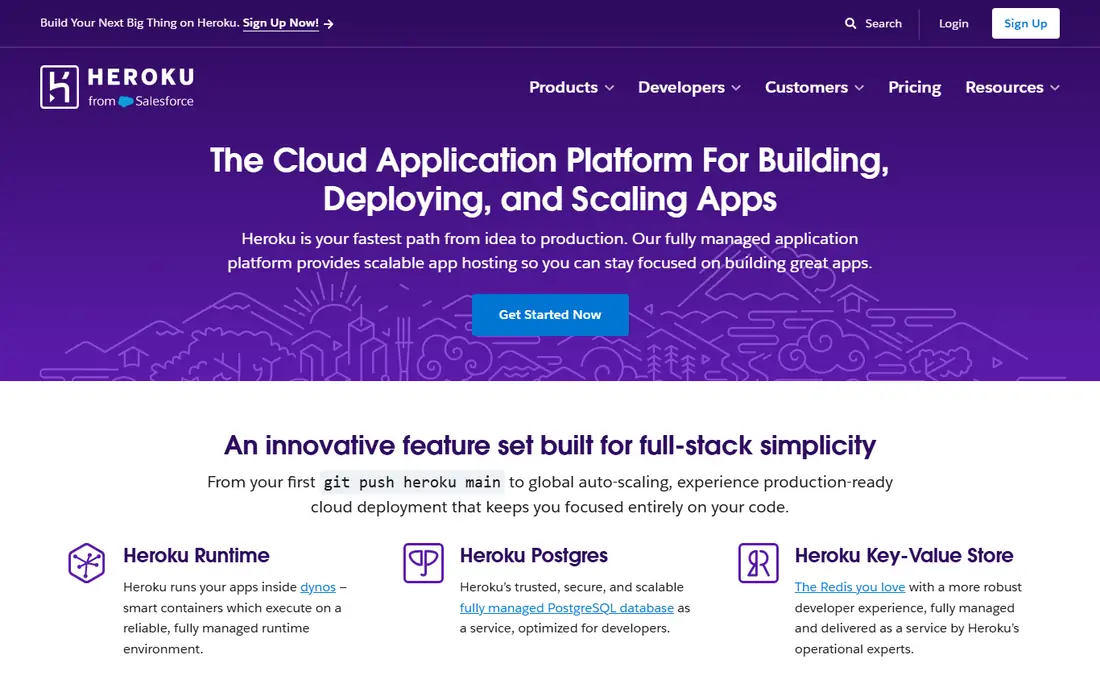
Heroku defined the modern PaaS workflow: push to Git, and the app builds and runs. Dynos handle web and worker processes, managed Postgres covers the database, and an add-on catalog covers caching, logging, and monitoring. Review apps spin up a live copy of each pull request, which helps small teams review changes without staging servers.
The limits are cost and control. Heroku has no free tier, with Eco dynos starting at $5 per month, and larger performance dynos reach hundreds of dollars monthly. There is no Kubernetes access and the filesystem is ephemeral, so apps must store files externally. For a small team that values zero operations work above all else, Heroku is still the easiest start.
What we like- Git push deploys with almost no setup
- Managed Postgres and add-ons in one catalog
- Review apps for pull requests
Watch out for- No free tier since 2022
- Costs climb fast at larger dyno sizes
- No direct Kubernetes access

#2Render
Best for: Small teams replacing Heroku4.7/5 on
G2 (84 reviews, checked Oct 2026)
Visit render.com
Starting price$7 per month
Free planYes
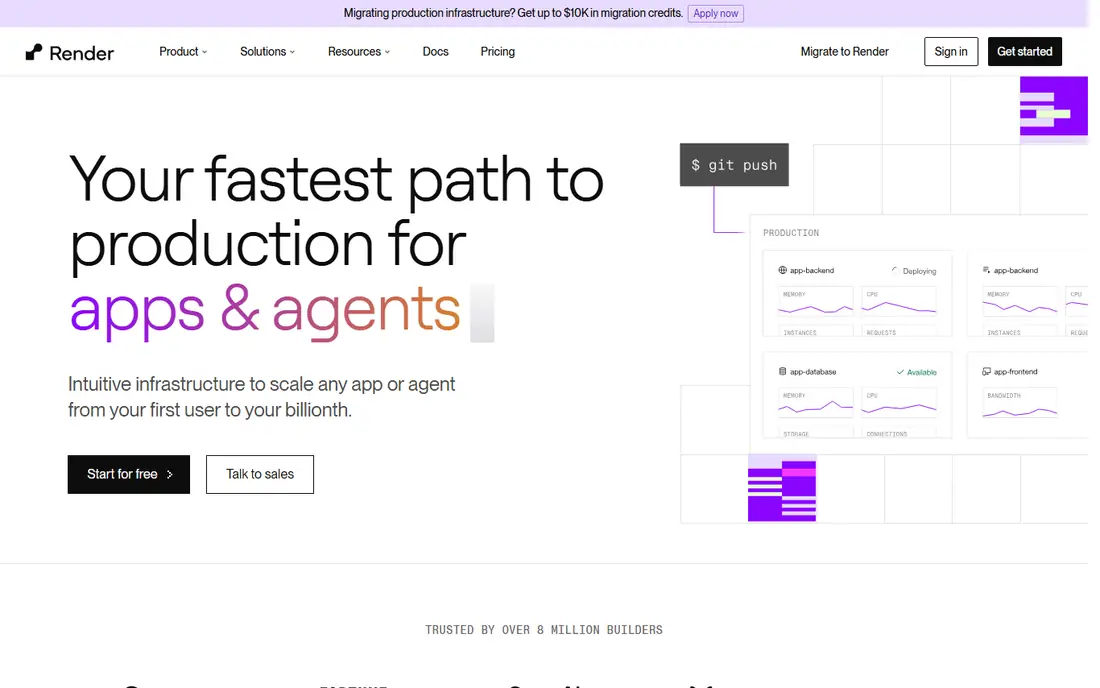
Render is the closest one to one replacement for a Heroku app in production. Web services, background workers, cron jobs, and managed Postgres run under one dashboard, with pull request previews for testing changes. The free tier covers experiments and small projects, and paid web services start at $7 per month, with Standard at $25 and Pro at $85.
Render runs on its own managed regions in the US, EU, and Asia, so it cannot match the global reach of the big clouds. Persistent disks work only with single instances, which limits some stateful designs. For a small team moving off Heroku, or starting fresh without big cloud complexity, Render is the most direct pick.
What we like- Free tier for experiments
- Managed Postgres and Key Value stores
- Pull request previews included
Watch out for- Paid web services start at $7 per month
- Fewer regions than big clouds
- Persistent disks have single instance limits

#3Railway
Best for: Fast prototypes and small services4.7/5 on
G2 (66 reviews, checked Oct 2026)
Visit railway.com
Starting price$5 per month
Free planYes
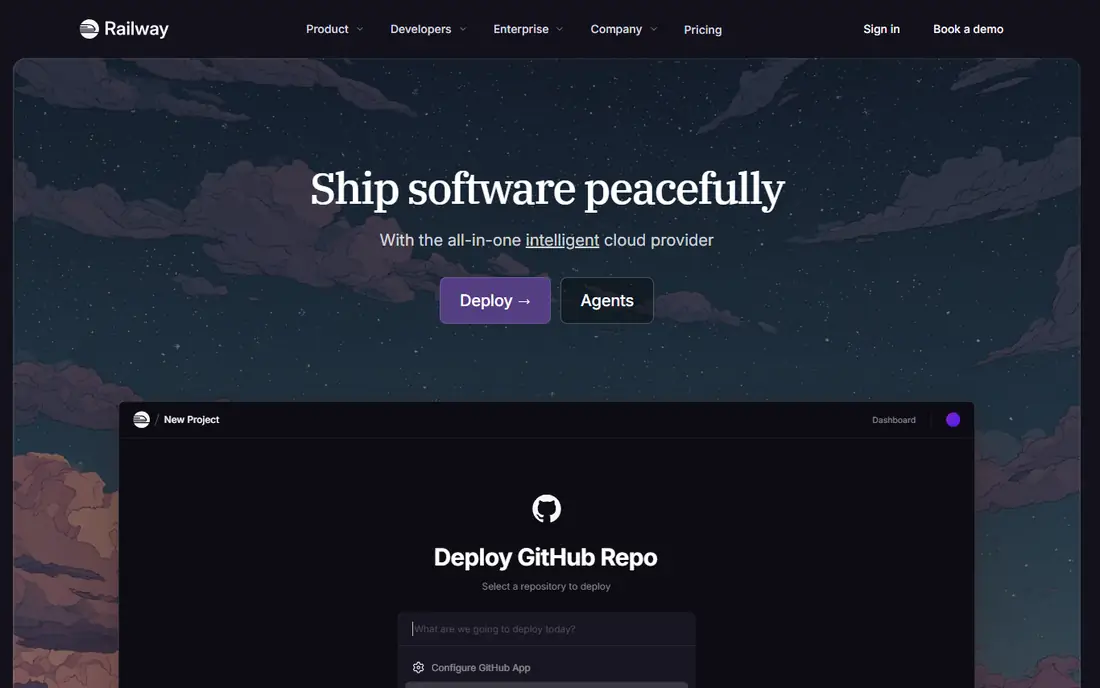
Railway turns a repository into a live app with databases, variables, and preview environments in minutes. Its usage based model charges roughly $20 per vCPU and $10 per GB of RAM monthly, plus a plan fee, with Hobby at $5 per month and Pro at $20 per month. Per second scaling and automatic stop for non production services help keep small projects cheap.
Usage billing is a double edged sword. A quiet service costs little, but a spiky or misconfigured service can climb past fixed tier pricing without warning. Railway suits prototypes, side projects, and small production apps where speed to a live URL matters more than fine grained infrastructure control.
What we like- Fastest repo to live URL path for many teams
- Usage based billing with per second scaling
- Managed Postgres, MySQL, Redis, and Mongo
Watch out for- Usage costs can surprise on spiky workloads
- No Kubernetes access
- Smaller region footprint than big clouds
Starting priceSee website
Free planNo
Fly.io runs apps on Firecracker microVMs called Machines, spread across dozens of regions, so users connect to a nearby instance. Machines can scale to zero when idle and start fast on demand, which suits latency sensitive apps and global services. Managed Postgres exists, though it needs more hands on care than Heroku's or Render's managed databases.
Fly.io asks more of the developer than Heroku does. Networking, volumes, and scaling need more manual decisions, and published entry prices vary by source, so confirm the current machine pricing before budgeting. For teams building a global app where latency matters, Fly.io is the strongest PaaS style choice.
What we like- Dozens of regions worldwide for low latency
- Machines scale to zero when idle
- Managed Postgres available
Watch out for- Published entry prices vary by source
- More infrastructure aware than Heroku or Render
- Postgres is largely self managed
#5Google Cloud Run
Best for: Serverless containers on Google Cloud4.6/5 on
G2 (243 reviews, checked Oct 2026)
Visit cloud.google.com
Starting priceSee website
Free planYes
Google Cloud Run runs containers serverlessly: it scales from zero to many instances with traffic, and bills only for resources used while handling requests. Any container image works, so teams are not locked to one language or framework. It fits naturally with Google Cloud databases, storage, and IAM controls.
The trade is operational awareness. Usage billing rewards quiet apps but needs monitoring on spiky ones, cold starts can slow the first request after idle time, and long running jobs hit request timeouts. For teams already on Google Cloud, Cloud Run is the natural PaaS layer. For teams outside Google Cloud, Render or Railway is simpler.
What we like- Scales to zero, so idle apps cost little
- Runs any container
- Strong fit with Google Cloud services and IAM
Watch out for- Usage based billing needs monitoring
- Cold starts can delay first requests
- Request timeouts limit long jobs
Starting priceFree
Free planYes
Azure App Service hosts web apps, APIs, and mobile backends on Azure with a free tier for small projects and paid tiers that scale up to dedicated capacity. Deployment slots let teams stage a new version beside production and swap with no downtime. Integration with Azure DevOps, GitHub Actions, and Microsoft identity makes it a natural pick for Microsoft shops.
App Service pricing is tiered and the limits per tier need study, since features like custom domains, SSL, and scaling differ across tiers. It is at its best inside Azure, so teams on other clouds gain less. For a team standardized on Microsoft tooling, App Service is the obvious platform layer.
What we like- Free tier for small apps
- Deep fit with Azure DevOps, GitHub Actions, and Microsoft identity
- Slots for safe staging swaps
Watch out for- Pricing tiers and limits take study
- Best value inside Azure
- Windows and Linux plans differ in features
Starting priceFree
Free planYes
AWS Elastic Beanstalk is the easiest way to deploy an app on AWS without managing servers directly. It provisions load balancers, instances, and databases behind a simple application model, and it charges nothing itself: teams pay only for the underlying AWS resources. It supports common languages and Docker, and the full AWS catalog sits underneath when a team needs it.
Beanstalk's configuration surface is larger than Heroku's or Render's, and beginners can feel lost among environment settings. Underlying resource costs can also surprise if auto scaling is left unchecked. For teams already on AWS that want a simpler deploy path without leaving the AWS ecosystem, Beanstalk is the right middle ground.
What we like- No charge for the service itself, only for underlying AWS resources
- Supports many languages and Docker
- Full access to AWS services below
Watch out for- Configuration surface is large
- Less polished than Heroku for beginners
- Underlying resource costs can surprise

#8DigitalOcean App Platform
Best for: Predictable pricing for small teams4.6/5 on
G2 (757 reviews, checked Oct 2026)
Visit digitalocean.com
Starting price$5 per month
Free planNo
DigitalOcean App Platform deploys code from Git into containers with predictable per container pricing starting at $5 per month. Managed databases attach as add-ons, scheduled jobs cover background work, and the console stays simple enough for a small team to run without a dedicated operations person.
The gaps are stateful data and scale. App Platform offers no app volumes, so stateful workloads need an external store, and its region and service catalog is smaller than the big clouds. For a small team that wants fixed, readable pricing and already likes DigitalOcean, App Platform is a clean, low drama choice.
What we like- Fixed per container pricing from $5 per month
- Managed databases available as add-ons
- Simple console for small teams
Watch out for- No free tier
- No app volumes for stateful data
- Fewer regions and services than big clouds
How we chose
We ranked platforms by deploy simplicity, scaling behavior, database support, and pricing clarity. Tools that take code to a live URL with the least setup scored highest for small teams, while big cloud platforms scored on ecosystem fit for teams already committed to that cloud. We favored platforms with managed databases and preview environments, since those two features save the most day to day work.
We marked pricing as "See website" wherever published figures conflicted or depended heavily on usage, so readers model their own workload rather than trusting a single number. Fixed tier platforms were judged on what each tier includes, and usage based platforms on how clearly they expose consumption.
Buying guide
Start by naming your cloud position. If your team already runs on AWS, Azure, or Google Cloud, the matching platform layer usually wins on identity, billing, and services. If you are cloud neutral or small, Heroku, Render, Railway, or DigitalOcean App Platform will get you live faster with less study.
Next, model a realistic month. Count web and worker processes, database size, and expected traffic, then compare a fixed tier price against a usage based estimate. A quiet app is cheaper on usage billing, while a steady, always on app is often cheaper on a fixed tier. Watch for add-on costs: databases, caching, and egress are where PaaS bills grow past the headline price.
Finally, trial the deploy path with a real app. Push code, add a database, set variables, and ship a pull request preview. Check how rollbacks work, how logs read, and how support responds. A platform that feels simple on a demo but awkward on a real deploy will cost more in team time than a slightly higher monthly bill.
Frequently asked questions
What is the best PaaS for a small team?
Render is the best balance of simplicity, free tier, and managed databases for most small teams, with Heroku close behind for teams that value the simplest workflow and accept its higher cost. Railway suits prototypes that need the fastest path to a live URL.
Is Heroku still worth it in 2026?
Yes for teams that value zero operations work and already know its workflow. Heroku has no free tier and costs climb at larger sizes, so cost sensitive teams should compare Render and Railway before committing.
How does PaaS pricing usually work?
Two models dominate: fixed tiers per container or dyno, and usage based billing per CPU, memory, and time. Fixed tiers are easier to budget, while usage billing is cheaper for quiet or spiky apps but needs monitoring.
Can I move off a PaaS later?
Usually yes, since most apps are standard code and containers, but databases, add-ons, and platform specific features need migration work. Keep data in standard databases and avoid platform specific services for the parts you may need to move.
Do I still need to know infrastructure to use a PaaS?
Less than with raw servers, but not zero. Teams still manage variables, databases, scaling limits, and costs. PaaS removes server patching and provisioning, not application level decisions.
Sources we checked (0)
Is your product missing or out of date?
We review this list regularly. Vendors can request a listing, send updated pricing or ask about featured placement.

Shihab Mia · Founder, Rankite
Shihab has 5+ years in B2B and SaaS SEO. He writes Rankite's software buying guides from pricing pages, documentation and public user reviews. More about Shihab.
 Heroku
 Fly.io
 Azure App Service
 AWS Elastic Beanstalk