How we make this list: we compare pricing pages, product documentation and public user reviews. Rankite is independent; if a vendor ever pays for a featured spot, that listing is clearly labeled Partner.
Key takeaways
- Pure outbound dialing at volume: PhoneBurner (power dialer with voicemail drop) and Five9 (predictive dialing with compliance controls) are the dialer-first picks.
- SMB sales teams wanting cloud calling fast: CloudTalk and Aircall deploy in days with strong CRM integrations; confirm dialer add-on costs before comparing.
- AI-heavy calling: Dialpad bakes transcription and coaching into every call; Talkdesk brings AI across a full enterprise contact center.
- Enterprise blended operations: NICE CXone and Genesys Cloud CX cover outbound plus inbound, digital and workforce management at enterprise scale and prices.
Quick comparison
| Tool | Best for | Starting price | Free plan |
|---|
 Five9 Five9 | Large outbound teams (collections, telesales, BPOs) needing predictive dialing | See website | No |
 CloudTalk CloudTalk | SMB and mid-market sales teams needing cloud calling with CRM integrations | See website | Free trial (14 days) |
 Aircall Aircall | SMB sales and support teams wanting a polished, easy-to-administer phone system | See website | Free trial (7 days) |
 Talkdesk Talkdesk | Mid-market to large companies running inbound and outbound voice plus digital | See website | No |
 Dialpad Dialpad | SMB and mid-market companies wanting AI-enhanced voice across sales and support | See website | Unverified (sources conflict; verify directly) |
 PhoneBurner PhoneBurner | High-volume outbound SDR teams, real-estate investors, insurance agencies | See website | Free trial (no credit card reported) |
 NICE CXone NICE CXone | Large enterprises running blended inbound/outbound with workforce optimization | See website | No |
 Genesys Cloud CX Genesys Cloud CX | Enterprise contact centers needing outbound campaigns with omnichannel and AI | See website | Free trial (reported) |
Is your product missing or out of date?
We review this list regularly. Vendors can request a listing, send updated pricing or ask about featured placement.
The best outbound call center software
Cold calling is not dead. Bad dialing is: reps manually punching numbers, leaving the same voicemail forty times a day, with no compliance guardrails and no idea which lists convert. Outbound call center software fixes the mechanics: predictive and power dialers, voicemail drop, local presence, call recording, compliance controls and CRM integration. The eight platforms below span dedicated dialers and full contact-center suites.
#1
Five9
Best for: Large outbound teams (collections, telesales, BPOs) needing predictive dialing
Visit five9.com
Starting priceSee website
Free planNo
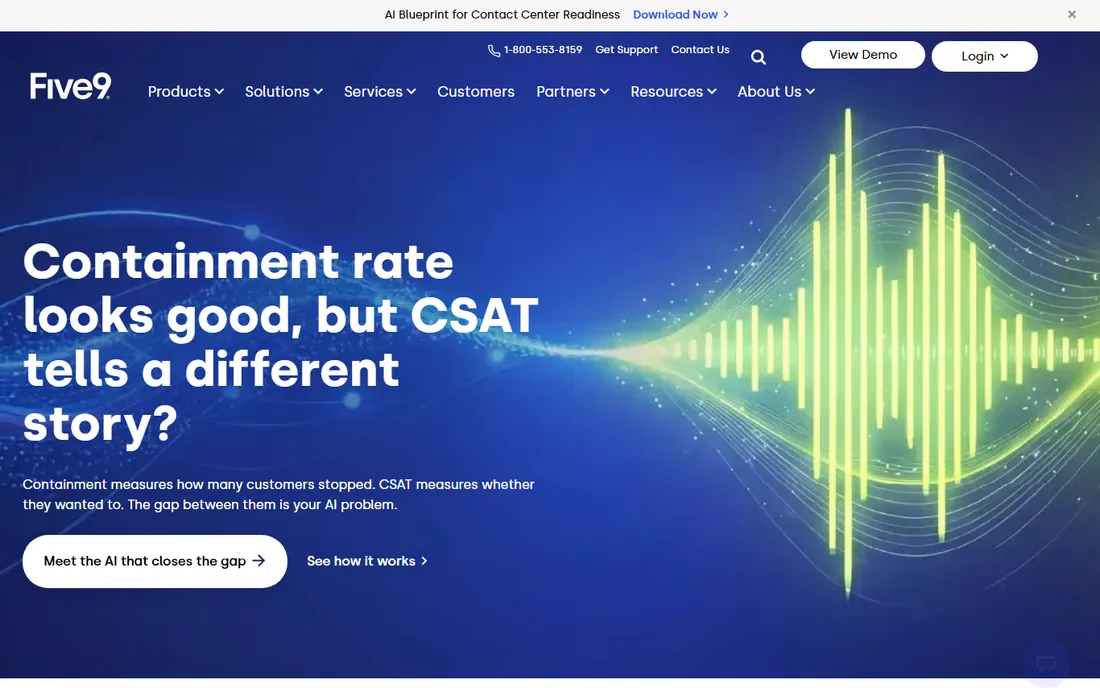
Five9 is the enterprise outbound standard. Predictive, power and preview dialing modes cover every calling motion, compliance controls handle the regulatory burden, and Salesforce integrations run deep. For a 200-seat collections floor or telesales operation, this is the safe choice.
The honest catch is contract weight. Third-party sources report tiers around $119 to $159/user/month with higher tiers quote-based, plus mentions of a 50-seat minimum and 3-year contracts, but none of this was verified on the vendor's page. Evaluation is demo-led with no trial. Small teams should look at CloudTalk or Aircall instead. Enterprises should negotiate seat minimums and term length before signing.
What we like- Enterprise-grade outbound dialing with predictive, power and preview modes
- Strong compliance tooling for regulated calling
- Deep CRM integrations for complex operations
Watch out for- No free trial and a heavy enterprise commitment
- Third-party sources mention seat minimums and multi-year contracts
#2
CloudTalk
Best for: SMB and mid-market sales teams needing cloud calling with CRM integrations
Visit cloudtalk.io
Starting priceSee website
Free planFree trial (14 days)
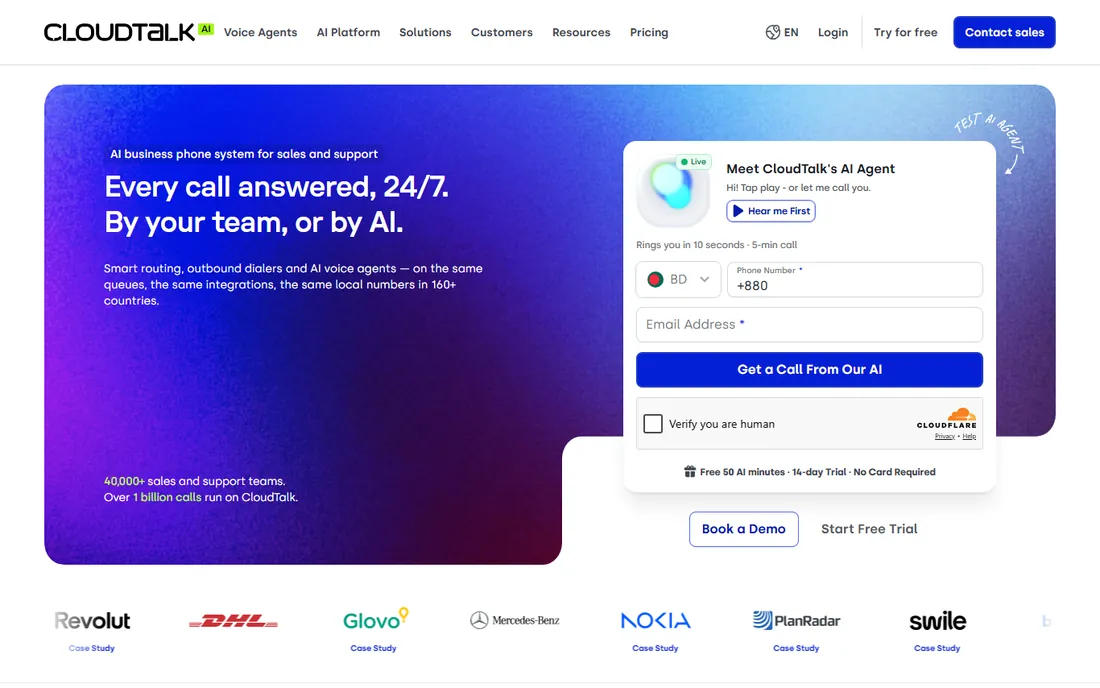
CloudTalk is the fast-deploy option. Cloud calling with broad CRM integrations goes live in days, and the Power and Parallel dialer add-ons let outbound teams buy dialing muscle without switching platforms. The vendor's own blog lists Starter around $25, Essential $29 and Expert $49 per user per month billed annually.
The catch is add-on math. Outbound buyers must price the seat plus the dialer add-on together (Power around $15, Parallel around $39 per user per month) and confirm which dialing modes each add-on includes. Recheck the current figures on the vendor's pricing page before budgeting. For an SMB sales team that wants calling live this week, the speed is the selling point.
What we like- Fast self-serve setup with 160-plus integrations
- Dialer add-ons (Power, Parallel) let outbound teams scale dialing separately
- The vendor's own blog lists clear tiered pricing
Watch out for- Serious outbound dialing requires the add-ons, so true cost exceeds the headline tier
- Pricing figures come from the vendor blog, so recheck current numbers
#3
Aircall
Best for: SMB sales and support teams wanting a polished, easy-to-administer phone system
Visit aircall.io
Starting priceSee website
Free planFree trial (7 days)
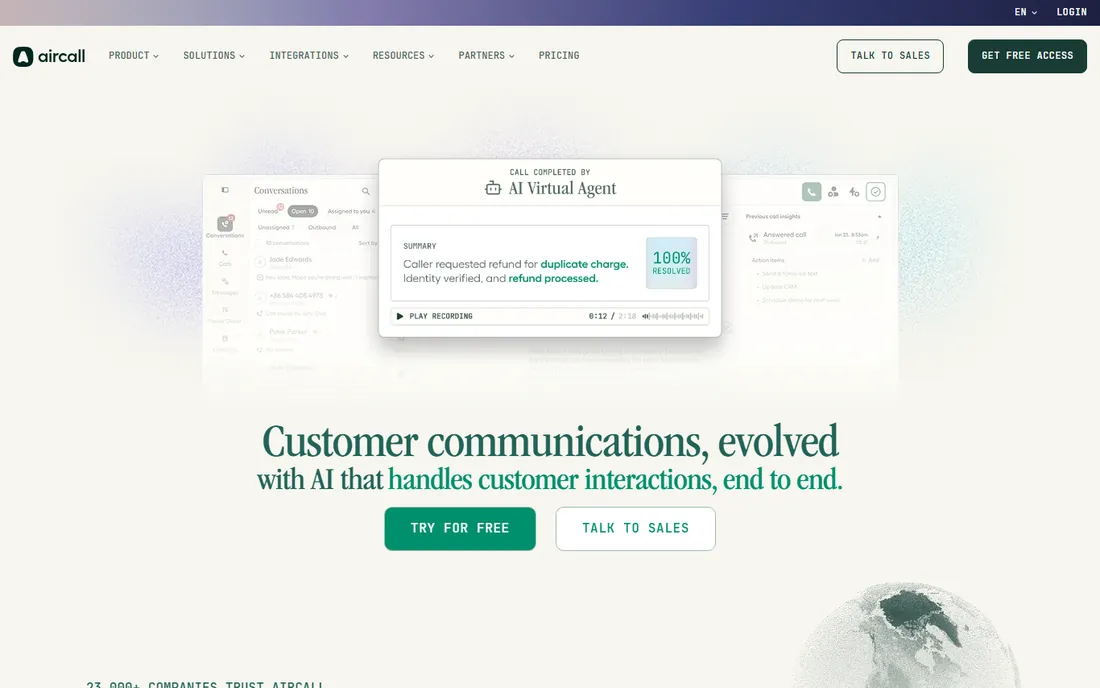
Aircall wins on polish. The interface is the friendliest here, administration is genuinely easy, and the integration marketplace covers the CRMs and helpdesks SMB teams actually use. Third-party sources reading the vendor's pricing page report Essentials around $30 and Professional around $50 per license per month billed annually.
The honest catch is positioning. This is a business phone system with outbound features, not a dialer-first platform; pure outbound teams should confirm dialer capabilities before choosing it over PhoneBurner. The figures were third-party readings, so verify on the vendor's page. If your team does as much inbound and internal calling as outbound, Aircall fits. If it is all outbound, keep looking.
What we like- Clean, modern interface that sales teams adopt quickly
- Strong CRM and helpdesk integration marketplace
- Quick admin-friendly setup
Watch out for- It is a general business phone system first
- Heavy predictive outbound dialing is not its core strength
- A 3-license minimum excludes solo users
#4
Talkdesk
Best for: Mid-market to large companies running inbound and outbound voice plus digital
Visit talkdesk.com
Starting priceSee website
Free planNo
Talkdesk brings AI to the contact center at scale. Voice, digital channels, automation and analytics run in one enterprise platform, with the AI layer as the differentiator. A free Express tier for sub-50-employee US and Canadian companies (25 licenses reported) gives small teams a door in.
The catch is enterprise gravity. Third-party listings report tiers from $85 to $165 per user per month, but nothing was verified on the vendor's page, and the platform assumes operations at a certain scale. Smaller outbound teams should verify whether Express covers their needs or look at lighter tools. Enterprises should scope AI add-on costs separately; the base platform and the AI features are different line items.
What we like- Enterprise contact-center depth with heavy AI investment
- A free Express tier is reported for small US/CA companies
- Strong automation across voice and digital channels
Watch out for- No free trial and enterprise complexity that SMBs may find heavy
- Pricing figures are third-party and unverified
#5
Dialpad
Best for: SMB and mid-market companies wanting AI-enhanced voice across sales and support
Visit dialpad.com
Starting priceSee website
Free planUnverified (sources conflict; verify directly)
Dialpad's pitch is that every call should make the next call better. Real-time transcription, live coaching prompts and sentiment analysis run natively, which is genuinely useful for training SDRs. Unified communications and contact center come from one vendor instead of two.
The honest catch is tiering and trial confusion. Third-party sources report support tiers around $80 to $150 per agent per month and UC tiers around $15 to $25, but nothing was verified on the vendor's page, and trial availability conflicts across sources. Outbound buyers should confirm which tiers include power dialing and what the AI add-ons cost. Verify everything directly; this is the least consistently reported pricing on the list.
What we like- AI-powered calling with real-time transcription, coaching and sentiment
- True unified communications plus contact center in one vendor
- Quick cloud-based setup
Watch out for- The AI features buyers want often sit on higher tiers
- Free trial availability is inconsistently reported
#6
PhoneBurner
Best for: High-volume outbound SDR teams, real-estate investors, insurance agencies
Visit phoneburner.com
Starting priceSee website
Free planFree trial (no credit card reported)
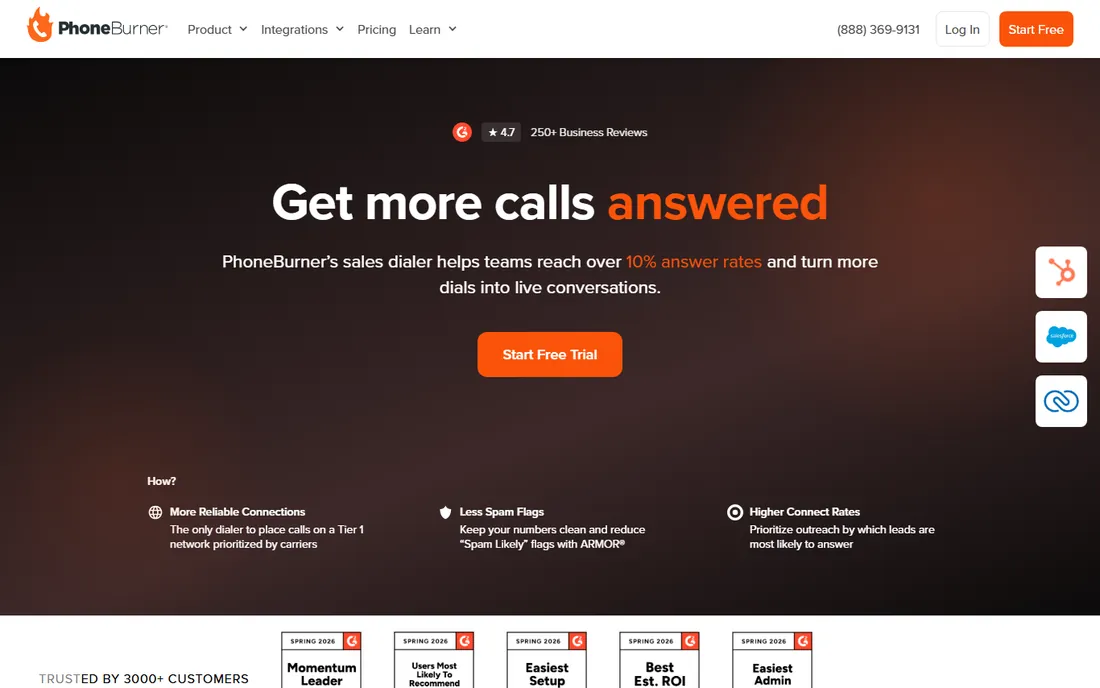
PhoneBurner does one thing: make reps have more live conversations per hour. Power dialing with automated voicemail drops and email follow-ups, plus lead management, tuned for SDR teams, real-estate investors and insurance agencies running high-volume cold calling.
The catch is the price. Third-party sources reading the vendor's pricing page report $140 to $183 per user per month billed annually, which is steep per seat because it is a specialized productivity tool that assumes you bring your own lead lists. Teams should trial it with real lists to verify the connect-rate gains justify the seat cost. If your reps already talk all day and need efficiency, the math works. If call volume is light, it is overkill.
What we like- Purpose-built outbound power dialer with voicemail drop, email follow-up and lead management
- Fast sales-focused setup
- No-credit-card trial lets teams test with real lists
Watch out for- Expensive per seat for a specialized tool
- Dialer-first means teams needing inbound depth will need another tool
#7
NICE CXone
Best for: Large enterprises running blended inbound/outbound with workforce optimization
Visit nice.com
Starting priceSee website
Free planNo
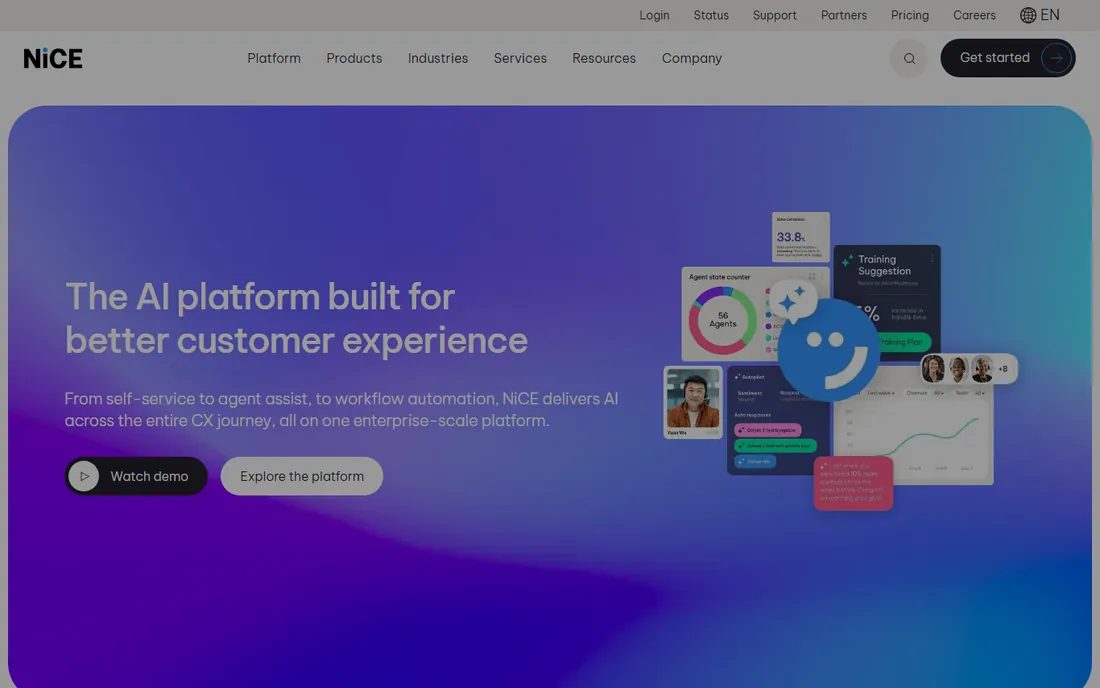
NICE CXone is the everything suite. Outbound dialing, inbound voice, digital channels, workforce management and analytics in one enterprise platform, with third-party sources reporting tiers from $110 to $249 per agent per month plus usage fees.
The honest catch is total cost arithmetic. Seat plus $0.25-per-session usage plus implementation services adds up fast, and the figures are third-party readings, not vendor-confirmed. Setup is an enterprise project. Only enterprises with complex blended requirements should shortlist it; everyone else will find it heavy and expensive. If workforce optimization and analytics matter as much as dialing, the breadth justifies a look.
What we like- Full enterprise CX suite covering outbound, inbound, digital and workforce management
- A 60-day trial on select plans is reported
- Breadth few competitors match
Watch out for- Base seat plus usage fees plus implementation adds up fast
- Enterprise platform with enterprise implementation effort
#8
Genesys Cloud CX
Best for: Enterprise contact centers needing outbound campaigns with omnichannel and AI
Visit genesys.com
Starting priceSee website
Free planFree trial (reported)
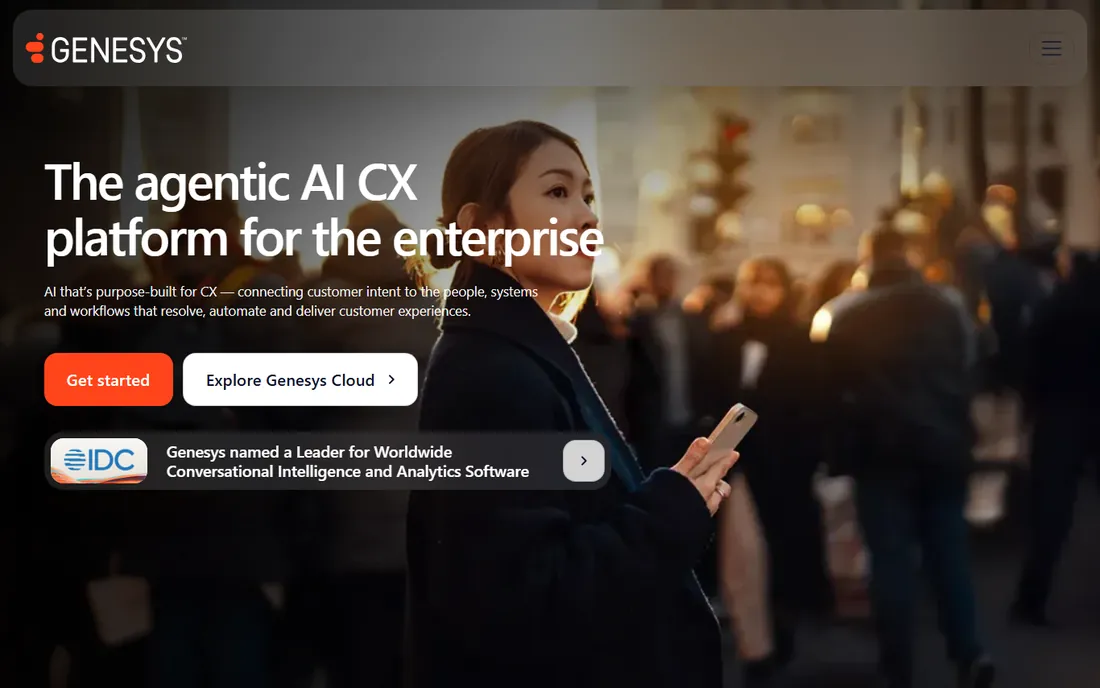
Genesys Cloud CX is the enterprise default. Outbound campaign management sits alongside omnichannel inbound, workforce engagement and AI in the most proven platform in the category. Third-party sources report tiers from $75 to $240 per user per month, unverified.
The catch is that the sticker price is the smallest part. Services, implementation and the higher tiers carrying the features enterprises actually want dominate the total. Mid-market buyers should get a scoped quote including services. Small teams should not shortlist it. If your contact center is a strategic operation with hundreds of seats, Genesys is the benchmark everything else is measured against.
What we like- Market-leading enterprise CCaaS with strong outbound campaign management and AI
- Unmatched ecosystem depth (AppFoundry, integrations)
- A free trial is reported
Watch out for- Enterprise-grade complexity and cost
- Real deployments involve significant services cost
Dialer modes decoded: predictive vs. power vs. preview
The jargon matters because it changes both productivity and compliance risk. Predictive dialers call multiple numbers per available agent, predicting when someone will free up; highest connect rates, but abandoned-call regulations apply. Power dialers call one number per agent automatically, dropping voicemails without pausing; the PhoneBurner specialty. Preview dialers show the record first and let the agent decide; slowest, but right for complex or regulated conversations. Match the mode to the motion: predictive for collections and telesales volume, power for SDR prospecting, preview for high-value or compliance-sensitive outreach. Then confirm the platform actually offers your mode on the tier you will buy; vendors love demoing predictive and selling power.
What to look for before you buy
First, define the motion: pure outbound prospecting, blended inbound/outbound, or enterprise campaigns, because dialer-first tools and suites are different purchases. Second, price the dialer, not the seat: add-ons for power and parallel dialing (CloudTalk), per-agent AI tiers (Dialpad) and usage fees (NICE) change the invoice. Third, check compliance tooling: TCPA, call recording consent and abandoned-call rules vary by use case, and enterprise platforms (Five9, Genesys) handle this natively. Fourth, verify CRM integration depth on your specific CRM, not the logo slide. Fifth, trial with real lists and real reps; connect-rate gains are the only metric that justifies dialer pricing. Sixth, read the contract terms: seat minimums and multi-year terms (reported on Five9) can dwarf the per-seat price.
How we chose
We started with the categories buyers search: outbound call center software, outbound dialer software and auto dialer software. For each candidate we checked product claims against public reviews on G2 and Capterra and practitioner discussion on Reddit, and compared dialer modes, compliance tooling, CRM integrations and company-size fit. Pricing pages were checked where available; where a price could not be verified on the vendor's own page we wrote "See website" rather than guessing.
Frequently asked questions
What is the difference between a predictive dialer and a power dialer?
A predictive dialer calls several numbers per available agent, using algorithms to predict agent availability; it maximizes talk time but risks abandoned calls. A power dialer calls one number per agent in sequence, automatically dropping voicemails. Predictive suits high-volume telesales and collections; power suits SDR prospecting where every conversation needs context.
How much does outbound call center software cost?
SMB cloud calling starts around $25 to $50 per user per month based on third-party reports, plus dialer add-ons. Dedicated dialers like PhoneBurner run higher per seat. Enterprise platforms (Five9, Genesys, NICE) are quote-only and typically land in the low hundreds per seat monthly with annual or multi-year terms. Always model add-ons, usage fees and contract minimums.
Do we need compliance features for outbound calling?
Yes, if you call consumers. TCPA consent rules, call recording notification laws, abandoned-call limits and do-not-call list scrubbing all apply, with real penalties. Enterprise platforms build these in; lighter tools may not. If compliance is not on the vendor's feature list, ask directly before buying.
Can we use our existing CRM with these tools?
Generally yes; Salesforce, HubSpot and major CRMs integrate with everything here. The depth varies: click-to-call and screen pops are table stakes, while automatic activity logging, list sync and workflow triggers differ by tier. Verify your specific CRM and the tier you will buy during the trial.
How long does implementation take?
Cloud tools (CloudTalk, Aircall, Dialpad, PhoneBurner) deploy in days. Mid-market platforms (Talkdesk) take weeks. Enterprise suites (Five9, Genesys, NICE CXone) take months with services. Number porting, CRM integration and compliance configuration are the usual long poles, not the software install.
Sources we checked (10)
- https://five9.com
- https://cloudtalk.io
- https://aircall.io
- https://talkdesk.com
- https://dialpad.com
- https://phoneburner.com
- https://nice.com
- https://www.genesys.com
- https://www.g2.com/categories/contact-center
- https://www.capterra.com/call-center-software/
Is your product missing or out of date?
We review this list regularly. Vendors can request a listing, send updated pricing or ask about featured placement.

Shihab Mia · Founder, Rankite
Shihab has spent more than a decade helping SaaS and e-commerce brands grow through search. He writes Rankite's software buying guides from pricing pages, documentation and public user reviews. More about Shihab.