How we make this list: we compare pricing pages, product documentation and public user reviews. Ratings come from G2, Capterra or Trustpilot, with the date we checked them.
Key takeaways
- For small nonprofits that want one simple price: OnPay ($49/month + $6/worker) runs employees and contractors in one pay run with W-2 and 1099 processing included; reviewers note its niche payroll options for nonprofits.
- Gusto fits nonprofits already on nonprofit accounting tools: it integrates with Aplos and files 1099s on every plan, with month-to-month billing that suits grant cycles.
- On QuickBooks with class tracking for funds: QuickBooks Payroll keeps payroll inside the books with unlimited 1099 e-filing; SOS-style budgets start at Patriot ($17/month + $4/worker paid, Basic).
- Growing organizations: Rippling, Paylocity and Paycor add HR depth for nonprofits past 50 staff; Paychex Flex and ADP Run suit compliance-heavy shops that want a named specialist.
Quick comparison
| Tool | Best for | Starting price | Free plan |
|---|
 Gusto Gusto | Nonprofits already on Aplos, QuickBooks or Xero | See website | No |
 OnPay OnPay | Small nonprofits that want one simple price | $49/month + $6/worker/month | First month free |
 QuickBooks Payroll QuickBooks Payroll | Nonprofit teams tracking funds with QuickBooks classes | See website | Free trial (per reviewers) |
 Patriot Software Patriot Software | Churches and tiny nonprofits on tight budgets | $17/month + $4/worker paid (Basic; Full Service higher) | Free trial (30 days) |
 Rippling Rippling | Growing nonprofits that need HR plus payroll | See website (custom quote) | No |
 Paychex Flex Paychex Flex | Nonprofits that want a dedicated payroll specialist | See website (custom quote) | No |
 ADP Run ADP Run | Compliance-first nonprofits that plan to grow | See website (custom quote) | No |
 Paylocity Paylocity | Mid-size nonprofits wanting HCM depth | See website (custom quote) | No |
 Paycor Paycor | Nonprofits wanting configurable HCM and talent tools | See website (custom quote) | No |
 Justworks Justworks | Small nonprofits wanting PEO benefits access | See website | No |
Is your product missing or out of date?
We review this list regularly. Vendors can request a listing, send updated pricing or ask about featured placement.
The best nonprofit payroll software
Nonprofit payroll runs on grant calendars, not sales quarters. Salaries get split across programs and funding sources, the board wants clean reports for the audit, and somebody always asks whether the new hire counts as an employee or a contractor right before the 1099 deadline. The tools below handle the payroll mechanics every business needs, plus the nonprofit-specific wrinkles: fund-friendly reporting, contractor and vendor payments, and pricing that respects a donated dollar. Ten options, from budget picks for small charities to HCM platforms for national organizations.
#1
Gusto
Best for: Nonprofits already on Aplos, QuickBooks or Xero
Visit gusto.com
Starting priceSee website
Free planNo
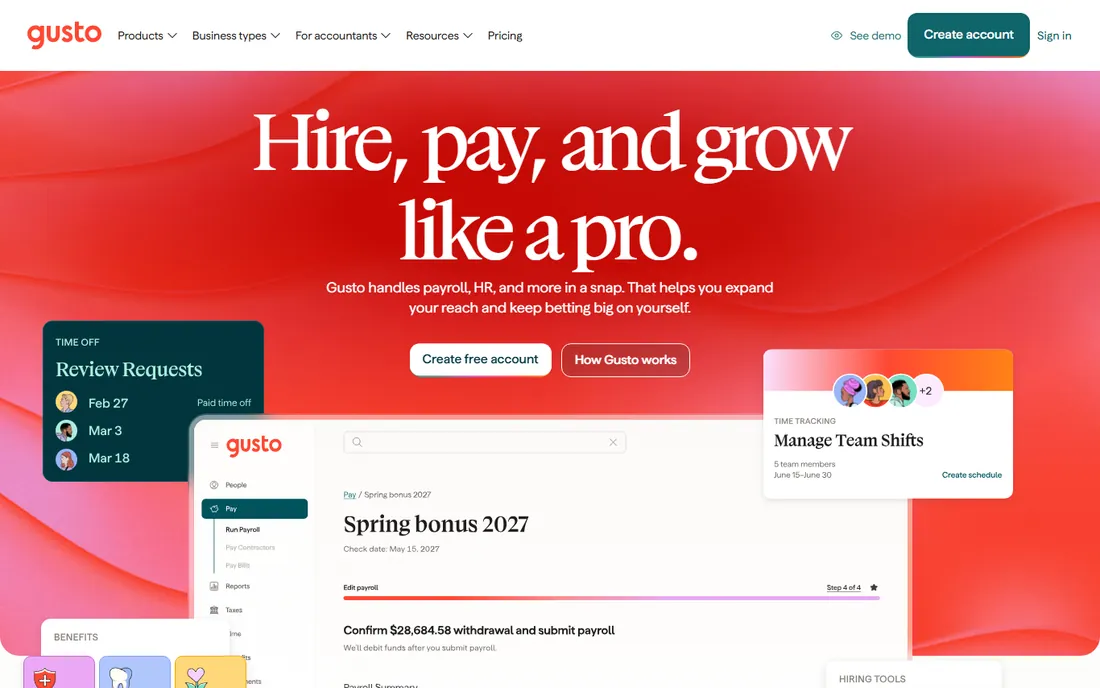
Gusto's nonprofit case is the accounting integration. Gusto's own pricing FAQ lists Aplos alongside QuickBooks and Xero as supported accounting integrations, which matters because many small nonprofits run Aplos for fund accounting. Payroll data flows into the books you already keep, and year-end 1099 filing is handled on every plan, useful for the vendors and contractors nonprofits pay year-round.
The honest catch is that Gusto is general-purpose payroll wearing no nonprofit costume. There is no grant-allocation module and no fund reporting; that lives in your accounting software. Month-to-month billing at least means you are never locked in past the current grant.
What we like- Integrates with Aplos, the nonprofit accounting platform, plus QuickBooks and Xero
- 1099 filing handled on every plan
- Month-to-month billing with no contracts suits grant cycles
- US contractors billed only in months they are paid
Watch out for- No published pricing tiers to compare quickly
- Time tracking and next-day pay sit on higher plans
- No nonprofit-specific edition
#2
OnPay
Best for: Small nonprofits that want one simple price
Visit onpay.com
Starting price$49/month + $6/worker/month
Free planFirst month free
OnPay is the value pick for small nonprofits. The single-plan pricing means a 12-person charity pays $121 per month with unlimited runs, all tax filings, and both W-2 and 1099 year-end processing included. Professional reviews specifically call out OnPay's niche payroll options for nonprofits and churches, which shows in details like multiple pay rates and schedules that fit program staff with split roles.
The honest catch is scope. This is payroll plus optional HR add-ons, not an HCM platform. A nonprofit with 60 staff, benefits administration and performance reviews will outgrow it. Under 30 people, it is hard to beat on price and simplicity.
What we like- One plan at $49 plus $6 per worker with employees and contractors in a single pay run
- Year-end W-2 and 1099 processing included
- Reviewers note payroll options built for nonprofits and churches
- Free migration from another provider
Watch out for- US-only payroll
- HR features cost extra through an add-on
Starting priceSee website
Free planFree trial (per reviewers)
Many nonprofits already live in QuickBooks, using class tracking to split expenses across programs, grants and fundraising. QuickBooks Payroll keeps that workflow intact: payroll entries land in the ledger with the classes attached, instead of arriving as a monthly journal entry someone has to split by hand. Unlimited 1099 e-filing on every plan handles the vendor payments nonprofits make constantly.
The honest catch is the stack. Payroll is an add-on, so the real monthly cost includes QuickBooks Online, and Intuit's first-year discounts mean the renewal price is the one to budget. If you are not on QuickBooks already, there is no nonprofit reason to start here.
What we like- Payroll posts directly into QuickBooks, where class tracking allocates salaries to programs and grants
- Unlimited 1099 e-filing built into every plan
- Multi-state tax filing included
Watch out for- Requires the QuickBooks Online subscription on top of payroll
- Intuit's promo pricing obscures the real ongoing cost
Starting price$17/month + $4/worker paid (Basic; Full Service higher)
Free planFree trial (30 days)
Patriot fits the small church or grassroots nonprofit with five people and a donated budget. The "workers paid" billing model is kind to organizations with seasonal or intermittent staff: quiet months bill only the base fee. The 30-day trial and free US-based support lower the risk of trying it.
Know the tier gap. Basic at $17 per month leaves tax filings to you; the Full Service tier that actually files costs more, so price that tier when comparing. Each additional state is $12 per month. For straightforward domestic payroll at minimal cost, it does the job.
What we like- Cheapest entry point on this list
- Charged only for workers actually paid each month
- 30-day trial with free US-based support
- No contracts
Watch out for- The $17 Basic tier is self-service, so real tax filing needs the pricier Full Service tier
- Reporting is basic and grant-allocation reporting is not built in
Starting priceSee website (custom quote)
Free planNo
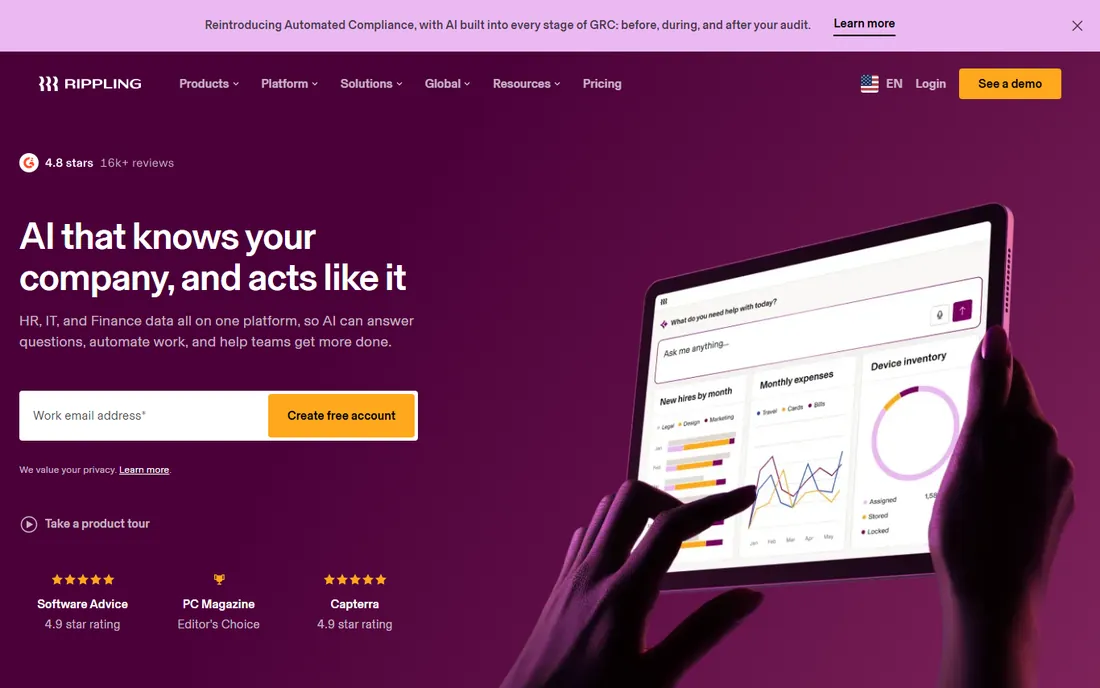
Rippling suits the nonprofit that has outgrown pure payroll: 60 staff, an HR manager, onboarding checklists, benefits enrollment and maybe international program contractors. The single-record architecture means a new hire's payroll, laptop, benefits and app access all flow from one onboarding, which small HR teams feel immediately.
The honest catch is the buying process and the bill. The payroll starting point is published in Rippling's FAQ, but the full platform is quote-based and the modules accumulate. Get the complete quote, not the payroll line, before presenting it to the board.
What we like- One employee record drives HR, payroll, benefits, IT and spend
- Unlimited pay runs
- Global payroll coverage for international program staff
- Strong onboarding automation
Watch out for- Modular pricing stacks up quickly
- Nearly every real configuration needs a sales quote
#6
Paychex Flex
Best for: Nonprofits that want a dedicated payroll specialist
Visit paychex.com
Starting priceSee website (custom quote)
Free planNo
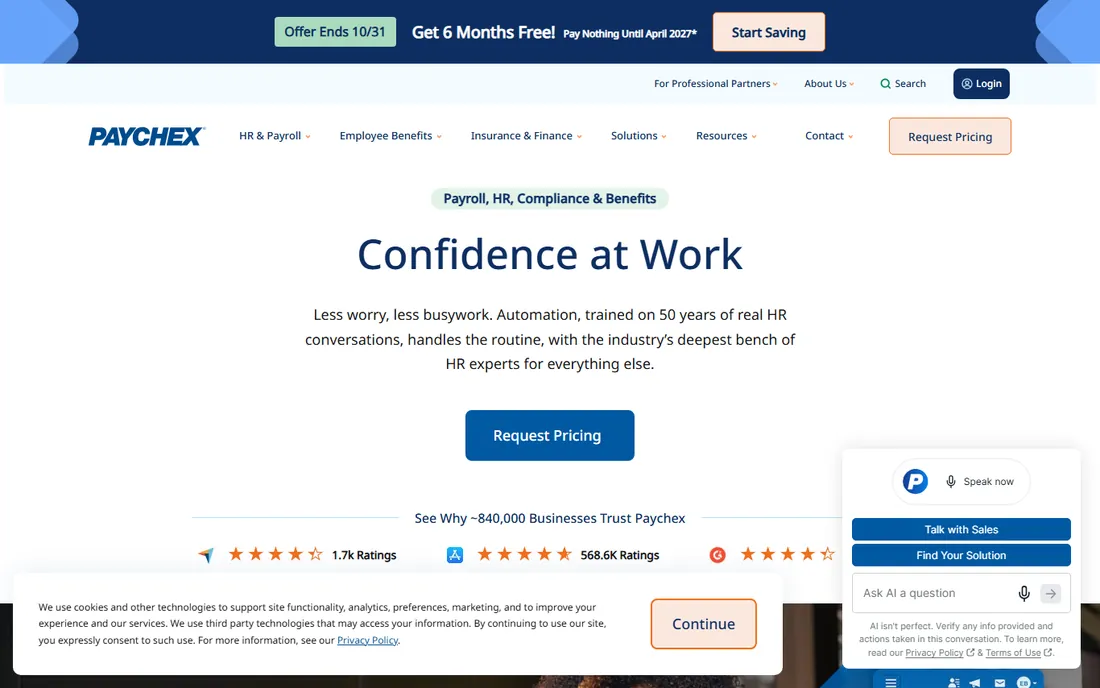
Paychex Flex sells the human relationship: a dedicated payroll specialist instead of a support queue, which matters to nonprofit finance staff who wear five hats and cannot afford a payroll mistake before a board meeting. The platform scales from a five-person charity to a national organization, and the PEO option exists for nonprofits that want to outsource HR entirely.
The honest catch is commercial. Nothing is published, so every number comes from sales, and reviewers report setup fees, year-end fees and separately billed add-ons. Get the full fee schedule in writing, including what happens at contract renewal, before signing.
What we like- A named payroll specialist assigned to your account
- Full HR scope with payroll, benefits, retirement and a PEO option
- SurePayroll subsidiary covers the small-business end
- Scales from tiny teams to hundreds of staff
Watch out for- No published pricing at all
- Reviewers report setup fees, year-end fees and early termination fees on annual contracts
Starting priceSee website (custom quote)
Free planNo
ADP Run is the conservative choice for nonprofits where compliance scrutiny is high: government grants, healthcare-adjacent missions, or boards that sleep better with a household name on payroll. Automated tax filing with a penalty guarantee, garnishment handling and HR help desk at higher tiers give finance staff backup they would not get from a budget tool.
The price of that conservatism is opacity and cost. ADP publishes nothing, third-party estimates are just estimates, and reviewers consistently say RUN costs more than the SMB specialists under 20 employees. If compliance peace of mind is worth the premium to your board, get everything in writing first.
What we like- Enterprise-grade tax compliance with a penalty guarantee on full-service plans
- Background checks included on all RUN plans
- A product line you never outgrow, from RUN to Workforce Now to PEO
Watch out for- Zero price transparency
- Reviewers report implementation fees and add-on charges
- Usually costs more than Gusto or OnPay at small headcounts
Starting priceSee website (custom quote)
Free planNo
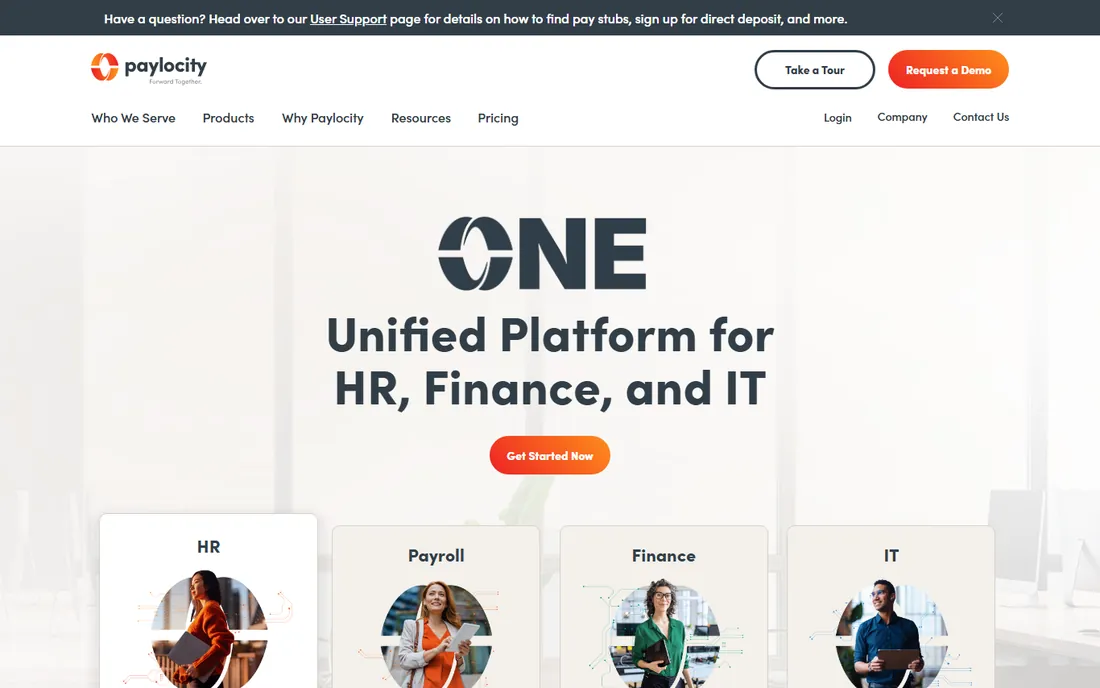
Paylocity targets the 50-to-500-employee organization, which is exactly where growing nonprofits land after a few successful grant cycles. The platform covers payroll plus the HR work that appears at that size: performance reviews, learning, engagement surveys and expense management. The mobile experience is genuinely strong, which helps nonprofits with field staff.
The honest catch is fit and price. Everything is quoted, implementation takes real effort, and a 15-person nonprofit should not buy this. It belongs on the shortlist when HR has become a full-time job.
What we like- Full HCM with payroll, HR, time, talent and spend management on one platform
- Strong employee engagement and mobile experience
- Serves small business through enterprise segments
Watch out for- Quote-based pricing with no public numbers
- Implementation is a real project
- More platform than a small nonprofit needs
#9
Paycor
Best for: Nonprofits wanting configurable HCM and talent tools
Visit paycor.com
Starting priceSee website (custom quote)
Free planNo
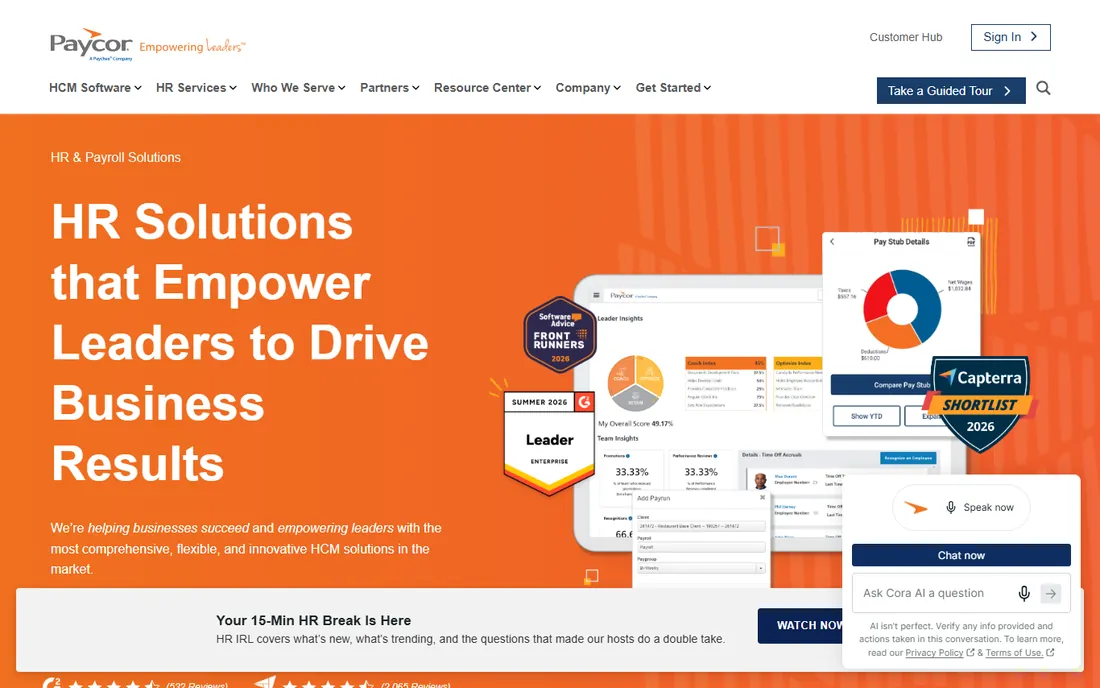
Paycor's angle is configurability for leaders: recruiting, onboarding, payroll, performance and scheduling in one system that adapts to how the organization actually works. For nonprofits juggling program staff, seasonal workers and volunteers-turned-employees, the workforce management and scheduling depth is more useful than it looks on a feature list.
The honest catch is complexity. This is a platform you implement, not software you sign up for, and small teams can drown in modules they will never open. Scope tightly to payroll plus the two or three HR functions you actually need.
What we like- Configurable HCM spanning payroll, talent acquisition, talent management and workforce management
- Industry-specific configurations
- Analytics for labor cost decisions
Watch out for- Quote-based pricing
- The breadth of modules can overwhelm small HR teams
- Implementation needs proper scoping
Starting priceSee website
Free planNo
Justworks is a PEO, which is a specific answer to a nonprofit problem: a 12-person charity cannot negotiate health benefits like a 500-person company, but a PEO pools thousands of small employers together. Justworks becomes the employer of record for tax and benefits purposes while you keep day-to-day control, and contractors are managed in the same dashboard.
The honest catch is the price premium over pure payroll and the quote-based model. It only earns its fee when the benefits access and compliance support matter to you. A volunteer-heavy nonprofit with two employees should buy Patriot or OnPay instead.
What we like- PEO model gives small nonprofits access to group benefits and compliance support
- Contractors managed alongside employees
- Simple onboarding and one support team
Watch out for- Quote-based PEO pricing that runs higher than pure payroll
- Only makes sense if you have W-2 employees to cover
What nonprofits should check before buying payroll software
Start with tax status. Most 501(c)(3) organizations still withhold and pay Social Security and Medicare taxes; the federal unemployment tax exemption for 501(c)(3)s is real but state rules vary, so confirm your state before assuming anything. Then check fund tracking: can payroll costs split by program, grant or location, either in the payroll tool or cleanly in your accounting integration? Ask about 1099 handling for vendors, because nonprofits pay more vendors than a typical business. Check multi-state filing if staff work across state lines. Finally, look at reporting: auditors and grant makers want payroll registers by program and period, so demo the reports, not just the pay run.
How we chose
We started with the searches buyers run: nonprofit payroll software, payroll for churches, and 501(c)(3) payroll. For each candidate we opened the vendor's own homepage and pricing page, checked nonprofit-relevant features against public reviews on G2 and Capterra and practitioner discussion on Reddit, and compared pricing transparency, fund-accounting integrations, 1099 handling and company-size fit. Where a price could not be verified on the vendor's page we wrote "See website" rather than guessing.
Churches and ministries: the extra payroll wrinkles
Churches get a few payroll rules nobody else deals with. Ministers have dual tax status: employees for income tax, self-employed for Social Security, which changes withholding in ways generic payroll software sometimes mishandles, so confirm minister-specific support before buying. Housing allowances are excludable from income tax within limits but not from self-employment tax, and the designation must happen in advance. Love offerings and benevolence payments have their own tax treatment depending on who controls the funds. None of this is a reason to overbuy; it is a reason to ask each vendor two questions in the demo: how do you handle minister housing allowance, and how do you handle dual tax status?
Frequently asked questions
Do nonprofits have to pay payroll taxes?
Mostly yes. Nonprofits still withhold federal income tax and pay Social Security and Medicare taxes for employees. The main break is federal unemployment tax: 501(c)(3) organizations are generally exempt from FUTA, though state unemployment rules vary.
How do I track salaries across grants and programs?
Either in payroll or in accounting. QuickBooks Payroll users lean on QuickBooks class tracking to split payroll by program or grant. Gusto and OnPay users typically map payroll to departments or cost centers and reconcile in Aplos or QuickBooks. Decide where the split happens before you buy, because it determines which integration matters.
Can payroll software handle clergy housing allowances?
Some can, some cannot. Ask directly in the demo: how the software designates and tracks housing allowance, and whether it handles a minister's dual tax status. Generic tools sometimes treat ministers as regular employees, which creates tax errors.
Do volunteers need to go through payroll?
No, as long as they are genuinely volunteers receiving no compensation. Reimbursed expenses are fine with an accountable plan. The moment someone receives regular pay for services, they are a worker, and worker classification rules apply.
What is the cheapest payroll option for a 5-person nonprofit?
Patriot has the lowest entry price on this list, starting at $17/month + $4 per worker paid on Basic, though real tax filing needs the higher Full Service tier. OnPay at $49/month + $6/worker includes full-service filing and 1099 processing, which is often the better value once you price both tiers honestly.
Should a nonprofit use a PEO like Justworks?
A PEO makes sense when benefits access is the problem: small nonprofits that cannot get competitive health insurance alone. If benefits are already handled or the team is tiny, a PEO's premium over pure payroll is hard to justify.
Sources we checked (13)
- https://gusto.com
- https://gusto.com/product/pricing
- https://onpay.com
- https://quickbooks.intuit.com
- https://patriotsoftware.com/
- https://www.rippling.com/
- https://paychex.com/
- https://run.adp.com
- https://www.paylocity.com/
- https://www.paycor.com/
- https://www.justworks.com/
- https://www.g2.com/categories/payroll
- https://www.capterra.com/payroll-software/
Is your product missing or out of date?
We review this list regularly. Vendors can request a listing, send updated pricing or ask about featured placement.

Shihab Mia · Founder, Rankite
Shihab has 5+ years in B2B and SaaS SEO. He writes Rankite's software buying guides from pricing pages, documentation and public user reviews. More about Shihab.