How we make this list: we compare pricing pages, product documentation and public user reviews. Rankite is independent; if a vendor ever pays for a featured spot, that listing is clearly labeled Partner.
Key takeaways
- Bloomerang is the best all-around donor CRM for small to mid-size nonprofits, starting at $125 per month.
- Givebutter and Zeffy are genuinely free options that cover fundraising, events and basic CRM without a catch.
- Neon CRM at $99 per month is the strongest pick for membership-based organizations.
- Salesforce Nonprofit Cloud suits large nonprofits with technical staff, but budget for implementation, not just licenses.
Quick comparison
| Tool | Best for | Starting price | Free plan |
|---|
 Bloomerang Bloomerang | Donor retention for small to mid nonprofits | $125/month | Free trial |
 Neon CRM Neon CRM | Membership organizations | $99/month | Free trial |
 DonorPerfect DonorPerfect | Fundraising automation | See website | No |
 Little Green Light Little Green Light | Small orgs on a tight budget | $45/month | Free trial |
 Givebutter Givebutter | Free all-in-one fundraising | Free | Free plan |
 Zeffy Zeffy | Zero-fee donations at any size | Free | Free plan |
 Salesforce Nonprofit Cloud Salesforce Nonprofit Cloud | Large, complex nonprofits | $60/user/month | Free licenses |
 Bonterra Bonterra | Multi-channel fundraising | See website | No |
 Virtuous Virtuous | Automation-driven mid to large orgs | See website | No |
Is your product missing or out of date?
We review this list regularly. Vendors can request a listing, send updated pricing or ask about featured placement.
The best nonprofit management software
Starting price$125/month
Free planFree trial
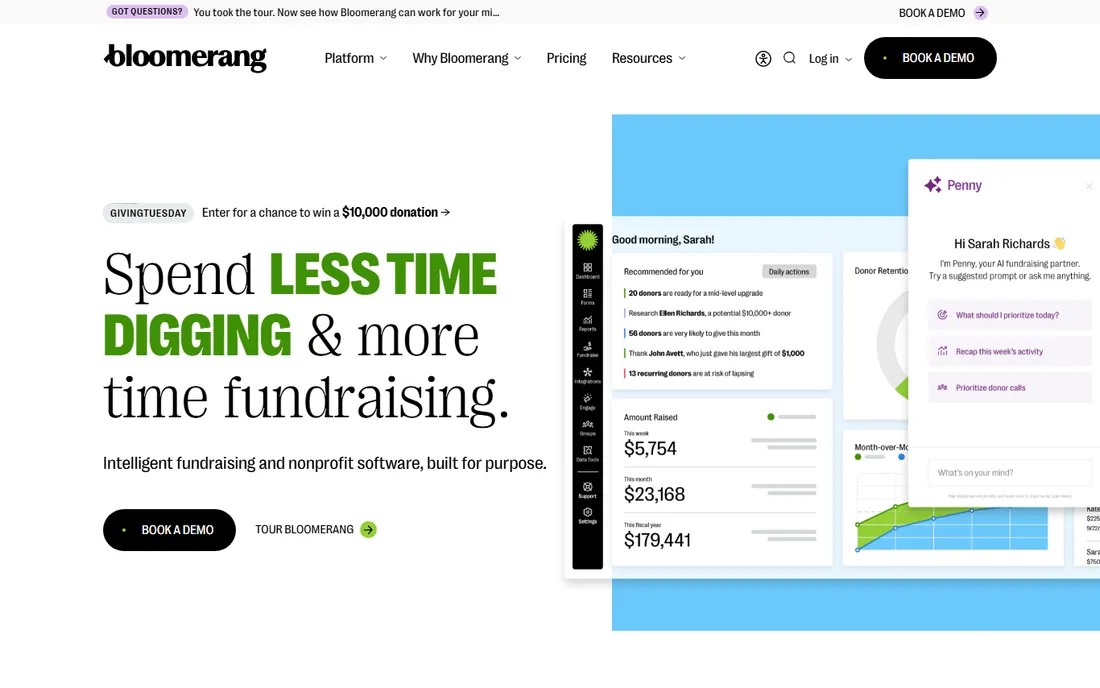
Bloomerang built its name on donor retention. The engagement meter scores every donor on recency, frequency and monetary value, so a small development team can see at a glance who is drifting away. Timelines show every interaction with a constituent in one scroll. For organizations without a dedicated database manager, that clarity is worth more than a longer feature list.
Pricing starts at $125 per month for the CRM, with fundraising bundles higher. Customization is deliberately limited to keep things simple, which frustrates power users. Membership tools are basic and volunteer management is a paid add-on. If your priority is keeping donors rather than configuring software, Bloomerang is the default recommendation.
What we like- Engagement scoring shows donor health
- Very easy to learn
- Strong email and event tools
Watch out for- Limited customization
- Volunteer management costs extra
- Recent price increases
Starting price$99/month
Free planFree trial
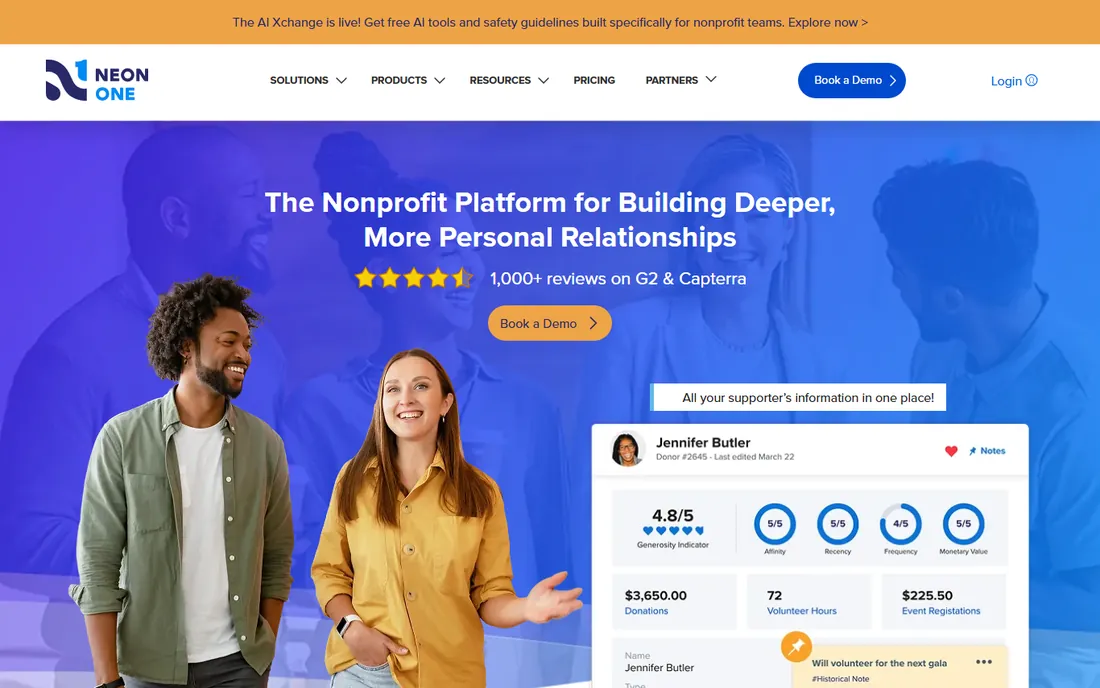
Neon CRM (from Neon One) is the pick when members matter as much as donors. Membership management, event registration, volunteers and fundraising live in one system with workflows that connect them. Pricing starts at $99 per month and scales on revenue rather than contact count, which suits organizations with big mailing lists and modest budgets.
The interface is intuitive for daily tasks, though building custom reports takes practice. Wealth screening and auctions are not built in. For associations, clubs, museums and other membership-driven nonprofits, Neon CRM covers more of the operation than donor-only tools.
What we like- Strong membership and event modules
- Revenue-based pricing with no record cap
- 40+ prebuilt reports
Watch out for- Reporting can be fiddly
- No built-in wealth screening
Starting priceSee website
Free planNo
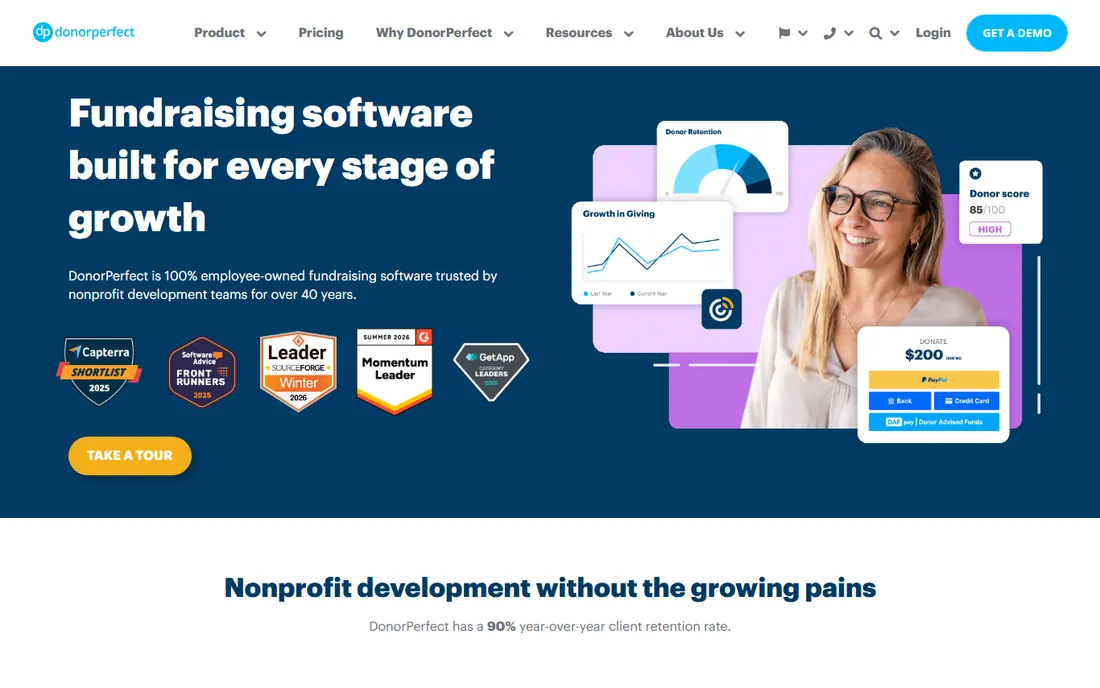
DonorPerfect has served nonprofits for decades and shows it in the depth of its fundraising tools: moves management, monthly giving workflows, pledge tracking and highly customizable reports. The donor journey builder automates stewardship sequences that small teams would otherwise run by hand. Monthly billing is available, which is friendlier than the multi-year contracts some competitors require.
The interface is the weak point. It works, but new staff face a learning curve, and report building is more complex than on Bloomerang or Neon. Pricing is quote-based. DonorPerfect fits operations-minded teams that value depth and flexibility over modern polish.
What we like- Flexible monthly billing
- Strong reporting and donor journey tools
- Long track record
Watch out for- Interface feels dated
- Pricing requires a conversation
Starting price$45/month
Free planFree trial
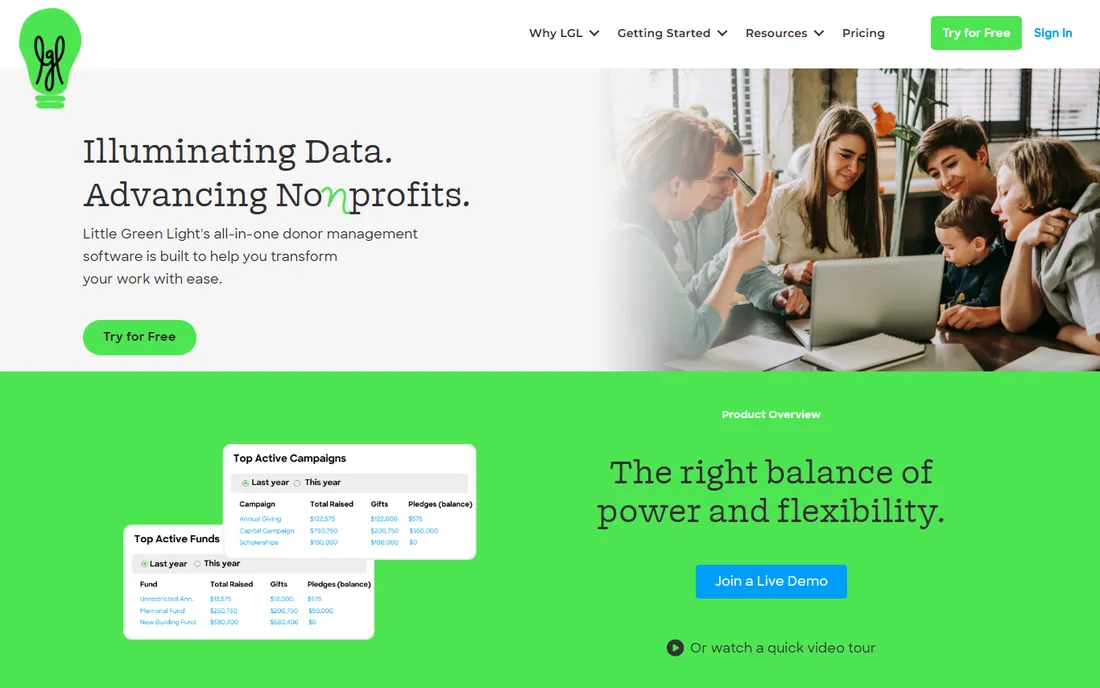
Little Green Light proves a donor database does not need to cost four figures a year. Starting at $45 per month ($486 billed annually), it covers constituent records, gift tracking, pledge management, basic grant tracking and mail-merge communications. Small nonprofits consistently praise its simplicity and responsive support.
Email marketing is basic, so most users pair it with a dedicated email tool. Integrations are fewer than on bigger platforms. For an organization with a few thousand donors and one person managing the database, Little Green Light is the budget pick that still does the job properly.
What we like- Very affordable
- Unlimited users on some tiers
- Solid gift and grant tracking
Watch out for- Basic email tools
- Fewer integrations
Starting priceFree
Free planFree plan
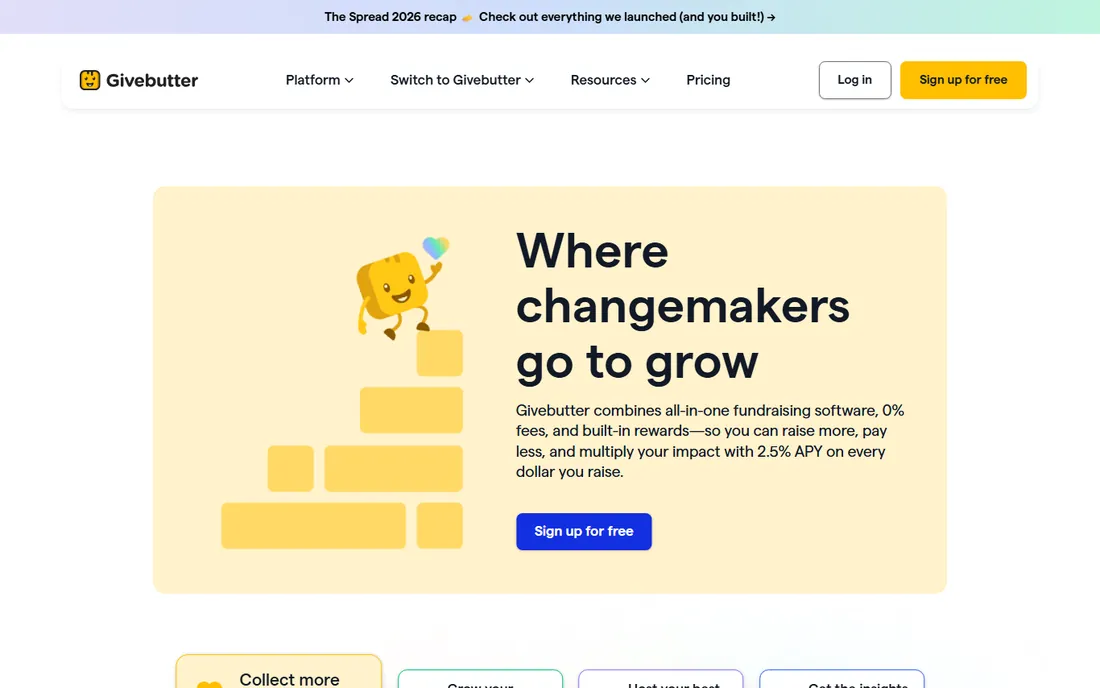
Givebutter's pitch is simple: the fundraising platform is free, funded by optional tips donors can add at checkout. You get donation pages, peer-to-peer campaigns, events, auctions and a real CRM with unlimited contacts. For a small nonprofit, that removes the software budget question entirely.
The Plus tier from $29 per month adds features for growing teams. The CRM is capable but not as deep as Bloomerang on retention analytics. If your organization is small, modern and comfortable with tip-based pricing, Givebutter is hard to argue against.
What we like- Free CRM, fundraising pages, events and auctions
- Modern interface
- Unlimited contacts on free tier
Watch out for- Funded by optional donor tips
- Advanced CRM depth lags paid tools
Starting priceFree
Free planFree plan
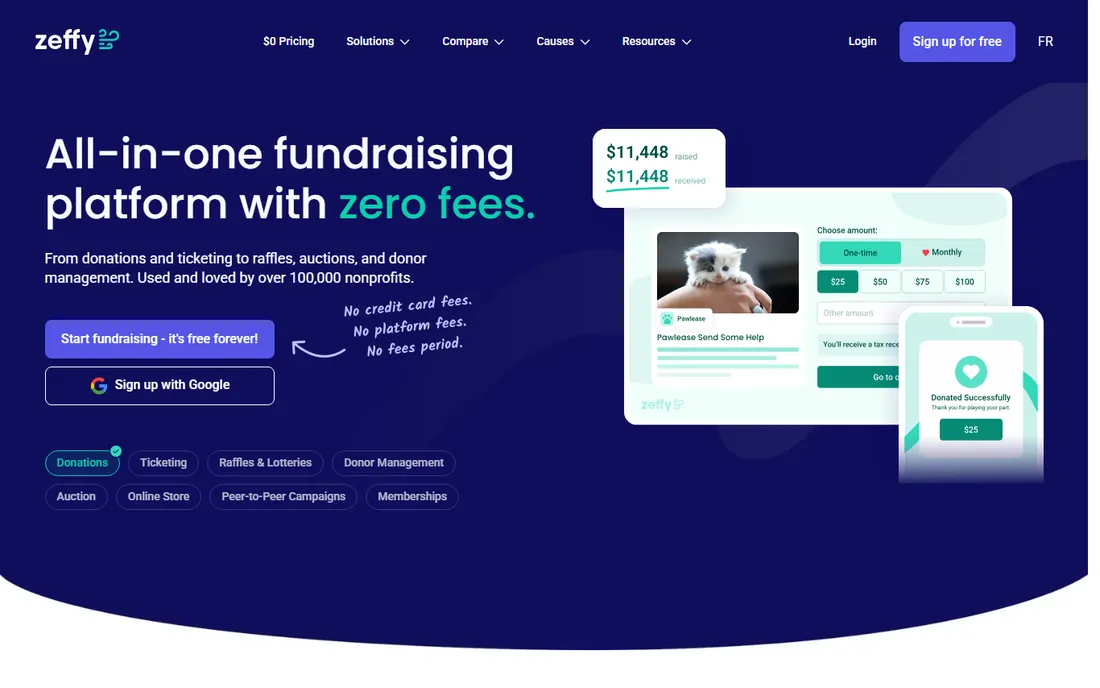
Zeffy takes the free model further: no platform fees, no paid tiers, the entire product free for nonprofits of any size. Donation forms, event ticketing, memberships, e-commerce and basic CRM are all included. The company makes money from optional donor contributions, similar to Givebutter.
The trade-off is maturity. Zeffy is newer, with fewer integrations and less advanced automation than established CRMs. For organizations where every dollar of fees matters, and many small nonprofits are exactly there, Zeffy deserves a serious look.
What we like- Truly zero platform fees
- Full product free
- Works for any organization size
Watch out for- Newer vendor
- Fewer advanced automation features
Starting price$60/user/month
Free planFree licenses
Salesforce Nonprofit Cloud is the enterprise answer. It handles complex program structures, chapters, grants, major gift pipelines and advanced reporting that purpose-built donor databases cannot match. Through the Power of Us program, eligible nonprofits get 10 free licenses, with paid seats from $60 per user per month.
The real cost is implementation. Expect $7,000 to $50,000 or more for setup, plus ongoing admin, either staff or consultant. Organizations without technical capacity should not attempt it. For large nonprofits with dedicated operations staff, nothing else scales quite like Salesforce.
What we like- Enormous flexibility
- 10 free licenses via Power of Us
- Deep integration ecosystem
Watch out for- Steep learning curve
- Implementation costs dwarf license costs
Starting priceSee website
Free planNo
Bonterra (formed from the merger of several nonprofit software companies, including Network for Good and EveryAction) offers one of the broadest product ranges: donor management, email and SMS marketing, events, auctions, peer-to-peer fundraising and advocacy tools. For organizations that want many channels from one vendor, the breadth is appealing.
The merger brought growing pains, with inconsistent support reported by some customers, and advanced features often sit behind higher tiers. Pricing is quote-based. Bonterra fits mid-size to large nonprofits running multi-channel campaigns that can navigate enterprise sales.
What we like- Email, SMS and fundraising in one suite
- Giving-day support
- Broad product range
Watch out for- Post-merger support complaints
- Advanced features behind paywalls
- Quote-only pricing
Starting priceSee website
Free planNo
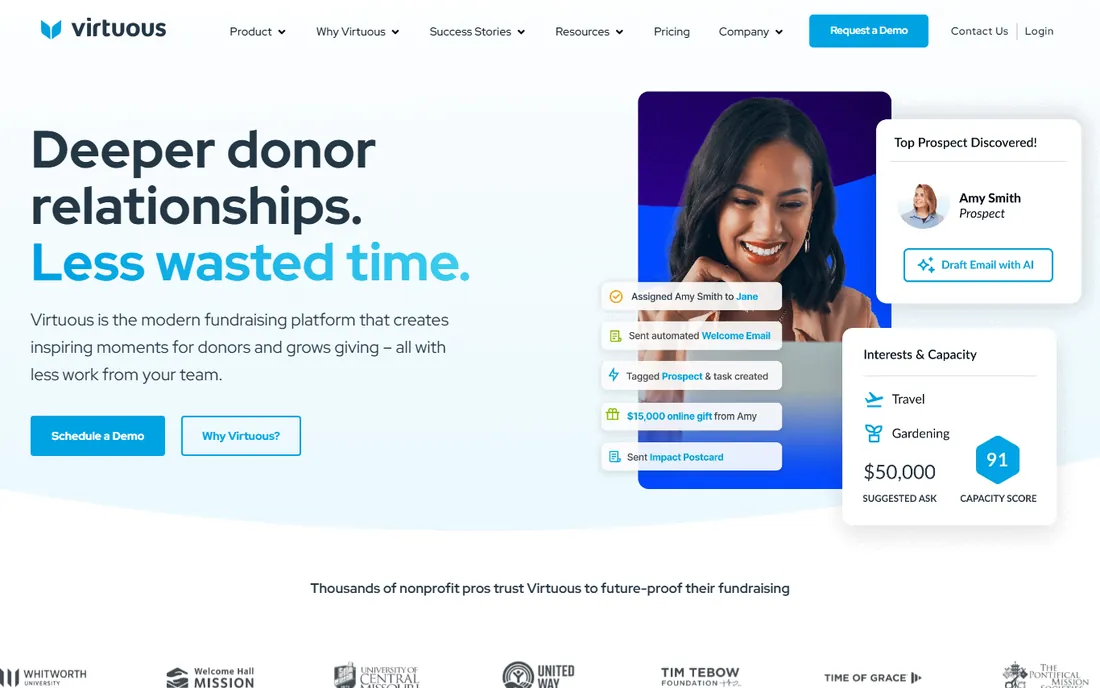
Virtuous is built around responsive fundraising: the platform watches donor behavior signals and triggers automated outreach, moves management and personalized asks. The business intelligence tools go deeper than typical nonprofit reporting, and multi-chapter organizations get proper hierarchical support.
Onboarding fees are mandatory and pricing is quote-only, which puts Virtuous firmly in the mid-market and up. Smaller organizations will find it oversized. For a growing nonprofit investing in fundraising automation as a strategy, Virtuous is one of the most forward-looking options.
What we like- Donor behavior signals and automation
- Strong business intelligence
- Multi-chapter support
Watch out for- Mandatory onboarding fees
- Quote-only pricing
- Not built for small orgs
How to match the software to your size
Under $200 a month and fewer than 1,000 donors: start with Givebutter or Zeffy for free, or Little Green Light at $45 per month if you want a traditional donor database. Do not buy enterprise software you cannot staff.
Growing past 1,000 donors with a development team: Bloomerang at $125 per month is the standard recommendation, with Neon CRM at $99 per month if memberships matter. Both scale without punishing per-contact pricing.
Complex programs, chapters or $5M+ revenue: evaluate Salesforce Nonprofit Cloud or Bonterra, but budget for implementation help, not just licenses. Virtuosits between these tiers for automation-focused teams. Get references from organizations your size before signing anything.
What to check before you buy
Count the true cost, not the starting price. Nonprofit pricing often scales on contacts, revenue or users, and the entry tier rarely fits a growing list. Model the price at twice your current donor count.
Test the donation form yourself. Make a test gift on mobile and desktop. Clunky forms cost real donations, and this is the one feature every platform here must get right.
Ask about data migration. Moving years of donor history is where implementations stall. Confirm what the vendor migrates, what it costs, and who does the cleanup.
Finally, check the fee structure on donations. Platform fees, payment processing fees and per-transaction charges stack. Zeffy and Givebutter eliminate platform fees; others charge them. Know the all-in cost per donated dollar.
Training volunteers and part-time staff
Nonprofit software fails more often from adoption than from features. The typical nonprofit team is a mix of full-time staff, part-timers, and volunteers who show up four hours a week and have never used a CRM. If the software requires a training course to perform basic tasks, the volunteers will quietly go back to spreadsheets and the investment dies. The evaluation question is not whether the software can do the job; it is whether your least technical volunteer can do the job in it after a 20-minute orientation. Test this literally during trials: hand the system to someone non-technical and watch.
Role-based simplicity is the design pattern that works. Volunteers need exactly three screens: the one for their task, the dashboard, and help. Everything else should be hidden by permissions. A volunteer entering donations should never see payroll settings. An event volunteer should never see donor wealth data. Good platforms make this easy to configure; bad ones show everyone everything and rely on training to prevent mistakes. During demos, ask the vendor to show you the volunteer view, not the admin view. The admin view always looks impressive. The volunteer view is where adoption lives or dies.
Training materials need to match nonprofit reality: no training department, no LMS, no time. What works is short role-specific videos (under five minutes each), one-page cheat sheets taped to the monitor, and a buddy system pairing new volunteers with experienced ones. The best vendors provide nonprofit-specific training libraries; ask to see them before buying. Generic software tutorials that assume corporate users will not land with your volunteer base. Also plan for turnover. Volunteers cycle constantly, so onboarding must be repeatable without staff involvement. If training a new volunteer takes more than 30 minutes of staff time, the process is broken.
Super-users are your secret weapon. Identify one or two staff members who genuinely enjoy the software and invest in them: advanced training, vendor certifications, a direct line to support. They become the internal help desk, the trainers of volunteers, and the people who actually configure the system well. This is far more effective than making the executive director the system admin as a side duty. Budget for their training explicitly; it returns more than any feature upgrade.
Measure adoption, not just deployment. After go-live, track who logs in, which features get used, and where people revert to old methods. If donation entry happens in the system but event check-in still uses paper, find out why: usually the event workflow was never configured for volunteers. Schedule a 30-day and 90-day review specifically about usability friction, and be willing to simplify. Removing a required field that volunteers hate does more for data quality than any validation rule, because data entered resentfully is data entered badly. The goal is a system the team uses happily, not a system that is theoretically complete.
Frequently asked questions
What is the best free nonprofit management software?
Givebutter and Zeffy are the strongest free options, both offering fundraising tools and CRM without platform fees. Little Green Light is the best low-cost paid option at $45 per month. All three suit small organizations.
How much does nonprofit CRM software cost?
Small-org tools run $0 to $125 per month. Mid-market platforms like Bloomerang and Neon CRM start at $99 to $125 per month. Enterprise options like Salesforce and Bonterra add implementation costs that often exceed the license fees.
Do nonprofits get discounts on software?
Yes. Salesforce offers 10 free licenses through Power of Us, and many vendors publish nonprofit pricing. Always ask; the listed price is rarely the nonprofit price.
Can one tool handle donations, email and events?
Several try. Givebutter, Neon CRM and Bonterra bundle fundraising, email and events. Specialists like Bloomerang do donor management deeply but lean on integrations for some functions. Decide whether you prefer one suite or best-of-breed tools.
What is the difference between a donor database and a nonprofit CRM?
The terms overlap heavily. A donor database typically focuses on gift records and reporting, while a nonprofit CRM adds relationship tracking, automation, email and multi-channel engagement. Modern platforms like Bloomerang and Neon CRM do both.
How hard is it to switch nonprofit software?
The software switch is easy; the data migration is the work. Years of gift history, duplicate records and custom fields need cleaning. Budget time or vendor services for migration, and run the old and new systems in parallel for one gift cycle if you can.
How we chose
We compared the platforms nonprofits actually evaluate, using pricing from vendor sites and recent published comparisons. We weighted affordability, since most nonprofits run lean; donor retention and fundraising depth; and fit across organization sizes, from volunteer-run to enterprise. We favored transparent pricing and genuine free tiers. No hands-on testing was performed; assessments rest on documentation, pricing pages and public reviews.
Sources we checked (12)
- https://bloomerang.com/pricing
- https://neonone.com/pricing/
- https://www.donorperfect.com/
- https://www.littlegreenlight.com/pricing/
- https://givebutter.com/pricing/
- https://www.zeffy.com/
- https://www.salesforce.com/solutions/nonprofit/
- https://www.bonterra.com/
- https://virtuous.org/
- https://nonprofitpoint.com/best-crm-for-nonprofits/
- https://neonone.com/resources/blog/nonprofit-crm-comparison-neo/
- https://monkeypod.com/best-nonprofit-crm-software
Is your product missing or out of date?
We review this list regularly. Vendors can request a listing, send updated pricing or ask about featured placement.

Shihab Mia · Founder, Rankite
Shihab has spent more than a decade helping SaaS and e-commerce brands grow through search. He writes Rankite's software buying guides from pricing pages, documentation and public user reviews. More about Shihab.