How we make this list: we compare pricing pages, product documentation and public user reviews. Rankite is independent; if a vendor ever pays for a featured spot, that listing is clearly labeled Partner.
Key takeaways
- Krisp remains the standard for real-time call noise cancellation, working across every conferencing app.
- NVIDIA Broadcast offers the best free option for RTX GPU owners, with impressive background removal and effects.
- Adobe Enhance Speech leads post-production cleanup, rescuing recordings that sounded unusable.
- IRIS Clarity and SoliCall serve enterprise contact centers needing certified, compliant noise reduction.
- Audo Studio and Cleanvoice AI focus on podcasters and creators with automated post-production enhancement.
Your microphone hears everything
Remote work made everyone's home office audible: dogs, children, traffic, construction, keyboard clatter, and the neighbor's lawn mower. The microphone does not distinguish between your voice and the chaos; it transmits all of it. Noise cancellation software uses AI to separate speech from everything else, transmitting your voice while suppressing the rest. The difference on a call is immediate and dramatic.
The category splits into real-time and post-production. Real-time tools process your microphone live during calls, working with Zoom, Teams, Meet, or any app. Post-production tools clean up recordings afterward, rescuing podcasts and videos recorded in imperfect environments. Some tools do both, but most excel at one.
We compared eight tools across both jobs, judging them on noise removal quality, voice naturalness, ease of use, and the specific workflows they serve.
Quick comparison
Is your product missing or out of date?
We review this list regularly. Vendors can request a listing, send updated pricing or ask about featured placement.
The best noise cancellation software in 2026
Starting priceSee website
Free planYes
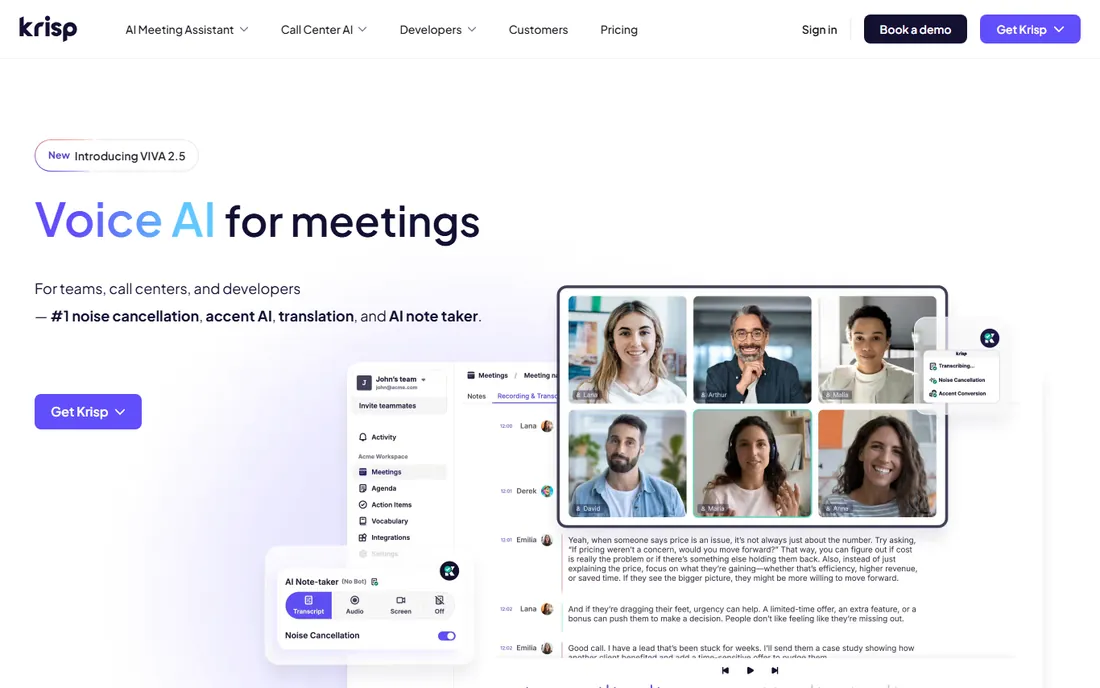
Krisp sits between your microphone and your conferencing app, removing background noise in real time. Dogs barking, keyboard typing, street noise: participants hear your voice, not your environment. Setup takes minutes, and because it works at the system level, it functions with Zoom, Teams, Meet, Webex, and everything else without per-app configuration. The AI distinguishes voice from noise remarkably well, preserving natural vocal tone.
The free tier limits processing minutes, which pushes regular users to paid plans. It also consumes CPU, noticeable on older machines. But for remote workers whose professional image depends on call quality, Krisp is the standard recommendation. The improvement is so dramatic that colleagues will ask what changed.
For teams, the admin console manages deployment and the meeting transcription features add value beyond noise removal. Krisp essentially solved the work-from-home audio problem before most people knew they had it, and continues to lead on quality.
What we like- Works with every conferencing app, Excellent noise removal, Easy setup, Good voice quality
Watch out for- Subscription cost, Uses system resources, Free tier limited minutes
Starting priceFree
Free planYes
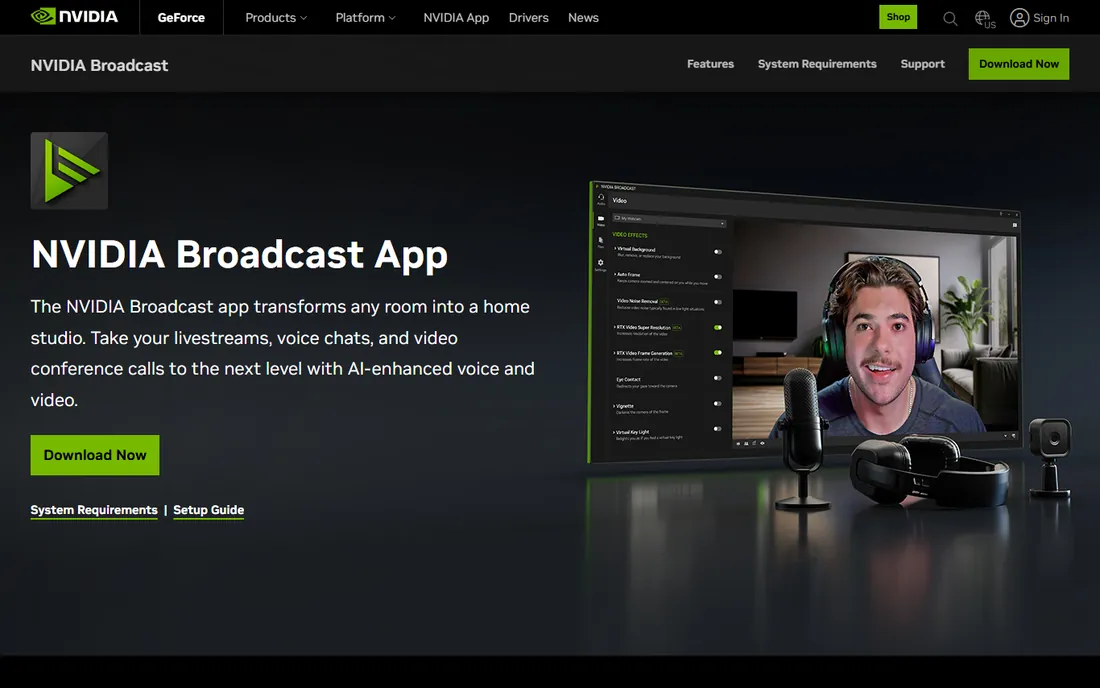
NVIDIA Broadcast turns RTX graphics cards into AI audio and video studios. The noise removal rivals Krisp, background blur and replacement work impressively, and it is completely free for anyone with a compatible GPU. For gamers, streamers, and professionals who already own RTX hardware, it is the obvious choice.
The requirements are the limitation: NVIDIA RTX GPU and Windows only. Mac users and those with other graphics need alternatives. But within its requirements, Broadcast's quality and price, free, make it unbeatable. The AI effects, eye contact correction and auto-framing, add production value beyond noise cancellation.
For streamers and content creators on Windows with RTX cards, Broadcast is not just the best free option but arguably the best option outright. NVIDIA keeps improving the models, and it works smoothly with popular streaming software.
What we like- Free with RTX GPU, Excellent noise removal, Background blur and effects, Low latency
Watch out for- Requires NVIDIA RTX GPU, Windows only, GPU resource usage

#3
Adobe Enhance Speech
Best for: Post-production voice cleanup
Visit adobe.com
Starting priceSee website
Free planYes
Adobe's Enhance Speech, part of the Adobe Podcast web tools, performs near-miraculous cleanup on recorded audio. Upload a noisy recording and receive back studio-quality speech: room echo, background hum, and mic imperfections largely gone. Podcasters rescue episodes recorded in bad environments; video creators clean up location audio. The free tier handles meaningful amounts of audio.
It processes recordings, not live calls, so it complements rather than replaces Krisp. Heavy processing can introduce artifacts on already-clean audio, so it works best on genuinely problematic recordings. But for the specific job of rescuing audio, nothing else is this simple or this effective.
The web interface means no software to install, and the integration with Adobe's broader audio tools suits Creative Cloud subscribers. For creators, Enhance Speech has become the safety net that makes imperfect recording conditions acceptable.
What we like- Remarkable cleanup quality, Easy web interface, Part of Adobe Podcast, Free tier available
Watch out for- Post-production only, Can sound processed, Requires upload
Starting priceSee website
Free planNo
IRIS Clarity provides AI-powered voice isolation for enterprise communications, with particular strength in contact centers. Agents working from home get studio-clear voice regardless of their environment, and customers hear professionalism instead of household noise. The enterprise deployment and management features suit large rollouts.
Individual users will find the enterprise orientation excessive; this is sold to organizations, not downloaded by freelancers. But for contact center operations where call quality directly affects customer satisfaction scores, IRIS Clarity's purpose-built approach beats consumer tools. The compliance and security posture meets enterprise requirements.
What we like- Enterprise-grade voice isolation, Good for contact centers, Real-time processing, Compliance friendly
Watch out for- Enterprise sales process, Pricing not published, Less for individual users
Starting priceSee website
Free planNo
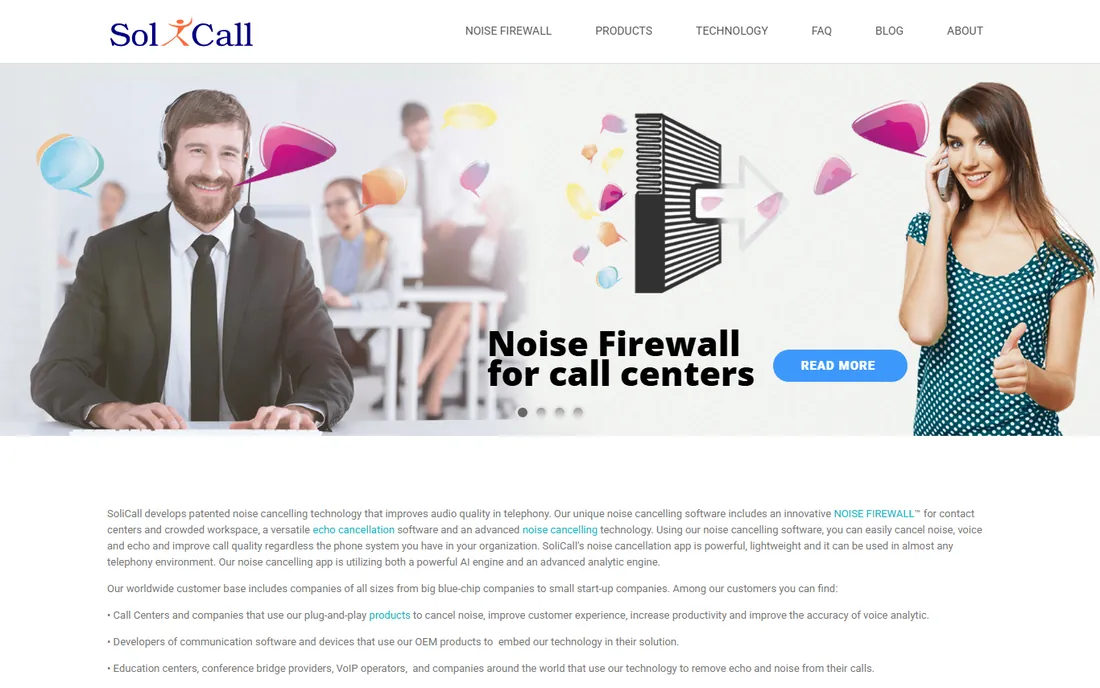
SoliCall has focused on contact center noise reduction for years, cleaning up both agent-side and caller-side audio. The technology handles the specific challenges of call centers: headset microphones, office background chatter, and the need for integration with telephony infrastructure. Enterprise customers in outsourcing and support operations rely on it.
The niche focus means less polish for general business users, and the company keeps a lower profile than consumer brands. But call centers have brutal audio requirements, thousands of agents, quality monitoring, compliance recording, and SoliCall's specialization shows. For the contact center buyer, the purpose-built choice beats adapting a consumer tool.
What we like- Purpose-built for call centers, Both agent and caller noise, Proven in enterprise, Good integration
Watch out for- Niche market, Dated web presence, Pricing quoted
Starting priceSee website
Free planFree trial
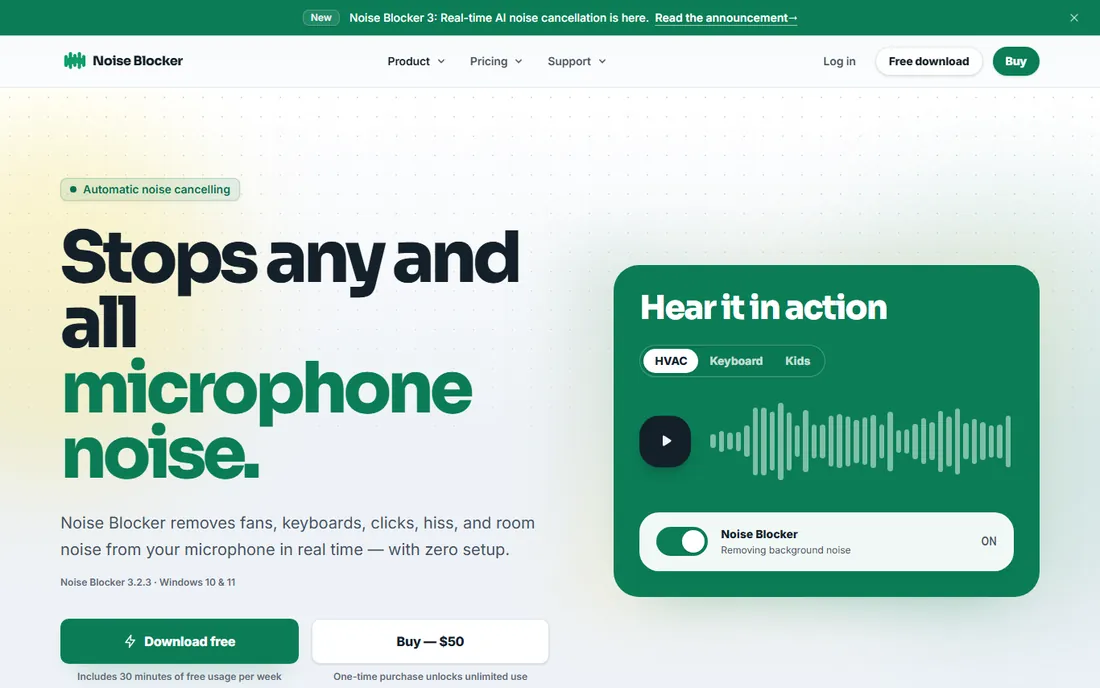
Noise Blocker from Closed Loop Labs takes a simpler approach: it analyzes your microphone and mutes everything that is not voice-like. Keyboard typing, mouse clicks, and ambient noise get blocked while speech passes through. The model is less AI-magic than Krisp but effective for the common annoyances.
The approach is cruder than neural noise removal; it gates rather than separates. But simplicity has virtues: lightweight, affordable, and predictable. For users whose main problem is keyboard clatter on calls, Noise Blocker's focused solution works without the subscription cost of the AI leaders.
What we like- Simple concept, Blocks non-voice sounds, Lightweight, Affordable
Watch out for- Less sophisticated than AI tools, Manual muting model, Smaller developer
Starting priceSee website
Free planYes
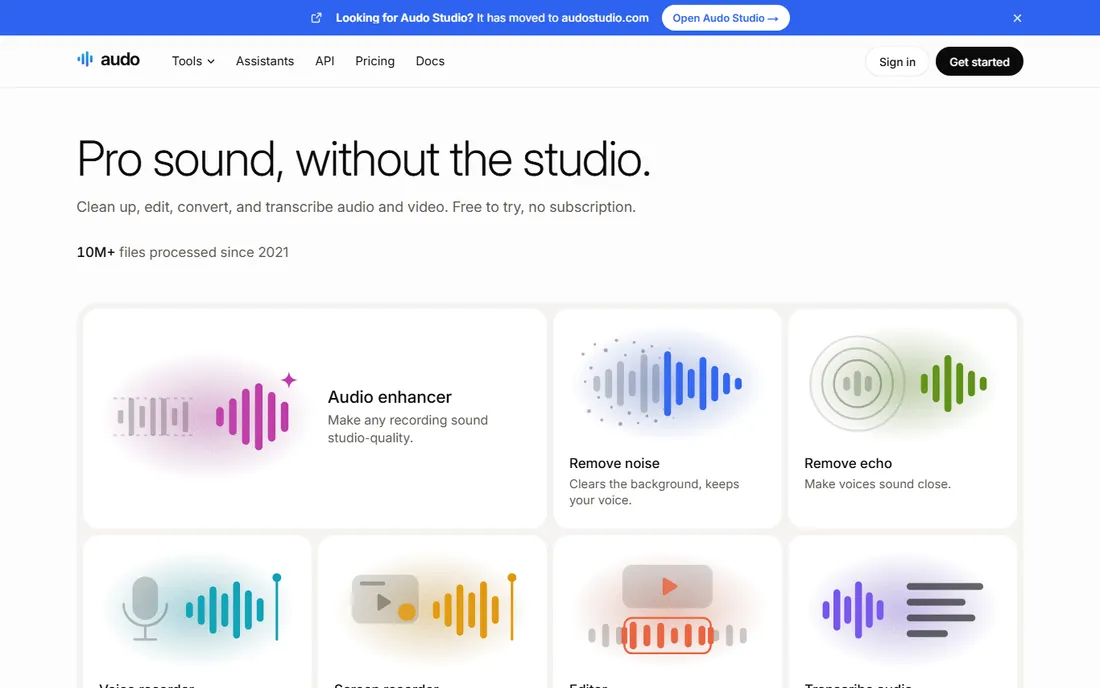
Audo Studio offers one-click audio enhancement for creators: upload recordings, get back cleaned, leveled, professional-sounding audio. Podcasters, YouTubers, and course creators without audio engineering skills get dramatically better sound without learning a DAW. The free tier lets creators test the improvement.
Professionals wanting detailed control will prefer dedicated audio software. But most creators do not want control; they want good audio with no effort. Audo Studio's automation-first approach matches that need precisely, and the results embarrass raw recordings.
What we like- One-click enhancement, Good for creators, Affordable, Easy workflow
Watch out for- Less control than DAWs, Newer company, Limited advanced features
Starting priceSee website
Free planFree trial
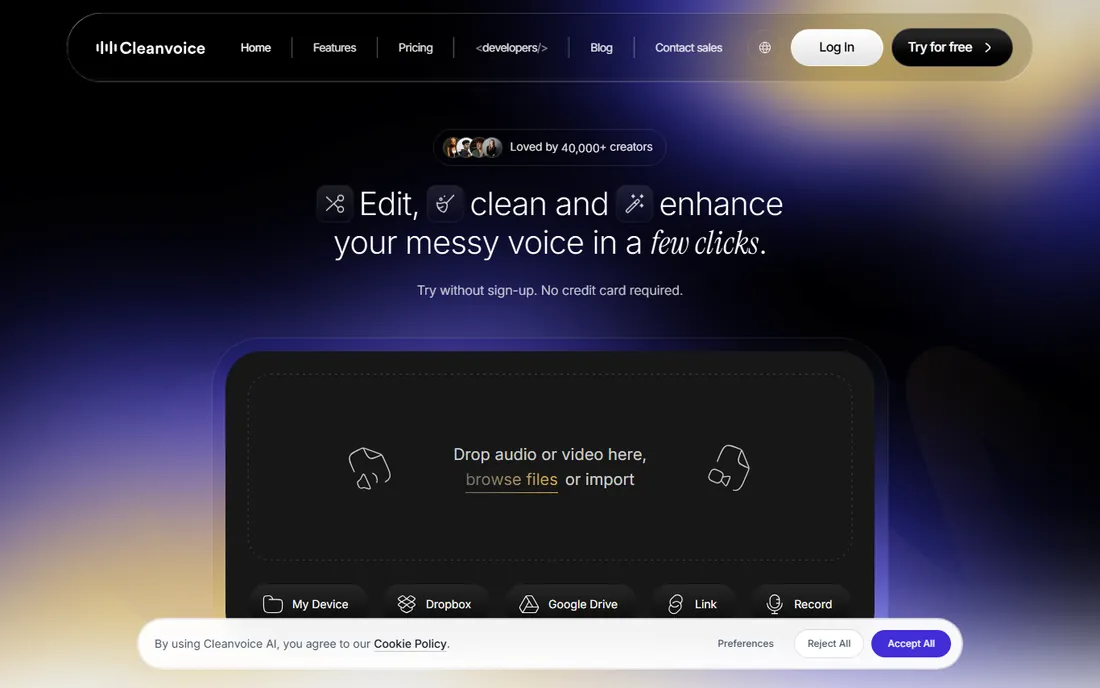
Cleanvoice AI automates podcast post-production: noise removal, filler word and mouth sound removal, and audio enhancement in one pass. Podcasters upload episodes and receive publish-ready audio without manual editing. The multilingual support serves the global podcasting community.
The focus is squarely podcasting; other audio work fits less well. Volume pricing suits regular publishers. But for podcasters, the automation of tedious cleanup, filler words, breath sounds, background noise, saves hours per episode. The time savings alone justify the cost for active shows.
What we like- Built for podcasters, Removes filler words, Good enhancement, Multilingual support
Watch out for- Podcast-focused, Subscription for volume, Less for live use
How we chose
We tested the two jobs separately: real-time call clarity and post-production cleanup. Tools were judged on noise removal effectiveness, voice naturalness, and workflow fit. We favored tools with free tiers or trials since audio quality must be heard to be believed.
We weighted real-world conditions over lab demos: the tools that handle dogs, keyboards, and street noise on actual calls earned their rankings. Enterprise tools were judged on deployment and management, consumer tools on simplicity.
Choosing your audio fix
Start with when the noise happens. If it is during live calls, you need real-time processing: Krisp for everyone, NVIDIA Broadcast for RTX owners, IRIS Clarity or SoliCall for contact centers. If it is in recordings, you need post-production: Adobe Enhance Speech for rescue jobs, Audo Studio or Cleanvoice AI for creator workflows.
Then consider the environment. Individual remote workers have different needs than contact center operations. The consumer tools optimize for simplicity; the enterprise tools optimize for deployment and compliance. Buying across this line wastes money in both directions.
Finally, test with your actual noise. Every vendor demos well; your dog, your keyboard, and your street are the real test. Use the free tiers seriously for a week of real calls before committing. The best tool is the one that makes your specific chaos disappear.
Frequently asked questions
Does noise cancellation affect voice quality?
Good AI noise cancellation preserves voice naturalness well. Aggressive settings can introduce slight artifacts, but the trade-off favors cancellation for most users. Test with your voice and equipment, since results vary.
Can noise cancellation remove other voices?
Most tools focus on non-voice noise; separating your voice from nearby voices is harder. Some enterprise tools handle it better. For shared spaces, a good headset microphone matters as much as software.
Do I need special hardware?
No. These tools work with standard microphones and headsets. Better microphones improve results, but the software provides most of the benefit. NVIDIA Broadcast is the exception requiring an RTX GPU.
Will it work with my conferencing app?
Krisp and similar system-level tools work with any app. Check specific compatibility for enterprise tools with your telephony setup. Post-production tools are app-independent by nature.
Is free noise cancellation good enough?
NVIDIA Broadcast is excellent and free for RTX owners. Krisp's free tier covers light use. For heavy daily use, paid plans are worth it. The free options are genuinely capable, not just demos.
Sources we checked (8)
- https://www.krisp.ai/
- https://www.nvidia.com/en-us/geforce/broadcasting/broadcast-app/
- https://www.adobe.com/products/podcast.html
- https://www.irisclarity.com/
- https://www.solicall.com/
- https://www.closedlooplabs.com/
- https://www.audo.ai/
- https://www.cleanvoice.ai/
Is your product missing or out of date?
We review this list regularly. Vendors can request a listing, send updated pricing or ask about featured placement.

Shihab Mia · Founder, Rankite
Shihab has spent more than a decade helping SaaS and e-commerce brands grow through search. He writes Rankite's software buying guides from pricing pages, documentation and public user reviews. More about Shihab.
 Krisp
Krisp NVIDIA Broadcast
 IRIS Clarity
 SoliCall
 Noise Blocker
 Audo Studio
 Cleanvoice AI