How we make this list: we compare pricing pages, product documentation and public user reviews. Ratings come from G2, Capterra or Trustpilot, with the date we checked them.
Key takeaways
- NIOSH SLM is the strongest free starting point on iPhone, with dose, average level, and peak readings in one app.
- Decibel X suits people who want graphs, history, and frequency views, while simpler meters suit quick checks.
- Phone microphones have limits, so treat app readings as useful estimates unless you add a calibrated external microphone.
- Classroom and live sound users should pick a purpose built app, not a general meter with a pretty dial.
- Always check calibration, weighting, and export options before you rely on a reading for work or a complaint.
Quick comparison
Is your product missing or out of date?
We review this list regularly. Vendors can request a listing, send updated pricing or ask about featured placement.
The best noise meter apps

#1
NIOSH SLM
Best for: Workplace noise checks on iPhone
Visit cdc.gov
Starting priceFree
Free planYes
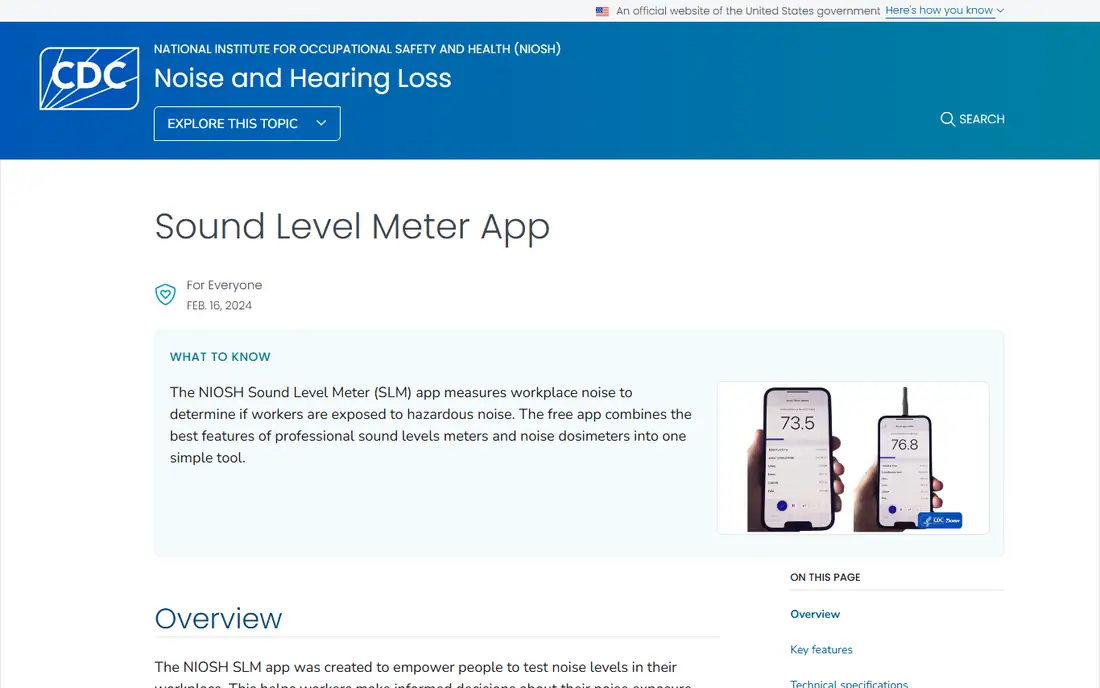
For a serious first pick, NIOSH SLM is hard to beat. It comes from the National Institute for Occupational Safety and Health, and it reports the measures that matter in a workplace check, including average level over time, time weighted average, and noise dose. You can also switch between A, C, and Z weighting, which helps when you need to separate ordinary loudness from low frequency energy or peak impact.
The practical catch is scope. NIOSH states the app is not meant to replace a professional sound level meter or dosimeter for compliance purposes, and accuracy improves with an external calibrated microphone. That still leaves a very useful tool for screening, training, and personal awareness. If you work in a loud shop, a school, or a venue, start here, save a few timed runs, and use the results to decide whether a formal measurement is worth paying for.
What we like- No ads or in app purchases
- LAeq, TWA, dose, and peak readings
- A, C, and Z weighting
Watch out for- IPhone and iPad only
- Not a replacement for a certified meter in compliance work
Starting priceFree
Free planYes
Decibel X takes a different route from NIOSH SLM. It presents sound as a live meter, a wave graph, and a frequency view, and it keeps a history you can export as a graph or as text. That makes it a good choice for someone who wants to compare rooms, track a noisy neighbor over days, or show a landlord a pattern rather than a single number.
The free version covers most casual needs, while the Pro version adds dosimeter standards and fuller export tools. Prices for Pro differ by store and region, so check the listing in your own app store before you buy. The app is also a reminder that a polished display does not remove the phone microphone limit. Use the same phone, in the same position, when you compare readings over time.
What we like- Pre calibrated readings for many devices
- Frequency graphs and history export
- Apple Watch support
Watch out for- Paid Pro version is expensive on some stores
- Accuracy still varies by phone model
Starting priceFree
Free planYes
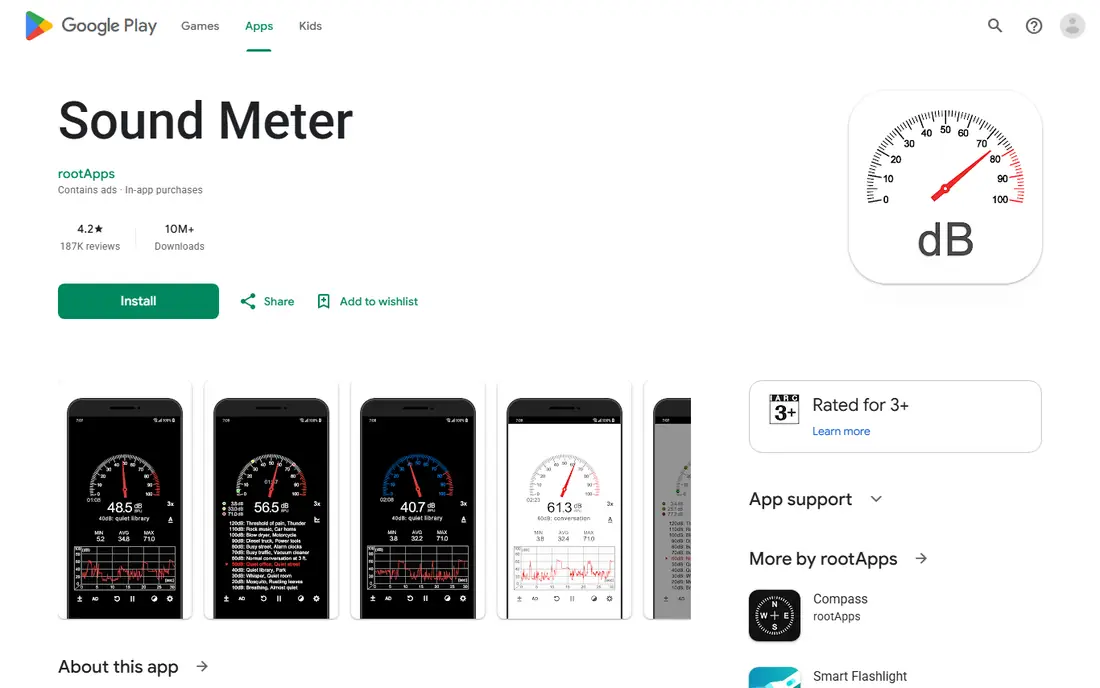
When you only need a fast answer, Sound Meter by ABC Apps keeps the job small. Open it, point the phone toward the sound, and read the current level with minimum, average, and maximum values beside it. The graph view helps you see whether a noise is steady, pulsing, or a brief spike, which matters more than one frozen number.
This is not a tool for formal reports. It has no dose calculation and no detailed frequency analysis, and the free version is ad supported. For a renter checking a new apartment, a parent checking a bedroom, or a worker doing a quick screen, that trade is reasonable. Keep the phone steady, keep your hand away from the microphone, and repeat the check at different times of day.
What we like- Clear gauge and graph
- Minimum, average, and maximum values
- Small and easy to learn
Watch out for- Android only in this listing
- Ads in the free version
- Limited analysis tools
Starting priceFree
Free planYes
A second iPhone option helps when NIOSH SLM feels too technical. Decibel Shield shows live levels and frequency information in a layout that is easy to read at a glance. You can share a reading, which is handy when you want a second person to see the same number without a long explanation.
The limit is depth. It is built for quick checks, not for a full exposure assessment, so do not stretch it into a workplace safety decision on its own. It works best as a daily carry meter, the app you open at a concert, in a restaurant, or beside a road, to decide whether hearing protection or a move to a quieter spot makes sense.
What we like- Real time readings and frequency display
- Sharing options
- Simple layout
Watch out for- Advanced features may sit behind purchases
- IPhone focused
Starting priceSee website
Free planNo
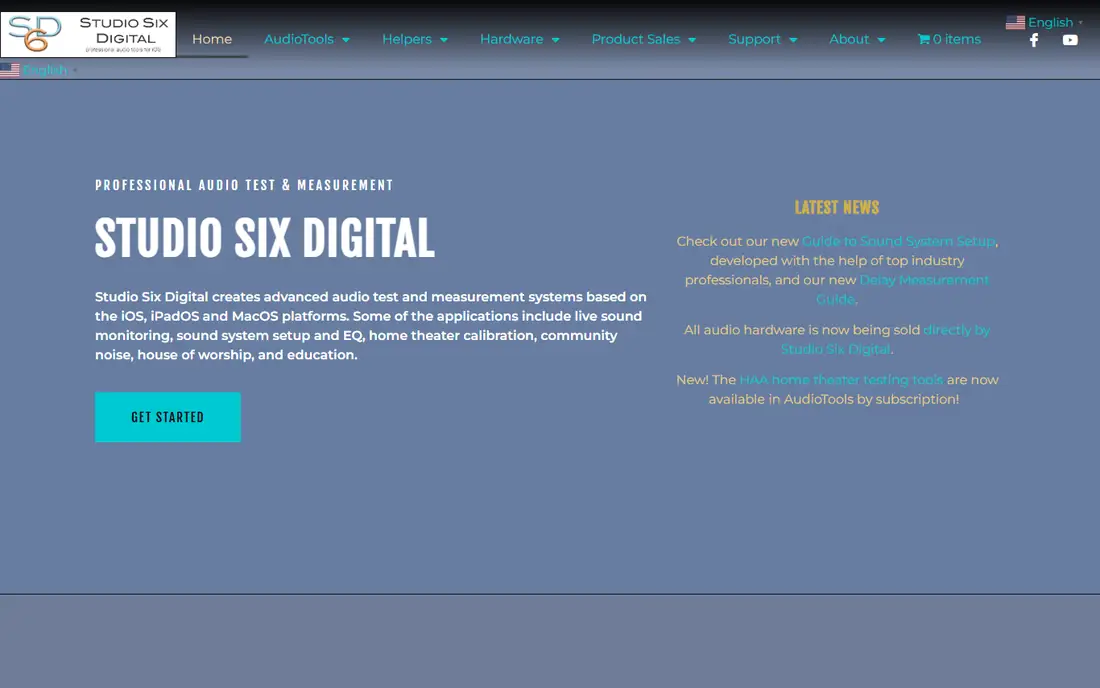
Studio Six Digital sits in a different class from the free meters above. Its SPL Meter is part of AudioTools, a platform built for sound engineers, installers, and acousticians. The meter offers A and C weighting and Fast and Slow response, with needle behavior that mirrors a traditional analog meter. That detail matters when you are setting levels in a venue or checking a system, because short peaks and steady levels need different handling.
Pricing is the reason to pause before you commit. AudioTools uses modules and in app purchases, and the cost depends on which tools you add. If you only need a casual reading, this is more than you need. If you already work with sound systems, the wider toolkit, including logging and traffic light monitoring, can justify the spend, especially when paired with a calibrated microphone.
What we like- Analog style meter with A and C weighting
- Fast and Slow response
- Part of a larger pro audio toolkit
Watch out for- IOS only
- Full pro setup can require extra modules or hardware
Starting priceSee website
Free planFree trial
Teachers need a different kind of meter. Too Noisy Pro does not aim to produce a lab grade number. It aims to change behavior in a room full of children, with a clear visual meter, an alarm when a set level is passed, and a star system that rewards quiet periods. Sensitivity and dampening controls help it ignore a dropped book or a sneeze, which would otherwise trigger constant alarms.
That focus is both its strength and its limit. Do not use it to document a noise complaint or to assess hearing risk. Use it where the goal is a calmer room and a visible rule that children can follow without a lecture. A free trial lets a teacher test it with a real class before paying, which is the right way to judge a tool like this.
What we like- Visual feedback children understand
- Star rewards
- Sensitivity and dampening controls
Watch out for- Built for classrooms, not measurement
- Older design
- Paid after trial

#7
Apple Noise app
Best for: Passive hearing alerts on Apple Watch
Visit apple.com
Starting priceFree
Free planYes
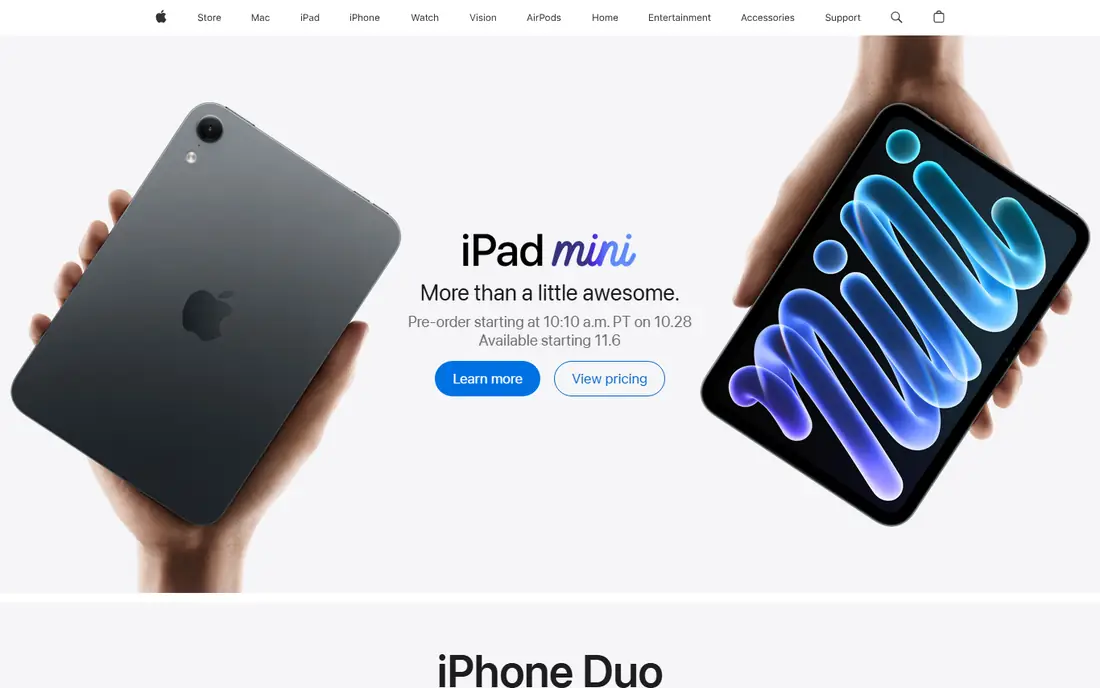
Apple Noise app is the quietest option on this list, in a good way. Once set up on an Apple Watch, it monitors environmental sound in the background and can alert you when levels stay above a threshold you choose. The data also appears in Apple Health, so you can look back at exposure over days and weeks without opening a meter each time.
The trade is control. You do not get the same manual measurement tools, weightings, or reports as NIOSH SLM or Decibel X. That makes it a poor choice for a one off test of a specific machine or room. It is a strong choice for long term awareness, especially for someone who already wears an Apple Watch and wants a nudge before loud exposure adds up.
What we like- Runs in the background on Apple Watch
- Alerts at set thresholds
- Feeds Apple Health hearing data
Watch out for- Requires an Apple Watch
- No detailed analysis or export for formal use
Starting priceFree
Free planYes
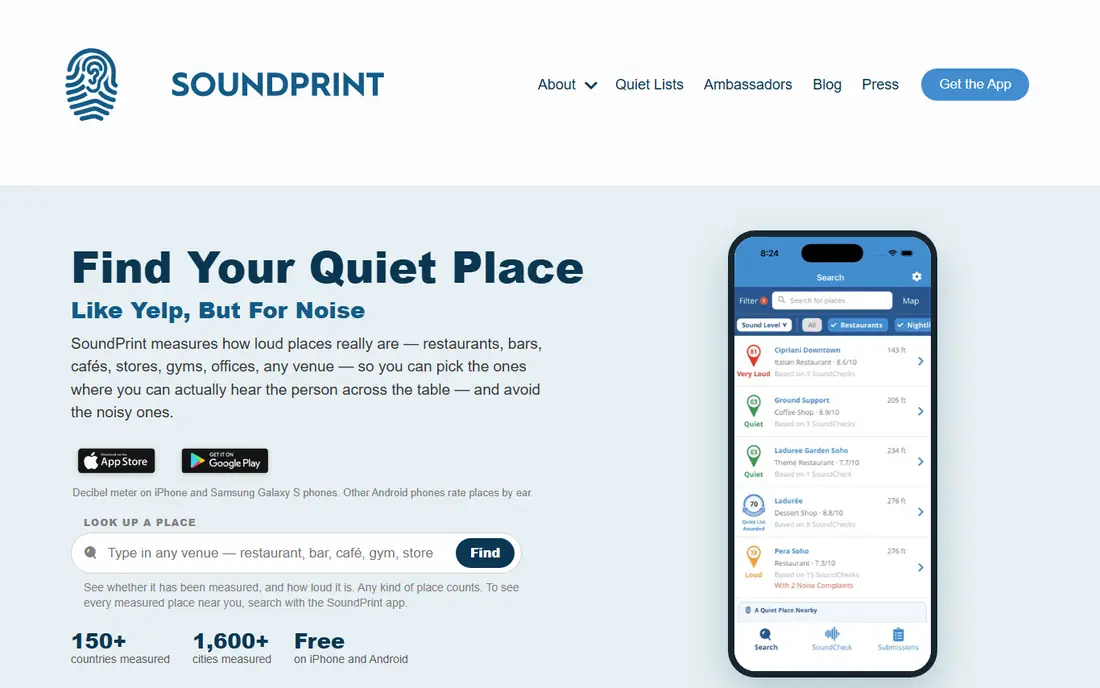
SoundPrint flips the usual meter idea. Instead of measuring the room you are in, it helps you choose the next room. Users submit decibel readings for restaurants, bars, and other venues, and the app shows which places tend to be quiet, moderate, or loud. For people with hearing loss, tinnitus, or sensory sensitivity, that information can matter more than a single reading at home.
Coverage is the weakness. A city with many submissions gives a useful map, while a smaller town may show few venues or none at all. SoundPrint also depends on the quality of other people's phones and methods, so treat a venue level as a guide, not a guarantee. Pair it with a meter app when you arrive, and add your own reading to help the next visitor.
What we like- Crowd sourced venue noise levels
- Useful for hearing sensitive users
- Simple venue search
Watch out for- Coverage depends on user submissions
- Not a personal meter for precise readings
How we chose
We compared apps on the measures they actually report, not only on how good the meter looks. Pricing pages, store listings, vendor documentation, and public reviews were checked for free tiers, weighting options, calibration support, history and export, and platform limits. Apps that only showed a dial with no average, maximum, or history scored lower, because a single instant reading tells you little about exposure.
We also kept the use case in view. A workplace check, a classroom, a concert, and a restaurant search are different jobs, so the list mixes a government backed meter, general consumer meters, a pro audio tool, and a venue finder. No app here is presented as a certified replacement for professional equipment where the law requires it.
What to check before you trust a reading
A meter app can mislead you if you treat every number as exact. The checks below take a few minutes and make your results far more useful.
Calibration and position
Use calibration when the app offers it, and compare against a known source if you can, such as a calibrated meter or a second phone running the same app. Hold the phone at ear height, point the microphone toward the source, and keep your hand and case away from the microphone. Small changes in position can shift a reading by several decibels.
Weighting and time
A weighting shapes which frequencies count most. A weighting matches human hearing and is the usual choice for hearing risk. C weighting keeps more low frequency energy and suits peak checks. Always note whether a number is an instant reading, a maximum, or an average over time, because those three can differ widely in the same room.
When to pay for a real meter
Pay for professional help when a result will support a legal claim, a workplace compliance decision, or a hearing protection program. A phone app is a good screen and a good teaching tool. A certified meter, used by someone trained in measurement, is the right tool when the stakes include health, money, or a formal dispute.
Frequently asked questions
Are free decibel meter apps accurate?
They can be close for screening, often within a few decibels on a well supported phone, but they are not certified instruments. Phone microphones, cases, and placement all affect the result. Use them for comparisons and awareness, and confirm important results with a calibrated meter.
What is the best free decibel meter app?
NIOSH SLM is the best free pick on iPhone for serious checks, because it is free, has no ads, and reports dose and average level. On Android, a simple meter such as Sound Meter by ABC Apps covers quick checks well. The right pick depends on whether you need analysis or only a fast number.
What does dBA mean?
dBA is a decibel reading with A weighting applied, which adjusts the measurement to match how human hearing responds to different frequencies. It is the common unit for hearing risk and for most noise rules. A reading without a stated weighting is harder to compare with another reading.
Can a phone app replace a professional sound level meter?
No, not for compliance or legal work. A professional meter uses a calibrated microphone, known frequency response, and documented procedures. A phone app can still be valuable for screening, education, and personal decisions, as long as you state its limits.
How long should I measure noise?
Measure long enough to cover a full cycle of the sound. A few seconds can catch a peak or a quiet gap by chance. A run of several minutes, or a full work task, gives an average that reflects real exposure far better than a single glance at the screen.
Sources we checked (6)
- https://www.cdc.gov/niosh/topics/noise/app.html
- https://apps.apple.com/us/app/niosh-sound-level-meter/id1096545820
- https://play.google.com/store/apps/details?id=com.skypaw.decibel
- https://studiosixdigital.com/audiotools-modules-2/spl-modules/
- https://toonoisyapp.com/?ref=steemhunt
- https://www.soundly.com/blog/best-decibel-meter-apps
Is your product missing or out of date?
We review this list regularly. Vendors can request a listing, send updated pricing or ask about featured placement.

Shihab Mia · Founder, Rankite
Shihab has 5+ years in B2B and SaaS SEO. He writes Rankite's software buying guides from pricing pages, documentation and public user reviews. More about Shihab.
 Decibel X
 Sound Meter by ABC Apps
 Decibel Shield
 SPL Meter by Studio Six Digital
 Too Noisy Pro
 SoundPrint