How we make this list: we compare pricing pages, product documentation and public user reviews. Ratings come from G2, Capterra or Trustpilot, with the date we checked them.
Key takeaways
- "Best mobile apps" is a broad keyword, so this list picks one essential app per everyday job rather than ranking one category.
- WhatsApp is the best mobile app for messaging, free with end to end encrypted chats and calls worldwide.
- Google Maps is the best mobile app for navigation, free with directions, traffic, and offline maps.
- Todoist is the best mobile app for tasks, with a free tier and natural language task capture.
- Duolingo is the best mobile app for language learning, free with daily lessons that build a habit.
Quick comparison
Is your product missing or out of date?
We review this list regularly. Vendors can request a listing, send updated pricing or ask about featured placement.
The best mobile apps

#1WhatsApp
Best for: Messaging and calls4.6/5 on
G2 (250 reviews, checked Oct 2026)
Visit whatsapp.com
Starting priceFree
Free planYes
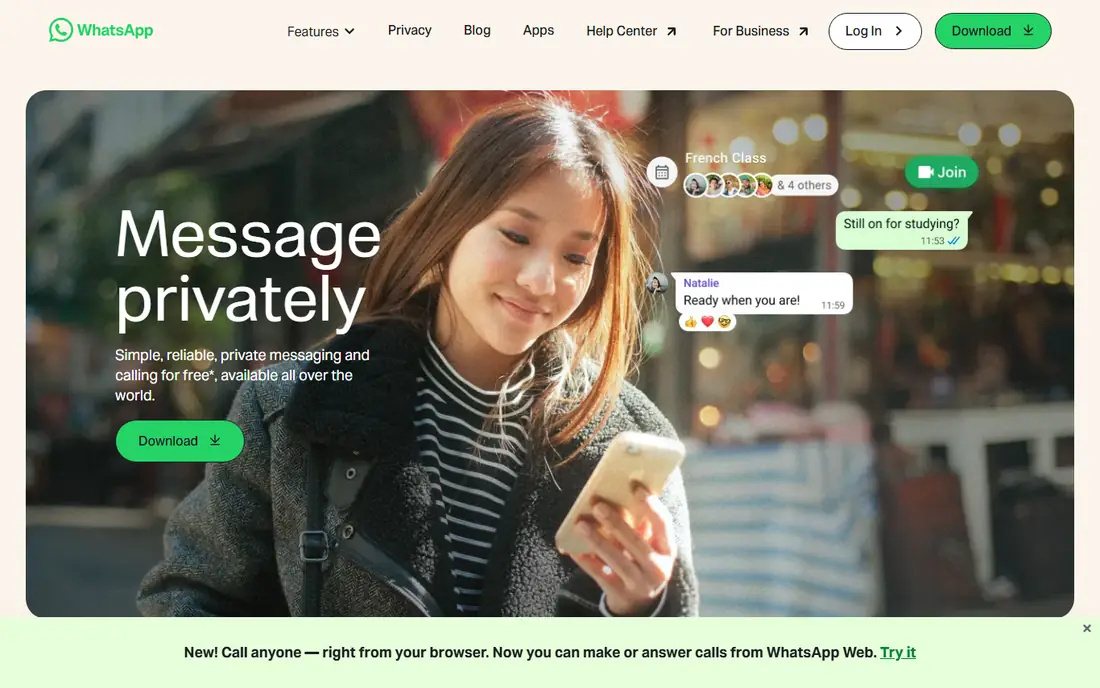
WhatsApp remains one of the most widely used messaging apps worldwide, popular for its simplicity, end to end encryption, and support for voice and video calls without needing a phone number plan. It works internationally over Wi-Fi, which makes it the default messaging app for travelers and international families. Group chats and communities cover teams, classes, and clubs.
WhatsApp requires a phone number to register, and its Meta ownership raises data sharing questions for some users. For everyday messaging and calls, it is the essential app to install first.
What we like- Free for personal use
- End to end encrypted chats
- Voice and video calls
- Group chats and communities
- Works internationally over Wi-Fi
Watch out for- Requires a phone number to register
- Owned by Meta, which raises data sharing questions for some users
- No username based signup
Starting priceFree
Free planYes
Google Maps is the best mobile app for navigation, free with driving, walking, transit, and cycling directions, live traffic, and offline maps for areas you download in advance. It also covers business hours, reviews, photos, and menus, which makes it a local discovery tool as well as a navigation tool. For driving in an unfamiliar city or finding a restaurant nearby, Maps is the default.
Long navigation drains battery, and location history raises privacy questions that users should review in settings. For getting anywhere, Maps is the essential app.
What we like- Free
- Driving, walking, transit, and cycling directions
- Live traffic
- Offline maps
- Business hours, reviews, and photos
Watch out for- Heavy battery use on long navigation
- Location history raises privacy questions
- Some rural areas have thinner data

#3Todoist
Best for: Task management4.5/5 on
G2 (832 reviews, checked Oct 2026)
Visit todoist.com
Starting priceFree
Free planYes
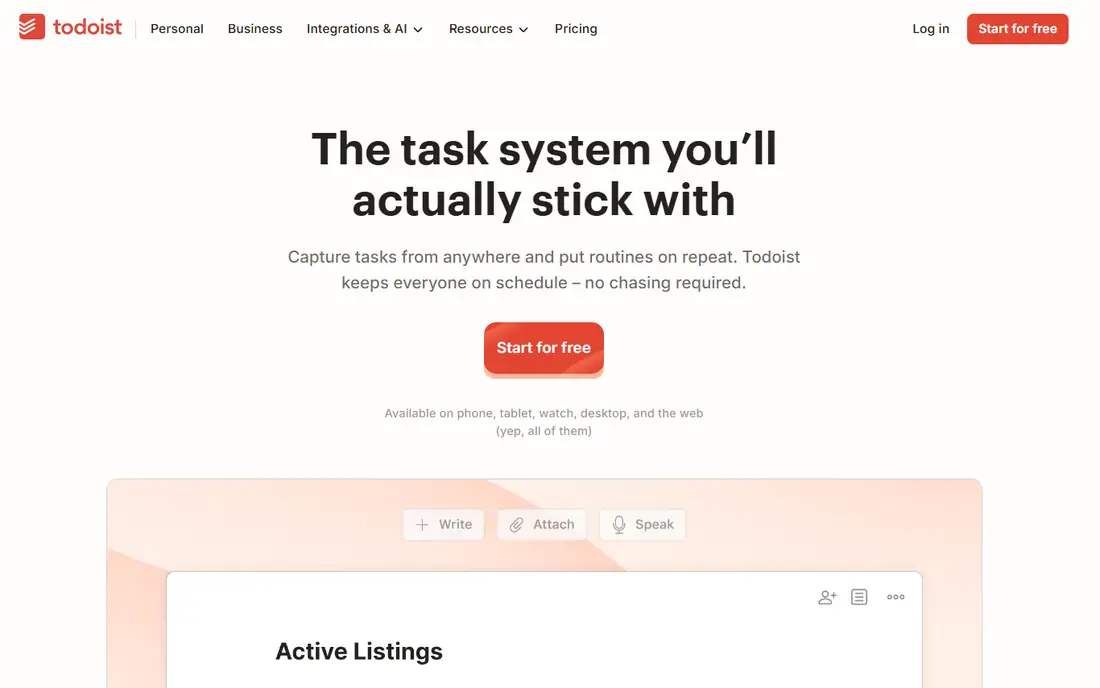
Todoist is the best mobile app for tasks, with a free tier covering core task lists, natural language capture such as "every Monday at 9am," recurring reminders, and sync across phone, web, and desktop. It suits daily tasks, recurring reminders, personal organization, and lightweight project management without the complexity of a full project tool.
Advanced views, filters, and AI features need a paid plan, and the free tier limits projects and collaborators. For a simple, fast task list that stays in sync everywhere, Todoist is the essential pick.
What we like- Free tier with core task lists
- Natural language task capture
- Recurring reminders
- Works on every platform with sync
Watch out for- Advanced views and AI features need a paid plan
- Free tier limits projects and collaborators
- No built in calendar view on free
Starting priceFree
Free planYes
Google Drive is the best mobile app for cloud files, free with 15GB of shared storage and Docs, Sheets, and Slides built in. Files, sharing permissions, and collaborative documents stay in one ecosystem, and offline access lets you view and work with supported files without a connection. That offline access matters while traveling or during unreliable internet.
The 15GB free tier fills fast with photos and videos, and paid storage is needed beyond that. For anyone using Gmail or Google Workspace, Drive is the essential files app.
What we like- Free with 15GB shared storage
- Docs, Sheets, and Slides built in
- Offline access for supported files
- Sharing and collaboration
Watch out for- 15GB fills fast with photos and videos
- Paid storage needed beyond that
- Best inside the Google ecosystem
Starting priceFree
Free planYes
Spotify is the best mobile app for music and podcasts, free with a huge catalog, playlists, personalized mixes, and podcasts in one app. It works on nearly every device, from phones to speakers to cars, and its discovery features surface new music matched to your taste. For daily listening, Spotify is the default.
The free tier has ads and shuffle only playback on mobile, and offline downloads need a paid plan. For free music and podcasts with ads, Spotify is the essential app.
What we like- Free tier with music and podcasts
- Huge catalog
- Playlists and personalized mixes
- Works on nearly every device
Watch out for- Free tier has ads and shuffle only playback on mobile
- Offline downloads need a paid plan
- Audio quality is higher on paid
Starting priceFree
Free planYes
YouTube is the best mobile app for video content, free with ads and an enormous library covering tutorials, reviews, music, live streams, and creator channels for every interest. It is the first place most users look to learn a skill, compare a product, or follow a creator. That breadth makes it essential in a way no niche video app matches.
The free version includes ads, and background play needs a paid plan. For video learning and entertainment, YouTube is the essential app.
What we like- Free with ads
- Enormous library of tutorials, reviews, music, and live streams
- Creator channels for every interest
- Works on every device
Watch out for- Free version includes ads
- Recommendations can consume time
- Background play needs a paid plan

#7Canva
Best for: Design on mobile4.7/5 on
G2 (7,678 reviews, checked Oct 2026)
Visit canva.com
Starting priceFree
Free planYes
Canva is the best mobile app for design, free with thousands of templates for social posts, presentations, flyers, and videos, plus an easy drag and drop editor that needs no design training. It suits small businesses, students, and creators who need a good looking graphic in minutes. The free tier covers most everyday design jobs.
Premium templates, assets, and brand tools need a Pro plan, and free storage is 5GB. For quick design on a phone, Canva is the essential app.
What we like- Free tier with thousands of templates
- Easy drag and drop design
- Social posts, presentations, and print designs
- Works on phone and web
Watch out for- Premium templates and assets need Pro
- Free tier storage is 5GB
- Advanced brand tools need a paid plan

#8Duolingo
Best for: Language learning4.5/5 on
G2 (145 reviews, checked Oct 2026)
Visit duolingo.com
Starting priceFree
Free planYes
Duolingo is the best mobile app for language learning, free with daily lessons, gamified streaks, and short exercises that fit a busy day. It covers dozens of languages and builds a habit through streaks and levels, which is the hardest part of learning a language for most beginners. For a daily language habit, Duolingo is the essential app.
The free tier has ads and limited hearts, and it is not a substitute for conversation practice with real speakers. For starting a language and keeping the habit, Duolingo is the top pick.
What we like- Free tier with daily lessons
- Gamified streaks and levels that build a habit
- Dozens of languages
- Short lessons fit a busy day
Watch out for- Free tier has ads and limited hearts
- Advanced features need a paid plan
- Not a substitute for conversation practice
How we chose
We compared mobile apps using 2026 download and usage data, cross platform availability, free tier generosity, and everyday usefulness, drawing on app store data and independent app comparisons. Each app had to be available on both iPhone and Android, free to start, and useful for a common everyday job. We weighted free tier coverage and breadth of use, and we left out single purpose utilities and niche apps that serve only one small audience. Prices change, so confirm the current rate before signing.
Buying guide: how to pick mobile apps
Start with the jobs you do daily. Messaging, navigation, tasks, files, music, video, design, and learning cover most phone use, and the eight apps here cover each job with a free tier. Install the free tier first and use it for a week before paying for any premium plan, since free tiers often cover the core job fully.
Next, watch subscription creep. Eight apps with paid tiers can add up to hundreds per year if you upgrade them all. Upgrade only the apps you use daily, and check whether a bundle or a family plan covers several needs at once. For most users, free tiers for messaging, navigation, files, and video are enough, with paid upgrades only for music downloads or design assets.
Finally, review privacy settings on each app. Messaging, navigation, and file apps collect location, contacts, or usage data by default, and the right settings depend on your comfort level. Check location history, contact access, and ad personalization in each app's settings after install, and turn off what you do not need.
Frequently asked questions
What are the most essential mobile apps?
WhatsApp for messaging, Google Maps for navigation, Todoist for tasks, Google Drive for files, Spotify for music, YouTube for video, Canva for design, and Duolingo for learning. Together they cover the everyday jobs most phone users do daily.
Are all of these apps really free?
Yes, all eight start free. Paid tiers add offline downloads, premium templates, extra storage, or ad free playback, but the core job in each app works on the free tier. Upgrade only the apps you use daily.
Which mobile app should I install first?
WhatsApp if messaging matters most, Google Maps if you travel or drive, and Todoist if organization is the priority. For a new phone, installing all eight free tiers covers the basics in minutes.
Do these apps work on both iPhone and Android?
Yes, all eight apps are available on both iPhone and Android, with web versions for most. That cross platform coverage is part of why they made this list.
How do I avoid too many subscriptions?
Use free tiers first, upgrade only daily use apps, and review subscriptions every few months. Many paid features, such as offline music or premium templates, matter only for heavy users.
Can free apps replace paid apps?
Often yes for everyday jobs. Free tiers for messaging, navigation, files, and video match paid alternatives for most users. Paid apps win mainly for specialized jobs, such as professional photo editing or advanced project management.
Sources we checked (0)
Is your product missing or out of date?
We review this list regularly. Vendors can request a listing, send updated pricing or ask about featured placement.

Shihab Mia · Founder, Rankite
Shihab has 5+ years in B2B and SaaS SEO. He writes Rankite's software buying guides from pricing pages, documentation and public user reviews. More about Shihab.
 Google Maps
 Google Drive
 Spotify
 YouTube