How we make this list: we compare pricing pages, product documentation and public user reviews. Ratings come from G2, Capterra or Trustpilot, with the date we checked them.
Key takeaways
- Refero is the closest like-for-like swap for Mobbin, with web and iOS screens plus flows, but it does not cover Android.
- Page Flows is the pick when motion matters, because recorded journeys show transitions and timing that static screenshots cannot.
- Gummble adds agent access through an MCP server, which matters if your research workflow now includes AI tools.
- Free galleries like Collect UI, Land-book, and Dribbble work for visual direction, but they are not structured product-flow libraries.
- Before paying, search each candidate for three products and one flow from your own work, since aggregate screen counts do not guarantee coverage.
Quick comparison
| Tool | Best for | Starting price | Free plan |
|---|
 Refero Refero | Web and iOS screen research | $10 per month (billed annually) | Yes |
 Page Flows Page Flows | Recorded user journeys | See website | Free trial |
 ScreensDesign ScreensDesign | iOS research plus AI screen creation | See website | Free trial |
 Gummble Gummble | Cross-platform references with agent access | $9.99/month | No |
 Lookup.design Lookup.design | Website UI patterns | See website | Yes |
 Land-book Land-book | Landing-page direction | See website | Yes |
 UXArchive UXArchive | Mobile flow research | See website | Yes |
 Collect UI Collect UI | Free daily inspiration | Free | Yes |
 Dribbble Dribbble | Visual style exploration | Free | Yes |
Is your product missing or out of date?
We review this list regularly. Vendors can request a listing, send updated pricing or ask about featured placement.
The best Mobbin alternatives
Starting price$10 per month (billed annually)
Free planYes
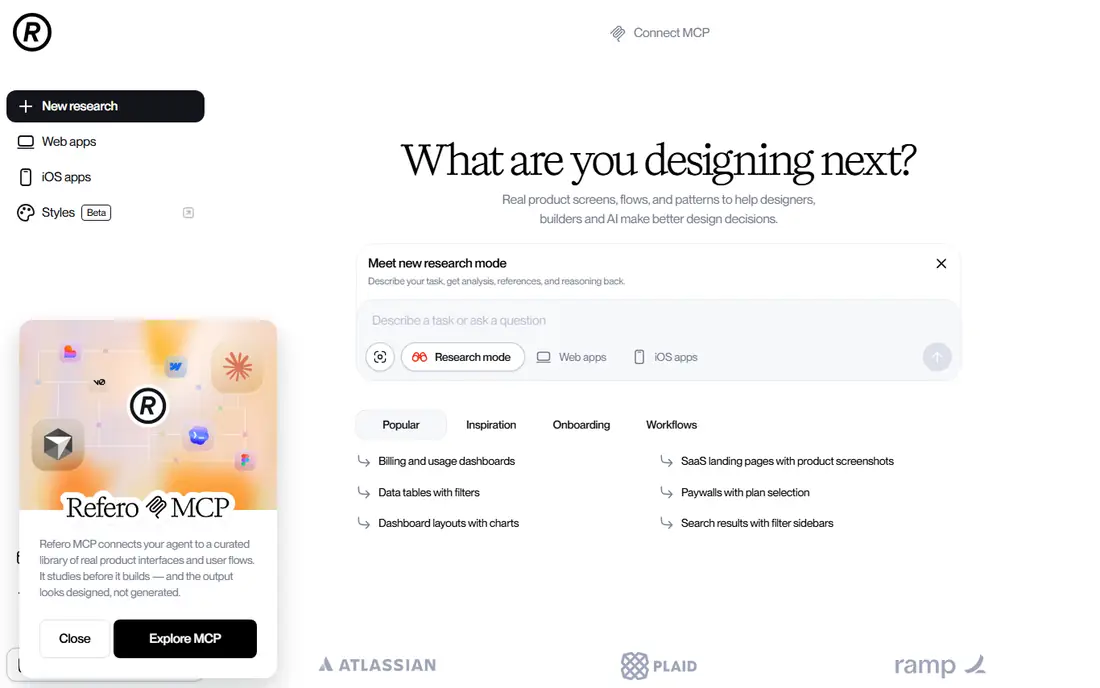
Refero is the most direct answer to "what replaces Mobbin" for most product teams. Its library spans more than 135,000 screens from web and iOS products, organized into user flows with a Figma plugin for pulling references into design files. If your brief is web-first or iOS-first, the search experience feels familiar, and the flow view helps you study onboarding, checkout, and settings journeys end to end rather than as isolated images.
Two limits shape the decision. Refero does not index Android apps, so a brief spanning all three platforms needs a second source. The free tier covers only a small fraction of the library, and Pro bills annually at $120 a year, so a one-month research sprint is not really an option. Test coverage for your exact products before committing to the year.
What we like- Large web and iOS catalog with flows
- Figma plugin
- MCP access on paid plans
Watch out for- No Android coverage
- Free tier covers only a small slice of the library
- Annual billing only for Pro
Starting priceSee website
Free planFree trial
Page Flows changes the evidence type entirely: instead of stills, you watch recorded journeys through real products. Transitions, loading states, micro-interactions, and the order of steps become visible in a way screenshots cannot show, which matters when the deliverable is a journey review or a motion reference for an engineering team. Reviewing a checkout or onboarding flow as a recording often surfaces friction that a screen sequence hides.
The trade is speed. Video takes longer to scan than a grid of screenshots, so Page Flows suits deep dives on a few journeys rather than broad benchmarking across dozens of apps. Pricing sits behind checkout rather than on a public price list, so budget holders should confirm the current plan before assuming it fits. Pair it with a screenshot library if you need both breadth and motion.
What we like- Video walkthroughs show motion and timing
- Good for journey reviews
- Flow context included
Watch out for- Recorded format is slower to scan than screenshots
- Pricing is not public on a single page
Starting priceSee website
Free planFree trial
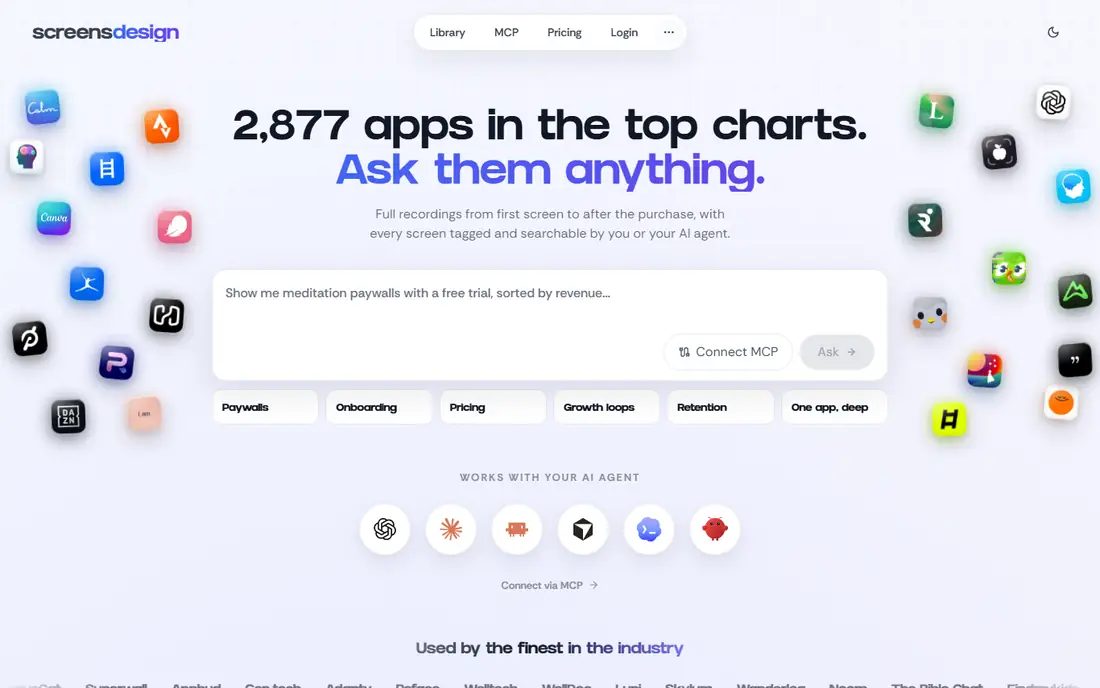
ScreensDesign combines two jobs that usually live in separate tools: studying iOS products and generating new screen concepts. The research side covers screenshots, videos, and onboarding and paywall context, which is useful for teams working on app monetization. The creation side uses AI to draft screens and flows, giving designers a starting point to react to rather than a blank canvas.
Keep the two sides labeled clearly in your own work. Generated concepts are exploration material, not proof that a pattern shipped or worked, while the library screens are the evidence. Teams that do not work on iOS will find the research library narrow, and pricing is confirmed at checkout rather than published plainly, so verify plan terms before buying.
What we like- IOS library with onboarding and paywall context
- AI screen and flow generation
- App-video context
Watch out for- IOS-only research focus
- Generated screens are concepts, not shipped evidence
- Pricing behind checkout
Starting price$9.99/month
Free planNo
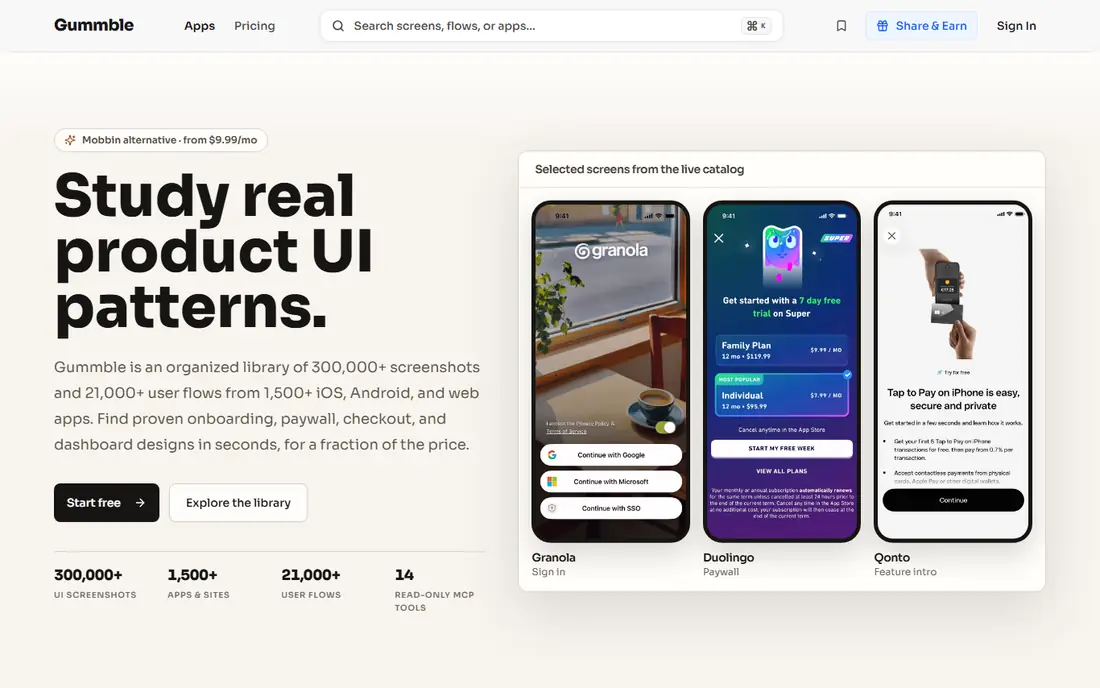
Gummble positions itself as the cross-platform answer, with published totals above 300,000 screens and 21,000 browsable flows across more than 1,500 apps on iOS, Android, and web. Pattern hubs group common tasks, and collections help teams share a shortlist. The distinctive feature is a read-only remote MCP server, which lets AI agents query the same library your designers browse, a workflow that matters more every quarter.
The honest caveats are age and access. Gummble is a newer name than Mobbin, so its brand recognition and community content are thinner, and there is no free tier: Browse starts at $9.99 a month, Pro at $14.99, and Team at $15 per seat with a three-seat minimum. As with every library here, run a coverage test on your own product list before trusting the headline totals.
What we like- Covers iOS, Android, and web
- Browsable flows and pattern hubs
- Remote MCP server for AI agents
Watch out for- No free tier
- Newer and smaller brand than Mobbin
- Catalog totals do not guarantee app-level coverage
Starting priceSee website
Free planYes
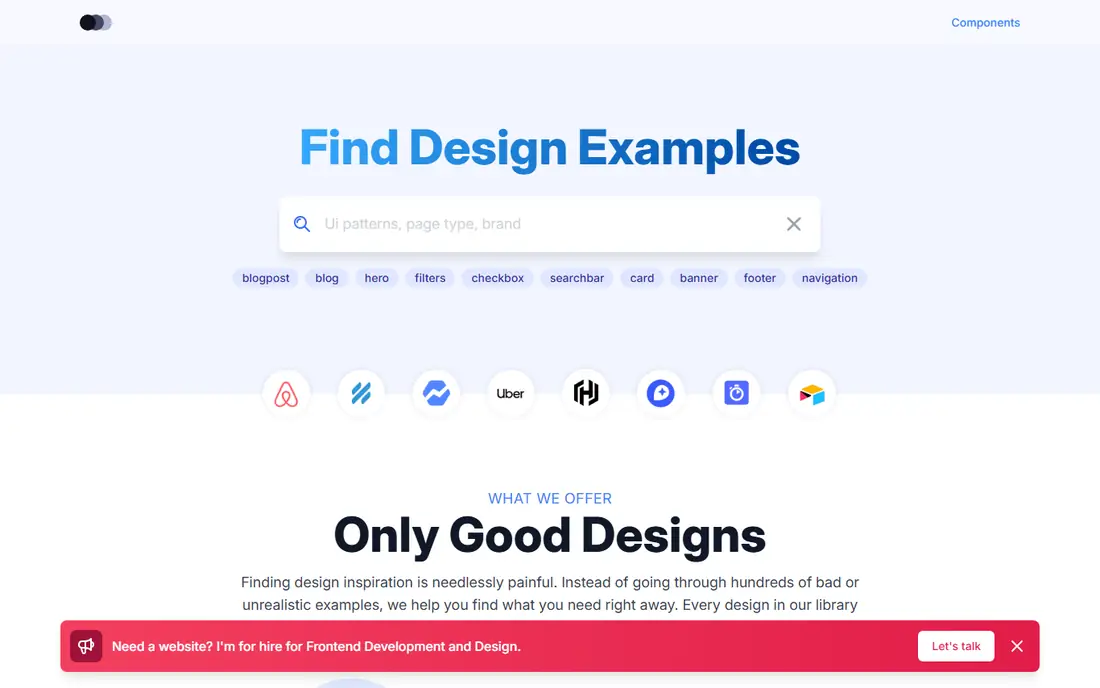
Lookup.design narrows the brief to production websites, and that focus is its strength. Searching for navigation, hero, card, filter, or footer patterns returns examples from live sites rather than portfolio concepts, which makes it a practical companion when the work is a marketing page or a web component. The search-first design suits designers who arrive with a pattern in mind rather than a product to browse.
The limits follow from the scope. There are no mobile app flows here, so it complements rather than replaces a Mobbin-style library, and a screenshot is evidence of a captured moment, not proof the design is still live. Open the source site behind any reference you plan to cite, and confirm the pattern still ships before presenting it to a client.
What we like- Searchable production-website examples
- Strong for marketing and component patterns
Watch out for- Web-only, no mobile flows
- Screenshot currency depends on recapture cadence
Starting priceSee website
Free planYes
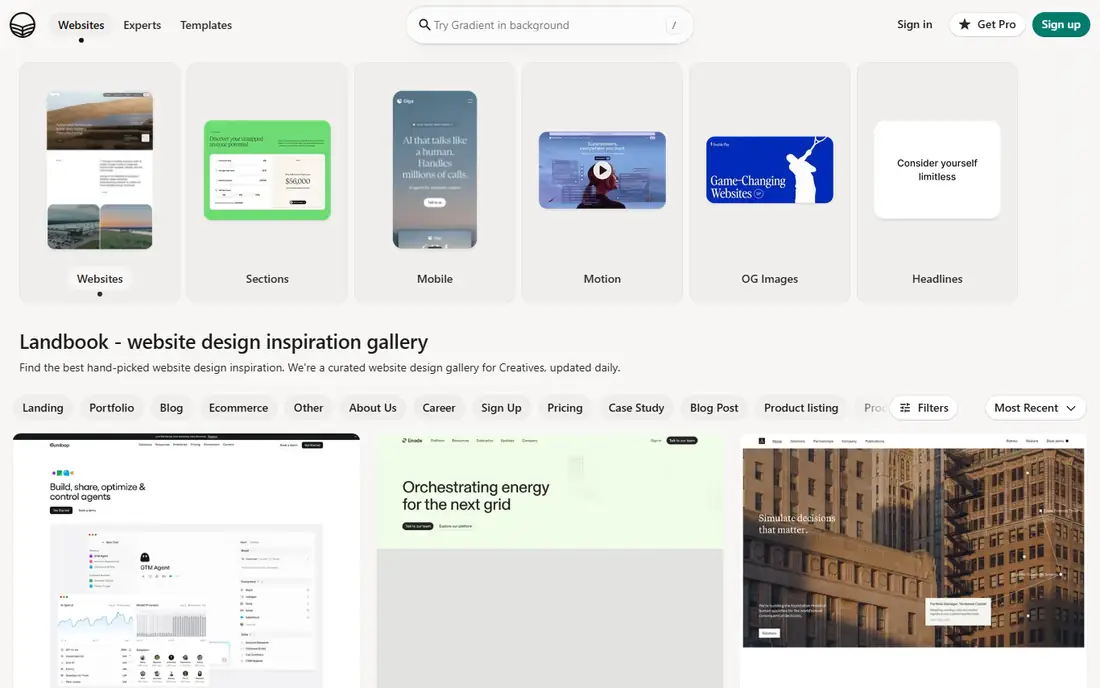
Land-book does one thing well: it collects landing pages so a team can find visual direction fast. When the project includes acquisition or marketing pages, browsing a specialist gallery beats digging through a general app library, and the free browsing tier makes it an easy addition to any designer's bookmarks. It works best at the start of a project, when the question is tone and layout rather than interaction detail.
Do not mistake it for a flow research tool. Land-book shows pages, not product journeys, so onboarding steps, settings screens, and edge states are out of scope. Use it alongside a screen library when the project spans both marketing and product surfaces, and check current save and plan limits if you plan to build shared collections.
What we like- Specialist landing-page gallery
- Fast visual direction
- Free browsing
Watch out for- Not a product-flow library
- No in-product screens or journey context
Starting priceSee website
Free planYes
UXArchive is one of the older mobile flow archives, and its value is straightforward: organized flows from real apps, useful for benchmarking how products handle onboarding, search, and checkout. Product teams that have used it for years tend to keep it in rotation precisely because the flow-first structure matches how they review journeys in critiques.
The experience shows its age next to newer libraries, and coverage varies more by app than the marketing suggests, so a coverage test matters here more than most. Plan and pricing details are also less prominent than on rival sites, so confirm current access terms before building a workflow around it. As a secondary source beside Refero or Gummble, it adds depth where the bigger libraries are thin.
What we like- Flow-based mobile research
- Long-running archive
- Useful for benchmarking app journeys
Watch out for- Catalog depth varies by app
- Interface feels older than newer rivals
- Pricing and plan details are thin
Starting priceFree
Free planYes
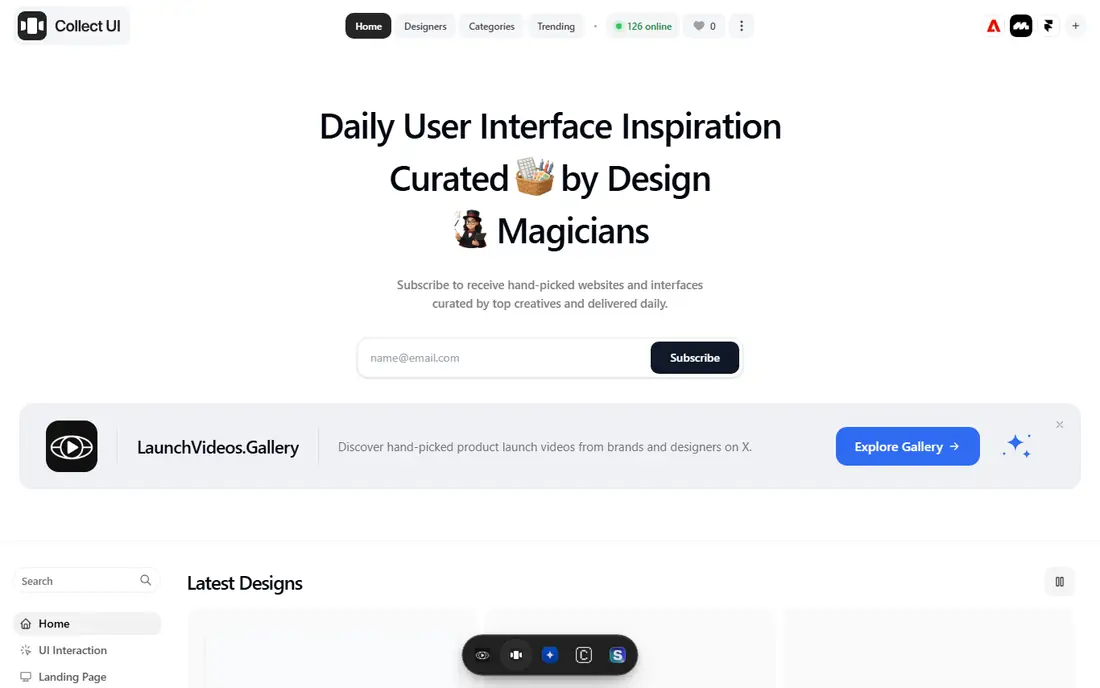
Collect UI is the budget answer, and it is genuinely free. Daily screens across common categories give solo designers and students a steady stream of inspiration without a subscription, and browsing needs no account. For moodboarding, warming up before a design session, or finding a quick reference for a common pattern, it does the job with zero friction.
What it lacks is structure. There is no flow view, limited search depth, and no way to trace a full journey through a product, so it cannot support serious benchmarking or client-facing research. Treat Collect UI as a complement to a paid library, not a replacement, and expect to verify anything important against the live product.
What we like- Completely free
- Daily fresh screens across categories
- No account needed to browse
Watch out for- No flow structure or search depth
- Curation quality varies
- Not a research database
#9Dribbble
Best for: Visual style exploration4.2/5 on
G2 (24 reviews, checked Oct 2026)
Visit dribbble.com
Starting priceFree
Free planYes
Dribbble remains the largest community gallery for visual design, and for style exploration it is unmatched. Searching a tag returns a flood of fresh work across illustration, typography, layout, and motion, which makes it ideal for moodboards and early visual direction. Free browsing means any designer can use it without procurement.
The evidence warning matters more here than anywhere else on this list. Dribbble shots are portfolio pieces, often concepts or selected slices rather than shipped flows, so they answer "what could this look like" rather than "how does this product handle the task." Use Dribbble for direction, then verify patterns against a production library before presenting them as proven.
What we like- Huge community and fresh visual work
- Great for style and moodboarding
- Free browsing
Watch out for- Portfolio shots, not shipped product flows
- Quality and relevance vary widely
How we chose
We compared tools that genuinely replace Mobbin's core job: studying real product interfaces to inform design decisions. That ruled out generic stock galleries and pure portfolio sites without a research structure, though we kept Dribbble for its role in visual direction. Pricing figures come from each vendor's own pricing page or published comparison, checked in October 2026, and where a vendor confirms pricing only at checkout we say so rather than guessing. We weighed catalog coverage by platform, evidence type (screens versus recorded journeys versus generated concepts), search and collection workflows, and billing commitment.
Inspiration libraries are research inputs, not assets to lift. Study the decision behind a pattern, then redraw it with your own content, hierarchy, and brand. That distinction matters legally and creatively: distinctive illustration, copy, and code belong to their owners, while the underlying pattern (a stepped checkout, a progressive onboarding flow) is fair game to reinterpret.
Run a coverage test first
Before paying for any library, search for three products and one recurring flow from your own work. If the library misses two of the three, it will miss them every week, no matter how large its headline screen count looks.
Match the tool to the question
Static libraries answer "what does this screen look like." Recorded journeys answer "how does this flow feel in motion." Portfolios answer "what visual directions exist." Picking the wrong evidence type wastes more time than picking the wrong vendor.
Frequently asked questions
Is there a free Mobbin alternative?
Yes, with limits. Collect UI, Land-book, and Dribbble all offer free browsing, and Refero has a limited free tier covering a small slice of its library. Free browsing is not equivalent to a structured production-flow catalog, so expect to pay when flow research becomes a weekly habit.
What is the closest alternative to Mobbin?
Refero, for web and iOS work. It mirrors Mobbin's screen-and-flow structure most closely, with a Figma plugin and MCP access on paid plans. If your brief includes Android, pair it with Gummble or UXArchive, since Refero does not index Android apps.
Do I need a paid library, or are free galleries enough?
Free galleries cover visual direction and occasional reference. A paid library earns its price when you benchmark flows weekly, need to trace full journeys, share collections with a team, or give an AI agent access to the same references through MCP.
Can I use these tools for client work?
Yes, for research and reference. Present patterns as inspiration and evidence, redrawn in your own design, rather than copying screens, illustration, or copy into deliverables. When a pattern's source matters to the client, cite the product and confirm the design is still live.
Why do some libraries charge annually while others bill monthly?
Annual billing lowers the vendor's churn and is common for niche research tools with small audiences. If you only need a library for one project, prefer a monthly option like Gummble Browse, or time an annual purchase to a period of heavy research.
Sources we checked (11)
- https://refero.design
- https://pageflows.com
- https://screensdesign.com
- https://gummble.com
- https://lookup.design
- https://land-book.com
- https://uxarchive.com
- https://collectui.com
- https://dribbble.com
- https://gummble.com/blog/best-mobbin-alternatives-2026
- https://www.producthunt.com/products/mobbin/alternatives
Is your product missing or out of date?
We review this list regularly. Vendors can request a listing, send updated pricing or ask about featured placement.

Shihab Mia · Founder, Rankite
Shihab has 5+ years in B2B and SaaS SEO. He writes Rankite's software buying guides from pricing pages, documentation and public user reviews. More about Shihab.