How we make this list: we compare pricing pages, product documentation and public user reviews. Ratings come from G2, Capterra or Trustpilot, with the date we checked them.
Key takeaways
- Plan to Eat is the strongest all-round planner for families that collect recipes.
- Paprika 3 suits cooks who want to pay once and keep their recipe library.
- Eat This Much leads for calorie and macro targets.
- Samsung Food is the best free starting point with a huge recipe catalog.
- Mealime shut down on 21 October 2026, so it is not included here.
Quick comparison
| Tool | Best for | Starting price | Free plan |
|---|
 Plan to Eat Plan to Eat | Family recipe planning | From $5.95 per month | Free trial |
 Paprika 3 Paprika 3 | One-time purchase library | From $4.99 one-time | Yes |
 Eat This Much Eat This Much | Calorie and macro plans | Free; Premium from $9 per month | Yes |
 Samsung Food Samsung Food | Free planning and recipes | Free; Food+ from $6.99 per month | Yes |
 Prepear Prepear | Visual family meal boards | Free; Pro from $9.99 per month | Yes |
 SideChef SideChef | Guided step-by-step cooking | Free; Premium from $4.99 per month | Yes |
 eMeals eMeals | Done-for-you weekly menus | See website | Free trial |
 AnyList AnyList | Shared grocery lists | Free; Complete from $9.99 per year | Yes |
Is your product missing or out of date?
We review this list regularly. Vendors can request a listing, send updated pricing or ask about featured placement.
The best meal planning apps
Starting priceFrom $5.95 per month
Free planFree trial

Plan to Eat is the strongest all-round planner for families that already love recipes. Collect recipes from anywhere with the browser clipper, drag them onto a calendar, and the app builds an organized grocery list automatically. Real-time shared lists mean everyone in the household sees the same plan and list, which ends the daily question of what is for dinner.
There is no built-in recipe catalog, so the app rewards cooks who bring their own collection. Nutrition tracking is not built in by default. At $5.95 a month or $49 a year, it costs more than free apps, but families that plan together usually find the shared calendar worth it.
What we like- Drag-and-drop calendar planning
- Auto grocery lists
- Strong family sharing
Watch out for- No built-in recipe catalog
- No nutrition tracking by default
- Paid only after trial
Starting priceFrom $4.99 one-time
Free planYes
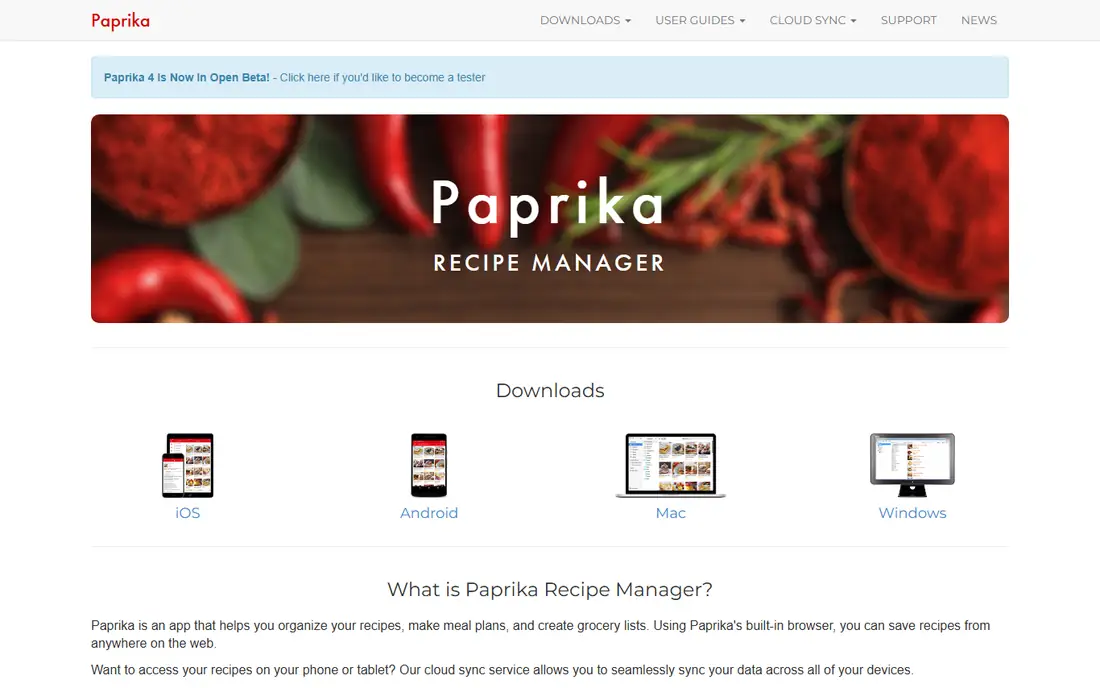
Paprika 3 proves meal planning does not need a subscription. Pay about $4.99 once on mobile or $29.99 on Mac or Windows per platform, and the recipe library is yours with no monthly fee. The browser clipper saves recipes cleanly, a manual pantry tracks ingredients with dates, and grocery lists can be customized and reordered freely.
Planning is manual: you place recipes on the calendar yourself, and lists reflect exactly what you planned. Nutrition tracking is absent. For a cook who wants to own a recipe library and control every detail, Paprika 3 is the best value in this list.
What we like- Pay once per platform, no subscription
- Excellent recipe clipper
- Manual pantry with dates
Watch out for- No auto meal generation
- No nutrition tracking
- Grocery lists are fully manual
Starting priceFree; Premium from $9 per month
Free planYes
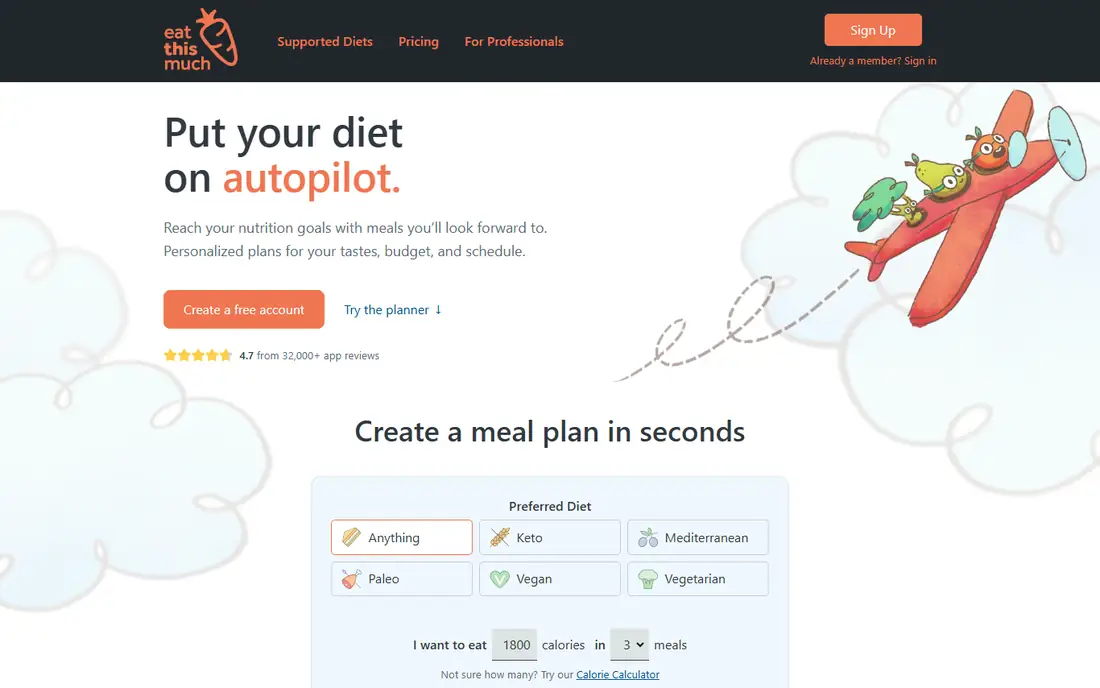
Eat This Much is the pick for fitness-focused users. Enter a calorie target and macro split, and the app generates a full day or week of meals with a grocery list to match. That automation suits people who track nutrition closely and do not want to choose every meal by hand. Premium runs about $9 a month or $60 a year.
The free tier covers roughly one day, so real use needs Premium. Recipes can feel repetitive over weeks, and pantry tracking is limited. For calorie-controlled eating, no other app here automates the plan as directly.
What we like- Auto plans from calorie and macro targets
- Grocery lists built from the plan
- Delivery options
Watch out for- Free tier covers about one day
- Recipes can feel repetitive
- Limited pantry features
Starting priceFree; Food+ from $6.99 per month
Free planYes
Samsung Food, formerly Whisk, is the best free starting point. The planner, grocery lists, and a catalog of over 240,000 public recipes cost nothing, and shared lists work for households. Appliance sync and AI-tailored plans sit behind Food+ at $6.99 a month or $59.99 a year, but the free tier covers weekly planning well.
Ads appear on the free tier, and pantry search needs the paid plan. For a cook who wants to start planning today without paying, Samsung Food offers the most complete free experience.
What we like- Free planner and grocery lists
- Over 240,000 public recipes
- Shared lists
Watch out for- Best features sit behind Food+
- Ads on the free tier
- Pantry search needs Food+
Starting priceFree; Pro from $9.99 per month
Free planYes
Prepear plans meals on visual boards that suit families who think in pictures rather than lists. Drag meals onto the week, and the app builds a grocery list automatically, with a Walmart checkout option for delivery or pickup. A staples list tracks household basics, and per-recipe nutrition shows what each meal contains.
There are no AI suggestions, and family sharing is more limited than Plan to Eat. Pro at about $9.99 a month adds full features. For a free planner with a visual style and a working grocery list, Prepear is a strong starting point.
What we like- Visual meal boards
- Auto grocery lists
- Walmart checkout option
Watch out for- No AI suggestions
- Sharing is limited
- Pro needed for full features
Starting priceFree; Premium from $4.99 per month
Free planYes
SideChef shines in the kitchen rather than at the planning desk. Recipes guide you step by step with photos and voice prompts, which helps beginners who get lost mid-recipe. The app builds grocery lists from chosen meals, and Premium at about $4.99 a month adds more recipes and features.
Full-week automatic planning is partial rather than complete, so cooks who want a generated week should look at Eat This Much or eMeals. For a beginner who wants confidence while cooking, SideChef teaches technique as it feeds you.
What we like- Step-by-step guided cooking with photos
- Auto grocery lists
- Voice guidance while cooking
Watch out for- Planning is partial, not full-week auto
- Recipe depth varies
- Premium needed for some features
Starting priceSee website
Free planFree trial
eMeals removes the choosing step entirely. Each week brings a done-for-you menu matched to your diet and preferences, and the grocery list flows straight into Walmart, Kroger, Amazon, or Instacart carts for pickup or delivery. Families that find meal decisions exhausting save the most time here.
You cannot import your own recipes, so cooks with a beloved collection will chafe. Pricing varies by plan length, with lower monthly rates on annual plans, and the trial lasts 14 days. For households that want dinner decided for them, eMeals is the most hands-off option.
What we like- Weekly menus written for you
- Lists sent to store carts
- Diet and preference filters
Watch out for- Cannot import your own recipes
- Pricing varies by plan length
- 14-day trial only
Starting priceFree; Complete from $9.99 per year
Free planYes
AnyList is the cheapest way to coordinate a household. Shared grocery lists sync in real time across phones, so anyone can add milk the moment it runs out, and voice assistants add items hands-free while cooking. Recipe import and the meal calendar sit on Complete, about $9.99 a year for an individual or $14.99 for a household.
The planner itself is lighter than Plan to Eat, and nutrition tracking is absent. For families whose main problem is the shopping list rather than the menu, AnyList solves it for a few dollars a year.
What we like- Live shared lists with real-time sync
- Voice assistant support
- Recipe import on Complete
Watch out for- Meal calendar sits behind Complete
- No nutrition tracking
- Planner features are light
How we chose
We compared apps on planning style, grocery lists, recipe handling, sharing, and pricing, using vendor pages and published comparisons from October 2026. We favored apps US cooks can use today with a distinct strength. We did not claim hands-on testing, and where prices varied by plan length we quoted the standard figure or wrote See website.
How to pick the right meal planning app
Start with how you decide dinner. If choosing is the chore, eMeals or Eat This Much decide for you. If you love collecting recipes, Plan to Eat or Paprika give you control. If the grocery list is the pain point, AnyList or Plan to Eat solve sharing best. If cost matters most, Samsung Food and Prepear cover planning free.
Then test the filters with your real restrictions. Diet filters, allergies, and picky eaters break many apps in practice, so run a trial week with your actual household rules before paying. Check the grocery list behavior too: aisle grouping, live sync, and store cart export change how useful a list is in a real store. Finally, check export options. A planner that locks recipes inside one account costs you your collection if you leave, so prefer apps that export recipes and lists cleanly.
Also think about who cooks. A household where one person cooks needs a different app from one where several people share cooking. Shared calendars and live lists matter when cooking rotates, while a solo cook benefits more from automation and nutrition targets. Set a review point after three weeks: if the app has not reduced weeknight stress or grocery trips, switch. The right planner should make dinner boring in the best sense, a decision already made before the day gets busy, so weeknights run on rails instead of last-minute choices.
Common mistakes waste the subscription. Many people pay for a planner and keep planning in their heads, so commit to one app for a month and put every dinner on it. Others import hundreds of recipes and never cook them, so start with twenty favorites and add slowly. A planner works when it holds the whole week, not when it holds a wish list of meals you never make.
Frequently asked questions
What is the best meal planning app for families?
Plan to Eat, for its shared calendar, recipe collection, and auto grocery list. AnyList is best for shared shopping lists, while eMeals suits families that want a done-for-you menu.
Is there a free meal planning app?
Yes. Samsung Food, Prepear, AnyList, and Eat This Much all offer free plans, though each limits some features. Paprika 3 uses a one-time purchase instead of a subscription.
Can a meal planning app help with grocery shopping?
Yes. Most planners build a grocery list from planned meals. AnyList and Plan to Eat offer live shared lists, while eMeals sends lists straight to store carts.
Do meal planning apps track nutrition?
Some do and some do not. Eat This Much is built for calorie and macro targets, while Paprika and Plan to Eat focus on recipes and planning without nutrition tracking.
What happened to Mealime?
Mealime announced it would shut down on 21 October 2026, and it was removed from current recommendation lists. Samsung Food and Prepear are the closest free replacements.
What is the best meal planner for picky eaters?
eMeals offers diet and preference filters that help with picky eaters and allergies. Plan to Eat also works well, since you control every recipe in the plan.
Sources we checked (8)
- https://www.plantoeat.com
- https://www.paprikaapp.com
- https://www.eatthismuch.com
- https://www.samsungfood.com
- https://www.prepear.com
- https://www.sidechef.com
- https://emeals.com
- https://www.anylist.com
Is your product missing or out of date?
We review this list regularly. Vendors can request a listing, send updated pricing or ask about featured placement.

Shihab Mia · Founder, Rankite
Shihab has 5+ years in B2B and SaaS SEO. He writes Rankite's software buying guides from pricing pages, documentation and public user reviews. More about Shihab.