How we make this list: we compare pricing pages, product documentation and public user reviews. Ratings come from G2, Capterra or Trustpilot, with the date we checked them.
Key takeaways
- Plan to Eat is the best choice for families that want a shared calendar, recipe collection and grocery list in one place.
- Paprika 3 suits recipe collectors who want a one-time purchase and full control, without a monthly subscription.
- eMeals helps busy households that want done-for-you weekly menus with less daily decision-making.
- AnyList is the best shared grocery list app, with live sync and voice assistant support, even if its meal planning is simpler.
- Eat This Much and Samsung Food suit different needs: calorie and macro targets on one side, and a large free recipe catalogue on the other.
Quick comparison
| Tool | Best for | Starting price | Free plan |
|---|
 Plan to Eat Plan to Eat | Families and shared calendars | $5.95 per month | Free trial (30 days) |
 Paprika 3 Paprika 3 | Recipe collectors | $4.99 one-time purchase | No |
 eMeals eMeals | Done-for-you weekly menus | See website | Free trial (14 days) |
 AnyList AnyList | Shared grocery lists | See website | Yes |
 Eat This Much Eat This Much | Calorie and macro planning | See website | Yes |
 Samsung Food Samsung Food | Large free recipe catalogue | See website | Yes |
 Prepear Prepear | Free planner and recipe organiser | See website | Yes |
Is your product missing or out of date?
We review this list regularly. Vendors can request a listing, send updated pricing or ask about featured placement.
The best meal planner apps
Starting price$5.95 per month
Free planFree trial (30 days)
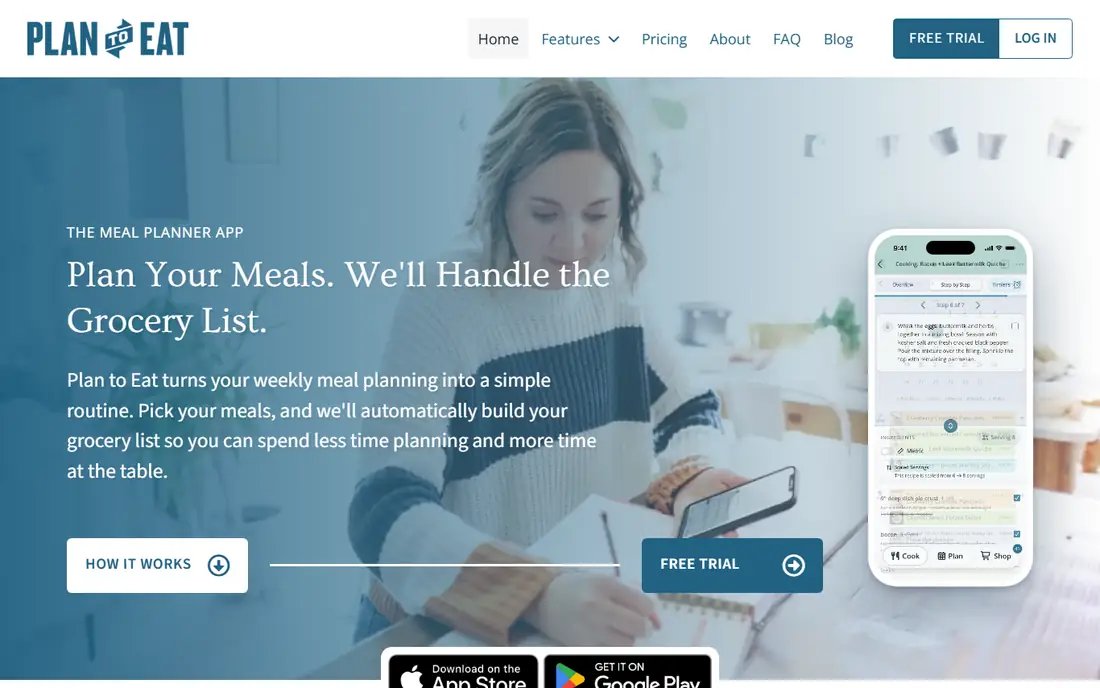
Plan to Eat is built for households that cook from their own recipe collection and want to plan together. You clip recipes from the web, drag them onto a shared calendar and the app builds a shopping list from the planned meals. Everyone in the household can see the same plan and list, which reduces the daily question of what is for dinner and who is buying what.
The manual approach is both a strength and a limit. Plan to Eat does not generate menus automatically or track nutrition, so it suits cooks who enjoy choosing meals rather than following a preset plan. For families with two cooks or a shared shopping routine, its shared calendar and list make it the most practical choice in this list.
What we like- Shared calendar and shopping list in real time
- Strong recipe clipper
- Drag-and-drop planning
Watch out for- No built-in nutrition data
- Planning is manual, with no automatic menu generation
Starting price$4.99 one-time purchase
Free planNo
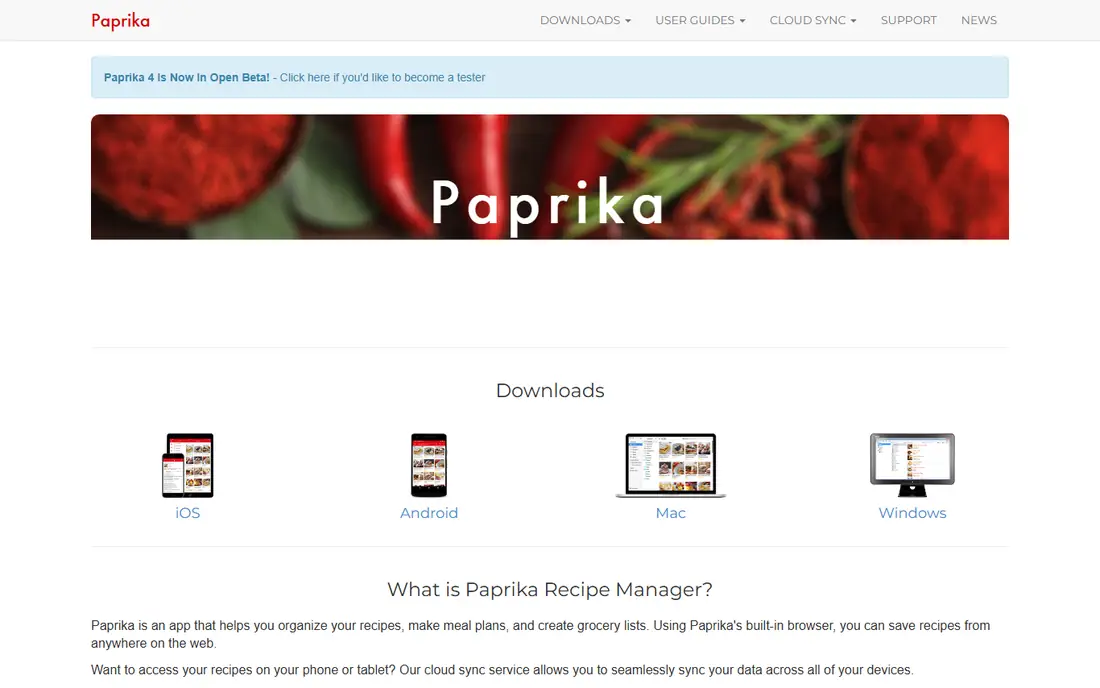
Paprika 3 is a recipe manager first, with meal planning built around your own collection. Its web clipper saves recipes cleanly, with ingredients and steps formatted for cooking, and you can scale recipes, track pantry items and build custom grocery lists. The one-time purchase per platform appeals to readers who dislike monthly subscriptions.
Paprika does not generate menus, track calories or suggest meals based on diet goals, so it needs more manual input than eMeals. It also charges per platform, so using it on phone, tablet and computer adds up. For cooks with a large recipe collection who want control and no subscription, Paprika remains a favourite.
What we like- Excellent web clipper
- One-time purchase per platform
- Pantry tracking and custom grocery lists
Watch out for- No nutrition data or AI menu suggestions
- Each platform version is sold separately
Starting priceSee website
Free planFree trial (14 days)

eMeals removes most daily decisions by sending a weekly menu based on diet, family size and store preferences. The menu comes with a grocery list matched to that store, and delivery integrations help turn the list into an order. That done-for-you approach suits households that want dinner planned without choosing each meal.
Customisation is the trade-off. eMeals menus are curated, so cooks who want to use their own recipes or make frequent swaps may find it restrictive. It also needs a subscription after the trial. For busy families that value a ready plan over full control, eMeals saves time every week.
What we like- Weekly menus matched to stores and diets
- Grocery list with delivery integrations
- Low daily decision load
Watch out for- Limited customisation
- Cannot import your own recipes in the same way as Paprika or Plan to Eat
Starting priceSee website
Free planYes
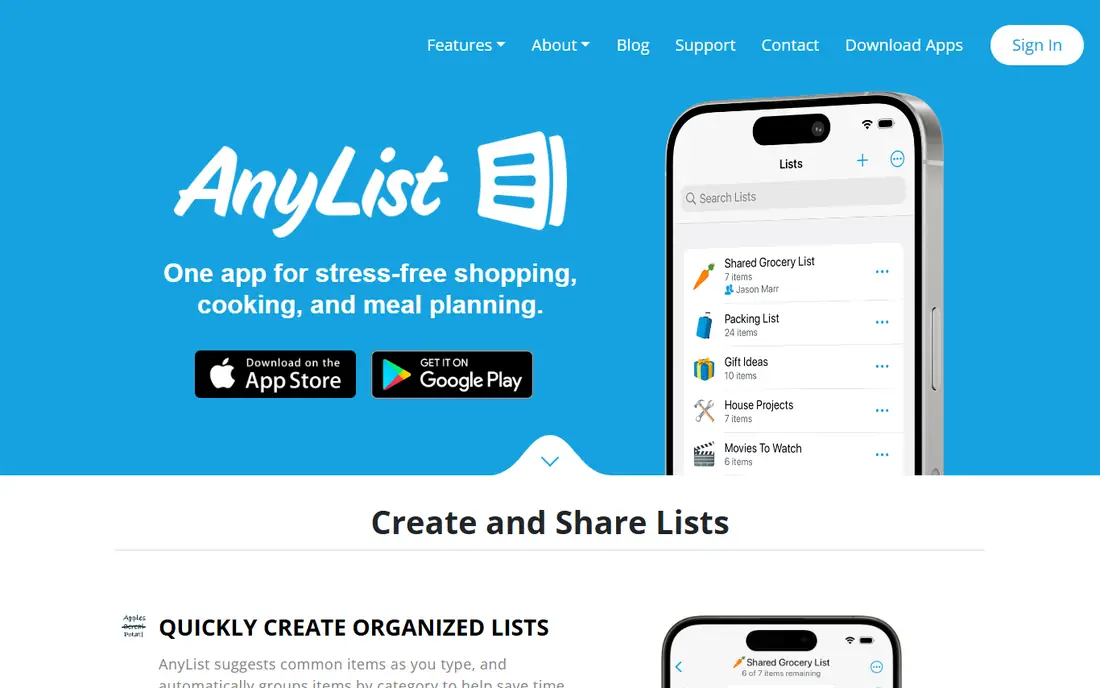
AnyList is best known for shared grocery lists that sync live across household members. Everyone can add items, check them off in the store and see changes instantly, and voice assistants can add items hands-free. Recipe import and meal planning are included in the paid Complete plan, which turns AnyList into a light meal planner as well.
AnyList meal planning is not as deep as Plan to Eat or Paprika, with less calendar control and no automatic menu generation. Its strength is coordination: the list, not the plan, is the core. For households where shared shopping is the main problem, AnyList is the best tool here.
What we like- Live shared grocery lists
- Voice assistant integrations
- Recipe import and meal planning in the paid tier
Watch out for- Meal planning is simpler than Plan to Eat
- Full features need the Complete plan
Starting priceSee website
Free planYes
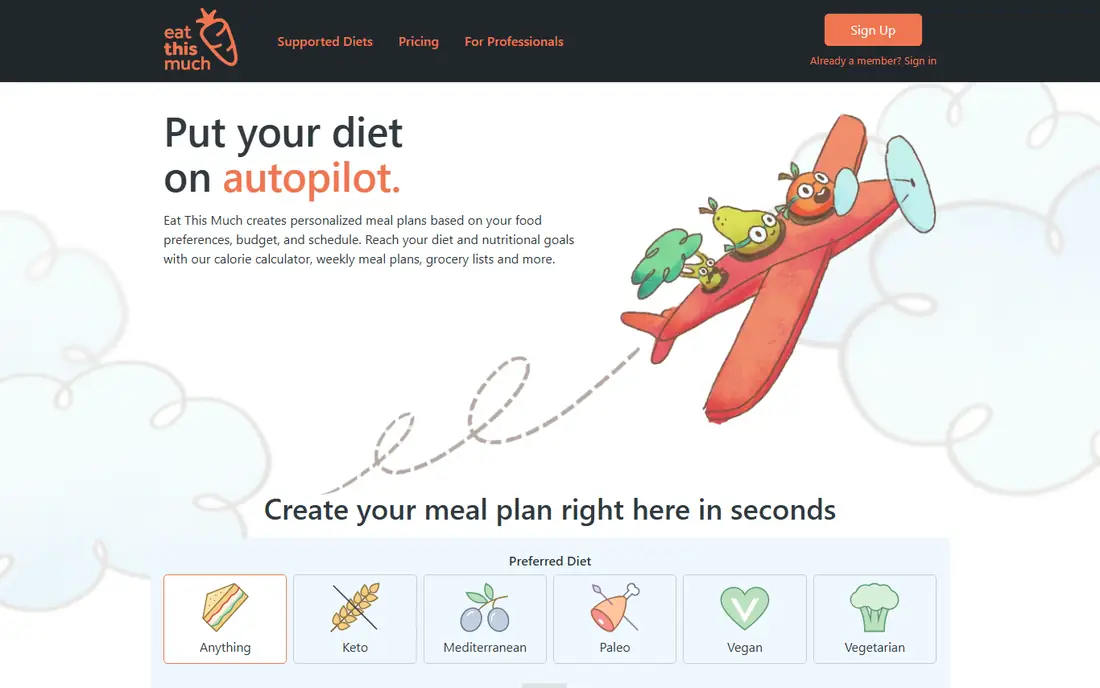
Eat This Much builds meal plans from numeric targets, such as calories, protein and other macros, rather than from a recipe collection. That approach suits readers with specific nutrition goals who want a plan that hits those numbers without manual calculation. The app generates meals, builds a grocery list and lets you adjust targets and preferences.
The plans can feel repetitive over time, and family sharing is weaker than in Plan to Eat or AnyList, since the focus is on one person's targets. Free users get basic planning, while Premium adds more options. For nutrition-led planning, Eat This Much is the most direct choice in this list.
What we like- Automatic plans from calorie and macro targets
- Grocery list built from the plan
- Diet filters
Watch out for- Plans can feel repetitive
- Weaker for family sharing than Plan to Eat
Starting priceSee website
Free planYes
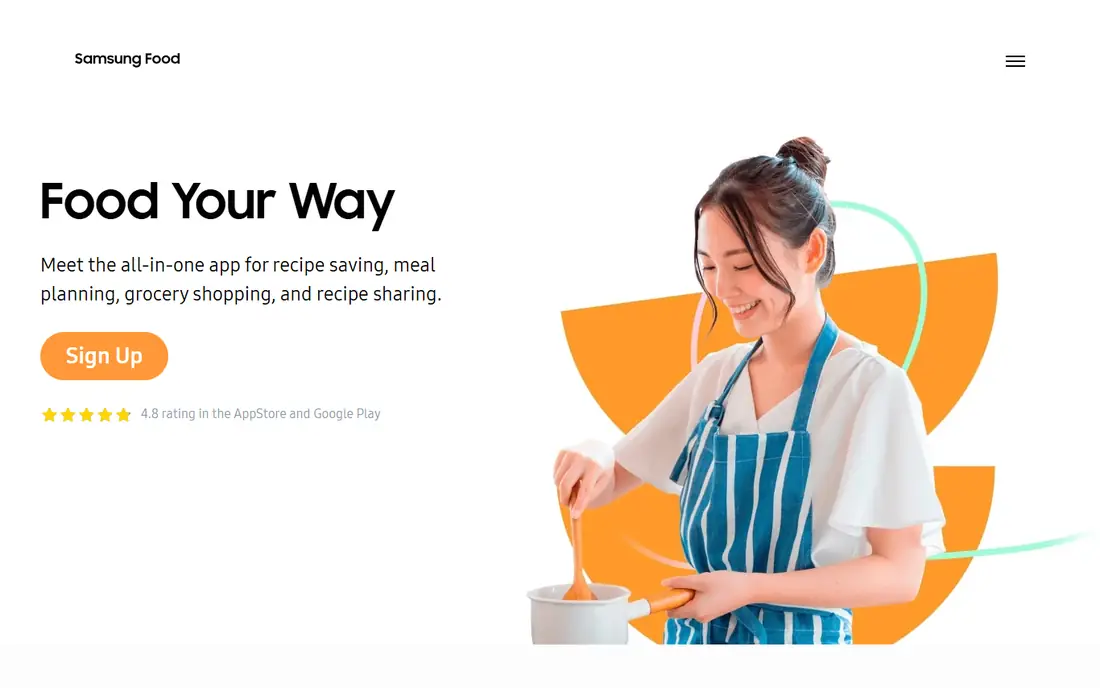
Samsung Food, formerly Whisk, offers a large recipe catalogue, meal planning and smart shopping lists in a free app, with a paid Food+ tier for extra features. Recipe discovery is strong, with community recipes and filters for diets and preferences, and the app can scale recipes and organise them into collections. That free depth makes it a good starting point for new meal planners.
Food+ adds features that some users will want, such as advanced planning tools, so the free version is not the full product. Appliance and smart fridge features also matter most for Samsung owners. For budget-conscious cooks who want a large catalogue without paying first, Samsung Food is a practical trial.
What we like- Large recipe catalogue and community
- Free app with smart shopping lists
- Recipe scaling
Watch out for- Best features are behind Food+
- Appliance sync is most useful for Samsung owners
Starting priceSee website
Free planYes
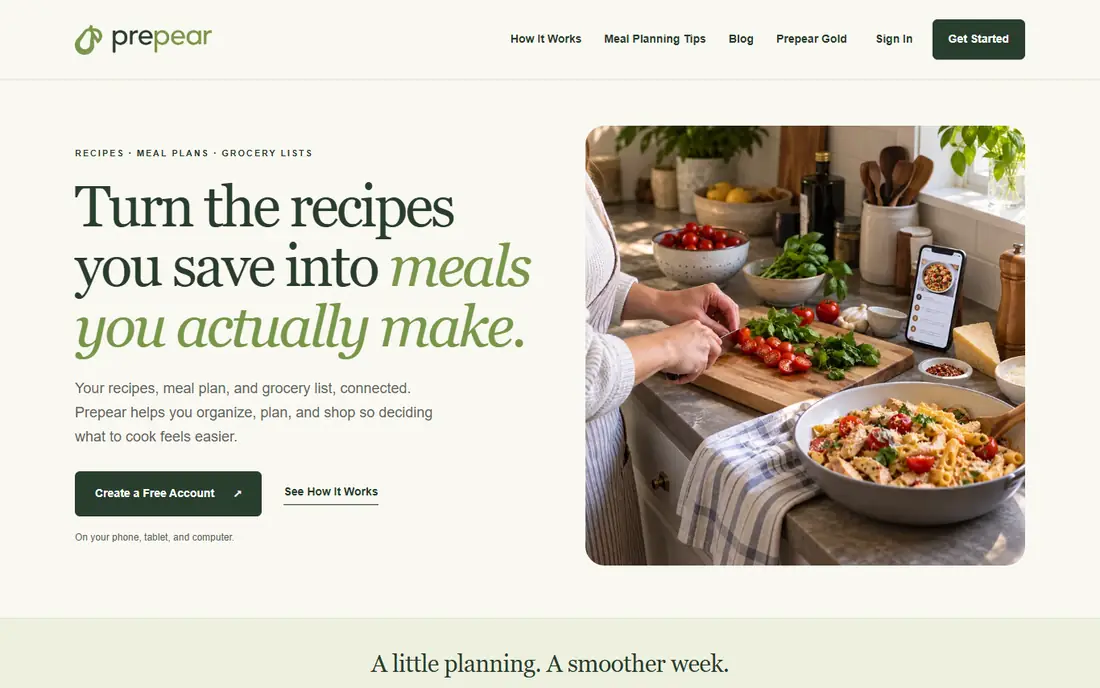
Prepear combines a free recipe organiser, meal planner and grocery list, which makes it one of the most generous free options here. You can save recipes, plan meals for the week and build a list from the plan, with Walmart checkout options in some setups. That free coverage suits readers who want to test meal planning without paying first.
Prepear does not offer AI menu suggestions, and some premium recipes and features sit behind Gold. Its planning is also more manual than eMeals. For a free, straightforward planner with a solid recipe organiser, Prepear is a strong starting point, especially for families on a budget.
What we like- Generous free tier
- Recipe organiser and planner
- Grocery list with store checkout options
Watch out for- No AI menu suggestions
- Premium content is behind Gold
How we chose
We compared pricing pages, product documentation and public reviews on G2, Capterra, Reddit and app stores, and we checked vendor homepages where the browser service allowed. We favoured apps with real meal planning, not just recipe browsing, and we included different household needs: family sharing, recipe collecting, quick weeknight meals, done-for-you menus, nutrition targets and free discovery. Pricing was taken from vendor pages and recent public summaries, with See website used where pricing varies by platform or plan. We weighed sharing, grocery lists, recipe import and dietary filters, since those factors decide whether a plan survives a busy week.
How to choose a meal planner for your household
A meal planner should fit how your household already cooks and shops. A perfect plan that no one follows is less useful than a simple plan that the whole household can see and use.
Decide who plans and who shops
If one person plans and another shops, shared lists and calendars matter most, so look at Plan to Eat or AnyList. If one person does both, a personal planner such as Paprika may be enough. Check whether everyone can view and edit the plan without paying for extra seats.
Match the planner to your cooking style
Recipe collectors need a strong clipper and library, so Paprika or Plan to Eat fit. Busy cooks need done-for-you plans, so eMeals fits. Nutrition-focused cooks need targets, so Eat This Much fits. Start with cooking style, not with the longest feature list.
Test the grocery list in a real shop
Plan one real week, generate the list and use it in the store. Check whether items are grouped by aisle, whether duplicates merge and whether the list syncs live for other household members. A planner that fails at the store will fail overall, no matter how good its recipes look.
Check that the app will still be around and that your recipes can leave with you. Meal planning apps hold years of saved recipes, so an app that closes or drops features can cost more than the subscription itself. Before committing, confirm the app is still actively developed, test recipe export or printing, and keep a backup of family favourites outside the app. A planner with export options is safer than one that locks recipes inside a single account.
Frequently asked questions
What is the best meal planner app for families?
Plan to Eat is the best family choice for a shared calendar, recipe collection and grocery list. AnyList is best for shared shopping lists, while eMeals suits families that want a done-for-you weekly menu with less planning.
Is there a free meal planner app?
Yes. Samsung Food, Prepear, AnyList and Eat This Much all offer free plans, though each limits some features. Paprika 3 and Plan to Eat use a one-time purchase or a paid plan with a trial instead of a free forever plan.
Can a meal planner app help with grocery shopping?
Yes, most planners in this list build a grocery list from the planned meals. AnyList and Plan to Eat offer live shared lists, while eMeals builds lists from its menus. Check aisle grouping and live sync before choosing.
Do meal planner apps track nutrition?
Some do, and some do not. Eat This Much is built for calorie and macro targets. Paprika and Plan to Eat do not track nutrition by default, since they focus on recipes and planning.
What is the best meal planner app for picky eaters?
eMeals offers diet and preference filters, which help with picky eaters and allergies. Plan to Eat also works well, since you control every recipe in the plan. Test the filters with your actual restrictions during a trial.
How much does a meal planner app cost?
Many apps are free or cost a few dollars per month, while Plan to Eat costs $5.95 per month and Paprika 3 costs $4.99 as a one-time purchase per platform. Paid plans usually add more recipes, nutrition data or sharing features, so start free where possible.
Sources we checked (7)
- https://www.plantoeat.com
- https://www.paprikaapp.com
- https://emeals.com
- https://www.anylist.com
- https://www.eatthismuch.com
- https://www.samsungfood.com
- https://prepear.com
Is your product missing or out of date?
We review this list regularly. Vendors can request a listing, send updated pricing or ask about featured placement.

Shihab Mia · Founder, Rankite
Shihab has 5+ years in B2B and SaaS SEO. He writes Rankite's software buying guides from pricing pages, documentation and public user reviews. More about Shihab.