How we make this list: we compare pricing pages, product documentation and public user reviews. Ratings come from G2, Capterra or Trustpilot, with the date we checked them.
Key takeaways
- IQAir AirVisual offers the widest global coverage and pairs with IQAir sensors and purifiers for indoor readings.
- Plume stands out for hour-by-hour personal exposure forecasts tied to where you plan to be.
- PurpleAir is the best choice for hyperlocal readings where neighbours run PurpleAir sensors.
- AirNow is the official United States source, but its pollutant coverage and app experience are narrower than leading third-party apps.
- Most leading apps are free, with paid features focused on extra forecasts, widgets, or device integration.
Quick comparison
| Tool | Best for | Starting price | Free plan |
|---|
 IQAir AirVisual IQAir AirVisual | Global coverage and forecasts | Free | Yes |
 Plume Plume | Hour-by-hour exposure forecasts | Free | Yes |
 Air Matters Air Matters | Simple global AQI checks | Free | Yes |
 PurpleAir PurpleAir | Hyperlocal sensor readings | Free | Yes |
 AirNow AirNow | Official United States data | Free | Yes |
 BreezoMeter BreezoMeter | Location-based air and pollen data | Free | Yes |
 Airly Airly | Community sensor maps | Free | Yes |
 AirCare AirCare | Clean maps and health advice | Free | Yes |
Is your product missing or out of date?
We review this list regularly. Vendors can request a listing, send updated pricing or ask about featured placement.
The best air quality apps
Starting priceFree
Free planYes
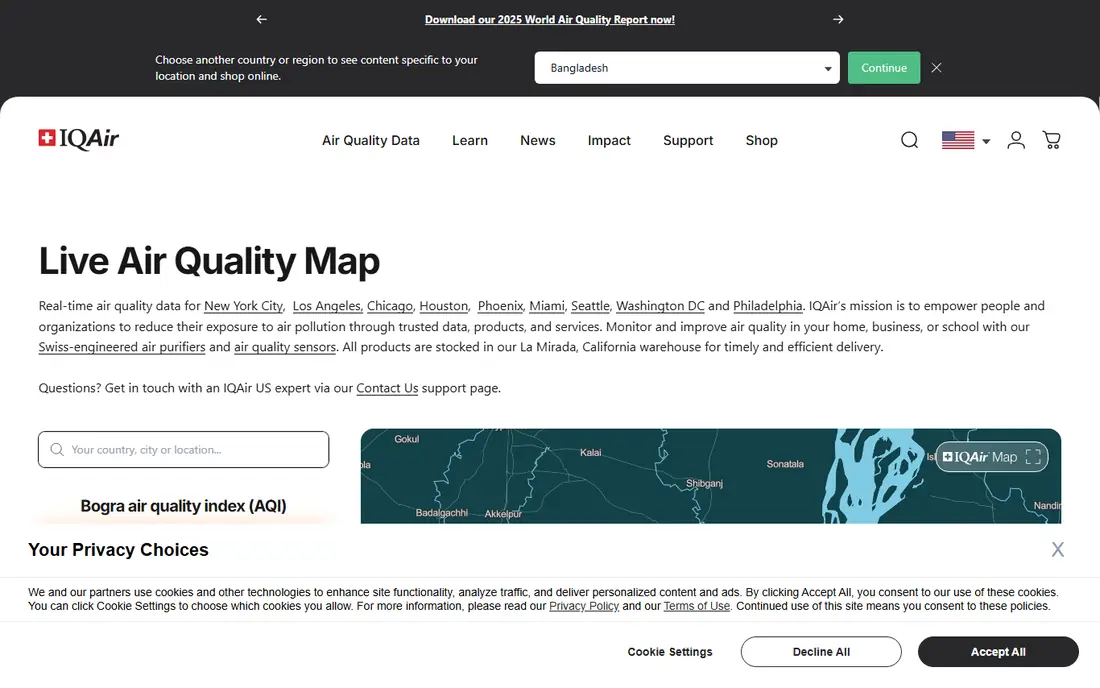
IQAir AirVisual has become the default recommendation for travellers and for people who move between cities. It draws on government stations, community sensors, and IQAir devices, and it presents the Air Quality Index with pollutant breakdowns for PM2.5, PM10, ozone, and other pollutants where data is available.
Forecasts and health advice are the practical value. You can see whether air is expected to worsen later in the day and plan a run, a commute, or outdoor work around it. If you own an IQAir purifier or sensor, the app also shows indoor readings and controls, which makes it a single place for indoor and outdoor air.
What we like- Wide global station and sensor coverage
- Hourly and multi-day forecasts
- Health recommendations tied to current conditions
Watch out for- Some advanced features and device controls relate to IQAir products
- Interface can feel busy for a quick check
Starting priceFree
Free planYes
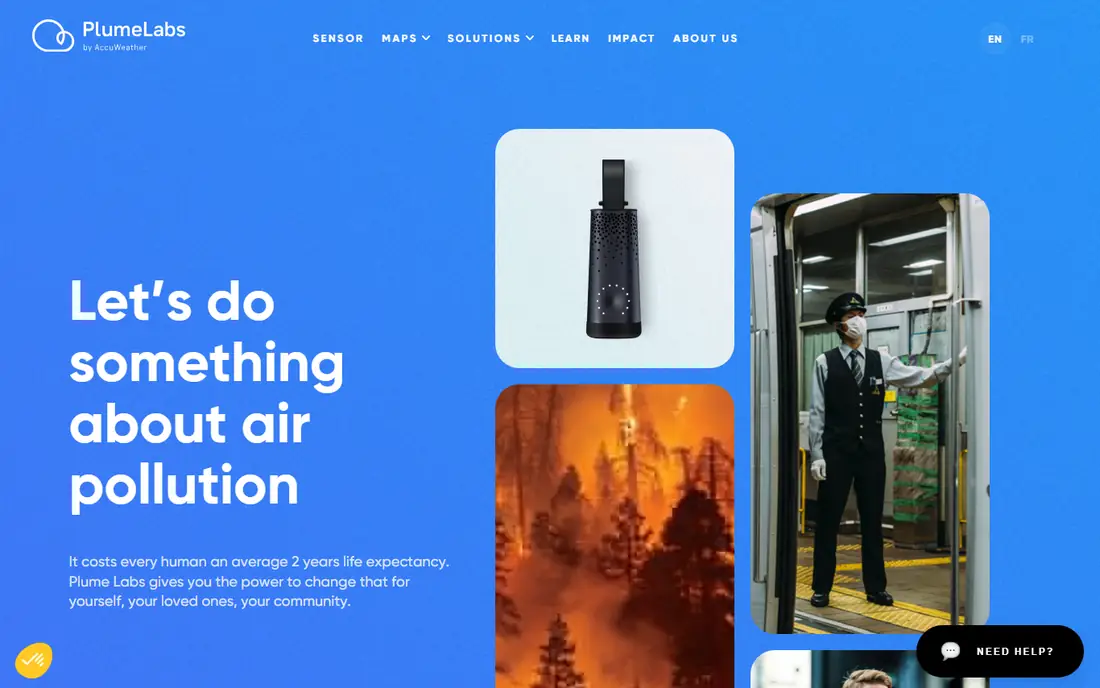
Plume Labs built its app around a simple question: what will the air be like where you are going, and when? Instead of only showing a current reading, Plume forecasts exposure hour by hour, so you can pick a better time for a walk or a run. That planning view is its main advantage over apps that focus on a map alone.
Check coverage in your city before relying on it as your only app, since detail varies by location. For many urban users, Plume works best alongside a broader app such as IQAir, with Plume handling timing and IQAir handling breadth.
What we like- Forecasts air quality by hour and by location
- Useful for planning a route or an outdoor activity
- Clear, plain-language guidance
Watch out for- Coverage and detail vary by city
- Some features have changed as the company has shifted focus over time
Starting priceFree
Free planYes
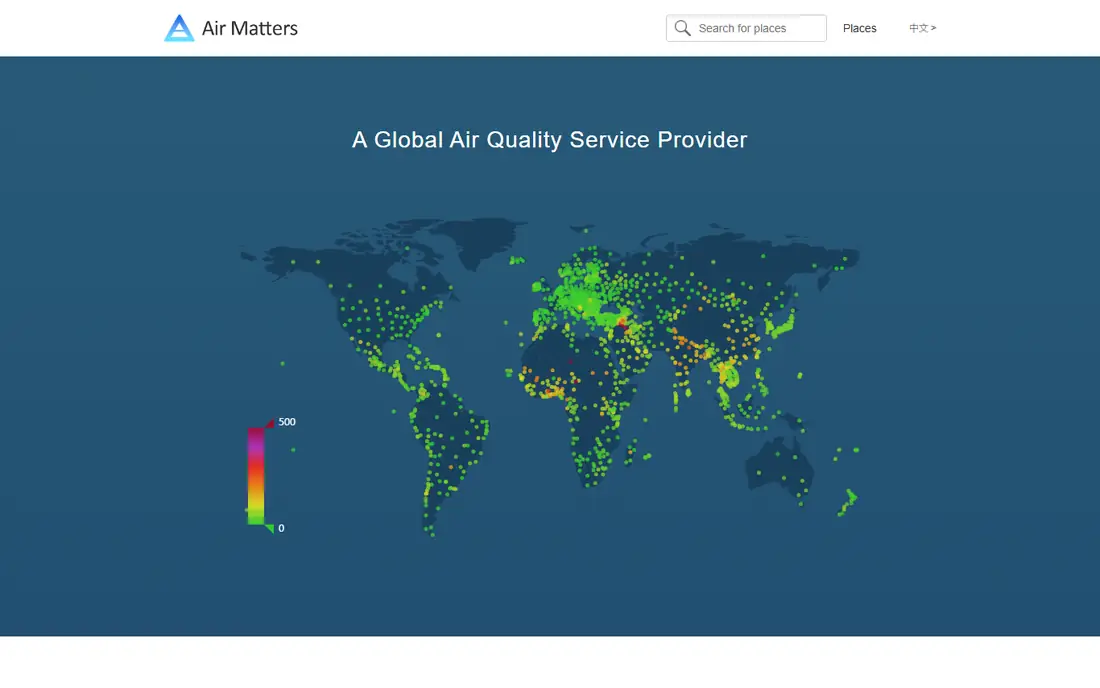
Air Matters keeps the daily check short. Open it, see the index for your location, check the main pollutants, and move on. That restraint suits users who want a quick answer before leaving the house, rather than a deep data tool.
The trade-off is depth. If you need detailed forecasts, route planning, or sensor-level maps, a fuller app will serve you better. Air Matters is the spare, reliable second app many people keep for a fast glance.
What we like- Clean, fast AQI readings for many cities
- Pollutant details where available
- Light and easy to use daily
Watch out for- Forecasts and health guidance are less detailed than IQAir
- Widget and alert options are basic
Starting priceFree
Free planYes
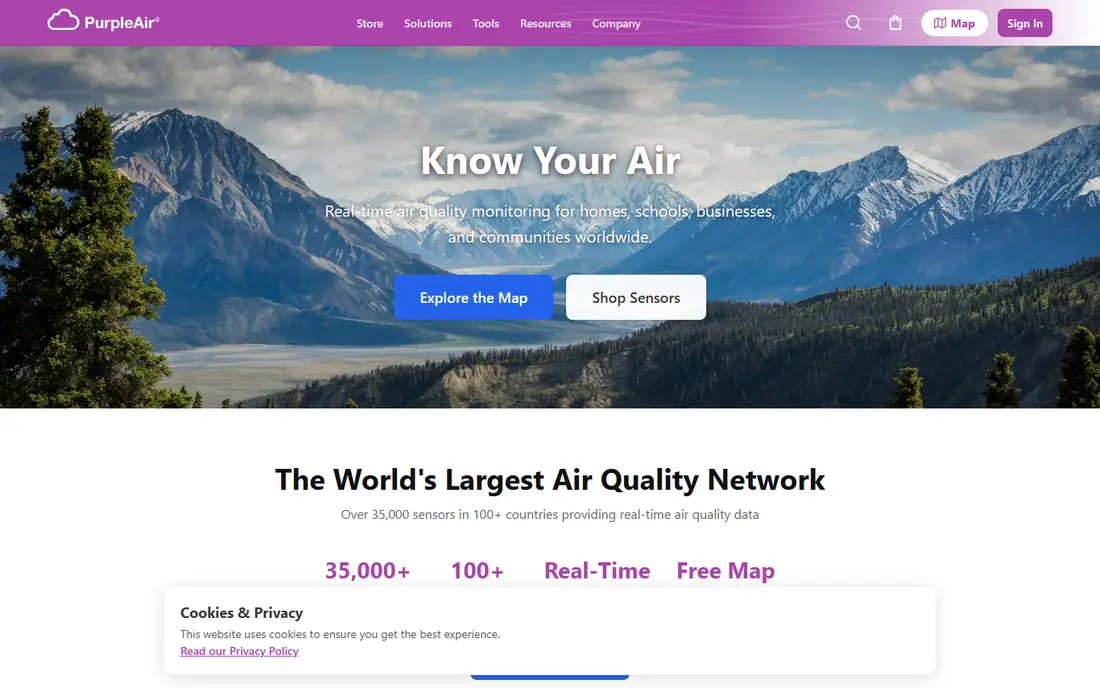
PurpleAir is a sensor network first and an app second, and that distinction matters during wildfire season. When smoke varies street by street, a sensor a few blocks away can be far more useful than a city average. The PurpleAir map makes those nearby sensors easy to find and compare.
Coverage is uneven by design, since it depends on people buying and hosting sensors. In areas with few sensors, a broader app will be more useful. Where sensors are dense, PurpleAir is often the first app people check when smoke arrives.
What we like- Dense community sensor network in many areas
- Street-level readings during wildfire smoke
- Map shows nearby sensors clearly
Watch out for- Coverage depends on local sensor owners
- Readings are sensor data, not official government measurements
Starting priceFree
Free planYes
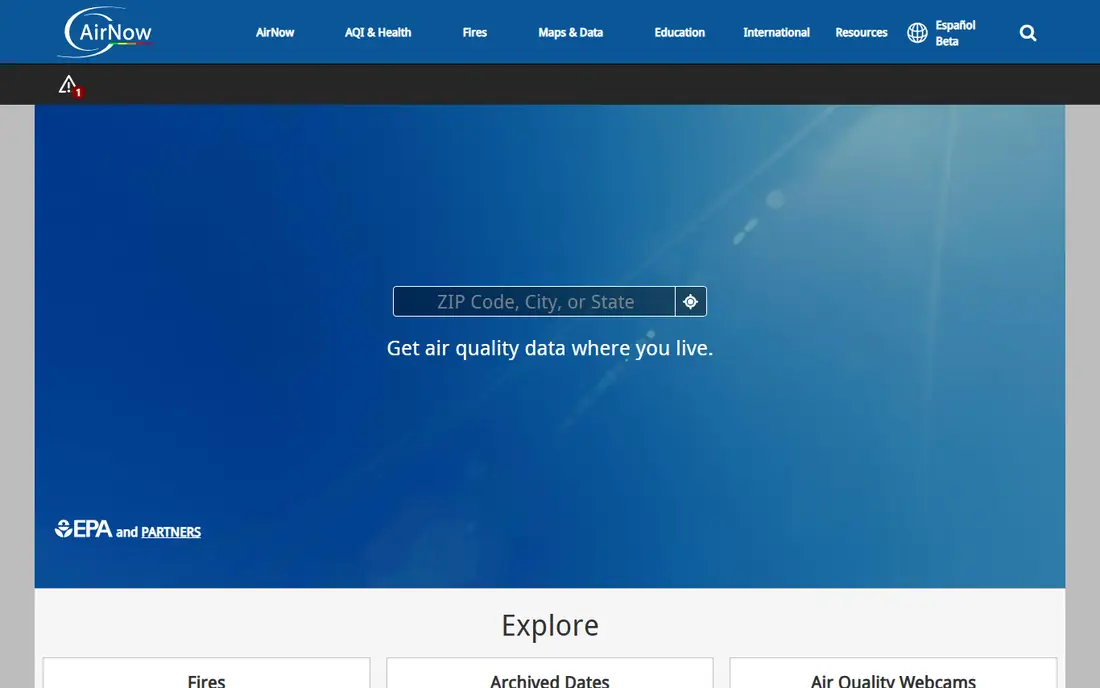
AirNow is the official United States air quality source, run with the Environmental Protection Agency and state and local partners. It reports the United States Air Quality Index and forecasts for many locations, and it is a solid reference when you want an official reading rather than a commercial estimate.
The app experience is simpler than IQAir or Plume, and it focuses mainly on PM2.5 and ozone in many views. Use AirNow to cross-check an official figure, and pair it with a community sensor app when you need street-level detail.
What we like- Official data from the United States Environmental Protection Agency and partners
- Current conditions and forecasts for United States locations
- No cost and no ads
Watch out for- Pollutant coverage in the app is narrower than some rivals
- Design and alerts feel basic
Starting priceFree
Free planYes
BreezoMeter provides environmental data for a location, including air quality, pollen, and wildfire information where available. Its strength is combining those factors, which helps people with allergies or asthma who need more than a single pollution number. Many users meet BreezoMeter data inside other apps and weather services, rather than only in its own app.
Check what the app itself offers in your country, since availability and features differ. For allergy-aware planning, the combined view is a clear advantage over a pollution-only app.
What we like- Location-based air quality plus pollen and fire data in many regions
- Hourly forecasts
- Data used by other apps and services
Watch out for- Consumer app experience varies by platform and region
- Some features are delivered through partners rather than a single app
Starting priceFree
Free planYes
Airly runs a network of air quality sensors and presents them on a map with forecasts and history. In cities where Airly sensors are common, it gives a useful local picture, similar in spirit to PurpleAir but with its own network and coverage pattern. History views help you see whether a bad day is a spike or part of a longer pattern.
Outside its core regions, coverage thins out, so it works best as a local complement rather than a global default. If you live in an Airly-covered city, it is worth keeping beside a global app.
What we like- Community sensor network with a clear map
- Useful in parts of Europe and other covered regions
- Forecast and history views
Watch out for- Coverage is strongest in its core regions
- Less useful where few Airly sensors are installed
Starting priceFree
Free planYes
AirCare presents air quality in a clean, map-first view with health advice for different sensitivity levels. It suits users who want a quick, readable answer without learning pollutant codes or index scales. The app covers many cities, though it does not match the sensor density of the largest networks.
For a household that wants one simple app for daily checks, AirCare is a reasonable pick. For wildfire smoke or street-level decisions, pair it with PurpleAir or IQAir for denser local data.
What we like- Clear maps and health guidance
- Covers many locations
- Simple to read at a glance
Watch out for- Smaller sensor network than IQAir or PurpleAir
- Advanced features are limited
How we chose
We reviewed vendor and agency pages, app store listings, and public discussion on Reddit and review sites, and compared coverage, data sources, forecasts, alerts, pollutant detail, and ease of use. We favoured apps that are currently available on iOS or Android and that state their data sources clearly. Price notes reflect the free app download; in-app purchases and device costs, where they exist, are noted in the write-ups. We did not claim hands-on testing, and readings should be cross-checked when a health decision depends on them.
Reading an AQI number with care
Know which index you are seeing
Different countries use different scales, so the same air can show different numbers in different apps. Check whether an app uses the United States AQI, a European index, or another scale before comparing readings across apps.
Check the nearest sensor, not just the city
City averages hide local smoke, traffic, and dust. Look for the nearest station or sensor, note its distance, and compare two sources when the reading will change a plan.
Use forecasts for timing, alerts for surprises
Forecasts help you move a run or outdoor work to a cleaner hour. Alerts help when conditions change while you are out. Set alert thresholds for sensitive groups in your household, not just for hazardous levels.
Treat apps as guidance, not medical advice
Air quality apps support decisions, but they do not replace medical advice for asthma, heart conditions, or other health needs. If symptoms appear, follow your care plan and seek advice from a clinician.
Set alerts for the people you live with
A single threshold rarely fits a whole household. Children, older adults, and people with asthma or heart conditions may need earlier warnings than a healthy adult. Set alerts at the moderate level for sensitive groups, and agree in advance what each alert means: close windows, run a purifier, move exercise indoors, or wear a mask outdoors.
Review alert settings at the start of wildfire season and after moving house, since sensor coverage and local sources change. An alert that fires too often will be ignored, while an alert set too high will arrive too late, so tune the threshold over a few weeks rather than leaving the default untouched.
Frequently asked questions
Which air quality app is most accurate?
Accuracy depends on the nearest data source, not only the app brand. IQAir and AirNow are strong for broad coverage, while PurpleAir is often most useful for street-level smoke where sensors are dense. Cross-checking two sources gives a better picture than trusting one number.
Are air quality apps free?
Most leading apps are free to download and use for core readings and forecasts. Some offer paid features, widgets, or device integration, and sensor hardware is a separate purchase where applicable.
What is the difference between AQI and PM2.5?
PM2.5 is a pollutant: fine particles that can enter the lungs. AQI is an index that turns pollutant levels into a scale with health categories, so you can compare overall air quality at a glance.
Should I trust an app during wildfire smoke?
Community sensor apps such as PurpleAir are often fastest for local smoke, while official apps provide a checked reference. If readings disagree, look at nearby sensors, wind direction, and official guidance before deciding.
Do these apps work outside the United States?
IQAir, Air Matters, and AirCare have broad global coverage, while AirNow focuses on the United States and Airly and PurpleAir depend on local sensor density. Check coverage for your city before settling on one app.
Can an app control my air purifier?
Some apps can, when paired with compatible hardware. IQAir AirVisual works with IQAir purifiers and sensors for indoor readings and controls. Other apps focus on outdoor data and do not control devices.
Sources we checked (8)
- https://www.iqair.com
- https://plumelabs.com
- https://air-matters.com
- https://www.purpleair.com
- https://www.airnow.gov
- https://www.breezometer.com
- https://airly.org
- https://www.aircare.app
Is your product missing or out of date?
We review this list regularly. Vendors can request a listing, send updated pricing or ask about featured placement.

Shihab Mia · Founder, Rankite
Shihab has 5+ years in B2B and SaaS SEO. He writes Rankite's software buying guides from pricing pages, documentation and public user reviews. More about Shihab.