How we make this list: we compare pricing pages, product documentation and public user reviews. Ratings come from G2, Capterra or Trustpilot, with the date we checked them.
Key takeaways
- Malwarebytes and Bitdefender lead on detection, with Malwarebytes catching threats that traditional antivirus often misses.
- Norton 360 and McAfee bundle antivirus with VPN, identity protection, and scam defenses for whole-family coverage.
- Avast One and Microsoft Defender offer strong free protection, with Avast adding paid extras on top.
- Kaspersky wins independent test awards, but US buyers should confirm current availability before purchasing.
- ESET suits users who want light system impact with strong AI-driven detection.
Quick comparison
Is your product missing or out of date?
We review this list regularly. Vendors can request a listing, send updated pricing or ask about featured placement.
The best malware software
Starting priceSee website
Free planYes
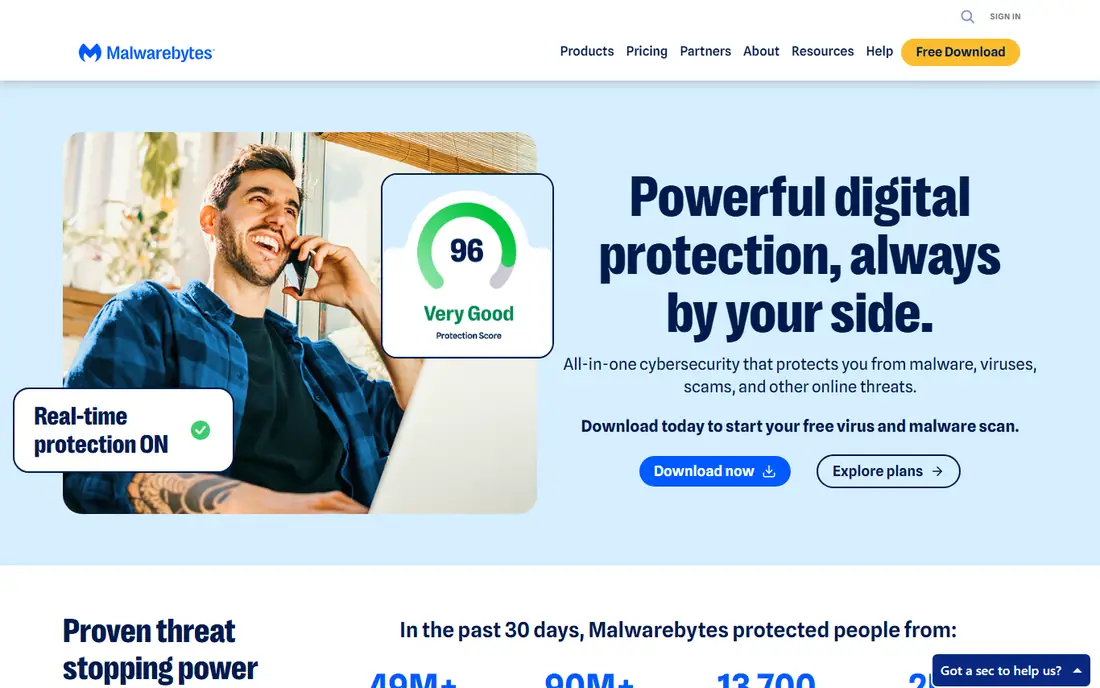
Malwarebytes is the go-to tool for malware removal, built to detect risks early and stop them quickly. Its Premium Security stops sophisticated threats that traditional antivirus tools often miss, while Browser Guard blocks unsafe content and detects tech support scams. Scam Guard lets users check suspicious links and screenshots, and identity theft protection adds dark web monitoring with up to $2 million in insurance. A free scan starts the process, and annual plans carry a 60-day money-back guarantee. Its support team is human and available around the clock.
Real-time protection requires a paid plan, and pricing did not appear on the homepage extract. For cleaning an infected PC or adding a second layer of detection, Malwarebytes is the first tool to reach for.
What we like- Catches threats others miss
- Free scan
- Scam Guard
- 60-day money-back guarantee
Watch out for- Full real-time protection requires a paid plan
- Pricing not on homepage extract
Starting priceSee website
Free planNo
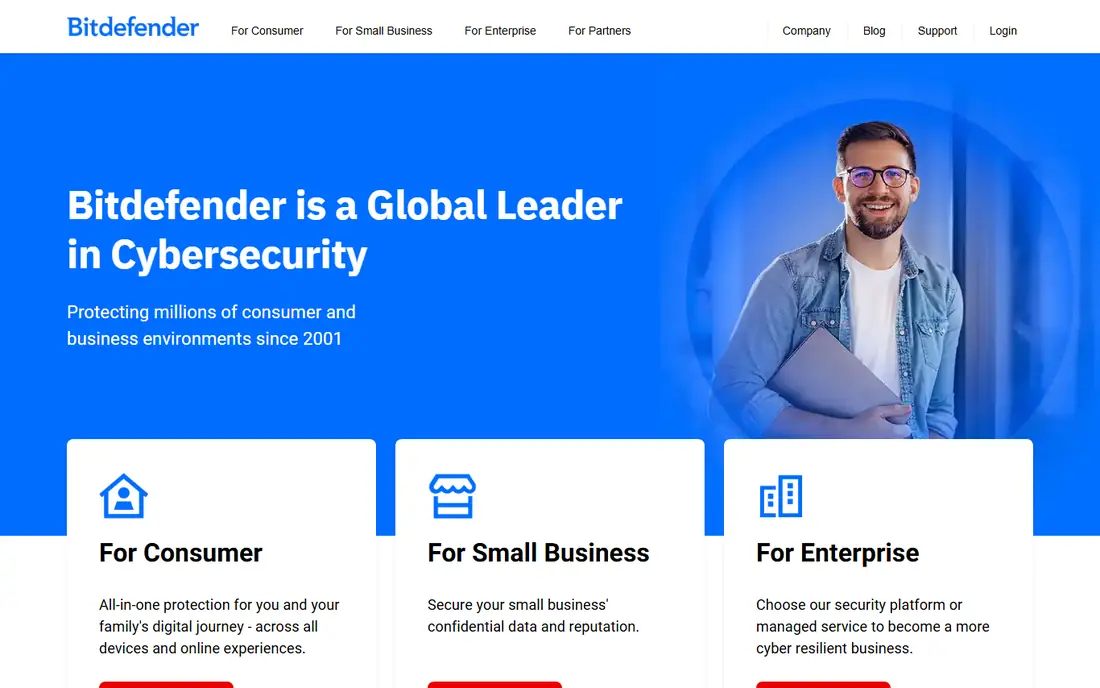
Bitdefender is a global cybersecurity leader protecting millions of consumer and business environments since 2001. It offers all-in-one protection for families across devices, security for small business data and reputation, and enterprise platforms with managed services. Its GravityZone PHASR product delivers dynamic hardening that reduces attack surface without hurting productivity, and it holds recognition from Gartner, Forrester, MITRE, AV-Test, and AV-Comparatives. Its AI routing tool points new buyers to the right product in seconds, without forms or sales calls.
Pricing is not published on the homepage, and the free tier is limited compared with Avast. For buyers who want proven, top-rated protection across home and business, Bitdefender is a top choice.
What we like- Leader since 2001
- Consumer, small business, and enterprise options
- Strong test recognition
Watch out for- Pricing not published on the homepage
- Free tier is limited
Starting price$39.99 first year
Free planNo
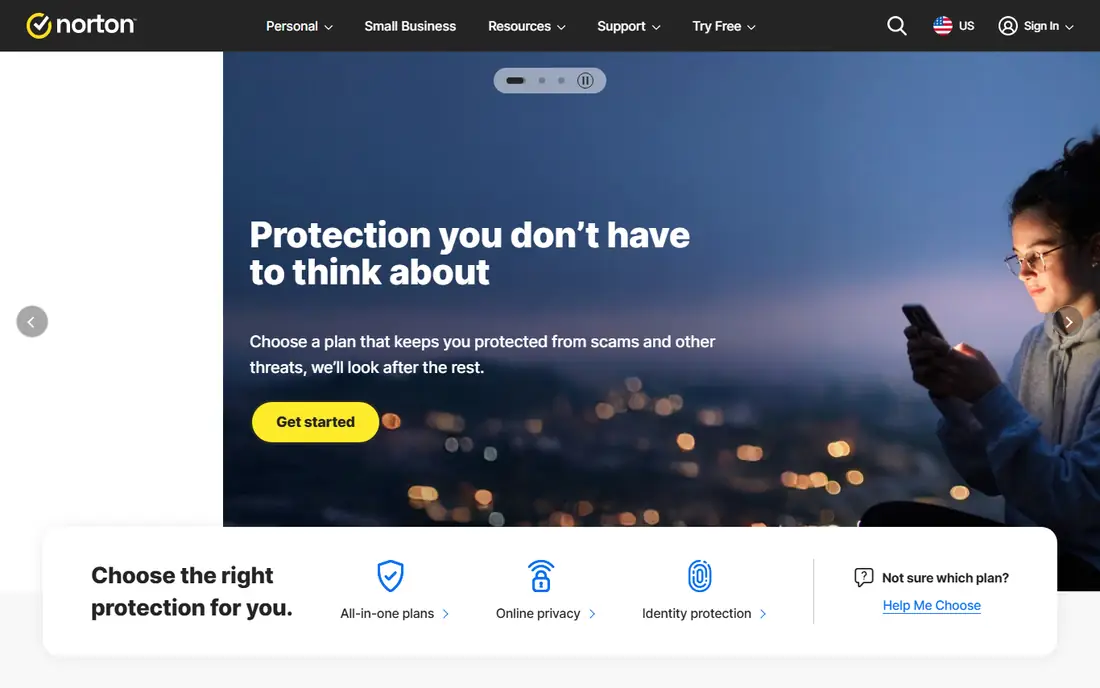
Norton 360 bundles antivirus, scam protection, VPN, dark web monitoring, password manager, and deepfake protection in every plan. Standard covers 3 devices from $39.99 for the first year, with 2 GB of cloud backup, while Deluxe covers 5 devices from $49.99 with 50 GB backup and parental controls. Higher plans add LifeLock identity theft protection with stolen funds reimbursement up to $25,000, and all plans carry a 60-day money-back guarantee. Mobile protection for Android and iPhone is included with the main plans.
Renewal prices jump to $94.99 and $124.99, so the first-year discount is large. For families that want one bundle for devices, privacy, and identity, Norton 360 is a strong option.
What we like- 360 Standard from $39.99 first year
- VPN and password manager included
- 100% virus protection promise
Watch out for- Renewal prices jump sharply
- No free plan
Starting priceSee website
Free planNo
McAfee now centers on AI-powered protection against scams, identity theft, and privacy threats, not just viruses. Its Scam Detector calls out suspicious texts, sites, and deepfakes automatically, its Secure VPN protects connections on public Wi-Fi, and its identity plans offer up to $2 million in coverage with licensed experts available 24 hours a day. The platform runs 5.6 billion AI threat scans per day and finds 15,000 new scam sites daily. A 30-day money-back guarantee covers new plans.
Pricing did not appear on the homepage extract, and some users report upsell prompts. For buyers most worried about scams and identity theft, McAfee is a leading choice.
What we like- AI scam detector
- 5.6 billion AI threat scans per day
- Up to $2 million identity coverage
Watch out for- Pricing not on homepage extract
- Upsell prompts reported by some users

#5Kaspersky
Best for: Test-winning detection4.5/5 on
G2 (96 reviews, checked Oct 2026)
Visit kaspersky.com
Starting priceSee website
Free planNo
Kaspersky is the most awarded product on this list by independent tests, with 93 first-place awards across 100 tests in the past year. Kaspersky Premium earned a 100 percent total accuracy rating with first place and AAA certification in SE Labs 2026 testing, plus top product awards from AV-Test. Plans run from Standard with 12 protection features through Plus with 17 to Premium with 24, including unlimited VPN, data leak checks, identity protection, and Safe Kids. A 30-day money-back guarantee applies to plans.
One flag for US readers: confirm current US availability before purchasing, since Kaspersky sales have faced restrictions in the US, and its VPN is unavailable in several listed countries. For buyers outside those restrictions who want test-winning detection, Kaspersky is excellent.
What we like- 93 first-place awards in 100 tests
- 100% accuracy in SE Labs 2026 test
- Low system impact
Watch out for- US availability should be confirmed
- VPN restricted in some countries
Starting priceFree
Free planYes
Avast One is the most comprehensive free consumer cybersecurity solution on this list, covering scam spotting, virus and malware blocking, ransomware protection, junk cleanup, and breach alerts at no cost. Paid plans start at $49.08 for the first year, adding scam call blocking, Wi-Fi security checks, premium VPN, AntiTrack, and Cleanup Premium. Avast holds 38 plus years in security and recent top product awards from AV-Test and SE Labs.
Paid plans auto-renew at higher prices, up to 35 days before the anniversary, so watch renewal terms. For buyers who want strong free protection with optional paid extras, Avast One is the best free-first choice.
What we like- Comprehensive free tier
- Paid plans from $49.08 first year
- 38 plus years in security
Watch out for- Paid plans auto-renew at higher prices
- Upsells to premium features

#7ESET
Best for: Light system impact4.6/5 on
G2 (1,002 reviews, checked Oct 2026)
Visit eset.com
Starting priceSee website
Free planNo
ESET offers multilayered security with a 99.9 percent malware protection rate against infection by malicious files, plus resistance against prevalent attacks and a system footprint five times lighter than typical competitors. Home plans run from Essential with antivirus, safe payments, and scam protection through Premium with unlimited VPN and encryption to Ultimate with identity protection and ransomware remediation. New AI interaction security monitors AI tools and chats for suspicious behavior.
Pricing did not appear on the homepage extract, and the interface feels technical to some users. For gamers and older PCs where performance matters, ESET is a top pick.
What we like- 99.9% malware protection rate
- 5 times lighter system footprint
- AI interaction security
Watch out for- Pricing not on homepage extract
- Interface feels technical to some users
Starting priceFree
Free planYes
Microsoft Defender is the built-in security for Windows, included at no extra cost with the operating system. It provides real-time antivirus, firewall, and ransomware protection without installing anything, and it updates through Windows Update. For most home users who browse safely and keep Windows updated, Defender plus smart habits covers the baseline well.
It lacks the VPN, password manager, identity monitoring, and scam tools that paid suites bundle, and advanced features require Microsoft 365. For buyers who want free, zero-effort protection, Defender is the default starting point, with a paid suite added only if extras are needed.
What we like- Built into Windows at no extra cost
- No install needed
- Solid baseline protection
Watch out for- Fewer extras than paid suites
- Advanced features need Microsoft 365
How we chose
We compared malware software on detection quality, independent test results, system impact, bundled extras like VPN and identity protection, pricing transparency, and free tier value, using vendor homepages opened for this review. Prices are quoted only where the vendor publishes them on its homepage; otherwise they are listed as "See website". For Microsoft Defender, only the Microsoft homepage was opened, not a dedicated Defender product page, so its details are flagged accordingly.
What to check before you buy
Start with your risk profile. A single Windows PC used for browsing and email may need only Defender or Avast Free, while a family with many devices, kids online, and banking needs a bundle like Norton 360 or McAfee. Paying for features you will never use wastes money, while skipping identity protection when your data has already leaked leaves a real gap. Count your devices first, since device limits decide which plan fits and what the real per-device cost is.
Next, watch renewal pricing, not just first-year pricing. Norton Standard jumps from $39.99 to $94.99 at renewal, and Avast charges renewal rates up to 35 days before the anniversary. Set a calendar reminder before renewal, and compare the renewal price against competitors before it charges. Turning off auto-renewal after purchase keeps control in your hands. Some vendors also offer discounts for switching, so check rival pricing before accepting a renewal.
Finally, keep good habits alongside any tool. No antivirus stops every threat, so use strong unique passwords, turn on two-factor authentication, keep software updated, and treat unexpected messages asking for money or codes as scams until proven otherwise. A security tool plus cautious habits beats either one alone. Back up important files regularly too, since ransomware protection works best when a clean backup exists to restore from.
Frequently asked questions
What is the best malware software overall?
Bitdefender and Malwarebytes lead on detection, Norton 360 leads on family bundles, and Avast One leads on free protection. The best choice depends on device count, budget, and whether you need extras like VPN and identity protection.
Is Microsoft Defender enough?
For many home users, yes. Defender provides solid baseline antivirus built into Windows at no cost. Users who want VPN, password management, identity monitoring, or scam protection should add a paid suite like Norton 360, McAfee, or Avast One.
Is Malwarebytes free?
Malwarebytes offers a free scan and a free tier for on-demand checks, while real-time protection requires a paid plan. It is best used as a second-opinion scanner alongside another antivirus, or as a full paid suite.
Is Kaspersky available in the US?
Kaspersky's homepage does not state US sales restrictions directly, and its VPN lists several restricted countries. US buyers should confirm current availability and support status before purchasing, since restrictions have applied in the past.
How much does Norton 360 cost?
Norton 360 Standard starts at $39.99 for the first year, renewing at $94.99, while Deluxe starts at $49.99, renewing at $124.99. All plans include antivirus, VPN, password manager, dark web monitoring, and scam protection.
Does free antivirus work?
Yes, for baseline protection. Avast One Free and Microsoft Defender both block viruses and malware effectively. Free tiers lack extras like VPN, identity monitoring, and premium support, which paid plans add.
Sources we checked (8)
- https://www.malwarebytes.com
- https://www.bitdefender.com
- https://us.norton.com
- https://www.mcafee.com
- https://www.kaspersky.com
- https://www.avast.com
- https://www.eset.com
- https://www.microsoft.com
Is your product missing or out of date?
We review this list regularly. Vendors can request a listing, send updated pricing or ask about featured placement.

Shihab Mia · Founder, Rankite
Shihab has 5+ years in B2B and SaaS SEO. He writes Rankite's software buying guides from pricing pages, documentation and public user reviews. More about Shihab.
 Malwarebytes
 Bitdefender
 Norton 360
 McAfee
 Avast One
 Microsoft Defender