How we make this list: we compare pricing pages, product documentation and public user reviews. Ratings come from G2, Capterra or Trustpilot, with the date we checked them.
The best log analysis software
Log analysis pricing is the hardest to forecast in all of IT software. Nearly every vendor meters some combination of data ingested, events indexed, retention days, and hosts, which means the bill depends on your log volume, not the feature list. Two teams can buy the same tool and pay 10x apart. Before comparing features, get your daily ingest volume in gigabytes; every serious evaluation starts there.
The seven tools below span the real options: managed SaaS platforms, the search powerhouse, and open-source self-hosted stacks. The pricing models differ more than the features, so read the pricing notes as carefully as the product notes.

#1
Datadog Log Management
Best for: Cloud-native teams wanting one managed observability platform
Visit datadoghq.com
Starting priceSee website (usage-based: ingest plus indexed events)
Free plan14-day full-featured trial; limited free host monitoring
Datadog's strength is correlation: logs, traces, and metrics in one investigation, so an alert leads to the log line leads to the trace without switching tools. The integration catalog is the largest in observability, and the managed pipelines mean no cluster operations.
The billing is the famous double tariff: you pay to ingest data and again to index events for search, with retention and host monitoring metered separately. Model all four before committing, and use exclusion filters and archiving aggressively to control the bill. Setup is easy via the Agent. For teams already on Datadog APM or infrastructure monitoring, adding logs is the natural consolidation. For logging-only needs, the platform premium may not pay.
What we like- Unified logs, APM, infrastructure, and RUM with a huge integration catalog
- Fully managed pipelines with no cluster to operate
- Faceted search, log patterns, and live tail
Watch out for- Multi-meter billing (ingest, index, retention, hosts) is hard to forecast
- Costs escalate sharply at high volumes
#2
Splunk (Cisco)
Best for: Large enterprises and security teams running SIEM and deep investigations
Visit splunk.com
Starting priceCustom quote (no public pricing; workload-based)
Free plan14-day free trial; no free tier

Splunk is the enterprise incumbent, now under Cisco ownership. Its Search Processing Language handles the deep forensic queries security and operations teams live in, and a decade of ecosystem development means detections, dashboards, and apps for nearly every enterprise scenario.
Total cost is license plus people. SPL is powerful but specialized, and running Splunk well needs administrators who know the platform; budget the headcount alongside the quote. Deployment comes as Splunk Cloud or self-managed Enterprise, with workload-based pricing. For large security and IT operations with the team to run it, the ecosystem depth justifies the cost. Smaller teams should look at the managed alternatives first.
What we like- SPL search language for deep forensic and analytics queries
- Mature security and IT operations content ecosystem
- Proven at massive enterprise scale
Watch out for- Expensive and quote-opaque
- SPL expertise and administration create high adoption cost

#3
Elastic (Elasticsearch)
Best for: Engineering teams wanting search power and cost control at scale
Visit elastic.co
Starting priceSee website (usage or resource-based; self-managed has no license fee)
Free planYes (self-hosted open-source stack is free; cloud trial available)
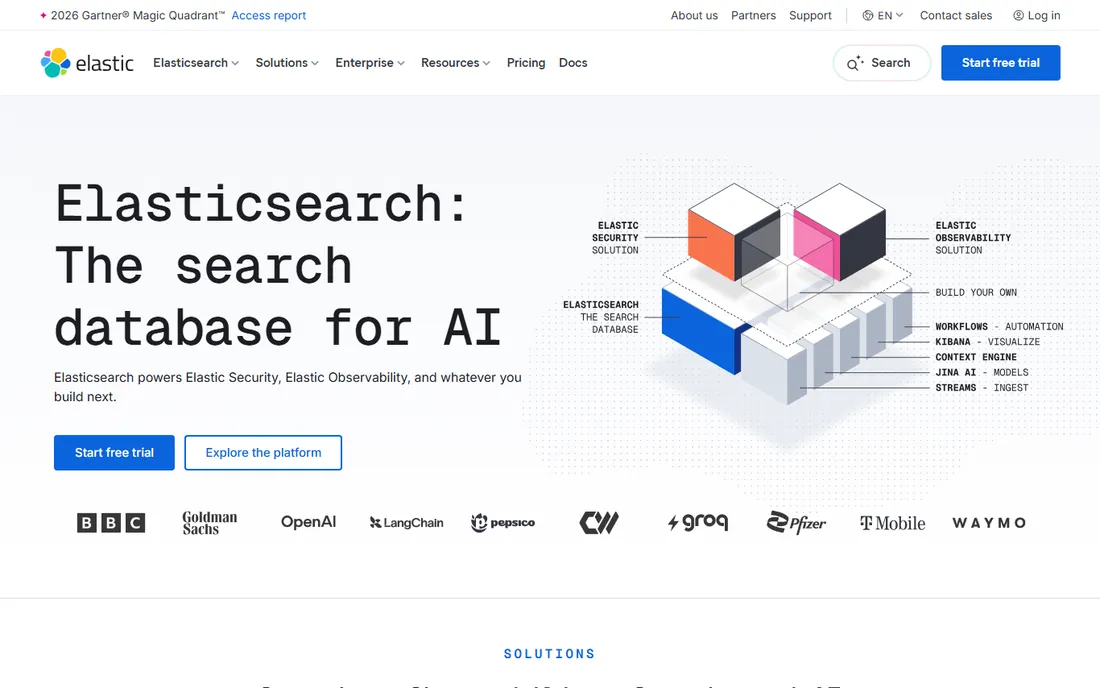
Elasticsearch remains the most powerful log search engine available: full-text search and aggregations across fields and raw messages without pre-modeling your questions. Deployment flexibility is unmatched, from free self-managed clusters to serverless cloud options.
The ops burden is the price of that power. Self-managed Elasticsearch needs engineers who understand mappings, shards, and index lifecycle management; get those wrong and costs balloon or reliability suffers. Managed and serverless options trade money for freedom from cluster care. Start with a representative workload trial and measure your actual ingest and retention costs. For teams with the expertise, nothing beats the control. For teams without it, buy managed.
What we like- Best-in-class full-text search and aggregations
- Deployment choice from self-managed to serverless
- Huge ecosystem of shippers and integrations
Watch out for- Self-managed clusters demand real operational expertise
- Mapping and lifecycle decisions directly affect cost and reliability

#4
Graylog
Best for: Operations and security teams wanting open-source control without lock-in
Visit graylog.org
Starting priceSee website (Graylog Open is free; Enterprise and Security editions are paid)
Free planYes (Graylog Open is free to self-host)
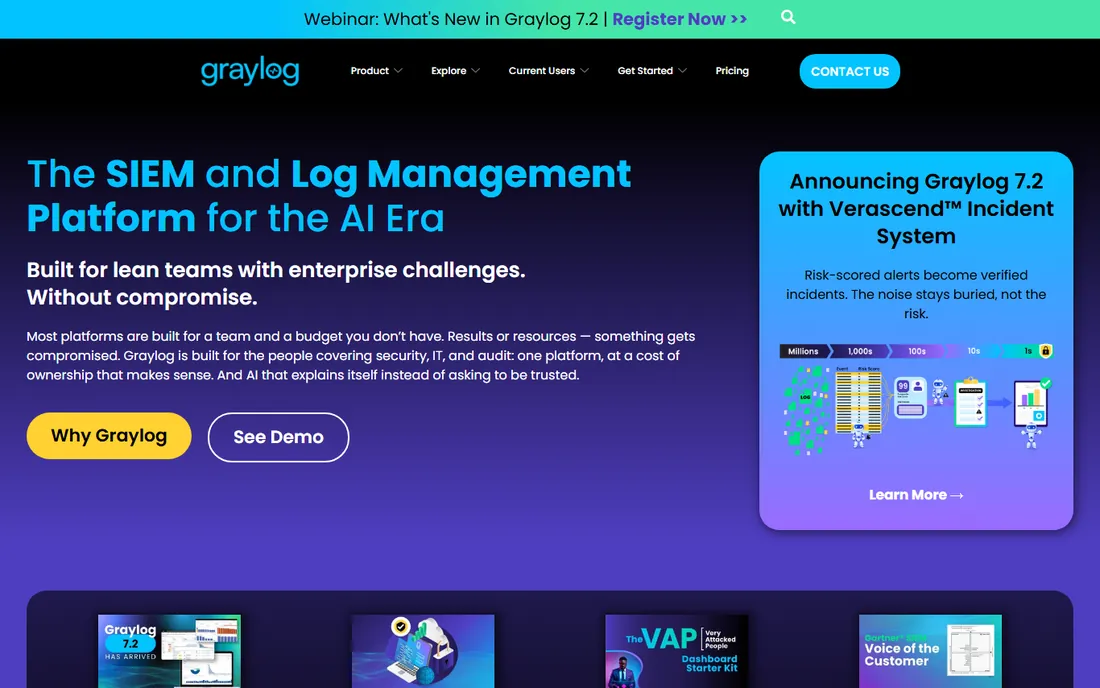
Graylog's appeal is cost predictability through control. The open-source core has no license fee and no ingest cap; the explicit routing model (inputs, streams, pipelines, index sets) lets syslog-heavy operations teams decide exactly what gets stored where and for how long. Tiered retention keeps the bill rational.
Compare the editions carefully: Open, Enterprise, and Security differ in features that matter (alerting depth, security content), and the paid editions are priced for mid-market budgets and above. Self-managed deployment needs real operational attention around Graylog and its data layer. For teams that want open-source economics with commercial options available, Graylog threads the needle.
What we like- Open-source core with no license fee or ingest cap
- Explicit routing model suits syslog-heavy operations
- Selective ingestion keeps costs predictable
Watch out for- Enterprise editions are priced for mid-market and up
- Self-managed deployment needs operational care

#5
New Relic Log Management
Best for: Teams wanting simple SaaS logging, especially existing New Relic users
Visit newrelic.com
Starting priceSee website (generous free ingest tier; usage-based beyond it)
Free planYes (free ingest allowance reported; confirm current terms)
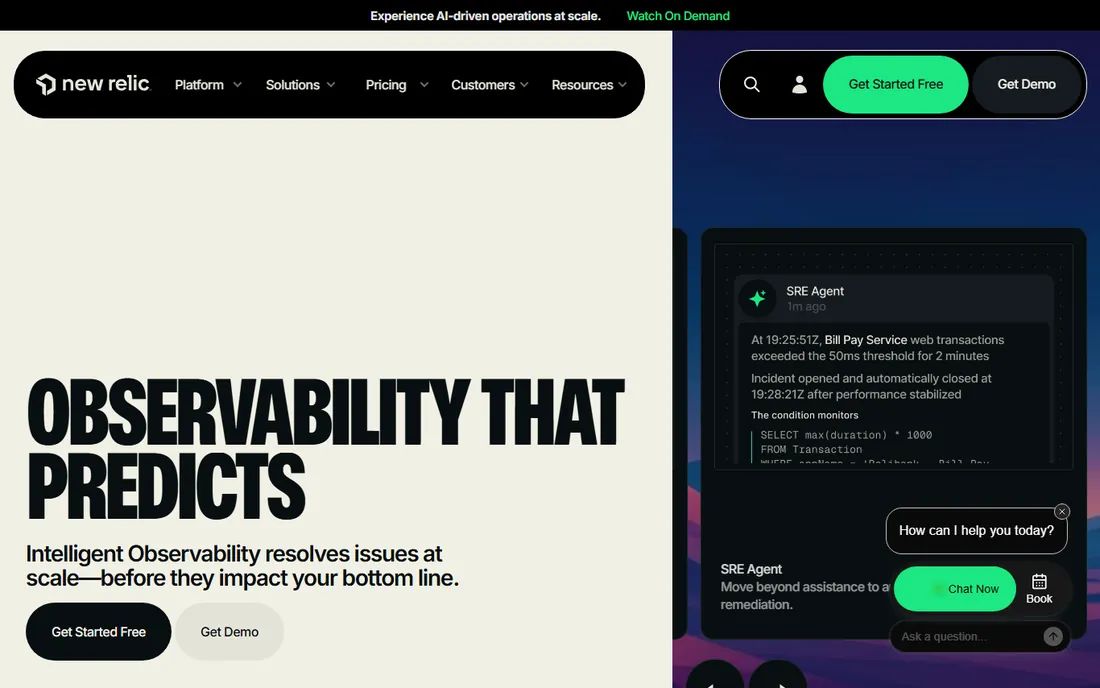
New Relic's logging pitch starts with the free tier: a genuine ingest allowance that lets small teams run production logging without a bill. Logs land beside APM and infrastructure data, so incident investigation keeps everything in one place with one query language.
Model both dimensions. Beyond ingest, user or compute-based charges apply depending on your plan, so the total needs both numbers. Setup is easy via agents, forwarders, OpenTelemetry, or the log API. For existing New Relic users, adding logs is frictionless. For new buyers with logging-only needs, compare the total against the focused alternatives before committing to the platform.
What we like- Generous free tier for getting started
- Logs sit beside APM and infrastructure data with a unified query language
- Fully managed with no storage clusters
Watch out for- User or compute-based charges add a second dimension to model
- The full platform may exceed logging-only needs

#6
Sumo Logic
Best for: Mid-market teams wanting managed log analytics spanning ops and security
Visit sumologic.com
Starting priceCustom quote (credit-based pricing; confirm on vendor site)
Free planFree trial available; freemium details unconfirmed
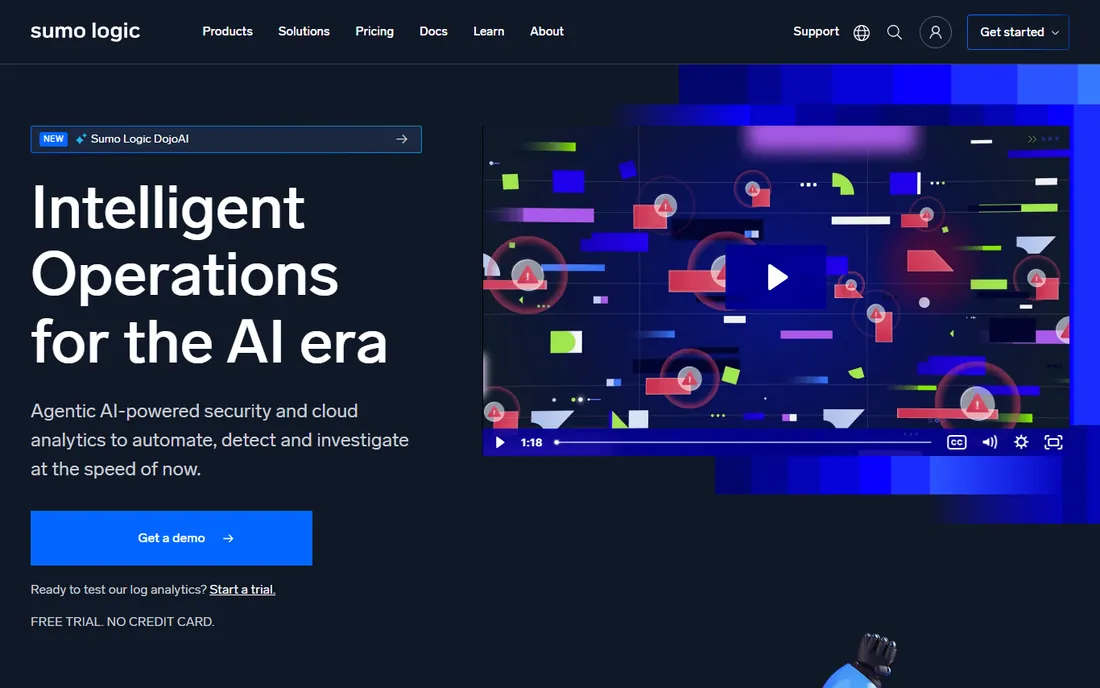
Sumo Logic gives mid-market teams a managed platform where both operations and security work from the same data, with packaged security content for the SIEM use case. No clusters to maintain, strong integrations with cloud services, and a common surface for both personas.
Pricing opacity is the friction. Credit-based, quote-only pricing means you need the sales team's model built on your real ingest, spikes, and retention before you can compare; insist on that modeling. Setup is straightforward via collectors and cloud integrations. For organizations that want one managed vendor for ops and security logging, the consolidation argument is strong. Get the quote modeled honestly.
What we like- Fully managed SaaS with no cluster maintenance
- One platform for cloud operations and security
- Strong cloud-service integrations
Watch out for- Quote-based credit pricing requires sales-assisted modeling
- Breadth can exceed small teams' needs

#7
Coralogix
Best for: Cost-conscious SaaS teams wanting stream-based analytics
Visit coralogix.com
Starting priceSee website (usage-based; entry pricing reported low)
Free plan14-day trial (no credit card required)
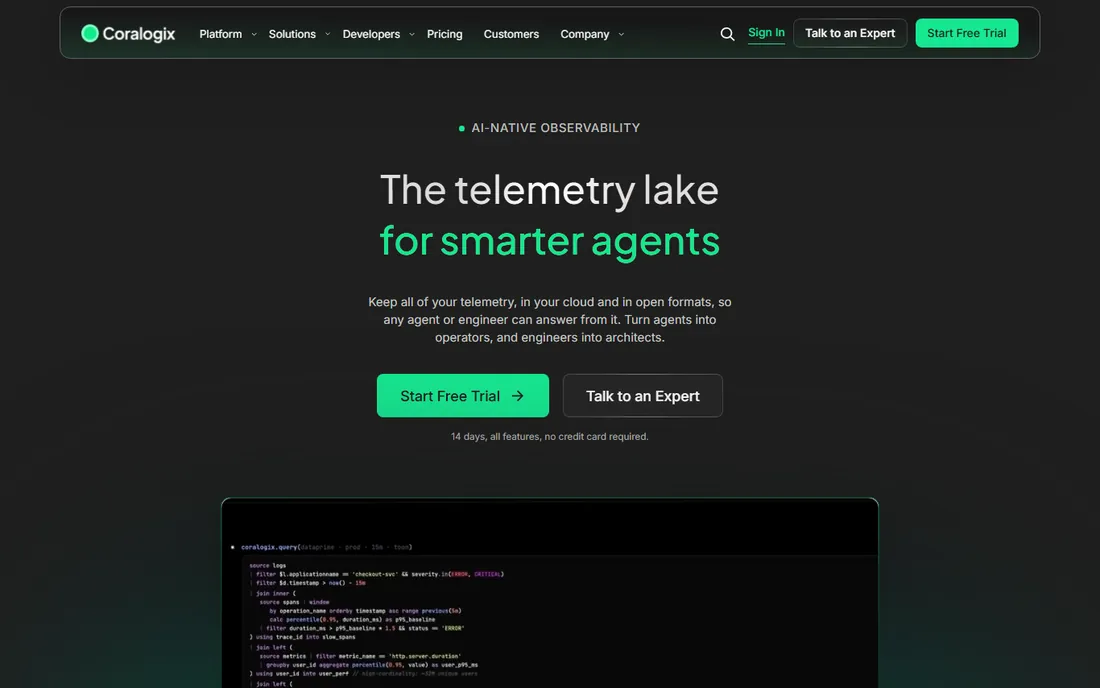
Coralogix's differentiator is architectural: analyzing logs in stream rather than indexing everything first, which attacks the biggest cost driver in log management. For cost-conscious SaaS teams, the pricing model is the product as much as the features.
Maturity is the diligence item. The ecosystem is smaller than Datadog's or Splunk's, public documentation is thinner, and you should validate alerting, dashboards, and long-retention behavior in a real trial before committing. Setup uses standard shippers and hosted collectors. If the stream-based economics work for your volume and the trial validates the depth, the savings are real.
What we like- Stream-based analytics avoids paying to index everything
- Usage-based pricing
- Modern managed SaaS experience
Watch out for- Smaller ecosystem and less public documentation than incumbents
- Verify query depth in a trial
Quick comparison
| Tool | Best for | Starting price | Free plan |
|---|
| Datadog Log Management | Cloud-native teams wanting one managed observability platform | See website (usage-based: ingest plus indexed events) | 14-day full-featured trial; limited free host monitoring |
| Splunk (Cisco) | Large enterprises and security teams running SIEM and deep investigations | Custom quote (no public pricing; workload-based) | 14-day free trial; no free tier |
| Elastic (Elasticsearch) | Engineering teams wanting search power and cost control at scale | See website (usage or resource-based; self-managed has no license fee) | Yes (self-hosted open-source stack is free; cloud trial available) |
| Graylog | Operations and security teams wanting open-source control without lock-in | See website (Graylog Open is free; Enterprise and Security editions are paid) | Yes (Graylog Open is free to self-host) |
| New Relic Log Management | Teams wanting simple SaaS logging, especially existing New Relic users | See website (generous free ingest tier; usage-based beyond it) | Yes (free ingest allowance reported; confirm current terms) |
| Sumo Logic | Mid-market teams wanting managed log analytics spanning ops and security | Custom quote (credit-based pricing; confirm on vendor site) | Free trial available; freemium details unconfirmed |
| Coralogix | Cost-conscious SaaS teams wanting stream-based analytics | See website (usage-based; entry pricing reported low) | 14-day trial (no credit card required) |
Is your product missing or out of date?
We review this list regularly. Vendors can request a listing, send updated pricing or ask about featured placement.
Frequently asked questions
How much does log analysis software cost?
It depends on your data volume more than the vendor. Managed SaaS tools meter ingest, indexing, and retention; open-source tools cost engineering time instead of license fees. Measure your daily ingest in gigabytes first, then model each vendor's meters against it. The same tool can cost 10x different amounts for different volumes.
Should we self-host or buy SaaS?
Self-hosting (Elastic, Graylog Open) trades license fees for engineering time: you need people who can run the cluster reliably. SaaS (Datadog, New Relic, Sumo Logic, Coralogix) trades money for freedom from operations. Teams with platform engineering capacity often self-host; product-focused teams usually buy SaaS.
What is the difference between ingest and index pricing?
Ingest pricing charges for data arriving; index pricing charges for data made searchable. Some vendors charge both, which is why Datadog's bill surprises people. Retention (how long data stays searchable) is usually a third meter. Understand all three before signing anything.
How do we control log management costs?
Log less: drop debug logs in production, sample high-volume events, and set aggressive retention for low-value data. Use exclusion filters and archiving to cheap storage. Review the bill's top sources quarterly; one chatty service usually dominates. Every vendor here offers cost-control features; the discipline is yours.
Do we need a SIEM or just log analysis?
Log analysis answers "what happened" for operations and debugging. SIEM adds security detections, compliance reporting, and incident workflows. Splunk and Sumo Logic cover both; the others are operations-first. If compliance frameworks or a SOC drive the purchase, evaluate the security content specifically, not just the search.
How long does implementation take?
Days for SaaS with agent-based setup. Weeks for OpenTelemetry instrumentation across services and dashboard building. Months for enterprise SIEM deployments with detection engineering. The long pole is usually log quality: consistent structured logging across services matters more than the platform choice.
Start with your ingest number
Every serious log analysis evaluation begins with one measurement: daily ingest in gigabytes. Pull it from your current logging setup or estimate from service counts and log verbosity. Then model each vendor's meters against that number: ingest, index, retention, and any host or user fees. Run the model at today's volume and at 3x, because log volume grows with the business. The vendor whose pricing you can forecast is the vendor you can budget; the one you cannot model will surprise you in month four. Revisit the model every quarter, because log volume rarely stays flat as the business grows.
How we chose
We started with the searches buyers actually run: best log analysis software and its variants. For each candidate we verified the vendor's homepage domain, compared pricing models, deployment options, and team-size fit against practitioner benchmarks and public reviews. Where vendor pricing pages could not be verified during research, we wrote "See website" rather than repeating third-party figures as fact. The shortlist spans managed SaaS to open-source because a startup and a bank operate logs differently.
Sources we checked (7)
- https://www.datadoghq.com/
- https://splunk.com/
- https://elastic.co/
- https://graylog.org/
- https://newrelic.com/
- https://www.sumologic.com/
- https://coralogix.com/
Is your product missing or out of date?
We review this list regularly. Vendors can request a listing, send updated pricing or ask about featured placement.

Shihab Mia · Founder, Rankite
Shihab has 5+ years in B2B and SaaS SEO. He writes Rankite's software buying guides from pricing pages, documentation and public user reviews. More about Shihab.