How we make this list: we compare pricing pages, product documentation and public user reviews. Rankite is independent; if a vendor ever pays for a featured spot, that listing is clearly labeled Partner.
Key takeaways
- OBS Studio is the best free option: professional features, open source, zero cost, trusted by churches worldwide.
- BoxCast and Resi are purpose-built for churches, with resilient streaming technology and real human support on Sundays.
- Resi plans start at $99/month with its resilient streaming protocol.
- Restream multistreams to YouTube, Facebook, and your website at once.
- vMix and Wirecast are professional Windows/Mac production suites for multi-camera services.
Quick comparison
| Tool | Best for | Starting price | Free plan |
|---|
 OBS Studio OBS Studio | Free professional streaming | Free | Yes |
 BoxCast BoxCast | Church streaming platform | See website | No |
 Resi Resi | Reliable church streaming | $99/month | No |
 Restream Restream | Multistreaming everywhere | See website | Yes (limited) |
 StreamYard StreamYard | Browser-based simplicity | See website | Yes (limited) |
 vMix vMix | Pro Windows production | See website | Free trial |
 Wirecast Wirecast | Pro Mac/Windows production | $408 one-time | Free trial |
Is your product missing or out of date?
We review this list regularly. Vendors can request a listing, send updated pricing or ask about featured placement.
The best live stream software for churches
Starting priceFree
Free planYes
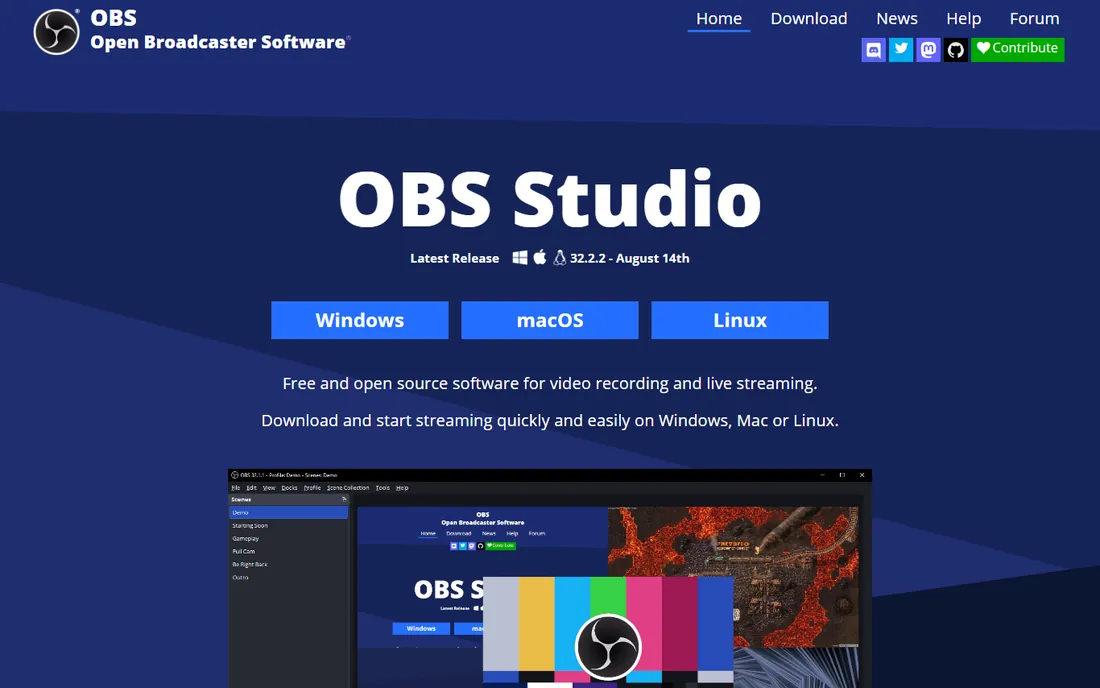
OBS Studio is the free standard for live streaming, churches included. Unlimited scenes, studio mode for previewing before going live, an audio mixer with VST support, and a huge plugin ecosystem deliver genuinely professional productions at zero cost.
The catch is complexity: volunteers need training, and support comes from the community. But countless churches run their entire Sunday stream on OBS, and no paid tool matches its value. The plugin ecosystem covers everything from automatic captions to advanced audio processing, and the active development keeps it current. Set aside an afternoon to configure it properly before the first live service.
What we like- Completely free and open source
- Scenes, mixing, and plugins rival paid tools
- Works on Windows, Mac, Linux
Watch out for- Steeper learning curve for volunteers
- No official support
- Setup takes time
Starting priceSee website
Free planNo
BoxCast is built for organizations like churches that cannot afford a failed stream. Its patented Flow protocol keeps video smooth on unstable internet, RemoteMix lets you mix audio from a browser, and support is available seven days a week, including Sundays. Over 10,000 live broadcasts run weekly on the platform.
Pricing is quote-based via demo. For churches where the stream is mission-critical and volunteers are stretched, the reliability and support justify the cost. The OTT app options also let churches build their own branded streaming channel instead of sending viewers to social platforms. That owned audience becomes more valuable every year as organic social reach gets harder to earn.
What we like- Patented BoxCast Flow protocol for reliability
- Remote audio mixing
- U.S.-based support 7 days a week
Watch out for- Pricing requires a demo
- Platform lock-in
- More than simple churches need
Starting price$99/month
Free planNo
Resi's pitch is peace of mind: its resilient streaming protocol was designed for churches with unreliable internet, automatically recovering from dropouts that would kill other streams. Plans start at $99 a month for social streaming, $159 for website streaming, with 30,000-plus weekly streams on the platform.
It is less of a production suite and more of a delivery guarantee. Churches that have suffered through buffering Sundays understand the value immediately. The automated scheduling and simulated-live rebroadcasts also let small teams look bigger, re-airing services without manual effort.
What we like- Resilient streaming protocol survives bad internet
- Simple honest pricing
- 99.99% uptime claim
Watch out for- Starts at $99/month
- Hardware encoders cost extra
- Less production depth than vMix
Starting priceSee website
Free planYes (limited)
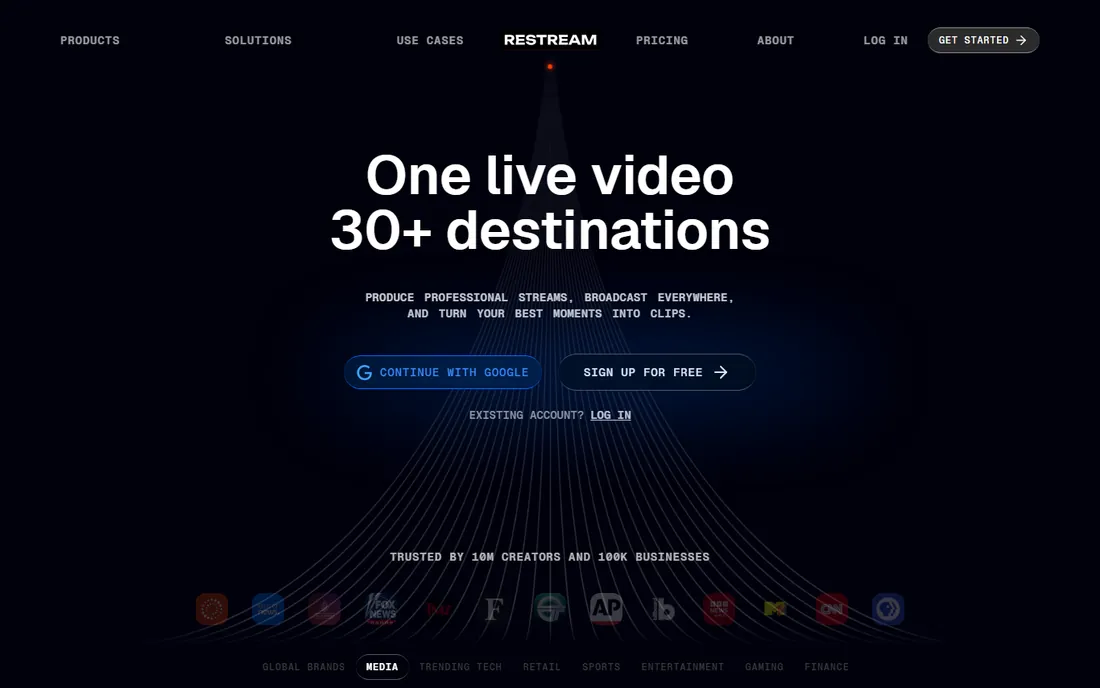
Restream solves the everywhere problem: send one stream to YouTube, Facebook, your website, and dozens of other destinations simultaneously. The browser-based studio needs no installed software, and a free plan gets churches started.
It pairs well with OBS: produce in OBS, distribute through Restream, and you get the best of both worlds for the price of one subscription. Paid tiers remove branding and add recording, more destinations, and team features. Churches wanting maximum reach per Sunday get the most from it.
What we like- Stream to 30+ destinations at once
- Browser-based studio
- Free plan to start
Watch out for- Free plan has limits and branding
- Advanced features need paid tiers
- Not church-specific
Starting priceSee website
Free planYes (limited)
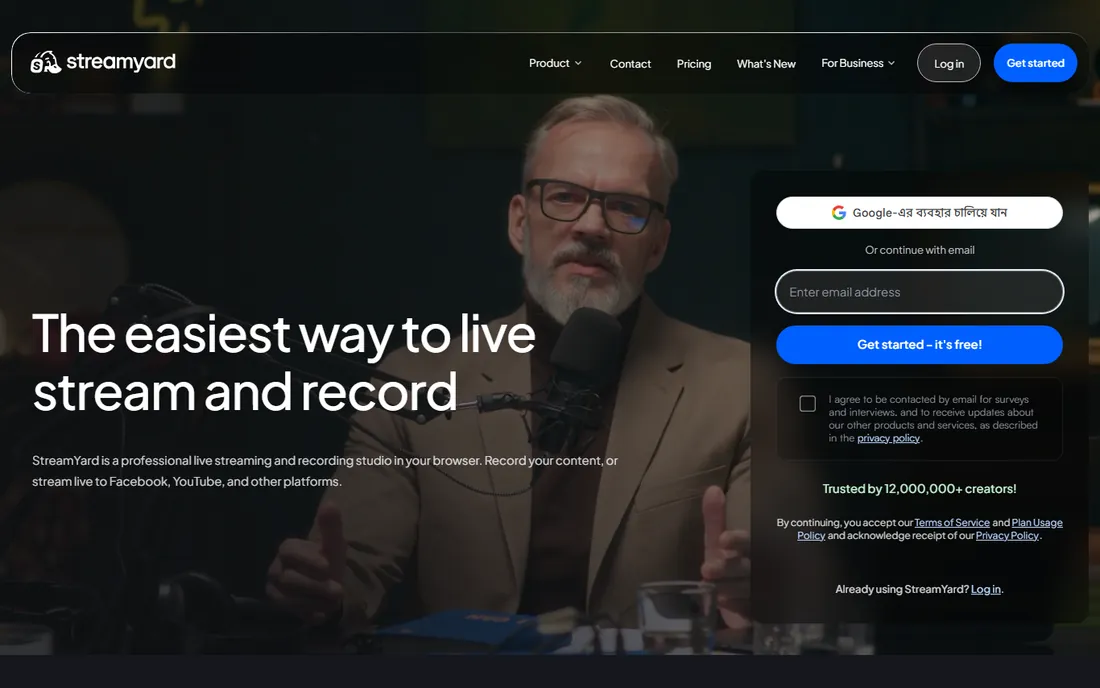
StreamYard is the simplest professional option: open a browser, invite guests with a link, and go live. No software to install, no settings to break, and a reputation for reliability that volunteers love. Multistreaming and recording come standard on paid plans.
It trades production depth for simplicity: no scenes-and-sources complexity like OBS. For talk-format programs, interviews, and midweek shows, that trade is usually worth it. Churches also use it for funerals and weddings, where a volunteer needs to go live with zero rehearsal. That ease of use is exactly why many churches keep StreamYard alongside a more powerful tool like OBS.
What we like- Easiest tool here, runs in a browser
- Remote guests join by link
- Reliable and stable
Watch out for- Limited free plan
- Less production control than OBS or vMix
- Subscription pricing
Starting priceSee website
Free planFree trial
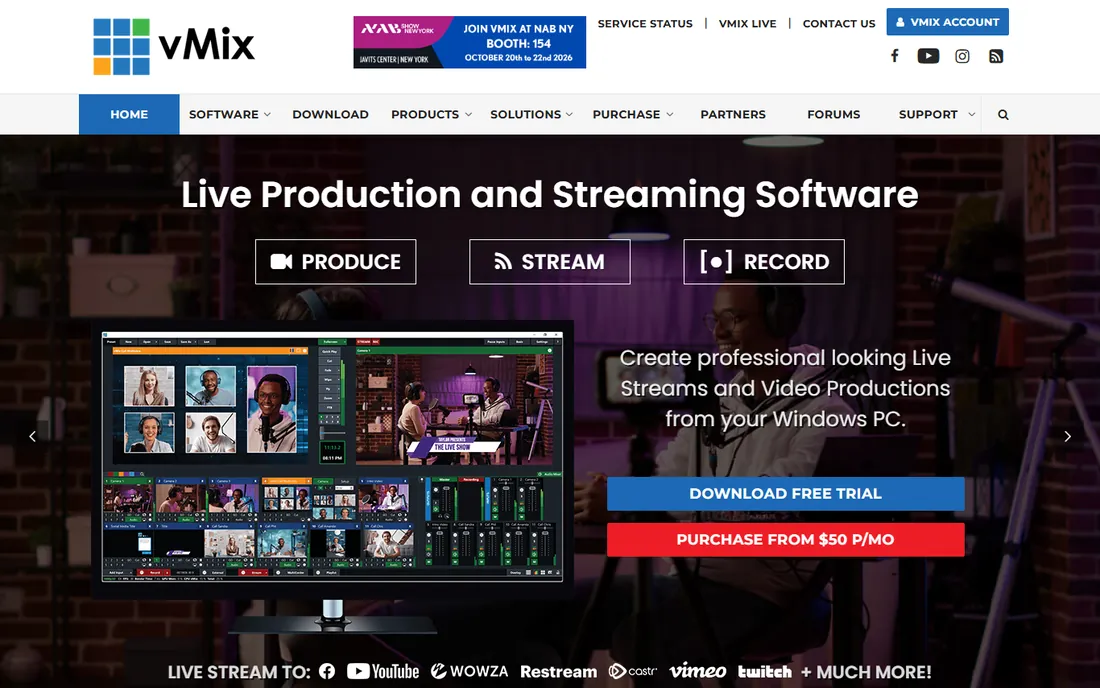
vMix turns a Windows PC into a live production studio: multi-camera switching, virtual sets, instant replay, live guests via vMix Call, and streaming to multiple destinations. Perpetual licenses (rather than subscriptions) appeal to churches buying once.
It demands a capable computer and a trained operator, so it fits churches with a dedicated production team. For multi-camera Sunday services with graphics and IMAG, it is the professional choice. The one-time license model means the cost stays fixed even as the production grows more ambitious.
What we like- Full live production suite: switching, graphics, replay
- NDI and SRT support
- One-time perpetual licenses
Watch out for- Windows only
- Needs a powerful PC
- Learning curve for volunteers
Starting price$408 one-time
Free planFree trial
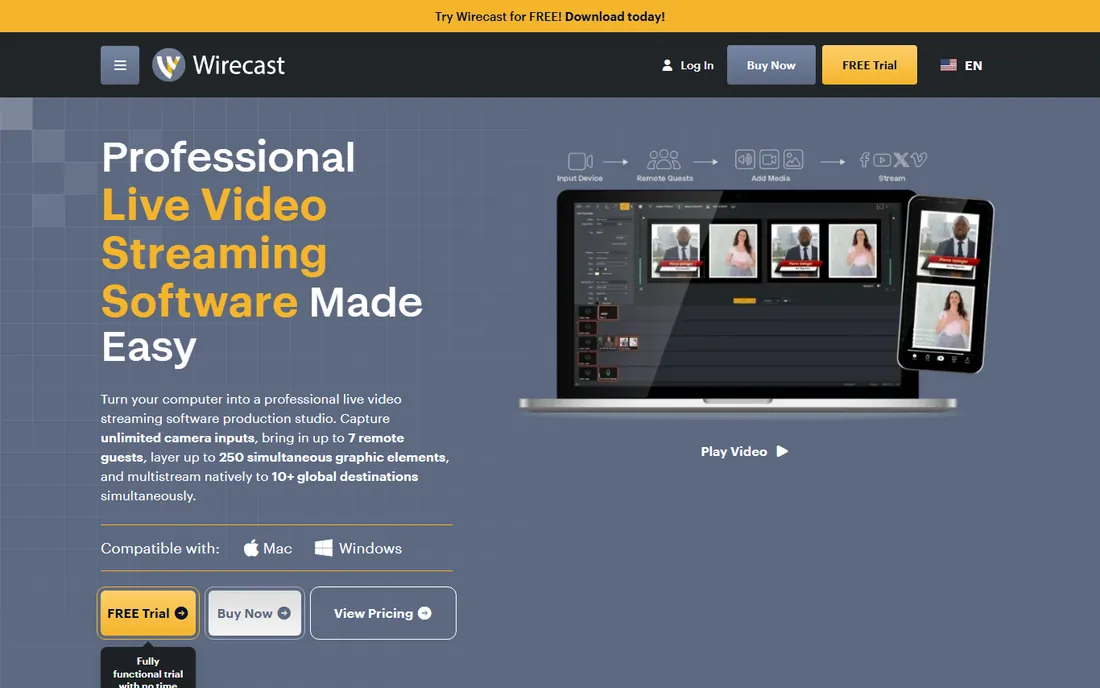
Wirecast at $408 one-time is Telestream's professional production software with unlimited camera inputs, up to 250 graphic layers, built-in remote guests via Rendezvous, and native multistreaming. A fully functional free trial needs no credit card.
Unlike vMix it runs on Mac, which matters for Mac-based church media teams. It is serious software for serious productions; single-camera churches should stick with OBS or StreamYard. The 500,000-plus included stock media assets are a genuine bonus for lower-thirds and backgrounds.
What we like- Unlimited camera inputs
- Works on Mac and Windows
- Built-in remote guests and stock media
Watch out for- $408 one-time cost
- Heavy on system resources
- Overkill for single-camera streams
How we chose
We reviewed vendor product pages, pricing pages, and church-tech community discussion across forums and publications, comparing reliability, ease of use for volunteers, pricing, multi-camera support, and church-specific features. Every tool had to be currently available with a working website. We did not claim hands-on testing. Trial the shortlist on a real Sunday before committing: a midweek test never reveals the same problems a full service does.
Captioning and accessibility
Live captions are no longer a nice-to-have. Many viewers watch with sound off, search engines index captioned content, and accessibility matters for hearing-impaired members. OBS supports caption plugins, and several platforms include automatic captions or integrations. Check what each tool offers before you commit: adding captions after the fact is far more work than enabling them live.
The internet question
No software fixes bad internet. Before buying anything, test your upload speed at the time of service, hardwire the streaming computer with ethernet, and keep the stream off the church WiFi. If the connection is genuinely unreliable, Resi's resilient protocol or a bonded cellular backup is worth more than any software upgrade. Budget for this in the same proposal as the software: a $99-a-month platform on a failing connection still fails. Churches in rural areas with poor broadband should treat connectivity as the first purchase, not the software.
What churches actually need
Reliability beats features on Sunday morning. A dropped stream during the sermon matters more than any graphic overlay, and a confused volunteer matters more than either. The best tool is the one your team can run confidently at 8 a.m. with no one else around. That is why church-specific platforms like BoxCast and Resi exist: their protocols and support are designed around the reality of church internet and volunteer operators.
Match the tool to the team. A tech-savvy volunteer crew can run OBS beautifully for free. A rotating cast of willing-but-nervous volunteers does better with StreamYard's simplicity or a managed platform. Be honest about who clicks the buttons each week. Document the setup with screenshots so a substitute can run the stream when the regular operator is away. A one-page run sheet taped to the desk has saved more Sundays than any software feature ever will.
Frequently asked questions
What is the best free live streaming software for churches?
OBS Studio. It is free, open source, and powerful enough for multi-camera productions. Pair it with free streaming to YouTube or Facebook and a church can stream professionally for nothing.
How much does church live streaming software cost?
Free with OBS Studio. Church-specific platforms like Resi start at $99/month. Production suites like Wirecast cost $408 one-time, while vMix uses perpetual licenses. BoxCast pricing is quote-based. Do not forget the hidden costs: cameras, capture devices, and possibly better internet.
Can we stream to Facebook and YouTube at the same time?
Yes. Restream multistreams to 30+ destinations at once. OBS can also stream to multiple destinations with plugins, and most paid platforms include multistreaming. Check each platform's terms for church content: most allow religious services, but music licensing for worship songs is a separate question worth checking.
Do we need special internet for church streaming?
You need stable upload bandwidth, ideally hardwired ethernet rather than WiFi. Test upload speed during service times, when the building is full and the network is busiest. If the connection drops regularly, consider Resi's resilient protocol or a cellular backup.
Should we stream to our website or to social media?
Both, ideally. Social platforms bring discovery, but you do not own the audience or the experience there. Streaming to your own website keeps visitors in your ecosystem, and tools like Restream let you do both at once. Church-specific platforms make the website embed easy, and embedding keeps first-time visitors one click from your plan-a-visit page.
What equipment do churches need to live stream?
At minimum: a camera, a computer, and an audio feed from the sound board. Multi-camera setups add a switcher or software like vMix or Wirecast, plus capture devices. Good audio matters more than camera quality: viewers forgive a soft image, but they leave when they cannot hear the sermon. Take the audio feed directly from the sound board rather than relying on a camera microphone, and monitor it with headphones during the service.
Sources we checked (7)
- https://obsproject.com/
- https://www.boxcast.com/
- https://resi.io/
- https://restream.io/
- https://streamyard.com/
- https://www.vmix.com/
- https://www.telestream.net/wirecast/
Is your product missing or out of date?
We review this list regularly. Vendors can request a listing, send updated pricing or ask about featured placement.

Shihab Mia · Founder, Rankite
Shihab has spent more than a decade helping SaaS and e-commerce brands grow through search. He writes Rankite's software buying guides from pricing pages, documentation and public user reviews. More about Shihab.