How we make this list: we compare pricing pages, product documentation and public user reviews. Ratings come from G2, Capterra or Trustpilot, with the date we checked them.
Key takeaways
- HubSpot is the safest all-in-one starting point, because free CRM, forms, and landing pages cover capture and follow-up in one place.
- Apollo.io and Lusha help when the problem is finding the right contacts, while OptinMonster helps when the problem is converting traffic you already have.
- Pipedrive suits small sales teams that want a clear pipeline view more than a large marketing suite.
- Mailchimp works well for small businesses that generate leads mainly through email, forms, and simple automations.
- Snov.io is a budget option for teams that need email finding, verification, and outreach sequences without a large monthly contract.
Quick comparison
| Tool | Best for | Starting price | Free plan |
|---|
 HubSpot HubSpot | All-in-one lead capture and CRM | See website | Yes |
 Apollo.io Apollo.io | Prospect search and outreach | See website | Yes |
 OptinMonster OptinMonster | Converting website visitors | $7 per month | No |
 Pipedrive Pipedrive | Visual sales pipeline | See website | No |
 Mailchimp Mailchimp | Email-led lead generation | $20 per month | Yes |
 Lusha Lusha | Contact and company data | See website | Yes |
 Snov.io Snov.io | Email finding and cold outreach | See website | Yes |
Is your product missing or out of date?
We review this list regularly. Vendors can request a listing, send updated pricing or ask about featured placement.
Starting priceSee website
Free planYes
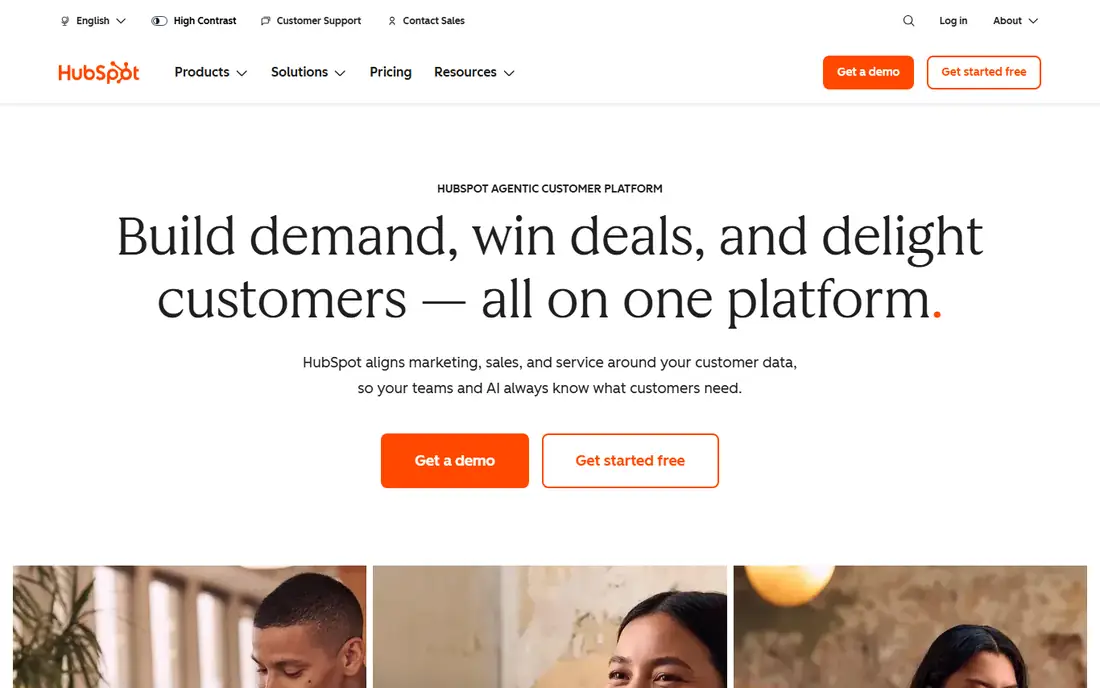
HubSpot is the default recommendation for a small business that wants one place to capture, store, and follow up with leads. A visitor can fill in a form or a popup, and the contact record appears in the free CRM with the source, the page visited, and any later emails or calls attached. That single record prevents the common small business problem of leads living in separate spreadsheets, inboxes, and notebooks, where follow-up depends on memory.
The free tools are generous enough to run a real lead process. Forms, landing pages, live chat, and basic email marketing let a small team test offers and messages before paying for a hub. Paid plans add deeper automation, lead scoring, and reporting, and the cost rises with the features chosen, so a business should start with a clear list of must-have features and check the current pricing page. HubSpot is not the cheapest tool for a single job, such as popups or email finding, but for a team that wants capture, nurturing, and pipeline tracking together, it is the most complete starting point on this list.
What we like- Free CRM with forms and landing pages
- Email marketing and automation in one system
- Large library of integrations
Watch out for- Paid hubs can become costly as features grow
- Setup takes time for a team new to CRM tools
Starting priceSee website
Free planYes
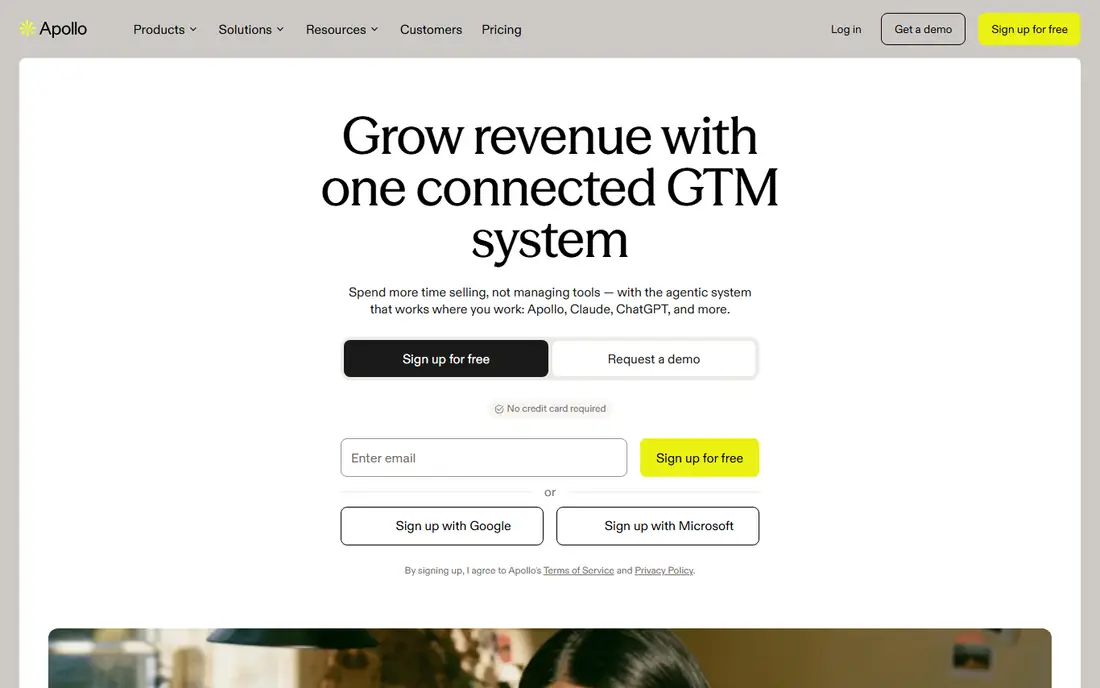
Apollo.io helps a business that already knows its ideal customer but needs a way to find more of them. You can search for contacts by job title, industry, location, and company size, build a list, and then run email sequences from the same workspace. Enrichment fills in missing details on a record, and buying signals such as job changes can help a team prioritize accounts that are more likely to respond. For a small business selling to other businesses, that search step is often the hardest part of lead generation.
The free plan lets a small team test search quality before paying, which matters because no database is perfect for every niche. A team should check a sample of contacts in its own market, verify a few emails, and confirm that the titles and companies match its target list. Apollo.io also includes outreach tools, but good results still depend on short, relevant messages and a clear offer. Used as a research and prospecting tool first, and an outreach tool second, Apollo.io gives a small team a practical way to build a pipeline without buying several separate products.
What we like- Large B2B contact and company database
- Built-in email sequences and dialer
- Filters for role, industry, and company size
Watch out for- Data accuracy varies by industry and region
- Outreach features need care to avoid spam complaints
Starting price$7 per month
Free planNo
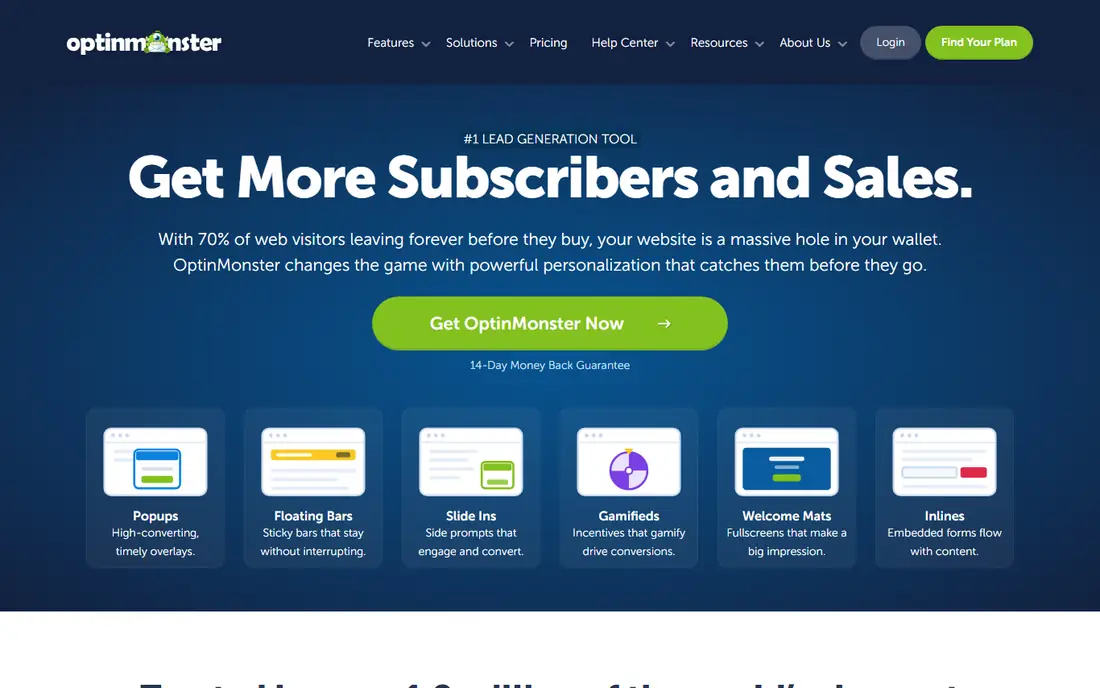
OptinMonster is for a business that already gets visitors but loses most of them without a signup. Its popups, floating bars, slide-ins, and full-screen campaigns can be triggered by exit intent, time on page, scroll depth, or the specific page a visitor is reading. That targeting matters, because a generic popup shown to everyone can annoy visitors, while a relevant offer shown at the right moment can turn a reader into a subscriber or a lead. The homepage lists a starting price as low as $7 per month, and readers should confirm current terms on the pricing page.
A/B testing is the feature that turns OptinMonster from a popup tool into a lead generation tool. You can test headlines, offers, and timing, then keep the version that produces more signups. Revenue attribution, on higher plans, connects campaigns to sales rather than just email addresses, which helps a business judge whether a campaign is worth keeping. OptinMonster does not bring traffic to a site on its own, so it works best alongside content, search, or paid traffic. If your site already has visitors, it is one of the fastest ways to capture more leads from that traffic.
What we like- Exit-intent popups and targeted campaigns
- Page-level targeting and A/B testing
- Works with WordPress, Shopify, and other platforms
Watch out for- No free plan for full use
- Value depends on having steady website traffic
#4Pipedrive
Best for: Visual sales pipeline4.3/5 on
G2 (5,034 reviews, checked Oct 2026)
Visit pipedrive.com
Starting priceSee website
Free planNo
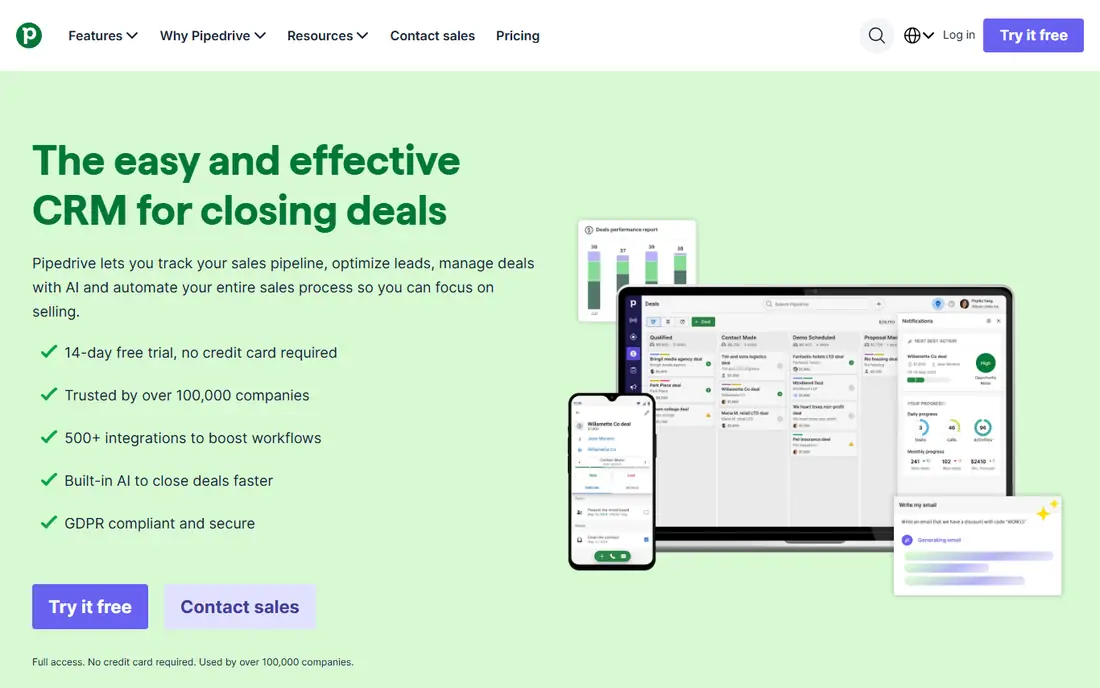
Pipedrive suits a small sales team that thinks in deals, not campaigns. Leads enter through forms, imports, or connected tools, then move across a visual pipeline from first contact to closed deal. Each deal shows its value, its next activity, and its history, so a manager can see at a glance which deals need attention and which are stalled. Automated reminders and follow-up prompts reduce the chance that a warm lead is forgotten after a busy week.
The tool also includes lead nurturing automation and AI prompts that help a team focus on the right leads, plus a marketplace of integrations for email, calendars, and other business apps. A 14-day trial is offered, with no credit card required on the homepage, which gives a team time to test the pipeline with real deals. Pipedrive is less suited to a business that needs large-scale email marketing or complex landing page testing, where HubSpot or Mailchimp may fit better. For a team whose main job is to work a list of leads to a close, Pipedrive keeps that job visible and simple.
What we like- Clear kanban pipeline that is easy to follow
- Lead capture forms and automation
- More than 500 integrations
Watch out for- No free plan, only a trial
- Marketing automation is less deep than HubSpot
#5Mailchimp
Best for: Email-led lead generation4.4/5 on
G2 (5,436 reviews, checked Oct 2026)
Visit mailchimp.com
Starting price$20 per month
Free planYes
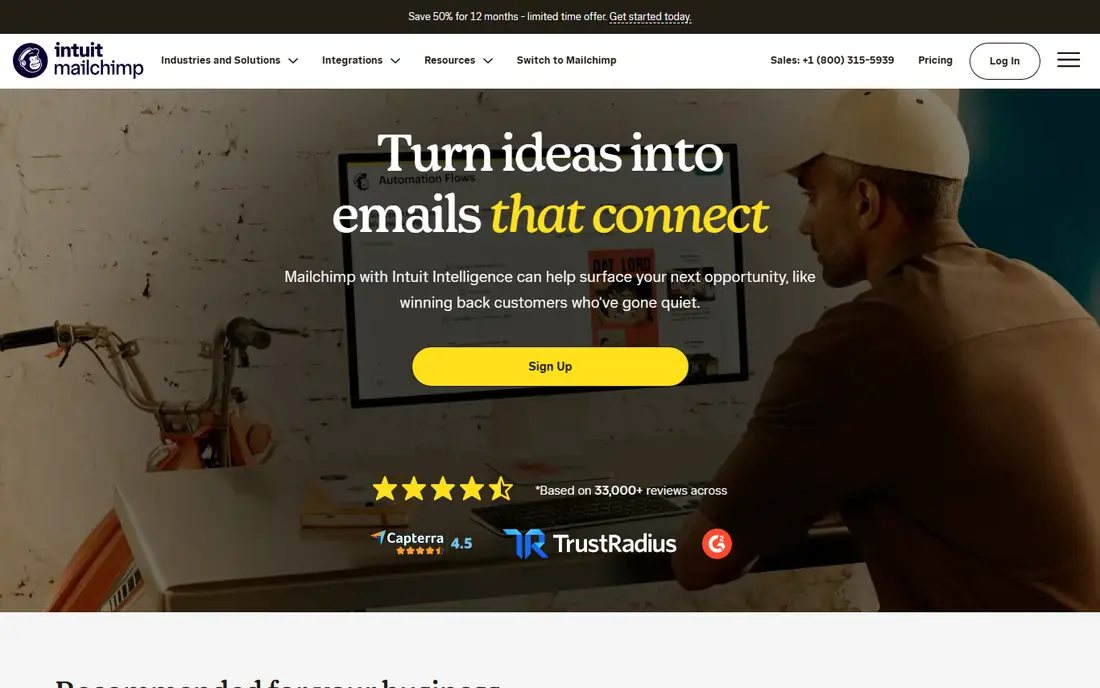
Mailchimp began as an email tool, and that history still shapes its strength for lead generation. A small business can build a signup form or landing page, collect contacts, segment them by interest or behavior, and send automated welcome emails and follow-ups without a separate CRM. The homepage shows a Standard plan starting at $20 per month for a set email volume, and a free plan is available for basic use, though limits apply and readers should check the current pricing page for their audience size.
Segmentation is where Mailchimp adds value beyond a simple newsletter. A bakery, a consultancy, and a local service business can each send different messages to different groups, based on what a person signed up for or clicked on. That relevance improves replies and reduces unsubscribes compared with sending the same message to everyone. Mailchimp is not a full sales CRM, and a team that needs deep pipeline management should pair it with HubSpot or Pipedrive. For a business that generates leads through content, offers, and email, Mailchimp is a practical, familiar choice.
What we like- Forms, landing pages, and email automations in one place
- Audience segmentation for targeted follow-up
- Free plan for getting started
Watch out for- Pricing rises with audience size
- Advanced automation sits on higher plans
#6Lusha
Best for: Contact and company data4.3/5 on
G2 (1,668 reviews, checked Oct 2026)
Visit lusha.com
Starting priceSee website
Free planYes
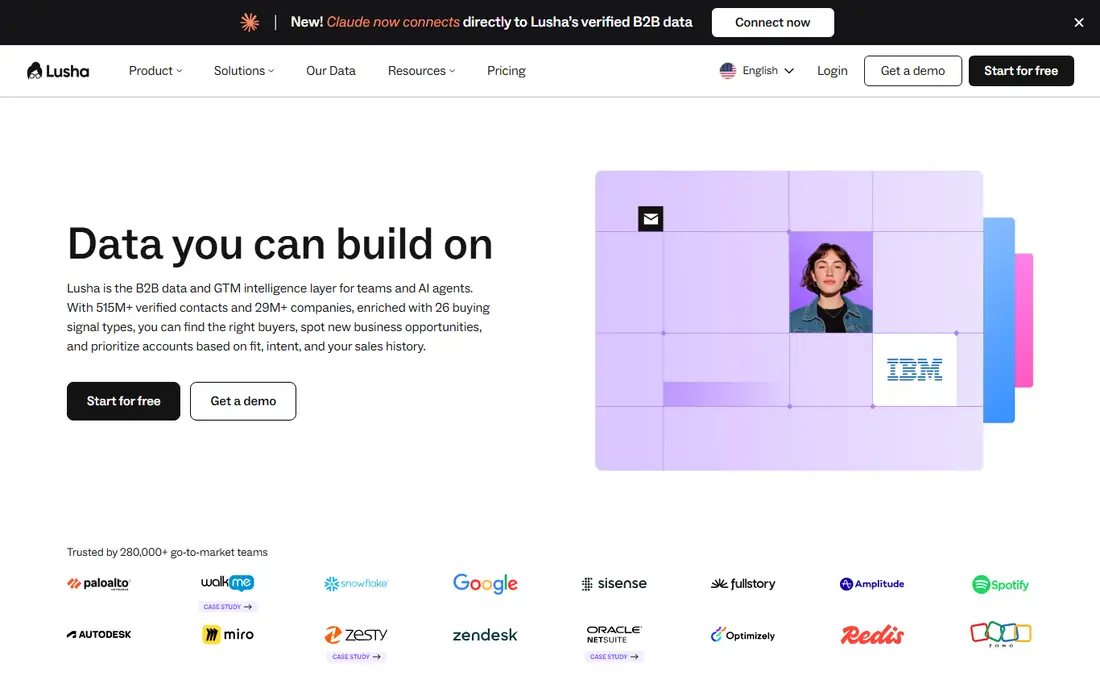
Lusha helps a sales team reach the right person, not just the right company. Its database covers contacts and companies, with email and phone details, plus signals such as funding, hiring, and leadership changes that can point to a good time to make contact. A browser extension lets a user reveal contact details while viewing a LinkedIn profile or a company website, which keeps prospecting inside the normal research flow rather than forcing a separate search step.
The free plan requires no credit card, according to the Lusha homepage, and limits are set on the pricing page. That makes it easy to test whether Lusha has good coverage for a specific niche before paying. Data quality should still be checked, since titles change and emails go stale, and a team should verify important contacts before a large outreach campaign. Lusha is not a full outreach or CRM tool on its own, but as a data layer for a small business that already has a CRM and an email tool, it fills a clear gap: finding accurate contact details for people who fit the ideal customer profile.
What we like- Verified contact data with confidence scores
- Browser extension for LinkedIn prospecting
- Buying signals for account prioritization
Watch out for- Credits limit how many contacts can be revealed
- Phone data coverage varies by market
#7Snov.io
Best for: Email finding and cold outreach4.5/5 on
G2 (499 reviews, checked Oct 2026)
Visit snov.io
Starting priceSee website
Free planYes
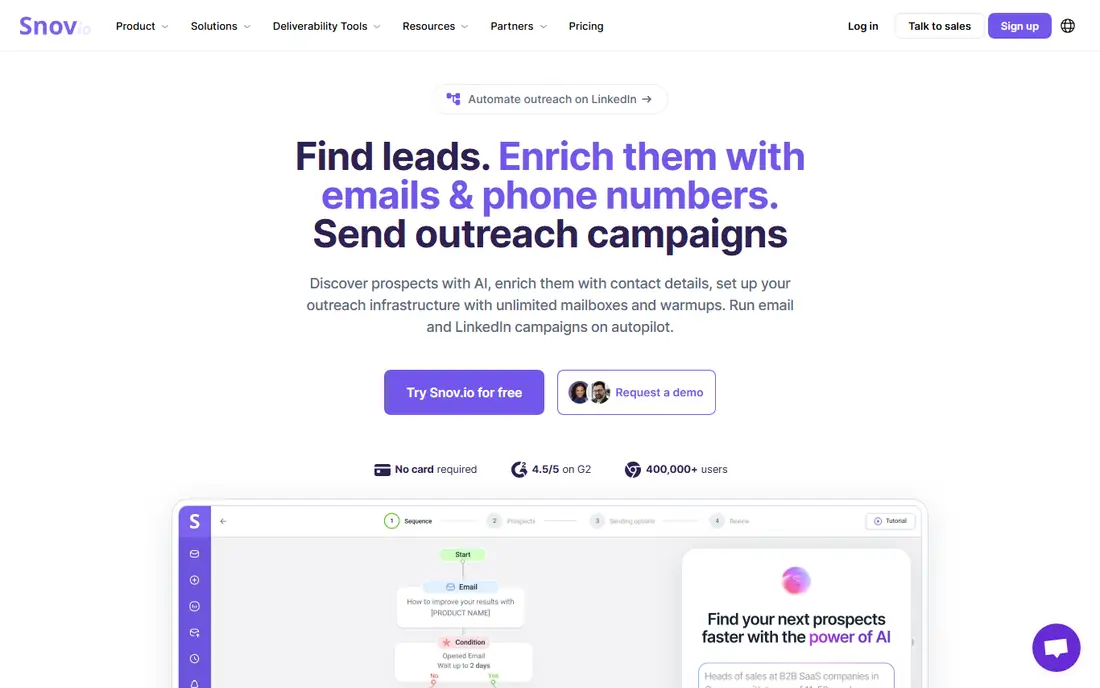
Snov.io combines three jobs that small teams often buy separately: finding emails, checking whether those emails are valid, and sending follow-up sequences. A user can search for prospects, enrich records with contact details, verify addresses to reduce bounces, and then run email and LinkedIn campaigns from the same platform. Warmup and mailbox tools are included to help protect sender reputation, which matters for any team doing cold outreach at scale.
The homepage states that no card is required to start, and a free plan is available, which makes Snov.io a low-risk test for a business that is new to outbound lead generation. The main caution is not technical. Cold outreach only works when the list is well targeted, the message is relevant to the recipient, and follow-ups add value rather than pressure. A team that treats Snov.io as a way to send more generic emails will see low replies. A team that uses it to find the right people, verify their details, and send short, specific messages will get far more from the same tool.
What we like- Email finder, verifier, and outreach sequences in one tool
- LinkedIn extension and search
- Free plan with no card required
Watch out for- Credit-based limits can be confusing at first
- Outreach success depends on message quality and list quality
How we chose
We looked for tools that a small business can use in the United States in 2026 without an enterprise contract, and that cover at least one clear stage of lead generation: capture, prospecting, data, nurturing, or pipeline management. We checked each vendor homepage to confirm the product loads and belongs to the named tool, and we reviewed pricing pages, feature documentation, and public help material for free plans, credit limits, integrations, and CRM connections. We favored tools with a free plan or trial for testing, clear pricing, and a fit for teams of one to twenty people, rather than tools built only for large sales departments. We did not claim hands-on testing, and readers should confirm current prices and limits on the vendor site before buying.
How to build a lead system that fits a small team
Start with one capture point
Many small businesses collect leads in too many places at once. Pick one main capture point, such as a website form, a landing page, or a booking form, and make sure every lead from that point lands in one CRM or list. Once that flow works, add a second channel, such as popups or prospecting, rather than launching five tools in the same week.
Match the tool to the bottleneck
If you have traffic but few signups, OptinMonster or better forms will help most. If you have a good offer but no list, Apollo.io, Lusha, or Snov.io will help most. If you have leads but lose track of follow-up, HubSpot or Pipedrive will help most. Buying a prospecting tool when the real problem is follow-up wastes money and time.
Keep outreach honest and relevant
Lead generation works best when messages are short, specific, and easy to ignore without pressure. Use verified data, respect opt-out requests, and follow the rules for email and phone outreach in your market. A smaller list of well-matched prospects will usually produce better replies than a large list of loosely related contacts.
Measure leads, not just activity
Track how many leads become conversations, how many conversations become deals, and how long each step takes. A tool that produces many low-quality leads is less useful than a tool that produces fewer leads that convert. Review those numbers monthly, keep the tools that produce real pipeline, and drop the ones that only produce activity.
Frequently asked questions
What is the best lead generation tool for a small business just starting out?
HubSpot is a strong starting point, because its free CRM, forms, and landing pages cover capture and follow-up without an upfront cost. A business can add a prospecting or popup tool later, once it knows where its bottleneck sits.
Do I need a paid tool to generate leads?
No, not at first. HubSpot, Mailchimp, Apollo.io, Lusha, and Snov.io all offer free plans or trials that cover basic lead capture or prospecting. Paid plans become useful when volume grows, or when you need automation, larger credit limits, or deeper reporting.
What is the difference between lead capture and prospecting?
Lead capture collects details from people who visit your site or respond to an offer. Prospecting finds people who match your ideal customer and have not yet contacted you. HubSpot and OptinMonster focus mainly on capture, while Apollo.io, Lusha, and Snov.io focus mainly on prospecting.
Is cold email still effective for small businesses?
It can be, when the list is well targeted and the message is relevant to the recipient. Verify emails, keep messages short, offer a clear next step, and stop contacting people who ask to opt out. Generic mass email to a poor list will produce low replies and can harm sender reputation.
How much should a small business spend on lead generation tools?
Start with free plans and one paid tool that solves your main bottleneck, rather than buying a full stack at once. Many small teams can run a useful system for under $100 per month, then increase spending only when a tool shows a clear return in conversations and deals.
Can these tools work together?
Yes. A common setup is HubSpot or Pipedrive as the CRM, OptinMonster for website capture, Mailchimp for email follow-up, and Apollo.io, Lusha, or Snov.io for prospecting data. Integrations and exports connect these tools, but keep the setup simple at first to avoid data errors.
Sources we checked (7)
- https://www.hubspot.com
- https://www.apollo.io
- https://optinmonster.com
- https://www.pipedrive.com
- https://mailchimp.com
- https://www.lusha.com
- https://snov.io
Is your product missing or out of date?
We review this list regularly. Vendors can request a listing, send updated pricing or ask about featured placement.

Shihab Mia · Founder, Rankite
Shihab has 5+ years in B2B and SaaS SEO. He writes Rankite's software buying guides from pricing pages, documentation and public user reviews. More about Shihab.