How we make this list: we compare pricing pages, product documentation and public user reviews. Ratings come from G2, Capterra or Trustpilot, with the date we checked them.
Key takeaways
- Kubecost Foundations is free for unlimited clusters up to 250 cores, which covers most small and mid-size clusters.
- Cast AI Growth starts at $1,000 a month plus about $5 per managed CPU per month.
- Spot by Flexera charges about 10 percent of savings, with no published price list.
- Datadog Cloud Cost Management costs $5 per $1,000 of tracked spend a month on Pro, and it needs Datadog Infrastructure Monitoring underneath.
- Apptio Cloudability starts around $30,000 a year for up to $1 million in managed cloud spend, so it only fits large enterprises.
What is the best Kubernetes cost optimization software?
Kubecost is the best Kubernetes cost optimization software for most teams, and Cast AI is the best for teams that want automation. The two answers fit different jobs. Kubecost shows where the money goes: per-namespace, per-workload and per-label cost allocation, rightsizing recommendations, anomaly detection and bill reconciliation, built on the OpenCost engine it donated to the CNCF. Cast AI goes further and acts: it replaces the cluster autoscaler, re-packs workloads onto cheaper nodes, moves work to spot capacity and adjusts CPU and memory requests automatically. A team that needs to understand its bill and fix it by hand should start with Kubecost, because the free tier is genuinely useful.
How much does Kubernetes cost optimization software cost?
Kubernetes cost optimization software costs from $0 to $30,000 a year or more, and the billing unit decides the bill. A worked example shows the range. Take a 200-vCPU cluster running a typical mix of services. On Kubecost Foundations the bill is $0, because the free tier covers unlimited clusters up to 250 cores with 15-day retention. On Cast AI Growth the bill is a $1,000 monthly base plus about $5 per managed CPU per month, which is about $2,000 a month for 200 CPUs. On StormForge pay-as-you-go the bill is 200 CPUs times $0.0041 per hour, which is about $599 a month. On Densify Kubex the bill is at least $2,000 a month, because the listed minimum is 1,000 vCPUs at $2 per vCPU with annual billing, so a 200-vCPU cluster is below the minimum and does not fit.
A platform team should look for allocation accuracy, automation depth, multi-cluster support and the billing unit before choosing. Allocation accuracy decides trust: the tool must reconcile its numbers against the real cloud bill, including reserved instances, savings plans and spot pricing, or the team will stop believing it. Automation depth decides the workload: recommendations only are cheap, while automatic request sizing, node consolidation and spot placement save real money but need guardrails. Multi-cluster support decides the ceiling: a free tier that covers one cluster stops working the moment the team runs a second. The billing unit decides the budget: per-core, per-CPU, per-vCPU-hour and percentage-of-savings meters all scale differently, so model the bill at the team's actual size.
When does it make sense to pay for automation instead of free visibility?
It makes sense to pay for automation when the cluster is large enough that manual rightsizing never catches up. The clearest triggers are more than 100 vCPUs running with average CPU utilisation under 20 percent, a bill that grows every month while traffic stays flat, or a platform team of one that cannot review recommendations every week. Automation pays for itself when the savings it finds exceed its fee by a wide margin: Cast AI typically reports 50 to 65 percent compute savings in 30 days, and Spot Ocean typically reports 45 to 52 percent, so a $50,000 monthly compute bill can justify a $2,000 monthly tool fee many times over.
Quick comparison
| Tool | Best for | Starting price | Free plan |
|---|
 Kubecost | Teams that want Kubernetes cost visibility and rightsizing for free | Free (Foundations, up to 250 cores); Enterprise self-hosted $63.60 per core per year, 250-core minimum, per third-party read | Yes, Foundations is free for unlimited clusters up to 250 cores with 15-day retention |
 Cast AI | Teams that want automated Kubernetes cost optimization without manual work | Free (cost monitoring); Growth from $1,000 per month plus about $5 per managed CPU per month (AWS Marketplace listing) | Yes, free Kubernetes cost monitoring with unlimited cluster analysis |
 Spot by Flexera | Teams that want automated spot, reserved instance and savings plan execution | Quote only; AWS Marketplace lists $1.415 per 100 vCPU-hours for Ocean, and about 10 percent of savings is the standard model | Limited free tier reported, up to 20 VMs on one cloud account |
 Harness | Teams already using Harness for CI and CD that want cost insights in the same platform | Quote only; Cloud Cost Insights priced at 1 percent of tracked cloud spend per Harness licensing definitions | Limited free visibility tier reported |
 Datadog Cloud Cost Management | Teams already running Datadog that want cost beside APM, hosts and containers | Pro $5 per $1,000 of tracked cloud and SaaS spend per month on annual billing; Enterprise $10 per $1,000 | None for Cloud Cost Management; Infrastructure Monitoring is free for up to 5 hosts |
 Apptio Cloudability | Large enterprises that need chargeback, showback and FinOps governance at scale | Quote only; AWS Marketplace 12-month tiers from $30,000 per year for up to $1 million in managed cloud spend | None |
 Densify | Large platform teams that want machine-learning rightsizing of Kubernetes resources | Kubex from $2 per vCPU per month with annual billing, 1,000-vCPU minimum; $3 per vCPU per month billed monthly | None ongoing; first 60 days of Kubex free |
 StormForge | Teams that want machine-learning rightsizing with pay-as-you-go pricing | From $0.0041 per CPU per hour on AWS Marketplace pay-as-you-go, about $3 per CPU per month | None; 30-day free trial |
Is your product missing or out of date?
We review this list regularly. Vendors can request a listing, send updated pricing or ask about featured placement.
#1Kubecost
Best for: Teams that want Kubernetes cost visibility and rightsizing for free5.0/5 on
G2 (2 reviews, checked Oct 2026)
Visit kubecost.com
Starting priceFree (Foundations, up to 250 cores); Enterprise self-hosted $63.60 per core per year, 250-core minimum, per third-party read
Free planYes, Foundations is free for unlimited clusters up to 250 cores with 15-day retention
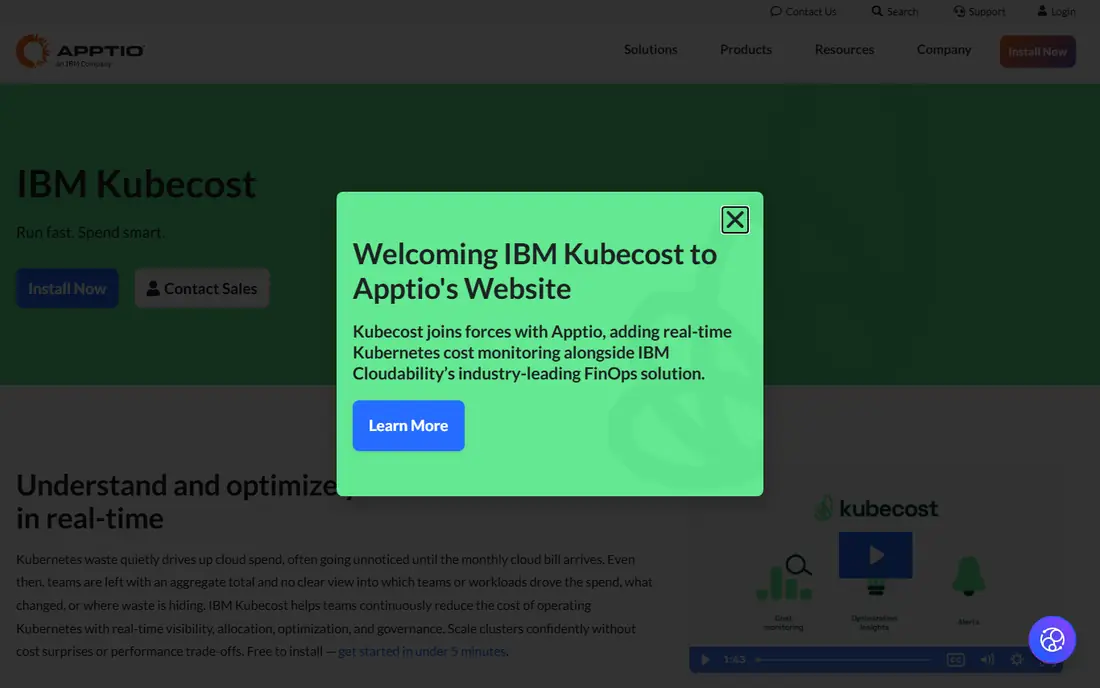
Kubecost is the productised version of OpenCost, the CNCF cost allocation engine its own team built and donated in 2022. Foundations is free for unlimited clusters up to 250 cores with 15-day retention, and it includes dashboards, budgets, alerting and bill reconciliation. IBM documentation says the Kubecost Cloud Service is end of life, so ask IBM which SaaS offer is on sale before budgeting.
What we like- Free tier is genuinely useful, not a demo trap
- Built on the OpenCost engine, so allocation math is auditable
- Bill reconciliation covers reserved instances, savings plans and spot pricing
- Rightsizing recommendations and anomaly detection included
Watch out for- Multi-cluster views, SAML and RBAC need the paid Enterprise tier
- Kubernetes-only, so the rest of the cloud bill is invisible
- IBM documentation says the Kubecost Cloud Service is end of life, so check which SaaS offer is on sale
- A conflicting $449 per month Business tier read is flagged
#2
Cast AI
Best for: Teams that want automated Kubernetes cost optimization without manual work
Visit cast.ai
Starting priceFree (cost monitoring); Growth from $1,000 per month plus about $5 per managed CPU per month (AWS Marketplace listing)
Free planYes, free Kubernetes cost monitoring with unlimited cluster analysis
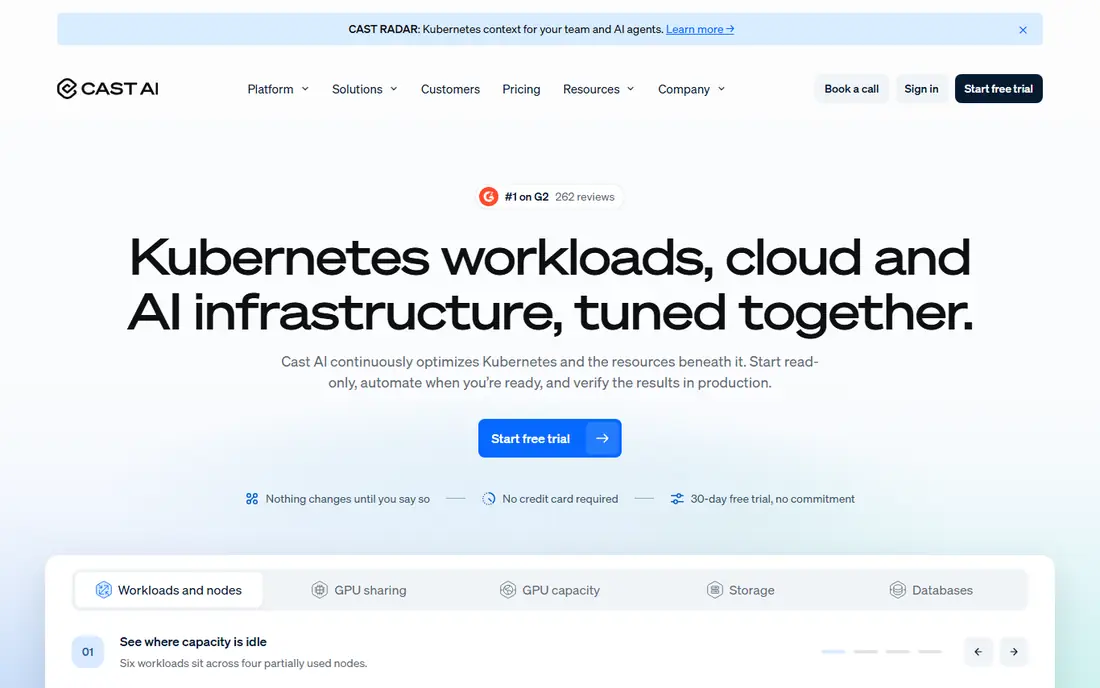
Cast AI is the automation-first option: it installs as a complete cluster autoscaler replacement, takes over node provisioning, bin-packs workloads onto cheaper capacity and adjusts CPU and memory requests from observed usage. Growth turns those recommendations into automatic action at a $1,000 monthly base plus about $5 per managed CPU per month. Confirm the rate in writing: older reads quote $0.50 per pod per month.
What we like- Replaces the cluster autoscaler and re-packs workloads automatically
- Typical savings of 50 to 65 percent of compute in 30 days
- Free monitoring tier is a real product, not a trial
- Covers GPU, storage and database optimization too
Watch out for- Paid plans start at a $1,000 monthly base, which is a steep entry point
- Pricing is inconsistent across published sources, with older per-pod reads flagged
- Savings-share model can feel like a tax at scale
- No self-serve checkout on the main pricing page
#3
Spot by Flexera
Best for: Teams that want automated spot, reserved instance and savings plan execution
Visit spot.io
Starting priceQuote only; AWS Marketplace lists $1.415 per 100 vCPU-hours for Ocean, and about 10 percent of savings is the standard model
Free planLimited free tier reported, up to 20 VMs on one cloud account
Spot, formerly Spot by NetApp, is the execution engine of this list. Ocean replaces the Kubernetes autoscaler with one that provisions and scales nodes across spot, reserved and on-demand capacity, Elastigroup does the same for auto scaling groups, and Eco rebalances reserved instances and savings plans as usage changes. NetApp acquired Spot in 2020, and Flexera completed its acquisition of the Spot FinOps business on 3 March 2025, so the product now sells as Spot by Flexera and the old branding is out of date. Pricing is opaque: the standard model is about 10 percent of savings, the AWS Marketplace lists $1.415 per 100 vCPU-hours for Ocean, and reported average deals run about $17,000 a year.
What we like- Ocean automates Kubernetes node provisioning and scaling in real time
- Elastigroup manages spot instances with predictive interruption handling
- Eco manages reserved instances and savings plans automatically
- Mature Spark integration for data workloads
Watch out for- No published pricing, so budgeting needs a sales conversation
- Ownership changed twice in five years, so confirm the roadmap
- The fee grows with savings, so a bigger win means a bigger bill
- It executes optimization rather than reporting on cost
#4Harness
Best for: Teams already using Harness for CI and CD that want cost insights in the same platform4.6/5 on
G2 (336 reviews, checked Oct 2026)
Visit harness.io
Starting priceQuote only; Cloud Cost Insights priced at 1 percent of tracked cloud spend per Harness licensing definitions
Free planLimited free visibility tier reported
Harness Cloud Cost Management suits a team that already runs Harness for delivery. Cloud Cost Insights is priced at 1 percent of tracked cloud spend, and Commitment Orchestrator at 1.25 percent of tracked EC2 spend, with Team tiers often quoted at 1 to 3 percent of managed spend or a flat $500 to $1,500 a month. The value is consolidation: cost data sits beside build and deploy data, so a team can see what a release did to the bill.
What we like- Cost insights sit beside CI, CD and feature flags in one platform
- Commitment Orchestrator automates reserved instance and savings plan buying
- Anomaly detection and budget alerts included
- Strong for teams standardising on Harness
Watch out for- Cloud cost management is a module inside a larger platform, not a standalone purchase
- Pricing is a percentage of spend, so the fee grows with the bill
- The free tier is limited
- Kubernetes depth is thinner than Kubecost or Cast AI
#5
Datadog Cloud Cost Management
Best for: Teams already running Datadog that want cost beside APM, hosts and containers
Visit datadoghq.com
Starting pricePro $5 per $1,000 of tracked cloud and SaaS spend per month on annual billing; Enterprise $10 per $1,000
Free planNone for Cloud Cost Management; Infrastructure Monitoring is free for up to 5 hosts
Datadog Cloud Cost Management is the right pick for a team that already lives in Datadog. Pro costs $5 per $1,000 of tracked spend per month on annual billing, and Enterprise costs $10, so a $200,000 monthly cloud bill costs $1,000 to $2,000 a month for the cost module alone. Container cost allocation and compute optimization recommendations need Infrastructure Monitoring underneath at $15 per host per month, which is the real price of admission.
What we like- Cost data sits next to APM traces, host metrics and container data in one UI
- Container cost allocation and compute optimization recommendations included
- Anomaly detection on spend
- Strong multi-cloud coverage
Watch out for- Needs Datadog Infrastructure Monitoring at $15 per host per month underneath, so the real bill is higher
- The fee rises with the bill, at $1,000 to $2,000 a month for $200,000 of tracked spend
- No standalone free tier
- Onboarding is heavy for teams not already on Datadog
#6Apptio Cloudability
Best for: Large enterprises that need chargeback, showback and FinOps governance at scale4.2/5 on
G2 (215 reviews, checked Oct 2026)
Visit apptio.com
Starting priceQuote only; AWS Marketplace 12-month tiers from $30,000 per year for up to $1 million in managed cloud spend
Free planNone
Apptio Cloudability, now part of IBM after the $4.6 billion Apptio acquisition in 2023, is the enterprise FinOps suite. It maps spend to business units, cost centres and product lines across AWS, Azure, GCP, Kubernetes, SaaS and AI. The AWS Marketplace lists 12-month contracts at $30,000 a year for up to $1 million in managed spend, $76,680 for $3 million and $132,480 for $6 million, which is roughly 2 to 3 percent of spend.
What we like- Deepest chargeback and showback of any tool here, mapped to business units and cost centres
- Unifies AWS, Azure, GCP, Kubernetes, SaaS and AI spend
- Budgeting and forecasting built for a formal FinOps practice
- Strong Gartner positioning
Watch out for- Starts around $30,000 a year and climbs to $76,000 to $132,000 for $3 million to $6 million in spend
- No free tier and no self-serve option
- Shows where spend goes but does not automate the fix
- IBM convergence with Turbonomic and Kubecost is still rolling out
#7Densify
Best for: Large platform teams that want machine-learning rightsizing of Kubernetes resources4.7/5 on
G2 (29 reviews, checked Oct 2026)
Visit densify.com
Starting priceKubex from $2 per vCPU per month with annual billing, 1,000-vCPU minimum; $3 per vCPU per month billed monthly
Free planNone ongoing; first 60 days of Kubex free
Densify, now branded Kubex, applies machine learning to container usage metrics to right-size pods, nodes and GPUs in real time. It can run in recommendation mode or execute changes autonomously through its automation controller, with policy guardrails that stop it from breaking workloads. The pricing is the barrier: Kubex lists $3 per vCPU per month billed monthly or $2 with annual billing, with a 1,000-vCPU minimum, so the cheapest annual bill is $2,000 a month, and the first 60 days are free.
What we like- Machine-learning rightsizing of pods, nodes and GPUs with policy guardrails
- Autonomous mode applies changes, recommendation mode only suggests
- Cloudex covers cloud instance rightsizing too
- GPU optimization add-on at $15 per GPU per month
Watch out for- The 1,000-vCPU minimum puts the floor at $2,000 a month, which excludes small clusters
- Pricing differs across published specifications, with a conflicting $1 per vCPU read flagged
- No ongoing free plan
- The rebrand from Densify to Kubex is recent, so references vary
#8
StormForge
Best for: Teams that want machine-learning rightsizing with pay-as-you-go pricing
Visit stormforge.io
Starting priceFrom $0.0041 per CPU per hour on AWS Marketplace pay-as-you-go, about $3 per CPU per month
Free planNone; 30-day free trial
StormForge Optimize Live continuously rightsizes Kubernetes workloads with machine learning, adjusting CPU and memory requests and limits per container from observed usage. Pricing is refreshingly transparent for this category: pay-as-you-go on AWS Marketplace starts at $0.0041 per CPU per hour, which is about $3 per CPU per month, and annual per-vCPU pricing comes with volume discounts.
What we like- Machine-learning rightsizing that learns each workload over a 28-day training window
- Per-vCPU pricing is published, so the bill can be modelled before talking to sales
- Pay-as-you-go through AWS Marketplace with no upfront commitment
- Works with the Kubernetes horizontal pod autoscaler
Watch out for- No free tier, only a 30-day trial
- Annual per-vCPU pricing needs a sales conversation for volume discounts
- Narrower scope than full FinOps suites, with no multi-cloud bill reporting
- Needs the agent installed on every cluster
Comparison table
| Tool |
Best for |
Starting price |
Free plan |
| Kubecost |
Teams wanting Kubernetes cost visibility for free |
Free up to 250 cores |
Yes |
| Cast AI |
Teams wanting automated cost optimization |
Free monitoring; Growth from $1,000 per month |
Yes, monitoring |
| Spot by Flexera |
Teams wanting automated spot and commitment execution |
Quote only |
Limited |
| Harness |
Teams already using Harness for CI and CD |
Quote only (1% of tracked spend) |
Limited |
| Datadog CCM |
Teams already running Datadog |
$5 per $1,000 tracked spend per month |
None |
| Apptio Cloudability |
Large enterprises needing chargeback and governance |
From $30,000 per year |
None |
| Densify |
Large platform teams wanting ML rightsizing |
From $2 per vCPU per month |
None, 60-day trial |
| StormForge |
Teams wanting ML rightsizing pay-as-you-go |
From $0.0041 per CPU per hour |
None, 30-day trial |
Frequently asked questions
Is Kubecost really free?
Kubecost Foundations is free for unlimited clusters up to 250 cores, with 15-day metric retention. It includes dashboards, budgets, alerting, savings recommendations and bill reconciliation, which covers most small and mid-size clusters. Enterprise self-hosted lists at $63.60 per core per year with a 250-core minimum, and it adds a unified multi-cluster view, unlimited retention and role-based access control.
How much does Cast AI cost?
Cast AI cost monitoring is free, with unlimited cluster analysis and recommendations. Growth starts at a $1,000 monthly base plus about $5 per managed CPU per month, from the AWS Marketplace listing, so a 200-CPU cluster costs about $2,000 a month. Enterprise starts at $5,000 a month.
Is Spot by NetApp still available?
Spot by NetApp still exists, but the name is out of date. NetApp acquired Spot in 2020, and Flexera completed its acquisition of the Spot FinOps business on 3 March 2025, so the product now sells as Spot by Flexera. Pricing is quote only, with the standard model at about 10 percent of savings, and the AWS Marketplace lists $1.415 per 100 vCPU-hours for Ocean.
What is the cheapest Kubernetes cost optimization tool?
Kubecost Foundations is the cheapest, because it is free for unlimited clusters up to 250 cores. OpenCost is also free and open source, since it is the engine Kubecost donated to the CNCF. For paid automation, StormForge pay-as-you-go is the cheapest entry point at about $3 per CPU per month, while Cast AI Growth starts at $1,000 a month.
Should I use Kubecost or Cast AI?
Use Kubecost if the team needs to see where the money goes and has time to act on recommendations, because the free tier covers most clusters. Use Cast AI if the team wants the bill to shrink without weekly manual work, because it replaces the autoscaler and re-packs workloads automatically. Many teams run both: Kubecost for cost allocation and showback, and Cast AI for automation.
How we picked
We picked the eight tools by starting with the best-known Kubernetes cost products, then adding the FinOps suites buyers compare against them: Datadog Cloud Cost Management, Apptio Cloudability, Harness and Densify. Prices were checked against vendor pricing pages, vendor docs and AWS Marketplace listings on 20 November 2026.
Last verified: 20 November 2026
Sources we checked (8)
- https://www.kubecost.com
- https://cast.ai
- https://spot.io
- https://www.harness.io
- https://www.datadoghq.com
- https://www.apptio.com
- https://www.densify.com
- https://www.stormforge.io
Is your product missing or out of date?
We review this list regularly. Vendors can request a listing, send updated pricing or ask about featured placement.

Shihab Mia · Founder, Rankite
Shihab has 5+ years in B2B and SaaS SEO. He writes Rankite's software buying guides from pricing pages, documentation and public user reviews. More about Shihab.