How we make this list: we compare pricing pages, product documentation and public user reviews. Ratings come from G2, Capterra or Trustpilot, with the date we checked them.
Key takeaways
- KPI software turns business metrics into live dashboards, so teams see performance without waiting for monthly reports.
- Databox and Geckoboard suit small teams that want quick, TV-friendly dashboards.
- Klipfolio and Domo suit mid-size and larger teams with deeper data needs.
- Power BI and Tableau suit organizations already invested in Microsoft or advanced analytics.
Quick comparison
| Tool | Best for | Starting price | Free plan |
|---|
 Databox Databox | Quick KPI dashboards | Free | Yes |
 Geckoboard Geckoboard | TV-friendly dashboards | See website | Free trial |
 Klipfolio Klipfolio | Custom KPI dashboards | See website | Free trial |
 Domo Domo | Enterprise business intelligence | See website | Free trial |
 Tableau Tableau | Advanced data visualization | See website | Free trial |
 Power BI Power BI | Microsoft ecosystem analytics | Free | Yes |
 Zoho Analytics Zoho Analytics | Budget BI and dashboards | Free | Yes |
 SimpleKPI SimpleKPI | Simple KPI tracking | See website | Free trial |
Is your product missing or out of date?
We review this list regularly. Vendors can request a listing, send updated pricing or ask about featured placement.
The best KPI software
#1Databox
Best for: Quick KPI dashboards4.4/5 on
G2 (189 reviews, checked Oct 2026)
Visit databox.com
Starting priceFree
Free planYes
Databox suits teams that want a live KPI dashboard today, not after a long implementation. Connect Google Analytics, HubSpot, Salesforce, spreadsheets, and dozens of other sources, pick a template, and a dashboard is live within the hour. The mobile app keeps metrics visible on the go, and TV display mode suits offices that show team numbers on a wall screen.
Deeper analysis, such as custom calculations and blended data, sits on higher tiers, and customization is lighter than Klipfolio or Domo. A free tier covers basic dashboards for small teams. For a team that wants visible KPIs fast, Databox is the quickest path.
What we like- Very fast setup
- Many integrations
- Good mobile app
Watch out for- Deeper analysis needs higher tiers
- Customization is lighter than Klipfolio
Starting priceSee website
Free planFree trial
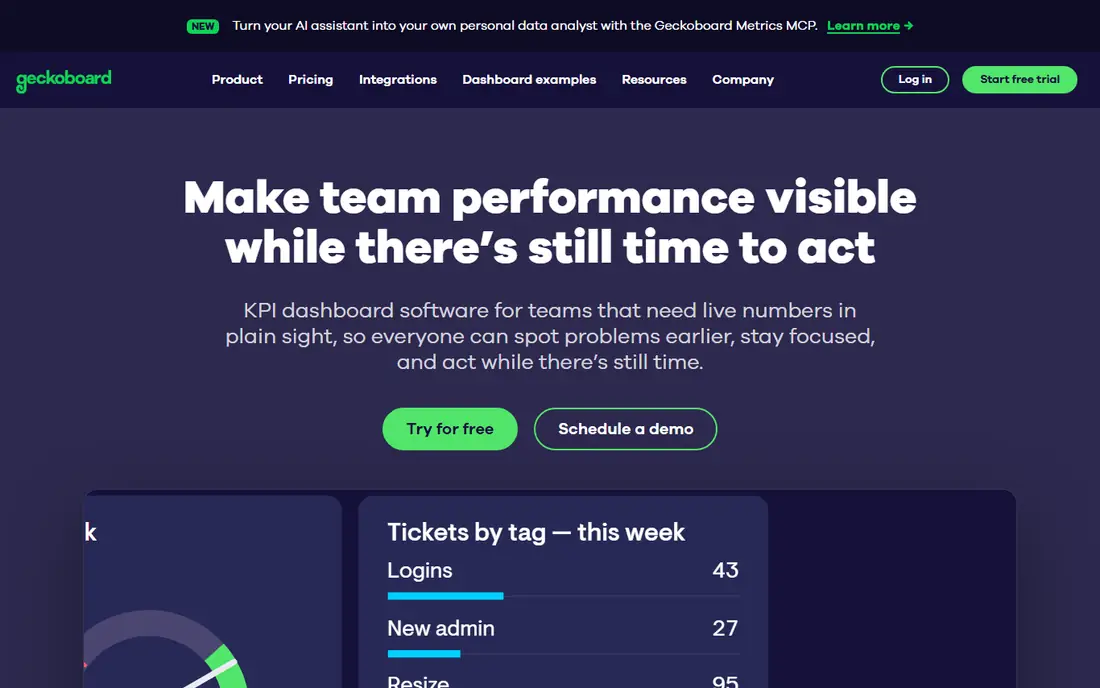
Geckoboard is built for dashboards that live on office TVs, showing sales, support, marketing, and operations numbers in large, readable formats. Setup is simple, with integrations for common business tools and spreadsheets, and the focus on display means dashboards look good from across a room, not just on a laptop.
Deep analysis is thinner than Domo or Tableau, since Geckoboard prioritizes display over exploration, and pricing rises with dashboard count. A free trial is available. For a team that wants its KPIs visible to everyone in the office, Geckoboard is the best display-first choice.
What we like- Beautiful TV dashboards
- Simple setup
- Good for office displays
Watch out for- Less suited to deep analysis
- Pricing rises with dashboards
#3Klipfolio
Best for: Custom KPI dashboards4.5/5 on
G2 (254 reviews, checked Oct 2026)
Visit klipfolio.com
Starting priceSee website
Free planFree trial
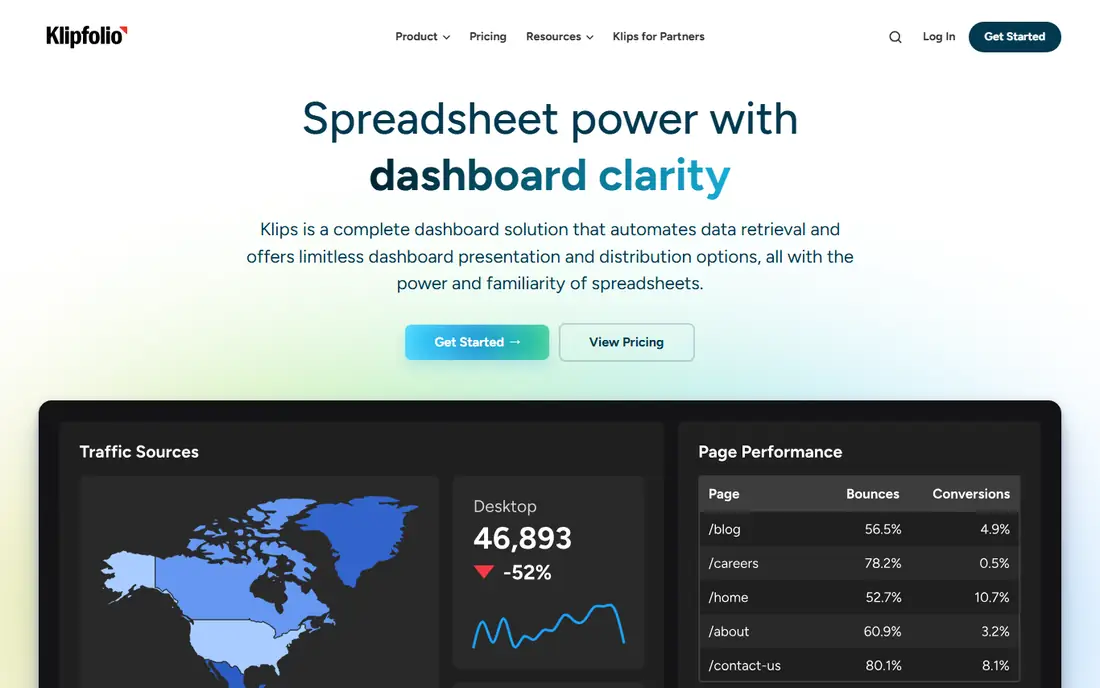
Klipfolio suits teams that need custom dashboards, with a builder that supports custom metrics, formulas, and layouts beyond standard templates. Agencies use it to build client dashboards, while internal teams use it for sales, marketing, and operations KPIs from many sources. Integrations cover spreadsheets, databases, and popular business apps.
Custom metrics have a learning curve, and pricing varies by dashboards, users, and features, so check the vendor pricing page for your team size. A free trial is available. For a team that wants dashboards tailored exactly to its metrics, Klipfolio gives the best balance of power and price.
What we like- Strong customization
- Many integrations
- Good for agencies and teams
Watch out for- Learning curve for custom metrics
- Pricing varies by dashboards and users
#4Domo
Best for: Enterprise business intelligence4.3/5 on
G2 (1,086 reviews, checked Oct 2026)
Visit domo.com
Starting priceSee website
Free planFree trial
Domo is a full business intelligence platform that covers KPI dashboards plus data integration, preparation, and advanced analytics in one system. Its connector library pulls data from hundreds of sources, and its apps and alerts turn dashboards into action, not just display. That breadth suits large organizations with many data sources and teams.
Pricing is enterprise-level, and implementation takes time, since large programs need data modeling and governance. A free trial is available. For a large company that needs KPIs inside a full BI platform, Domo is a leading choice.
What we like- Full BI platform
- Strong data connectors
- Good for large organizations
Watch out for- Enterprise pricing
- Implementation takes time
#5Tableau
Best for: Advanced data visualization4.4/5 on
G2 (3,787 reviews, checked Oct 2026)
Visit tableau.com
Starting priceSee website
Free planFree trial
Tableau leads on data visualization, turning complex data into interactive charts, maps, and dashboards that reveal patterns other tools miss. Analysts can explore data freely, drilling from company totals to individual transactions, and the community shares techniques and templates widely. That depth suits data-driven organizations with analyst talent.
The learning curve is steeper than Databox or Geckoboard, and pricing rises with users, so broad rollouts cost more. A free trial is available. For an organization where analysts drive KPI work and visualization quality matters, Tableau is the strongest tool on this list.
What we like- Best-in-class visualizations
- Deep analysis
- Huge community
Watch out for- Steeper learning curve
- Pricing rises with users
#6Power BI
Best for: Microsoft ecosystem analytics4.5/5 on
G2 (1,661 reviews, checked Oct 2026)
Visit powerbi.com
Starting priceFree
Free planYes
Power BI suits organizations already on Microsoft 365, since it integrates deeply with Excel, Teams, SharePoint, and Azure data. The desktop tool is free, letting analysts build reports without cost, while paid licences add sharing, collaboration, and larger data volumes. That value makes Power BI the default BI choice for Microsoft shops.
Full sharing and collaboration need paid licences per user, and the experience is best inside the Microsoft stack, with weaker support for non-Microsoft environments. For a Microsoft organization that wants capable KPI dashboards at strong value, Power BI is the obvious pick.
What we like- Free desktop tool
- Deep Microsoft 365 integration
- Strong value
Watch out for- Full sharing needs paid licences
- Best on Windows and Microsoft stack
#7Zoho Analytics
Best for: Budget BI and dashboards4.2/5 on
G2 (289 reviews, checked Oct 2026)
Visit zoho.com
Starting priceFree
Free planYes
Zoho Analytics gives budget teams capable dashboards and reports at low cost, with a free tier for basic use and paid tiers that stay affordable. It covers KPI dashboards, scheduled reports, and embedded analytics, and it fits teams already using Zoho CRM, Books, or other Zoho apps, since data flows between them.
The connector library is smaller than Domo or Tableau, and advanced AI features sit on higher tiers. For a small or mid-size business that wants solid BI without enterprise pricing, especially inside the Zoho suite, Zoho Analytics gives good value.
What we like- Low cost
- Good dashboards and reports
- Fits Zoho suite users
Watch out for- Smaller connector library than leaders
- Advanced AI features need higher tiers
Starting priceSee website
Free planFree trial
SimpleKPI suits teams whose KPIs are entered manually or come from spreadsheets, rather than dozens of live integrations. Entry is simple, dashboards show trends and targets clearly, and alerts flag KPIs that miss targets. That simplicity suits small teams, nonprofits, and departments that track a handful of key numbers.
Integrations are fewer than Databox or Klipfolio, and SimpleKPI is not a full BI platform for deep analysis. A free trial is available. For a team that wants straightforward KPI tracking without BI complexity, SimpleKPI lives up to its name.
What we like- Very simple KPI entry and tracking
- Good for manual KPIs
- Low cost
Watch out for- Fewer integrations than leaders
- Not a full BI platform
How we chose
We compared vendor pages, product documentation, and public user reviews, and we judged each tool on dashboard quality, integrations, ease of use, sharing, alerts, and price. Quick dashboard tools were judged on speed and display, while BI platforms were judged on depth and analysis, since the two jobs differ. We did not claim hands-on testing. Where pricing varied by users, dashboards, or tier, we wrote See website rather than publish a figure that could mislead.
What to check before you pick
Start with your KPIs, not the tool. List the ten to twenty numbers that actually drive decisions, name an owner for each, and decide how often each should update. A tool bought before that list exists will display numbers nobody acts on, while a tool bought after it will be judged on whether it shows those numbers clearly. Check data sources for each KPI, since a dashboard is only as live as its weakest connection.
Also check who will see each dashboard and on what device, since a TV dashboard, a mobile dashboard, and an analyst dashboard need different designs. Check alerts, so a KPI that misses target notifies its owner rather than waiting for a monthly review. Check sharing and permissions, since sensitive financial KPIs should not be visible to everyone, and check export options for board reports.
A further check matters for data quality: confirm how each tool handles missing, delayed, or wrong data, since a dashboard that silently shows stale numbers misleads decisions worse than no dashboard at all. Ask whether data refresh times are visible, whether alerts fire on stale data, and how corrections flow through to displayed KPIs. Teams that treat data quality as part of the tool decision avoid the common failure where a beautiful dashboard quietly reports wrong numbers for months.
Finally, run a trial with your real KPIs and real data sources, not demo data, and involve the managers who will act on the numbers daily. A dashboard that looks impressive in a demo can feel slow or confusing with real metrics, and manager feedback during a trial predicts adoption better than any feature list. Measure setup time, refresh reliability, and how often managers actually open the dashboard during the trial before committing.
One more consideration is governance as your dashboard count grows. A team that starts with five dashboards can easily end with fifty, many duplicated or outdated, so decide who owns each dashboard, how often it is reviewed, and when it is retired. A simple dashboard catalog, with owner, purpose, and refresh schedule for each dashboard, prevents sprawl and keeps the numbers leadership trusts clean. That discipline matters more as the organization grows than any single visualization feature.
Frequently asked questions
What is KPI software?
KPI software tracks key performance indicators, meaning the metrics that show whether a team or company is meeting its goals, and displays them on live dashboards. It replaces manual spreadsheet reports with automatic updates, alerts, and sharing.
How many KPIs should a team track?
Most teams do well with ten to twenty KPIs that cover outcomes, activity, and quality, with one owner per KPI. Tracking fifty metrics dilutes focus, while tracking only two or three misses early warnings, so choose numbers that drive real decisions.
Can KPI software replace spreadsheets?
For reporting, yes, since live dashboards update automatically and reduce manual work. Spreadsheets still suit one-off analysis and planning, so many teams use both: KPI software for live reporting, spreadsheets for deep dives and forecasts.
What is the best KPI software for small teams?
Databox suits small teams that want fast, live dashboards, while Geckoboard suits teams that want TV displays. SimpleKPI suits teams with manual KPIs, and Zoho Analytics suits budget teams that want broader BI features.
How often should KPI dashboards update?
It depends on the metric: sales and support dashboards often update hourly or daily, while financial and strategic KPIs update weekly or monthly. Set refresh schedules by decision speed, so fast-moving metrics update fast and slow metrics do not create noise.
Should KPIs be visible to everyone?
Transparency helps alignment, but sensitive KPIs such as salaries, margins, or individual performance need restricted access. Use permissions to share team and company KPIs widely while keeping sensitive numbers with managers and finance.
Sources we checked (8)
- https://www.databox.com
- https://www.geckoboard.com
- https://www.klipfolio.com
- https://www.domo.com
- https://www.tableau.com
- https://www.powerbi.com
- https://www.zoho.com
- https://www.simplekpi.com
Is your product missing or out of date?
We review this list regularly. Vendors can request a listing, send updated pricing or ask about featured placement.

Shihab Mia · Founder, Rankite
Shihab has 5+ years in B2B and SaaS SEO. He writes Rankite's software buying guides from pricing pages, documentation and public user reviews. More about Shihab.