How we make this list: we compare pricing pages, product documentation and public user reviews. Ratings come from G2, Capterra or Trustpilot, with the date we checked them.
Key takeaways
- The best invoicing software for contractors in 2026 splits by work type: Jobber for field service scheduling plus invoicing, FreshBooks for time-tracked billing, QuickBooks for invoicing inside full accounting, and Wave for free invoicing.
- Wave and Zoho Invoice offer genuinely free invoicing with unlimited clients, which is unusual and valuable for solo contractors keeping costs low.
- The subscription fee is rarely the whole number: card processing runs about 2.9 percent plus 0.30 dollars per transaction, and per-user seat fees add up fast for crews.
- This article is general information, not tax advice: sales tax rules, retainage, and 1099 reporting vary by state and job type, so consult an accountant for your situation.
Quick comparison
| Tool | Best for | Starting price | Free plan |
|---|
 FreshBooks FreshBooks | Time-tracked billing | $19 per month | No |
 QuickBooks Online QuickBooks Online | Invoicing plus accounting | $30 per month | No |
 Wave Wave | Free invoicing | Free | Yes |
 Invoice Ninja Invoice Ninja | Flexible low-cost invoicing | Free | Yes |
 Jobber Jobber | Field service plus invoicing | $49 per month | No |
 Zoho Invoice Zoho Invoice | Free invoicing with automation | Free | Yes |
 HoneyBook HoneyBook | Contracts plus invoicing | $16 per month | No |
 Joist Joist | Mobile estimates and invoices | $10 per month | No |
Is your product missing or out of date?
We review this list regularly. Vendors can request a listing, send updated pricing or ask about featured placement.
The best invoicing software for contractors
Starting price$19 per month
Free planNo
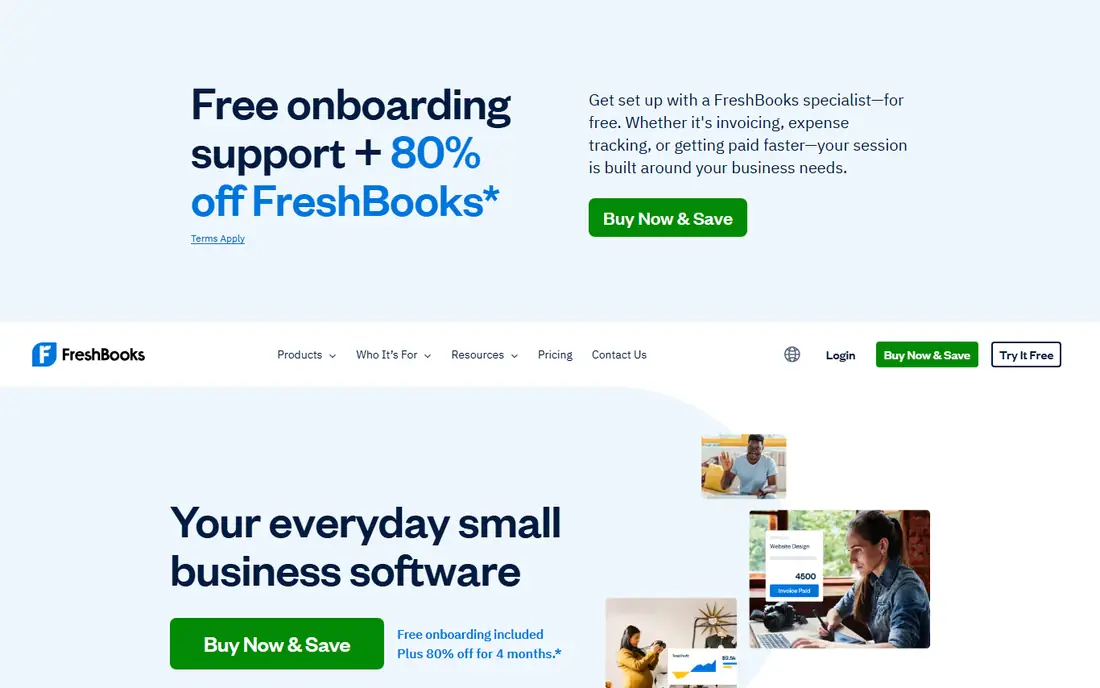
FreshBooks suits independent contractors and tradespeople who bill by the hour. Its time tracking ties directly to invoices, with expenses and ready-made templates beside it, and its mobile app lets you send a professional invoice before leaving the customer's driveway.
Pricing starts around 19 dollars a month, with additional team members costing about 11 dollars a month each, which adds up fast for a team of 10. For time-tracked billing with a strong mobile app, FreshBooks leads.
What we like- Excellent time tracking tied to invoices
- Client-friendly invoicing with ready-made templates
- Excellent mobile app for field work
Watch out for- No free plan
- Additional team members cost about 11 dollars a month each
- Client limits on lower tiers
Starting price$30 per month
Free planNo
QuickBooks Online suits contractors who need invoicing and accounting in one place. Its progress billing covers staged payments on large jobs, with billable expenses, payment alerts, and recurring invoices beside full bookkeeping that accountants already know.
Pricing starts around 30 dollars a month, though tiers and promos vary, with Simple Start cited at 38 dollars in some guides. For invoicing inside full accounting, QuickBooks leads.
What we like- Invoicing plus full bookkeeping in one widely supported platform
- Progress billing for staged jobs
- Accountants know it well
Watch out for- No free plan
- Pricing varies by tier and promo
- Heavier than pure invoicing tools for solo users
Starting priceFree
Free planYes
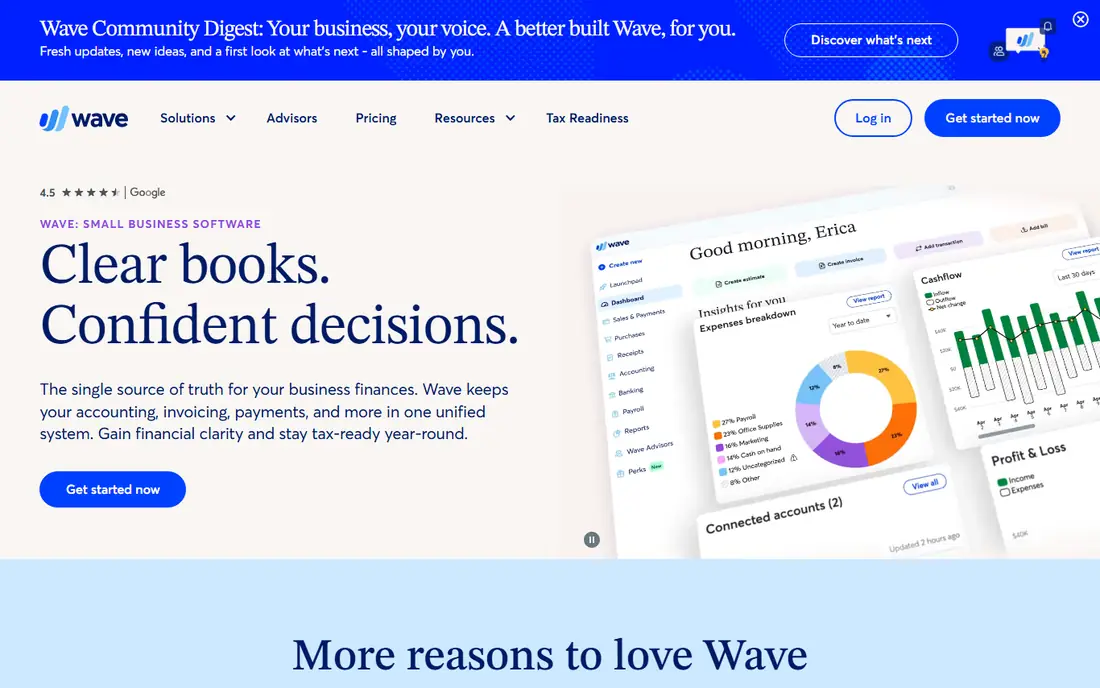
Wave suits solo contractors keeping costs low. Its free invoicing and accounting cover unlimited clients, with invoice status tracking and automatic credit card payment processing, which is unusual and valuable at zero subscription cost.
There is no time tracking and no contracts, and payment processing fees still apply per transaction. For free invoicing with unlimited clients, Wave is the best pick.
What we like- Fully free invoicing and accounting with unlimited clients
- Good mobile app
- Automatic credit card payment processing
Watch out for- No time tracking
- No contracts
- Paid plan from 19 dollars a month for advanced features
Starting priceFree
Free planYes
Invoice Ninja suits tech-comfortable contractors who want flexibility and low cost. Its open-source invoicing offers strong customization, with time tracking included and a free tier covering 20 clients, while paid plans start around 10 dollars a month.
The free tier cap matters for contractors managing dozens of active clients, so check plan limits before committing. For flexible low-cost invoicing, Invoice Ninja leads.
What we like- Free tier covers 20 clients
- Open-source flexibility with strong customization
- Time tracking included
Watch out for- Free tier caps at 20 clients
- Setup takes more effort than FreshBooks
- Smaller support team than QuickBooks
#5Jobber
Best for: Field service plus invoicing4.6/5 on
G2 (530 reviews, checked Oct 2026)
Visit getjobber.com
Starting price$49 per month
Free planNo
Jobber suits trade contractors managing scheduling and invoicing together. Its job lifecycle runs from estimate to scheduling to invoicing, with a client portal, batch-send invoices, automated reminders, and online payments built around field workflows.
The Core plan costs 49 dollars a month, with higher tiers running far higher by user count, and there is no free plan beyond a 14 day trial. For field service plus invoicing, Jobber is the best pick.
What we like- Field service management with invoicing built around job workflows
- Estimates, scheduling, and client portal
- Batch-send invoices and automated reminders
Watch out for- No free plan
- Core plan at 49 dollars a month, with higher tiers to 529 dollars
- Heavier than pure invoicing for solo users
#6Zoho Invoice
Best for: Free invoicing with automation4.7/5 on
G2 (365 reviews, checked Oct 2026)
Visit zoho.com
Starting priceFree
Free planYes
Zoho Invoice suits beginners who want free invoicing with automation. Its free tier covers 30 plus templates, a client portal, automated payment reminders, and multiple payment gateways, with unlimited clients on the free plan.
Time tracking depth is thinner than FreshBooks, and full accounting needs Zoho Books beside it. For free invoicing with automation, Zoho Invoice leads.
What we like- Free with 30 plus templates, client portal, and automation
- Unlimited clients on the free plan
- Multiple payment gateways
Watch out for- No time tracking depth of FreshBooks
- Accounting needs Zoho Books for full books
- Support varies by tier
#7HoneyBook
Best for: Contracts plus invoicing4.5/5 on
G2 (250 reviews, checked Oct 2026)
Visit honeybook.com
Starting price$16 per month
Free planNo
HoneyBook suits contractors who need contracts and proposals beside invoices. Its legally-reviewed contract templates with electronic signature protect you with a signed agreement before starting work, which matters when a job goes wrong.
There is no free plan, no time tracking, and less accounting depth than QuickBooks. For contracts plus invoicing, HoneyBook is the best pick.
What we like- Excellent contracts with legally-reviewed templates and e-signature
- Proposals beside invoices
- Good for client-facing service businesses
Watch out for- No free plan
- No time tracking
- Less accounting depth than QuickBooks
#8Joist
Best for: Mobile estimates and invoices4.1/5 on
G2 (31 reviews, checked Oct 2026)
Visit joist.com
Starting price$10 per month
Free planNo
Joist suits solo contractors and small crews focused on estimates, invoices, and payments. Its mobile-first app lets you create an estimate, convert it to an invoice, and collect payment from your phone, with QuickBooks sync on Pro, Elite, and Run tiers.
The Basics plan costs 10 dollars a month and caps at 5 documents a month, while Pro runs 17 dollars, Elite 32 dollars, and Run 70 dollars introductory. For mobile estimates and invoices, Joist rounds out the list.
What we like- Mobile-first estimates, invoices, and payments from your phone
- Basics plan from 10 dollars a month
- QuickBooks sync on higher tiers
Watch out for- Basics plan caps at 5 documents a month
- Not built for complex multi-crew dispatch
- AI Receptionist is a paid add-on
How we chose
We ranked tools by billing flexibility, mobile quality, payment handling, contract support, and value at entry level pricing. We favored tools whose mobile apps work from a job site, since contractors invoice from a van or a driveway rather than a desk, and we gave extra weight to progress billing and milestone support, because large jobs with staged payments need more than simple invoices. A tool that works from a van scores higher than one that only works well from a desk.
We also weighed total cost honestly. The subscription fee is rarely the whole number: card processing runs about 2.9 percent plus 0.30 dollars per transaction, ACH fees run around 1 percent, and per-user seat fees catch contractors off guard. Price conflicts across sources were handled by using the most commonly cited figure, so readers should check the vendor pricing page before subscribing.
Buying guide
Start with how you bill. Contractors who bill by the hour need strong time tracking tied to invoicing, such as FreshBooks, while fixed-price projects suit almost any platform, and large jobs with staged payments need milestone or progress invoicing, such as QuickBooks.
Next, check field versus office fit. If you generate invoices from a job site rather than a desk, mobile app quality is non-negotiable: Jobber, FreshBooks, and QuickBooks all have field-friendly mobile apps, while desktop-first tools will frustrate you standing in a client's driveway.
Finally, calculate total cost on a realistic job. On a 5,000 dollar invoice, a half-percentage-point difference in processing fees costs 25 dollars, which is more than the monthly fee for some plans, so verify card and ACH rates with each vendor. Getting paid on time is a real pressure for small firms: in the Federal Reserve 2024 Small Business Credit Survey, 51 percent of employer firms cited uneven cash flow, including collecting on receivables, as a challenge. This article is general information, not tax advice: sales tax rules, retainage, and 1099 reporting vary by state and job type, so consult an accountant for your situation.
Frequently asked questions
What is the best invoicing software for contractors overall?
FreshBooks leads for time-tracked billing, QuickBooks for invoicing inside full accounting, Jobber for field service plus invoicing, and Wave for free invoicing. The best pick depends on how you bill and where you work, and on whether you need contracts, scheduling, or full books beside invoices.
Is there free invoicing software for contractors?
Yes. Wave and Zoho Invoice offer free invoicing with unlimited clients, while Invoice Ninja is free up to 20 clients. Payment processing fees still apply when clients pay by card, and free tiers cap advanced features, so check what sits behind the paywall before relying on a free plan for a growing crew.
How much do contractors pay in processing fees?
Card processing typically runs 2.9 percent plus 0.30 dollars per transaction across most platforms, while ACH bank transfers run around 1 percent, sometimes capped. Verify rates with each vendor, since negotiated agreements and plan levels affect what you pay, and remember those percentages compound fast when you invoice 50,000 dollar jobs.
Do I need contracts as well as invoices?
Yes, if a signed agreement before starting work matters to you, and it should. HoneyBook and Bonsai include legally-reviewed contract templates with e-signature, while pure invoicing tools such as Wave and Zoho Invoice do not. A signed contract protects both sides when scope changes, payment stalls, or a job goes wrong, so treat it as part of invoicing rather than an extra.
Should I consult an accountant about invoicing software?
Yes. Sales tax rules, retainage, and 1099 reporting vary by state and job type, and this article is general information, not tax advice. An accountant can confirm which platform fits your tax and reporting needs, and whether progress billing, retainage tracking, or change order documentation matters for your jobs.
Sources we checked (0)
Is your product missing or out of date?
We review this list regularly. Vendors can request a listing, send updated pricing or ask about featured placement.

Shihab Mia · Founder, Rankite
Shihab has 5+ years in B2B and SaaS SEO. He writes Rankite's software buying guides from pricing pages, documentation and public user reviews. More about Shihab.