How we make this list: we compare pricing pages, product documentation and public user reviews. Ratings come from G2, Capterra or Trustpilot, with the date we checked them.
Key takeaways
- Invoice management covers two jobs: processing the bills you receive (accounts payable) and sending the invoices you issue (accounts receivable). Few tools do both equally well.
- Ramp and Melio both offer free plans that include bill capture and payment, which makes them the cheapest way for a small company to stop paying vendors by hand.
- BILL starts at $49 per user per month, but automatic two-way accounting sync begins on the $65 Team plan.
- Tipalti and Stampli are built for finance teams processing hundreds of invoices a month, with PO matching and approval chains, and they price by quote or platform fee.
- For sending invoices, Zoho Invoice is free, Invoice Ninja is free for up to 5 clients, and FreshBooks starts at $23 per month for 5 billable clients.
Quick comparison
| Tool | Best for | Starting price | Free plan |
|---|
 BILL BILL | Small and mid-size firms wanting AP and AR in one place | $49 per user/month (Essentials) | Free trial |
 Tipalti Tipalti | Finance teams with high invoice volume and global suppliers | $99 per month platform fee (plus per-invoice and payment fees) | No |
 Stampli Stampli | AP teams that want invoice-level collaboration | See website | No |
 Ramp Ramp | Companies wanting free bill pay with cards and expenses | $0 per user/month (Free plan) | Yes |
 Melio Melio | Very small businesses paying a handful of vendors | $0 (Go plan); Core is $25 per month or $20 billed annually | Yes |
 QuickBooks Online QuickBooks Online | Businesses that want invoicing inside their accounting system | $38 per month (Simple Start, regular price) | Free trial (30 days) |
 Xero Xero | Growing businesses that want unlimited invoices and bill capture | $27 per month (Early) | No |
 FreshBooks FreshBooks | Service businesses and freelancers billing clients | $23 per month (Lite, up to 5 billable clients) | Free trial (30 days) |
 Zoho Invoice Zoho Invoice | Small businesses that only need to send invoices | Free | Yes |
 Invoice Ninja Invoice Ninja | Freelancers who want a free or self-hosted invoicing tool | $0 for up to 5 clients; Pro is $14 per month or $140 per year | Yes |
Is your product missing or out of date?
We review this list regularly. Vendors can request a listing, send updated pricing or ask about featured placement.
The best invoice management software
Search for invoice management software and you will find two different product categories mixed together. One handles incoming supplier bills: capture, coding, approval and payment. The other creates and sends invoices to your own customers and chases payment. This list covers both, and the "best for" line on each tool tells you which side it serves. All prices come from vendor pricing pages checked in October 2026.
#1BILL
Best for: Small and mid-size firms wanting AP and AR in one place4.4/5 on
G2 (1,805 reviews, checked Oct 2026)
Visit bill.com
Starting price$49 per user/month (Essentials)
Free planFree trial
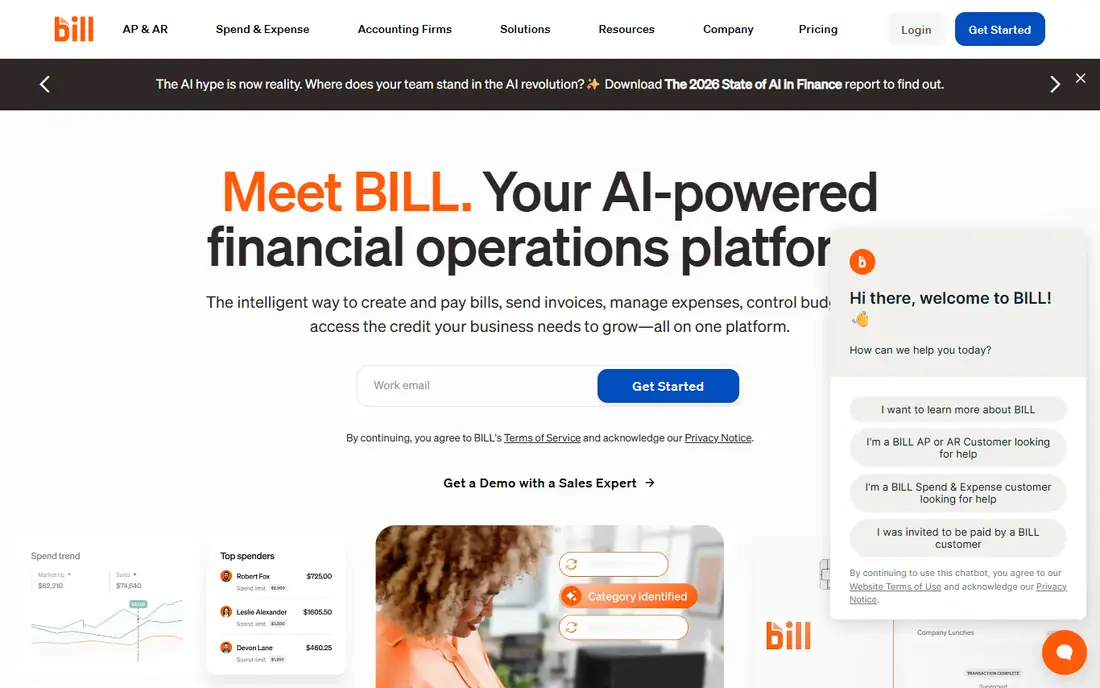
BILL is the default AP tool for many accounting firms and their clients. Bills come into a central inbox, approvers sign off in the app, and payments go out by ACH, card or check. The same account can send customer invoices with reminders.
The plan structure matters more than the headline price. Essentials at $49 per user per month only offers manual CSV import and export, so most companies need Team at $65, which adds automatic sync with QuickBooks Online and Xero plus AI multi-line bill coding. Corporate at $89 adds custom approval policies. Payment fees apply on every plan, so model your monthly ACH and check count before comparing BILL with free options.
What we like- Handles both payables and receivables
- Automatic two-way sync with QuickBooks and Xero from the Team plan
- Customer invoices and reminders on every plan
Watch out for- Per-transaction fees on top of seats ($0.59 per ACH, $1.99 per check)
- 2- and 3-way matching only on Enterprise
#2Tipalti
Best for: Finance teams with high invoice volume and global suppliers4.5/5 on
G2 (419 reviews, checked Oct 2026)
Visit tipalti.com
Starting price$99 per month platform fee (plus per-invoice and payment fees)
Free planNo
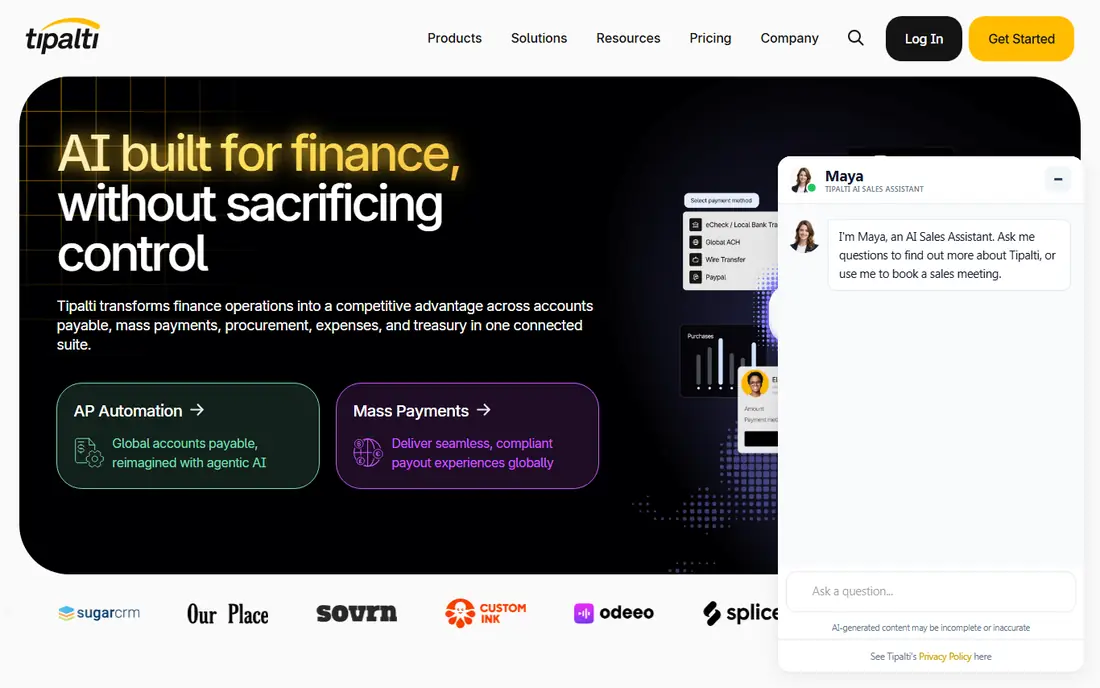
Tipalti is built for companies that pay a lot of suppliers, often across countries. Its supplier portal lets vendors enter their own payment and tax details, which removes a large share of the back-and-forth that slows AP teams down.
Accounts Payable starts at a $99 monthly platform fee, and Mass Payments for marketplaces and creator platforms starts at $249. Both include unlimited users, which is a real advantage over seat-based tools when many managers need to approve bills. The final cost depends on transaction pricing for each invoice and payment, so ask for a quote based on your actual volume. Very small businesses will find it more than they need.
What we like- Unlimited users on every plan
- Self-service supplier portal handles onboarding and tax forms
- Standard implementation included
Watch out for- Transaction fees per invoice and payment add to the platform fee
- Procurement, expenses and treasury are paid add-ons
#3Stampli
Best for: AP teams that want invoice-level collaboration4.6/5 on
G2 (2,069 reviews, checked Oct 2026)
Visit stampli.com
Starting priceSee website
Free planNo
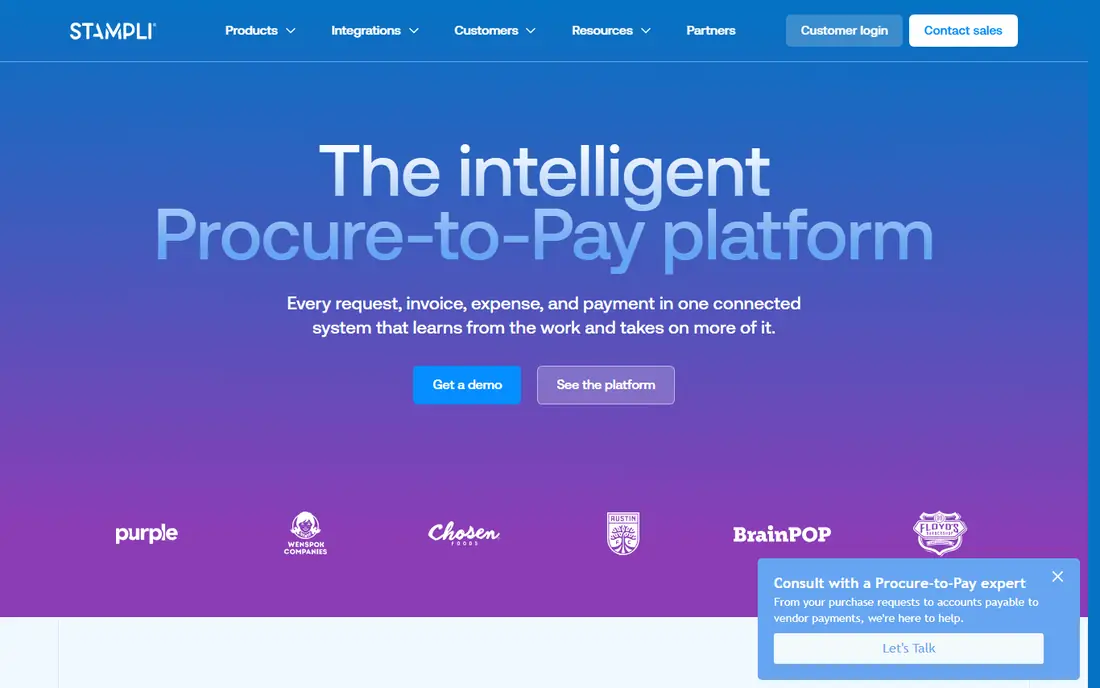
Stampli's idea is that every invoice gets its own conversation thread. Instead of forwarding PDFs by email, AP clerks, approvers and purchasers ask and answer questions on the invoice itself, and the history stays attached for audit. Its AI assistant, Billy, takes on routine coding and routing work.
The product covers automated invoice capture, PO matching, dashboards and vendor management, with optional procurement, direct pay and credit card modules. Stampli quotes every deal, and third-party reports suggest invoice volume is the main price driver. It sits on top of your existing ERP rather than replacing it, which helps companies running NetSuite or Sage Intacct keep their accounting setup.
What we like- Approvers comment directly on the invoice
- Semi-automated 2- and 3-way PO matching
- Dedicated customer success manager and training included
Watch out for- No published pricing
- Payments and cards are separate modules
#4Ramp
Best for: Companies wanting free bill pay with cards and expenses4.8/5 on
G2 (2,540 reviews, checked Oct 2026)
Visit ramp.com
Starting price$0 per user/month (Free plan)
Free planYes
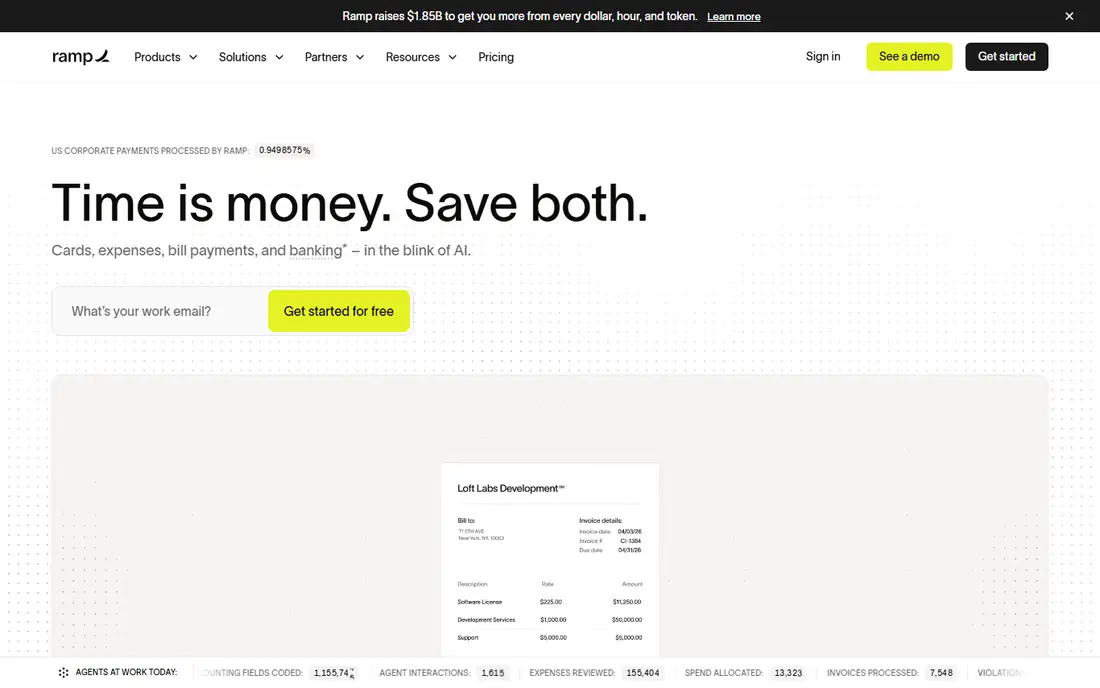
Ramp started as a corporate card and expense tool, and its bill pay module is now one of the strongest free AP options available. The free plan reads invoices with OCR, routes them through configurable approvals, runs automated fraud checks and pays vendors by several methods.
Plus costs $15 per user per month plus a platform fee based on team size, with 20% off for annual billing. It adds auto-coded line items, AI approval suggestions, batch payments and payment release approvals. The catch is that Ramp works best when you also use its cards and expense tools. If you only want AP and nothing else, a narrower tool may fit better.
What we like- Free plan includes OCR invoice capture and approval workflows
- Pay by ACH, card, check or wire
- Free wires and same-day ACH through Bill Pay
Watch out for- Auto-coded line items and batch payments need Plus
- Plus adds a platform fee on top of $15 per user
#5Melio
Best for: Very small businesses paying a handful of vendors4.4/5 on
G2 (248 reviews, checked Oct 2026)
Visit melio.com
Starting price$0 (Go plan); Core is $25 per month or $20 billed annually
Free planYes
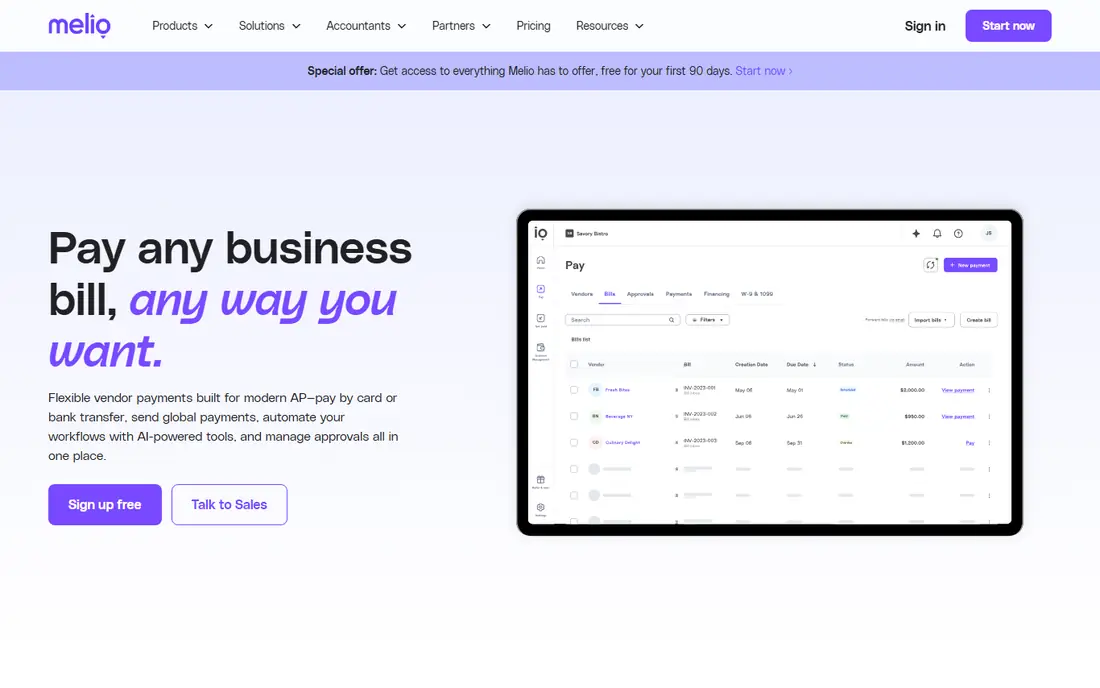
Melio is the simplest way for a small business to stop writing checks. Upload a bill, choose how the vendor gets paid, and Melio handles the delivery, even if the vendor wants a paper check.
The free Go plan covers one user, five free ACH payments a month and basic invoicing. Core at $25 per month ($20 annually) raises the ACH allowance to 20 and adds unlimited QuickBooks Online and Xero sync, approval workflows, W-9 collection and 1099 automation. Boost at $55 adds QuickBooks Desktop sync. Companies paying more than 50 bills a month should compare the Unlimited plan at $80 against BILL.
What we like- Free plan includes 5 free ACH payments a month
- Can also send invoices and payment links
- Core adds approvals, batch payments and 1099 automation
Watch out for- Go plan is limited to 1 user and 10 accounting syncs
- Each extra ACH costs $0.50 once the free allowance is used
#6QuickBooks Online
Best for: Businesses that want invoicing inside their accounting system4.0/5 on
G2 (3,871 reviews, checked Oct 2026)
Visit quickbooks.intuit.com
Starting price$38 per month (Simple Start, regular price)
Free planFree trial (30 days)
Many small businesses already run QuickBooks Online, and for them the built-in invoicing is often enough. You can create and send invoices, take online payments and record supplier bills without adding another subscription.
Regular prices are $38 per month for Simple Start with one user, $85 for Essentials with three, $140 for Plus with five and $340 for Advanced with 25. Bill pay is available from Simple Start, with $0.50 charged per standard ACH beyond the monthly allotment. The weakness is AP control. Formal approval workflows only arrive on Advanced, which is why so many QuickBooks users add BILL or Melio on top.
What we like- Invoicing, bills and the general ledger in one product
- Bill pay with free ACH allowances
- Approval workflows on Advanced
Watch out for- User limits by plan (1 on Simple Start, 3 on Essentials)
- Bill approval workflows only on the $340 Advanced plan
#7Xero
Best for: Growing businesses that want unlimited invoices and bill capture4.4/5 on
G2 (1,832 reviews, checked Oct 2026)
Visit xero.com
Starting price$27 per month (Early)
Free planNo
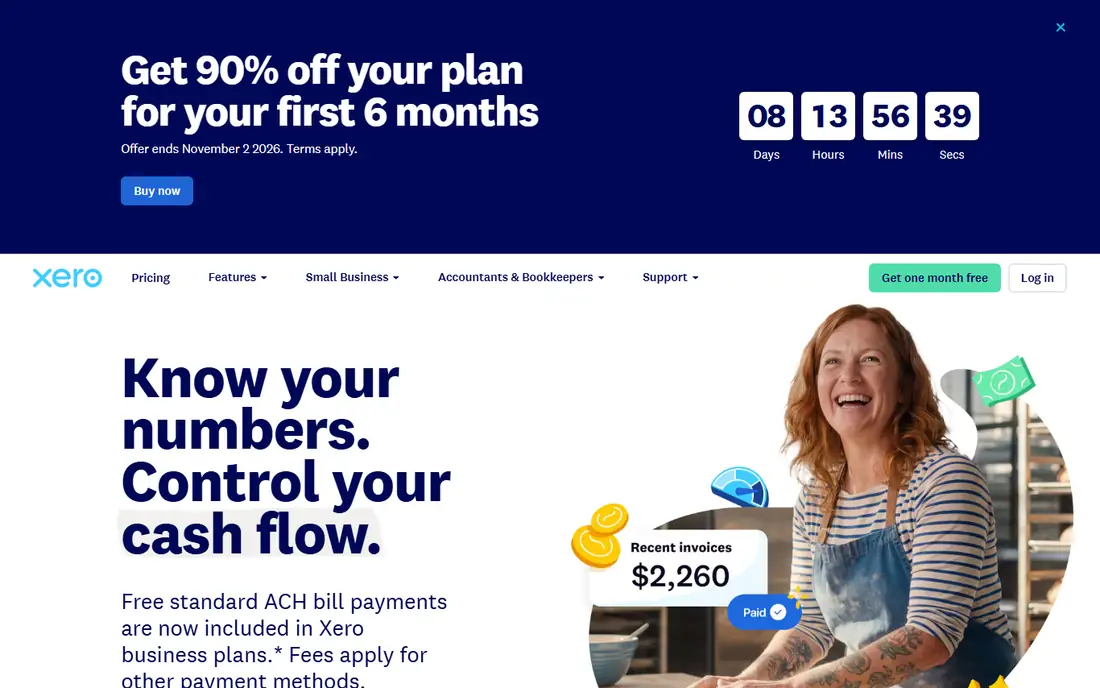
Xero is a full accounting system with good invoicing and bill handling built in. Bills can be forwarded to Xero, data is captured automatically, and they wait in a queue for approval and payment. Invoices support online payments and reminders.
The Early plan at $27 per month is only for very small operations, since it limits you to 20 invoices and 5 bills. Growing at $59 removes those limits, and Established at $97 extends the cash flow forecast to 180 days. The promotional discount for new customers ends on November 2, 2026, so check what is on offer the day you buy.
What we like- Growing and Established plans include unlimited invoices, quotes and automated bill entry
- Full accounting system included
- 90% off for six months for new US customers until November 2, 2026
Watch out for- Early plan caps you at 20 invoices and 5 bills
- Cash flow forecasting is short on lower tiers
#8FreshBooks
Best for: Service businesses and freelancers billing clients4.5/5 on
G2 (981 reviews, checked Oct 2026)
Visit freshbooks.com
Starting price$23 per month (Lite, up to 5 billable clients)
Free planFree trial (30 days)
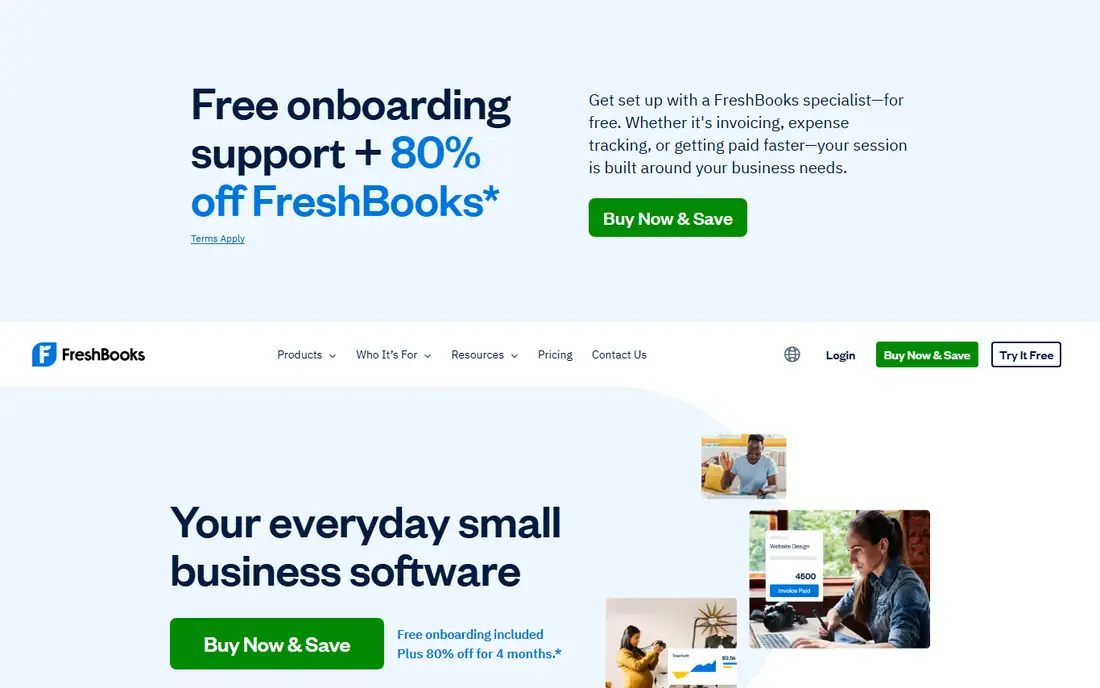
FreshBooks is built around the client invoice. Consultants, agencies and trades businesses use it to log time, add expenses and turn both into a branded invoice that clients can pay online. Recurring invoices and automatic reminders reduce the time spent chasing late payers.
The billable client limit is the detail to watch. Lite at $23 per month allows 5 clients, Plus at $43 allows 50, and Premium at $70 removes the cap. Adding staff costs $11 per person per month. FreshBooks does handle expenses and bills, but it is not an AP automation tool, so companies with many suppliers should pair it with something else.
What we like- Polished invoice design and client experience
- Time tracking and expenses tie into invoices
- No credit card needed for the trial
Watch out for- Plans cap billable clients (5 on Lite, 50 on Plus)
- Each extra team member costs $11 per month
#9Zoho Invoice
Best for: Small businesses that only need to send invoices4.7/5 on
G2 (365 reviews, checked Oct 2026)
Visit zoho.com
Starting priceFree
Free planYes
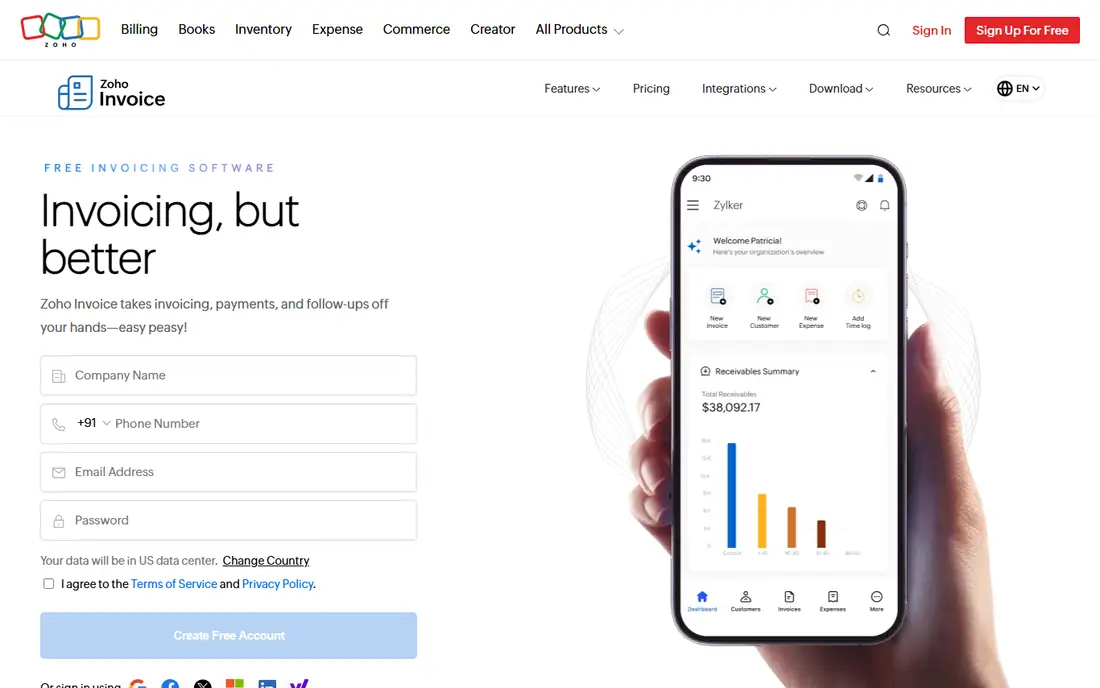
Zoho removed the price from Zoho Invoice and now describes it as free, secure and ad-free. For a small business that sends invoices but does not need full accounting, that is hard to beat.
The free product includes one-time and recurring invoices, quotes, a customer portal where clients approve estimates and pay, and time tracking for billable hours. Zoho's help documentation says the number of invoices you can create is governed by usage limits that reset each year, which you can view under Settings. Check that limit against your volume. If you outgrow it, Zoho Books is the natural next step.
What we like- No subscription fee and no ads
- Client portal for quotes, invoices and statements
- Recurring invoices and time tracking included
Watch out for- Invoice creation is subject to annual usage limits
- Heavier needs push you toward paid Zoho Books
#10Invoice Ninja
Best for: Freelancers who want a free or self-hosted invoicing tool4.7/5 on
Capterra (167 reviews, checked Oct 2026)
Visit invoiceninja.com
Starting price$0 for up to 5 clients; Pro is $14 per month or $140 per year
Free planYes
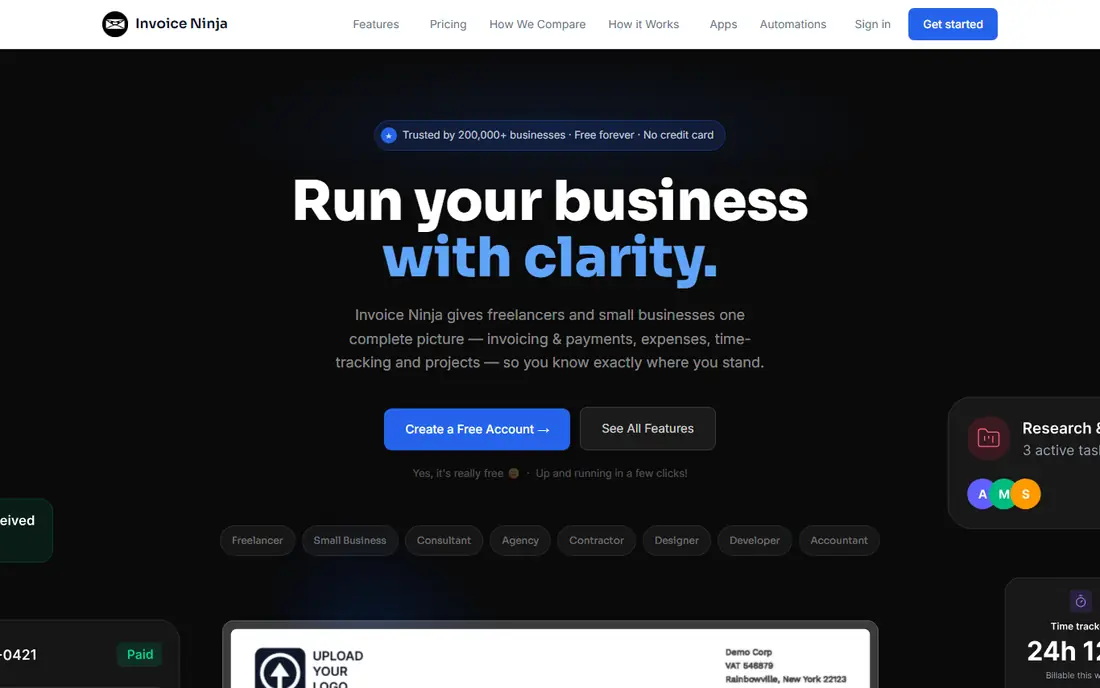
Invoice Ninja suits freelancers and small agencies who want to send professional invoices without paying much. The hosted free plan covers up to 5 clients with unlimited invoices, and Pro at $14 per month ($140 per year) removes the client limit.
Teams that need more users can choose Enterprise, which starts at $18 per month for one to two users and scales with headcount. The self-hosted option appeals to companies that want to keep billing data on their own servers. The trade-off is that you are working with a smaller vendor, so expect fewer native integrations and more do-it-yourself setup than with QuickBooks or Xero.
What we like- Free plan with unlimited invoicing for up to 5 clients
- Low-cost Pro plan for unlimited clients
- Self-hosted version available
Watch out for- Interface is less polished than FreshBooks
- Support and integrations are thinner than larger vendors
How we chose
We built the shortlist from tools that appear repeatedly in accounting forums, Reddit threads from small business owners and bookkeepers, and review sites such as G2 and Capterra. We kept only products that are actively sold and that handle invoice capture and approval, invoice creation and sending, or both. We did not run hands-on tests.
For each product we read the vendor's pricing page and product documentation, then compared entry-plan limits, per-user versus flat pricing, transaction fees, accounting integrations, approval controls and the company size each tool is built for. Where a vendor only quotes prices on request, we say so.
Decide which side hurts more
If late supplier payments, lost bills and slow approvals are the problem, you need AP automation: BILL, Tipalti, Stampli, Ramp or Melio. If the problem is slow customer payments and messy billing, you need an invoicing tool: FreshBooks, Zoho Invoice, Invoice Ninja, or the invoicing inside QuickBooks or Xero. Buying the wrong category is the most common mistake.
Count invoices, users and payments
Pricing models differ a lot. BILL and Ramp Plus charge per user, Tipalti and Stampli price on volume, Melio and QuickBooks charge per ACH after a free allowance, and FreshBooks caps billable clients. Write down your monthly bills, invoices, approvers and payments, then price each tool against those real numbers.
Check the accounting sync
Two-way sync with your ledger saves the most time. Confirm which plan includes it: BILL starts automatic sync on Team, Melio's free plan stops at 10 syncs, and NetSuite or Sage Intacct support usually sits on higher tiers.
Plan for controls and audit
As soon as more than one person approves spending, you need approval rules, an audit trail and duplicate detection. Ask how each tool flags duplicate invoices, who can release payments and whether you can export the full approval history if you change systems.
Frequently asked questions
What is the best invoice management software for a small business?
For paying bills, Melio and Ramp are the easiest free starting points. For sending invoices, Zoho Invoice is free and FreshBooks starts at $23 per month. If you already use QuickBooks Online or Xero, try their built-in invoicing before adding another tool.
Is there free invoice management software?
Yes. Ramp's free plan includes invoice OCR, approvals and bill payment. Melio's Go plan is free with 5 ACH payments a month. Zoho Invoice is free for sending invoices, and Invoice Ninja is free for up to 5 clients.
What is the difference between AP automation and invoicing software?
AP automation processes the bills your company receives: capture, coding, approval and payment. Invoicing software creates the bills your company sends to customers and tracks whether they are paid. Some tools, such as BILL and Melio, cover both, but most are stronger on one side.
Do I still need accounting software if I use an invoice tool?
Usually yes. Tools like BILL, Tipalti and Stampli sync with an accounting system rather than replacing it. QuickBooks Online and Xero are full accounting systems with invoicing included, so they can serve both purposes for smaller companies.
How long does it take to set up invoice automation?
Simple tools such as Melio, Zoho Invoice or FreshBooks can be running the same day. AP platforms with ERP integration and approval chains, such as Tipalti or Stampli, take longer, and both include onboarding support in their packages.
Sources we checked (12)
- https://www.bill.com/pricing
- https://tipalti.com/pricing/
- https://www.stampli.com/pricing/
- https://www.corpay.com/resources/blog/stampli-pricing
- https://ramp.com/pricing
- https://www.melio.com/pricing
- https://quickbooks.intuit.com/pricing/
- https://www.xero.com/us/pricing-plans/
- https://www.freshbooks.com/pricing
- https://www.zoho.com/invoice/
- https://zstatic.zohostatic.com/uk/invoice/kb/general/invoices-creation-free.md
- https://invoiceninja.com/pricing-plans/
Is your product missing or out of date?
We review this list regularly. Vendors can request a listing, send updated pricing or ask about featured placement.

Shihab Mia · Founder, Rankite
Shihab has 5+ years in B2B and SaaS SEO. He writes Rankite's software buying guides from pricing pages, documentation and public user reviews. More about Shihab.