How we make this list: we compare pricing pages, product documentation and public user reviews. Ratings come from G2, Capterra or Trustpilot, with the date we checked them.
Key takeaways
- Wave and Zoho Invoice are the best free invoicing options for contractors starting out.
- FreshBooks suits service contractors who want simple invoicing, expenses, and time tracking in one app.
- Jobber and Housecall Pro are the best field-service options, combining scheduling, dispatch, and invoicing.
- Square Invoices fits contractors who already take card payments through Square.
- QuickBooks and Xero suit contractors who need full accounting behind their invoices.
Quick comparison
| Tool | Best for | Starting price | Free plan |
|---|
 FreshBooks FreshBooks | Simple service invoicing | $19/month | Free trial |
 QuickBooks QuickBooks | Full accounting | See website | Free trial |
 Wave Wave | Free invoicing | Free | Yes |
 Zoho Invoice Zoho Invoice | Free invoicing suite | Free | Yes |
 Invoice2go Invoice2go | Mobile invoicing | See website | Free trial |
 Square Invoices Square Invoices | Card payment invoicing | Free | Yes |
 Xero Xero | Accounting plus invoicing | See website | Free trial |
 Jobber Jobber | Field service plus invoicing | See website | Free trial |
 Housecall Pro Housecall Pro | Field service operations | See website | Free trial |
Is your product missing or out of date?
We review this list regularly. Vendors can request a listing, send updated pricing or ask about featured placement.
The best invoice app for contractors
#1FreshBooks
Best for: Simple service invoicing4.5/5 on
G2 (981 reviews, checked Oct 2026)
Visit freshbooks.com
Starting price$19/month
Free planFree trial
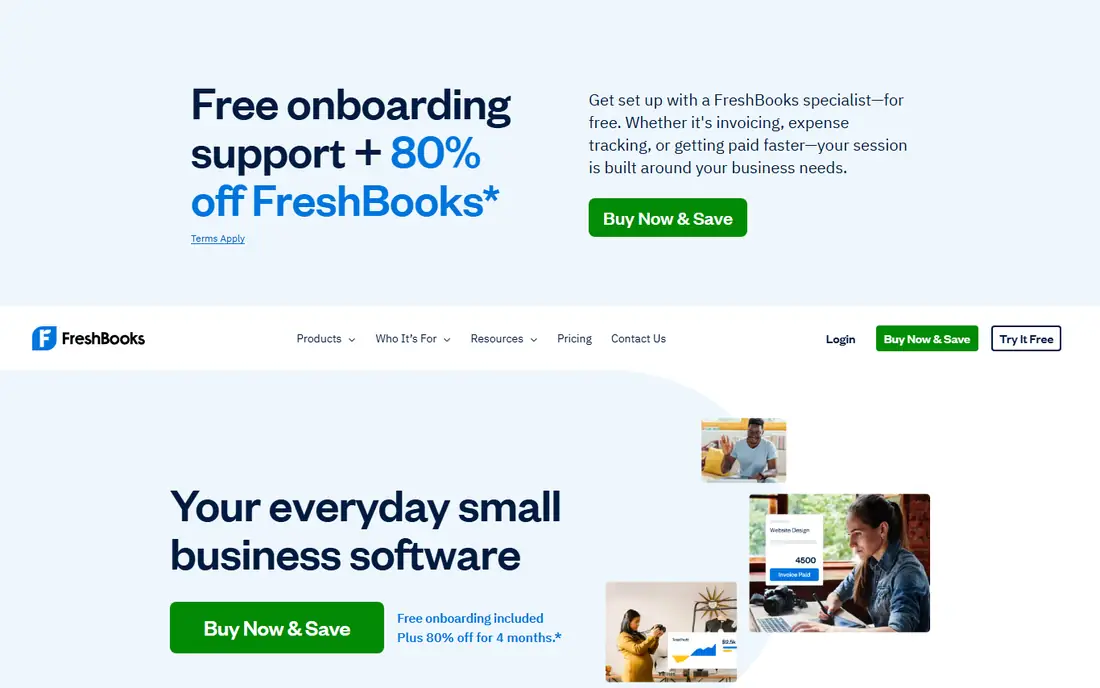
FreshBooks is built for service businesses, with invoicing, expense tracking, time tracking, and a client portal in a clean interface. Contractors can create professional invoices, track billable hours, and send automatic late payment reminders, with Lite plans starting around $19 a month.
The Lite plan limits the number of billable clients, accounting features are lighter than QuickBooks', and costs rise as client counts grow. FreshBooks suits service contractors who want invoicing plus light bookkeeping without learning full accounting software.
What we like- Easy invoicing, expenses, and time tracking
- Client portal
- Late payment reminders
Watch out for- Lite plan limits clients
- Accounting features are lighter than QuickBooks
- Pricing rises with clients
Starting priceSee website
Free planFree trial
QuickBooks pairs invoicing with full accounting, including expenses, payroll, tax tracking, and reporting, and most accountants know it, which simplifies year-end work. Its invoicing covers estimates, progress billing, and recurring invoices, which suit contractors with longer projects.
Pricing is confirmed on the vendor site, the learning curve is steeper than Wave's or FreshBooks', and it is overkill for contractors who only need invoices. QuickBooks suits contractors who want invoicing inside a complete accounting system.
What we like- Full accounting behind invoicing
- Payroll and tax features
- Wide accountant support
Watch out for- Pricing sits on the vendor site
- Learning curve
- Overkill for invoice-only needs
Starting priceFree
Free planYes
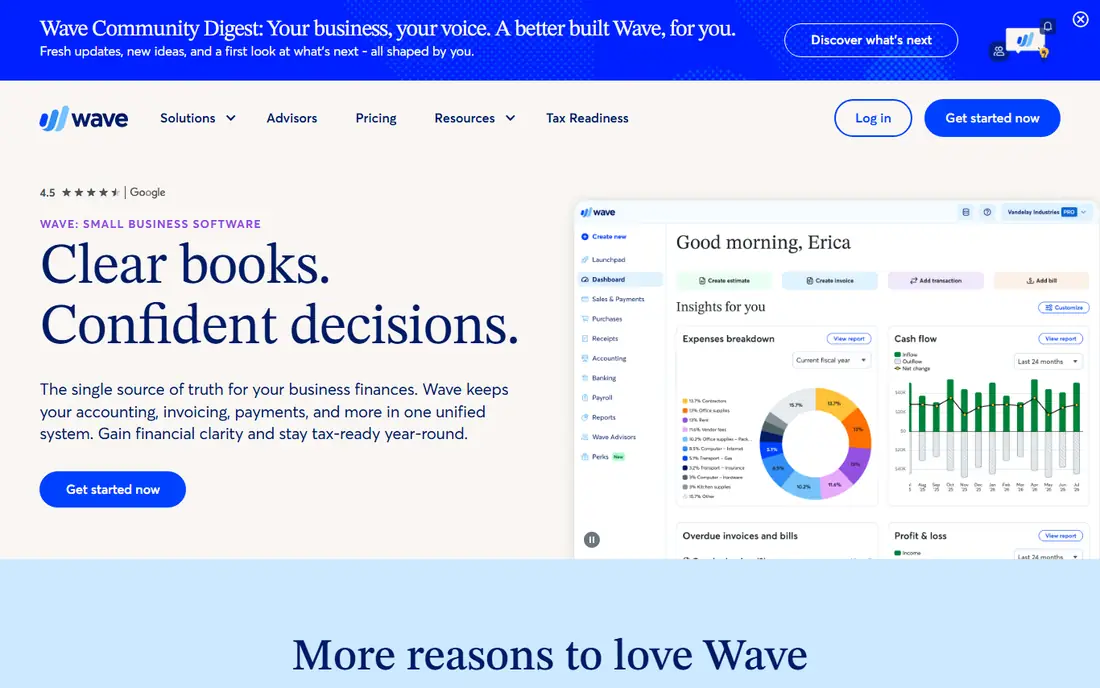
Wave offers free invoicing and accounting with unlimited invoices, estimates, and receipt scanning, making it the best free starting point for contractors. Payments processing is available for a transaction fee, and the interface is straightforward for non-accountants.
Free support is limited to online help, payroll costs extra, and field-service features such as scheduling and dispatch are absent. Wave suits solo contractors and small crews who need solid free invoicing and basic books.
What we like- Free invoicing and accounting
- Unlimited invoices
- Receipt scanning on mobile
Watch out for- No phone support on free tier
- Payroll is a paid add-on
- Fewer field-service features than Jobber
#4Zoho Invoice
Best for: Free invoicing suite4.7/5 on
G2 (365 reviews, checked Oct 2026)
Visit zoho.com
Starting priceFree
Free planYes
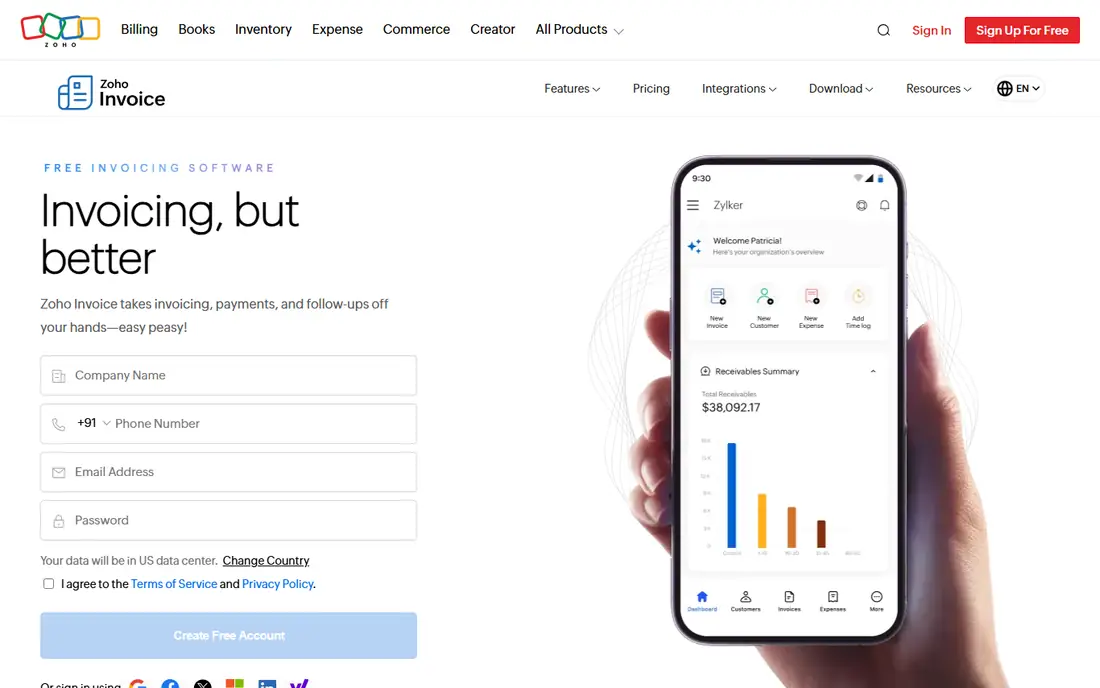
Zoho Invoice is completely free, covering invoices, estimates, expenses, time tracking, and a client portal, with integration into the wider Zoho suite for businesses that use Zoho CRM or Books. That free depth is unmatched for a full invoicing suite.
Accounting features are lighter than QuickBooks', support is online-first, and field-service tools are limited. Zoho Invoice suits contractors who want a complete free invoicing tool, especially those already using Zoho products.
What we like- Completely free invoicing
- Estimates, expenses, and client portal
- Zoho ecosystem integration
Watch out for- Accounting is lighter than QuickBooks
- Support is online-first
- Field-service features are limited
Starting priceSee website
Free planFree trial
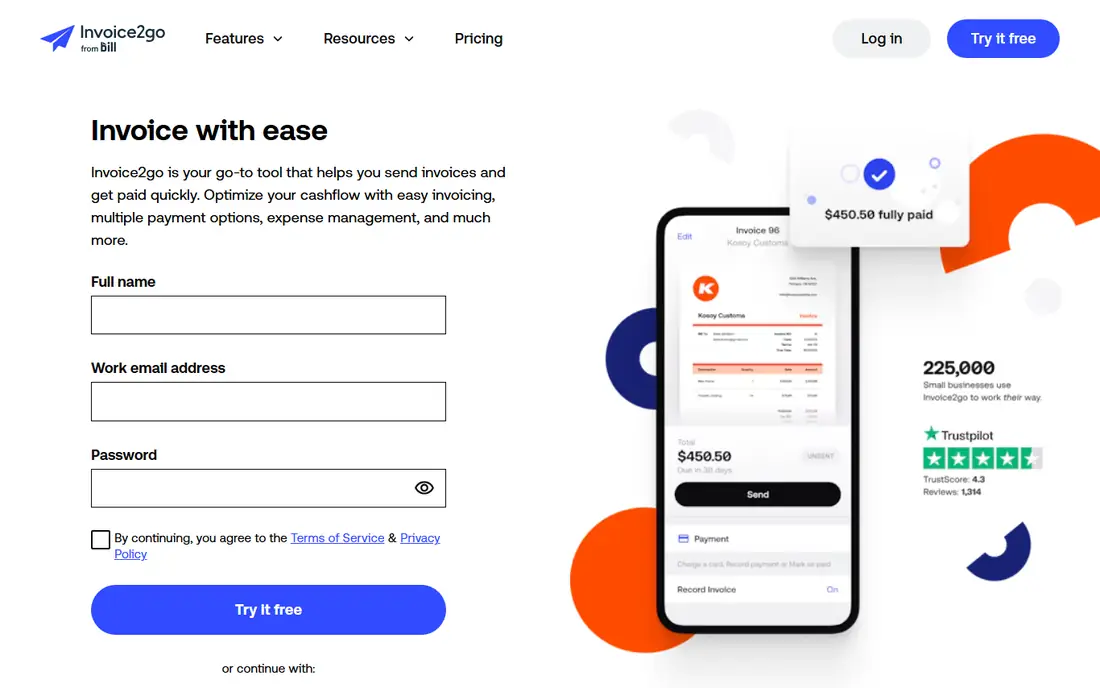
Invoice2go is built for mobile-first contractors, with invoicing, estimates, and appointment scheduling from a phone, plus professional templates that look polished on site. That mobile focus suits tradespeople who invoice from the job site rather than a desk.
Pricing is confirmed on the vendor site, accounting features are light, and the ecosystem is smaller than QuickBooks'. Invoice2go suits mobile contractors who prioritize fast, professional invoicing on the go.
What we like- Mobile-first invoicing
- Estimates and appointments
- Professional templates
Watch out for- Pricing sits on the vendor site
- Accounting features are light
- Smaller ecosystem than QuickBooks
#6Square Invoices
Best for: Card payment invoicing4.7/5 on
G2 (217 reviews, checked Oct 2026)
Visit squareup.com
Starting priceFree
Free planYes
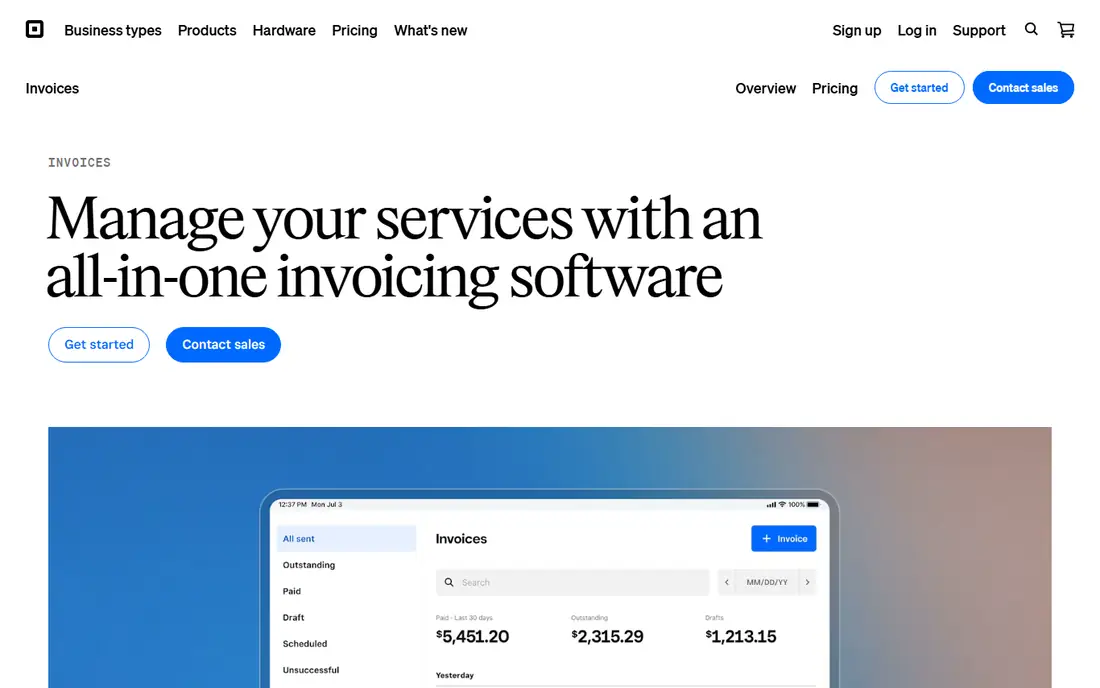
Square Invoices lets contractors send free invoices with card payments built in, plus estimates and contracts, all inside the Square ecosystem. For contractors who already use Square for point-of-sale or online payments, invoicing fits naturally beside it.
Card processing fees apply, accounting features are basic compared with QuickBooks, and the tool works best inside Square. Square Invoices suits contractors who take card payments and want invoicing tied directly to payment collection.
What we like- Free invoicing with card payments built in
- Easy for Square sellers
- Estimates and contracts
Watch out for- Processing fees apply to card payments
- Accounting features are basic
- Best inside the Square ecosystem
#7Xero
Best for: Accounting plus invoicing4.4/5 on
G2 (1,832 reviews, checked Oct 2026)
Visit xero.com
Starting priceSee website
Free planFree trial
Xero combines invoicing with strong accounting, bank reconciliation, and a wide app marketplace, making it a solid QuickBooks alternative for contractors who want full books. Its invoicing covers repeating invoices, quotes, and multi-currency billing for contractors with international clients.
Pricing is confirmed on the vendor site, the learning curve is real, and it is overkill for invoice-only needs. Xero suits contractors who want accounting depth with modern cloud software and accountant collaboration.
What we like- Strong accounting with invoicing
- Bank reconciliation
- Wide app marketplace
Watch out for- Pricing sits on the vendor site
- Learning curve
- Overkill for invoice-only contractors
#8Jobber
Best for: Field service plus invoicing4.6/5 on
G2 (530 reviews, checked Oct 2026)
Visit getjobber.com
Starting priceSee website
Free planFree trial
Jobber is built for home-service contractors, combining scheduling, dispatch, quotes, jobs, and invoicing in one tool, with a client hub for approvals and payments. That end-to-end flow suits lawn care pros, cleaners, plumbers, and similar trades whose work starts with a booking and ends with an invoice.
Pricing is confirmed on the vendor site, full setup takes time, and accounting features are lighter than QuickBooks'. Jobber suits field-service businesses that want operations and invoicing together, rather than invoicing alone.
What we like- Scheduling, dispatch, quotes, and invoicing in one tool
- Client hub and reminders
- Built for home services
Watch out for- Pricing sits on the vendor site
- Learning curve for full setup
- Accounting is lighter than QuickBooks
Starting priceSee website
Free planFree trial
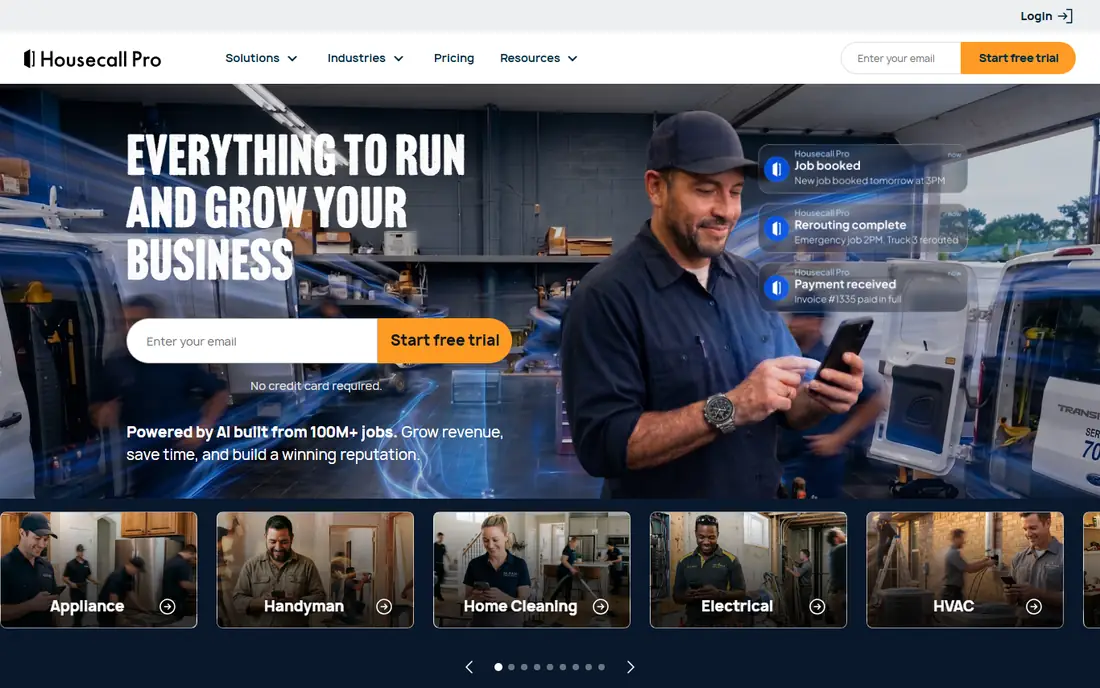
Housecall Pro covers the full field-service workflow, from online booking and dispatch to estimates, invoicing, and payments, with a mobile app for technicians in the field. Its automation for reminders, reviews, and follow-ups saves office time for growing crews.
Pricing is confirmed on the vendor site, setup takes effort, and monthly costs run higher than invoice-only apps. Housecall Pro suits growing home-service businesses that need operations, scheduling, and invoicing in one system.
What we like- Scheduling, dispatch, estimates, and invoicing
- Online booking and payments
- Strong for home services
Watch out for- Pricing sits on the vendor site
- Setup takes effort
- Monthly cost is higher than invoice-only tools
How we chose
We compared apps that create and send invoices for contractor work, including field-service platforms with invoicing, excluding pure accounting tools without invoicing and pure payment links without invoice features. Pricing figures come from each vendor's own pricing page, checked in October 2026, and where pricing sits on the vendor site we say so. We weighed invoice quality, payment collection, estimates and progress billing, field-service features, accounting depth, and price.
Match the app to the business type
Solo contractors should start free with Wave or Zoho Invoice, and add FreshBooks when time tracking or client volume grows. Field-service crews should evaluate Jobber or Housecall Pro for scheduling plus invoicing. Contractors who need full books should choose QuickBooks or Xero, with invoicing inside the accounting workflow.
Get paid faster
Invoices with online payment options get paid faster than paper or bank-transfer-only invoices. Enable card or bank payments on every invoice, send reminders automatically, and offer progress billing on longer jobs so cash flow stays steady through the project.
This is not financial advice. Tax, accounting, and payment rules vary by location and business structure, so check requirements for your area or speak to an accountant before choosing a system.
Getting paid on time: terms and follow-up
Late payment is the most common cash flow problem for contractors, and invoice software helps most when it enforces good habits rather than just producing pretty documents. Start with payment terms stated on every invoice, including the due date, accepted methods, and late fees where your jurisdiction allows them. Shorter terms, such as net 14 instead of net 30, measurably speed payment for many trades, and requiring a deposit on larger jobs protects against clients who disappear mid-project.
Follow-up should be systematic, not emotional. Send a polite reminder a few days before the due date, another on the due date, and a firmer one a week later, using the app's automated reminders so nothing depends on memory. Many contractors lose money simply because they never follow up, assuming the client will pay eventually. A short, factual reminder sequence recovers most late invoices without damaging the relationship.
For chronic late payers, change the terms rather than repeating the same chase. Require deposits, shorten terms, or move to progress billing with payment milestones before further work continues. Document every agreement in writing, keep copies of signed estimates and change orders, and know your local lien and small claims options before a dispute arises. Good invoicing software makes all of this easier, but the discipline of terms and follow-up is what actually gets contractors paid.
One more habit separates contractors who get paid from those who chase payments: sending the invoice the same day the work finishes. Delay gives the client time to forget the details, dispute the scope, or simply deprioritize payment. An invoice app with a mobile workflow helps here, since you can create and send the invoice from the job site before leaving. Pair same-day invoicing with the reminder sequence above, and most payment delays shrink to a manageable level without any confrontation.
Frequently asked questions
What is the best invoice app for contractors overall?
It depends on the business. Wave and Zoho Invoice lead for free invoicing, FreshBooks leads for simple service invoicing, and Jobber and Housecall Pro lead for field-service businesses.
Is there a free invoice app for contractors?
Yes. Wave and Zoho Invoice offer free invoicing, and Square Invoices is free with card processing fees. Free tiers cover most solo contractor needs, with paid plans adding accounting and field features.
Should contractors use Jobber or FreshBooks?
Jobber, if the business needs scheduling, dispatch, and job management alongside invoicing. FreshBooks, if the business mainly needs invoicing, expenses, and time tracking without field-service operations.
Can invoice apps handle progress billing?
Yes. QuickBooks, Xero, Jobber, and Housecall Pro all support estimates and progress invoices for longer projects, letting contractors bill in stages rather than only at completion.
Do invoice apps charge for card payments?
Most do, through processing fees on card transactions, while the invoice itself is often free. Check the processing rate before choosing, since it affects margins on every card payment.
Sources we checked (9)
- https://www.freshbooks.com
- https://quickbooks.intuit.com
- https://www.waveapps.com
- https://www.zoho.com/invoice
- https://invoice2go.com
- https://squareup.com/us/en/invoices
- https://www.xero.com
- https://getjobber.com
- https://www.housecallpro.com
Is your product missing or out of date?
We review this list regularly. Vendors can request a listing, send updated pricing or ask about featured placement.

Shihab Mia · Founder, Rankite
Shihab has 5+ years in B2B and SaaS SEO. He writes Rankite's software buying guides from pricing pages, documentation and public user reviews. More about Shihab.