How we make this list: we compare pricing pages, product documentation and public user reviews. Ratings come from G2, Capterra or Trustpilot, with the date we checked them.
Key takeaways
- Speedtest by Ookla is the best-known option, with an 11,000-plus server network and saved history for tracking performance over time.
- Fast.com from Netflix is the easiest test, free with no ads, and it measures against Netflix own CDN, so it approximates real streaming experience.
- Cloudflare Speed Test is the best pick for gaming and deep network diagnostics, while TestMy.net is the accuracy pick in guides.
- The FCC Mobile Speed Test app is the one used to challenge coverage maps, and Measurement Lab is the best open source option.
- A speed test cannot make your connection faster, but it is the right tool to find out how fast it is and whether your carrier or Wi-Fi is the problem.
Quick comparison
Is your product missing or out of date?
We review this list regularly. Vendors can request a listing, send updated pricing or ask about featured placement.
Starting priceFree
Free planYes
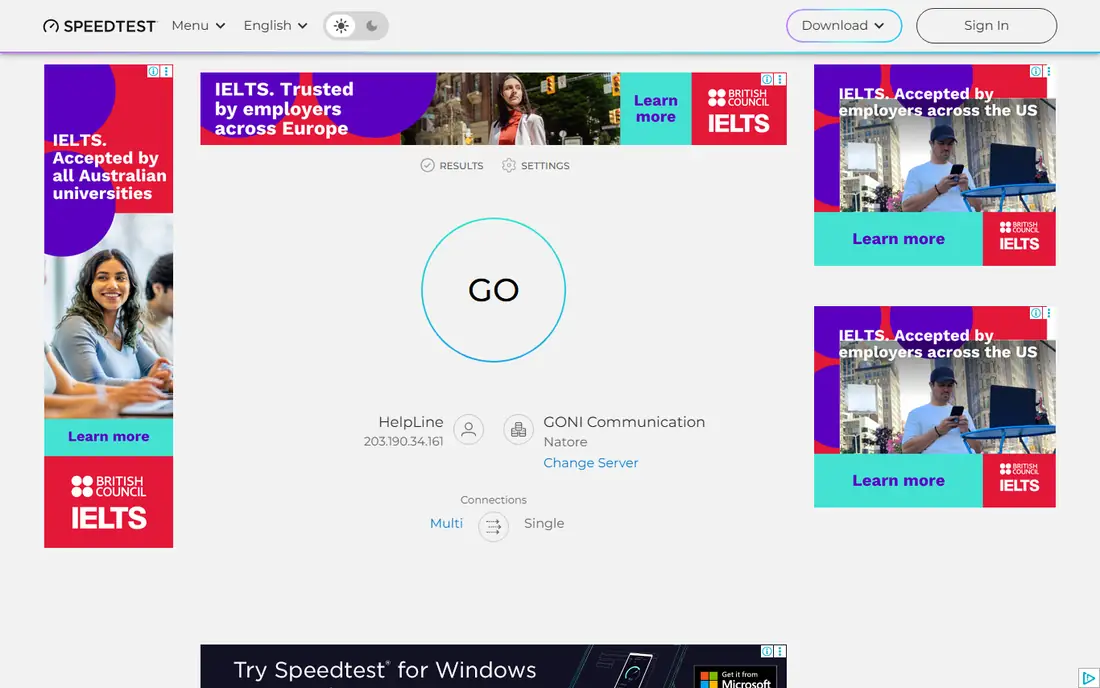
Speedtest by Ookla is the definitive global standard for network performance measurement, and guides call it the top pick because its extensive server network and transparent testing deliver reliable results. It measures download, upload, ping, jitter, and latency under load, lets you pick a server manually or automatically, and saves results so you can compare how consistently your internet performs over time.
The free tier runs ads with VPN upsells, and its data collection is broader than most competitors, which pulled down its privacy scores in one guide. An in-app purchase called Permanent Ad Removal is listed at $0.99 in United States store listings. For ISP dispute documentation and broad server choice, Speedtest remains the standard.
What we like- Massive 11,000-plus server network
- Manual and automatic server selection
- Saved history for tracking performance over time
Watch out for- Free tier runs ads with VPN upsells
- Broader data collection than most rivals
- Account needed for full history
Starting priceFree
Free planYes
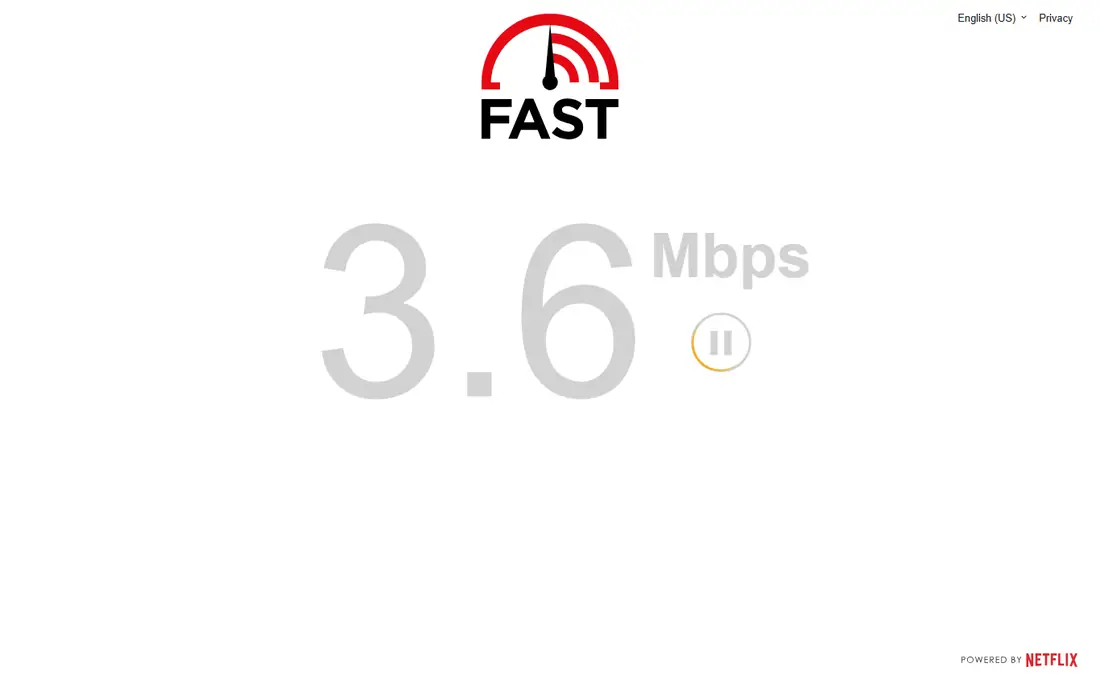
Fast.com from Netflix is the easiest speed test to use: open the page and it starts measuring immediately, with no setup and no ads. Its answer is elegant, since it tests against Netflix own CDN, so the number approximates your actual streaming experience rather than a best-case server nearby.
It offers fewer diagnostics than Ookla or Cloudflare, with no built-in history, and a single-CDN test cannot show whether a network treats speed-test traffic more gently than real traffic. For a quick, honest streaming check, Fast.com is the best one-click option.
What we like- Free with no ads
- Simplest interface of any test here
- Tests against Netflix own CDN for real streaming relevance
Watch out for- No history without extra steps
- Fewer diagnostics than Ookla or Cloudflare
- Single-CDN view cannot show traffic shaping
Starting priceFree
Free planYes
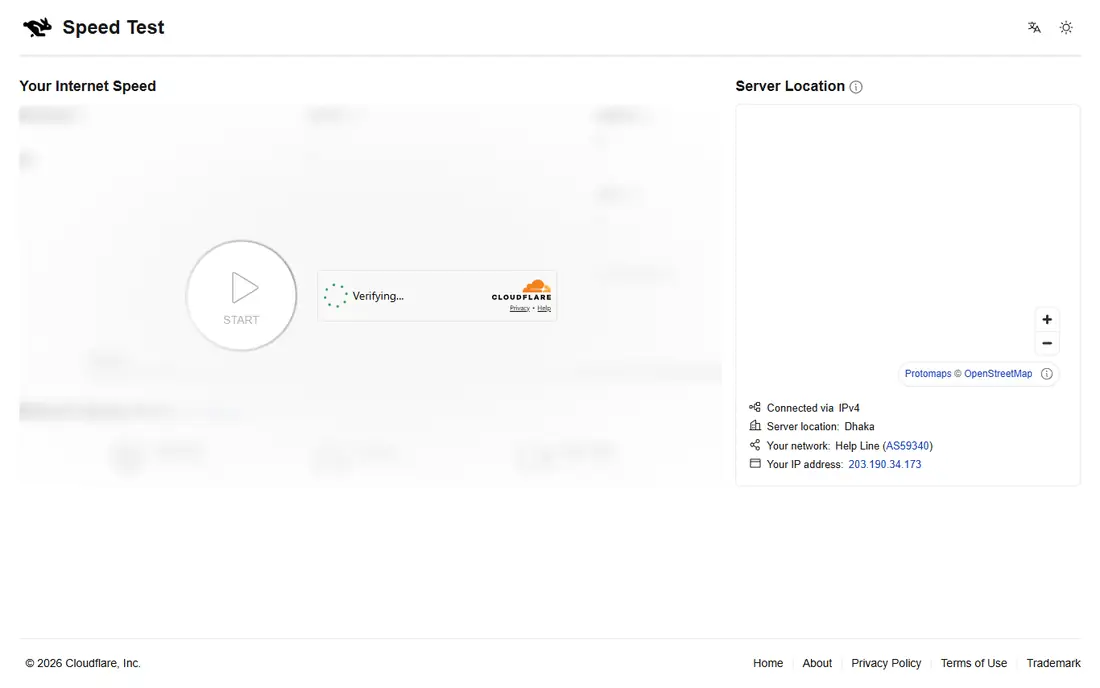
Cloudflare Speed Test is the best pick for gaming and deep diagnostics, measuring download, upload, ping, and jitter with a detailed breakdown of network quality. Gamers care about latency and jitter more than headline download speed, and Cloudflare reports both clearly.
Server selection is automatic, so you cannot test to a specific city the way Ookla allows, and there is no saved history without extra steps. For a free, detailed latency check before a gaming session, Cloudflare is the best tool.
What we like- Deep network diagnostics with download, upload, ping, and jitter
- Free with no account
- Strong pick for gaming latency
Watch out for- Automatic server selection only
- Fewer servers than Ookla
- No saved history without extra steps
Starting priceFree
Free planYes
TestMy.net earns the accuracy pick in guides because it tests against real servers in a way that resists the fast-lane effect, where some networks prioritize speed-test traffic. Its manual test options let advanced users control test size and server choice, which produces more honest sustained-rate figures than burst-friendly tests.
The interface is plainer than Ookla or Fast.com, and results need interpretation for beginners. For users who suspect their ISP flatters speed-test results, TestMy.net is the most trustworthy cross-check.
What we like- Accuracy pick in guides
- Tests against real servers without ISP fast lanes
- Detailed manual test options
Watch out for- Interface is plainer than Ookla or Fast.com
- Fewer mobile app features
- Results need interpretation for beginners
Starting priceFree
Free planYes
Opensignal is the best mobile speed test pick in guides, free with no ads in United States store listings, and it pairs speed results with carrier coverage data, which helps users judge whether a slow result is a carrier problem or a location problem. Its mobile apps for iOS and Android are polished and easy to use.
Desktop testing is thinner than mobile, and diagnostics trail Ookla. For checking whether your phone is really getting a fast connection, Opensignal is the best mobile-first tool.
What we like- Free with no ads in United States store listings
- Best mobile pick in guides
- Coverage and speed data for carriers
Watch out for- Mobile-focused, so desktop testing is thinner
- Fewer diagnostics than Ookla
- Coverage data varies by region

#6
FCC Mobile Speed Test
Best for: Challenging coverage maps
Visit fcc.gov
Starting priceFree
Free planYes
The FCC Mobile Speed Test app is the one used to challenge coverage maps, which gives it a unique civic purpose: your test results feed the official data that decides where broadband funding goes and whether carrier coverage claims hold up. It is free with no ads in store listings.
Diagnostics are thinner than Ookla or Cloudflare, and it is mobile only. For users who want their test to count toward better maps, the FCC app is the only choice that matters.
What we like- Free with no ads in store listings
- Results feed official coverage data
- The app used to challenge coverage maps
Watch out for- Fewer diagnostics than Ookla or Cloudflare
- Mobile only
- Results serve regulators more than everyday troubleshooting
Starting priceFree
Free planYes
Measurement Lab, or M-Lab, is the best open source speed test option, run as a research platform with open data. Its hosted tests require no account and no tracking, and its data is published openly for researchers and regulators, which makes it the most transparent testing option here.
The server network is smaller than Ookla, and the interface is research-oriented rather than consumer-polished, with fewer features such as history or mobile apps. For privacy-first testing with open methodology, M-Lab is the best pick.
What we like- Open source with no tracking in its hosted tests
- No account required
- Research-grade data published openly
Watch out for- Smaller server network than Ookla
- Interface is research-oriented
- Fewer consumer features such as history or apps
Starting priceFree
Free planYes
Waveform popularized the bufferbloat grade, which measures how much latency rises when your connection is loaded, a problem that ruins video calls and gaming even on fast lines. It reports a letter grade from A-plus to F, measures latency under load in separate download and upload phases, and offers a shareable results page.
It does not report jitter in guides, and it covers fewer metrics than Ookla. For diagnosing why a fast connection still feels laggy under load, Waveform is the best specialist tool.
What we like- Bufferbloat letter grade from A-plus to F
- Latency under load measured in download and upload phases
- Shareable results page
Watch out for- No jitter reporting in guides
- Fewer metrics than Ookla
- Browser-focused with no full mobile app story
How we chose
We started from what speed test tools must do well: measure download, upload, ping, and jitter honestly, without flattering results. We compared vendor pages and current 2026 guides, and we favored tools with clear methodology, free tiers, and honest limits. We left out tools with undisclosed methodology, tools that only test one metric, and tools whose pricing or ads could not be traced. All tools here are free, with optional ad removal or premium tiers on some, and prices come from October 2026 United States store listings, which can change, so check the listing before you install. A speed test measures the weakest link between you and its server, and gigabit to a server 10 kilometers away says little about your evening experience with a service on another continent.
How to run a speed test that means something
Start with the right setup, then run several tests. A single test on a busy Wi-Fi network tells you less than three tests at different times with a wired connection.
Test wired first, then Wi-Fi
Connect a laptop directly to the router with an Ethernet cable for your baseline, then test over Wi-Fi in the room where you actually work. If wired speeds match your plan but Wi-Fi lags, the problem is your router placement or Wi-Fi settings, not your ISP. If wired speeds also lag, contact your ISP with the wired results.
Turn Wi-Fi off to test mobile
Whatever you use, turn Wi-Fi off first when testing mobile data, or you are measuring your router instead of your cellular connection. Run the test in the same spot at different times of day, since congestion varies by hour, and compare results across two tools, such as Ookla and Fast.com, to catch fast-lane effects.
Read more than the headline number
Download speed matters for streaming, upload speed matters for video calls and backups, ping matters for gaming, and bufferbloat matters for calls under load. A 500 Mbps line with an F bufferbloat grade will feel worse on calls than a 100 Mbps line with an A grade. For everyday use, guides suggest 25 Mbps for working from home or online learning, 3 to 40 Mbps for streaming depending on quality, and 1 Mbps for browsing and email.
Frequently asked questions
What is the best internet speed test tool overall?
Speedtest by Ookla for its server network and history, Fast.com for the easiest streaming check, and Cloudflare for gaming diagnostics. Most users should run two tools and compare, since no single test tells the whole story.
Are internet speed tests free?
Yes, all tools in this list are free, with optional extras such as Ookla ad removal at $0.99 in United States store listings. No tool here requires a subscription for basic download, upload, and ping measurement.
Why do speed tests show different results?
Different servers, test methods, and network conditions produce different numbers. Tests that pick the nearest server flatter results, tests against a real service such as Netflix show streaming reality, and congestion varies by time of day. Run several tests and compare the pattern, not one number.
What speed do I need for working from home?
Guides suggest 25 Mbps for working from home or online learning, 3 to 40 Mbps for streaming depending on quality, and 1 Mbps for browsing and email. Video calls need stable upload and low latency more than headline download speed.
Can a speed test make my internet faster?
No. A speed test app cannot make your connection faster, but it is the right tool to find out how fast it is, where it is weak, and whether your carrier or your Wi-Fi is the problem. Use the results to fix router placement, upgrade your plan, or challenge your ISP.
Sources we checked (8)
- https://www.speedtest.net
- https://fast.com
- https://speed.cloudflare.com
- https://testmy.net
- https://www.opensignal.com
- https://www.fcc.gov
- https://www.measurementlab.net
- https://www.waveform.com
Is your product missing or out of date?
We review this list regularly. Vendors can request a listing, send updated pricing or ask about featured placement.

Shihab Mia · Founder, Rankite
Shihab has 5+ years in B2B and SaaS SEO. He writes Rankite's software buying guides from pricing pages, documentation and public user reviews. More about Shihab.
 Speedtest by Ookla
 Fast.com
 Cloudflare Speed Test
 TestMy.net
 Opensignal
 Measurement Lab
 Waveform