How we make this list: we compare pricing pages, product documentation and public user reviews. Rankite is independent; if a vendor ever pays for a featured spot, that listing is clearly labeled Partner.
Key takeaways
- Rippling and Deel lead for companies that want HR, payroll and spend tools in one account, though both price by module or headcount.
- Gusto and Justworks fit small US businesses better: published pricing, simpler setup, and expense features that work without an enterprise contract.
- If your team is mostly international, Remote and Deel handle global payroll and expenses, but neither replaces a US corporate card program.
- Quote-based pricing is the norm here. Only Gusto, Deel and Remote publish starting prices, so budget a sales call for the rest.
Quick comparison
| Tool | Best for | Starting price | Free plan |
|---|
 Rippling Rippling | Fast-growing US companies that want one system for HR, payroll and corporate cards | See website | No |
 Deel Deel | Companies hiring contractors or employees abroad | $19 per employee/month | Yes (HRIS free for under 200 employees) |
 Remote Remote | Startups hiring full-time employees in other countries | $29 per contractor/month | No |
 Gusto Gusto | Small US businesses that want payroll plus expense tools without an enterprise platform | $49/month plus $6 per person | No |
 BambooHR BambooHR | Mid-size US employers that want HR records with clean expense tracking | See website | No |
 Namely Namely | Mid-size companies that need payroll, benefits and spend tracking in one suite | See website | No |
 Justworks Justworks | US small businesses that want PEO coverage plus native expense management | See website | No |
 Paylocity Paylocity | US companies that run payroll, HR and expenses on one compliance-heavy platform | See website | No |
 HiBob HiBob | Distributed or hybrid companies that want HR plus spend visibility | See website | No |
Is your product missing or out of date?
We review this list regularly. Vendors can request a listing, send updated pricing or ask about featured placement.
The best HR software with spend management features
#1
Rippling
Best for: Fast-growing US companies that want one system for HR, payroll and corporate cards
Visit rippling.com
Starting priceSee website
Free planNo
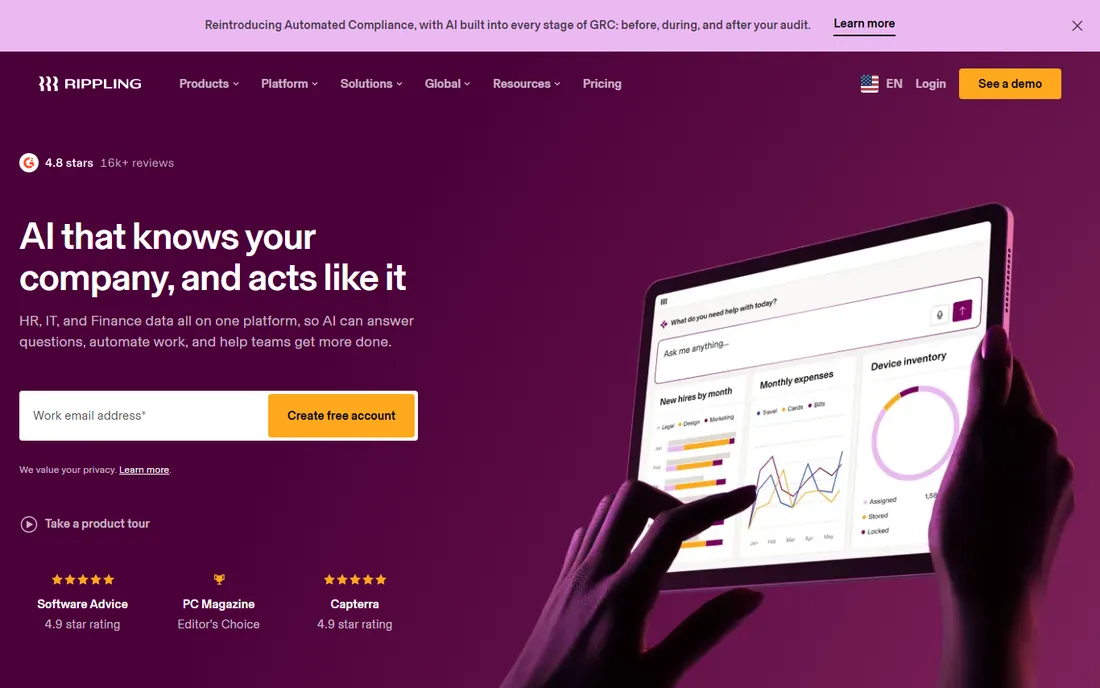
Rippling earns its spot at the top because it treats spending as part of HR, not a bolt-on. Employee onboarding, payroll, benefits and corporate cards live in the same system, so when someone joins, their card limits, approval chains and accounting codes can be set before their first day. Expense policies apply automatically at the point of purchase, which cuts the end-of-month receipt chase.
The trade-off is cost and complexity. Rippling prices by module, so the number you see in a demo is rarely the number you pay once payroll, benefits admin and spend management are all switched on. Smaller teams can feel the gap between the marketing and the invoice. It remains the strongest pick for US companies that plan to grow past 50 employees and want one vendor for everything.
What we like- Combines payroll, benefits, device and app management in one account
- Native corporate cards and expense policies feed straight into accounting
- Modular add-ons let you start small and expand as headcount grows
Watch out for- Pricing is quote-based and climbs as you enable modules
- The deepest spend controls sit on higher tiers
#2
Deel
Best for: Companies hiring contractors or employees abroad
Visit deel.com
Starting price$19 per employee/month
Free planYes (HRIS free for under 200 employees)
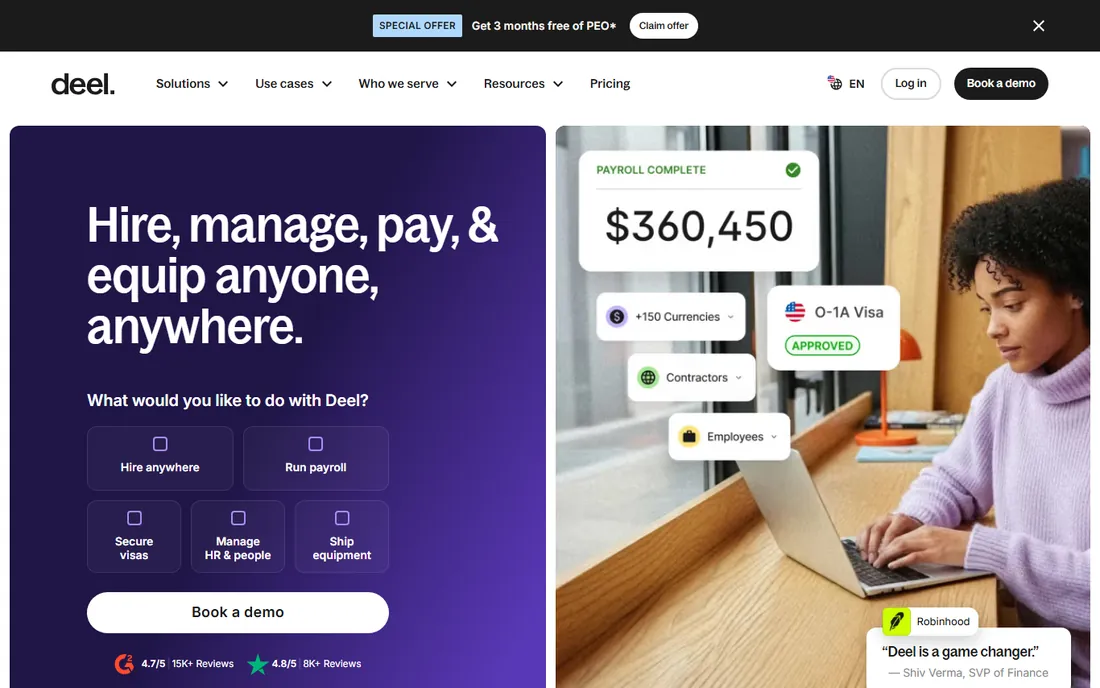
Deel started as a contractor platform and grew into a full HR suite, and that history shows in its strengths. The free HRIS tier for companies under 200 employees is genuinely useful, covering core records, documents and workflows without a bill. When you need to pay people, US payroll starts at $19 per employee per month, and contractor management starts at $49 per month with multi-currency payments handled in the platform.
For spend management specifically, Deel handles expense reporting and reimbursements well across borders, which matters if your team submits expenses in ten currencies. What it does not do is replace a corporate card program with real-time controls and virtual cards the way HR platforms like Rippling do. Buy it for global hiring coverage, not for domestic card spend.
What we like- US payroll starts at $19 per employee per month with published pricing
- Contractor management and global EOR cover international hiring
- Expense reporting built for a distributed workforce
Watch out for- Spend management skews toward global contractor payouts rather than US card programs
- EOR and payroll costs scale fast once you hire abroad
#3
Remote
Best for: Startups hiring full-time employees in other countries
Visit remote.com
Starting price$29 per contractor/month
Free planNo
Remote is the most transparent vendor in the global employment space. Contractor management starts at $29 per contractor per month, and EOR pricing is published on the site, which is more than most competitors disclose. Expenses and reimbursements are handled with country-specific compliance built in, so finance does not have to research tax treatment for every receipt.
The catch is scope. Remote is excellent at employing people abroad and paying them correctly. It is not a spend management platform in the corporate-card sense, and US companies that want proactive controls on employee purchases will need a separate tool. Consider it when your hiring plan crosses borders, and pair it with a dedicated expense tool if domestic card spend matters.
What we like- Published pricing for contractor management and EOR services
- Expense reimbursement with compliant records across countries
- Owns its local entities instead of relying on third-party partners
Watch out for- US domestic spend management features are thin
- No free tier for testing the platform before committing
#4
Gusto
Best for: Small US businesses that want payroll plus expense tools without an enterprise platform
Visit gusto.com
Starting price$49/month plus $6 per person
Free planNo
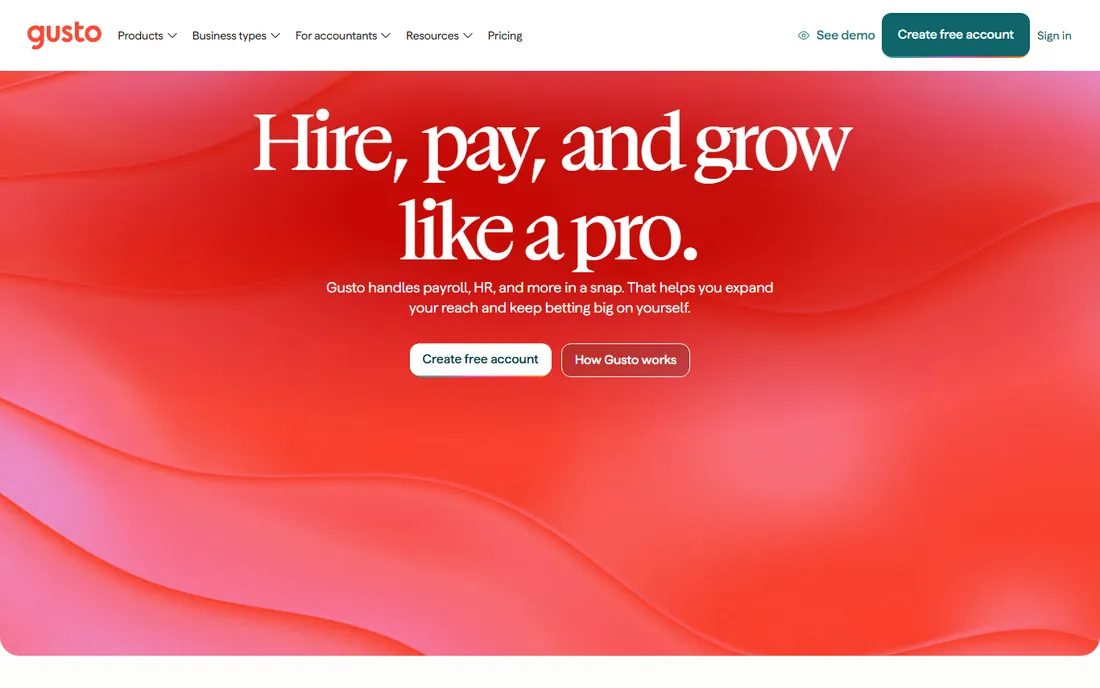
Gusto is the friendly option, and the pricing page tells you exactly what you get: Simple at $49 per month plus $6 per person, Plus at $80 plus $12, Premium at $180 plus $22. Expenses are handled as reimbursements that run through payroll, which keeps the workflow simple for teams under 100 people. There is no quote process and no module maze.
That simplicity has limits. Gusto does not issue corporate cards or enforce pre-purchase approvals the way spend-focused platforms do, so it suits businesses where most spending is travel and supplies submitted after the fact. If your team is entirely US-based and you want HR done quickly, it is hard to beat for the money.
What we like- Transparent published pricing across three tiers
- Expense reimbursements flow through payroll automatically
- Benefits, time tracking and hiring in one account
Watch out for- Spend features center on reimbursements rather than proactive card controls
- International hiring support is limited next to Deel or Remote
#5
BambooHR
Best for: Mid-size US employers that want HR records with clean expense tracking
Visit bamboohr.com
Starting priceSee website
Free planNo
BambooHR built its reputation on being the HR system that employees do not hate, and the expense features follow the same pattern. Submitting and approving expenses happens inside the same interface people use for time off and onboarding, which drives adoption. Managers see spend next to the employee record instead of in a separate finance tool.
Pricing is the friction point. Everything is quote-based, and payroll is an add-on rather than a core inclusion, so the final number depends on your headcount and module choices. Companies that value a clean employee experience and already run a separate card program will get the most from it.
What we like- Expense and time-off data sit alongside the employee record
- Strong onboarding and performance tooling
- Easy for non-HR staff to use
Watch out for- Pricing is quote-based with no published starting price
- Payroll is an add-on that raises the total cost
#6
Namely
Best for: Mid-size companies that need payroll, benefits and spend tracking in one suite
Visit namely.com
Starting priceSee website
Free planNo
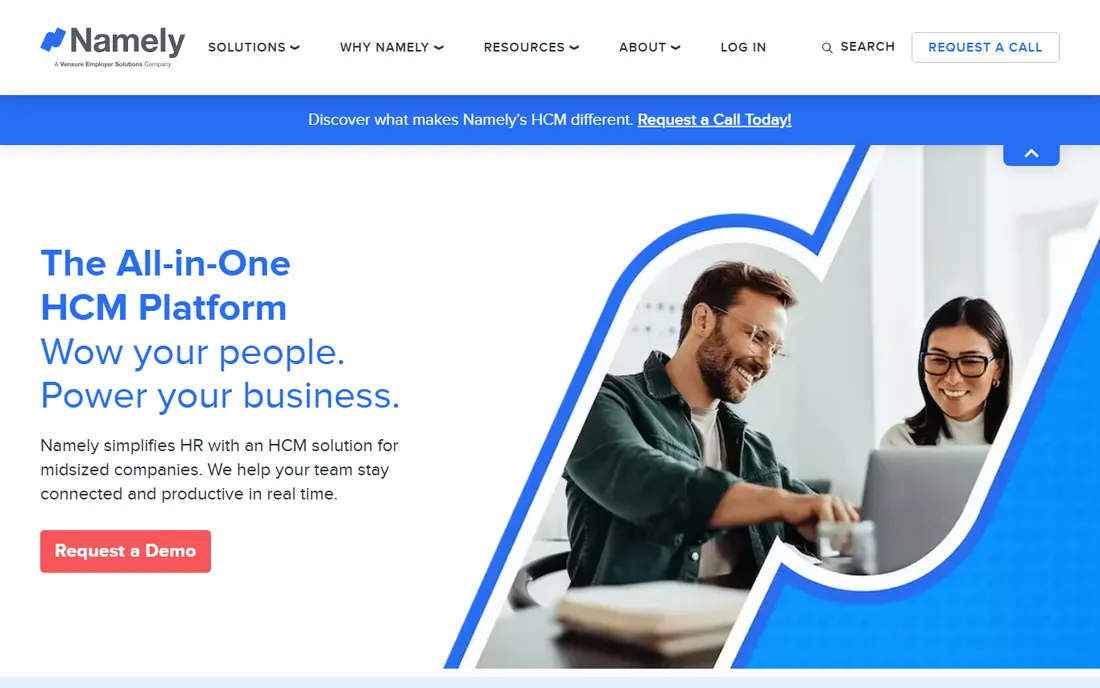
Namely targets the mid-market directly, and its payroll depth reflects that. Tax filings, benefits administration and compliance reporting are core strengths rather than add-ons, and expense management connects to the same employee profiles finance already uses. Reporting is stronger than most small-business tools, which helps when the CFO starts asking questions.
The buying process is enterprise-style: demos, quotes and a guided rollout. Companies under 50 employees will likely find faster, cheaper options. Namely fits best when you have outgrown Gusto-style tools but are not ready for a full enterprise HRIS.
What we like- Built-in payroll with US compliance handling
- Expense management tied to employee profiles
- Solid reporting for finance teams
Watch out for- Quote-based pricing only, with no public starting point
- Onboarding requires a guided implementation process
#7
Justworks
Best for: US small businesses that want PEO coverage plus native expense management
Visit justworks.com
Starting priceSee website
Free planNo
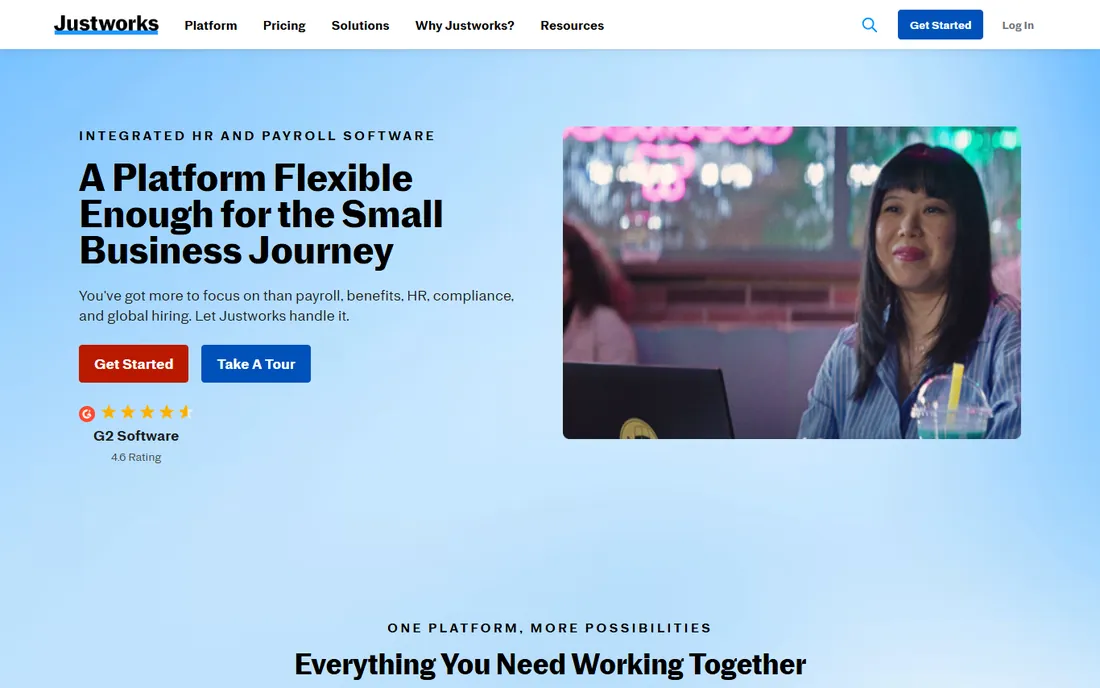
Justworks takes the PEO route: it becomes the employer of record for payroll tax purposes, which lets small businesses offer big-company benefits and offload compliance. Its native Expense Management Tool runs on paid plans, so expense submission and approval stay inside the same system as payroll and benefits.
The PEO structure is the main decision point. Some founders love handing off payroll tax liability; others prefer to keep it in-house. Pricing is not published, so you will talk to sales before you can budget. For US teams under 100 that want compliance handled for them, the model works well.
What we like- PEO model covers payroll taxes, benefits and compliance
- Native Expense Management Tool available on paid plans
- Straightforward plan structure
Watch out for- The PEO model means Justworks acts as employer of record for tax purposes, which not every company wants
- List pricing is not published
#8
Paylocity
Best for: US companies that run payroll, HR and expenses on one compliance-heavy platform
Visit paylocity.com
Starting priceSee website
Free planNo
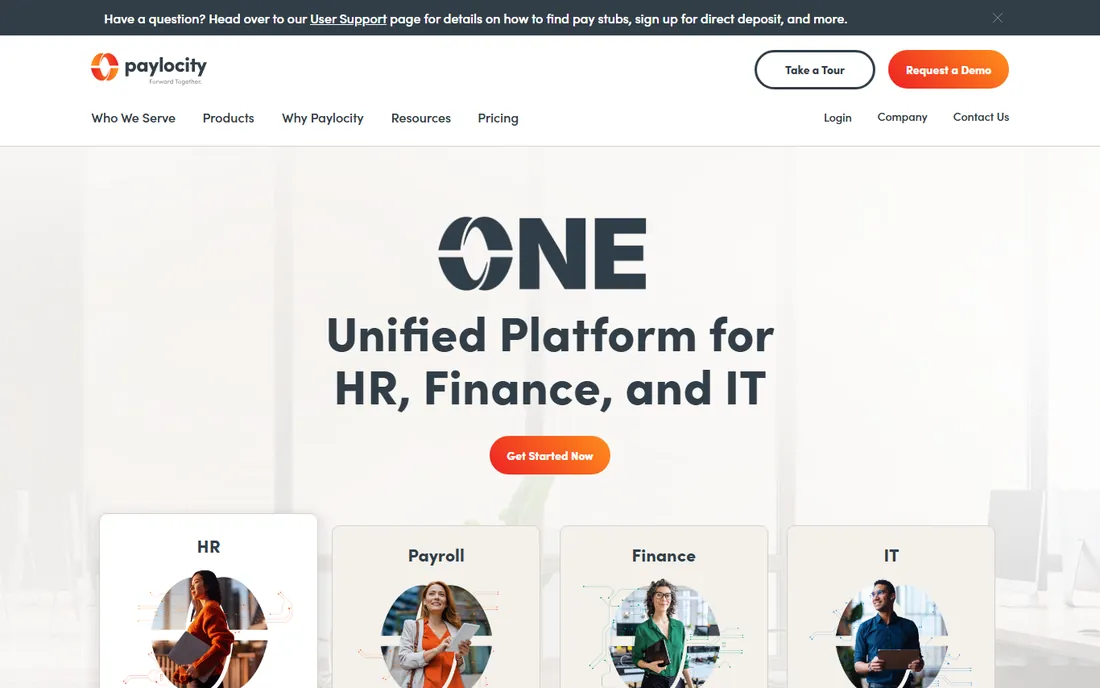
Paylocity is a payroll-first platform that grew into a full HR suite, and compliance is where it shines. Multi-state tax handling, garnishments and regulatory reporting are handled in depth, and expense data flows into payroll and time tracking without manual exports. Employee self-service is strong, which reduces the ticket load on HR.
It is not a quick purchase. Pricing is quoted by module, and getting value from the platform means configuring payroll, HR and expenses together, which takes coordination. Best fit is US companies with complex payroll needs that also want spend data in the same system.
What we like- Expense management integrates with payroll and time tracking
- Deep compliance tooling for US employers
- Employee self-service cuts admin workload
Watch out for- Quote-based pricing with module add-ons
- The breadth of features means setup needs coordination across departments
#9
HiBob
Best for: Distributed or hybrid companies that want HR plus spend visibility
Visit hibob.com
Starting priceSee website
Free planNo
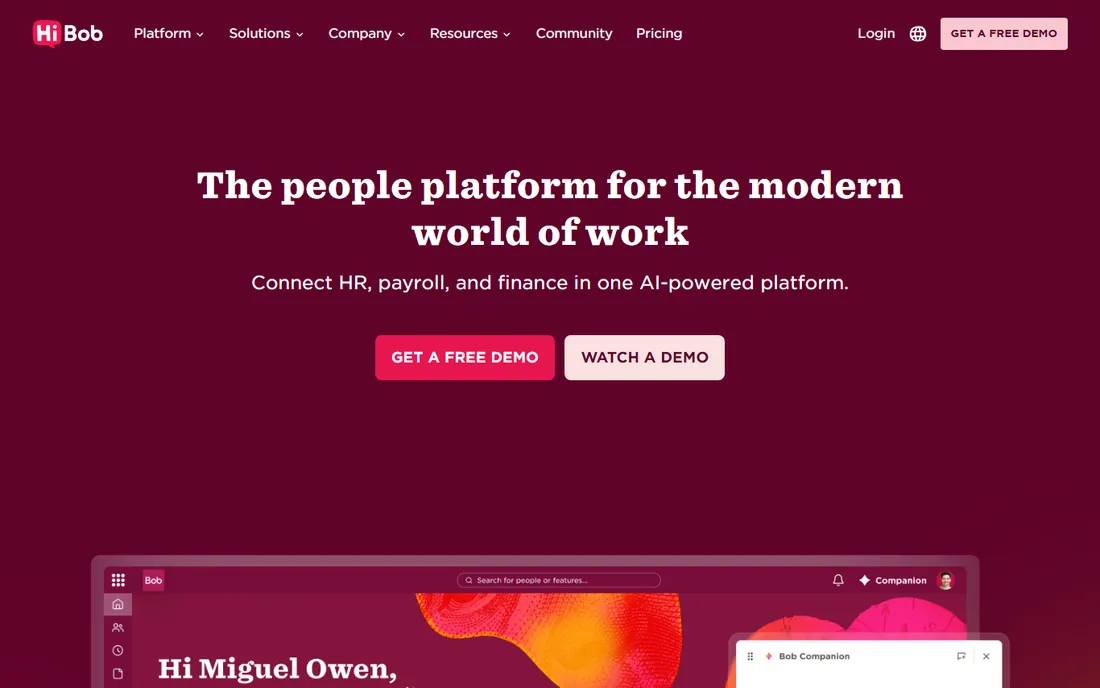
HiBob, known for its Bob platform, focuses on the people side: culture, org design and headcount planning. Expense tracking sits inside that world, giving managers spend visibility alongside team data. For distributed companies with entities in several countries, the localized HR support is a real advantage.
Payroll is the gap. HiBob integrates with payroll providers rather than running payroll itself in most regions, so you will still need a payroll vendor. Pricing is quoted for mid-market budgets. Choose it when people operations matter more than native payroll, and connect your payroll provider of choice.
What we like- Expense tracking inside the people platform
- Strong org-chart and headcount planning tools
- Works well for multi-country teams with localized HR
Watch out for- No native payroll in many regions, so payroll runs through integrations
- Pricing is quote-based and aimed at mid-market budgets
How we chose
We reviewed each vendor's current pricing page, product documentation and public feature lists in October 2026, checking which platforms genuinely combine HR or payroll with spend management rather than just linking to a partner. We weighed published pricing transparency, the depth of native expense features versus integrations, and fit for small and mid-size US buyers. We did not test the software ourselves and did not accept vendor claims without a second source, such as public reviews on G2, Capterra or Reddit.
What to check before you buy
Start with the spend question, not the HR question. Decide whether you need corporate cards with pre-purchase controls, simple expense reimbursements, or both. Card programs with virtual cards and real-time limits prevent overspending; reimbursement workflows only record it after the fact. Most tools here do one well and the other adequately.
Next, map payroll to your footprint. If everyone is in the US, a domestic payroll tool with expense add-ons is enough. If you employ people abroad, you need EOR or contractor infrastructure, and only Deel and Remote on this list provide it. Mixing a US payroll tool with an international EOR vendor is common and often cheaper than forcing one platform to do both.
Ask about contract length and per-seat minimums before the demo ends. Quote-based vendors often require annual contracts, while published-price tools like Gusto and Deel let you pay monthly. Check data export too: if you leave, can you take employee records, pay history and expense data with you in usable formats.
Finally, confirm who provides support and when. Payroll mistakes are time-sensitive, so ask whether support covers your pay-run hours and whether payroll tax filing support is included or an add-on. A cheaper platform with weak support costs more the first time a filing goes wrong.
How spend-management pricing actually works
Most vendors here price HR per employee per month, then charge separately for spend features. That means the headline number is only the start. A platform quoted at $8 per employee per month can reach two or three times that once payroll, benefits administration and expense management modules are all active.
Corporate card programs usually make money on interchange rather than software fees, which is why some card features look cheap. The software cost sits in the HR platform fee instead. When comparing, add the HR seat cost and the spend module cost together, then divide by headcount to get a true per-employee number.
Watch for tier gates. Real-time card controls, custom approval chains and accounting integrations often sit one or two tiers above the entry plan. Ask the sales rep to quote the exact tier that includes every spend feature you need, not the cheapest tier on the pricing page.
Frequently asked questions
What is HR software with spend management features?
It is an HR or payroll platform that also handles company spending: expense reports, reimbursements, corporate cards and approval workflows. Instead of running HR in one tool and expenses in another, employee data, payroll and spend controls share one system, which reduces manual entry and duplicate records.
Do I still need a separate expense tool like Expensify?
It depends on depth. If your HR platform offers corporate cards, custom approval chains and direct accounting sync, a separate tool may be redundant. If it only handles reimbursements, a dedicated expense platform still adds value for receipt capture, mileage and policy enforcement.
How much does HR software with spend management cost?
Published prices on this list run from $19 per employee per month for Deel payroll to $49 per month plus $6 per person for Gusto. Most mid-market platforms are quote-based, and total cost depends on which modules you enable. Budget for the HR seat fee plus any spend module fee together.
Can these tools handle international employees?
Deel and Remote are built for it, with EOR services and multi-currency expense handling. The rest focus on US payroll and compliance. If you hire abroad, confirm whether the vendor owns local entities or resells a partner, since that affects compliance risk.
Is a PEO like Justworks right for a small business?
A PEO becomes the employer of record for tax purposes, which gives small teams access to better benefits and offloads payroll tax compliance. The trade-off is less direct control and a per-employee fee that grows with headcount. It suits US businesses under 100 employees that want compliance handled for them.
What should I ask on a demo call?
Ask which spend features are native versus integrations, what the quote includes at each tier, whether payroll tax filing is included, how data exports work if you leave, and what support hours cover pay runs. Get the answers in writing before signing.
Sources we checked (9)
- https://www.rippling.com
- https://www.deel.com
- https://www.remote.com
- https://www.gusto.com
- https://www.bamboohr.com
- https://namely.com
- https://www.justworks.com
- https://www.paylocity.com
- https://hibob.com
Is your product missing or out of date?
We review this list regularly. Vendors can request a listing, send updated pricing or ask about featured placement.

Shihab Mia · Founder, Rankite
Shihab has spent more than a decade helping SaaS and e-commerce brands grow through search. He writes Rankite's software buying guides from pricing pages, documentation and public user reviews. More about Shihab.