How we make this list: we compare pricing pages, product documentation and public user reviews. Rankite is independent; if a vendor ever pays for a featured spot, that listing is clearly labeled Partner.
Key takeaways
- When I Work and Sling are the cheapest on-ramps, with entry pricing under $3 per user per month and strong free options for small teams.
- Homebase and Connecteam bundle scheduling, time tracking, communication and hiring in one app, which suits single-location and multi-location hourly teams that want fewer logins.
- Deputy and 7shifts cost more but justify it with compliance tooling and restaurant-specific depth like POS integrations and tip management.
- ClockShark and Push Operations are specialists: ClockShark for field crews and construction, Push Operations for restaurant groups that want scheduling tied directly to payroll.
- Per-user pricing beats per-location pricing for growing teams, while per-location plans win when headcount per site is high.
Quick comparison
| Tool | Best for | Starting price | Free plan |
|---|
 When I Work When I Work | Simple scheduling for small teams | $2.50 per user/month | Free trial (14 days) |
 Homebase Homebase | All-in-one hourly team management | $24 per location/month (billed annually) | Yes (up to 10 team members) |
 Deputy Deputy | Compliance-heavy hourly teams | $5 per user/month (billed annually) | Free trial |
 7shifts 7shifts | Restaurant teams | $39.99 per location/month (billed annually) | Yes (Comp plan) |
 Sling Sling | Budget scheduling with a strong free tier | $1.70 per user/month (billed annually) | Yes (scheduling free up to 30 users) |
 ZoomShift ZoomShift | Small teams wanting a free schedule maker | $2 per user/month | Yes (up to 20 employees) |
 Connecteam Connecteam | Mobile-first deskless teams | $29 per month for first 30 users (billed annually) | Yes (up to 10 users) |
 Push Operations Push Operations | Restaurant groups tying payroll to scheduling | See website | Free demo |
 ClockShark ClockShark | Field crews and construction teams | See website | Free trial |
Is your product missing or out of date?
We review this list regularly. Vendors can request a listing, send updated pricing or ask about featured placement.
The best HR software for hourly workforces
Starting price$2.50 per user/month
Free planFree trial (14 days)
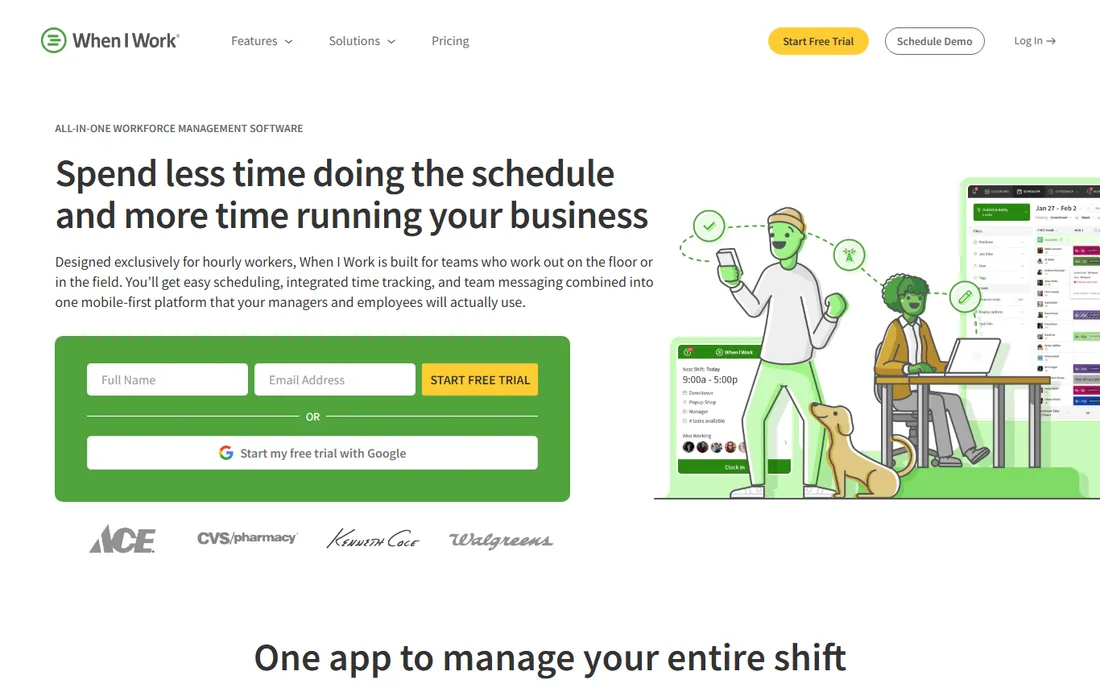
When I Work is built specifically for hourly workers, and that focus shows. Schedules, the time clock and team messaging all live in one app, so managers stop juggling a spreadsheet, a group text thread and a separate punch clock. The auto-scheduler matches shifts to employees based on availability and eligibility, which cuts the back-and-forth that eats up a manager's week.
At $2.50 per user per month, it is one of the cheapest paid options in this category, and the vendor says setup takes minutes with no IT help.
The catch is that payroll never happens inside the product. You connect it to your payroll provider, which works well if you already have one but adds a step if you do not. The messaging features are also basic compared to dedicated team communication apps, so firms that want rich internal communication may need something alongside it.
What we like- Scheduling, time tracking and team messaging in one mobile-first app
- GPS clock-ins and geofencing verify staff locations
- Integrations with Rippling, ADP, QuickBooks and Gusto
Watch out for- No native payroll, only integrations
- Mobile app offers less than the web version
- No bulletin board or newsfeed for company announcements
Starting price$24 per location/month (billed annually)
Free planYes (up to 10 team members)
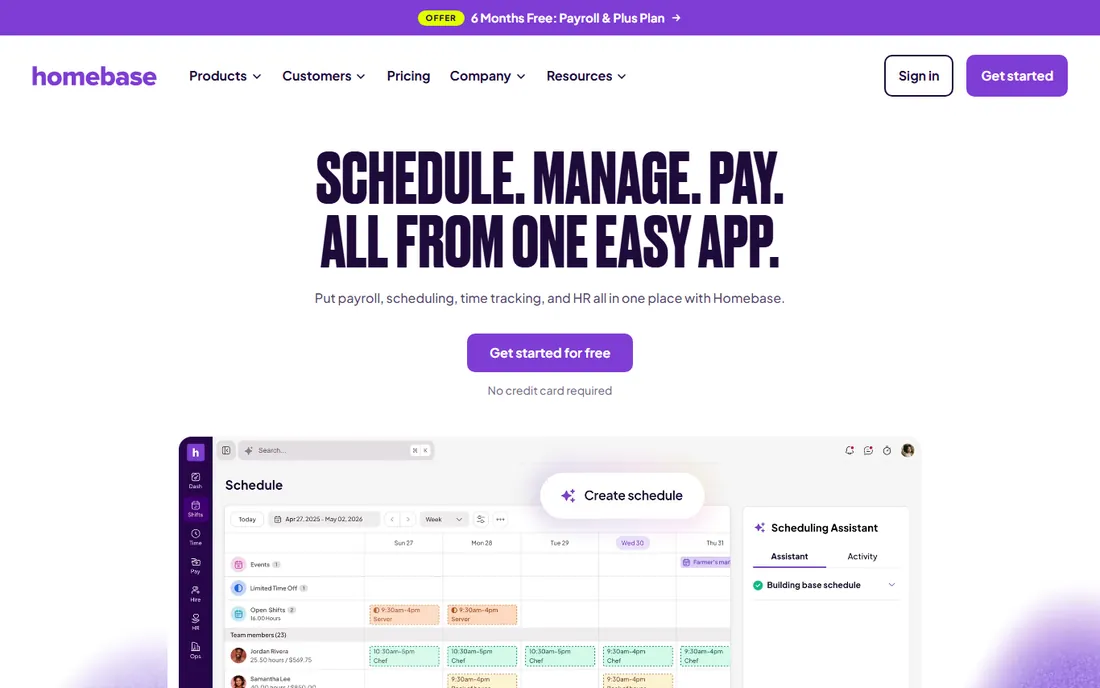
Homebase pitches itself as the one app for an hourly team, and for a single-location shop it delivers on that. Scheduling, time clocks, payroll and even hiring tools sit together, so a cafe or boutique owner can run the whole people side of the business from one place. The free plan is genuinely usable for teams up to 10, which is rare in this category.
Per-location pricing is the tradeoff. Once you have three or four sites, the monthly bill climbs while a per-user competitor might stay cheaper. Payroll is also a separate add-on rather than included, so check the payroll pricing against your current provider before assuming one subscription covers everything.
What we like- Scheduling, time tracking, payroll, hiring and HR in one app
- Free plan covers teams up to 10
- 4.8 rating across 94,000 App Store reviews
Watch out for- Paid plans bill per location, which adds up for multi-location businesses
- Payroll costs extra on top of the plan
- Several advanced features are add-ons
Starting price$5 per user/month (billed annually)
Free planFree trial
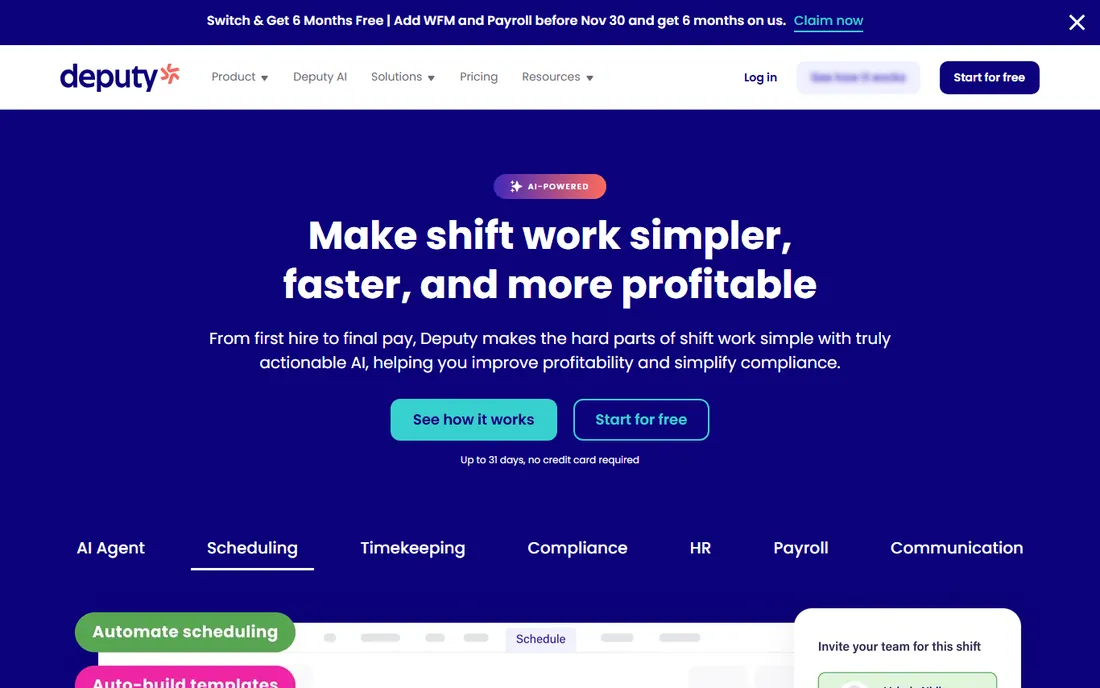
Deputy is the tool managers pick when labor rules keep them up at night. It automates break compliance, overtime calculations and Fair Workweek requirements, which matters in states and cities with predictive scheduling laws. The audit trail makes it easier to answer questions from regulators or employees about how a schedule was built.
The platform has grown into scheduling, HR and payroll tools with AI models that match staffing to demand.
At $5 per user per month it costs roughly twice When I Work, and there is a monthly minimum, so very small teams pay more than the headline rate suggests. Deputy also expects you to bring your own payroll provider. If compliance risk is low for your business, the cheaper options cover the basics.
What we like- Strong labor compliance automation including breaks, overtime and Fair Workweek rules
- AI-assisted scheduling with demand forecasting
- Keeps an audit-ready record of scheduling decisions
Watch out for- Per-user pricing gets expensive as headcount grows
- Payroll handled through integrations rather than natively
- Overlap warnings still need a manager's review
Starting price$39.99 per location/month (billed annually)
Free planYes (Comp plan)
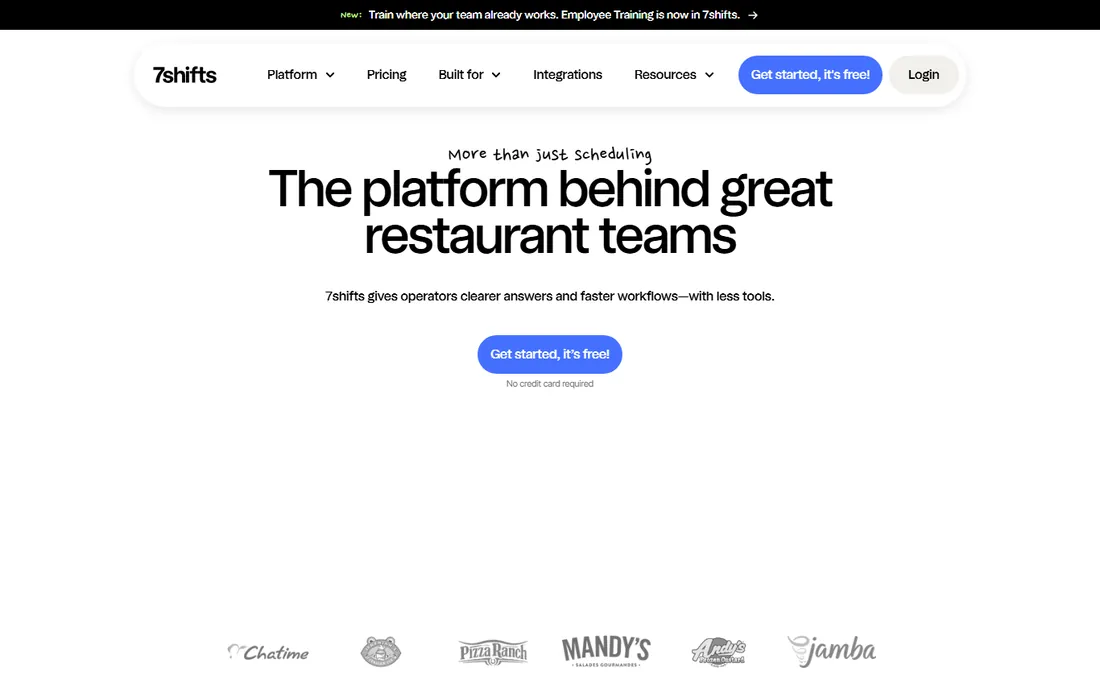
7shifts does one thing and does it well: restaurant workforce management. The POS integration ties sales data to labor scheduling, so managers can staff to actual demand instead of guessing. Tip management and restaurant-specific communication tools speak the language of front-of-house and back-of-house teams.
The vendor claims more than 55,000 restaurants and 1.5 million restaurant professionals use the platform. No contracts and a 14-day trial on the Pro plan lower the barrier to trying it.
The Comp plan is free but limited, and meaningful features start with paid tiers that bill per location. A five-location group pays five times the headline price. If your business is not a restaurant, the entire design assumes workflows you do not have, so look elsewhere.
What we like- Built only for restaurants, with POS integrations and tip management
- Free Comp plan covers basic scheduling and communication
- Over 55,000 restaurants use it
Watch out for- Per-location pricing punishes multi-site growth
- Time tracking requires the Essentials tier or above
- Payroll is a paid add-on rather than included
Starting price$1.70 per user/month (billed annually)
Free planYes (scheduling free up to 30 users)
Sling's free tier is the most generous among pure scheduling tools. A team of up to 30 gets scheduling, messaging and task management without paying anything, which makes it the natural first stop for a cash-strapped small business. The app calculates labor costs in real time as you build the schedule and warns about overtime before it happens.
Paid plans are also cheap at $1.70 per user per month on annual billing, adding time tracking, geofencing and deeper reporting. Integrations with Toast, Square, Shopify and other POS systems connect the schedule to sales data.
Sling will never run your payroll for you, and time tracking is only included on the Premium plan. Teams that need full HR features like document storage or onboarding will outgrow it. As a scheduler and communicator on a budget, though, it is hard to beat.
What we like- Free scheduling for up to 30 users with no credit card
- Includes team messaging, task management and labor cost forecasting
- GPS geofencing on paid plans
Watch out for- Time tracking requires the Premium plan
- No native payroll processing
- Some advanced reporting sits behind paid tiers
Starting price$2 per user/month
Free planYes (up to 20 employees)
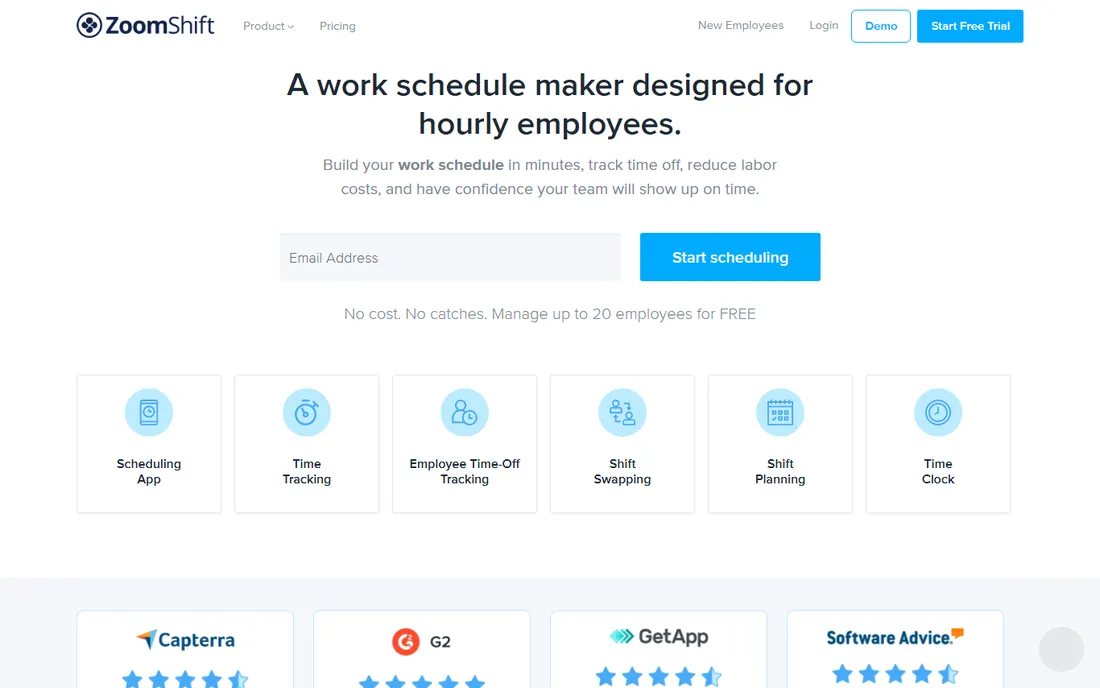
ZoomShift keeps things deliberately simple. The free tier covers up to 20 employees with scheduling, time tracking, time-off management and team communication. For a single restaurant or retail store that just wants to stop building schedules in Excel, that is often enough.
Paid plans at $2 per user per month add features like PTO accrual tracking and automatic time-off approvals. The time clock blocks early clock-ins and overtime before they happen, which protects labor budgets without manager intervention.
The tradeoff for simplicity is depth. You will not find hiring tools, onboarding flows or native payroll here, and the integration list is shorter than the bigger names. It fits teams that want a schedule maker, not a platform.
What we like- Free for teams up to 20 employees with no credit card
- Simple drag-and-drop scheduling with templates
- GPS time clock with early clock-in blocking and overtime controls
Watch out for- Smaller vendor with a thinner integration library
- Fewer HR features than the all-in-one platforms
- Company has a lower public profile than its rivals
Starting price$29 per month for first 30 users (billed annually)
Free planYes (up to 10 users)
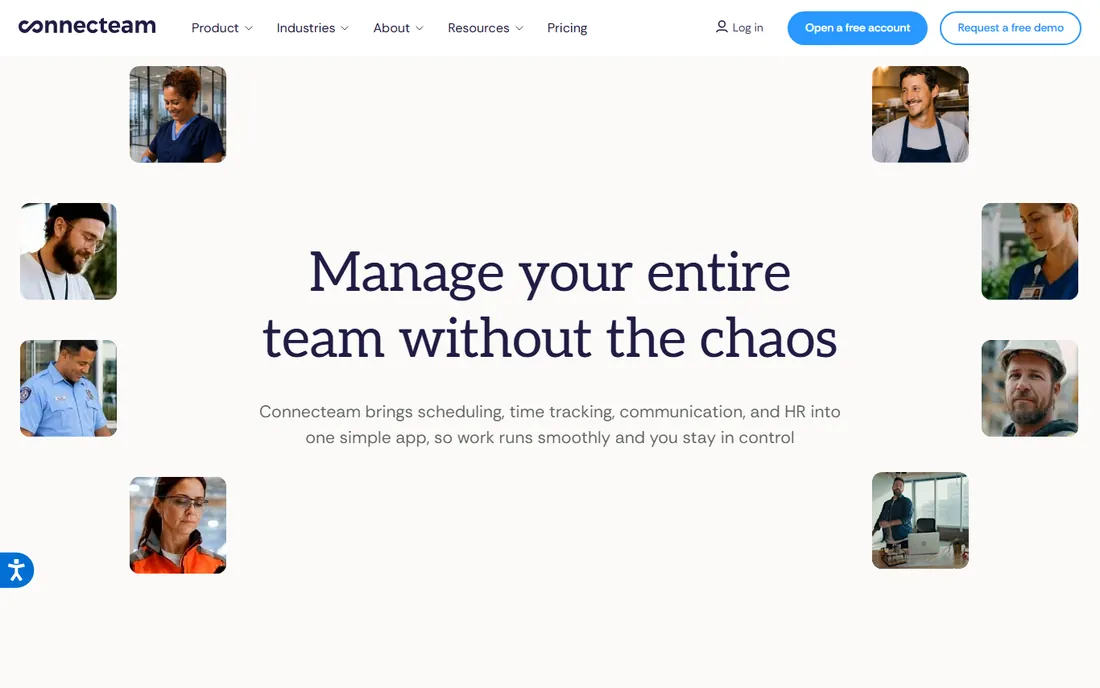
Connecteam is designed for workers who never sit at a desk: field service, cleaning crews, security, construction. The app goes beyond scheduling into training modules, digital forms, knowledge bases and team chat.
The pricing model is per hub rather than per user: $29 per month covers the first 30 users on annual billing, and teams under 10 use it free.
Scheduling features are solid but not the deepest here. Restaurants with complex POS needs or firms with heavy compliance requirements will find Deputy or 7shifts stronger. Connecteam wins when you need one mobile app that covers the whole employee experience for deskless workers.
What we like- Scheduling, time clock, communication, training and forms in one mobile-first app
- Completely free for teams under 10
- 24/7 live support from real people
Watch out for- Per-hub pricing model takes time to understand
- Scheduling depth trails dedicated schedulers like Deputy
- Add-ons can raise the real monthly cost
Starting priceSee website
Free planFree demo
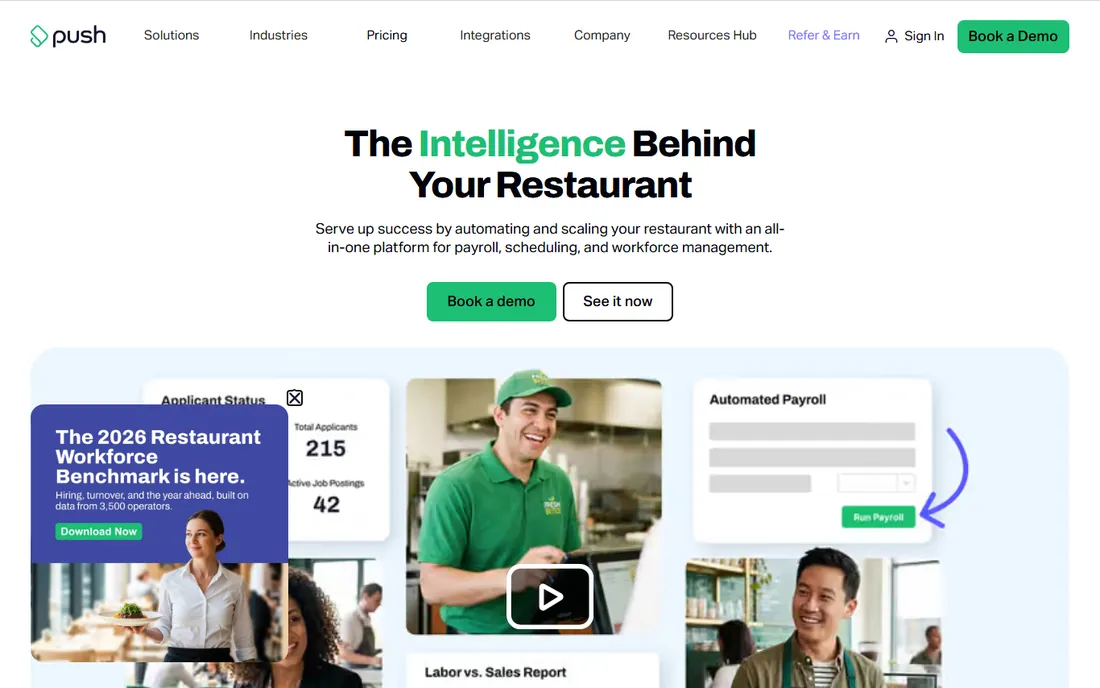
Push Operations was built for restaurants and it shows in every feature. Scheduling, time tracking, payroll, hiring and HR live in one system, and payroll runs with a single click because the hours are already verified.
Compliance gets attention too, with tools for document expirations like work permits and licenses.
The downside is opacity. There is no public pricing page, so you book a demo and talk to sales. That also means no free plan and no self-serve trial. If you run restaurants and want payroll and scheduling unified, it deserves a look. Everyone else should start with the generalist tools.
What we like- One-click payroll connected directly to scheduling and time tracking
- Hiring and onboarding tools built in
- Facial recognition clock-in prevents buddy punching
Watch out for- No public pricing, only quote-based sales
- Restaurant-centric design limits fit for other industries
- Demo-led buying process slows down evaluation
Starting priceSee website
Free planFree trial
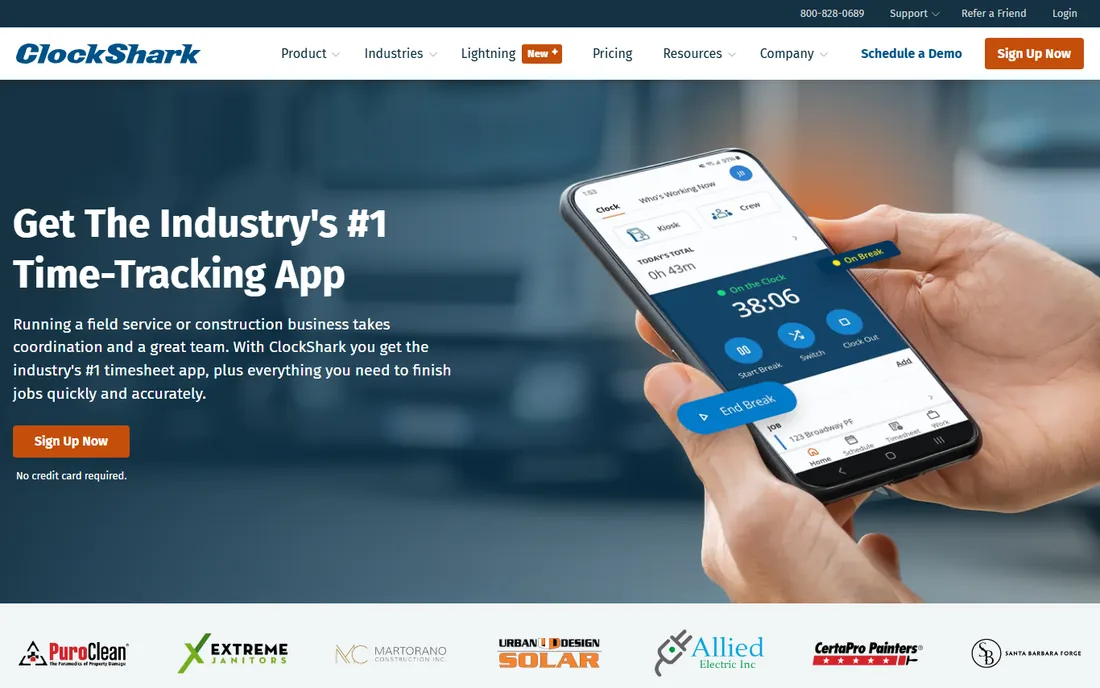
ClockShark is the odd one out in this list on purpose. It targets field service and construction crews who work at changing job sites rather than behind one counter. The mobile time clock records hours against specific jobs, which feeds job costing and payroll with what the vendor describes as 99.9 percent accuracy.
Scheduling exists and is genuinely useful: managers create schedules and push job-site directions to crews from one view. More than 9,500 companies use it, with a 4.7 rating across Capterra and G2.
Do not buy it for a restaurant. Shift swapping, POS integration and restaurant communication are not its world.
What we like- GPS-based mobile time tracking built for job sites
- Job costing ties hours to specific projects
- Integrations with QuickBooks, Sage, Xero, ADP and Paychex
Watch out for- Time-tracking-first, with lighter scheduling and HR than the all-in-ones
- No native payroll
- Less relevant for restaurant or retail shift work
How we chose
We started from vendor pricing pages and official feature documentation, then cross-checked against public review sites including G2, Capterra and the App Store, plus independent comparison research published in 2026. We excluded products that no longer exist as standalone tools: Shiftboard, for example, was folded into UKG and now redirects to a UKG support page, so it no longer belongs on a buying list.
Every tool above serves hourly workforces specifically, with shift scheduling and mobile time tracking as core features rather than add-ons. We favored vendors with transparent pricing and a real free plan or trial, and we weighted restaurant, retail and field-service fit separately since this category splits along those lines.
What to look for before you buy
Per-user vs. per-location pricing
This is the single biggest cost driver. Per-user plans like When I Work and Deputy charge for every employee on the roster, which gets expensive with high-turnover hourly teams where headcount swings. Per-location plans like Homebase and 7shifts charge per site regardless of headcount, which favors large teams at few locations and punishes multi-site groups. Count your people and your sites, then do the math for both models before shortlisting.
Payroll: included, add-on or absent
Some tools run payroll natively, some charge extra for it as an add-on, and some expect you to connect your existing provider. There is no universal best answer. If you already like your payroll provider, a tool with strong integrations is cheaper than switching. If payroll is currently a mess of spreadsheets, a bundled option like Push Operations or Homebase with payroll added may be worth the premium.
Compliance needs vary by state
Break rules, overtime thresholds, predictive scheduling laws and tip regulations differ across states and cities. If you operate in California, New York or other states with strict labor rules, Deputy and 7shifts have deeper compliance tooling than the budget options. Smaller teams in less regulated states can usually manage with simpler tools.
Test the mobile app with real employees
Hourly workers live on their phones, not on desktops. Before committing, put the trial in the hands of a few actual employees and watch them clock in, swap a shift and request time off. The tool with the best feature list means nothing if the app frustrates the people who use it every shift.
How pricing really works in this category
Sticker prices in hourly workforce software rarely tell the whole story. The headline per-user or per-location rate usually excludes payroll, and several vendors charge extra for tip management, hiring tools, background checks and advanced reporting. Annual billing typically saves 15 to 20 percent over monthly billing, but it locks you in while your headcount may be changing with the seasons.
Free plans are real but limited. Sling and ZoomShift give small teams genuine free scheduling, while Homebase and Connecteam cap their free tiers at 10 users. When you outgrow a free tier, model your price at your expected headcount in six months, not today.
Watch for minimums and add-ons. Deputy applies a monthly minimum, so a tiny team pays more than the per-user rate implies. Ask every vendor about implementation fees, payroll add-on costs and per-employee charges before signing, and get the total for your actual headcount in writing.
Frequently asked questions
What is the best HR software for hourly employees?
There is no single winner. When I Work and Sling are the cheapest starting points for small teams, Homebase and Connecteam bundle the most features into one app, and Deputy and 7shifts lead on compliance and restaurant depth. Match the tool to your team size, locations and payroll situation rather than chasing feature lists.
Is there free HR software for hourly teams?
Yes. Sling offers free scheduling for up to 30 users, ZoomShift is free for up to 20 employees, and Homebase and Connecteam offer free plans for teams under 10. 7shifts has a free Comp plan with basic scheduling. None of the free plans include full payroll, so expect to pay or integrate once you need that.
How much does hourly workforce software cost?
Entry pricing runs from $1.70 to $5 per user per month for per-user tools, or $24 to $40 per location per month for per-location tools, on annual billing. Payroll add-ons typically cost $30 to $50 per month plus a per-employee fee. Expect total costs to land well above the headline price once add-ons are included.
Do these tools handle payroll?
Some do, most do not natively. Push Operations and Homebase offer payroll (Homebase as an add-on), while When I Work, Deputy, Sling and ClockShark connect to external payroll providers through integrations. Decide whether you want one vendor or best-of-breed before you compare.
What is the difference between scheduling software and HR software for hourly workers?
Scheduling software focuses on building rosters, tracking time and handling shift swaps. HR software for hourly workers adds hiring, onboarding, document storage, compliance and sometimes payroll. Tools like Homebase and Connecteam blur the line by bundling both, which is why this category covers the full range.
Can hourly workers use these tools on their phones?
Yes, and that is the point. Every tool on this list is mobile-first, with iOS and Android apps where employees view schedules, clock in and out, request time off and message managers. Test the actual app during your trial, since mobile quality varies between vendors.
Sources we checked (16)
- https://wheniwork.com
- https://www.joinhomebase.com
- https://www.joinhomebase.com/blog/7shifts-alternatives
- https://www.joinhomebase.com/blog/homebase-alternatives
- https://www.deputy.com
- https://www.7shifts.com
- https://getsling.com
- https://zoomshift.com
- https://connecteam.com
- https://connecteam.com/best-7shifts-alternatives/
- https://pushoperations.com
- https://clockshark.com
- https://www.selecthub.com/time-and-attendance-software/when-i-work-vs-honeybeebase/
- https://leadchangegroup.com/software/7shifts/alternatives/
- https://leadchangegroup.com/software/homebase/alternatives/
- https://www.itqlick.com/7shifts/pricing
Is your product missing or out of date?
We review this list regularly. Vendors can request a listing, send updated pricing or ask about featured placement.

Shihab Mia · Founder, Rankite
Shihab has spent more than a decade helping SaaS and e-commerce brands grow through search. He writes Rankite's software buying guides from pricing pages, documentation and public user reviews. More about Shihab.