How we make this list: we compare pricing pages, product documentation and public user reviews. Ratings come from G2, Capterra or Trustpilot, with the date we checked them.
Key takeaways
- YNAB suits households that want a hands-on, give-every-dollar-a-job budgeting method.
- Simplifi and Monarch Money suit families that want automatic tracking with light effort.
- Rocket Money stands out for finding subscriptions and negotiating bills.
- EveryDollar and Goodbudget suit households that prefer a simple envelope or zero-based plan without bank sync.
Quick comparison
| Tool | Best for | Starting price | Free plan |
|---|
 YNAB YNAB | Hands-on zero-based budgeting | See website | Free trial |
 Simplifi Simplifi | Automatic tracking with light effort | See website | Free trial |
 Monarch Money Monarch Money | Family finance dashboard | See website | Free trial |
 Rocket Money Rocket Money | Subscriptions and bill tracking | Free | Yes |
 PocketGuard PocketGuard | Simple spending control | Free | Yes |
 Goodbudget Goodbudget | Envelope budgeting without bank sync | Free | Yes |
 EveryDollar EveryDollar | Simple zero-based budgets | Free | Yes |
 Copilot Money Copilot Money | Apple users and automatic tracking | See website | Free trial |
Is your product missing or out of date?
We review this list regularly. Vendors can request a listing, send updated pricing or ask about featured placement.
The best household budgeting apps
#1YNAB
Best for: Hands-on zero-based budgeting4.5/5 on
G2 (30 reviews, checked Oct 2026)
Visit ynab.com
Starting priceSee website
Free planFree trial
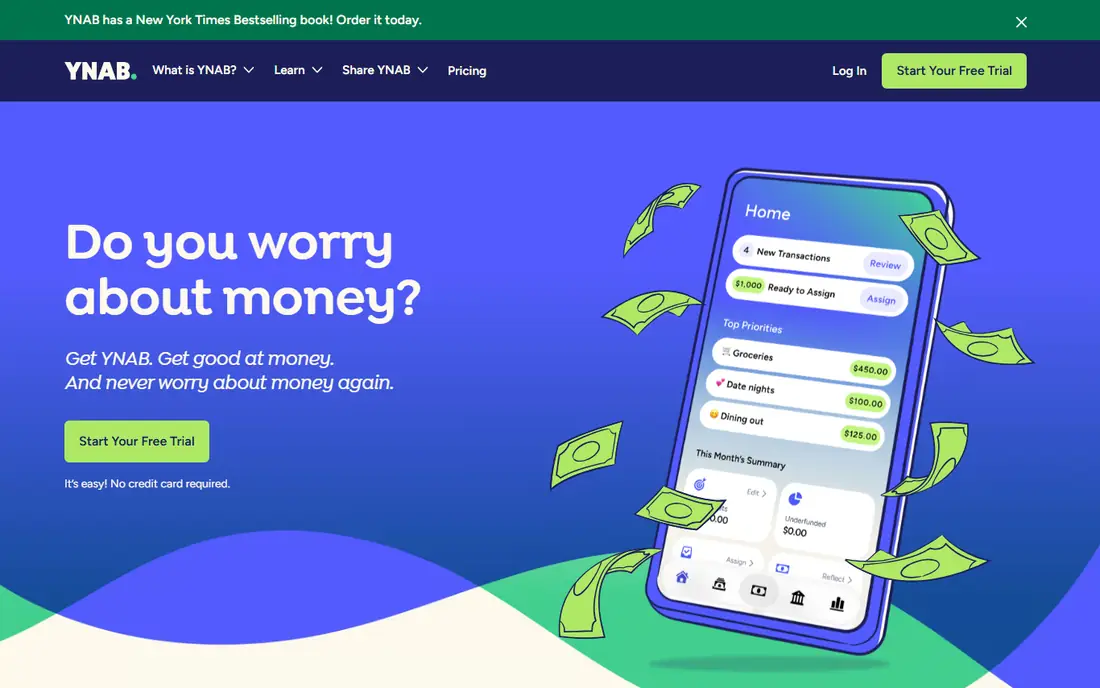
YNAB, short for You Need A Budget, is built around a simple rule: give every dollar a job before you spend it. You assign income to categories such as rent, groceries, and savings, then track spending against those categories through the month. That hands-on method helps households that overspend in specific categories, because the app shows exactly where money went and what remains, and it forces a decision when a category runs dry: move money from another category, or stop spending in that category until next month.
The trade-off is effort. YNAB works best when you check it several times a week and adjust categories as plans change, which suits engaged budgeters but frustrates people who want full automation. It is a paid subscription with a free trial, and pricing is listed on the vendor site. For a household ready to change spending habits, the YNAB method plus tool is the strongest combination on this list, provided everyone in the household agrees to use it consistently.
What we like- Proven give-every-dollar-a-job method
- Strong goal and debt tools
- Good education and support
Watch out for- Needs regular hands-on time
- Subscription cost
- Learning curve for beginners
Starting priceSee website
Free planFree trial
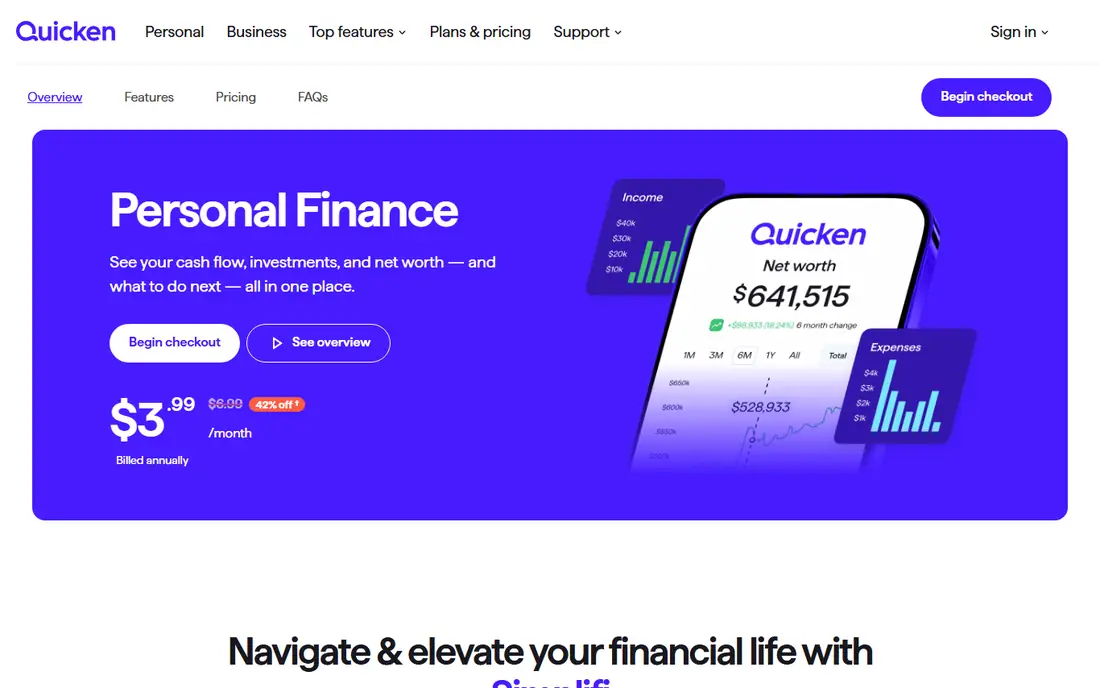
Simplifi, from Quicken, is built for households that want tracking without daily effort. It syncs bank and card accounts, categorizes transactions automatically, and shows spending against custom watchlists, so you can watch groceries or dining without building a full budget. Reports show trends over months, which helps spot slow spending creep.
Pricing needs care, because promotional prices and renewal prices have differed in published guides, so we list it as See website and advise checking the price at signup and renewal. Simplifi also offers fewer hands-on planning tools than YNAB. For a busy household that wants a clear picture with minimal work, Simplifi is a strong pick.
What we like- Automatic bank sync and categorization
- Spending watchlists
- Clean mobile app
Watch out for- Pricing varies between promotions and renewals
- Fewer planning tools than YNAB
Starting priceSee website
Free planFree trial
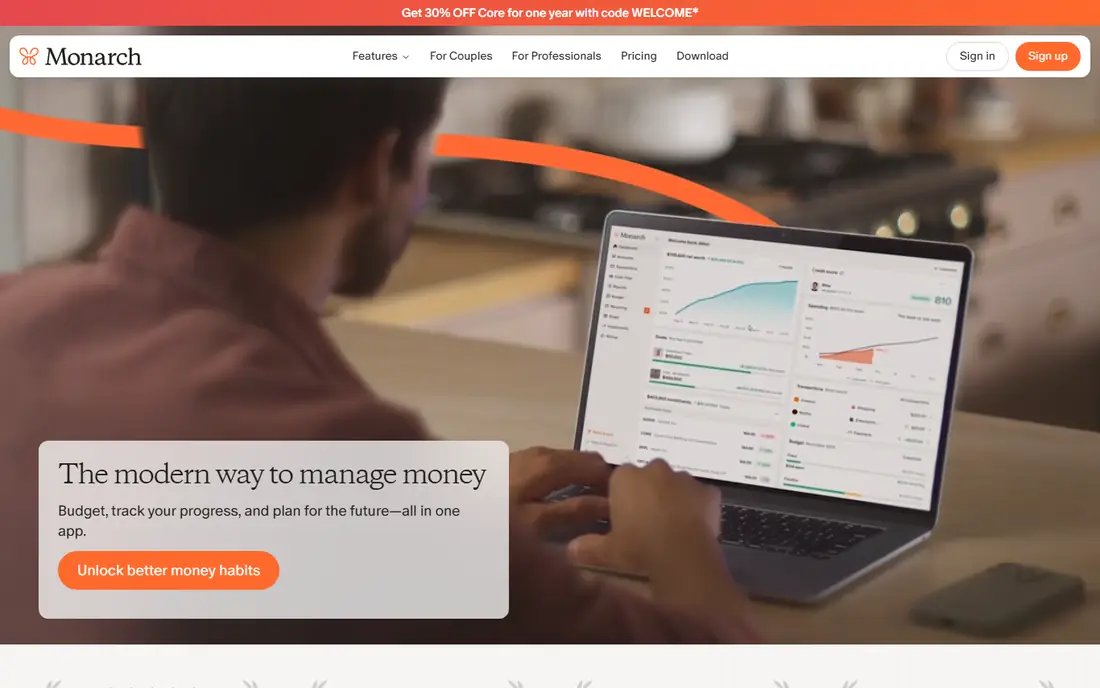
Monarch Money gives a household one dashboard for everything: bank accounts, cards, loans, investments, and property values, with budgeting and cash-flow views on top. Partners can share access, which suits couples managing money together, and goals track progress toward savings targets, debt payoff, and retirement contributions.
Setup takes time when a household has many accounts, and Monarch is subscription-only with a free trial, so there is no permanent free tier. Pricing is listed on the vendor site. For a family that wants the full financial picture in one place, including net worth, Monarch is the most complete dashboard on this list.
What we like- Full net-worth dashboard
- Shared access for partners
- Strong goals and cash-flow views
Watch out for- Subscription only
- Setup takes time for many accounts
Starting priceFree
Free planYes
Rocket Money starts with a problem most households share: subscriptions they forgot about. It scans linked accounts for recurring charges, lists them in one place, and helps cancel unwanted ones. The premium tier adds bill negotiation, where Rocket Money contacts providers on your behalf, and smarter budgeting and alerts.
The free tier covers subscription tracking and basic budgets, while premium costs extra and the negotiation service takes a percentage of savings achieved. That share is worth weighing against the time saved. For a household whose main leak is subscriptions and rising bills, Rocket Money pays for itself in attention alone, often within the first month of cancelled subscriptions alone.
What we like- Finds recurring subscriptions
- Bill negotiation service
- Spending alerts
Watch out for- Premium features need a paid plan
- Negotiation service takes a share of savings
Starting priceFree
Free planYes
PocketGuard answers one question simply: after bills, goals, and necessities, how much can you safely spend. That "in my pocket" figure updates as transactions sync, which helps people who overspend between paychecks. The interface is simple, categories are automatic, and the free tier covers core tracking well.
Planning tools are thinner than YNAB or Monarch, and some features, such as custom categories and debt payoff plans, sit behind the paid tier. For a single person or couple that wants a daily spending guardrail without a full budgeting system, PocketGuard is the simplest effective choice here.
What we like- Clear "in my pocket" spending figure
- Automatic categorization
- Simple interface
Watch out for- Fewer planning tools than YNAB
- Some features need the paid tier
Starting priceFree
Free planYes
Goodbudget digitizes the envelope method, where cash for each category sits in its own envelope and spending stops when the envelope is empty. The app version lets households share envelopes across phones, so partners see the same grocery or fuel envelope. It works without linking bank accounts, which suits privacy-minded users and cash-based budgets.
Manual entry is the cost, since transactions must be added by hand, and the free tier limits the number of envelopes and accounts. A paid plan removes those limits. For a household that likes the discipline of envelopes and does not want bank sync, Goodbudget is the most faithful digital version of that method.
What we like- Classic envelope method
- Shared household envelopes
- Works without linking banks
Watch out for- Manual entry takes time
- Free tier limits envelopes and accounts
Starting priceFree
Free planYes
EveryDollar keeps zero-based budgeting simple: income minus planned spending equals zero, with every dollar assigned before the month starts. The free tier covers manual budgeting, which suits households that prefer entering transactions themselves, while the paid tier adds bank sync and deeper reports.
The paid tier is the catch for users who want automation, and reports are thinner than Monarch or Simplifi. But simplicity is also the strength, since a budget you actually open beats a complex one you avoid. For a household starting its first budget, EveryDollar free is the easiest place to begin.
What we like- Very simple zero-based budgeting
- Clean interface
- Ramsey-style baby-step guidance
Watch out for- Bank sync needs the paid tier
- Fewer reports than rivals
Starting priceSee website
Free planFree trial
Copilot Money is the best-looking budgeting app on this list, built natively for Mac, iPhone, and iPad. It syncs accounts, categorizes spending automatically, and presents cash flow, budgets, and net worth in a clean dashboard that feels at home on Apple devices. Machine-learning categorization improves over time, reducing manual fixes.
The limits are platform and price. Copilot works only on Apple devices, so mixed-device households need another app, and it is subscription-only with a free trial. Pricing is listed on the vendor site. For an Apple household that values design and automation, Copilot is a polished pick.
What we like- Beautiful Apple-native design
- Automatic categorization
- Strong cash-flow and net-worth views
Watch out for- Apple devices only
- Subscription only
How we chose
We compared vendor pricing pages, product documentation, and public user reviews, and we judged each app on budgeting method, bank sync, ease of use, household sharing, and price. Free tiers were judged on what they do without payment, and paid plans were judged on whether the subscription adds features a household will use weekly. We did not claim hands-on testing. Where promotional and renewal prices differed in guides, we wrote See website rather than publish a figure that could be wrong at signup.
What to check before you pick
Start with your budgeting style, because method matters more than features. Hands-on households do well with YNAB or EveryDollar, automation-first households with Simplifi, Monarch, or Copilot, and envelope households with Goodbudget. Check bank support before paying, since some smaller banks and credit unions sync poorly or not at all, which breaks automation.
Also check household sharing, since a budget only one partner sees will fail. Check security, including encryption and whether the app stores bank credentials or uses a third-party aggregator. Finally, check the renewal price, not just the signup offer, and set a reminder to review the subscription yearly. Also check what happens to your data if you cancel, since some apps keep your history available while others restrict exports, and a budget history you cannot export is a history you may lose when you switch tools. This article is general information, not financial advice, and a budget app cannot replace professional advice for debt, tax, or investment decisions.
Frequently asked questions
Which budgeting app is best for beginners?
EveryDollar free is the easiest start, with simple zero-based budgeting and a clean interface. If you want automation from the start, Simplifi or PocketGuard give a clearer picture with less manual work, and both offer trials so you can test bank sync before paying anything.
Do budgeting apps need my bank login?
Most automatic apps connect through a third-party aggregator that links your bank securely, while Goodbudget and free EveryDollar work with manual entry and no bank link. Check the security page of any app before linking accounts, and use strong passwords and two-factor authentication.
Can couples share one budget?
Yes, Monarch, Goodbudget, and YNAB all support shared household access, though the exact setup differs. Check whether sharing is included in the base price or needs a family plan, and agree on who updates categories so the budget stays accurate.
How much does a good budgeting app cost?
Free tiers cover basic tracking, while paid plans typically cost a few dollars to around fifteen dollars a month, depending on features. Annual billing usually lowers the monthly cost, so compare the yearly total rather than the monthly headline, and watch for renewal increases after an introductory offer ends. Weigh the cost against what the app saves, such as cancelled subscriptions, avoided overdrafts, or faster debt payoff.
Will a budgeting app fix overspending on its own?
No, an app shows where money goes, but habits change only when you act on that picture. The most useful habit is small: pick one category that leaks money, such as dining or delivery, set a weekly cap, and check it every Sunday. One category fixed beats ten categories tracked and ignored. The best results come from a weekly review, even a short one, where you check categories, adjust plans, and move money toward goals before the month ends.
Sources we checked (8)
- https://www.ynab.com
- https://www.simplifimoney.com
- https://www.monarchmoney.com
- https://www.rocketmoney.com
- https://www.pocketguard.com
- https://www.goodbudget.com
- https://www.everydollar.com
- https://www.copilot.money
Is your product missing or out of date?
We review this list regularly. Vendors can request a listing, send updated pricing or ask about featured placement.

Shihab Mia · Founder, Rankite
Shihab has 5+ years in B2B and SaaS SEO. He writes Rankite's software buying guides from pricing pages, documentation and public user reviews. More about Shihab.