How we make this list: we compare pricing pages, product documentation and public user reviews. Ratings come from G2, Capterra or Trustpilot, with the date we checked them.
Key takeaways
- MyFitnessPal and Cronometer suit food and nutrition tracking, with Cronometer giving more detail on vitamins and minerals.
- Fitbit, Apple Health, Samsung Health, and Garmin Connect suit activity and sleep tracking, and the best choice often follows the phone or watch you already own.
- Strava suits runners and cyclists who want routes, segments, and a social training log.
- Sleep Cycle and Clue cover sleep and cycle tracking, while Headspace covers guided meditation and sleep content.
- Most health apps have a useful free plan, but detailed reports, custom goals, and some coaching features usually need a paid plan.
A health app works best when it fits a habit you already have, not a habit you hope to start. If you walk daily, an activity tracker that counts steps without extra effort will help more than a complex food diary you abandon after a week. If you cook at home, a food tracker with a large database and barcode scanning will be more useful than a generic step counter. This guide separates apps by job, so you can pick one that matches the habit you want to keep.
The apps below cover fitness, food, sleep, cycle tracking, and mindfulness. They are not medical devices, and their readings can vary with device, placement, and user input. Use them to spot trends over weeks, not to judge a single day. Where a price was not verified on the day of writing, the entry says See website.
Quick comparison
| Tool | Best for | Starting price | Free plan |
|---|
 MyFitnessPal MyFitnessPal | Food and calorie tracking | See website | Yes |
 Fitbit Fitbit | Activity and sleep tracking | See website | Yes |
 Apple Health Apple Health | Health data on iPhone | $0 | Yes |
 Samsung Health Samsung Health | Health data on Samsung devices | $0 | Yes |
 Garmin Connect Garmin Connect | Training and outdoor activity | $0 | Yes |
 Strava Strava | Running and cycling training | See website | Yes |
 Cronometer Cronometer | Detailed nutrition tracking | See website | Yes |
 Sleep Cycle Sleep Cycle | Sleep tracking and smart alarm | See website | Yes |
 Clue Clue | Cycle and symptom tracking | See website | Yes |
 Headspace Headspace | Meditation and sleep content | See website | Free trial |
Is your product missing or out of date?
We review this list regularly. Vendors can request a listing, send updated pricing or ask about featured placement.
The best health apps
Starting priceSee website
Free planYes
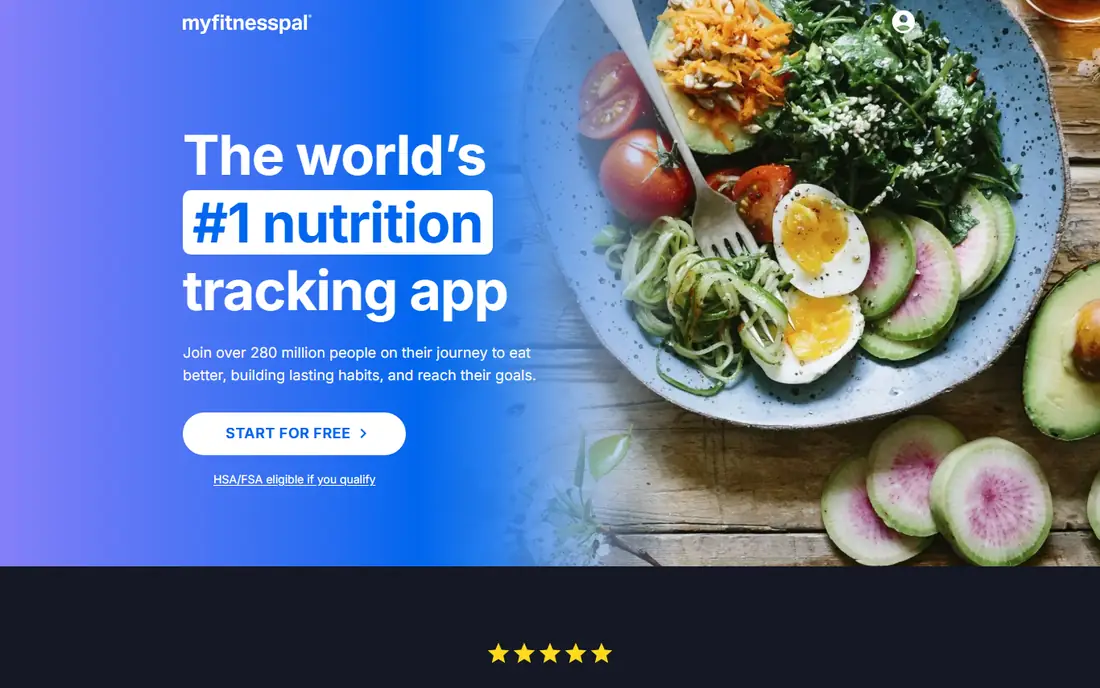
MyFitnessPal is the most widely used food tracking app, and its strength is the size of its food database. You can scan a barcode, search a restaurant item, or save a frequent meal, and the app totals calories and macronutrients for the day. That makes it useful for people who want to understand portion sizes, track protein, or spot patterns in snacking and eating out.
The free plan covers basic tracking, but some reports, custom goals, and ad-free use sit behind a paid plan. Food tracking also depends on honest and consistent entries, and database items can vary in accuracy. For a simple, social, and well-supported food diary, MyFitnessPal remains the easiest starting point for most people.
What we like- Large food database and barcode scanning
- Calorie and macro goals
- Syncs with many fitness apps and devices
Watch out for- Some detailed reports and features need a paid plan
- Food entries depend on user accuracy
Starting priceSee website
Free planYes
Fitbit suits people who want a wearable that tracks activity and sleep without thinking about it. The app shows steps, distance, active minutes, heart rate, and sleep stages, and it can set goals, reminders, and challenges with friends. That passive tracking helps many users notice trends, such as fewer steps on work-from-home days or shorter sleep on weekends.
A Fitbit device gives the fullest experience, although the app can also use phone sensors for basic tracking. Some detailed health reports and programs need a paid Fitbit Premium plan. If you already own a Fitbit watch or tracker, the app is the natural hub. If you do not want a new device, Apple Health or Samsung Health may fit better.
What we like- Step, heart rate, and sleep tracking in one app
- Challenges and community features
- Works with Fitbit watches and trackers
Watch out for- Best experience needs a Fitbit device
- Some advanced sleep and readiness reports need a paid plan
Starting price$0
Free planYes
Apple Health is less an app you open daily and more a hub that collects health data from your iPhone, Apple Watch, and connected apps. It stores steps, workouts, sleep, heart rate, and, where supported, health records and medications, and it lets you control which apps can read or write each type of data. That central view helps you see activity, sleep, and other trends in one place.
Its limits are platform and food tracking. Full features need Apple hardware, and Apple Health does not offer the detailed food database found in MyFitnessPal or Cronometer. For iPhone users, though, it is the best free starting point, because it is already installed, private by design, and works with many third-party health apps.
What we like- Included on iPhone at no extra cost
- Central hub for steps, workouts, sleep, and health records
- Privacy controls for data sharing
Watch out for- IPhone and Apple Watch only for full features
- No built-in food database as detailed as MyFitnessPal
Starting price$0
Free planYes
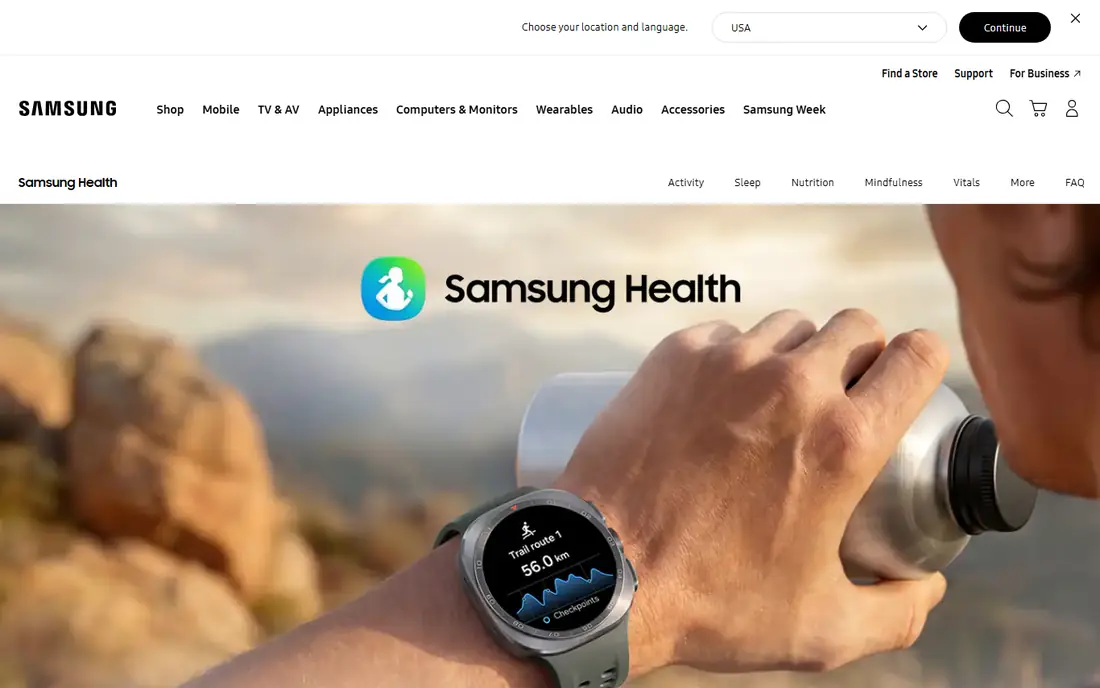
Samsung Health plays a similar hub role for Samsung phone and watch owners. It tracks steps, workouts, sleep, and stress, and it offers challenges, goals, and community features that can help a user stay consistent. It also connects with other Samsung services and some third-party apps, so a workout logged elsewhere can appear in one place.
As with Apple Health, the best experience comes with Samsung hardware, and food tracking is not as detailed as a specialist nutrition app. For Samsung users who want a free, built-in health hub without buying another app, Samsung Health is the obvious first choice, and it can sit beside MyFitnessPal or Strava for more detailed tracking.
What we like- Included on many Samsung phones and watches
- Tracks steps, workouts, sleep, and stress
- Challenges and community features
Watch out for- Full features work best with Samsung hardware
- Food tracking is simpler than specialist apps
Starting price$0
Free planYes
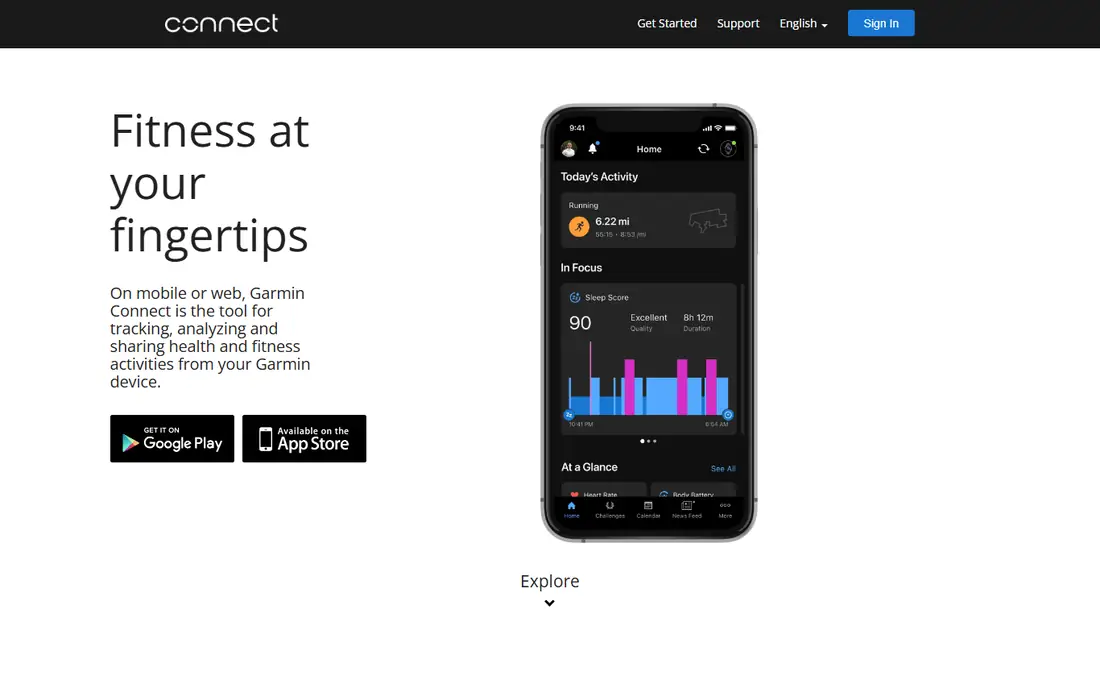
Garmin Connect is built for runners, cyclists, swimmers, and outdoor athletes who want detailed training data. It shows pace, distance, elevation, heart rate, training load, and recovery, and it can plan routes, workouts, and events. Many Garmin devices also track sleep, stress, and body battery, which gives a fuller picture of readiness than steps alone.
The app is free, but its full value needs a Garmin watch or bike computer, which is a separate purchase. The interface can also feel dense at first, because it surfaces many metrics that a casual walker may not need. For serious training, Garmin Connect is one of the most complete free health apps, and it pairs well with Strava for social training logs.
What we like- Detailed training, recovery, and outdoor metrics
- Works with a wide range of Garmin watches and bike computers
- No subscription for core features
Watch out for- Needs a Garmin device for full value
- Interface has many metrics to learn
Starting priceSee website
Free planYes
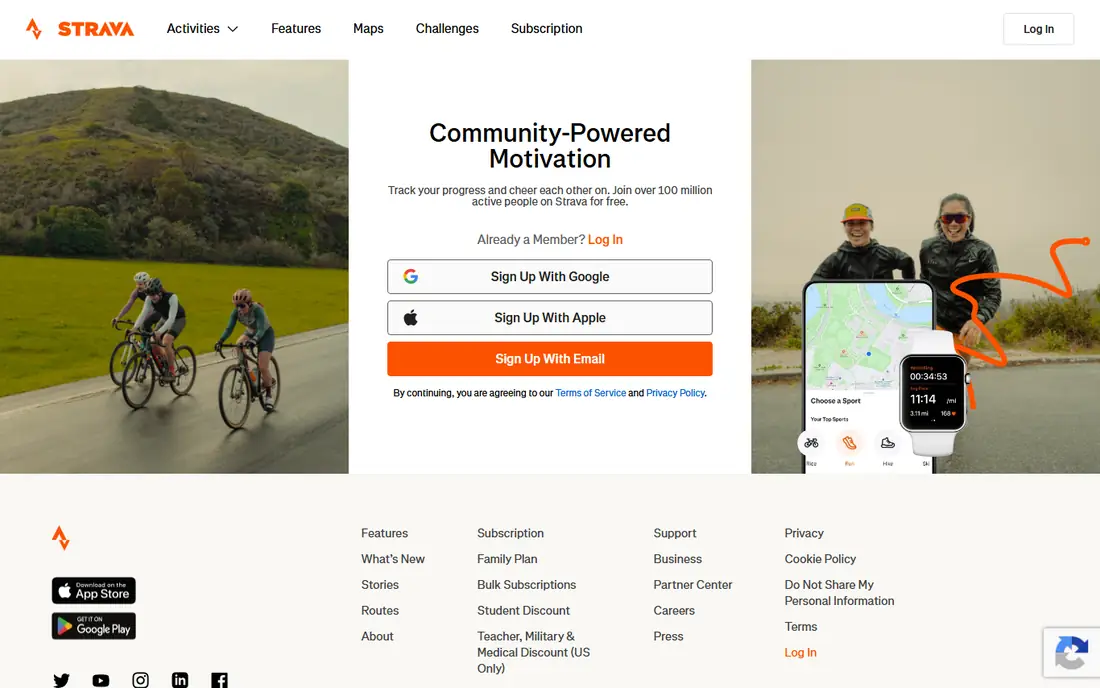
Strava began as a training log for runners and cyclists, and it still does that job better than a general health hub. You can record a run or ride, follow routes, compare efforts on segments, and see a training log over weeks and months. The activity feed adds social motivation, because friends can give encouragement and share routes, although you can keep activities private if you prefer.
The free plan covers recording and basic analysis, while route planning, deeper training analysis, and some safety features sit behind a paid plan. Strava is not a food or sleep app, so most users pair it with a nutrition or sleep tracker. For runners and cyclists who train regularly, it is the best health app for motivation and progress tracking.
What we like- Route planning, segments, and activity feed for runners and cyclists
- Works with many watches and apps
- Strong community motivation
Watch out for- Some route, training, and analysis features need a paid plan
- Social features may not suit every user
Starting priceSee website
Free planYes
Cronometer suits people who want more than calories and macros. It tracks vitamins, minerals, amino acids, and other nutrients, and it uses a curated food database that many users find more consistent than crowd-sourced entries. That detail helps people following a specific diet, managing a nutrient goal with a clinician, or simply learning how varied their diet really is.
The detail is also the drawback. Cronometer asks for more input and shows more numbers than MyFitnessPal, which can feel like work for a casual user. Some custom reports and features need a paid plan. If you want a simple food diary, start with MyFitnessPal. If you want nutrient-level insight, Cronometer is the stronger choice.
What we like- Detailed vitamin, mineral, and macro tracking
- Verified food database
- Supports many diet styles and fasting
Watch out for- Interface is more detailed than MyFitnessPal
- Some reports and custom features need a paid plan
Starting priceSee website
Free planYes
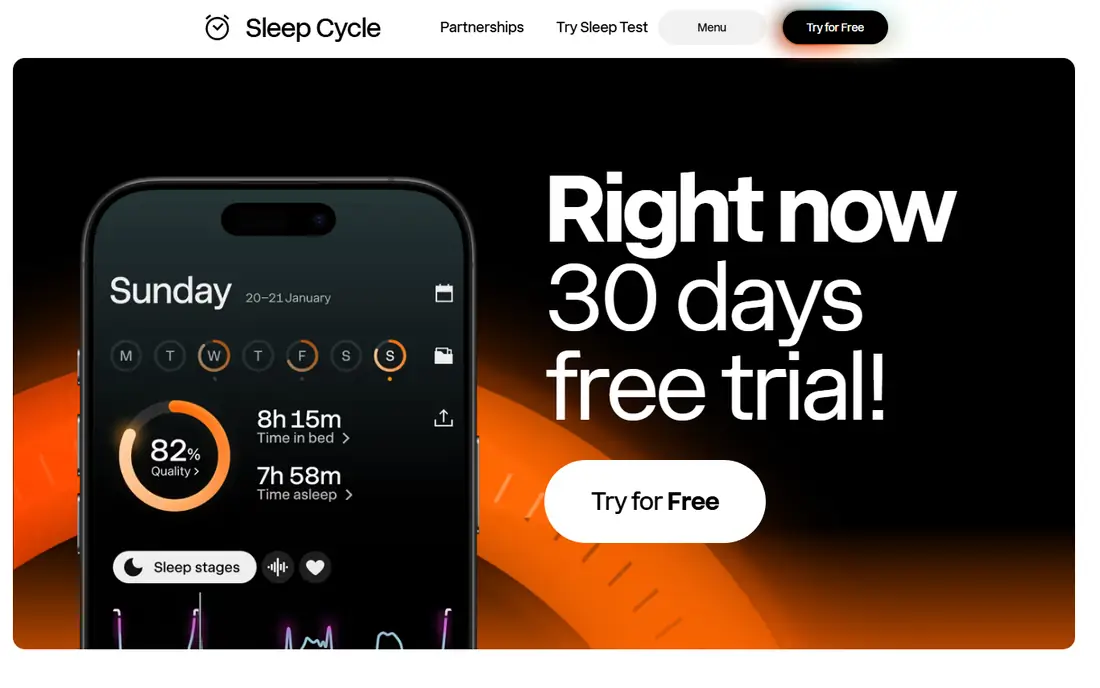
Sleep Cycle uses your phone microphone and motion sensors to track sleep and wake you during a lighter sleep phase within a set window. It shows sleep duration, quality trends, and, on some plans, snore and sleep talking detection. For people without a wearable, it is an easy way to learn whether sleep is short, irregular, or disturbed.
Phone-based tracking is less precise than a watch or tracker that measures heart rate and movement directly, and it needs the phone nearby overnight. Detailed trends and some features also need a paid plan. Sleep Cycle is best for spotting broad patterns, such as late bedtimes on certain days, rather than for diagnosing a sleep condition.
What we like- Sleep tracking with a smart alarm window
- Sleep trends and snore detection on some plans
- Works with a phone on a bedside table
Watch out for- Phone-based tracking is less precise than a wearable
- Detailed reports need a paid plan
Starting priceSee website
Free planYes
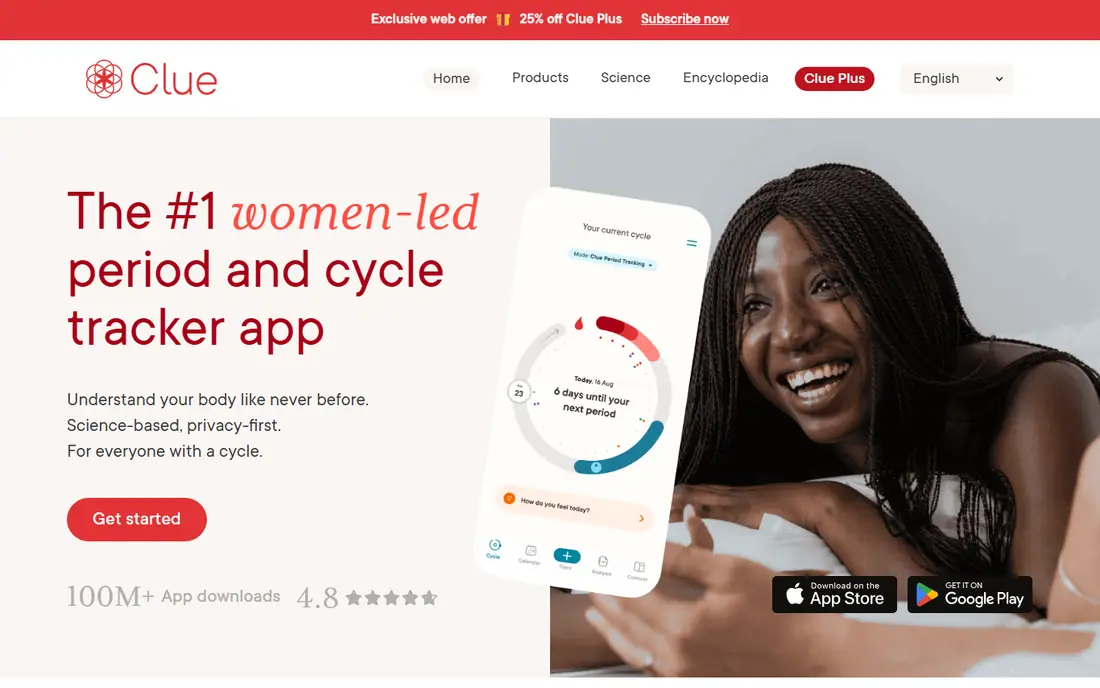
Clue helps users track periods, cycle length, symptoms, mood, and related health notes, and it uses that history to predict future cycles. Its interface is clear, and it offers educational content that explains cycle phases in plain language. Privacy controls let users choose what to share and what to keep private, which matters for sensitive health data.
Predictions are estimates based on past cycles, and they can be off, especially when cycles are irregular. Clue does not replace medical advice for fertility, pregnancy, or cycle problems. For routine tracking and symptom patterns, it is one of the most respected cycle apps, and its free plan covers the core tracking job well.
What we like- Cycle, period, and symptom tracking with predictions
- Clear privacy controls
- Educational content on cycle health
Watch out for- Predictions are estimates, not medical advice
- Some features need a paid plan
#10Headspace
Best for: Meditation and sleep content4.6/5 on
G2 (68 reviews, checked Oct 2026)
Visit headspace.com
Starting priceSee website
Free planFree trial
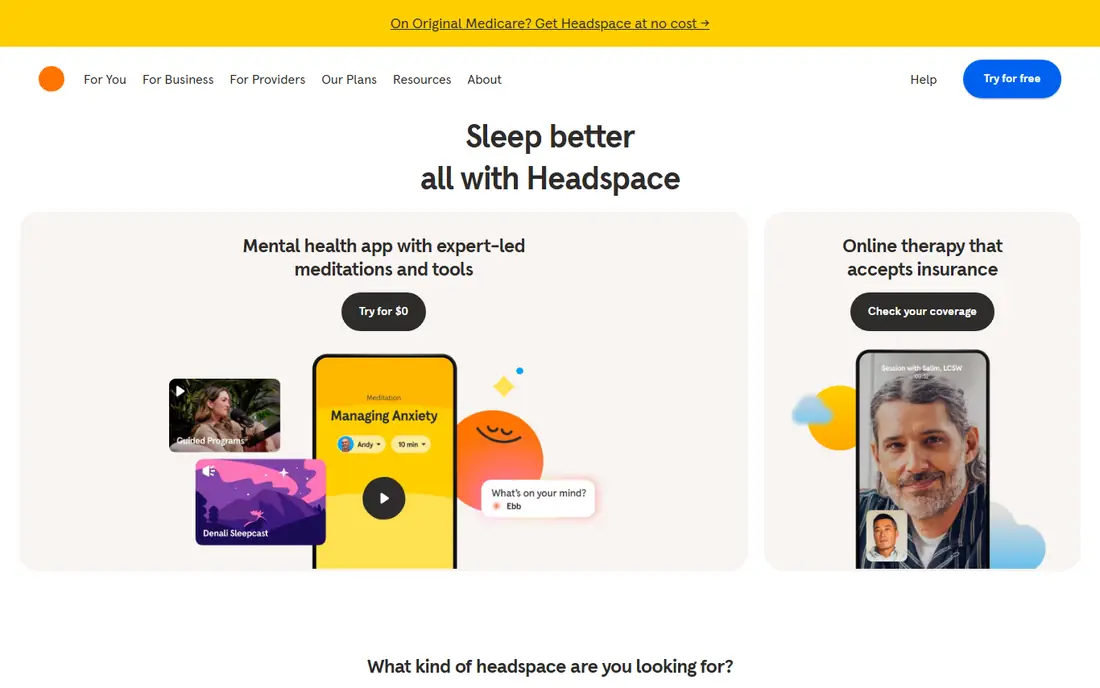
Headspace focuses on mental wellbeing rather than steps or calories. It offers guided meditations, breathing exercises, focus music, sleep stories, and structured courses that help a beginner build a short daily practice. Sessions range from a few minutes to longer courses, which suits busy users who want a calm start or end to the day.
Most full content needs a paid plan after a trial, and Headspace does not track activity, food, or sleep in detail. It pairs well with an activity tracker, because many users use it for recovery and sleep rather than as a standalone health app. If stress, focus, or sleep is your main goal, Headspace is a strong, beginner-friendly choice.
What we like- Guided meditations for stress, focus, and sleep
- Structured courses for beginners
- Sleep stories and soundscapes
Watch out for- Most content needs a paid plan after trial
- Not a fitness or nutrition tracker
How we chose
We checked vendor homepages, feature documentation, and public feedback, and we favored apps that are still actively maintained, work on current phones, and offer a useful free plan or trial. We weighed tracking accuracy, device support, privacy controls, ease of daily use, and whether an app covers one job well rather than many jobs poorly. We also included apps for different platforms, because the best health tracking app for an iPhone user is not always the best for a Samsung or Garmin user.
Building a health routine that lasts
Pick one habit, not five apps
Start with the habit that matters most, such as walking, sleeping earlier, or eating more vegetables, and choose one app for that habit. Add a second app only after the first habit feels routine for at least two weeks. Using five apps at once often leads to abandoning all of them.
Use trends, not single days
Health data varies daily with weather, work, travel, and illness. Look at weekly averages for steps, sleep, weight, or food, and note what changed in your routine. A single low step day or a poor night of sleep is not a failure, and a single good day is not proof that a new habit will last.
Protect your health data
Health apps collect sensitive information, so check privacy settings, data sharing, and export options before you log personal details. Turn off sharing you do not need, use a strong password, and check if you can export or delete your data if you switch apps. For cycle and mental health data in particular, privacy controls should be part of the decision, not an afterthought.
Frequently asked questions
What is the best health app overall?
There is no single best health app, because the job matters. MyFitnessPal suits food tracking, Fitbit or Apple Health suits activity and sleep, and Strava suits running and cycling. Start with the phone or watch you already own, then add a specialist app for food, sleep, or training if you need it.
What is the best free health app?
Apple Health and Samsung Health are free and built into many phones, and they cover steps, workouts, and sleep well. MyFitnessPal, Fitbit, Strava, and Cronometer also have useful free plans. Free plans usually limit detailed reports and some premium features, so check what you need before paying.
What is the best health tracking app for weight loss?
MyFitnessPal and Cronometer are the strongest food tracking choices, because weight change depends heavily on food intake and activity. Pair food tracking with a step or activity app, and use weekly trends rather than daily weight. This is not medical advice, and a clinician can help set a safe and realistic goal.
Do health apps work without a smartwatch?
Yes. Many apps use phone sensors for steps, GPS for runs and rides, and manual entry for food and sleep. A watch adds heart rate, sleep stages, and passive tracking, but it is not required to start. Begin with a phone app, and add a wearable only if you want more automatic data.
Are health apps accurate?
Health apps give useful trends, but their accuracy varies by device, sensor, and user input. Step counts, GPS distance, and sleep duration are usually close, while calorie burn, sleep stages, and food calories are estimates. Use apps to spot patterns over time, and do not rely on a single reading for a medical decision.
Which health app is best for sleep?
Sleep Cycle suits phone-only sleep tracking with a smart alarm, while Fitbit, Apple Health, Samsung Health, and Garmin Connect give more detailed sleep data with a wearable. Headspace helps with sleep content and winding down, rather than tracking. For ongoing sleep problems, talk to a clinician rather than relying on an app alone.
Sources we checked (10)
- https://www.myfitnesspal.com/
- https://www.fitbit.com/
- https://www.apple.com/ios/health/
- https://www.samsung.com/us/apps/samsung-health/
- https://connect.garmin.com/
- https://www.strava.com/
- https://cronometer.com/
- https://www.sleepcycle.com/
- https://helloclue.com/
- https://www.headspace.com/
Is your product missing or out of date?
We review this list regularly. Vendors can request a listing, send updated pricing or ask about featured placement.

Shihab Mia · Founder, Rankite
Shihab has 5+ years in B2B and SaaS SEO. He writes Rankite's software buying guides from pricing pages, documentation and public user reviews. More about Shihab.