How we make this list: we compare pricing pages, product documentation and public user reviews. Ratings come from G2, Capterra or Trustpilot, with the date we checked them.
Key takeaways
- MyRegistry and GiftList give the widest store coverage, since both accept items from many retailers on one shared link.
- Giftster and Elfster suit families and groups best, because private groups, claimed items and Secret Santa draws sit at the center of both apps.
- Amazon Wish List and Zola work best when most gifts already live in one store or one wedding plan, and they lose value outside that setting.
- Almost every app here starts free, so the real cost is time spent setting up lists and asking guests to use a new link.
- Wishes and Listful are strong second choices for people who want a fast setup or price alerts without a large group feature set.
Quick comparison
| Tool | Best for | Starting price | Free plan |
|---|
 MyRegistry MyRegistry | Universal lists with cash funds | $0 per month | Yes |
 Giftster Giftster | Private family groups | $0 per month | Yes |
 Elfster Elfster | Secret Santa exchanges | $0 per month | Yes |
 GiftList GiftList | Free universal lists for guests | $0 per month | Yes |
 Amazon Wish List Amazon Wish List | Amazon shoppers | $0 per month | Yes |
 Zola Zola | Wedding registries | $0 per month | Yes |
 Wishes Wishes | Fast link sharing | $0 per month | Yes |
 Listful Listful | Price alerts and tracking | $2.99 per month | Yes |
Is your product missing or out of date?
We review this list regularly. Vendors can request a listing, send updated pricing or ask about featured placement.
The best gift list apps
Starting price$0 per month
Free planYes
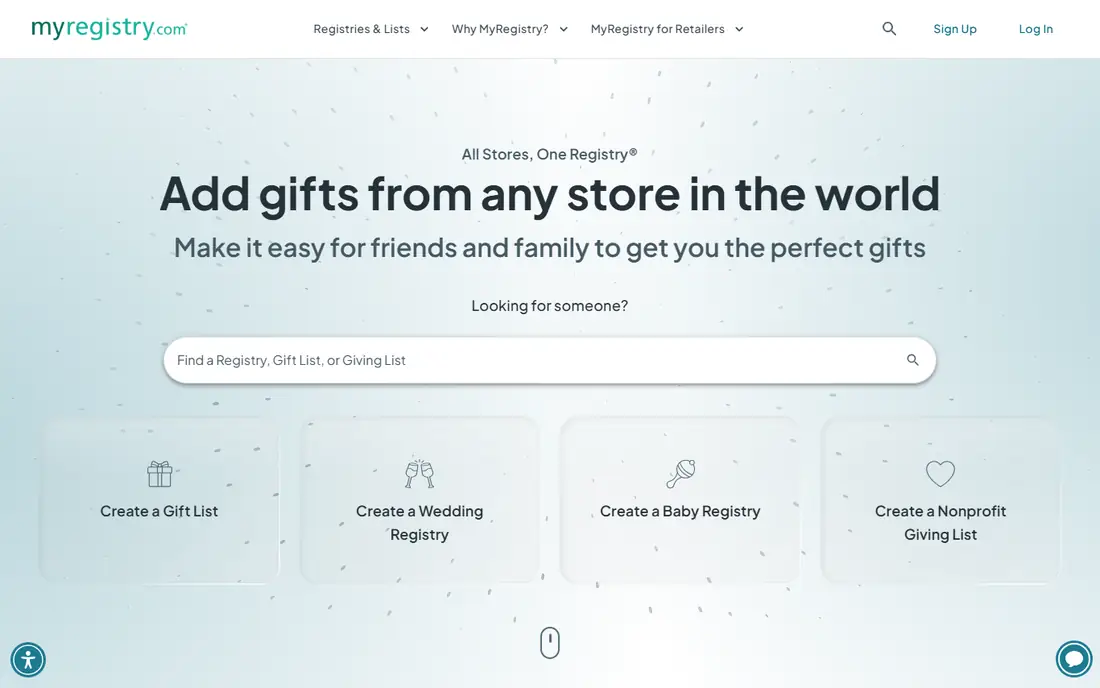
MyRegistry fits a household that shops in many places and wants one list for birthdays, weddings and holidays. A guest opens a single link, sees items from different retailers, and marks a gift as purchased after buying it elsewhere. That central list avoids the usual problem of three separate lists in three stores, and it keeps the surprise intact when the purchased setting is turned on.
The standout detail is fund support. Couples and graduates can add a honeymoon fund, a home fund or an experience alongside physical gifts, which matters when a person already owns the basics. Group gifting also helps for larger items, since several guests can contribute toward one purchase instead of buying separate small gifts. The catch is checkout stays scattered, because each retailer handles payment, shipping and returns on its own terms. Guests who prefer one checkout may find that friction annoying, and anyone adding a cash fund should read the fee note before sharing the link.
What we like- Add items from any store
- Supports cash funds and experiences
- One link for every occasion
Watch out for- Guests buy from different stores
- Cash fund fees can apply
Starting price$0 per month
Free planYes
Giftster has served families for years, and that long history shows in how it handles privacy. Lists live inside a private group, purchased items disappear from the owner's view, and other members can suggest items in secret. For a family that repeats the same Christmas or birthday routine each year, that setup removes duplicate gifts without a group chat full of hints and screenshots.
Adding an item does not always pull in a full product page, so some entries need a manual note or link. That extra step is minor for a short list and more noticeable for a long one. The Secret Santa draw, exclusion rules and reuse of a prior draw give organizers a clear reason to stay, even when a newer app looks cleaner. Giftster suits people who value a closed circle and a surprise more than a polished store browser.
What we like- Private family groups
- Purchased items stay hidden from the list owner
- Built-in Secret Santa draw
Watch out for- Design feels dated in places
- Store coverage is less automatic than rivals
Starting price$0 per month
Free planYes
Elfster starts from the exchange, not the list. An organizer sets a budget, a date and exclusion rules, invites players by email, and the system draws names and keeps each match secret. Players can ask their recipient anonymous questions, which solves the common problem of buying for a distant cousin or a new coworker with no clear interests on file.
Wish lists exist and items can come from many stores, but the exchange workflow gets more attention than long term list keeping. A family that only needs one draw a year will find that focus ideal. A person who wants a year round list for birthdays, graduations and housewarmings may prefer a universal registry app and use Elfster only in December. The free price keeps the decision low risk, and the email based invites work for relatives who do not want another app account.
What we like- Strong Secret Santa tools with exclusions
- Anonymous questions for the recipient
- Free for organizers and players
Watch out for- Holiday focus can feel narrow
- Wish lists are less central than the draw
Starting price$0 per month
Free planYes
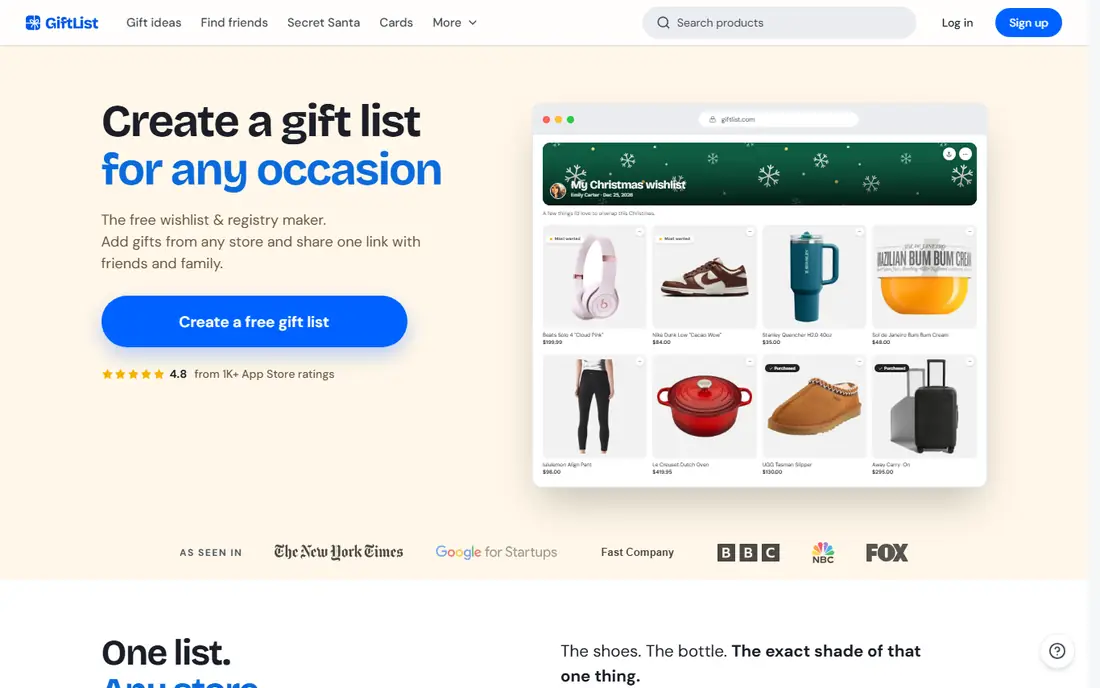
GiftList makes the guest experience its main selling point. A giver opens a link, enters a name and email, reserves a gift, buys it at the retailer, and the item shows as taken to other givers. No account is required for that step, which matters for grandparents, coworkers and friends who will not install an app for one birthday. List owners can also add cash funds and group gifts without a GiftList fee, though Venmo, PayPal or a similar provider may charge its own fee.
The app adds a gift finder, tags, quantities and a tracker for thank you notes, so a long wedding or baby list stays organized. Collaboration lets a couple edit one list together instead of merging two lists late in the process. The trade-off is trust in a newer service compared with older family apps, and some product links need manual entry when automatic details are missing. For most everyday lists, the low friction for guests outweighs those limits.
What we like- Guests reserve gifts without an account
- No fee on cash funds or group gifts from GiftList
- Browser extension and mobile apps
Watch out for- Payment providers may charge their own fees
- Newer brand with less history than Giftster
Starting price$0 per month
Free planYes
Amazon Wish List wins on speed when the shopping already happens on Amazon. A user creates a list in minutes, adds items from product pages, shares a link, and guests buy with the checkout and delivery options they already know. Price alerts help guests wait for a sale, and purchased items are marked so duplicates are less likely. For a classroom list, a book list or a household list built from Amazon stock, that simplicity is hard to beat.
The limit is clear and should decide the choice. Items from independent shops, local stores and other retailers do not fit the same way, and there is no built in cash fund for experiences or contributions. A list owner who wants gifts from many stores will end up with a second list elsewhere, which defeats the purpose of one link. Use Amazon Wish List as a single store list, not as a universal registry, and pair it with a universal app only if the extra link is worth the effort.
What we like- Fast setup for existing Amazon accounts
- Price drop alerts in the app
- Easy purchase and delivery tracking
Watch out for- Limited to Amazon products
- No cash fund option
Starting price$0 per month
Free planYes
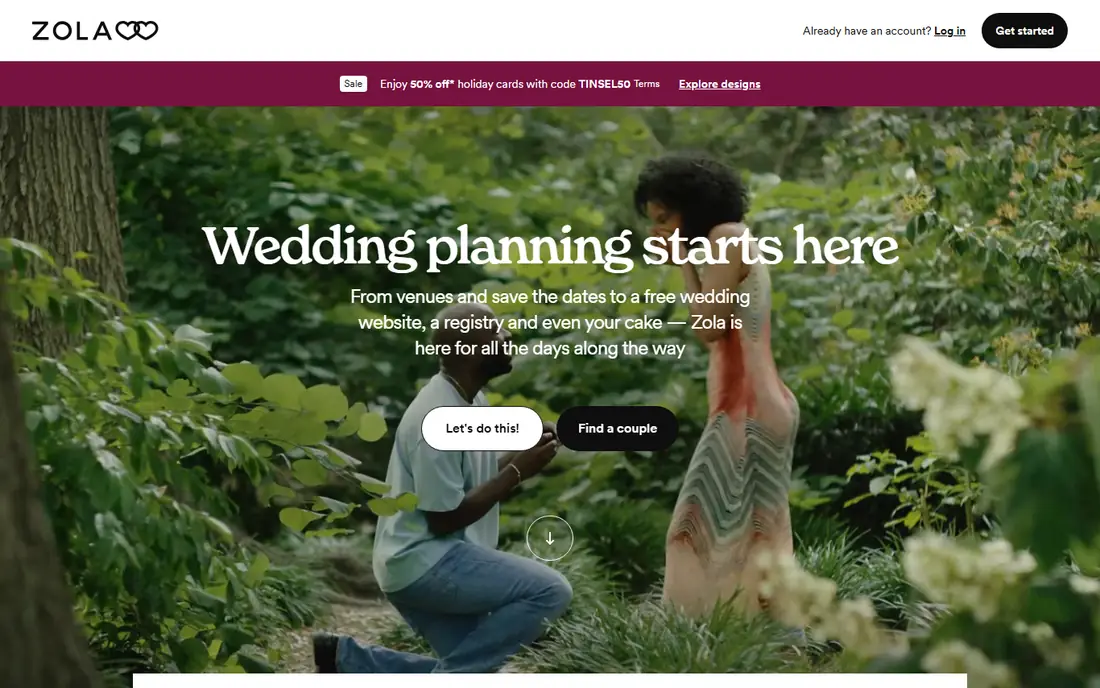
Zola suits couples who want a registry, a wedding website and guest tools in one account. Guests can buy curated items through Zola checkout, contribute to a cash fund, or join a group gift, and the couple tracks everything from one dashboard. That single checkout removes the scattered store problem that universal lists create, and the wedding website keeps the registry link, schedule and travel details together.
Outside weddings, the fit weakens. Birthday lists, holiday lists and baby lists can be made, but the design, language and planning tools still point toward weddings. A couple planning a wedding will gain more from Zola than from a general list app, especially when group gifts and funds matter. A person who needs a general list for many occasions should pick a universal app instead and keep Zola for the wedding itself.
What we like- Wedding planning tools in one place
- Cash funds and group gifts
- Curated store items with one checkout
Watch out for- Built for weddings first
- Less useful for birthdays and holidays
Starting price$0 per month
Free planYes
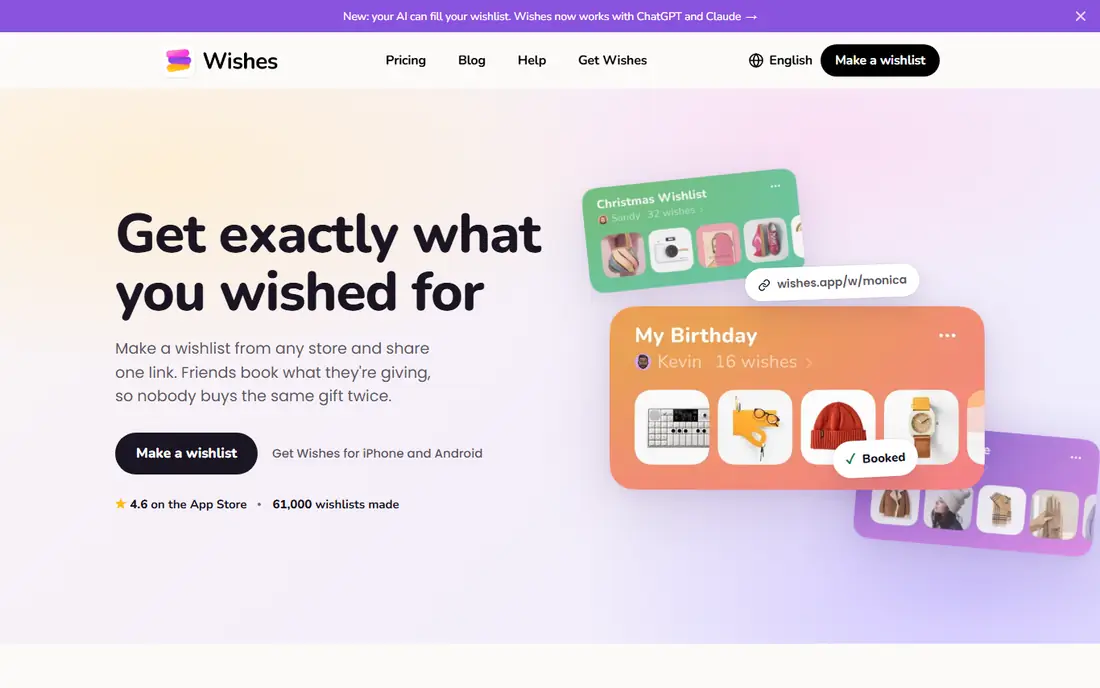
Wishes focuses on speed. A list can be built in minutes and shared with one link, and guests can browse in a browser without installing an app. Booking a gift marks it as taken, so duplicates drop, and the owner also sees that a gift was booked, which keeps the list current but removes some surprise. A free Secret Santa draw works for a small group that only needs a simple name draw and a shared link.
The free plan covers the first three wish lists, and a paid Plus plan lifts that limit and adds themes and shared lists. Secret Santa draws lack exclusion rules and email reminders, so a group with couples who should not draw each other needs Elfster instead. Wishes fits a person who wants a quick list for one event and does not want to teach relatives a new system.
What we like- Very fast setup and sharing
- Guests can browse in a browser without an app
- Free Secret Santa draw for small groups
Watch out for- Free plan limits the number of wish lists
- No exclusion rules for Secret Santa draws
Starting price$2.99 per month
Free planYes
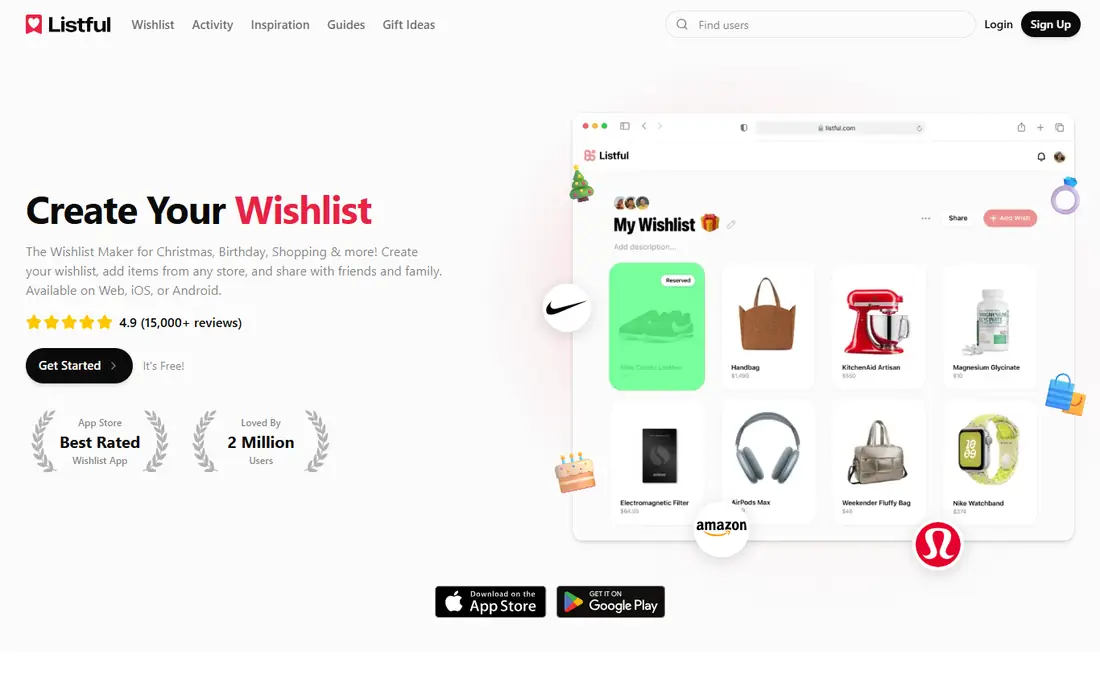
Listful appeals to a shopper who watches prices and builds lists over time. Items from many stores sit on one list, and price alerts flag a drop before a birthday or holiday deadline. That tracking helps a giver who wants a specific item but can wait for a sale, and it helps a list owner who wants to update prices without checking each store by hand.
The free tier covers basic lists, while Pro starts at $2.99 per month and adds more tracking and list features. There is no Secret Santa draw, so groups need a second tool in December. Listful also feels more like a personal tracker than a family registry, which suits a solo shopper or a couple building a long wish list. Pick it when price tracking matters more than group draws and guest tools.
What we like- Price drop alerts on tracked items
- Works with items from many stores
- IPhone and Android apps
Watch out for- Pro plan needed for full features
- No Secret Santa draw
How we chose
We compared pricing pages, help pages, app store listings and public reviews on G2, Capterra and Reddit, and we checked which stores each app accepts, whether guests need an account, and whether cash funds or group gifts are included. We favored apps that exist now, work for more than one occasion, and state their free limits in plain terms. We left out single store lists that only work inside one retailer unless that limit itself was the point, as with Amazon Wish List and Zola.
We also weighed the guest side as heavily as the owner side. A list that guests cannot open, reserve from or buy from without extra steps will go unused, no matter how clean the owner dashboard looks. That is why free guest access, claimed item handling and one link sharing shaped the order above.
What to check before you share a list
A good list fails when guests cannot tell what is taken, where to buy it, or whether a cash gift is welcome. Check those three points before sending the link, and test the link on a phone as a guest would see it.
Store coverage and checkout
Universal apps accept links from many stores, while single store lists keep checkout simple. Pick universal coverage when gifts come from independent shops, local stores and large retailers. Pick a single store list only when almost every gift lives in that store and guests already shop there.
Privacy and surprises
Decide whether the list owner should see claimed items. Giftster hides purchases from the owner, while Wishes shows a booked item as taken to everyone, including the owner. Neither choice is wrong, but the choice should match the group. Families who guard surprises should test that setting before the first gift is claimed.
Funds, group gifts and fees
Cash funds help when a person needs money toward a trip, a home cost or an experience more than another object. Read the fee note for funds, since some apps charge a handling fee and others pass the giver to a payment provider that may charge its own fee. Group gifts also need a clear target amount and a deadline, or guests may hold back while waiting to see who else contributes.
Sharing with reluctant guests
Older relatives and busy coworkers are the real test for any list app. A link that opens in a browser, needs no account to reserve a gift, and shows a clear buy button will get more use than a link that forces an install. Send the link with a short note that names the occasion, the deadline and one example gift, so guests do not need to learn the app to start shopping.
Frequently asked questions
What is the best gift list app for families?
Giftster suits families best when privacy and a yearly routine matter, because private groups, hidden purchases and a Secret Santa draw are built in. MyRegistry and GiftList suit families who shop in many stores and want one link for every occasion. Pick Giftster for a closed family circle and a universal app when store range matters more.
Are gift list apps really free?
Most apps here start free for creating and sharing lists, and guests usually pay only the retailer for the gift itself. Some apps charge fees on cash funds or pass givers to a payment provider, and some limit free lists or lock extra features behind a paid plan. Read the fund and limit notes before sharing a list that includes money gifts.
Can guests buy from any store?
Universal apps accept items from many stores, though some links need manual entry when product details do not load automatically. Amazon Wish List works best for Amazon products, and Zola works best for its curated store plus funds. Check one item from each store you plan to use before building a full list.
How do gift list apps stop duplicate gifts?
Guests mark an item as purchased or reserved, and other guests see it as taken. Some apps hide that status from the list owner to protect the surprise, while others show it to everyone. The system only works when guests remember to mark the item after buying it at another retailer, so a short note in the share message helps.
What is the difference between a wish list and a registry?
A wish list is a general list of gift ideas for any occasion, while a registry is usually tied to one event such as a wedding or a baby shower. Registry apps often add group gifts, cash funds and guest management for that event. Many apps here cover both uses, but wedding focused apps add planning tools that general lists do not need.
Do I need a Secret Santa app separate from a gift list app?
Not always. Giftster, Elfster, GiftList and Wishes include a draw, with different rules for exclusions, emails and reminders. Elfster gives the most control over exclusions and email invites, while Wishes gives the fastest simple draw. Use a separate draw only when your group needs rules that your list app does not offer.
Sources we checked (7)
- https://guides.myregistry.com/gift-list/top-gift-list-websites-compared-2026-guide/
- https://www.giftster.com/wedding-gift-registry/
- https://www.elfster.com/content/secretsanta
- https://giftlist.com/
- https://giftlist.com/blog/myregistry-vs-giftlist
- https://wishes.app/blog/best-wishlist-app-in-2026
- https://www.getwish.app/best-wishlist-apps
Is your product missing or out of date?
We review this list regularly. Vendors can request a listing, send updated pricing or ask about featured placement.

Shihab Mia · Founder, Rankite
Shihab has 5+ years in B2B and SaaS SEO. He writes Rankite's software buying guides from pricing pages, documentation and public user reviews. More about Shihab.