How we make this list: we compare pricing pages, product documentation and public user reviews. Ratings come from G2, Capterra or Trustpilot, with the date we checked them.
Key takeaways
- Steam still offers the largest PC library, the deepest sale calendar, and the strongest community and workshop features.
- Epic Games Store is the best free library builder, with weekly free games that stay in your account.
- GOG suits players who want DRM-free ownership and classic games that run without a launcher lock-in.
- Subscription platforms such as Xbox Game Pass suit players who try many games, while storefronts suit players who buy specific titles.
Quick comparison
| Tool | Best for | Starting price | Free plan |
|---|
 Steam Steam | Largest PC library | Free to join; games priced per title | Yes |
 Epic Games Store Epic Games Store | Weekly free games | Free to join; games priced per title | Yes |
 GOG GOG | DRM-free ownership | Free to join; games priced per title | Yes |
 Xbox Game Pass for PC Xbox Game Pass for PC | Subscription library | $9.99 per month | Free trial |
 EA App EA App | EA franchise players | Free to join; EA Play from $5.99 per month | Yes |
 Ubisoft Connect Ubisoft Connect | Ubisoft catalog and rewards | Free to join; Ubisoft+ from $17.99 per month | Yes |
 Battle.net Battle.net | Blizzard and Activision titles | Free to join; games priced per title | Yes |
 itch.io itch.io | Indie and experimental games | Free to join; many games free or pay-what-you-want | Yes |
 Humble Bundle Humble Bundle | Discounted bundles | Free to join; Choice from $11.99 per month | Yes |
Is your product missing or out of date?
We review this list regularly. Vendors can request a listing, send updated pricing or ask about featured placement.
Starting priceFree to join; games priced per title
Free planYes
Steam is the default PC gaming platform for a reason. Its catalog covers indie games, major releases, and older titles in one store, and its seasonal sales in summer, autumn, and winter regularly cut prices by large amounts. Cloud saves, controller support, workshop mods, and user reviews make it more than a store, since you can research a game, try mods, and manage saves across PCs from one account.
The main limit is ownership in practice. You buy a license tied to your account, not a disc you can resell, and a few publishers add their own launcher on top of Steam. Steam also has no regular free game program like Epic, so library building depends on sales and bundles. For most PC players, Steam is still the first platform to install, with other storefronts added for free games, DRM-free titles, or exclusives.
What we like- Largest PC game catalog
- Seasonal sales with deep discounts
- Workshop mods, cloud saves, and community reviews
Watch out for- Games are tied to your Steam account
- Library can feel overwhelming
- Some titles use extra launchers
Starting priceFree to join; games priced per title
Free planYes
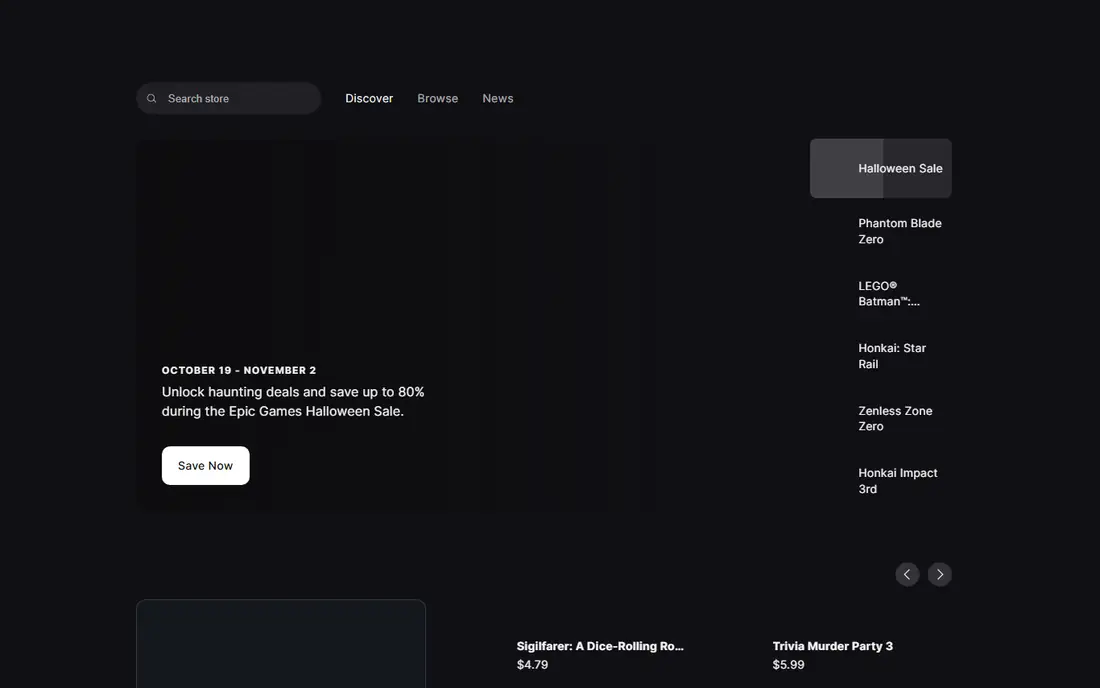
Epic Games Store is the best way to build a PC library for little money. Each week, Epic gives away at least one full game, and claimed games stay in your library with no subscription needed. Over a year, that habit alone can add dozens of titles across genres, including past major releases such as Grand Theft Auto V and Civilization VI in earlier giveaways. Coupons and sales add further savings on paid titles.
The catalog and community tools are thinner than Steam. There is less mod support, fewer forums, and a smaller back catalog, so Epic works best as a second storefront rather than a full replacement. Claim the weekly free game, buy exclusives here, and keep Steam for mods, reviews, and deep sale shopping.
What we like- Free game every week, yours to keep
- Frequent coupons and sales
- Clean, simple storefront
Watch out for- Smaller catalog than Steam
- Fewer community and workshop features
- Some games are timed exclusives
Starting priceFree to join; games priced per title
Free planYes
GOG, run by CD Projekt, sells games without digital rights management, so you can download an installer, back it up, and play offline without a launcher check. That model appeals to players who care about long-term ownership and to fans of classic games, since GOG restores older titles to run on modern PCs. The Galaxy client is optional for many games, which keeps the experience light.
The trade is catalog size and social features. New major releases often arrive later or not at all, and multiplayer, achievements, and community tools are lighter than Steam. GOG is a strong choice for single-player games, classics, and DRM-free purchases, and it pairs well with Steam for titles that need mods or large multiplayer communities.
What we like- DRM-free downloads you can keep offline
- Strong classic game catalog
- No forced client for many titles
Watch out for- Smaller new-release catalog
- Fewer multiplayer and social features
- Sales are less frequent than Steam
Starting price$9.99 per month
Free planFree trial
Xbox Game Pass for PC changes the buying question from which game to buy to which games to try this month. For a flat monthly fee, you get a rotating library that includes Xbox studio releases on day one, plus a wide range of indie and third-party titles. That model suits players who like variety, who play several games at once, or who want to test a game before buying it outright.
The limit is access, not ownership. Games rotate out of the catalog, and access ends if you cancel, so a game you love may need a separate purchase later. Game Pass is best for discovery and for players who finish games quickly, while Steam or GOG remain better for titles you want to own for years.
What we like- Large rotating library
- Day-one releases from Xbox studios
- Try many games for one monthly fee
Watch out for- Games leave the catalog
- You lose access if you cancel
- Library depends on publisher deals
Starting priceFree to join; EA Play from $5.99 per month
Free planYes
The EA App is the PC home for Electronic Arts titles, including EA Sports FC, Battlefield, Apex Legends, and The Sims. If you play EA games regularly, the app is hard to avoid, since many EA titles require it even when bought elsewhere. EA Play, the subscription tier, adds a vault of older EA games, early trials for new releases, and discounts on EA purchases.
The narrow catalog is the obvious limit. Outside EA and partner titles, there is little reason to open the app, and some players still report stability quirks. Use the EA App for EA games and EA Play value, and keep Steam or Epic as your general storefront for everything else.
What we like- Home for EA Sports, Battlefield, and Sims titles
- EA Play adds a vault of games and trials
- Cloud saves on EA titles
Watch out for- Required for many EA games on PC
- Catalog is limited to EA and partners
- App history includes stability complaints
Starting priceFree to join; Ubisoft+ from $17.99 per month
Free planYes
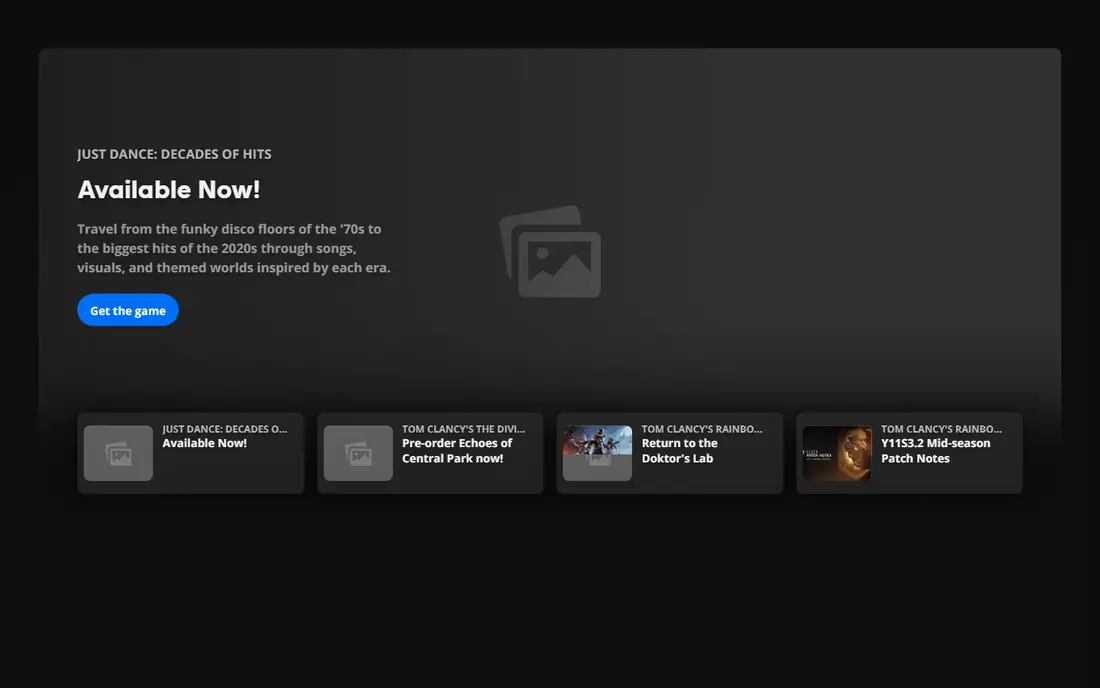
Ubisoft Connect serves players who spend most of their time in Ubisoft worlds such as Assassin Creed, Far Cry, Rainbow Six Siege, and The Division. The client tracks stats, rewards, and challenges across Ubisoft titles, and Ubisoft+ adds a subscription catalog that includes new releases and classic games. For a dedicated Ubisoft player, that bundle can replace several separate purchases.
For everyone else, the value is narrow. Ubisoft+ at $17.99 per month is steep if you only play one Ubisoft game a year, and many Ubisoft PC titles require Connect even when bought on Steam or Epic. Treat Connect as a companion app for Ubisoft games, and judge Ubisoft+ on how many Ubisoft titles you actually finish in a year.
What we like- Home for Assassin Creed, Far Cry, and Rainbow Six
- Rewards and challenges across Ubisoft games
- Ubisoft+ adds a large catalog
Watch out for- Required for many Ubisoft PC games
- Ubisoft+ price is high for casual players
- Catalog is Ubisoft-only
Starting priceFree to join; games priced per title
Free planYes
Battle.net is the PC launcher for Blizzard and Activision games, including World of Warcraft, Diablo IV, Overwatch 2, and Call of Duty. The launcher is stable, the friends list works across Blizzard titles, and game updates are handled in one place. For players who live in those worlds, Battle.net is a clean, focused home that avoids the clutter of a general storefront.
The narrow catalog is the limit. You will not find indie games or third-party releases here, and World of Warcraft also needs a subscription beyond the game purchase. Battle.net suits Blizzard and Activision fans first, with Steam or Epic covering the rest of a library.
What we like- Home for World of Warcraft, Diablo, Overwatch, and Call of Duty on PC
- Stable launcher
- Cross-game friends list
Watch out for- Catalog is limited to Blizzard and Activision
- Some games need a subscription on top
- Few indie titles
Starting priceFree to join; many games free or pay-what-you-want
Free planYes
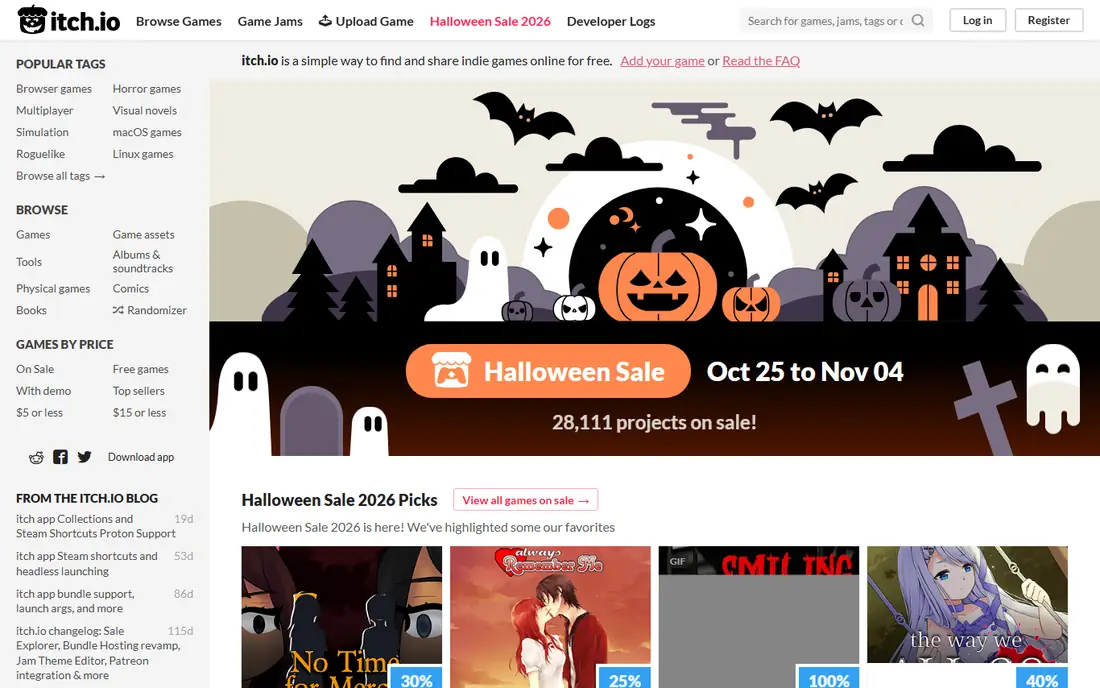
itch.io is the most open gaming platform on this list. Independent creators upload games directly, often for free or pay-what-you-want, and game jams produce thousands of short, experimental titles each year. That openness makes it the best place to find unusual ideas, prototypes, and small games that would never reach a major storefront, and purchases support creators directly.
Quality control is the trade. With an open catalog, you will find rough, unfinished, or very short games next to genuine gems, and support depends on each creator. itch.io works best as a discovery platform for curious players, paired with Steam or GOG for polished, long-form games.
What we like- Huge indie and experimental catalog
- Many free and pay-what-you-want games
- Game jams and direct creator support
Watch out for- Quality varies widely
- Less polish and support than big storefronts
- Few major releases
Starting priceFree to join; Choice from $11.99 per month
Free planYes
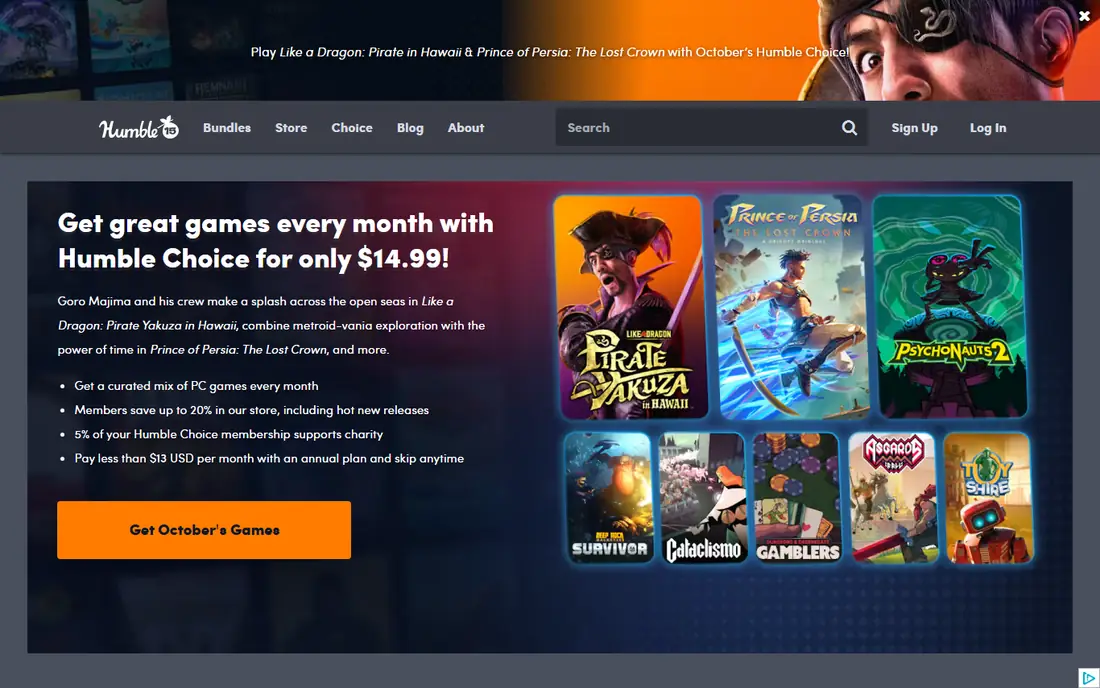
Humble Bundle sells curated bundles of games, books, and software at a fraction of their separate prices, and its Choice subscription gives a monthly set of games to keep. Bundles are a strong way to build a library cheaply, especially for players who enjoy discovering older or indie titles, and the charity option lets part of a purchase support a chosen cause.
The limits are timing and selection. Bundles feature titles you may already own, and Choice months vary in value, so the subscription pays off only if you play several of the monthly games. Humble works best as a deal-hunting companion: check bundles for games on your wishlist, and use Steam or GOG as the main library home.
What we like- Bundles offer large savings
- Choice gives a monthly set of games
- Part of proceeds can go to charity
Watch out for- Bundle games are often older titles
- Choice value varies by month
- Keys activate on other platforms
How we chose
We compared PC storefronts, subscription services, and publisher launchers using vendor pricing pages, store catalogs, and public reviews. Each platform had to be live today, offer a real way to buy or play games on PC, and serve a distinct need, from library size to DRM-free ownership to subscription discovery. We noted where access ends on cancellation, where a launcher is required, and where a catalog is narrow, since those limits shape the real cost of a platform.
How to build a library without overspending
Start with two free accounts: Steam for the main library and Epic for weekly free games. That pair covers most PC needs at no cost, and Steam sales will handle most paid purchases. Add GOG for DRM-free single-player titles you want to keep offline, and itch.io for indie discovery. That four-platform base costs nothing to join and keeps your library spread across stores, which reduces the risk of losing everything if one account has a problem.
Add a subscription only if the math works. Count how many Game Pass, EA Play, or Ubisoft+ games you finish in a typical month, then compare that count with the monthly fee. If you finish two or more included games a month, a subscription often saves money. If you play one game slowly for months, buying that game outright on Steam or GOG is usually cheaper. Check catalog rotation dates before starting a long game on a subscription, so you do not lose access halfway through.
Finally, watch for double launchers and system needs. Some games bought on Steam still open EA App or Ubisoft Connect, which adds steps and background software. Check system requirements, storage size, and controller support before buying, and use wishlist alerts and price trackers to buy during sales rather than at launch price when you can wait.
Frequently asked questions
Is Steam still the best gaming platform?
For most PC players, yes. Steam has the largest catalog, the deepest sales, and the strongest mod and community features. Epic, GOG, and Game Pass add value on top, but they do not replace Steam as a main library for most players.
Is Epic Games Store really free?
Joining Epic is free, and weekly free games stay in your library with no subscription. Paid games still cost money, and some titles are timed exclusives, so Epic is best used alongside Steam rather than instead of it.
What does DRM-free mean on GOG?
DRM-free means you can download an installer and play without an online check or launcher lock-in for many titles. You still buy a license, but you can back up the installer and play offline, which suits players who care about long-term access.
Is Xbox Game Pass worth it for PC?
It depends on how many games you finish. Players who try many games each month often save money, while players who play one game slowly may save more by buying that game outright. Check which games are leaving the catalog before you start a long title.
Do I need EA App or Ubisoft Connect if I buy on Steam?
For many EA and Ubisoft titles, yes. Buying on Steam often still opens the publisher launcher for those games, so expect an extra step and an extra account for those publishers.
Can I move games between platforms?
Generally, no. A game bought on Steam does not transfer to Epic, GOG, or Xbox, and subscription access ends on cancellation. Keep that in mind before buying the same game twice, and use wishlist alerts to buy on your preferred platform first.
Sources we checked (9)
- https://store.steampowered.com
- https://store.epicgames.com
- https://www.gog.com
- https://www.xbox.com
- https://www.ea.com
- https://www.ubisoft.com
- https://www.battle.net
- https://www.itch.io
- https://www.humblebundle.com
Is your product missing or out of date?
We review this list regularly. Vendors can request a listing, send updated pricing or ask about featured placement.

Shihab Mia · Founder, Rankite
Shihab has 5+ years in B2B and SaaS SEO. He writes Rankite's software buying guides from pricing pages, documentation and public user reviews. More about Shihab.