How we make this list: we compare pricing pages, product documentation and public user reviews. Ratings come from G2, Capterra or Trustpilot, with the date we checked them.
Key takeaways
- NinjaTrader and Sierra Chart suit dedicated futures traders, while TradingView suits traders who also chart stocks and other markets.
- Data feed cost often exceeds platform cost, so price the platform, the feed and exchange fees together before choosing.
- Order flow tools such as Bookmap, ATAS and Jigsaw suit short-term traders, while longer-term traders may not need footprint or DOM depth.
- This is not financial advice. Futures trading can lose more than the initial deposit, and charting skill does not remove market risk.
Quick comparison
| Tool | Best for | Starting price | Free plan |
|---|
 NinjaTrader NinjaTrader | Dedicated futures trading | See website | Yes |
 Sierra Chart Sierra Chart | Professional futures charting | $26 per month | Free trial |
 TradingView TradingView | Multi-market charting | See website | Yes |
 thinkorswim thinkorswim | Free charting with Schwab | See website | Yes |
 TradeStation TradeStation | Charting plus brokerage | See website | Yes |
 MultiCharts MultiCharts | Strategy charting and testing | $99 per month | Free trial |
 Quantower Quantower | Multi-asset advanced charting | $70 per month | Yes |
 Bookmap Bookmap | Order flow visualisation | $49 per month | Yes |
 ATAS ATAS | Volume and cluster charts | See website | Yes |
 MotiveWave MotiveWave | Wave and pattern charting | $29 per month | Free trial |
Is your product missing or out of date?
We review this list regularly. Vendors can request a listing, send updated pricing or ask about featured placement.
The best futures charting software
Starting priceSee website
Free planYes
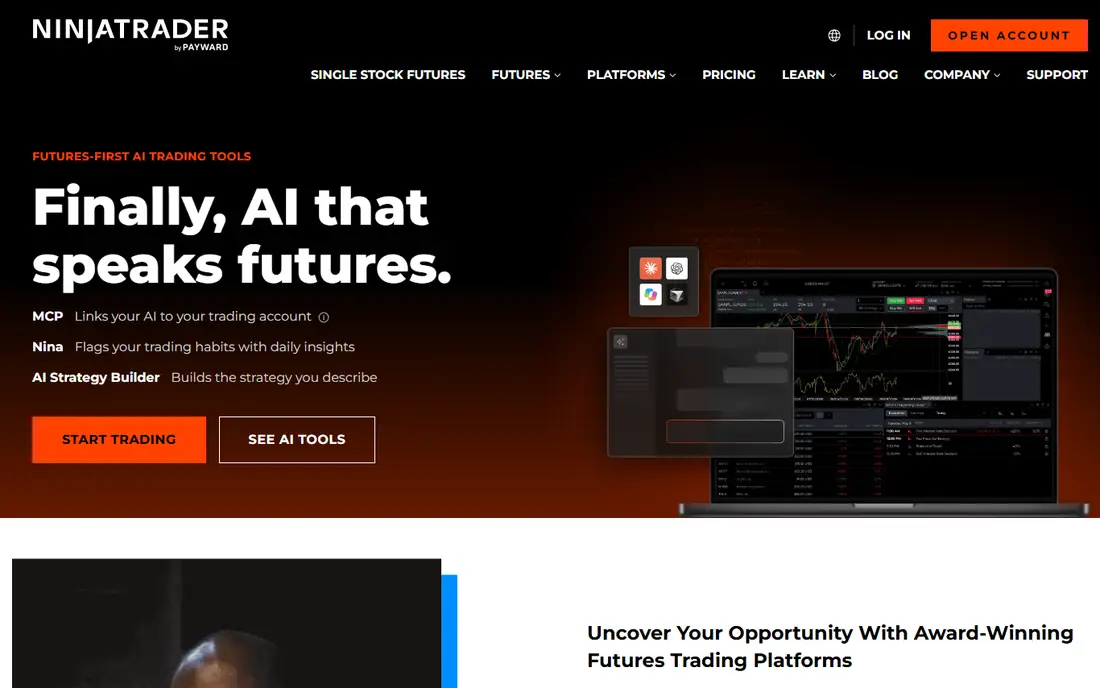
NinjaTrader is the default starting point for a dedicated futures trader. Its charting, SuperDOM and Volumetric Bars cover the core tools a futures trader needs, and broker integration keeps charting and execution in one place. A free limited version allows new traders to learn the platform before paying.
The full suite price and data costs add up, so check the current platform fee, data feed and commission together. For a trader who only charts occasionally, TradingView or thinkorswim may be cheaper. For a daily futures trader, NinjaTrader depth is hard to beat.
What we like- Deep futures broker integration
- Volumetric Bars and SuperDOM
- Free limited version
Watch out for- Full suite costs $99 per month in some listings
- Learning curve for new traders
Starting price$26 per month
Free planFree trial
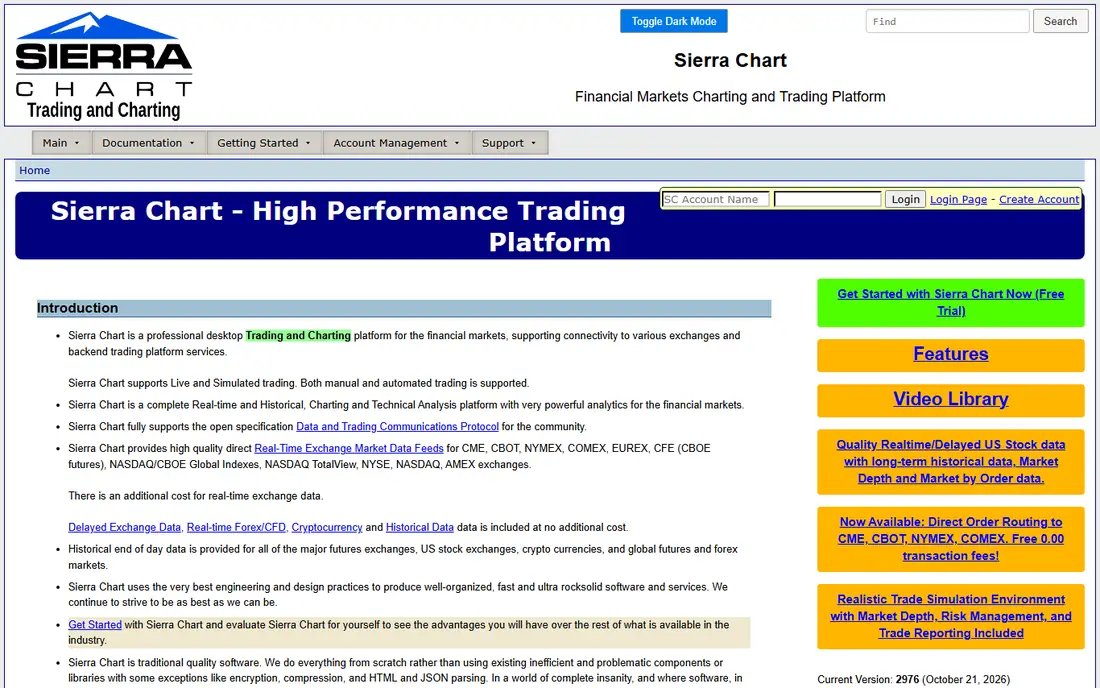
Sierra Chart is a professional favourite for futures charting, with Numbers Bars, Delta tools and deep customisation. Starting at $26 per month, it is cheaper than many rivals, and its low-latency design suits active traders. The platform supports a wide range of data feeds, including Rithmic and CQG.
The interface is functional rather than modern, and new users need time to set up charts, studies and data connections. Traders who value polish over depth may prefer TradingView or NinjaTrader. Traders who value control and speed often stay with Sierra Chart for years.
What we like- Professional-grade charting
- Numbers Bars and volume tools
- Low starting price
Watch out for- Interface feels dated
- Setup takes time for new users
Starting priceSee website
Free planYes
TradingView suits traders who chart futures alongside stocks, forex and crypto. Its layouts, indicator library and community scripts make it easy to build a workspace quickly, and continuous contract charts handle rollover well. The free tier covers basic charting, while paid plans add more charts, indicators and alerts.
Real-time CME futures data requires a CME Real-Time add-on, listed at $4 per month for non-professional users in some guides. That add-on is small, but it is an extra step many new users miss. For pure futures order flow, Sierra Chart or Bookmap offer deeper tools.
What we like- Excellent multi-chart layouts
- Large indicator library
- Covers many futures contracts
Watch out for- Real-time CME data needs a paid add-on
- Execution depends on broker integration
#4thinkorswim
Best for: Free charting with Schwab4.0/5 on
G2 (31 reviews, checked Oct 2026)
Visit schwab.com
Starting priceSee website
Free planYes
thinkorswim, from Schwab, is the strongest free option for futures traders who already have a Schwab account. It covers major CME contracts such as /ES, /NQ, /CL and /GC, with continuous contract charts, volume profile, VWAP and DOM included. Paper trading allows practice without risking capital.
The catch is account fit. Traders without a Schwab account need to open one, and futures specialists may still prefer Sierra Chart or NinjaTrader for order flow. For a trader who already uses Schwab, thinkorswim is an excellent no-extra-cost starting point.
What we like- Free with a funded Schwab account
- Volume profile and DOM included
- Paper trading
Watch out for- Requires a Schwab account
- Futures depth is less specialised than Sierra Chart
Starting priceSee website
Free planYes
TradeStation combines brokerage and charting, which simplifies account setup for futures traders. Platform fees are $0 for brokerage clients in many cases, though commissions apply, and EasyLanguage allows custom indicators and strategies. Backtesting helps traders check an idea against historical data before risking capital.
Footprint-style views often need EasyLanguage add-ons or third-party tools, so order flow traders should check that gap. For a trader who wants one account for charting and execution, TradeStation is a practical choice.
What we like- No platform fee for brokerage clients in many cases
- EasyLanguage for custom studies
- Backtesting
Watch out for- Commissions still apply
- Footprint tools need add-ons
Starting price$99 per month
Free planFree trial
MultiCharts suits traders who build and test strategies, not only watch charts. PowerLanguage and C# support allow custom indicators and automated strategies, and backtesting is a core strength. Custom order flow indicators extend the platform for futures traders who want footprint-style analysis.
The $99 per month starting price is higher than Sierra Chart, and the interface takes time to learn. For a discretionary trader who rarely backtests, that cost is hard to justify. For a strategy-focused trader, MultiCharts depth is worth the price.
What we like- Advanced strategy testing
- PowerLanguage and C# support
- Custom order flow indicators
Watch out for- $99 starting price is high
- Interface needs learning time
Starting price$70 per month
Free planYes
Quantower is a modern multi-asset platform with strong futures charting. Cluster charts, DOM Surface and advanced chart types help traders read volume at price, while broker connectivity covers futures and other markets. A free limited version allows testing before paying for All-in-One at $70 per month.
The paid price and data feed costs need checking together, as with all futures platforms. Traders who only need basic candlestick charts will find Quantower more tool than they need. Traders who want cluster and DOM tools in a modern interface will find it appealing.
What we like- Cluster charts and DOM Surface
- Multi-asset coverage
- Broker connectivity
Watch out for- All-in-One price is $70 per month
- Free version is limited
Starting price$49 per month
Free planYes
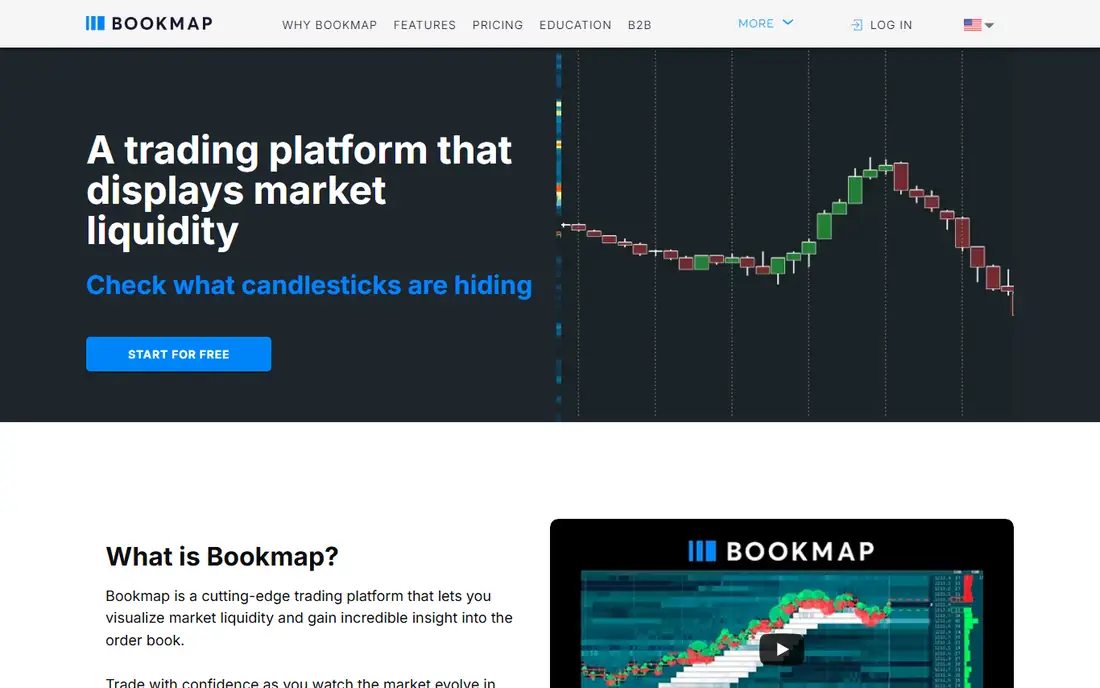
Bookmap is built for order flow traders who watch liquidity in real time. Heatmaps show where orders sit, how they change and where absorption happens, which helps short-term futures traders read the market beyond price alone. A free Digital plan allows basic testing, while Global starts at $49 per month.
Bookmap is not a general charting replacement. Long-term traders who use daily charts and fundamentals will get little value from heatmaps alone. Pair Bookmap with a main charting platform, or choose it as the primary tool only for short-term order flow trading.
What we like- Real-time liquidity heatmaps
- Order flow visualisation
- Free Digital plan
Watch out for- Global plan starts at $49 per month
- Less suited to long-term charting alone
Starting priceSee website
Free planYes
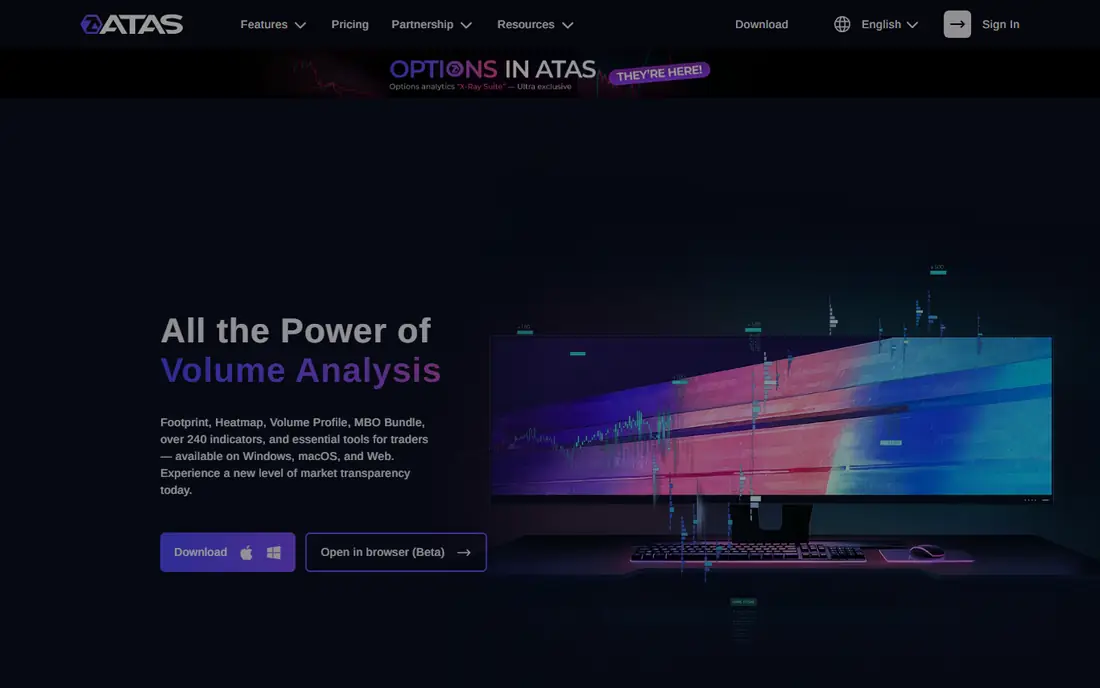
ATAS, also known as Advanced Time And Sales, focuses on volume analysis through cluster charts and Smart DOM tools. Its interface is more approachable than Sierra Chart, which helps traders new to order flow. A free Start plan allows testing, while paid plans start at about 24.95 euros per month.
Data feed costs sit on top of the platform price, and the euro pricing needs conversion for US buyers. For a trader who wants cluster charts without Sierra Chart complexity, ATAS is a strong middle ground.
What we like- User-friendly cluster charts
- Smart DOM tools
- Free Start plan
Watch out for- Paid plans start at about 24.95 euros per month
- Data feed costs are separate
Starting price$29 per month
Free planFree trial
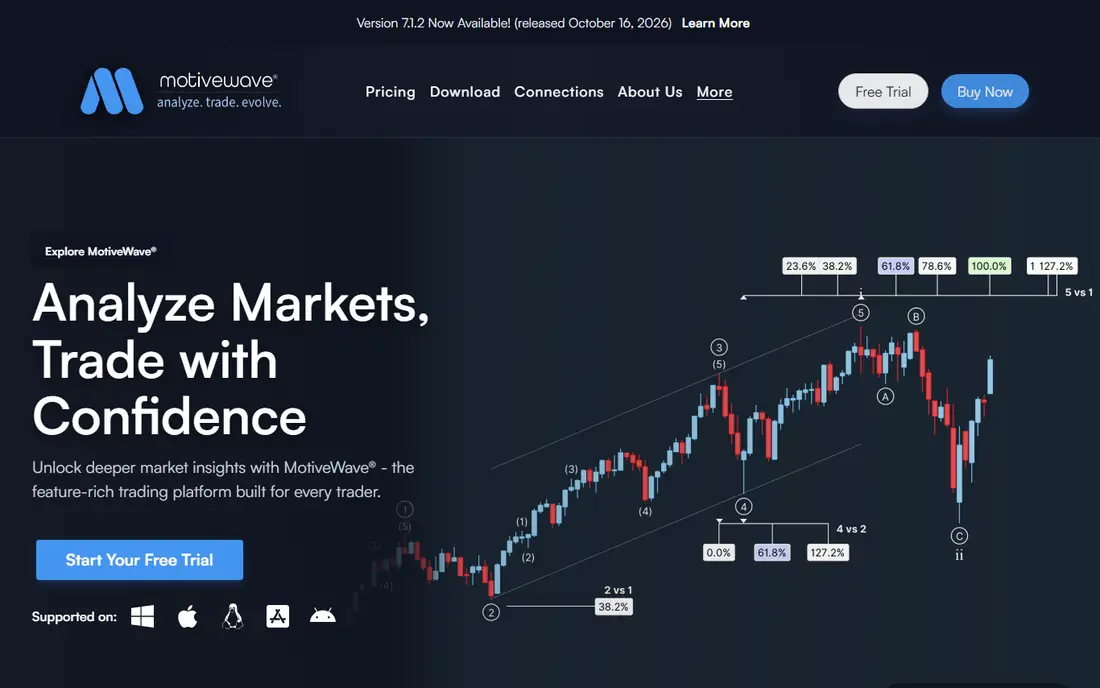
MotiveWave suits traders who use Elliott Wave, harmonics and pattern analysis alongside standard charting. Its tools help label waves, test patterns and plan trades visually, with automation options for strategy traders. Starting at $29 per month, it is competitively priced for its feature range.
Wave analysis is a specific style, and traders who do not use it may find those tools unused. Data feed costs are also separate, so price the full setup before committing. For a pattern-based futures trader, MotiveWave offers a focused toolkit.
What we like- Elliott Wave and harmonic tools
- Full charting and analysis
- Automation options
Watch out for- Wave tools suit a specific style
- Futures data costs are separate
How we chose
We compared futures charting platforms using vendor pricing pages, documentation, feature lists and public reviews on G2, Capterra and Reddit where available. We favoured platforms with real futures contract coverage, continuous contract data, volume or DOM tools, and a current pricing page. Prices shown are starting rates we could verify from published listings; where a rate was unclear or broker-dependent, we wrote See website. Platforms were excluded when we could not confirm current futures charting or an official homepage. This is not financial advice, and charting tools do not guarantee trading results.
A platform price is only part of the cost. Add the data feed, such as Rithmic or CQG, exchange fees for CME contracts, and brokerage commissions. A $26 platform with a $75 data feed costs more per month than a free platform with a bundled feed. Ask your broker for a full monthly total, including market data, before choosing a platform.
Match the tool to your holding time
Short-term traders need DOM, footprint and volume tools, because they read order flow minute by minute. Swing traders need clean daily charts, volume profile and alerts, but rarely need heatmaps. Position traders need continuous contracts, session handling and risk tools more than intraday depth. Buying order flow tools for a weekly trading style wastes money, while buying basic charts for scalping leaves you blind to liquidity.
Test with paper trading first
Use a demo or paper account to test chart setup, data speed and order entry before funding a live account. Check how the platform handles overnight sessions, contract rollover and fast markets. A platform that feels smooth in a demo can still lag during a news event, so test during active hours if possible. Never risk capital on a platform you have not tested with simulated trades.
Frequently asked questions
What is the best futures charting software for beginners?
NinjaTrader and TradingView are good starting points, because both offer free tiers and wide learning resources. thinkorswim is also strong for Schwab customers. Start with one platform, learn its core charts and DOM, and add order flow tools only when you understand basic price action.
Do I need a separate data feed?
Often, yes. Many platforms require a feed such as Rithmic or CQG for real-time CME data, and that feed has its own monthly cost. Some brokers bundle data with an account, while others charge separately. Confirm data cost and exchange fees with your broker before subscribing.
What are footprint charts?
Footprint charts show volume traded at each price level inside a candle, rather than only the open, high, low and close. They help traders see buying and selling pressure at price, absorption and imbalances. Sierra Chart, Quantower, ATAS and Bookmap all offer footprint-style tools, with different names and layouts.
Is TradingView good for futures?
Yes, for multi-market charting and general analysis, especially with the CME Real-Time add-on for non-professional users. For deep order flow, dedicated futures platforms such as Sierra Chart, NinjaTrader and Bookmap offer more specialised tools. Many traders use TradingView for analysis and a futures platform for execution.
Can I trade futures from charting software?
Many platforms allow trading through a connected broker, while others are charting-only and need a separate execution platform. Check broker support, order types and commission before assuming a charting tool can place trades. A charting tool that cannot execute still has value for analysis, but it needs a broker platform alongside it.
How much should I budget per month?
Budget for platform, data feed and commissions together. A basic setup can cost under $50 per month with a free platform and bundled data, while a professional setup with Sierra Chart, a data feed and order flow tools can exceed $150 per month. Start low, test with paper trading, and scale up only when the tools improve your process.
Sources we checked (13)
- https://ninjatrader.com
- https://www.sierrachart.com
- https://www.tradingview.com
- https://www.schwab.com
- https://www.tradestation.com
- https://www.multicharts.com
- https://www.quantower.com
- https://bookmap.com
- https://atas.net
- https://www.motivewave.com
- https://www.quantvps.com/blog/best-automated-futures-trading-software
- https://www.quantvps.com/blog/analyzing-footprint-charts
- https://www.financialtechwiz.com/post/best-charting-software-for-stocks/
Is your product missing or out of date?
We review this list regularly. Vendors can request a listing, send updated pricing or ask about featured placement.

Shihab Mia · Founder, Rankite
Shihab has 5+ years in B2B and SaaS SEO. He writes Rankite's software buying guides from pricing pages, documentation and public user reviews. More about Shihab.