How we make this list: we compare pricing pages, product documentation and public user reviews. Ratings come from G2, Capterra or Trustpilot, with the date we checked them.
Key takeaways
- Jobber and Housecall Pro suit most small to mid-size home service teams, with published starting prices and fast setup, while ServiceTitan and FieldEdge suit larger multi-truck operations.
- Pricing models differ sharply: Jobber, Housecall Pro, and ServiceM8 charge by plan and user or job limits, while ServiceTitan and FieldEdge price through sales quotes.
- The mobile app matters as much as the office dashboard, because technicians use it all day for job details, photos, signatures, and payments.
- Check payment processing fees, add-on costs for texting, GPS, and marketing, and QuickBooks or accounting sync before comparing headline monthly prices.
- A two-week trial with real jobs, real techs, and real invoices will show whether scheduling, dispatch, and billing fit daily work better than any demo.
Quick comparison
| Tool | Best for | Starting price | Free plan |
|---|
 Jobber Jobber | Small to mid-size service teams | $29 per month (billed annually) | Free trial (14 days) |
 Housecall Pro Housecall Pro | Home service teams that want clear pricing | $59 per month (billed annually) | Free trial (14 days) |
 ServiceTitan ServiceTitan | Large HVAC, plumbing, and electrical firms | See website | No |
 Workiz Workiz | Teams that need calls and booking in one place | See website | Yes |
 FieldPulse FieldPulse | Growing teams that want guided job steps | See website | Free trial |
 Service Fusion Service Fusion | Contractors that need GPS and fleet views | See website | Free trial |
 FieldEdge FieldEdge | Multi-truck HVAC, plumbing, and electrical firms | See website | No |
 ServiceM8 ServiceM8 | Small teams that want flat monthly pricing | $29 per month | Yes |
Is your product missing or out of date?
We review this list regularly. Vendors can request a listing, send updated pricing or ask about featured placement.
The best FSM software
#1Jobber
Best for: Small to mid-size service teams4.6/5 on
G2 (530 reviews, checked Oct 2026)
Visit getjobber.com
Starting price$29 per month (billed annually)
Free planFree trial (14 days)
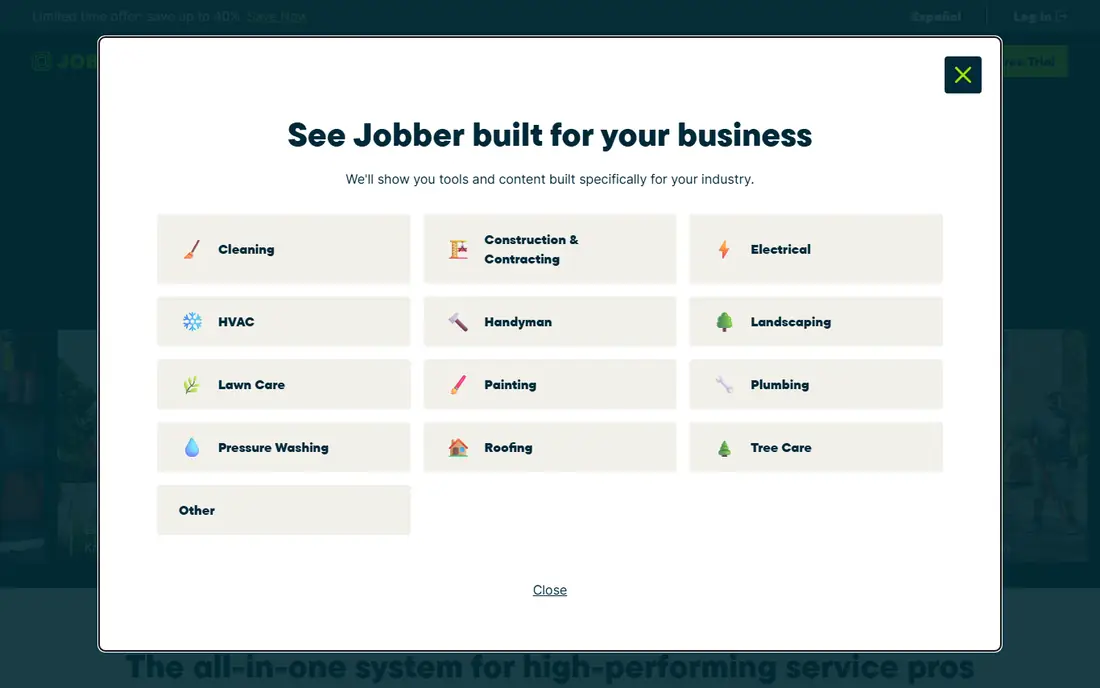
Jobber covers the full job cycle for lawn care, cleaning, plumbing, HVAC, and similar trades. An office team can create a quote, send it for approval, schedule the work, dispatch a tech, and invoice from the same record. Customers get a hub where they can approve quotes, view job details, and pay, which cuts phone calls and paper. The mobile app lets techs see schedules, add notes and photos, and invoice on site, which is where most field software either earns its keep or fails.
Pricing is published and easy to compare. Core starts at $29 per month billed annually for one user, Connect at $99, and Grow at $149, with team tiers for larger crews. The catch is that features many growing firms want, such as job costing, automated quote follow-ups, and two-way text, sit on Grow, and add-ons for marketing and receptionist tools cost extra. Still, for a team that wants to start this month without a sales negotiation, Jobber is the most straightforward pick in this list.
What we like- Clear plan structure with quoting, scheduling, and invoicing
- Strong mobile app for field teams
- Client hub for approvals and payments
Watch out for- Higher tiers needed for job costing and two-way text
- Extra users add $29 per month each
#2Housecall Pro
Best for: Home service teams that want clear pricing4.3/5 on
G2 (205 reviews, checked Oct 2026)
Visit housecallpro.com
Starting price$59 per month (billed annually)
Free planFree trial (14 days)
Housecall Pro is built for home service pros who want one record from first call to final payment. It handles scheduling, dispatch, estimates, invoicing, payments, and customer communication, plus online booking, a price book, and review requests. The platform also offers service plans, GPS tracking on higher plans, and tools for job costing, which help owners see which jobs make money and which do not.
The pricing jump deserves attention. Basic at $59 per month billed annually covers one user, while Essentials at $149 covers up to five users and adds routes, GPS, and QuickBooks sync. A two-person shop therefore pays much more than a solo operator, even though it only adds one seat. For teams of three to eight that will use those features anyway, the math works better. Housecall Pro suits owners who value published prices, a polished mobile experience, and marketing tools for reviews and repeat work.
What we like- Published pricing with Basic, Essentials, and MAX plans
- Online booking and review tools
- Strong app ratings from trade users
Watch out for- Basic covers only one user and lacks QuickBooks sync
- Essentials is a large step up for a second user
#3ServiceTitan
Best for: Large HVAC, plumbing, and electrical firms4.4/5 on
G2 (375 reviews, checked Oct 2026)
Visit servicetitan.com
Starting priceSee website
Free planNo
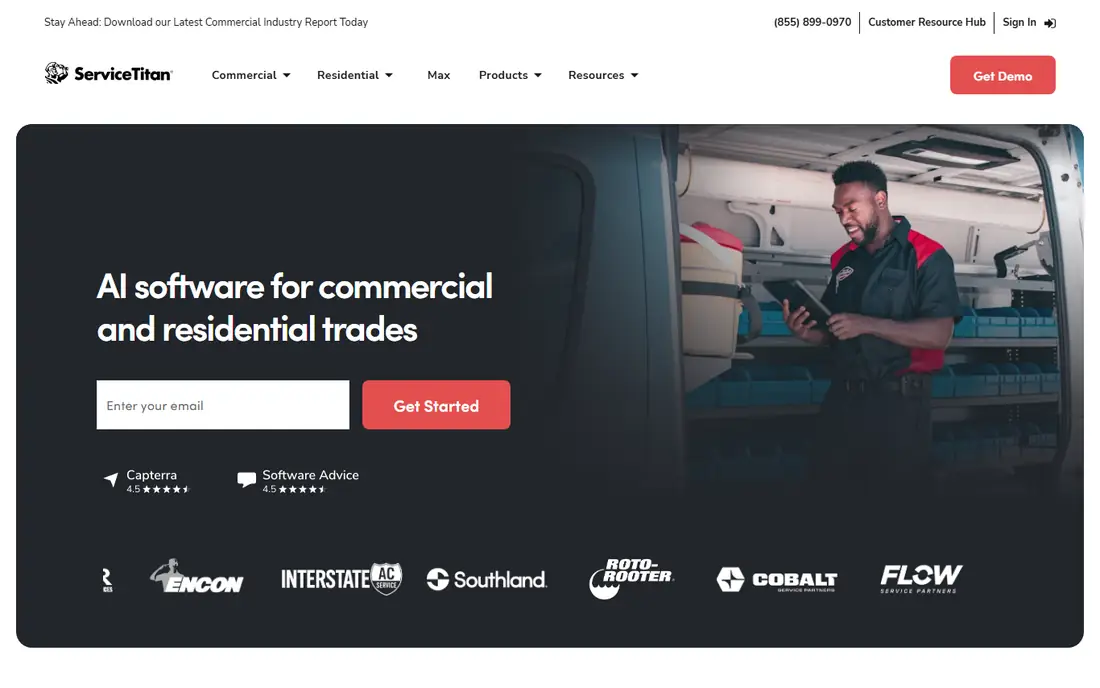
ServiceTitan targets larger service firms that run many techs, trucks, and locations. It goes beyond scheduling and invoicing into real-time job costing, payroll-related workflows, marketing attribution, memberships, and detailed reporting by tech, job type, and location. Commercial firms also get tools for multi-phase projects and larger contracts, which smaller FSM tools handle less well. With more than 70 prebuilt integrations listed on its site, ServiceTitan fits firms that already use accounting, dispatch, and supplier systems.
That depth comes with cost and complexity. Pricing is not published, and buyers should expect a sales quote based on technician count, packages, and add-ons, plus implementation time. A small shop will likely find Jobber or Housecall Pro cheaper and faster to adopt. A firm with 20 or more techs, or one that needs tight control over margins and technician performance, may find ServiceTitan worth the investment, provided it assigns an internal owner to manage rollout and training.
What we like- Deep reporting, costing, and membership tools for large firms
- Many prebuilt integrations
- Strong commercial and residential coverage
Watch out for- Pricing is quote-only and typically high
- Implementation can be long and needs dedicated staff time
#4Workiz
Best for: Teams that need calls and booking in one place4.5/5 on
G2 (247 reviews, checked Oct 2026)
Visit workiz.com
Starting priceSee website
Free planYes

Workiz stands out for communication. Many home service firms lose jobs because calls go unanswered or booking takes too long, and Workiz puts phone, messaging, scheduling, and invoicing in one place. The Lite plan is free for up to two users with core scheduling and invoicing, which lets a very small team start without a monthly bill. Paid plans add QuickBooks integration, automations, GPS tracking, and performance tools for larger teams.
Buyers should confirm current pricing on the Workiz site before budgeting, because plan names and prices have changed over time and third-party summaries differ. Also check what the phone system includes, since call handling can be a separate line item. For locksmiths, appliance repair, junk removal, and similar high-call-volume trades, Workiz is worth a trial, especially if missed calls are a known problem.
What we like- Free Lite plan for up to two users
- Built-in phone and communication tools
- Online booking and dispatch in one system
Watch out for- Paid plan pricing varies by source and needs a current quote
- Phone features may cost extra on some plans
#5FieldPulse
Best for: Growing teams that want guided job steps4.7/5 on
G2 (375 reviews, checked Oct 2026)
Visit fieldpulse.com
Starting priceSee website
Free planFree trial
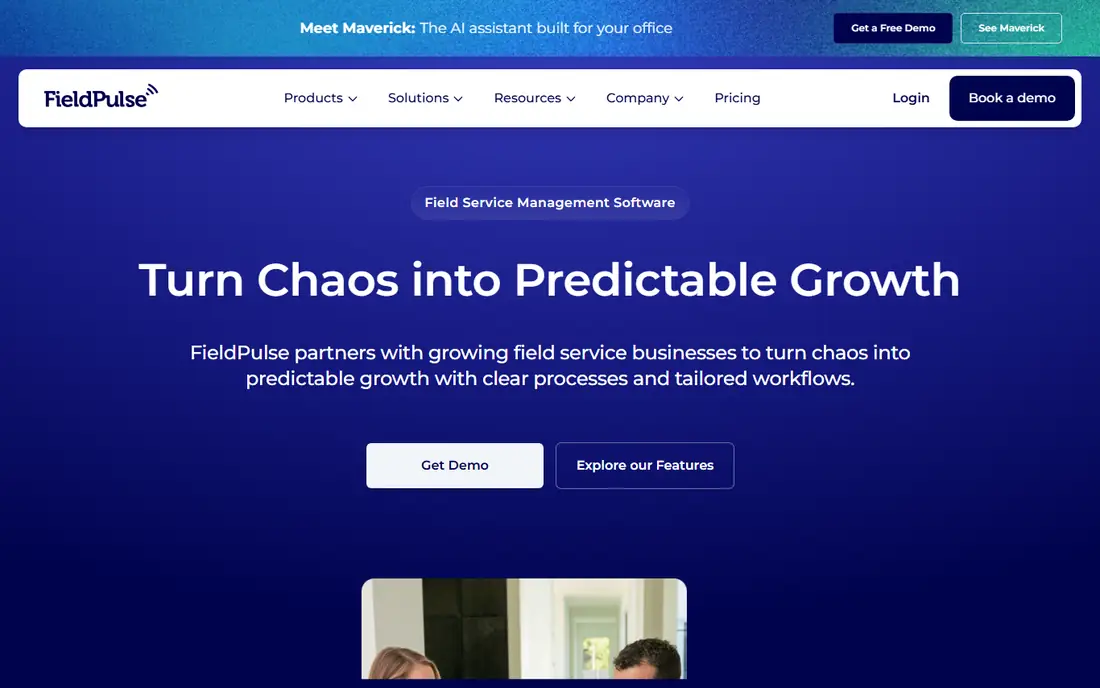
FieldPulse focuses on teams that are outgrowing basic scheduling tools. Its ClearPath feature guides techs through each stage of a job, so required details, photos, and forms get collected the same way every time. That consistency reduces callbacks and missing paperwork, which matters when a firm hires new techs fast. The platform also covers estimates, scheduling, invoicing, payments, and customer communication in one system.
The platform is less of an instant sign-up product than Jobber or Housecall Pro, because pricing and onboarding involve a sales conversation. That conversation can help, since FieldPulse teams help set up workflows during implementation, but it also means buyers should compare the full quote, including onboarding and support. For a firm with five to fifty techs that needs repeatable processes, FieldPulse offers a middle path between simple tools and enterprise platforms.
What we like- Guided job stages that keep techs consistent
- Tailored workflows for growing firms
- US-based support emphasis
Watch out for- Pricing requires a quote
- Smaller firms may not need its workflow depth at first
#6Service Fusion
Best for: Contractors that need GPS and fleet views4.1/5 on
G2 (124 reviews, checked Oct 2026)
Visit servicefusion.com
Starting priceSee website
Free planFree trial
Service Fusion appeals to contractors who manage vehicles as well as people. Its GPS tracking shows vehicle location, distance, idle time, and driver behavior, while dispatch tools let the office adjust routes in real time. Estimates can be built in the field, converted to work orders, and invoiced with materials, labor, and taxes included, and service agreements support recurring revenue with auto-billing after the first paid invoice.
For HVAC, plumbing, and similar trades with fleets, that fleet view is a real advantage over tools that only track jobs. The trade-off is pricing clarity. Buyers should request a quote for their tech count, fleet size, and needed modules, and confirm payment processing terms. Service Fusion suits firms that want fleet control and full job management without moving to a large enterprise platform.
What we like- GPS tracking and fleet views built in
- Estimates, invoicing, and service agreements in one place
- Technician mobile app
Watch out for- Pricing is not published as a simple starting rate
- Some advanced features need higher tiers or add-ons
#7FieldEdge
Best for: Multi-truck HVAC, plumbing, and electrical firms4.0/5 on
G2 (87 reviews, checked Oct 2026)
Visit fieldedge.com
Starting priceSee website
Free planNo
FieldEdge is designed for multi-truck firms in HVAC, plumbing, and electrical work. Owners get business visibility across teams and locations, techs get full customer history and price book tools in the field, and office staff get a central dispatch board with QuickBooks sync to avoid double entry. Proposal tools let techs present good, better, and best options at the kitchen table, which helps close larger jobs and service agreements.
That focus on larger operations means FieldEdge is not the cheapest or fastest start for a solo operator. Pricing comes through sales, and rollout works best when a firm assigns staff to training, price book setup, and process changes. For a firm running several trucks that needs consistent pricing, strong reporting, and tight office-to-field coordination, FieldEdge is a serious alternative to ServiceTitan.
What we like- Built for multi-truck operations
- Flat-rate price book and good-better-best proposals
- QuickBooks sync for office and field
Watch out for- Quote-only pricing
- Setup and training take time for larger teams
#8ServiceM8
Best for: Small teams that want flat monthly pricing3.8/5 on
G2 (15 reviews, checked Oct 2026)
Visit servicem8.com
Starting price$29 per month
Free planYes
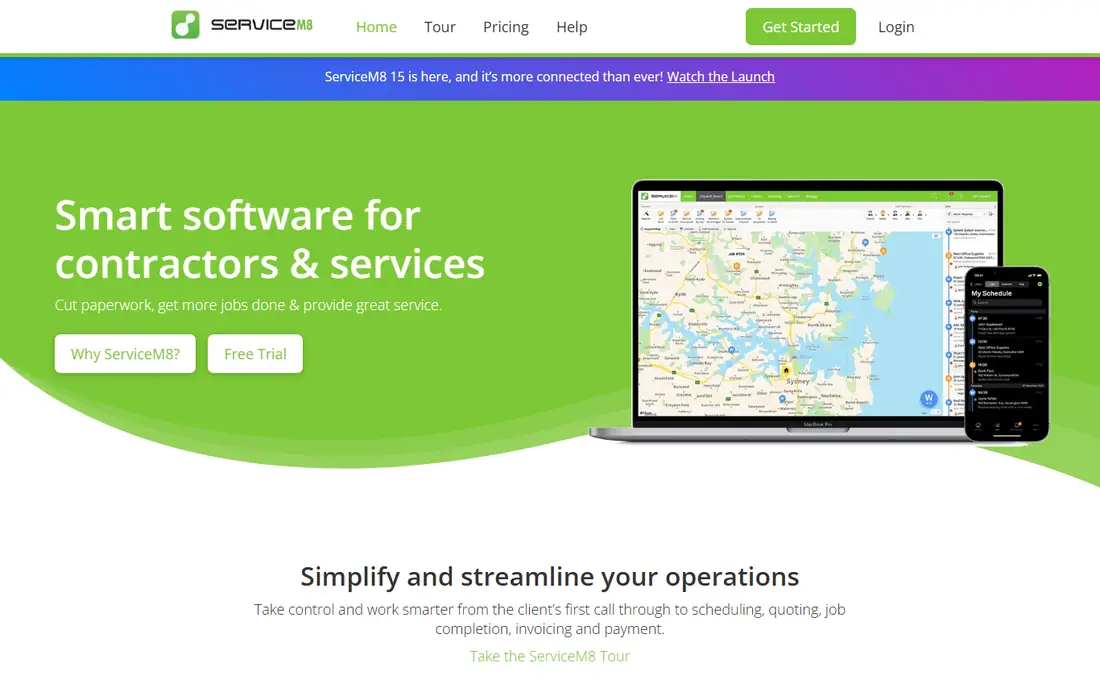
ServiceM8 prices differently from most rivals. Instead of charging per user, its paid plans charge a flat monthly amount with unlimited users, but with a cap on jobs per month. Starter at $29 per month covers 50 jobs, Growing at $79 covers 150 jobs, and Premium at $149 covers 500 jobs. That model helps small teams where many staff need access but job volume stays modest, and the free plan covers up to 30 jobs per month for a solo operator testing the system.
The mobile experience is a strength, especially on iPhone and iPad, with job cards, scheduling, quoting, invoicing, and on-site payments. Android support exists, but buyers who run Android fleets should test the app carefully during the trial. Firms with high job volume should price the tier that matches real monthly jobs, not the cheapest tier, because overage and upgrade costs change the total. For small, Apple-friendly teams, ServiceM8 offers clear, predictable pricing.
What we like- Flat monthly plans with unlimited users on paid tiers
- Free plan for very small job volumes
- Strong Apple mobile experience
Watch out for- Paid plans cap monthly jobs, so high-volume firms must move up tiers
- Advanced features sit on higher plans
How we chose
We checked each vendor homepage to confirm the product exists and matches field service work, and we reviewed pricing pages, feature documentation, and public reviews on G2, Capterra, and Reddit. We favored tools with scheduling, dispatch, mobile field apps, invoicing, and payments, and we noted where pricing is published versus quote-only. We did not claim hands-on testing, and we treated third-party price summaries as guides to verify on the vendor site before purchase.
Buying guide for field service teams
Start with job volume, crew size, and the one bottleneck that costs the most time. A firm that loses calls needs phone and booking strength. A firm that struggles with invoicing needs fast field invoicing and payment tools. A firm with many trucks needs dispatch, GPS, and job costing. Matching the tool to the bottleneck avoids paying for features the team will not use.
Test the mobile app in the field
Have two techs run real jobs on the trial app for a week. Check offline behavior in low-signal areas, photo and signature capture, time to create an invoice, and how easily a tech can find customer history. Also check how the office sees job status in real time. A tool that looks clean on a desktop demo can still frustrate techs if buttons are small, steps are long, or sync fails on site.
Price the full monthly bill
Add payment processing fees, texting, GPS, marketing, and extra users to the base plan price. Jobber adds $29 per extra user, Housecall Pro adds steep per-user fees beyond plan limits, and ServiceM8 charges by job volume instead. Ask each vendor for a written estimate at your actual crew size and job volume, including any onboarding or contract term. That estimate makes comparison fair across very different pricing models.
Plan migration and training
Moving from paper or another system takes time for customer lists, price books, service history, and open jobs. Ask what import tools exist, whether the vendor helps with migration, and how long training takes for office staff and techs. Schedule the switch during a slower week if possible, and keep the old system available until the new one handles a full week of real jobs without workarounds.
Frequently asked questions
What is the best FSM software?
Jobber and Housecall Pro suit most small to mid-size teams, ServiceTitan and FieldEdge suit larger multi-truck firms, and ServiceM8 suits small teams that want flat pricing. The best pick depends on crew size, job volume, trade, and whether fleet tracking or deep reporting matters most.
How much does FSM software cost?
Published starting prices in this guide run from free Lite or free tiers to $29 per month for Jobber Core billed annually and $59 per month for Housecall Pro Basic billed annually. Larger firms on ServiceTitan or FieldEdge pay quote-based prices that are typically much higher. Always add payment fees and add-ons to the base price.
Does FSM software work without internet in the field?
Most tools need internet for full sync, and some offer limited offline features for viewing jobs or capturing notes. Test offline behavior during a trial in areas with weak signal, and ask the vendor what happens to photos, signatures, and invoices created offline. Do not assume full offline work unless the vendor confirms it for your use case.
Can FSM software replace QuickBooks?
No, most FSM tools sync with QuickBooks rather than replacing full accounting. They handle quotes, jobs, invoices, and payments, then send financial data to QuickBooks for books, payroll, and tax work. Confirm the sync direction, what fields transfer, and how often it runs before buying.
What features matter most for a small service business?
Scheduling, dispatch, a usable mobile app, online booking, estimates, invoicing, and card payments cover most daily needs. Review requests, text reminders, and a price book help next, followed by GPS, job costing, and marketing tools as the team grows. Start with the core set, then add features that solve a clear bottleneck.
How long does it take to switch to new FSM software?
A small team can often switch in one to three weeks, including data import and training, while a larger firm may need four to eight weeks for price books, integrations, and process changes. The timeline depends on data quality, crew size, and whether the vendor helps with migration. Run both systems in parallel for a short period to catch gaps.
Sources we checked (11)
- https://getjobber.com/
- https://www.housecallpro.com/
- https://www.servicetitan.com/
- https://workiz.com/
- https://www.fieldpulse.com/
- https://www.servicefusion.com/
- https://fieldedge.com/
- https://www.servicem8.com/
- https://getjobber.com/pricing/
- https://www.housecallpro.com/pricing/
- https://www.servicem8.com/pricing/
Is your product missing or out of date?
We review this list regularly. Vendors can request a listing, send updated pricing or ask about featured placement.

Shihab Mia · Founder, Rankite
Shihab has 5+ years in B2B and SaaS SEO. He writes Rankite's software buying guides from pricing pages, documentation and public user reviews. More about Shihab.