How we make this list: we compare pricing pages, product documentation and public user reviews. Ratings come from G2, Capterra or Trustpilot, with the date we checked them.
Key takeaways
- Every free plan has a trade off, usually a watermark, 720p export, or a hard cap on videos, so pick by the limit that hurts least for your use.
- Canva suits long term free use with templates and AI uses, while InVideo suits narrated tests with weekly generation minutes.
- Pictory offers only a 14 day trial, not a permanent free plan, so it suits evaluation rather than regular free publishing.
- Free plans are test drives, not workflows: if you publish weekly, budget for the paid plan of the tool that saves the most hours.
- Check image rights before publishing: use your own photos or licensed stock, and confirm music licensing on every platform.
Quick comparison
| Tool | Best for | Starting price | Free plan |
|---|
 Canva Canva | Long term free use | Free | Yes |
 InVideo InVideo | Narrated text to video tests | Free | Yes |
 Lumen5 Lumen5 | Blog to video slideshows | Free | Yes |
 Pictory Pictory | Trial evaluation only | Free | No |
 Fliki Fliki | Narrated short videos | Free | Yes |
 CapCut CapCut | Free mobile and desktop editing | Free | Yes |
 Animaker Animaker | Animated videos from images | Free | Yes |
 FlexClip FlexClip | Simple slideshow videos | Free | Yes |
Is your product missing or out of date?
We review this list regularly. Vendors can request a listing, send updated pricing or ask about featured placement.
#1Canva
Best for: Long term free use4.7/5 on
G2 (7,678 reviews, checked Oct 2026)
Visit canva.com
Starting priceFree
Free planYes
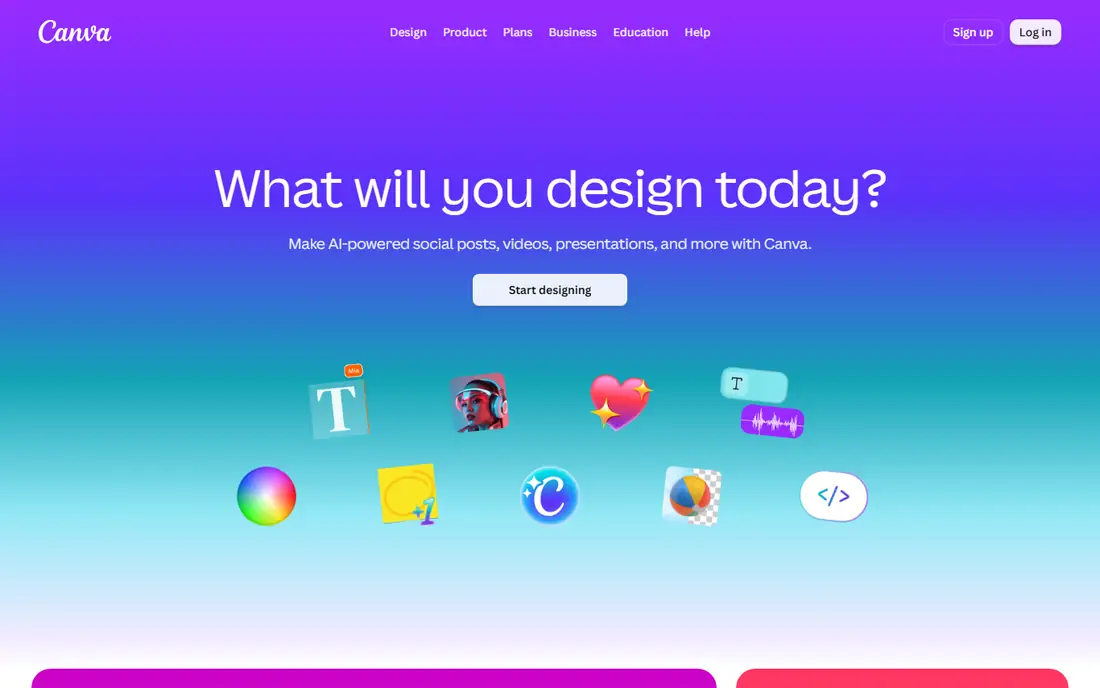
Canva is the best long term free option for turning images into video, with a permanent free plan, more than 1.6 million templates, and up to 20 AI uses for features such as Magic Design. Upload your images, pick a template, add transitions, text, and music, then export for social or web. The template library covers slideshows, product showcases, and social stories without design skill.
The limits are AI caps and premium content. AI uses cap at 20, and premium templates and stock need a Pro plan. Canva fits creators who want a permanent free tool for regular image to video projects with template polish.
What we like- Permanent free plan
- 1.6 million plus templates
- Up to 20 AI uses
- Huge stock library
Watch out for- AI uses cap at 20
- Premium templates and stock need Pro
- Export quality limits on free tier
#2InVideo
Best for: Narrated text to video tests4.2/5 on
G2 (183 reviews, checked Oct 2026)
Visit invideo.io
Starting priceFree
Free planYes
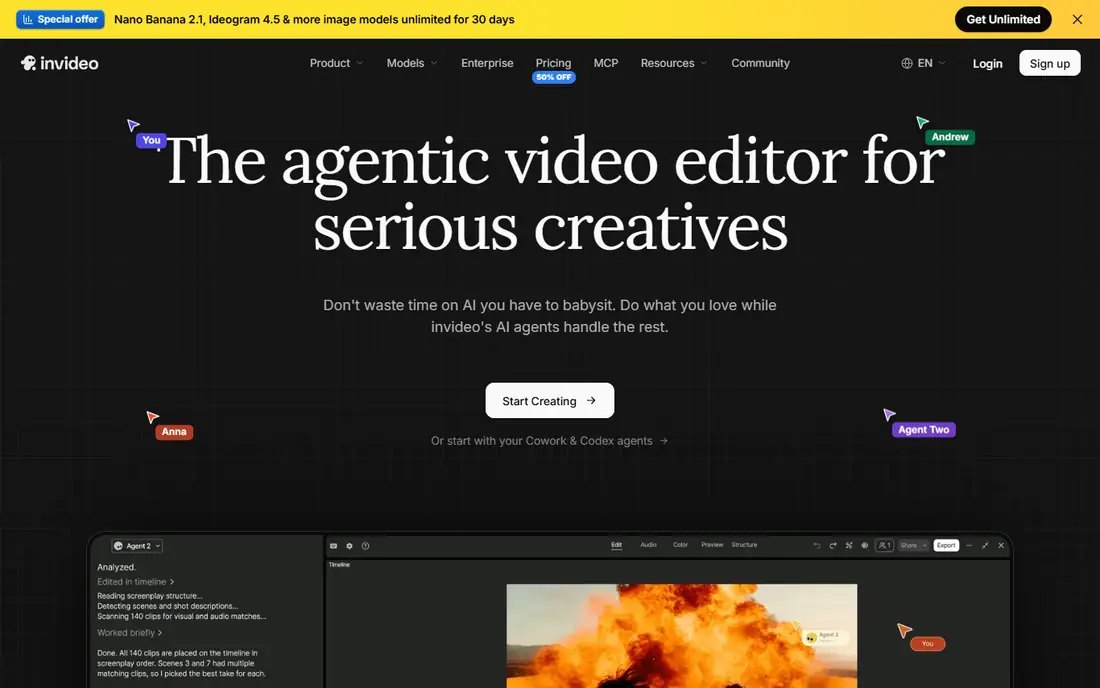
InVideo offers a permanent free plan with 10 AI generation minutes per week and 4 watermarked exports per week, plus a large template library for social ads and short form content. For narrated text to video tests, InVideo builds scenes from a script with stock visuals and voiceover, which suits creators testing video formats before paying. Paid plans start near 10 dollars a month per seat billed annually on Starter, with Plus at 30 dollars and Max at 75 dollars.
The trade off is watermarks and weekly caps. Free exports carry a watermark, and weekly limits bind anyone publishing regularly. InVideo fits creators evaluating narrated video tools before committing to a paid plan.
What we like- Permanent free plan
- 10 AI generation minutes per week
- 4 watermarked exports per week
- Large template library
Watch out for- Watermark on free exports
- Weekly limits bind regular publishers
- Paid plans start near 10 dollars a month per seat
#3Lumen5
Best for: Blog to video slideshows4.5/5 on
G2 (69 reviews, checked Oct 2026)
Visit lumen5.com
Starting priceFree
Free planYes
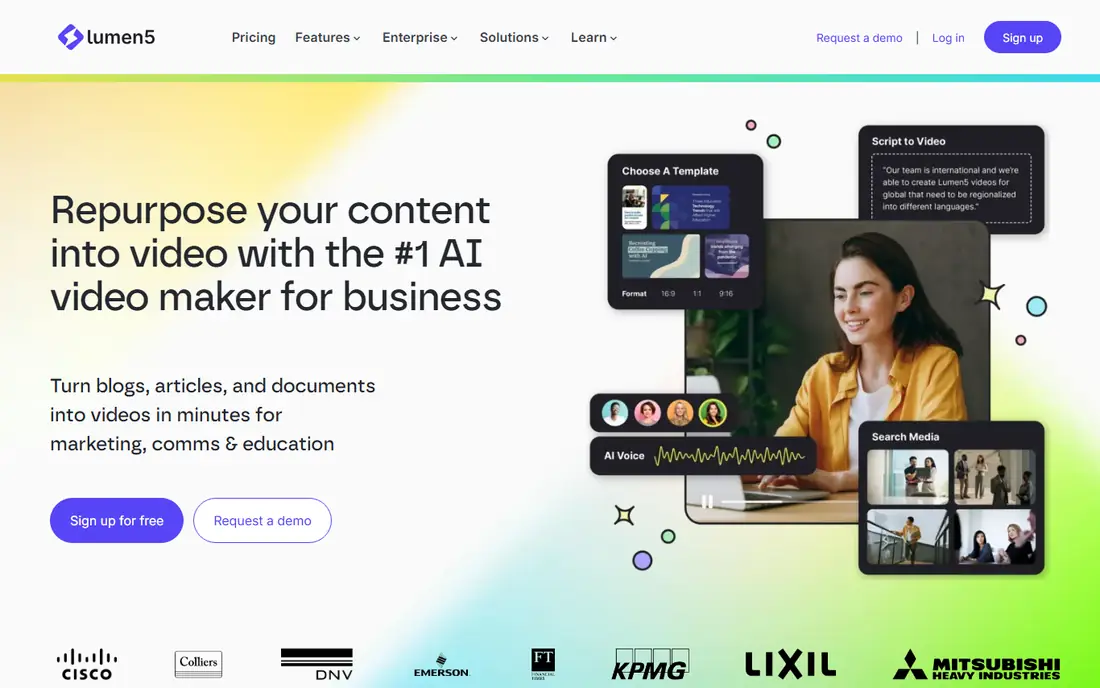
Lumen5 is built for turning a blog post into a text overlay social video quickly and without fuss, with a free plan giving 5 videos a month to test whether it fits. Paste an article or upload images, and Lumen5 builds scenes with text overlays and music in a template led style. For content marketers repurposing articles into social video, that single workflow is fast and simple.
The limits are watermark, resolution, and price. Free exports carry a watermark, 1080p output needs about 59 dollars a month in some listings, and the animation style stays basic. Lumen5 fits teams that need blog to video slideshows and can accept template led output.
What we like- Permanent free plan with 5 videos a month
- Built for turning articles into videos
- Simple text overlay style
Watch out for- Watermark on free exports
- 1080p output needs 59 dollars a month in some listings
- Basic animation style
#4Pictory
Best for: Trial evaluation only4.6/5 on
G2 (81 reviews, checked Oct 2026)
Visit pictory.ai
Starting priceFree
Free planNo
Pictory turns scripts, articles, and recordings into video with accurate captions, highlight extraction, and brand kits, and its trial gives 300 credits for 14 days, about 10 minutes of video, with no credit card required. That trial suits evaluation: run one real project through Pictory and compare caption timing, scene quality, and editing speed against rivals before paying. Paid plans start at 25 dollars a month billed annually on Starter, with Professional at 35 dollars.
The trade off is trial length and watermark. There is no permanent free plan, trial exports are watermarked, and the trial ends after 14 days. Pictory fits creators evaluating a polished AI video tool before subscribing, not users seeking permanent free publishing.
What we like- 14 day trial with 300 credits, about 10 minutes of video
- No credit card required
- Accurate captions and highlight extraction
Watch out for- Trial only, no permanent free plan
- Trial exports are watermarked
- Paid plans start at 25 dollars a month billed annually
#5Fliki
Best for: Narrated short videos4.7/5 on
G2 (179 reviews, checked Oct 2026)
Visit fliki.ai
Starting priceFree
Free planYes
Fliki suits narrated short videos where voice matters most, turning a script into video with AI voices, stock visuals, and captions. The free plan covers short tests at 720p with a watermark and up to 1 minute in some listings, which is enough to judge voice quality and scene timing. For creators who prioritize narration over visuals, Fliki is the free plan to test first.
The limits are length, resolution, and watermark. Free videos cap short, export at 720p, and carry a watermark, so regular publishing needs a paid plan. Fliki fits creators testing narrated video formats before paying.
What we like- Permanent free plan
- Narrated text to video with voices
- Good when voice matters most
Watch out for- Free exports at 720p with watermark
- Up to 1 minute on free tier in some listings
- Paid plans needed for longer videos
Starting priceFree
Free planYes
CapCut is the free editor many creators already use on mobile and desktop, turning images into video with transitions, effects, text, and music in minutes. The free plan covers most slideshow and social video work, with templates and effects that suit TikTok, Reels, and Shorts formats. For creators who edit on a phone, CapCut is the fastest free path from images to a finished video.
The trade off is premium gating. Premium effects, templates, and higher quality exports need a Pro plan, and cloud features vary by region. CapCut fits mobile first creators who want free, fast image to video editing with social formats built in.
What we like- Permanent free plan
- Mobile and desktop apps
- Transitions, effects, and music
- No install barrier on mobile
Watch out for- Premium effects and templates need Pro
- Cloud features vary by region
- Export quality limits on free tier
#7Animaker
Best for: Animated videos from images4.7/5 on
G2 (1,071 reviews, checked Oct 2026)
Visit animaker.com
Starting priceFree
Free planYes
Animaker builds animated videos from images with characters, scenes, and templates for explainers, social video, and presentations. The free plan covers testing and occasional projects with a watermark and length and quality limits, while paid plans remove the watermark and raise limits. For creators who want animated rather than photographic video from images, Animaker offers a distinct style.
The limits are watermark and style fit. Free exports carry a watermark, and the animation style suits explainers more than realistic photo slideshows. Animaker fits creators who want animated image to video projects and can accept free tier limits.
What we like- Permanent free plan
- Animated characters and scenes
- Templates for explainers and social video
Watch out for- Watermark on free exports
- Free plan limits video length and quality
- Animation style suits explainers more than photo slideshows
#8FlexClip
Best for: Simple slideshow videos4.6/5 on
G2 (68 reviews, checked Oct 2026)
Visit flexclip.com
Starting priceFree
Free planYes
FlexClip offers a simple timeline editor for slideshow videos from images, with templates, stock music, and media that suit beginners. The free plan covers basic projects with a watermark and 720p export in many listings, which is enough for social tests and personal slideshows. For users who want a straightforward browser editor without learning a full video suite, FlexClip is an easy start.
The trade off is watermark and resolution. Free exports carry a watermark at 720p, and advanced features need paid plans. FlexClip fits beginners who want simple free slideshow videos and can accept free tier limits.
What we like- Permanent free plan
- Simple timeline editor
- Templates for slideshows
- Stock music and media
Watch out for- Watermark on free exports
- 720p export on free tier in many listings
- Advanced features need paid plans
How we chose
We compared published pricing pages and third party video tool comparisons from October 2026, recording free tier limits rather than headline claims. We favored tools with permanent free plans, and we flagged Pictory separately, since it offers a trial only rather than a permanent free plan. We weighed watermark, resolution, and video caps honestly, since those limits decide whether a free plan suits regular use or only testing.
Start by naming your use: social slideshows suit Canva and CapCut, narrated videos suit InVideo and Fliki, and blog repurposing suits Lumen5. Next, check the free limit that matters most: watermark, resolution, video count, or length, and test one real project on two finalists before committing. Then confirm image and music rights, since free tools do not license your uploaded images for you. Finally, budget for a paid plan if you publish weekly, since free plans are test drives that cap output, and the paid plan of the tool that saves the most hours is the best investment.
Frequently asked questions
What is the best completely free tool to create video from images?
Canva suits long term free use with templates and AI uses, while CapCut suits free mobile editing, though both limit premium content and higher quality exports on free tiers.
Do free video tools add a watermark?
Most do: InVideo, Lumen5, Fliki, Animaker, and FlexClip watermark free exports, while Canva and CapCut free exports are generally cleaner but limit premium features.
Can I publish free plan videos commercially?
Check each tool's terms, since free plans often restrict commercial use or require attribution, and watermarked videos look unprofessional for branded content.
What resolution do free plans export?
Many free plans export at 720p, with 1080p reserved for paid plans, so check export settings before building a project you need in full HD.
How many free videos can I make per month?
Limits vary: Lumen5 gives 5 videos a month, InVideo gives 4 watermarked exports a week, and Canva and CapCut allow more free projects with feature limits instead.
Should I pay for a video tool if I publish weekly?
Yes, in most cases, since free caps on videos, minutes, and exports bind weekly publishers, and a paid plan removes watermarks and raises quality.
Sources we checked (0)
Is your product missing or out of date?
We review this list regularly. Vendors can request a listing, send updated pricing or ask about featured placement.

Shihab Mia · Founder, Rankite
Shihab has 5+ years in B2B and SaaS SEO. He writes Rankite's software buying guides from pricing pages, documentation and public user reviews. More about Shihab.