How we make this list: we compare pricing pages, product documentation and public user reviews. Ratings come from G2, Capterra or Trustpilot, with the date we checked them.

Best free service to send large files
Email attachments stop at about 25 MB, so a video, a design package or a raw photo set needs a different route. A browser based sending service solves that problem: you open a page, drop in the files, and share a link or an email address.
The services in this guide differ in ways that matter for a real send. The free size limit ranges from 3 GB to no stated limit. Link expiry ranges from 24 hours to 90 days for small files. Some services need no account at all. Speed also varies, because some services queue large free transfers.
Direct answer: Smash is the top pick for most people, because its free plan has no stated size limit, needs no account, includes password protection, and keeps links for 7 days. WeTransfer is the best alternative for a simple one off send under its free limit, because its interface is the easiest to explain to a client.
Key takeaways
- Smash is the top pick for large free sends, with no stated size limit, no account needed, and 7 day links.
- WeTransfer is the simplest choice for a small send, but its free limit changed in 2026 and sources disagree on the current cap.
- Wormhole is the best choice for a private send, with end to end encryption and a 10 GB ceiling, but links last only 24 hours.
- Send Anywhere suits a live handoff between two devices, with a 6 digit key for direct transfers up to 50 GB.
- Filemail, SendGB, TransferNow and TransferXL all offer 5 GB free per transfer, so daily caps, link life and passwords decide.
How we picked
We compared browser based services that let you send a file to someone else through a link or an email, with no software install required. We judged each service on the free size limit, link life, whether sending needs an account, and free plan speed. Prices below are third party reported and checked 14 November 2026. Where sources disagreed, we state both figures and flag the conflict. This guide covers browser based sending services, not PC transfer software. The live Rankite page best-free-file-transfer-software-for-pc covers PC transfer software.
Comparison table
| Tool |
Best for |
Starting price |
Free plan |
| WeTransfer |
One off sends |
$12 per month for Pro |
2 GB or 3 GB |
| Smash |
Large free sends |
$10 per month for Pro |
No stated size limit, 7 day links |
| Send Anywhere |
Device handoffs |
$5.99 per month for Lite |
Links 10 GB, direct 50 GB |
| Filemail |
Reliable 5 GB sends |
$10 per month for Pro |
5 GB, 2 per day |
| SendGB |
Small files, long links |
29.90 euros per year |
5 GB, small files 90 days |
| TransferNow |
Password sends |
3 euros per month |
5 GB, 7 day links |
| Wormhole |
Private sends |
Free only |
Up to 10 GB, 24 hour links |
| TransferXL |
Simple 5 GB sends |
9.99 euros per month |
5 GB, 10 GB per day |
What is the largest file you can send for free
The largest free send depends on whether you mean a stored link or a live transfer. Smash has no stated size limit on its free plan, which makes it the largest option for a stored link, although free transfers above 2 GB wait in a queue behind paid transfers. Wormhole allows up to 10 GB, and Send Anywhere allows share links up to 10 GB and direct transfers up to 50 GB with a 6 digit key. Filemail, SendGB, TransferNow and TransferXL each allow 5 GB per free transfer. WeTransfer is the smallest of the eight on most reports, at 2 GB, although newer vendor checked reports put its free allowance at 3 GB in total over a rolling 30 days. Above 10 GB, Smash is the practical free choice.
Do you need an account to send large files
No, most services in this guide let you send without an account. WeTransfer, Smash, SendGB, TransferNow, Wormhole and TransferXL all allow a free send without registration, although some ask for a sender email address so the recipient gets a download notice. Filemail also allows sending without registration on its free Basic plan, with no credit card required. Send Anywhere is the partial exception. Its web widget and share links work without a full account, but its direct mode works through the app and a 6 digit key, and the free share link draws on a 10 GB monthly download allowance tied to the sender. An account helps when you need a history of past sends or a longer link life.
How long do file transfer links last
Link life is the limit most people forget until a client reports a dead link. Wormhole links last only 24 hours, the shortest in this guide, and files up to 5 GB are stored for that period while larger files move directly between browsers. WeTransfer free links last 3 days on the newest vendor checked reports, or 7 days on older listings, so confirm the figure on the day you send. Smash, Filemail, TransferNow and TransferXL keep free links for 7 days. Send Anywhere free share links last 48 hours, which is short for a client who may not check email every day. SendGB is the exception for small files, because files under 250 MB can stay available for up to 90 days.
Is it safe to send large files with a free service
A free transfer service can be safe for ordinary business files, but protection varies a lot. Wormhole is the strongest option here, because it encrypts files in the browser with AES-GCM before upload, and the decryption key sits in the link fragment that the server does not receive. Smash, Filemail, TransferNow and TransferXL protect transfers with HTTPS and encrypt files on their servers, and Filemail scans uploads for malware, but the provider holds the keys. Send Anywhere uses end to end encryption for direct transfers, which is a real advantage for a live handoff. Password protection is free on Smash and TransferNow, paid only on Send Anywhere and Filemail, and not available on TransferXL.
Quick comparison
| Tool | Best for | Starting price | Free plan |
|---|
 WeTransfer | Simple one off sends to clients | $12 per month for Pro, older report. Price conflict: newer 2026 sources list Pro at $19 per month. | Free, limit disputed. Older listings: 2 GB per transfer, 7 day links. Vendor checked 12 November 2026: 3 GB total per 30 days, 3 day links. |
 Smash | Large free sends with no stated size limit | $10 per month for Pro, or $6 per month billed yearly, excluding VAT, third party reported | Free, no stated size limit, no account, no ads. Transfers up to 2 GB get priority, larger free transfers queue behind paid transfers. Links last 7 days, password included. |
 Send Anywhere | Live handoffs between two devices | $5.99 per month for Lite, third party reported. Older pages list $2.99 per month, an outdated figure. | Free, share links up to 10 GB, direct transfers up to 50 GB with a 6 digit key, free links expire after 48 hours, 10 GB monthly download allowance |
 Filemail | Reliable 5 GB sends with virus scanning | $10 per month for Pro, third party reported. Price conflict: some sources list $9 per month annual and $12 per month monthly. | Free Basic plan, 5 GB per transfer, 7 day links, 2 transfers per 24 hours, no credit card required |
 SendGB | Small files that need a long link life | 29.90 euros per year for Extra, third party reported. Price conflict: SoftwareWorld lists Basic at 49.90 euros per user. | Free, 5 GB per transfer, up to 500 files at once, no registration, files under 250 MB kept up to 90 days, larger free files kept 7 days |
 TransferNow | A WeTransfer style send with free password protection | 3 euros per month for Starter on two year billing, third party reported. Price conflict: older sources list paid plans from 5 euros per month, newer pages list Premium at 6 euros per month. | Free, 5 GB per transfer, 7 day links, no account needed, password protection included, antivirus check on every file |
 Wormhole | Private sends where the server must not read the file | Free only, no paid plan found in the sources checked for this guide | Free, up to 10 GB per transfer, no account needed, files up to 5 GB stored up to 24 hours, files above 5 GB move directly between browsers, links expire after 24 hours |
 TransferXL | Simple 5 GB sends with a choice of server location | 9.99 euros per month for Pro, third party reported. Price conflict: a Smash comparison lists Pro from 8.25 euros per month. | Free, 5 GB per transfer, 10 GB total per day, up to 10 transfers per day, files available for 7 days, no registration, up to 5 recipients |
Is your product missing or out of date?
We review this list regularly. Vendors can request a listing, send updated pricing or ask about featured placement.
The 8 best free services to send large files
#1WeTransfer
Best for: Simple one off sends to clients4.6/5 on
G2 (522 reviews, checked Oct 2026)
Visit wetransfer.com
Starting price$12 per month for Pro, older report. Price conflict: newer 2026 sources list Pro at $19 per month.
Free planFree, limit disputed. Older listings: 2 GB per transfer, 7 day links. Vendor checked 12 November 2026: 3 GB total per 30 days, 3 day links.
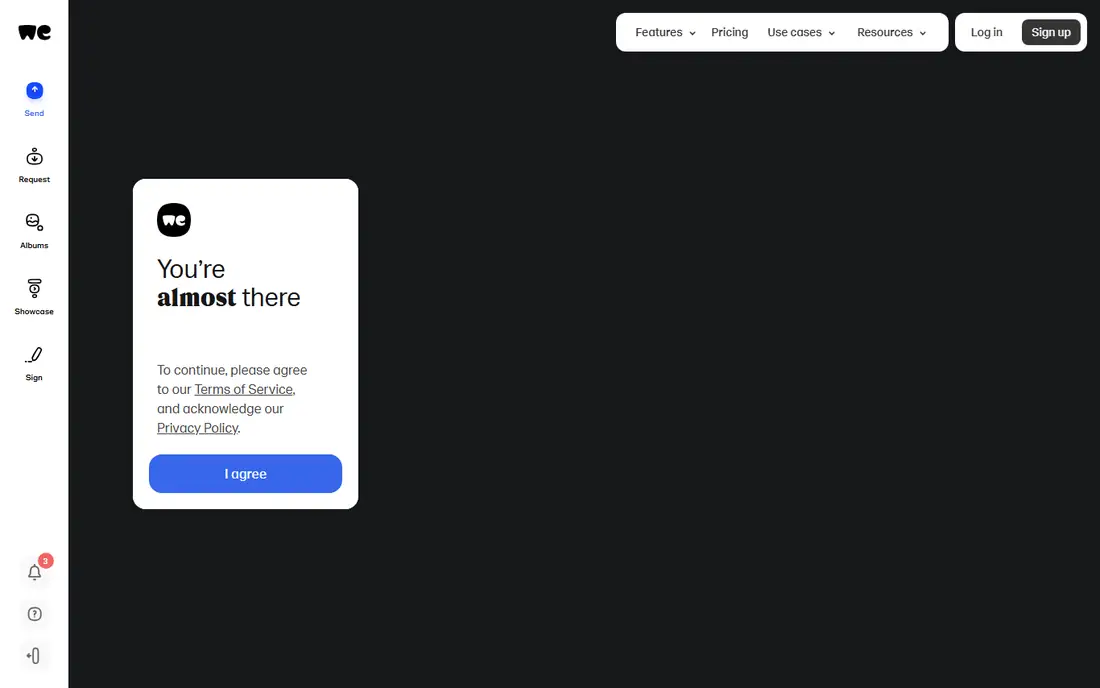
WeTransfer is the easiest service to explain to a client, because almost everyone has received a WeTransfer link before. You add files, type an email address or copy a link, and the recipient gets a plain download page with no account and no app. The downside is the free plan, because the older allowance has been replaced on the newest reports by a 3 GB total allowance over 30 days and a 3 day link life.
What we like- Very simple interface, no account needed, familiar to most clients
Watch out for- The free limit is now small and the reported figures conflict, so check the current page first
#2Smash
Best for: Large free sends with no stated size limit4.6/5 on
G2 (6 reviews, checked Oct 2026)
Visit fromsmash.com
Starting price$10 per month for Pro, or $6 per month billed yearly, excluding VAT, third party reported
Free planFree, no stated size limit, no account, no ads. Transfers up to 2 GB get priority, larger free transfers queue behind paid transfers. Links last 7 days, password included.
Smash is the top pick because it removes the limit that stops most free sends. You can send a file of any size without creating an account, and the free plan includes password protection, which most rivals reserve for paid plans. The queue is the trade off: a transfer up to 2 GB gets priority, while a larger free transfer waits behind Pro transfers, so a 20 GB file may not be ready as fast as the headline suggests.
What we like- No stated size limit on free sends, no account needed, free password protection, no ads
Watch out for- Free transfers above 2 GB are queued behind paid transfers, so a very large file can take longer to appear
Starting price$5.99 per month for Lite, third party reported. Older pages list $2.99 per month, an outdated figure.
Free planFree, share links up to 10 GB, direct transfers up to 50 GB with a 6 digit key, free links expire after 48 hours, 10 GB monthly download allowance
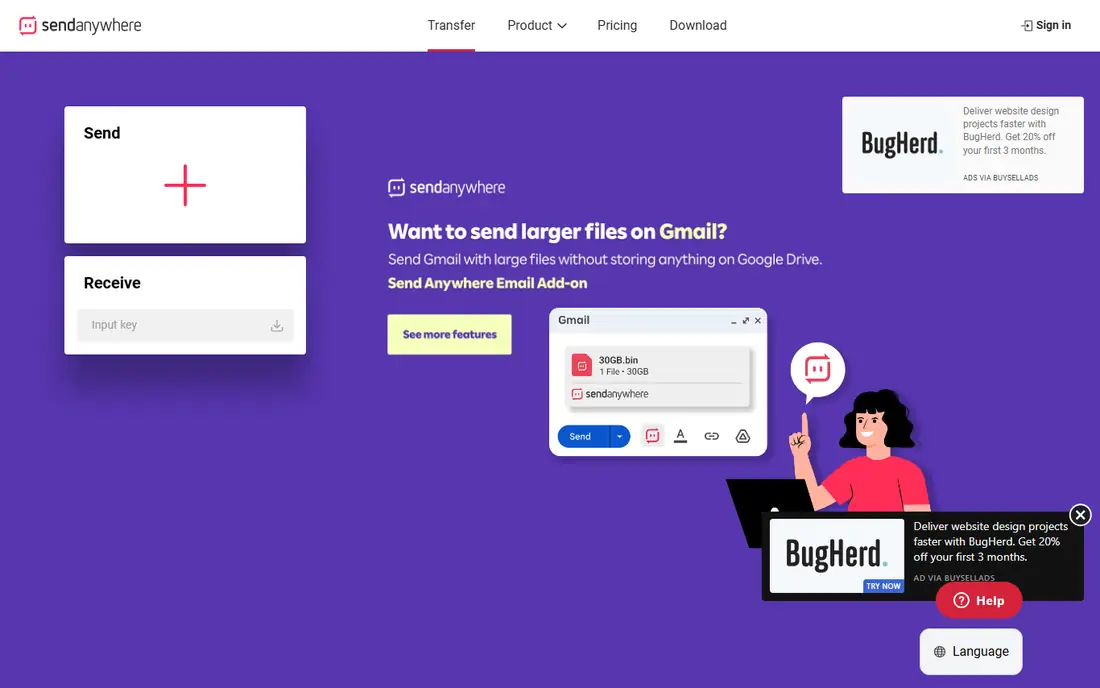
Send Anywhere works in three ways, and the limit depends on which one you use. A 6 digit key sends up to 50 GB directly between two devices, with no file stored on a server and a key that works once within 10 minutes. A share link holds up to 10 GB for 48 hours. For a same day handoff, nothing here is faster, but for a link that must survive the weekend, the 48 hour expiry makes it a poor choice.
What we like- Direct peer to peer transfers up to 50 GB, end to end encryption on direct transfers, apps for all major platforms
Watch out for- Free share links last only 48 hours and draw on a 10 GB monthly download allowance
#4Filemail
Best for: Reliable 5 GB sends with virus scanning4.1/5 on
G2 (8 reviews, checked Oct 2026)
Visit filemail.com
Starting price$10 per month for Pro, third party reported. Price conflict: some sources list $9 per month annual and $12 per month monthly.
Free planFree Basic plan, 5 GB per transfer, 7 day links, 2 transfers per 24 hours, no credit card required
Filemail is a Norwegian service founded in 2008, with a reputation for steady upload speeds and careful handling of large files. The free Basic plan sends up to 5 GB per transfer without an account, and every file is scanned for malware before it becomes available. The daily cap is the main limit: two transfers per 24 hours suits an occasional send, but a team that sends several files a day will hit it quickly.
What we like- Files scanned for malware, HTTPS protection, no registration needed, Outlook plugin, desktop and mobile apps
Watch out for- Free users are limited to 2 transfers per 24 hours, tracked by IP address, and password protection is paid only, so a shared office shares the allowance
Starting price29.90 euros per year for Extra, third party reported. Price conflict: SoftwareWorld lists Basic at 49.90 euros per user.
Free planFree, 5 GB per transfer, up to 500 files at once, no registration, files under 250 MB kept up to 90 days, larger free files kept 7 days
SendGB stands out for one reason: a small file sent free can stay live for up to 90 days, which is far longer than any other free plan in this guide. That makes it the best choice for a PDF, a contract draft or a small asset pack that the recipient may not open for weeks. Larger free files last 7 days, and the service allows up to 500 files in a single 5 GB transfer with no registration.
What we like- Small files stay available up to 90 days free, unlimited recipients, pay per transfer Exceed option for up to 1 TB
Watch out for- The paid structure is confusing, with an annual Extra plan, a per transfer Exceed option and conflicting price listings
Starting price3 euros per month for Starter on two year billing, third party reported. Price conflict: older sources list paid plans from 5 euros per month, newer pages list Premium at 6 euros per month.
Free planFree, 5 GB per transfer, 7 day links, no account needed, password protection included, antivirus check on every file
TransferNow is a French service that feels closest to the older version of WeTransfer, with a clean web send, a link or email delivery, and no account for a basic transfer. The free plan sends 5 GB per transfer, keeps the link for 7 days, and includes password protection at no cost, which is a genuine advantage over Filemail and Send Anywhere. The service also lets other people send files to you through a reception link.
What we like- Free password protection, no account needed, file reception included, antivirus check on every file, clear pricing ladder
Watch out for- The free tier is ad supported, and free files disappear after 7 days, so repeat recipients need a paid plan
#7
Wormhole
Best for: Private sends where the server must not read the file
Visit wormhole.app
Starting priceFree only, no paid plan found in the sources checked for this guide
Free planFree, up to 10 GB per transfer, no account needed, files up to 5 GB stored up to 24 hours, files above 5 GB move directly between browsers, links expire after 24 hours
Wormhole is the most private service in this guide, and the simplest to use for a sensitive file. You drop a file on the page, the browser encrypts it before upload, and the link carries the decryption key. The trade off is time: a stored file lasts only 24 hours, and a file above 5 GB is not stored at all, so the sender must keep the tab open until the recipient finishes downloading.
What we like- End to end encryption in the browser with AES-GCM, no account, no ads, simple drag and drop interface, decryption key stays in the link
Watch out for- Links last only 24 hours, and files above 5 GB need the sender tab to stay open until the download finishes
Starting price9.99 euros per month for Pro, third party reported. Price conflict: a Smash comparison lists Pro from 8.25 euros per month.
Free planFree, 5 GB per transfer, 10 GB total per day, up to 10 transfers per day, files available for 7 days, no registration, up to 5 recipients
TransferXL is a straightforward service that does one job well: it sends up to 5 GB free through the browser, with no registration and a link that lasts 7 days. You can choose a server location. The daily limits are the catch: a free account can send 10 GB in total per day, so two 5 GB sends use the whole day allowance. That suits a single daily send, but a busy team will hit the cap by midday.
What we like- No registration needed, choice of server location, end to end encryption stated on the free plan, simple interface
Watch out for- Free plan is limited to 10 GB per day, shows ads while you send, and password protection is not available at any tier
Frequently asked questions
What is the best free service to send large files
Smash is the best free service for most people, because it has no stated size limit, needs no account, includes password protection, and keeps links for 7 days. The only catch is the queue above 2 GB. WeTransfer is the best alternative for a small one off send, because its interface is familiar.
How can I send a 10 GB file for free
You can send a 10 GB file free with Smash, Wormhole or Send Anywhere, but each route has a condition. Smash has no stated size limit, although a free transfer above 2 GB waits in a queue. Wormhole allows up to 10 GB, but files above 5 GB move directly between browsers, so your tab must stay open. Send Anywhere allows share links up to 10 GB.
Do free file transfer links expire
Yes, every free transfer link in this guide expires. Wormhole links last 24 hours, Send Anywhere free links last 48 hours, and Smash, Filemail, TransferNow and TransferXL keep free links for 7 days. WeTransfer free links last 3 days on the newest reports, or 7 days on older listings. SendGB keeps files under 250 MB for up to 90 days free.
Is WeTransfer still free in 2026
Yes, WeTransfer still offers a free plan, but the limits changed during 2026 and third party reports disagree. Older listings state 2 GB per transfer with 7 day links and Pro at $12 per month. Newer reports state 3 GB in total over 30 days, links up to 3 days, and Pro at $19 per month.
Which free service is best for sending sensitive files
Wormhole is the best free service for sensitive files, because it encrypts files in the browser before upload and keeps the decryption key in the link, so the server cannot open the file on its own. Send Anywhere also uses end to end encryption for direct transfers. Smash and TransferNow add free password protection, but they encrypt files on their servers rather than end to end.
Sources we checked (10)
- https://www.getapp.com/collaboration-software/a/wetransfer/
- https://fromsmash.com/wetransfer/limits
- https://brault.app/blog/file-transfer-and-sharing/smash-review
- https://www.transfernow.net/en/alternatives/send-anywhere
- https://www.whtop.com/review/filemail.com
- https://www.sendgb.com/en/comparisons/wetransfer
- https://www.transfr.me/alternatives/transfernow
- https://bishare.app/wormhole-alternative
- https://fromsmash.com/comparison/transferxl
- https://blog.transferxl.com/en/alternative-wetransfer/
Is your product missing or out of date?
We review this list regularly. Vendors can request a listing, send updated pricing or ask about featured placement.

Shihab Mia · Founder, Rankite
Shihab has 5+ years in B2B and SaaS SEO. He writes Rankite's software buying guides from pricing pages, documentation and public user reviews. More about Shihab.