How we make this list: we compare pricing pages, product documentation and public user reviews. Ratings come from G2, Capterra or Trustpilot, with the date we checked them.
Key takeaways
- Google News is the best free starting point on Android and the web, with broad coverage and a Full Coverage view for major stories.
- Apple News is the simplest free choice on iPhone, with human-edited headlines and local news built in.
- Ground News is the best free app for comparing how different outlets cover the same story.
- SmartNews and Flipboard suit different reading styles, with SmartNews favoring fast scanning and Flipboard favoring visual, magazine-style browsing.
- Free does not mean identical. Some apps show ads, some limit premium publishers, and some reserve deeper analysis for paid plans.
Quick comparison
Is your product missing or out of date?
We review this list regularly. Vendors can request a listing, send updated pricing or ask about featured placement.
The best free news apps
Starting priceFree
Free planYes
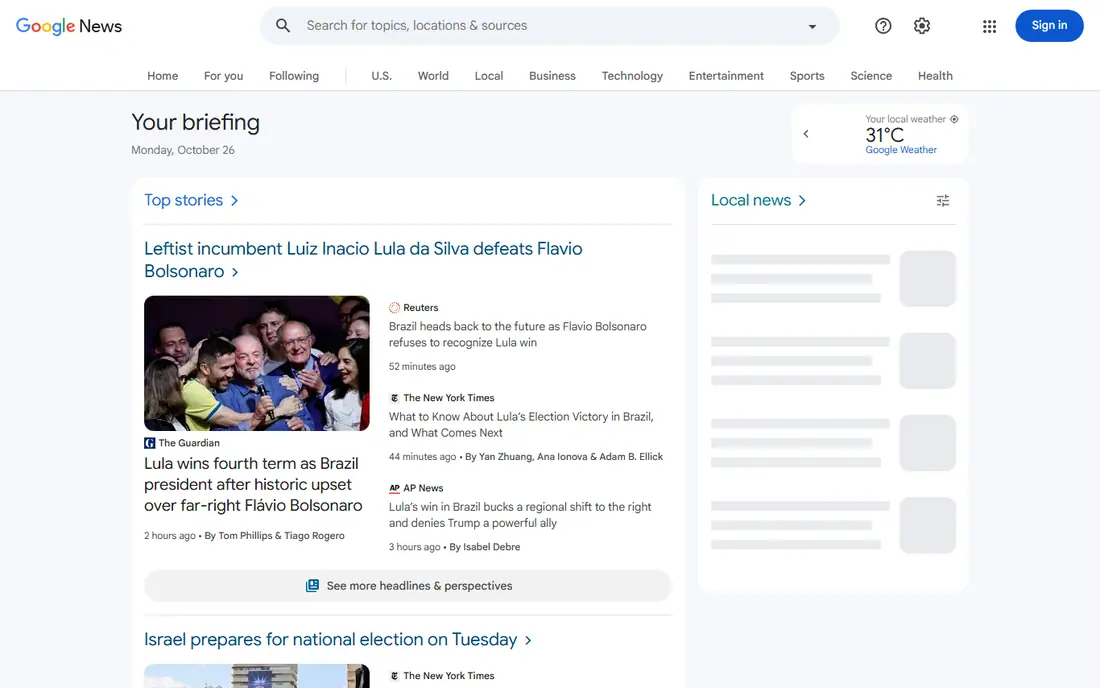
Google News works as a daily front page for most readers. It pulls headlines from thousands of publishers, organizes them by topic and location, and lets you follow subjects, places, and specific outlets. The For You feed learns from the topics you follow and the stories you open, while the Headlines view gives a faster scan when time is short.
Full Coverage is the feature that sets it apart for major stories. Instead of reading one outlet and stopping, you can open a story and see how many outlets covered it, with timelines, opinion pieces, and fact-checks grouped together. That helps readers who want context rather than a single take. The main limits are familiar ones for aggregators: some articles open only as previews, paywalled publishers still require a subscription, and personalization can narrow the range of topics you see if you never adjust your follows.
What we like- Very broad source coverage
- Full Coverage view groups reports on one story
- Personalized For You feed and topic following
Watch out for- Some publisher content is limited or paywalled
- Feed can repeat similar stories across outlets
Starting priceFree
Free planYes
Apple News needs almost no setup on an Apple device. Open the app, and the Today feed presents top stories chosen by editors, alongside local news, sports, and topics you follow. Following and blocking channels gives you practical control without building a feed from scratch, which suits readers who want a clean daily read rather than a project.
The free tier covers a large amount of daily news, including stories from many free publishers and wire-style reports. Apple News+ is the paid extra, adding magazines and selected newspapers for $12.99 per month, based on vendor pricing pages and recent comparisons. If you already read several of those publications, the bundle can be good value. If you mainly want headlines and free articles, the free app is enough, and you can ignore the subscription prompts.
What we like- Built into iPhone, iPad, and Mac
- Editors curate the Today feed
- Easy to follow or block channels and topics
Watch out for- Apple devices only
- Best magazines and newspapers require Apple News+ at $12.99 per month
Starting priceFree
Free planYes
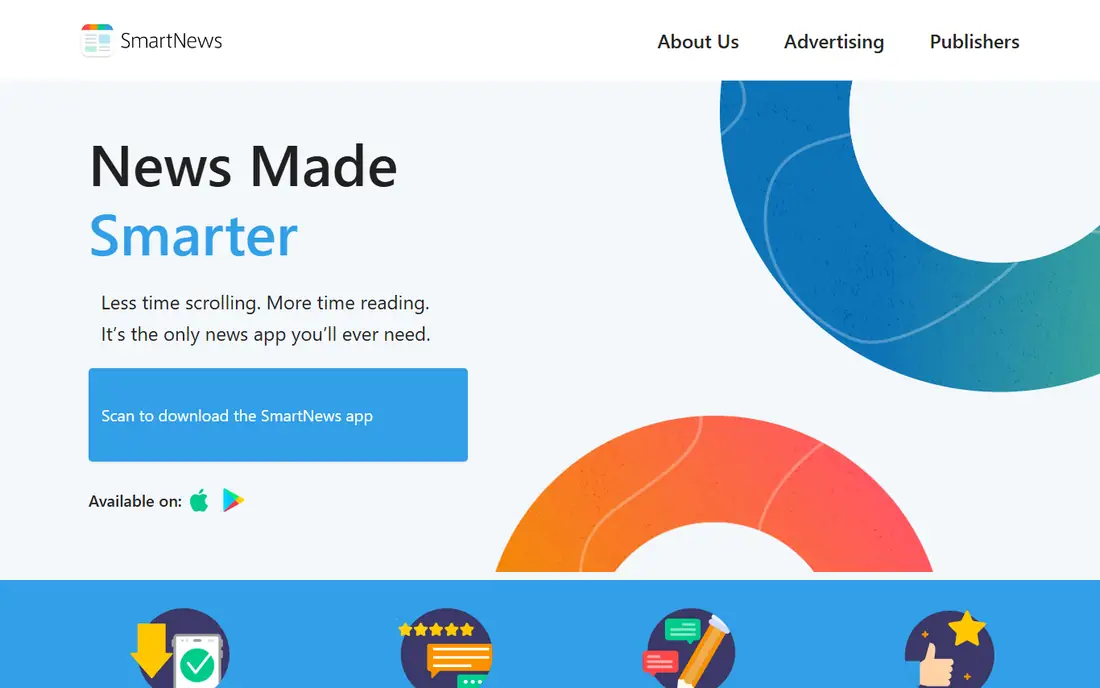
SmartNews is built for speed. Topic channels such as politics, technology, sports, and entertainment let you scan headlines in seconds, and the app loads articles in a simplified view that cuts clutter. For commuters and readers who check news in short bursts, that pace is the main appeal.
Offline reading is another practical plus. SmartNews can cache stories so you can keep reading without a connection, which helps on flights, trains, and in areas with weak signal. The trade-off is control. You choose channels and topics, but you do not get the fine-grained, source-by-source feed building that Feedly offers. Ads support the free app, so readers who dislike ads may prefer Google News or Apple News for their main feed and keep SmartNews for offline use.
What we like- Fast topic channels for quick scanning
- Offline reading for saved stories
- Local news tabs for many US areas
Watch out for- Ads in the free app
- Less source-by-source control than an RSS reader
Starting priceFree
Free planYes
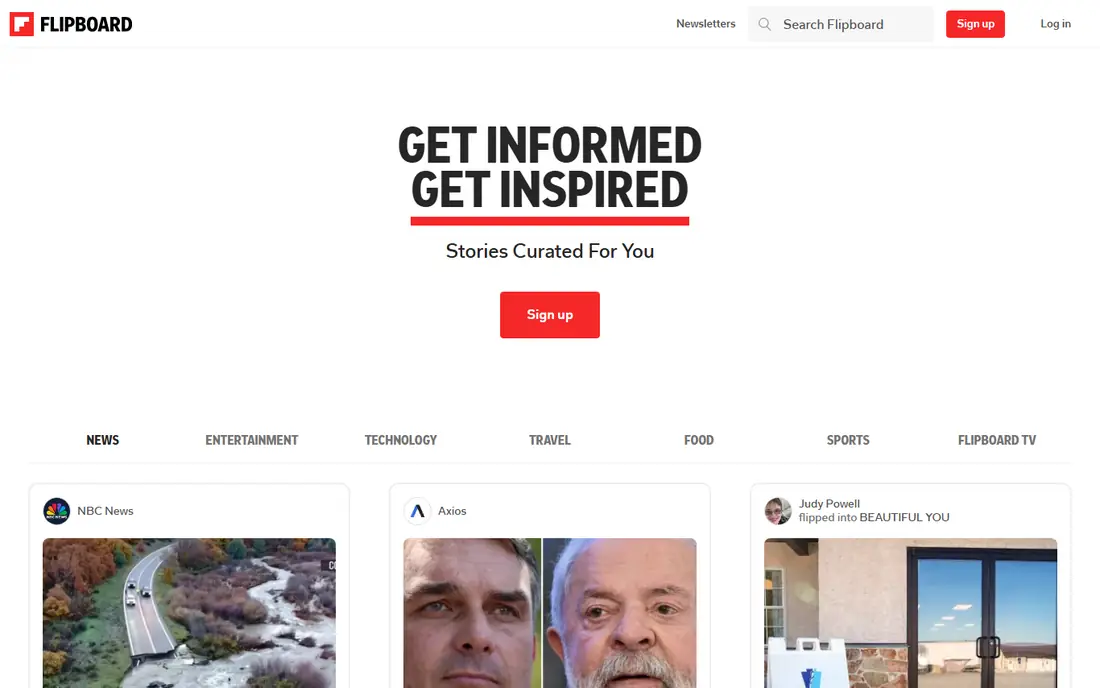
Flipboard turns a news feed into a set of visual magazines. Stories appear as tiles with large images, and you can follow magazines on topics ranging from cooking and photography to science and business. That layout encourages slower reading and discovery, rather than a race through headlines.
Readers who like to browse in the evening, save articles for later, and explore a hobby will get the most from Flipboard. Readers who need live updates during a fast-moving event may find it slower than Google News or BBC News, because its strength is curation and presentation, not a wire feed. Flipboard is free, with no subscription needed for core reading, which makes it an easy second app alongside a faster headline app.
What we like- Visual tile layout that suits leisurely reading
- Topic magazines you can follow or build
- Good for hobbies, design, travel, and culture
Watch out for- Less suited to minute-by-minute breaking news
- Some content links out to publisher sites
Starting priceFree
Free planYes
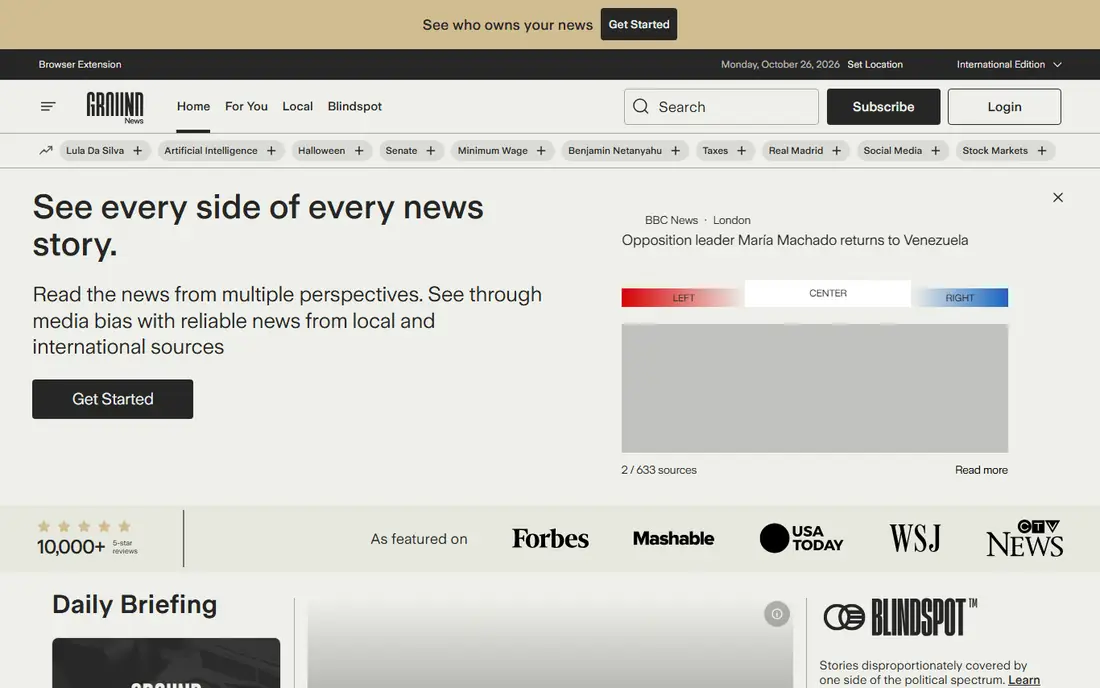
Ground News answers a different question from most news apps. Instead of asking what happened, it asks how different outlets reported it. Each major story is grouped into one entry, with a list of sources behind it and labels showing how those outlets lean politically. That grouping reduces duplicate headlines and makes it easier to spot a story that one side is covering heavily and the other is ignoring.
The free plan covers core grouping, source lists, and the Blindspot feed. Paid plans add deeper bias breakdowns, factuality ratings, and more comparison tools, with pricing shown on the vendor site. For readers who want to check a claim before sharing it, Ground News is the most useful app on this list. It works best paired with a fast headline app, because its job is comparison, not speed alone.
What we like- Groups all coverage of one story together
- Shows political leaning and factuality context for outlets
- Blindspot feed highlights underreported stories
Watch out for- Deepest bias and factuality data require a paid plan
- Interface takes a day to learn
Starting priceFree
Free planYes
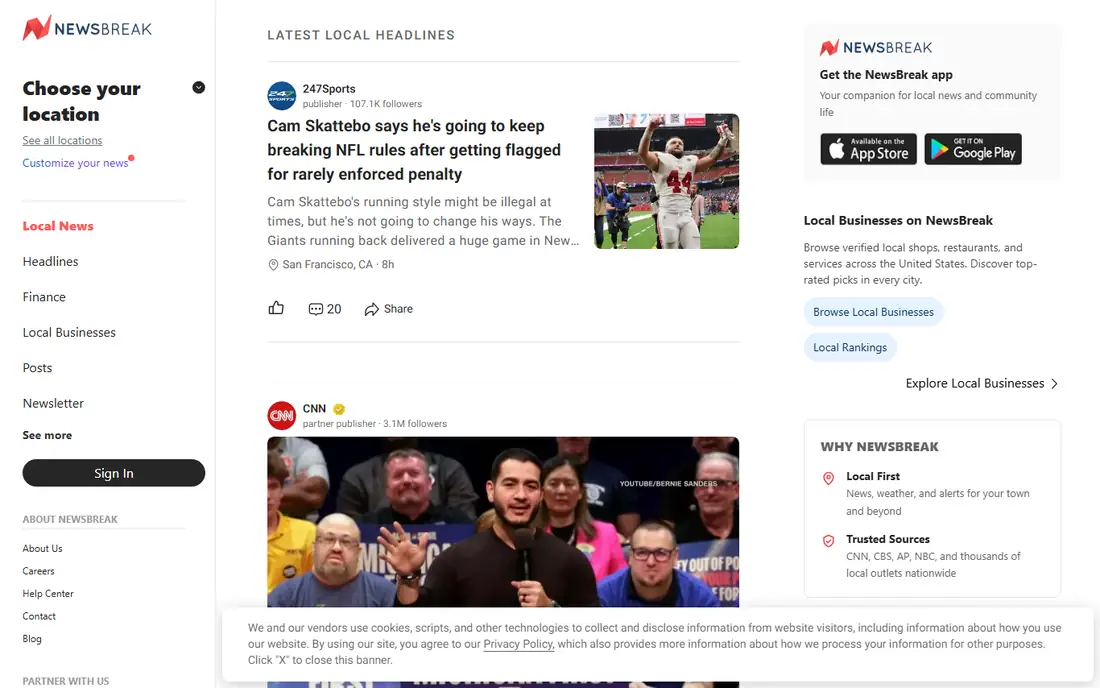
NewsBreak focuses on the news closest to home. It aggregates local publishers, community updates, weather, traffic, and nearby events, and it sends alerts for stories in your area. For readers in smaller cities and suburbs, where national apps may show only state-level headlines, that local focus is a genuine advantage.
Quality is uneven, because local coverage comes from many sources with different standards. Treat NewsBreak as a tip sheet for local events, school news, and community alerts, then check the original publisher or a larger outlet for major claims. As a free local companion to Google News or Apple News, it fills a gap that national apps often leave open.
What we like- Strong local news, weather, and community alerts
- Content from local publishers and creators
- Simple feed for nearby stories
Watch out for- Quality varies across local sources
- National and international depth is thinner than larger aggregators
Starting priceFree
Free planYes
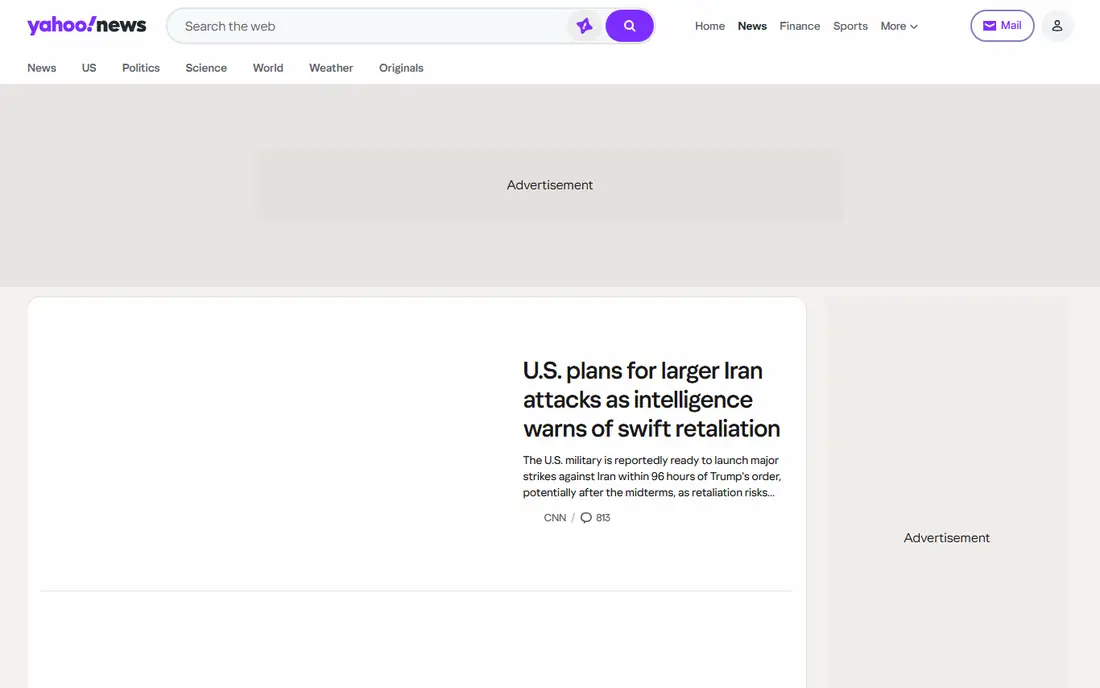
Yahoo News remains a solid general-purpose free app, especially for readers who want news, sports scores, market headlines, and entertainment in one place. Its feed mixes Yahoo original reporting with stories from partner publishers, and the app is easy to use on both iPhone and Android. The web version is equally straightforward, which helps readers who switch between phone and computer.
The free feed carries ads and promoted items, so scanning takes a little more care than in Apple News. Personalization exists, but it is less detailed than the topic and source controls in Google News or Feedly. Yahoo News is best as a single, no-setup daily read for general headlines, or as a backup when your main app misses a story.
What we like- Broad mix of news, sports, finance, and entertainment
- Original reporting alongside aggregated stories
- Simple web and app reading
Watch out for- Ads and promoted content in the free feed
- Personalization is less detailed than Google News
Starting priceFree
Free planYes
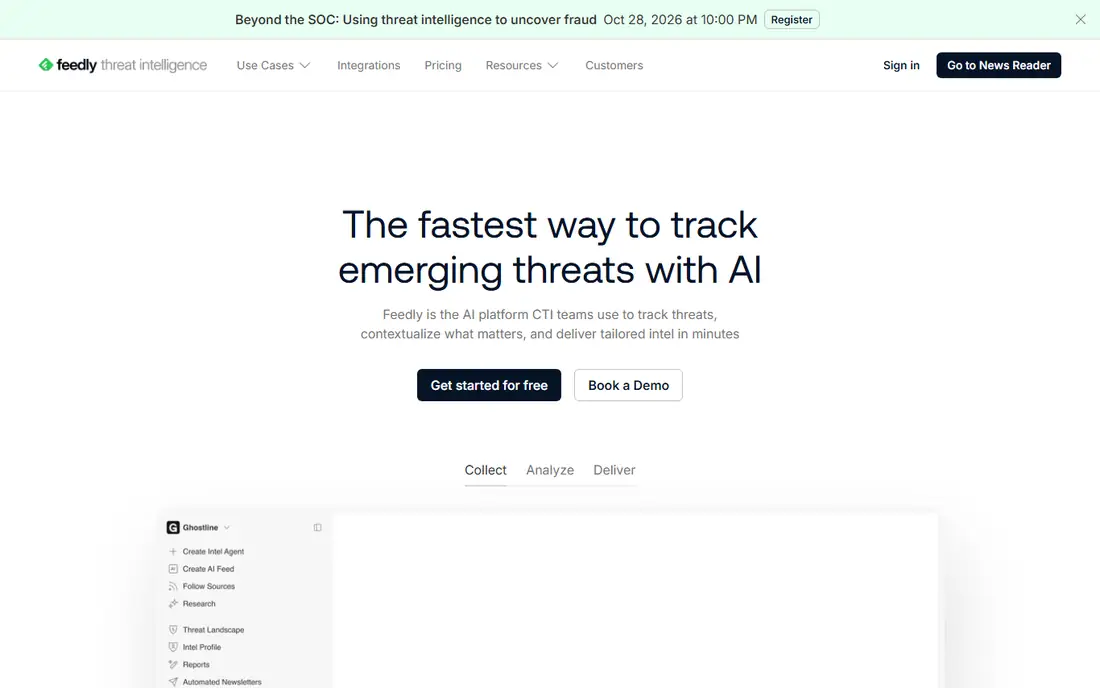
Feedly is the choice for readers who want full control. Instead of accepting an editor or algorithm feed, you add the exact publications, blogs, and RSS feeds you trust, organize them into folders, and read them in one place. That control prevents a feed from drifting toward topics you never chose, and it makes Feedly useful for work research as well as daily news.
The free plan is usable for a modest set of feeds, while paid plans add more feeds, AI summaries, and team features, with pricing shown on the vendor site. Setup is the cost: you need to spend 20 to 30 minutes adding sources and folders before Feedly feels better than Google News. Readers who enjoy that setup, and who follow niche topics, will keep Feedly long after trying other apps on this list.
What we like- You choose every source, with no algorithm deciding for you
- Folders and boards organize topics
- Works on web, iOS, and Android
Watch out for- Free plan limits the number of feeds and some AI features
- Setup takes longer than a ready-made news app

#9
BBC News
Best for: Straight international reporting
Visit bbc.com
Starting priceFree
Free planYes
BBC News is included because it offers something many aggregators do not: a single publisher with global correspondents and a consistent editorial standard. Its app and site cover world politics, business, science, and culture, with live pages that update during major events. For readers who want a reliable second source for international stories, BBC News is a strong free option.
US readers should note the limits. Local US news, state politics, and community stories are thinner here than in NewsBreak or Google News, and some content varies by region. Use BBC News as a global anchor, alongside a US-focused app for local and national coverage. That pairing gives you breadth without relying on one feed for every story.
What we like- Strong international and UK coverage
- Live pages for major events
- Clear separation of news, analysis, and opinion
Watch out for- US local news is limited
- Some video and feature content varies by region
How we chose
We focused on apps that are free to download and use for core daily reading, exist today on iPhone, Android, or the web, and cover general news rather than one niche. We checked vendor pricing pages, app store listings, and public reviews on sites such as G2, Capterra, and Reddit, and we favored apps with a clear free tier, a usable reading experience, and honest limits. We did not claim hands-on testing, and we did not rank an app higher only because it is popular.
How to pick the right free news app for you
Start by deciding how you read. If you check headlines three or four times a day in short bursts, a fast aggregator such as Google News, Apple News, or SmartNews will fit best. If you read for 20 minutes in the evening, Flipboard or Feedly may feel more rewarding, because they support slower browsing and saved articles. If you care most about checking bias or local news, add Ground News or NewsBreak as a specialist second app, rather than expecting one app to do everything.
Notifications deserve a firm rule. Allow breaking-news alerts from only one app, and turn off alerts for sports, entertainment, and general topics in the others. A feed that buzzes all day trains you to ignore it, which defeats the purpose of an alert. Also review your follows once a month. Unfollow topics that no longer matter, block sources that repeatedly mislead, and add one new source outside your usual range. That small habit keeps a free feed useful without paying for a premium plan.
For important stories, especially elections, health guidance, and market moves, do not rely on a single headline. Open the original publisher, check a second outlet with a different perspective, and look for primary sources such as official statements or data releases. Free apps are excellent for discovery, but the final check should come from the source itself.
Frequently asked questions
What is the best free news app overall?
For most people, Google News on Android and the web, and Apple News on iPhone, are the best free starting points. Both aggregate many sources, personalize by topic, and cost nothing for core reading. Add a specialist app only if you need local alerts, bias comparison, or custom feeds.
Are free news apps really free?
Yes, every app on this list is free to download and use for daily reading. Some offer optional paid tiers, such as Apple News+ or Ground News paid plans, and some show ads. You can get a full daily read without paying, but premium magazines, newspapers, and deeper analysis may require a subscription.
Which free news app is best for offline reading?
SmartNews stands out for offline reading, because it caches stories for reading without a connection. Feedly also supports saved articles for later reading. Download stories before a flight or commute, and check that the app has finished syncing before you go offline.
Which app helps me spot media bias?
Ground News is built for that job. It groups coverage of one story, shows how outlets lean, and highlights stories that one side underreports. Use it alongside a faster headline app, and read the full articles behind the labels before forming a view.
Can I use more than one news app?
Yes, and most careful readers do. A common setup is one broad app for headlines, one local app for nearby news, and one comparison or custom-feed app for deeper reading. Keep the total to two or three apps, so you actually read them instead of collecting feeds.
Do free news apps work without an account?
Many work without an account for basic reading, including Google News on the web and BBC News. Signing in usually improves personalization, saved articles, and sync across devices. If you prefer not to sign in, you can still read headlines and open articles in most of these apps.
Sources we checked (9)
- https://news.google.com
- https://www.apple.com/apple-news/
- https://www.smartnews.com
- https://flipboard.com
- https://ground.news
- https://www.newsbreak.com
- https://news.yahoo.com
- https://feedly.com
- https://www.bbc.com/news
Is your product missing or out of date?
We review this list regularly. Vendors can request a listing, send updated pricing or ask about featured placement.

Shihab Mia · Founder, Rankite
Shihab has 5+ years in B2B and SaaS SEO. He writes Rankite's software buying guides from pricing pages, documentation and public user reviews. More about Shihab.
 Google News
 Apple News
 SmartNews
 Flipboard
 Ground News
 NewsBreak
 Yahoo News
 Feedly