How we make this list: we compare pricing pages, product documentation and public user reviews. Ratings come from G2, Capterra or Trustpilot, with the date we checked them.
Key takeaways
- Food cost is won or lost on invoice accuracy, not on menu prices alone. Tools that capture invoice data cleanly give the most reliable recipe costs.
- Recipe-first tools suit culinary teams, while full back-office suites suit operators who also want accounting and labor in the same system.
- Beverage-led businesses need pour cost and bottle tracking, which most food-first tools do not handle well.
- Only MarginEdge on this list publishes a plain per-location price. Every other vendor prices by quote or demo, so budget for a sales call.
- A free tier exists only at meez, and it is aimed at individual chefs rather than multi-unit groups.
Quick comparison
| Tool | Best for | Starting price | Free plan |
|---|
 xtraCHEF xtraCHEF | Invoice automation that feeds recipe costs | See website | No |
 meez meez | Recipe-first costing for culinary teams | See website | Yes |
 MarketMan MarketMan | Multi-unit inventory and purchasing control | See website | No |
 MarginEdge MarginEdge | Fast back-office automation with daily P and L | $350/month per location | No |
 Restaurant365 Restaurant365 | Full ERP with accounting built in | See website | No |
 WISK WISK | Beverage-first costing and pour cost | See website | No |
 Craftable Craftable | Unified procure-to-pay back office | See website | No |
Is your product missing or out of date?
We review this list regularly. Vendors can request a listing, send updated pricing or ask about featured placement.
The best food costing software
Starting priceSee website
Free planNo
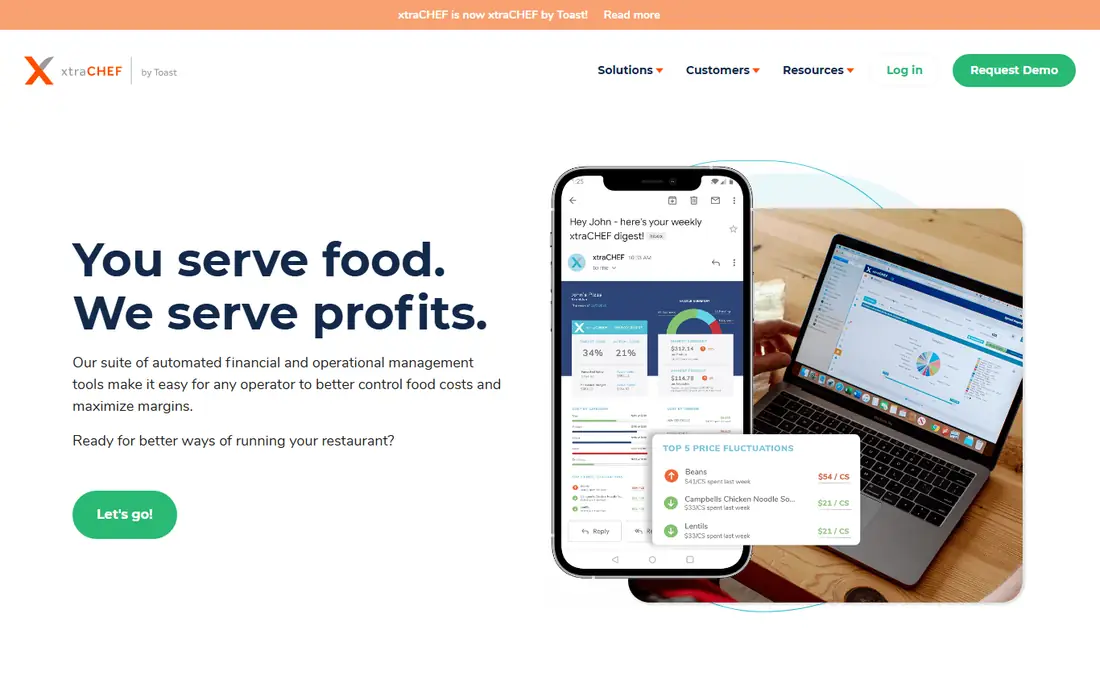
xtraCHEF by Toast starts where most food cost errors start: the supplier invoice. Staff photograph or forward invoices, and the system digitizes line-item detail so it can be searched by vendor, item, or amount. That clean data then feeds inventory and recipe costing, which is why invoice automation is often the first fix for operators whose recipe costs are based on stale prices.
The platform combines machine learning with trained quality control operators to extract invoice information, and it passes coded payables data to the general ledger. It offers Essentials and Pro tiers, and pricing is quote-based, so the field above reads See website. The honest limit is scope: xtraCHEF is strongest as an invoice and costing data layer, and operators who need deep inventory counting or full accounting will pair it with other systems.
What we like- Invoice capture by photo, email, or EDI
- Machine learning plus human quality checks
- Clean data feeds recipe costing and accounting
Watch out for- Built around invoices, so standalone inventory depth is thinner than full suites
- US only
Starting priceSee website
Free planYes
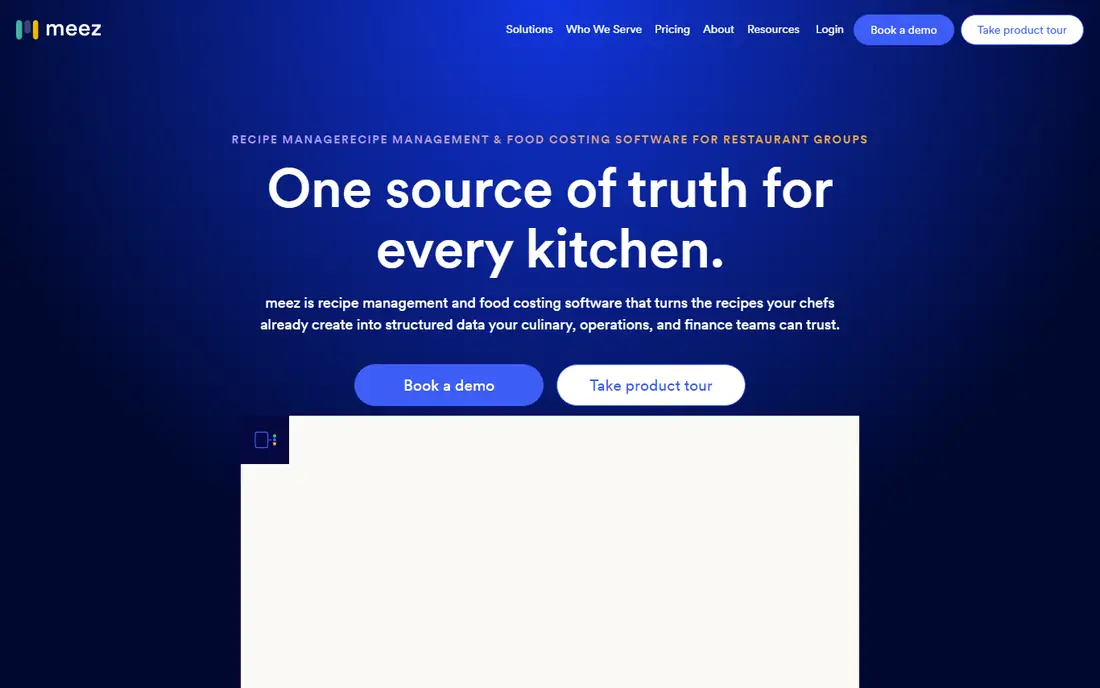
meez gives culinary teams one source of truth for recipes, prep, training, and menu engineering, and it was built by a chef rather than a general software company. Recipes carry structured ingredient data with yields, prep loss, and unit conversions, and costs update automatically when vendor prices change. That matters because a recipe cost built on last quarter prices is wrong the moment a supplier raises a price.
The platform holds a database of more than 3,000 ingredients with built-in yields and conversions, and it connects recipe data to sales so operators can see food cost percentage, profit margin, and revenue impact per dish. Teams can test portion or ingredient changes before reprinting a menu, and rollouts push to every location at once. Pricing is set during a demo based on operation size, and the vendor offers a free tier for individual chefs. The limit is stated by meez itself: it is not accounting software, and it works as the culinary data layer alongside a back-office system rather than replacing one.
What we like- Recipe-first design chefs actually adopt
- Live costing with yields and conversions
- Menu engineering and training built in
Watch out for- Not accounting software
- Inventory features center on recipes rather than full purchasing
#3MarketMan
Best for: Multi-unit inventory and purchasing control4.3/5 on
G2 (52 reviews, checked Oct 2026)
Visit marketman.com
Starting priceSee website
Free planNo
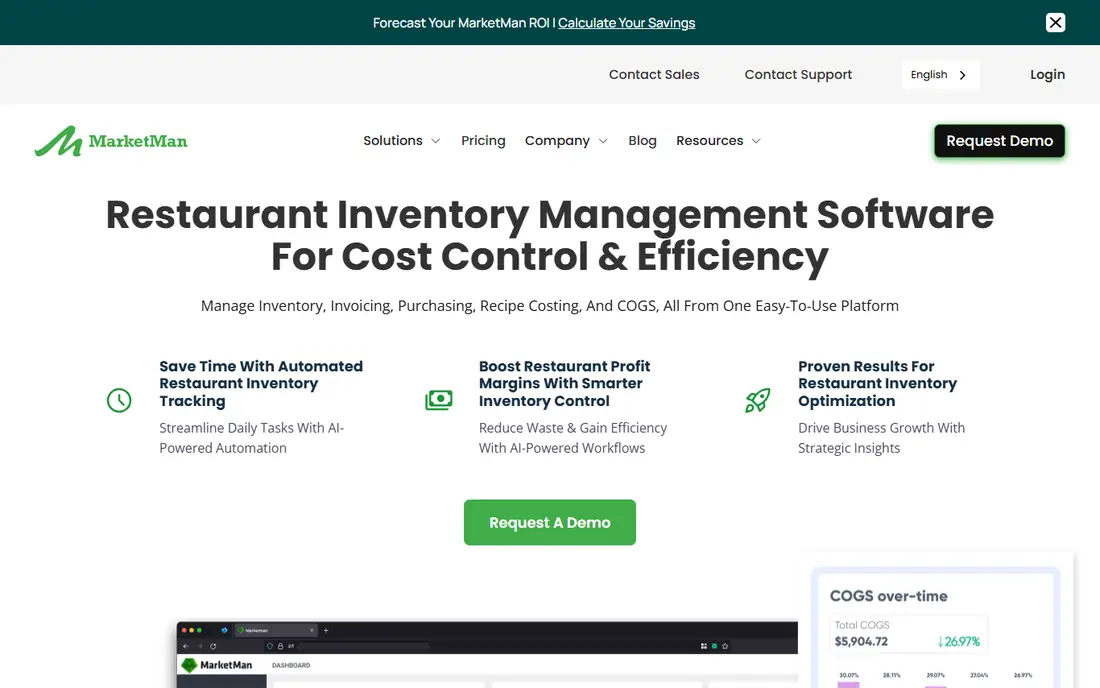
MarketMan is a cloud platform for restaurant inventory management, purchasing, and recipe costing, built for single restaurants and multi-unit operators alike. It covers inventory counts, recipe costing that updates when supplier prices change, purchase orders, accounts payable automation, vendor management, and commissary kitchen tools, with AI-powered ordering layered on top. Staff can count, receive deliveries, and place orders from mobile apps.
For groups, the Enterprise plan adds centralized reporting, inter-location transfers, standardized recipe libraries, and comparative dashboards across locations. Integrations cover major POS platforms including Square, Toast, and Lightspeed, plus QuickBooks and Xero for accounting. Published starting prices disagree across sources, with figures from about $199 to $249 per month reported, so the honest field here is See website and operators should get the current tier price in writing.
What we like- Inventory, recipe costing, purchasing, and AP automation in one platform
- Strong multi-unit and commissary tools
- IOS and Android apps
Watch out for- Accounting stays in a separate system
- Published price figures conflict, so confirm pricing on a call
Starting price$350/month per location
Free planNo
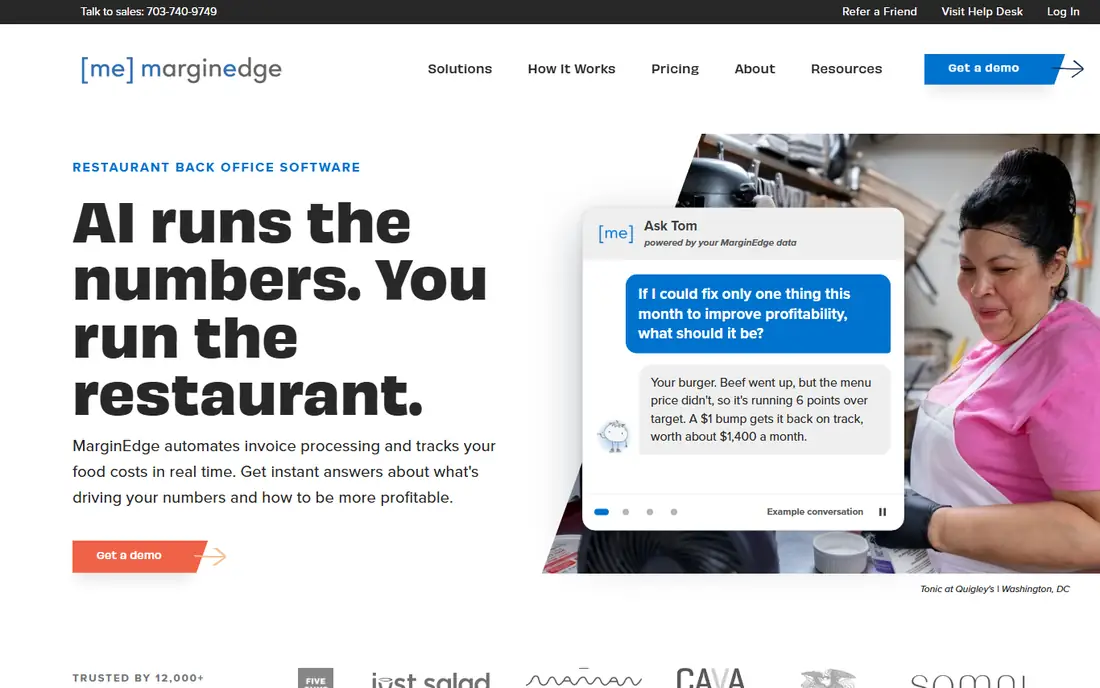
MarginEdge automates invoice processing and tracks food costs in real time, and it is the most transparently priced tool on this list. Its homepage states the price plainly: $350 per month per location, including the Tom AI assistant and the AI connector, with no usage fees and unlimited invoice processing. AI plus former restaurant operators code every invoice, so line items, prices, and categories are checked by people as well as software.
Operators get a daily P and L, price alerts when key products change, recipe costing that updates as prices move, faster counts with real usage math, and sales forecasting. Tom can answer questions such as why food costs jumped or which dishes lost margin, and an MCP connector links MarginEdge data to ChatGPT, Claude, and Gemini. The platform is used by more than 12,000 restaurants and connects with Toast, Square, QuickBooks, Xero, and 7shifts. The trade-off is scope: it syncs to the accounting system you already run rather than replacing it, and add-on products carry separate prices.
What we like- Plain published pricing
- Unlimited invoice processing
- AI assistant Tom answers cost questions from live data
Watch out for- Syncs to accounting rather than replacing it
- Add-on products are priced separately
Starting priceSee website
Free planNo
Restaurant365 is the full restaurant ERP on this list. It connects purchasing, inventory, recipe costing, and accounting in one platform, so food cost shows up against the P and L in real time instead of weeks after the fact. Mobile counts sync instantly, invoices are auto-captured with price flags, and recipe costs update as vendor prices change. Variance is visible by item, by location, and by day.
The accounting depth is the reason groups choose it: a restaurant-specific general ledger, accounts payable and receivable, consolidated P and L by location, and franchise and inter-company accounting. Its AI layer reads the connected data and explains what changed and what is causing a variance, rather than only reporting the variance itself. Pricing is customized by restaurant size and needs, so the field reads See website. Implementation is the real cost to weigh: setup commonly runs from week one through week six, and groups should expect a structured rollout with an onboarding partner.
What we like- Accounting built in, not bolted on
- Actual vs theoretical cost updated daily
- Serves 50,000 plus locations
Watch out for- Implementation commonly runs several weeks
- A significant organizational commitment
#6WISK
Best for: Beverage-first costing and pour cost5.0/5 on
G2 (2 reviews, checked Oct 2026)
Visit wisk.ai
Starting priceSee website
Free planNo
WISK is the beverage specialist here, built for bars and beverage-driven restaurants where liquor cost matters as much as food cost. Its database holds 1.5 million ingredients and 200,000 bottles with images, barcodes, and weights, so counting can be done by weight, visually, or by barcode scan. Pour cost, actual vs theoretical variance, recipe costing, and batch tracking for batched cocktails are all built in.
Counts work offline in areas with weak Wi-Fi and sync when connectivity returns, and multiple staff can count in the same area at the same time. The platform integrates with more than 60 POS systems and connects to QuickBooks Online. Pricing is quote-based, with third-party guides reporting figures near $249 per month, so the field reads See website. The honest limit is focus: WISK handles food inventory too, but its edge is beverage, and a food-only kitchen may find a food-first tool a better fit.
What we like- Huge bottle and ingredient database
- Pour cost and actual vs theoretical variance
- Offline counting with Bluetooth scale support
Watch out for- Beverage-first design means food-only kitchens may pay for bar features they do not use
- Not a finance platform
Starting priceSee website
Free planNo
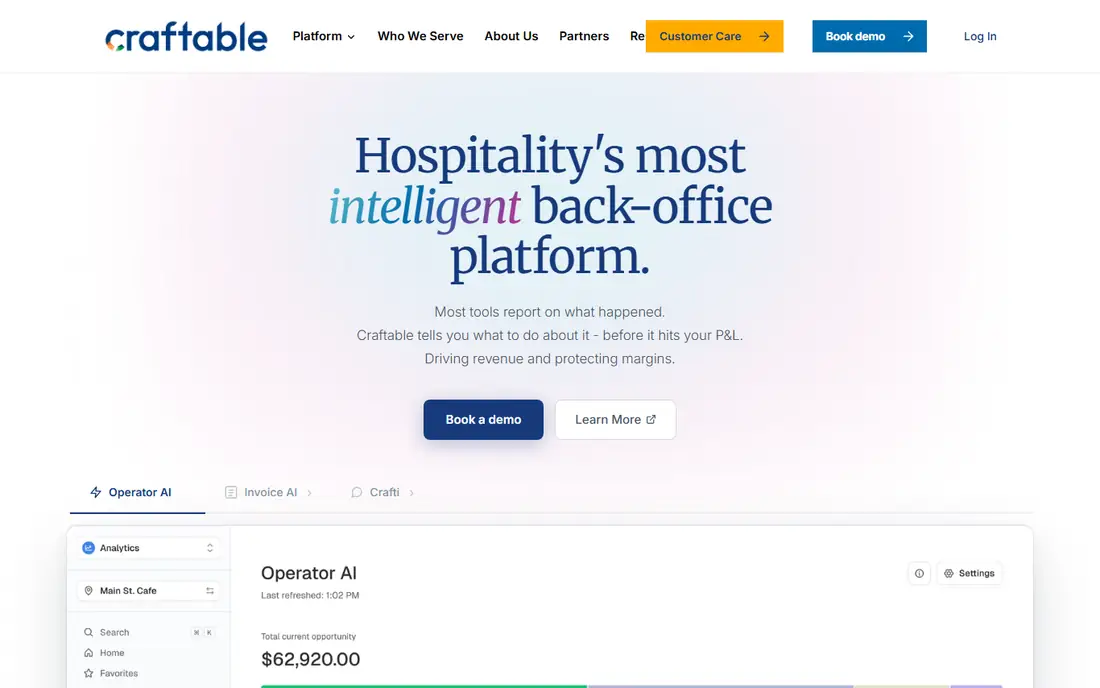
Craftable is a unified back-office platform covering purchasing, inventory, recipe costing, AP automation, payments, and financial reporting. Invoices are captured by photo, email, or upload and read automatically, then run through 3-way matching against the purchase order and delivery receipt to catch overcharges, substitutions, and price creep at the line-item level. GL coding is assisted by machine learning that improves with history, payments run in-platform, and reporting maps operations data to the chart of accounts.
Reporting is live, with theoretical vs actual COGS and variance by location, department, and daypart, and the platform manages more than $5 billion in annual purchasing across its customer base. It fits multi-unit groups, hotels, and entertainment venues that want procurement through financials in one platform with location-level approval controls. Pricing is custom quote, so the field reads See website. The stated limit is that Craftable feeds the accounting system rather than replacing it, and true accounts receivable stays with the accounting platform.
What we like- Purchasing through payments in one platform
- 3-way invoice matching catches overcharges
- Live reporting by location and daypart
Watch out for- Does not replace your accounting system
- Pricing is custom quote only
How we chose
We compared tools on recipe costing accuracy, invoice capture quality, inventory counting, variance reporting, multi-unit support, integrations with POS and accounting systems, and pricing transparency. Vendor pricing pages, platform pages, and public guides informed the list, and each vendor domain was opened to confirm it loads and belongs to the product named. We did not claim hands-on testing of any tool.
What to check before you buy
Start with the invoice, not the feature list. Ask each vendor to process a real invoice from one of your suppliers and show how the line items land in a recipe cost. If the system cannot handle your suppliers, your units of measure, or your pack sizes cleanly, every report downstream will be suspect. Next, confirm who does the setup work: importing recipes, mapping vendors, and connecting the POS all take time, and some vendors include that work while others charge for it.
Price the whole year, not the monthly rate. Ask about per-location fees, invoice scan limits on lower tiers, integration fees charged by a POS provider, implementation costs, and add-on products. MarginEdge publishes $350 per month per location, but most vendors on this list price by quote, so get the all-in annual cost in writing at your current size and at your next size. Finally, run a two-week trial on one location with real counts and real invoices before rolling out to the group, and compare the software food cost against a manual count so you know whether to trust it.
Frequently asked questions
What is food costing software?
Food costing software tracks what each dish actually costs to make by connecting recipes, ingredient prices, and sales. It calculates plate costs, food cost percentage, and margins, and it updates those figures when supplier prices change. Most tools also cover inventory counts, purchasing, and variance between expected and actual usage.
How is recipe costing different from inventory management?
Recipe costing answers what a dish should cost based on ingredients, portions, and yields. Inventory management answers what you actually have on hand and what you actually used. The two meet in variance reporting: when actual usage exceeds theoretical usage, the gap points to waste, theft, over-portioning, or bad counts.
Which tool is best for a single restaurant?
A single restaurant usually needs invoice capture, recipe costing, and simple counts more than multi-unit reporting. meez fits culinary-led single sites, while MarginEdge fits owners who want a fast daily P and L without replacing their accounting. A full ERP such as Restaurant365 is usually more than a single site needs.
Which tool is best for bars?
WISK is the strongest fit for bars because it is built around bottle databases, pour cost, and batch tracking for cocktails. Food-first tools can track liquor as inventory, but they rarely handle partial bottles, weighing, and pour variance with the same depth.
Why do most prices say See website?
Most vendors in this category price by location count, module mix, and volume, so they do not publish a single rate. MarginEdge is the exception, publishing $350 per month per location. For every other tool here, request a written quote that includes implementation and any per-location or integration fees.
Do I still need accounting software with these tools?
It depends on the tool. Restaurant365 includes accounting, so it can replace a general ledger for restaurant groups. MarginEdge, MarketMan, meez, and Craftable sync to or feed QuickBooks, Xero, or Sage instead, so you keep your accounting system. Confirm the integration with your actual accounting platform before buying.
Sources we checked (7)
- https://xtrachef.com/resources/restaurant-ap-automation-benefits/
- https://www.getmeez.com/
- https://www.marketman.com/platform
- https://www.marginedge.com/
- https://www.restaurant365.com/restaurant-inventory-mgmt-software/
- https://www.wisk.ai/vs/wisk-vs-marginedge
- https://craftable.com/blog/best-restaurant-management-software-for-finance-teams-2026
Is your product missing or out of date?
We review this list regularly. Vendors can request a listing, send updated pricing or ask about featured placement.

Shihab Mia · Founder, Rankite
Shihab has 5+ years in B2B and SaaS SEO. He writes Rankite's software buying guides from pricing pages, documentation and public user reviews. More about Shihab.