How we make this list: we compare pricing pages, product documentation and public user reviews. Ratings come from G2, Capterra or Trustpilot, with the date we checked them.
Best focus apps at a glance
Freedom is the best focus app for most people, blocking sites and apps on every device at once from $3.33 per month billed annually. Forest suits anyone who wants a gentle timer, Cold Turkey suits anyone who keeps switching softer blockers off, and Brain.fm suits people who focus better with sound.
Key takeaways
- Focus apps do four different jobs: blocking, timing, sound and time tracking. Pick the job first, then the app.
- Freedom Premium at $3.33 a month billed annually is the best-value blocker, while Cold Turkey Pro is a one-time purchase from $39.
- Forest, Freedom, Cold Turkey and RescueTime all offer free tiers, so you can test the approach before paying.
- Brain.fm has no free tier, only a trial, and Opal is the priciest here at $99.99 a year.
- Prices here are third-party reported, checked 13 Nov 2026, because no vendor pricing page was opened directly for this guide. Confirm current figures with each vendor before you subscribe.
Best focus apps compared
| Tool | Best for | Starting price | Free plan |
| Forest | Gamified focus timer | Free; Plus from $5.99 per month | Yes |
| Freedom | Blocking sites and apps everywhere | From $3.33 per month | Yes |
| Cold Turkey Blocker | A block you cannot switch off | Pro from $39 one-time | Yes |
| Focus@Will | Neuroscience-based focus music | From $9.95 per month | Free trial |
| Brain.fm | AI-generated focus audio | From $14.99 per month | Free trial |
| RescueTime | Seeing where your hours go | From $7 per month | Yes |
| Opal | Hard blocking on your phone | From $8.29 per month | Yes |
| Tide | Timed focus with sleep sounds | Free; Plus from $4.99 per month | Yes |
What kind of focus app do I need?
Start from the problem, not the app. If your phone pulls you away, you need a blocker such as Freedom, Cold Turkey or Opal, which cuts off the sites and apps that distract you. If you drift during long work, you need a timer such as Forest or Tide, which breaks work into sessions and keeps a record. If silence makes work harder, you need sound such as Brain.fm or Focus@Will, which plays audio made for concentration. If you do not know where the day goes, you need a tracker such as RescueTime, which records what you actually did. Most people need two of these: a blocker plus a timer is the most common pairing, and Freedom plus Forest covers both for under $4 a month on annual billing.
Do focus apps actually work?
Focus apps work when they change the environment instead of relying on willpower. A blocker works because the distracting site is simply gone for two hours, and a timer works because a visible countdown makes the next 25 minutes concrete. The research pattern is consistent: tools that remove the choice beat tools that only remind you to choose well. That is why Cold Turkey and Freedom outperform simple timers for heavy distractibility, and why Forest helps people who mainly need structure. No app fixes a bad workload or a noisy room, and the gains fade if you keep overriding the blocks. Pick an app with a lock you cannot switch off early if you know you will cheat, and treat the app as one part of a routine that includes a clear task, a set start time and a phone out of reach.
How much do focus apps cost?
Most focus apps cost less than a streaming subscription. Forest Plus is $5.99 a month or $35.99 a year on the US App Store, with the core timer free. Freedom Premium is $8.99 a month, $39.99 a year or $99.50 once for lifetime. Cold Turkey Pro is a one-time purchase from $39, with basic website blocking free. Focus@Will is $9.95 a month. Brain.fm is $14.99 a month or $99.99 a year. RescueTime Solo is $9 a month or $84 a year. Opal Pro is $99.99 a year. Tide Plus is from $4.99 a month. Prices are third-party reported, checked 13 Nov 2026, and they vary by region and by app store, so confirm the checkout price before you pay.
Which focus app is best for blocking my phone?
Opal is the best pick for blocking a phone, because it is built around iPhone screen time controls with a Hard Mode that cannot be turned off while a block is active, at $99.99 a year. Freedom is the best pick when you want one block to cover your phone and your computer at the same time, since a session started on your laptop also blocks your phone. Forest is the gentlest option: its Deep Focus mode blocks other apps while a tree grows, and it is free on Android with ads. Cold Turkey only runs on Windows and Mac, so it cannot help with a phone at all. If the phone is the main problem, start with Opal or Freedom, and keep the phone in another room during deep work sessions.
Quick comparison
| Tool | Best for | Starting price | Free plan |
|---|
 Forest | A gamified focus timer that makes sessions visible | Free; Plus from $5.99 per month or $35.99 per year, third-party reported, checked 13 Nov 2026 | Yes |
 Freedom | Blocking sites and apps on every device at once | Premium from $3.33 per month billed annually ($39.99); $8.99 per month monthly, third-party reported, checked 13 Nov 2026 | Yes, limited sessions |
 Cold Turkey Blocker | A block you cannot talk yourself out of | Pro from $39 one-time, third-party reported, checked 13 Nov 2026 | Yes, basic website blocking |
 Focus@Will | Neuroscience-based music for sustained attention | From $9.95 per month, third-party reported, checked 13 Nov 2026 | Free trial |
 Brain.fm | AI-generated audio built for deep work | From $14.99 per month; $99.99 per year, third-party reported, checked 13 Nov 2026 | Free trial |
 RescueTime | Finding out where your hours actually go | Solo from $7 per month billed annually ($84 per year); $9 per month monthly, third-party reported, checked 13 Nov 2026 | Lite plan, plus a 14-day trial |
 Opal | Hard blocking on your iPhone | Pro $99.99 per year, about $8.29 per month billed annually, third-party reported, checked 13 Nov 2026 | Yes |
 Tide | Timed focus sessions with sleep and relaxation sounds | Free; Plus from $4.99 per month, third-party reported, checked 13 Nov 2026 | Yes |
Is your product missing or out of date?
We review this list regularly. Vendors can request a listing, send updated pricing or ask about featured placement.
The 8 best focus apps compared
Starting priceFree; Plus from $5.99 per month or $35.99 per year, third-party reported, checked 13 Nov 2026
Free planYes
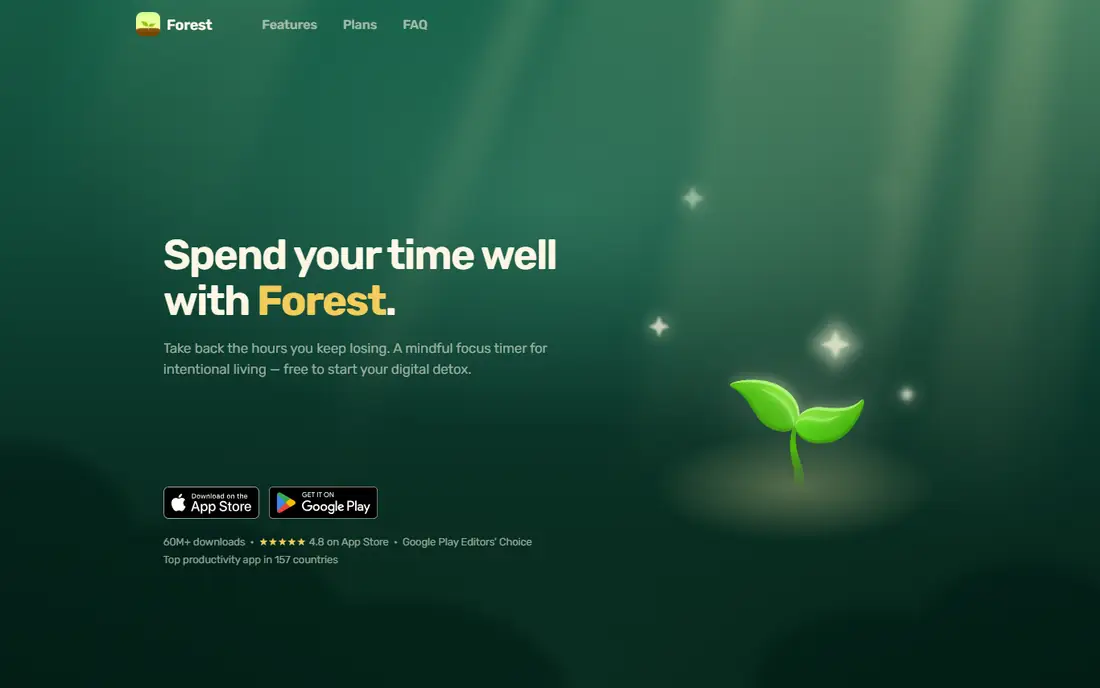
Forest makes a focus session something you can see: a virtual tree grows while the timer runs and dies if you leave to use other apps, and finished sessions build a forest that doubles as a record of your focused time. The free plan on iOS and Android includes the timer, Deep Focus app blocking and Plant Together rooms, with occasional ads that never appear during a session. Plus removes the ads, at $5.99 a month or $35.99 a year on the US App Store. The trade-off is platform support: there is no Mac or Windows app, so on a computer Forest runs only as a Chrome or Firefox extension. Pick Forest when a gentle visual timer is enough to keep you on task.
What we like- Timer, tree and Deep Focus app blocking free, Plant Together rooms for group sessions, real trees planted through partners
Watch out for- No Mac or Windows app, so on a computer it runs only as a browser extension, and Plus prices vary by store
#2
Freedom
Best for: Blocking sites and apps on every device at once
Visit freedom.to
Starting pricePremium from $3.33 per month billed annually ($39.99); $8.99 per month monthly, third-party reported, checked 13 Nov 2026
Free planYes, limited sessions
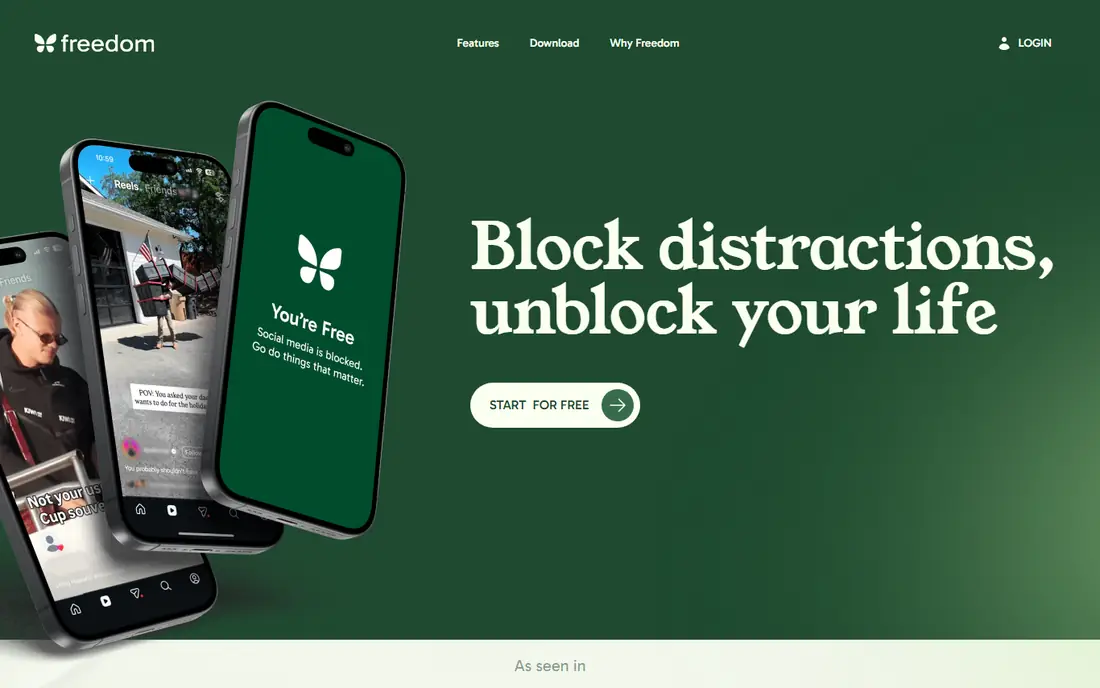
Freedom blocks websites, apps or the whole internet for a set period, and one session can cover a laptop and a phone at the same time. It has apps for Mac, Windows, iOS and Android plus a browser extension, and the free plan already works on unlimited devices with custom blocklists. Premium is $39.99 a year, or $8.99 billed monthly, and adds scheduled and recurring sessions and a Locked Mode that stops a session from being ended early. A lifetime option is listed at $99.50. The trade-off is the free tier: sessions you start now are covered up to two hours, but scheduling needs Premium. Pick Freedom when distractions live on more than one device and you want one block to cover them all.
What we like- One session covers Mac, Windows, iPhone, Android and Chromebook, scheduled and recurring sessions, Locked Mode
Watch out for- Free plan covers sessions up to two hours only, and scheduled sessions need Premium
Starting pricePro from $39 one-time, third-party reported, checked 13 Nov 2026
Free planYes, basic website blocking
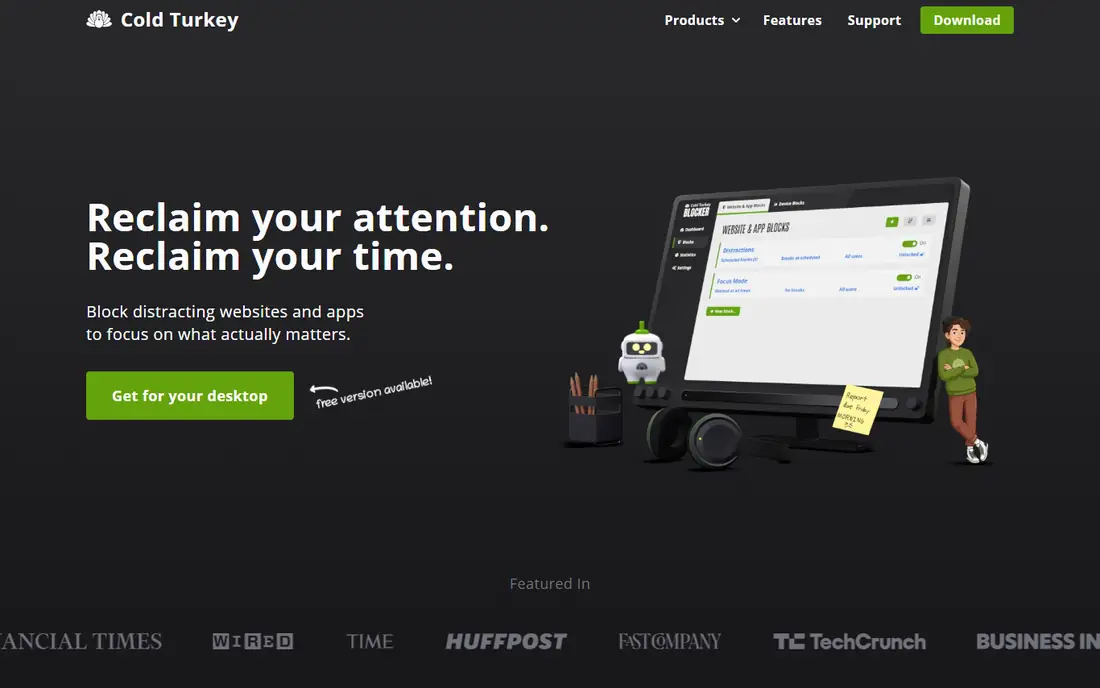
Cold Turkey Blocker is built for people who switch softer blockers off mid-session. On Windows and Mac it blocks websites, applications or the whole internet, and a locked block cannot be changed or switched off until a condition is met, such as a timer, a restart or typing out a string of random text. It also prevents the app from being uninstalled during a block. The free version blocks websites for a set time, and Pro is a one-time purchase from $39 that adds app blocking and the locks. The trade-off is platform support: there is no phone app, so it cannot help with the device that distracts most people. Pick Cold Turkey when you know you will cheat softer tools and you work on a computer.
What we like- Locked blocks cannot be undone early, blocks apps, sites or the whole internet, prevents uninstall during a block
Watch out for- Windows and Mac only, with no phone app, and the interface looks dated
Starting priceFrom $9.95 per month, third-party reported, checked 13 Nov 2026
Free planFree trial
Focus@Will plays music designed around neuroscience research on attention, with channels matched to focus types such as deep work, reading and creative tasks. A timer and productivity tracking sit inside the app, so you can run a session and log it in one place. It costs $9.95 a month and runs on the web, iOS and Android. The trade-off is taste: the music is instrumental and paced for focus, which some people love and others find repetitive, and there is no permanent free tier, only a trial. Pick Focus@Will when silence makes work harder and you want sound built for concentration rather than a playlist.
What we like- Music channels matched to focus types, timer and productivity tracking built in, works on web, iOS and Android
Watch out for- No permanent free tier, and the music style does not suit everyone
#5
Brain.fm
Best for: AI-generated audio built for deep work
Visit brain.fm
Starting priceFrom $14.99 per month; $99.99 per year, third-party reported, checked 13 Nov 2026
Free planFree trial
Brain.fm plays long, lyric-free tracks made for a chosen activity, such as deep work, learning or sleep, generated with an AI system trained on how sound affects attention. Sessions run long enough for real work, without the gaps and ads of a streaming playlist. It costs $14.99 a month or $99.99 a year, with a free trial but no permanent free tier. The app runs on the web, desktop, iOS and Android. The trade-off is price and the lack of a free tier: it costs more than Focus@Will and you cannot use it for free after the trial. Pick Brain.fm when you want the most polished focus audio and you work in long sessions.
What we like- Long lyric-free tracks made for a chosen activity, deep work, sleep and meditation modes, science-led design
Watch out for- No permanent free tier, and it is the priciest audio app here
Starting priceSolo from $7 per month billed annually ($84 per year); $9 per month monthly, third-party reported, checked 13 Nov 2026
Free planLite plan, plus a 14-day trial
RescueTime is mainly a time tracker: it records which apps and sites you use and categorises them, so you can see how much of your day goes to real work and how much leaks away. That record is the point, since most people underestimate their distracted time by half. Solo costs $7 a month billed yearly or $9 monthly, with a free Lite plan and a 14-day trial of the paid tier. Focus sessions are built in, so you can block distractions once you know what they are. The trade-off is that RescueTime watches rather than blocks: it shows the problem but does not remove it. Pick RescueTime when you first need to see where your hours go.
What we like- Automatic tracking with no manual timers, clear reports on apps and sites, focus sessions built in
Watch out for- Paid plans vary by source from $7 to $12 a month, and it tracks rather than blocks
Starting pricePro $99.99 per year, about $8.29 per month billed annually, third-party reported, checked 13 Nov 2026
Free planYes
Opal is built around the phone, which is where most distraction happens. It blocks apps on a schedule, reports screen time clearly, and its Hard Mode cannot be turned off while a block is active, which is the feature that separates it from softer blockers. Pro costs $99.99 a year, about $8.29 a month billed annually, and removes the rule limit while adding the hard lock. A free plan covers basic blocking. The trade-off is price and platform: it is the priciest app here per year, and it is built for iPhone, with no Windows or web version. Pick Opal when your phone is the problem and you need a lock you cannot switch off.
What we like- Hard Mode cannot be turned off during a block, screen time reports, focus sessions with friends
Watch out for- Highest yearly price here, and it is built for iPhone, with no Windows or web version
#8
Tide
Best for: Timed focus sessions with sleep and relaxation sounds
Visit moreless.io
Starting priceFree; Plus from $4.99 per month, third-party reported, checked 13 Nov 2026
Free planYes
Tide combines a Pomodoro timer with a library of calm sounds for focus, sleep and breathing, in a simple interface that stays out of the way. You can run a timed session, play rain or white noise, and wind down with a sleep story in the same app, which suits people who want one tool for work and rest. The core timer is free, and Plus is from $4.99 a month for unlimited sessions and the full sound library. The trade-off is blocking: its distraction controls are lighter than Freedom or Opal, so it suits people who need structure more than enforcement. Pick Tide when you want a calm timer with sounds rather than a hard blocker.
What we like- Pomodoro timer with focus, sleep and breathing modes, calm sound library, simple interface
Watch out for- Blocking features are lighter than Freedom or Opal, and the Plus price varies by region
How we picked these apps
We compared apps on the job they do, free tier value, lock strength, platform coverage and pricing, using vendor pages and published comparisons from July to November 2026. Prices are third-party reported and were checked 13 Nov 2026, because no vendor pricing page was opened directly for this guide. We did not claim hands-on testing, and prices vary by plan and region, so verify before subscribing. Tide Plus pricing is reported from $4.99 a month but varies by region, so check the store listing before you pay.
Frequently asked questions
Which focus app should I try first?
Try Freedom first if distractions are the problem, since its free plan blocks sites on unlimited devices and its Premium is cheap on annual billing. Try Forest first if you mainly need structure, since its timer and Deep Focus blocking are free. Try RescueTime first if you do not know where your time goes, since its report will show the problem before you spend anything.
Are free focus apps good enough?
Yes, for most people. Forest, Freedom, Cold Turkey and RescueTime all offer free tiers that cover the core job, and Tide is free for basic sessions. Pay when the free tier blocks something you need, such as scheduled sessions in Freedom, unlimited sessions in Tide, or the hard lock in Opal. Start free for two weeks and upgrade only if you hit a limit.
What is the difference between Freedom and Cold Turkey?
Freedom covers every device at once, including your phone, and works as a subscription from $3.33 a month billed annually. Cold Turkey is a one-time purchase from $39 for Windows and Mac only, with locked blocks that cannot be undone early. Pick Freedom when the phone is part of the problem, and Cold Turkey when you work on a computer and you know you will cheat softer tools.
Do I need a focus app if I already use a Pomodoro timer?
A plain timer helps with structure, but it does not stop distractions, so most people benefit from pairing a timer with a blocker. Forest and Tide combine both jobs in one app, with a timer plus light blocking. If you already love your timer, add Freedom for blocking and keep the timer you know.
Is Brain.fm worth $14.99 a month?
Brain.fm is worth it if you work in long sessions and background sound genuinely helps you concentrate, since its tracks are built for that job and run without gaps or ads. It is not worth it if you focus fine in silence or with a free playlist. Use the free trial for a week of real work before deciding, and compare it with Focus@Will at $9.95 a month.
Sources we checked (12)
- https://www.forestapp.cc
- https://freedom.to
- https://getcoldturkey.com
- https://www.focusatwill.com
- https://www.brain.fm
- https://www.rescuetime.com
- https://www.opal.so
- https://moreless.io
- https://declutterthemind.com/blog/best-apps-for-focus
- https://myyappie.app/blog/best-focus-apps-2026
- https://toolgpa.com/alternatives/forest
- https://toolgpa.com/best/focus-apps
Is your product missing or out of date?
We review this list regularly. Vendors can request a listing, send updated pricing or ask about featured placement.

Shihab Mia · Founder, Rankite
Shihab has 5+ years in B2B and SaaS SEO. He writes Rankite's software buying guides from pricing pages, documentation and public user reviews. More about Shihab.