How we make this list: we compare pricing pages, product documentation and public user reviews. Rankite is independent; if a vendor ever pays for a featured spot, that listing is clearly labeled Partner.
Key takeaways
- PCI DSS 4.0 and 4.0.1 include FIM as a requirement, so most buyers are shopping against an audit deadline rather than a vague security goal.
- Tripwire Enterprise is still the reference product for audit-grade FIM, while Wazuh and OSSEC deliver real integrity checking at zero license cost if your team can run them.
- Qualys FIM fits cloud and hybrid shops that already use the Qualys agent, and CimTrak stands out with automatic reconciliation that rolls back unauthorized changes.
- If you want FIM plus SIEM in one purchase, SolarWinds Security Event Manager and ManageEngine EventLog Analyzer bundle both without a separate license.
Quick comparison
Is your product missing or out of date?
We review this list regularly. Vendors can request a listing, send updated pricing or ask about featured placement.
File integrity monitoring in 2026
PCI DSS 4.0.1 names file integrity monitoring as a required control, and HIPAA, SOX, FISMA and NIST frameworks lean on it too (Qualys documents this on its FIM product page). That is why FIM buying is rarely casual. An auditor asked for evidence, or a framework mapping flagged a gap, and now someone needs a tool that watches critical files and proves nothing changed without approval. The good news is the market covers every budget. Open-source options monitor integrity for free, mid-market bundles fold FIM into a SIEM, and enterprise platforms add compliance automation and one-click remediation.

#1
Tripwire Enterprise
Best for: Regulated enterprises needing audit-ready FIM
Visit tripwire.com
Starting priceSee website
Free planNo
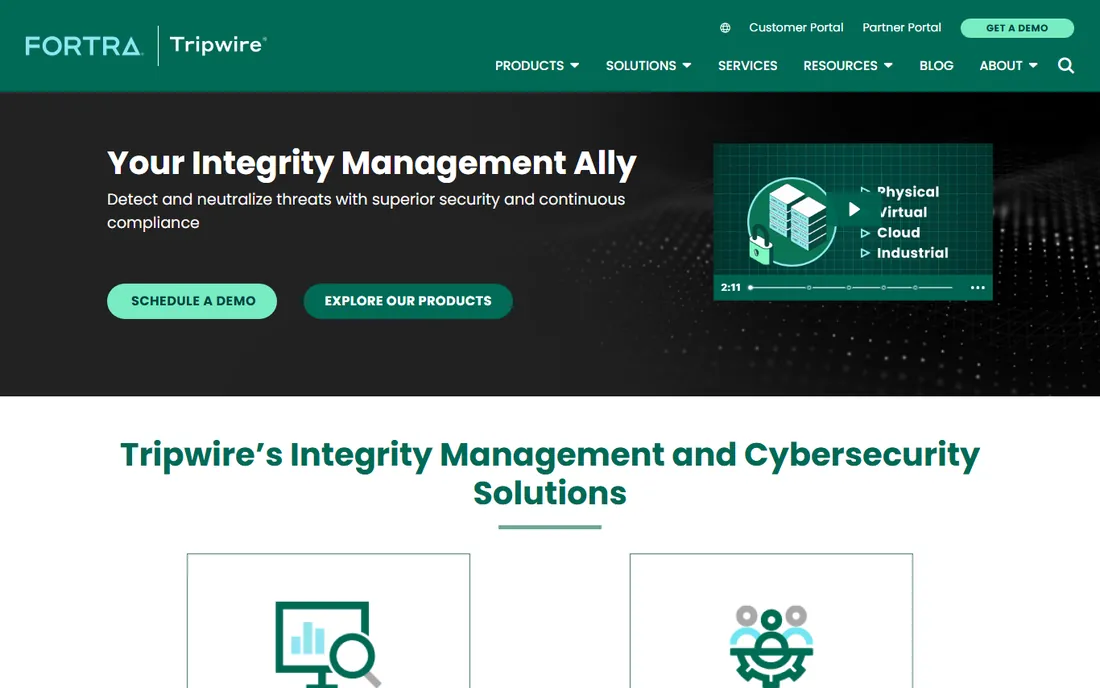
Tripwire invented the category, and it still sets the bar for audit-grade file integrity monitoring. Tripwire Enterprise pairs FIM with security configuration management, so you get change detection plus the policy checks that keep systems in a hardened state. For compliance teams, the draw is the policy library and the reporting: when an auditor asks how you know critical files stayed intact, the evidence is already packaged.
The honest catch is cost and complexity. Pricing is quote-based and aimed at mid-size to large organizations, and a proper rollout means defining baselines, tuning out expected changes, and assigning change review. Small teams without a compliance mandate usually get more value from a bundled or open-source option. If you do face regular audits, Tripwire is the answer auditors already trust.
What we like- The original FIM product with deep compliance policy library
- Real-time change detection with risk scoring
- Strong reporting for auditors
Watch out for- Quote-based pricing puts it out of small-team reach
- Deployment and tuning take real effort

#2
Wazuh
Best for: Teams wanting open-source FIM with SIEM included
Visit wazuh.com
Starting priceFree (open source)
Free planYes
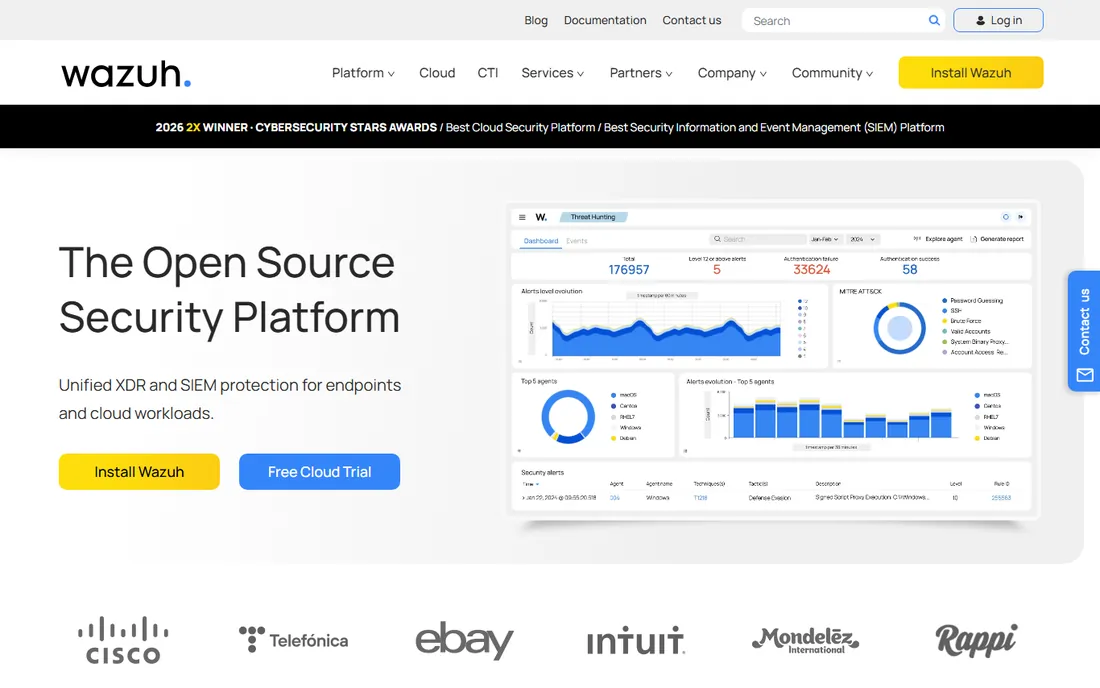
If license cost is the obstacle, Wazuh removes it entirely. The platform is free and open source, and its file integrity monitoring sits inside a full XDR and SIEM stack: log analysis, vulnerability detection, configuration assessment and compliance dashboards all come from the same agents. For a security team with Linux skills, that is a remarkable amount of capability for zero license spend.
The trade is operational effort. You install and maintain the manager, indexer and dashboard, write rules for your own applications, and tune alerts so the noise stays manageable. Wazuh also offers a managed cloud service with a free trial if you would rather not self-host. Wazuh suits teams that have more time than budget and want one platform instead of three.
What we like- Completely free and open source with no license cost
- FIM plus SIEM, vulnerability detection and compliance modules in one platform
- Large community and documentation
Watch out for- Self-hosting and tuning demand real staff time
- Scaling to large fleets needs careful sizing

#3
OSSEC
Best for: Minimal open-source integrity checking at zero cost
Visit ossec.net
Starting priceFree (open source)
Free planYes
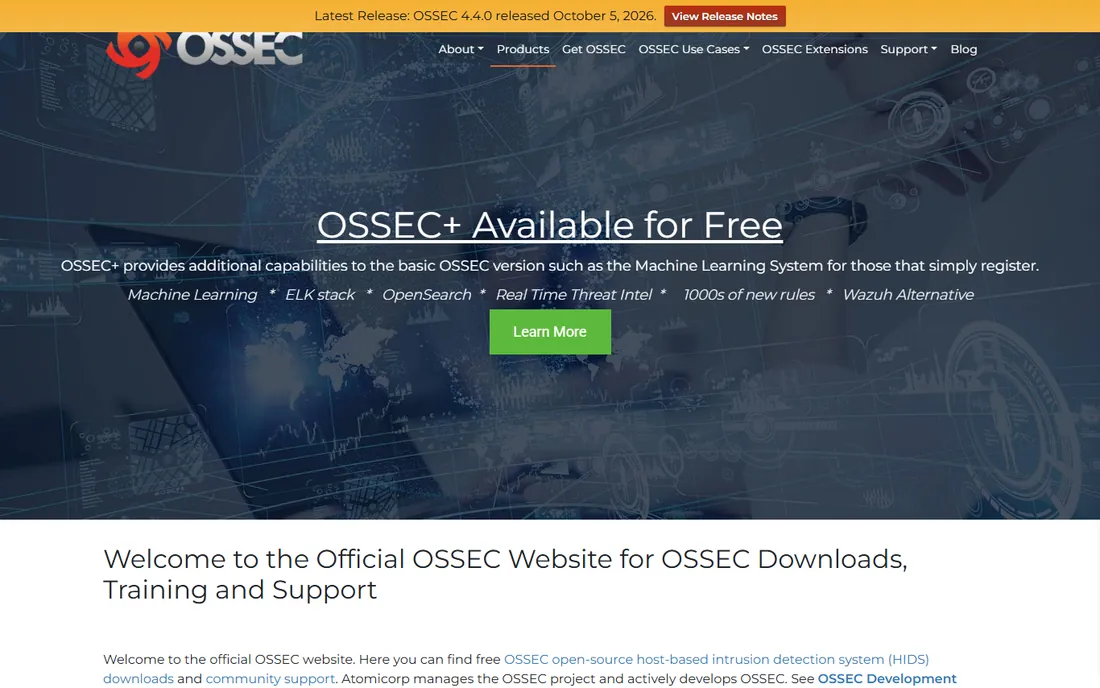
OSSEC is the quiet veteran behind much of today's open-source security monitoring. It performs file integrity checking, log analysis, rootkit detection and active response from a centralized manager with lightweight agents. If all you need is a dependable integrity checker on a handful of servers, OSSEC still does the job with minimal resource use.
Be clear about what you are getting. Development has slowed, the interface feels dated, and you will not get the polished dashboards or machine-assisted noise reduction of newer tools. Many teams start with OSSEC and graduate to Wazuh, which forked from this code and adds the modern pieces. For a lab, a startup, or a single critical server, OSSEC remains a solid free choice.
What we like- Free and open source with decades of track record
- Lightweight agents across many platforms
- Wazuh grew out of this codebase, so skills transfer
Watch out for- Dated interface and slower development pace
- Basic FIM alerts without modern noise reduction

#4
Qualys File Integrity Monitoring
Best for: Cloud shops already running the Qualys agent
Visit qualys.com
Starting priceSee website
Free planFree trial
Qualys FIM makes the most sense for teams already running the Qualys Cloud Agent. One agent covers vulnerability management, policy compliance and file integrity monitoring, which means no new agent rollout to plan. The product watches files, directories and registry settings in real time, and it uses threat intelligence and file reputation data to separate malicious changes from routine ones, which Qualys says cuts alert noise substantially.
There is also an agentless option for network devices, plus a free trial so you can see FIM events in your own environment before committing. The main downside is pricing: Qualys sells through quotes and the platform is priced for organizations with real security budgets. If your estate is already in the Qualys cloud, adding FIM is the path of least resistance.
What we like- Runs on the same single Qualys agent many teams already deploy
- Real-time detection with threat intelligence to cut false positives
- Pre-built profiles for PCI DSS 4.0 and other mandates
Watch out for- Pricing is quote-based and the Qualys platform suits larger budgets
- Value drops if you do not use other Qualys modules

#5
CimTrak
Best for: Organizations that want automatic change rollback
Visit cimcor.com
Starting priceSee website
Free planFree trial
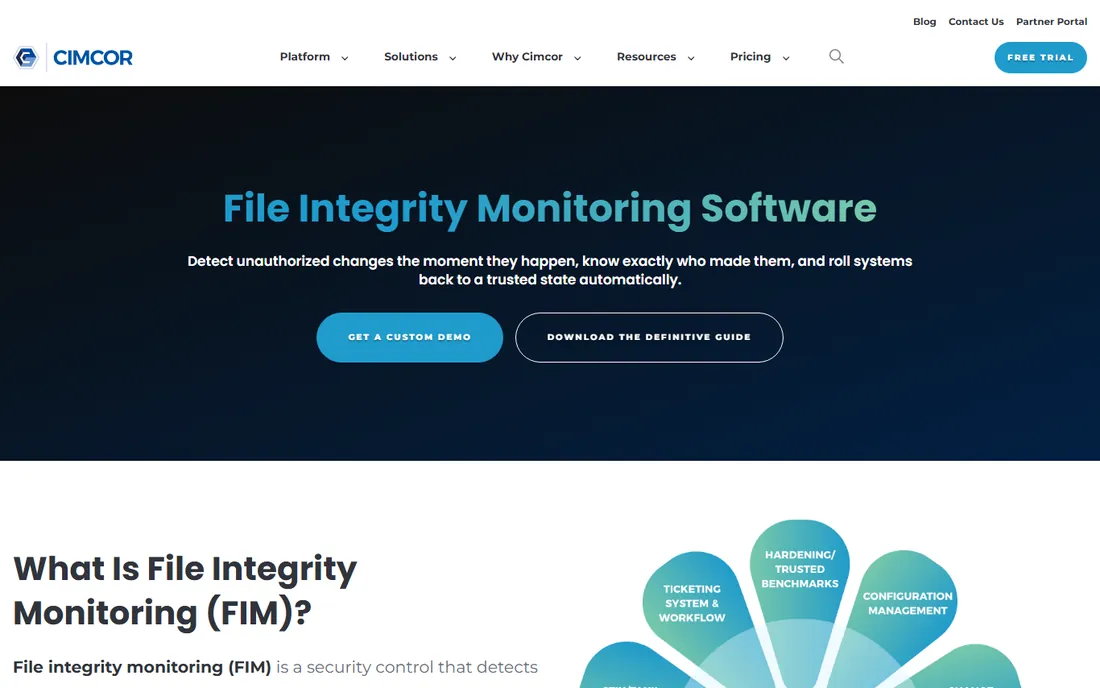
Most FIM tools tell you something changed. CimTrak is built to put it back. Its change reconciliation engine compares every change against the trusted baseline, approves the ones that match known-good patterns, and can roll back unauthorized changes in one click. That closed loop matters in environments where a bad change means downtime or a failed audit, not just an alert in a queue.
CimTrak covers servers, network devices, databases and critical workstations, and it carries certifications that government and defense buyers look for. The vendor offers a free evaluation, and pricing is quoted per environment. The trade-off is that Cimcor is a specialist vendor rather than a broad platform, so you pair it with your existing SIEM instead of replacing one. For regulated infrastructure where remediation speed counts, it earns its place.
What we like- Reconciles approved changes and rolls back unauthorized ones automatically
- Monitors servers, network devices and databases
- Compliance support for 50+ requirements
Watch out for- Enterprise quote-based pricing
- Smaller vendor footprint than the big platform players

#6
Netwrix Change Tracker
Best for: Broad coverage across servers, databases and network devices
Visit netwrix.com
Starting priceSee website
Free planNo
Change Tracker, the former NNT product now under Netwrix, covers an unusually wide range of platforms. The supported list runs from modern Windows and Linux through AIX, Solaris, HP-UX and even industrial control systems, plus databases and network devices from the major vendors. If your estate includes systems that newer cloud tools simply do not support, this breadth is the reason to shortlist it.
The product pairs file integrity monitoring with security configuration management and CIS benchmark auditing, and ITSM integrations help separate planned changes from unplanned ones. Pricing is quote-based and aimed at enterprise buyers, and the deployment experience feels enterprise in the old sense: powerful, but expect a guided onboarding. It fits organizations with heterogeneous infrastructure and strict hardening requirements.
What we like- Very wide platform support including legacy OS, databases and industrial systems
- CIS benchmark auditing built in
- ITSM integrations for change validation
Watch out for- Quote-based enterprise pricing
- Interface and deployment reflect its enterprise heritage

#7
SolarWinds Security Event Manager
Best for: Small security teams wanting SIEM plus FIM in one box
Visit solarwinds.com
Starting priceSee website
Free planNo
SEM bundles file integrity monitoring into a SIEM priced for smaller security teams. The FIM feature detects changes to key files, folders and registry settings, then correlates those events with logs from antivirus tools and intrusion systems so you see the file change in context. Built-in templates help demonstrate PCI DSS, HIPAA and SOX requirements without building reports from scratch.
Because FIM rides inside the SIEM, you manage one agent and one console for both jobs. That is the appeal and the limit: if you need dedicated FIM depth like automated rollback, look at the specialists above. Pricing starts at a published entry tier and scales by node count, so model the cost against the number of systems you actually need to watch.
What we like- FIM included with the SIEM at no extra cost
- Built-in compliance report templates
- Automated incident response actions
Watch out for- Per-node pricing can climb as you add systems
- FIM is a feature inside a SIEM, not a dedicated FIM suite

#8
ManageEngine EventLog Analyzer
Best for: Budget teams needing FIM with log management
Visit manageengine.com
Starting priceSee website
Free planFree trial (30 days)
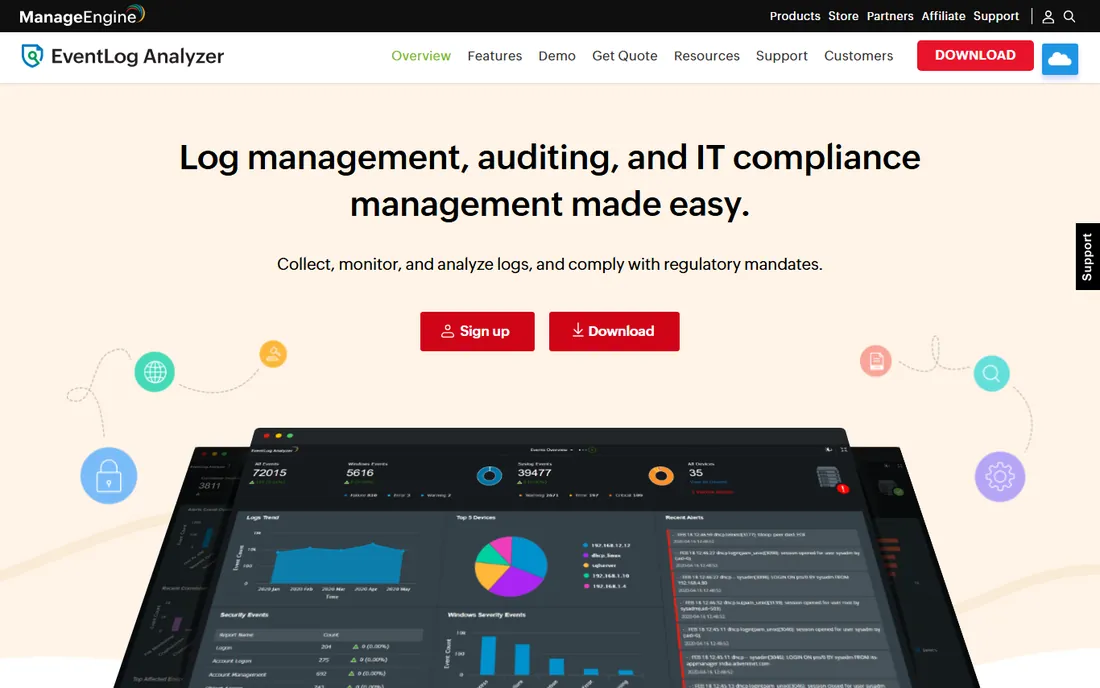
EventLog Analyzer is the budget path into file integrity monitoring with real-time alerting and compliance reports. Its FIM module tracks file and folder creation, access, modification, deletion and permission changes, runs baseline integrity scans with MD5 and SHA-1 checksum checks, and keeps a complete audit trail of what changed, when, where and how. Predefined reports map to PCI DSS, HIPAA, SOX and FISMA requirements.
ManageEngine offers a 30-day fully functional trial with no credit card required, which makes evaluation painless. The limitation is scope: this is a log management product with FIM added, not a dedicated integrity suite, so you will not get features like automatic change reconciliation. For a small IT team that needs FIM plus centralized logging on one budget, it is hard to beat.
What we like- Real-time FIM with checksum-based tamper checks
- 30-day fully functional free trial
- Strong price point for smaller teams
Watch out for- FIM is one module of a log tool, so depth is less than dedicated FIM suites
- Advanced correlation needs the higher editions
How we chose
We started from the PCI DSS 4.0 requirement that drives most FIM purchases, then read each vendor's product and pricing pages directly: Tripwire, Wazuh, OSSEC, Qualys, Cimcor, Netwrix, SolarWinds and ManageEngine. We checked public documentation for deployment models, platform support, compliance coverage and free or trial tiers. We weighed public reviews on G2, Capterra and Reddit for recurring praise and complaints, and we favored tools with verifiable current product pages over analyst claims. Pricing figures appear only where the vendor publishes them; everything else is marked See website rather than guessed.
What to check before you buy
Coverage of what you actually run
List the systems in scope before you shortlist. Agent-based FIM covers servers and workstations well, but network devices, databases and legacy systems need specific support. Netwrix Change Tracker and CimTrak shine on heterogeneous estates, while cloud-native teams may only need the Qualys agent they already run.
Real-time detection versus scheduled scans
Some tools watch the filesystem continuously and alert within seconds; others compare against baselines on a schedule. For ransomware and active intrusions, real-time matters. Confirm which model each product uses on the platforms you care about, because vendors sometimes mix both.
How the tool handles alert noise
FIM is famous for drowning teams in alerts about expected changes. Ask how each product separates planned changes from suspicious ones: whitelisting trusted processes, ITSM integration, threat intelligence, or automatic reconciliation. A tool nobody tunes gets ignored, which is worse than no tool at all.
Compliance reporting out of the box
If an audit is driving the purchase, verify the product ships report templates for your framework, whether PCI DSS, HIPAA or SOX. Tripwire, Qualys, SolarWinds and ManageEngine all publish compliance reporting as a core feature, which saves weeks of custom report building.
Deployment and ongoing effort
Open-source tools like Wazuh and OSSEC cost nothing in licenses and plenty in staff time. Managed and cloud options shift that burden to the vendor. Match the choice to the team you actually have, not the team you wish you had.
Cutting the alert noise: why tuning decides everything
The difference between a FIM deployment that works and one that gets muted is tuning. Every tool here can detect a changed file; the good deployments define what should change, who may change it, and what counts as an incident. Start with a tight scope of truly critical files and registry keys, then expand once the alert volume is under control. Use maintenance windows, trusted-process whitelists and change-ticket correlation to suppress expected noise. Plan for a tuning period of several weeks, and assign one person to own it. Skip this step and even the best product on this list will become background noise.
Frequently asked questions
Is file integrity monitoring required for PCI DSS compliance?
Yes. PCI DSS 4.0 and 4.0.1 include FIM-related requirements around detecting unauthorized changes to critical files, and frameworks like HIPAA, SOX, FISMA and NIST reference it as well. Most commercial buyers on this list are purchasing specifically to satisfy an auditor.
Can FIM replace antivirus or an EDR?
No. FIM tells you that files changed, which catches tampering, misconfiguration and some malware behavior, but it does not block malicious code the way endpoint protection does. Treat FIM as a detection and compliance control that sits alongside antivirus and EDR, not instead of them.
How much does file integrity monitoring software cost?
Open-source options like Wazuh and OSSEC are free apart from the staff time to run them. Commercial tools are usually quote-based and priced by device or node count; bundled options like SolarWinds SEM and ManageEngine EventLog Analyzer publish entry pricing aimed at smaller teams.
Do I need to install agents on every server?
Most dedicated FIM products use agents for real-time monitoring of servers and workstations. Some, like Qualys FIM, also offer agentless monitoring for network devices. Confirm agent support for your exact operating systems before you commit, especially for legacy platforms.
How long does a FIM deployment take?
The software install is usually quick; the baselining and tuning take the time. Expect a few weeks of defining trusted baselines, whitelisting expected changes, and adjusting alert rules before the signal-to-noise ratio is acceptable. Vendors with pre-built compliance profiles shorten this phase.
What is the difference between FIM and security configuration management?
FIM detects changes to files and settings after they happen. Security configuration management defines the secure baseline and checks systems against it proactively. Several tools here, including Tripwire Enterprise, CimTrak and Netwrix Change Tracker, combine both.
Sources we checked (8)
- https://tripwire.com/
- https://wazuh.com/
- https://www.ossec.net
- https://www.qualys.com/apps/file-integrity-monitoring/
- https://www.cimcor.com/cimtrak/features/file-integrity-monitoring/
- https://netwrix.com/en/products/change-tracker/
- https://www.solarwinds.com/security-event-manager
- https://www.manageengine.com/products/eventlog/
Is your product missing or out of date?
We review this list regularly. Vendors can request a listing, send updated pricing or ask about featured placement.

Shihab Mia · Founder, Rankite
Shihab has spent more than a decade helping SaaS and e-commerce brands grow through search. He writes Rankite's software buying guides from pricing pages, documentation and public user reviews. More about Shihab.