How we make this list: we compare pricing pages, product documentation and public user reviews. Ratings come from G2, Capterra or Trustpilot, with the date we checked them.
What is the best field service management software for a security company?
Jobber is the best starting point for most security companies because Core starts at $29 per month billed annually and covers quotes, scheduling, invoicing, and online payments in one place. Housecall Pro is the strongest alternative when review collection and consumer financing matter more, and ServiceTitan is the pick for large security operations that need enterprise dispatch and call center tools.
Key takeaways
- Jobber Core at $29 per month billed annually is the cheapest published entry point in this list, and it covers the full quote to payment flow for a one person security crew.
- Housecall Pro Basic at $59 per month billed annually adds job costing, a price book, consumer financing, and review collection on the entry tier.
- ServiceTitan and FieldEdge publish no prices, so budget for a sales conversation and a per technician quote.
- Service Fusion Starter at $220 per month billed annually is the only flat rate here, with unlimited users, so it beats per seat tools once a security company passes about a dozen technicians.
- Workiz publishes no pricing either, but its free Lite tier covers up to 2 users and about 20 jobs a month.
How much does field service management software cost a security company?
A one person security installer pays $29 to $59 a month on published annual billing: Jobber Core at $29 or Housecall Pro Basic at $59. A five technician crew pays $149 a month on Jobber Connect, $149 on Housecall Pro Essentials, or $220 flat on Service Fusion Starter with unlimited users. Large security operations on ServiceTitan or FieldEdge pay a per technician quote, with third party reports putting ServiceTitan at roughly $245 to $500 per technician per month. The worked example below shows the real monthly bill for a five technician security company. Jobber Connect at $149 a month plus about $725 in processing on $25,000 of card volume totals about $874, while Service Fusion Starter at $220 plus the same processing totals about $945. The software fee is the smaller number. Processing, monitoring contract billing, and add on modules decide the total.
| Tool |
Best for |
Starting price |
Free plan |
| Jobber |
Solo and small security crews that want the cheapest published start |
$29 per month billed annually |
14-day free trial |
| Housecall Pro |
Security companies that want reviews and financing built in |
$59 per month billed annually |
14-day free trial |
| ServiceTitan |
Large security operations with call centers and complex dispatch |
Quote only |
Demo only |
| FieldEdge |
Security companies on QuickBooks Desktop with flat rate pricing |
Quote only |
Demo only |
| Workiz |
Call driven security sales teams that want a phone system inside the platform |
Quote only |
Free Lite tier |
| Service Fusion |
Growing security companies that keep hiring technicians |
$220 per month billed annually |
Demo only |
| Kickserv |
Small security shops that want simple scheduling and invoicing |
$60 per month |
14-day free trial |
| mHelpDesk |
Security companies that want a low cost field service starter |
$169 per month |
Free trial |
Quick comparison
| Tool | Best for | Starting price | Free plan |
|---|
 Jobber | Solo and small security crews that want the cheapest published start | $29 per month billed annually (Core, 1 user; $49 month to month) | 14-day free trial, no free plan |
 Housecall Pro | Security companies that want reviews and financing built in | $59 per month billed annually (Basic, 1 user; $79 month to month) | 14-day free trial, no free plan |
 ServiceTitan | Large security operations with call centers and complex dispatch | Quote only (no published pricing) | Demo only, no free plan or trial |
 FieldEdge | Security companies on QuickBooks Desktop with flat rate pricing | Quote only (no published pricing) | Demo only, no free plan or trial |
 Workiz | Call driven security sales teams that want a phone system inside the platform | Quote only (no published pricing; Lite tier is free) | Yes, Lite is free for up to 2 users and about 20 jobs a month |
 Service Fusion | Growing security companies that keep hiring technicians | $220 per month billed annually (Starter, unlimited users; $259 month to month) | Demo only, no free plan or trial |
 Kickserv | Small security shops that want simple scheduling and invoicing | $60 per month (Start plan; billing basis conflict flagged, confirm on the vendor pricing page) | 14-day free trial, no free plan |
 mHelpDesk | Security companies that want a low cost field service starter | $169 per month (third party only; the vendor pricing page returns a 404, so confirm by quote) | Free trial available, no free plan |
Is your product missing or out of date?
We review this list regularly. Vendors can request a listing, send updated pricing or ask about featured placement.
These eight tools cover the real security market, from a one person crew to a multi crew operation. Prices were checked on 23 November 2026.
#1Jobber
Best for: Solo and small security crews that want the cheapest published start4.6/5 on
G2 (530 reviews, checked Oct 2026)
Visit getjobber.com
Starting price$29 per month billed annually (Core, 1 user; $49 month to month)
Free plan14-day free trial, no free plan
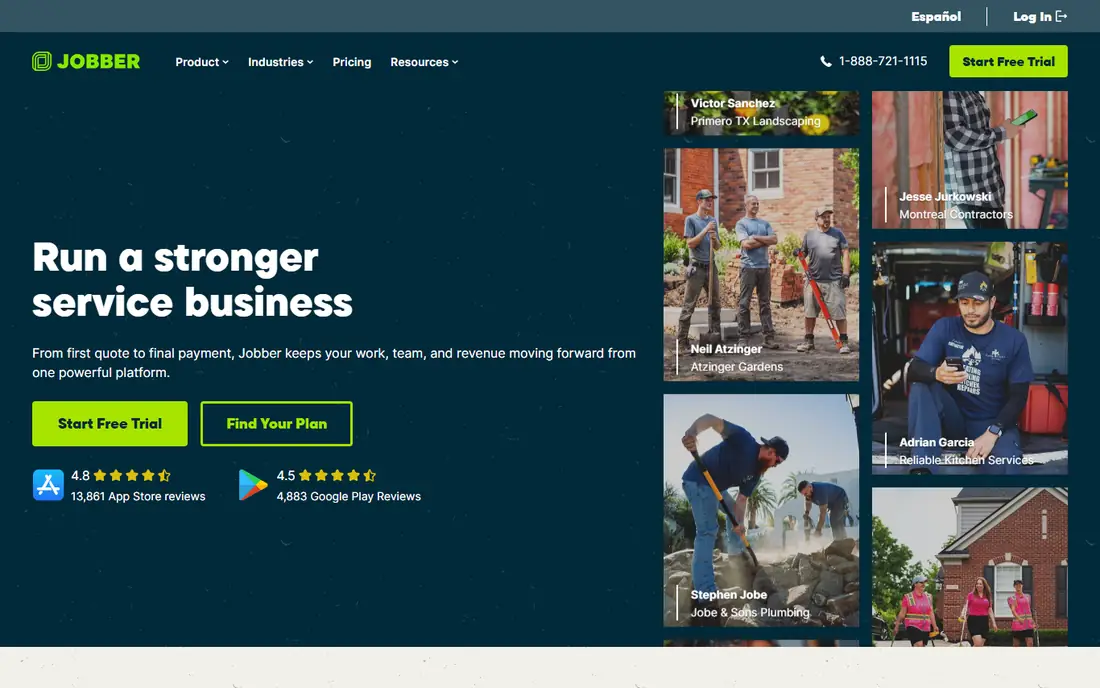
Jobber fits a security company that sells on quotes and wants the client to approve and pay online without phone tag. Core covers online booking, quotes, invoicing, online payments, a basic website, and built in reporting for $29 a month billed annually, which is half the entry price of Housecall Pro. The quote flow matters for security work because an alarm or camera install quote carries panel models, camera counts, and monitoring terms, and Jobber lets the customer approve line items and pay a deposit from the same link. The limit is growth: a second login moves you to Connect at $99 a month billed annually, and real job costing waits until Grow.
What we like- Cheapest published entry price
- Clean quote approval and online payment flow
- Per user add ons are a flat $29 a month on every plan
Watch out for- Job costing only appears on Grow at $229 a month billed annually, so a security company that needs job level margins pays far more than the entry price
- QuickBooks sync is not on Core
#2Housecall Pro
Best for: Security companies that want reviews and financing built in4.3/5 on
G2 (205 reviews, checked Oct 2026)
Visit housecallpro.com
Starting price$59 per month billed annually (Basic, 1 user; $79 month to month)
Free plan14-day free trial, no free plan
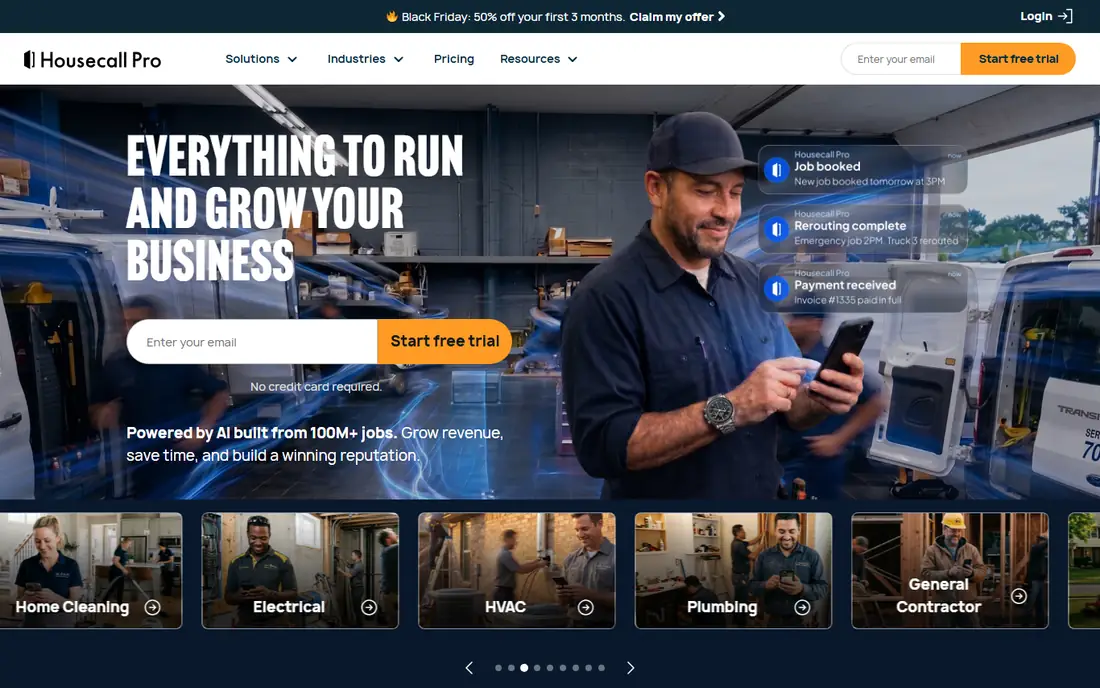
Housecall Pro packs more into its entry tier than Jobber does. Basic at $59 a month billed annually includes job costing, a price book for standard install packages, consumer financing for customers who need to spread a system cost, and review collection after every completed job. Those four features map directly onto security work: a standard four camera package has a known price, financing closes residential sales, and reviews after a clean install feed the next round of leads. The trade off is the step pricing. Essentials at $149 a month adds route optimization, flat rate pricing, checklist automations, employee GPS tracking, and QuickBooks sync, but a two person crew pays $149 where Jobber Connect costs $99.
What we like- Job costing, a price book, consumer financing, and review collection are included on Basic
- Strong online booking for service calls
Watch out for- A second login forces a jump to Essentials at $149 a month billed annually, so the price doubles the moment you hire
- QuickBooks sync and GPS tracking are not on Basic
#3ServiceTitan
Best for: Large security operations with call centers and complex dispatch4.4/5 on
G2 (375 reviews, checked Oct 2026)
Visit servicetitan.com
Starting priceQuote only (no published pricing)
Free planDemo only, no free plan or trial
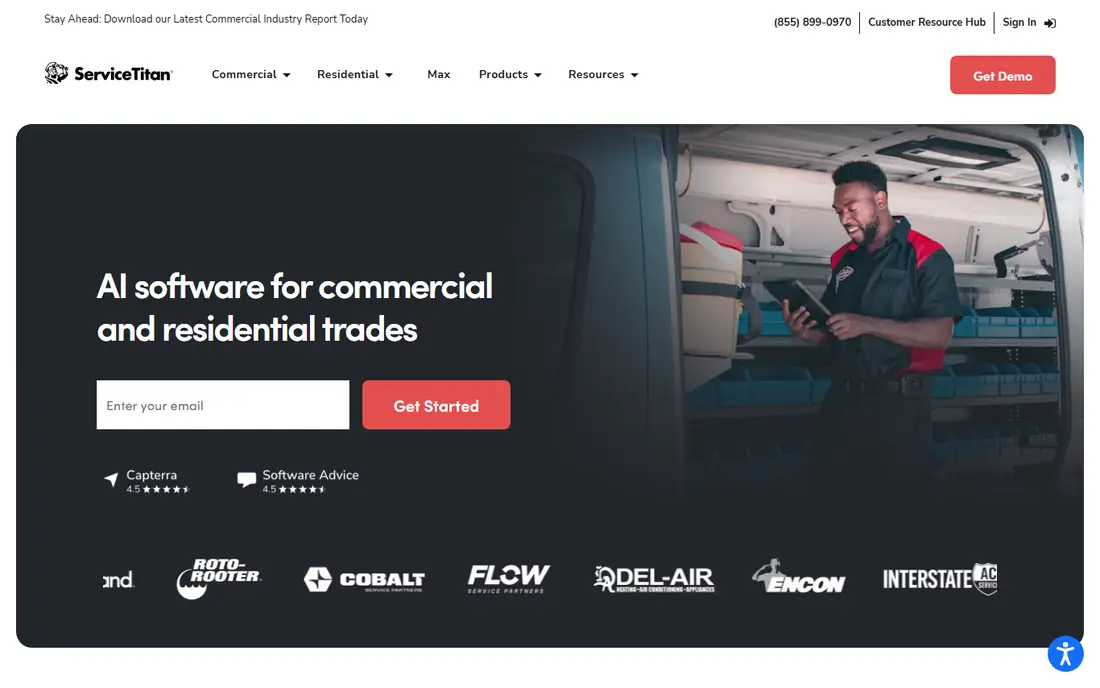
ServiceTitan is the enterprise pick for security companies that have outgrown small business tools. It handles inbound call booking, capacity planning, technician scorecards, dispatch board optimization, and marketing attribution across every crew and location. A security company running twenty installers across three cities, with a call center booking site surveys and a service team handling alarm faults and false alarm callouts, is the operation ServiceTitan is built for. The cost is the catch. There is no price on the vendor site, and the per technician quotes reported by third parties in November 2026 run roughly $245 to $500 a month, which means a ten technician crew could pay $2,450 to $5,000 a month before processing.
What we like- The deepest dispatch, call center, and marketing analytics in field service software
- Built for multi crew, multi location operations
Watch out for- No published pricing, so you cannot budget without a sales conversation
- Third party reports put it at roughly $245 to $500 per technician per month, which makes it the most expensive tool in this list by a wide margin
#4FieldEdge
Best for: Security companies on QuickBooks Desktop with flat rate pricing4.0/5 on
G2 (87 reviews, checked Oct 2026)
Visit fieldedge.com
Starting priceQuote only (no published pricing)
Free planDemo only, no free plan or trial
FieldEdge suits a security company that runs its books on QuickBooks Desktop and sells standard install packages at flat rates. The flat rate price book is the core of the product: a standard alarm panel install, a camera add on, and an annual inspection each carry a fixed price, which keeps quotes consistent across estimators and speeds up the sales conversation. The QuickBooks Desktop sync is deeper than the cloud only integrations in cheaper tools, which matters for companies that have years of history in Desktop. The weakness is transparency. FieldEdge publishes no pricing, so a security buyer has to sit through a demo and a sales call to learn the number, and the product shows its age in places where Jobber feels modern.
What we like- Deep QuickBooks Desktop integration
- Strong flat rate pricing and price book tools
- Built for residential service trades
Watch out for- No published pricing
- The interface and workflow feel dated next to Jobber and Housecall Pro
- Onboarding is demo led, so evaluation is slower
#5Workiz
Best for: Call driven security sales teams that want a phone system inside the platform4.5/5 on
G2 (247 reviews, checked Oct 2026)
Visit workiz.com
Starting priceQuote only (no published pricing; Lite tier is free)
Free planYes, Lite is free for up to 2 users and about 20 jobs a month
Workiz is the pick for a security company whose leads arrive by phone. Missed calls are lost installs, and Workiz records every call inside the job record, tracks which ad or listing produced the call, and lets the office text the customer from the same thread. That phone system is the feature the other tools in this list charge separately for, through a third party phone provider. The free Lite tier covers up to 2 users and about 20 jobs a month, which is enough for a solo installer to run real jobs before paying anything. The problem is pricing. Workiz publishes no paid tier prices, and November 2026 third party reports range from about $187 to $325 a month, which is too wide to budget from.
What we like- A real phone system lives inside the platform, with business numbers, call recording, and call tracking tied to the job record
- The free Lite tier is a genuine way to start
Watch out for- No published pricing on paid tiers, with third party reports ranging from about $187 to $325 a month, so you cannot compare it against Jobber or Housecall Pro without a written quote
- Extra users are reported at $45 to $54 a month
#6Service Fusion
Best for: Growing security companies that keep hiring technicians4.1/5 on
G2 (124 reviews, checked Oct 2026)
Visit servicefusion.com
Starting price$220 per month billed annually (Starter, unlimited users; $259 month to month)
Free planDemo only, no free plan or trial
Service Fusion prices the company, not the seats. Starter at $220 a month billed annually covers unlimited users, unlimited customers, and unlimited jobs, so a security company that grows from five technicians to fifteen pays the same $220. That is the decisive feature for a hiring plan. At five users, Jobber Connect costs $149 and Housecall Pro Essentials costs $149, so Service Fusion is $71 more. At fifteen users, Jobber and Housecall Pro cost far more, and Service Fusion is still $220. The flat rate system and price book fit security packages well, and the QuickBooks integration is deep. One older November 2026 read listed Starter at $208 a month, so confirm $220 on the vendor pricing page before you buy.
What we like- Unlimited users on every plan, so the bill never moves when you hire
- Strong flat rate system and price book
- Deep QuickBooks integration
Watch out for- Starter at $220 a month is the most expensive entry price among the published tools here, so a two person crew overpays badly
- No free trial, only a demo
#7Kickserv
Best for: Small security shops that want simple scheduling and invoicing4.5/5 on
G2 (181 reviews, checked Oct 2026)
Visit kickserv.com
Starting price$60 per month (Start plan; billing basis conflict flagged, confirm on the vendor pricing page)
Free plan14-day free trial, no free plan
Kickserv is the quiet option in this list. It schedules jobs, dispatches technicians, and invoices customers without the automation layers and marketing tools that make the bigger platforms feel heavy. A small security shop with one office manager and three installers can run the whole week from the dispatch board and the invoice list, and the learning curve is shorter than ServiceTitan or FieldEdge. The price needs care. Third party reads conflict on whether the $60 Start figure is monthly or annual billing, so open the vendor pricing page and read the billing terms before you sign.
What we like- Simple scheduling, dispatch, and invoicing without enterprise complexity
- Easy to learn for a small office team
Watch out for- The $60 starting figure is reported with conflicting billing basis in third party reads, so confirm whether it is monthly or annual billing before you budget
- Fewer automation and reporting features than Jobber or Housecall Pro at similar prices
#8mHelpDesk
Best for: Security companies that want a low cost field service starter4.0/5 on
G2 (146 reviews, checked Oct 2026)
Visit mhelpdesk.com
Starting price$169 per month (third party only; the vendor pricing page returns a 404, so confirm by quote)
Free planFree trial available, no free plan
mHelpDesk is the budget starter for a security company that wants field service software without an enterprise price. It covers the core loop: schedule the install, dispatch the crew, invoice the customer, and keep the customer record in one place. For a small security shop that is still running jobs from a spreadsheet, that loop is the whole job, and $169 a month is cheaper than Service Fusion Starter at $220. The price is the problem. The vendor pricing page returns a 404, so the $169 figure rests on third party sources alone, and you should get a written quote before you budget.
What we like- Covers scheduling, dispatch, invoicing, and customer management in one low cost package
- Simple enough for a small security office to adopt quickly
Watch out for- The $169 figure comes from third party sources only because the vendor pricing page returns a 404, so treat it as unverified until you get a written quote
- The product has had little public development news, so check that it is still actively supported before you commit
How to choose field service software for a security company
Start with crew size. A one person installer should take Jobber Core at $29 a month billed annually or the free Workiz Lite tier, because the cheapest tool that covers quotes and scheduling is the right tool at that size. A two to five person crew should compare Jobber Connect at $99, Housecall Pro Essentials at $149, and Service Fusion Starter at $220, and pick on financing, reviews, or flat rate packages. A company that hires every quarter should take Service Fusion, because unlimited users make the bill flat while per seat tools climb with every hire. A large operation with a call center should get a ServiceTitan quote and pilot it on one crew before committing. Whatever you pick, trial it on real jobs for two weeks, confirm the price on the vendor pricing page, and check that it handles contracts, inspections, and callouts, not just installs.
Frequently asked questions
What is the cheapest field service management software for a security company?
Jobber Core at $29 per month billed annually is the cheapest published entry price in this list, and it covers quotes, scheduling, invoicing, and online payments for one user. Workiz Lite is free for up to 2 users and about 20 jobs a month, which is cheaper still, but paid Workiz tiers publish no prices.
Does field service software handle security monitoring contracts?
Most tools in this list handle monitoring contracts through recurring jobs, service agreements, and automated billing. Housecall Pro Max adds recurring service plans, and Service Fusion has deep service agreement tools. Jobber handles recurring jobs through its scheduling tools, but the contract management is lighter.
Is ServiceTitan worth it for a security company?
ServiceTitan is worth it for a large security operation with a call center, multiple crews, and a marketing budget to attribute. Its dispatch, call booking, and analytics are the deepest in this list. It is not worth it for a small security company, because quotes run roughly $245 to $500 per technician per month, which is far more than Jobber at $29 or Housecall Pro at $59.
Which field service software is best for alarm and camera install scheduling?
Jobber and Housecall Pro are the strongest picks for install scheduling at small scale, because both cover quotes, online booking, and crew scheduling in one flow. Workiz is the pick when leads arrive by phone, because its built in phone system records every call inside the job record.
Can I switch field service software later without losing my customer records?
Yes, but the cost of switching is real. Jobber, Housecall Pro, Workiz, and Service Fusion all import customer lists from a spreadsheet, and most offer assisted migration. Job history, photos, and signed quotes are harder to move than customer names, so export your records regularly.
Sources we checked (11)
- https://www.getjobber.com
- https://www.housecallpro.com
- https://www.servicetitan.com
- https://www.fieldedge.com
- https://www.workiz.com
- https://www.servicefusion.com
- https://www.kickserv.com
- https://www.mhelpdesk.com
- https://fieldcrewtools.com/compare/jobber-vs-housecall-pro/
- https://www.plumbersaas.com/pricing/how-much-does-plumbing-software-cost
- https://www.plumbersaas.com/compare/housecall-pro-alternatives
Is your product missing or out of date?
We review this list regularly. Vendors can request a listing, send updated pricing or ask about featured placement.

Shihab Mia · Founder, Rankite
Shihab has 5+ years in B2B and SaaS SEO. He writes Rankite's software buying guides from pricing pages, documentation and public user reviews. More about Shihab.