How we make this list: we compare pricing pages, product documentation and public user reviews. Rankite is independent; if a vendor ever pays for a featured spot, that listing is clearly labeled Partner.
Key takeaways
- Small maintenance crews: MaintainX, Limble CMMS and UpKeep all offer free tiers, so you can run real work orders before paying anything.
- Manufacturing plants: Limble CMMS (preventive maintenance focus) and eMaint (Fluke-backed reliability depth) are built for the plant floor.
- Schools, churches and municipalities: FMX is designed for non-technical staff with an unusually simple interface.
- Portfolio operators: Facilio manages many buildings as one portfolio with IoT data; single-site teams should look elsewhere.
Quick comparison
| Tool | Best for | Starting price | Free plan |
|---|
 MaintainX MaintainX | Industrial and facilities teams of any size | See website | Yes (Free Basic plan) |
 Coast Coast | Small to mid-size operations teams wanting simple work-order tracking | See website | Yes (free version reported) |
 Limble CMMS Limble CMMS | Manufacturing plants and facilities teams needing preventive maintenance | See website | Yes (Free Basic plan) |
 FMX FMX | Schools, municipalities, churches and mid-size organizations | See website | Free trial (14 days) |
 UpKeep UpKeep | Maintenance teams in manufacturing, property and facilities living on mobile | See website | Yes (free requester, viewer and vendor user types reported) |
 Facilio Facilio | Real-estate portfolios and operators managing connected buildings | See website | No |
 eMaint eMaint | Reliability engineers and maintenance managers in asset-intensive industries | See website | No |
 Fracttal One Fracttal One | Asset-intensive companies, especially in Latin America and Europe | See website | Yes (free version reported) |
Is your product missing or out of date?
We review this list regularly. Vendors can request a listing, send updated pricing or ask about featured placement.
The best facility management software
Nobody notices facilities management until it fails. Then the work orders pile up, the preventive maintenance schedule slips, and a broken asset shuts down a line. Facility management software (usually called CMMS) keeps the unglamorous machinery of buildings and equipment running: work orders, preventive maintenance, asset tracking and parts inventory. The eight tools below cover the market from free mobile-first apps to portfolio-scale platforms.
Starting priceSee website
Free planYes (Free Basic plan)
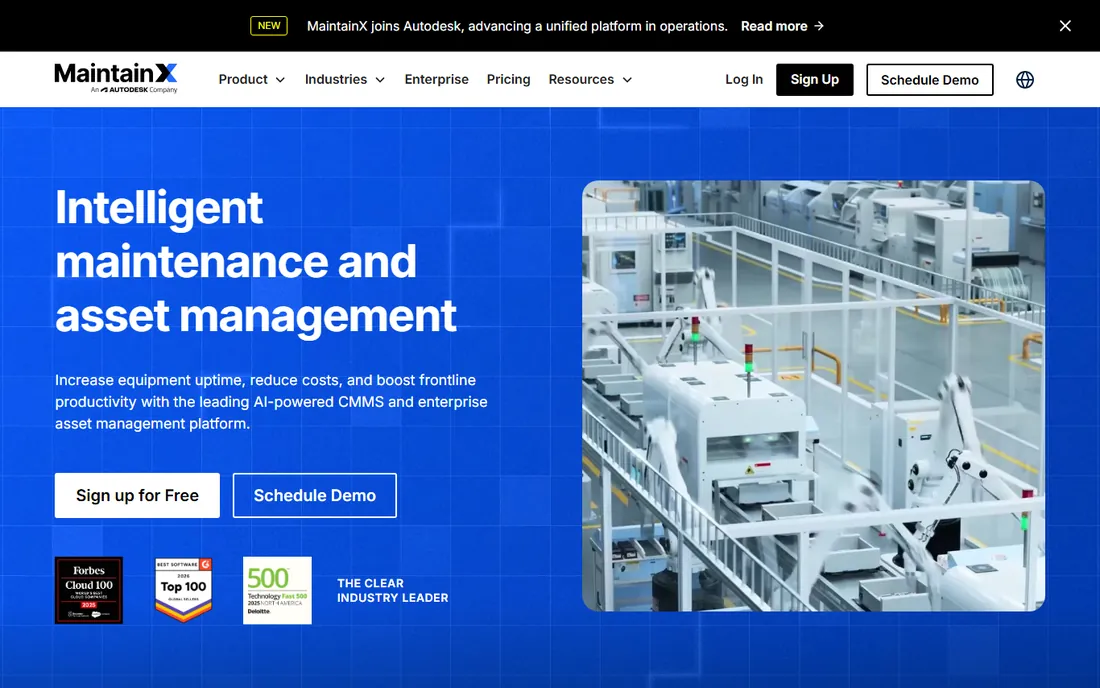
MaintainX is the modern CMMS default. The free Basic tier means a small crew can run real work orders before spending anything, and the mobile-first design suits technicians who live on the plant floor rather than at desks. Third-party listings report Essential around $20/user/month billed annually and Premium around $65, but these were not confirmed on the vendor's own page.
The honest catch is the free tier's ceiling. Work-order automation, advanced reporting and deeper integrations sit on paid tiers, so mid-size facilities should confirm what Premium adds before signing annually. Setup is cloud-based and quick. For an operations team replacing spreadsheets and paper work orders, the free plan makes this the lowest-risk trial on the list.
What we like- Free Basic plan lets small teams start without a contract
- Mobile-first design fits technicians working from the field
- Per-user tiered pricing keeps budgeting predictable
Watch out for- The free plan is basic and real automation sits on paid tiers
- Per-user pricing adds up quickly for large maintenance crews
#2
Coast
Best for: Small to mid-size operations teams wanting simple work-order tracking
Visit coastapp.com
Starting priceSee website
Free planYes (free version reported)
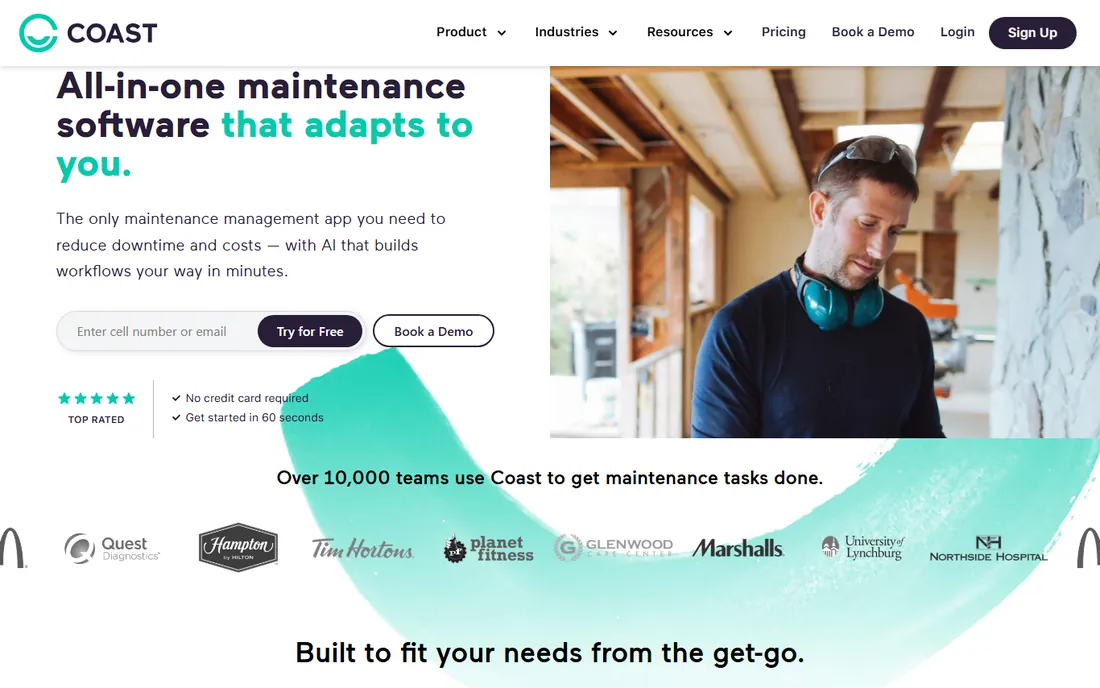
Coast is the lightweight alternative for teams that find enterprise CMMS overkill. The pitch is simplicity: work orders, asset lists and team coordination without the configuration burden of a Limble or eMaint. A free version lets small teams evaluate before paying.
The catch is pricing transparency. Directory figures conflict, so buyers should get a written quote rather than budgeting from listings. Confirm mobile offline behavior and reporting depth before committing, since simpler tools often gate analytics on higher tiers. If your team needs work-order tracking and nothing more, the simplicity is the feature. If you need preventive maintenance programs and reliability analytics, look at Limble or eMaint.
What we like- Positioned as a simple modern work-order tool, not a heavy enterprise platform
- A free version is reported for evaluation
- Third-party listings suggest mid-market per-user pricing
Watch out for- Pricing data is thin and inconsistent across directories
- Simpler tools often limit analytics and offline mobile behavior
#3
Limble CMMS
Best for: Manufacturing plants and facilities teams needing preventive maintenance
Visit limble.com
Starting priceSee website
Free planYes (Free Basic plan)
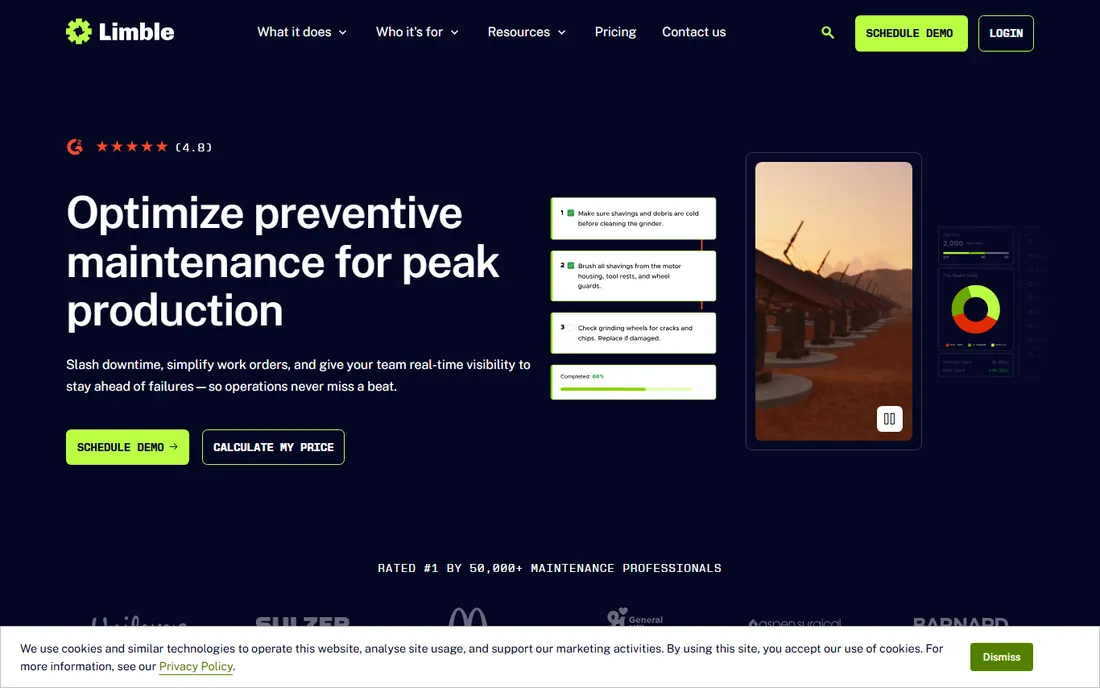
Limble targets the plant floor. Preventive maintenance scheduling, work-order management and asset tracking come in a package designed for manufacturing without enterprise complexity. The mobile app is a genuine strength for floor teams, and the free Basic plan plus trial make evaluation easy.
The honest catch is tiering. Third-party sources report Standard around $28/user/month and Premium+ around $69, a jump that makes feature gating important; confirm which reporting features require Premium+ before annual billing. Setup is cloud-based with onboarding support. Mid-size plants should trial the mobile workflow with actual technicians, not just managers, before deciding.
What we like- Free Basic plan plus a 14-day free trial lower the evaluation barrier
- Strong mobile app focus for technicians in the field
- Purpose-built preventive maintenance scheduling
Watch out for- The price jump between tiers is substantial, so feature gating matters
- Per-user pricing gets expensive for large hourly maintenance workforces
#4
FMX
Best for: Schools, municipalities, churches and mid-size organizations
Visit gofmx.com
Starting priceSee website
Free planFree trial (14 days)
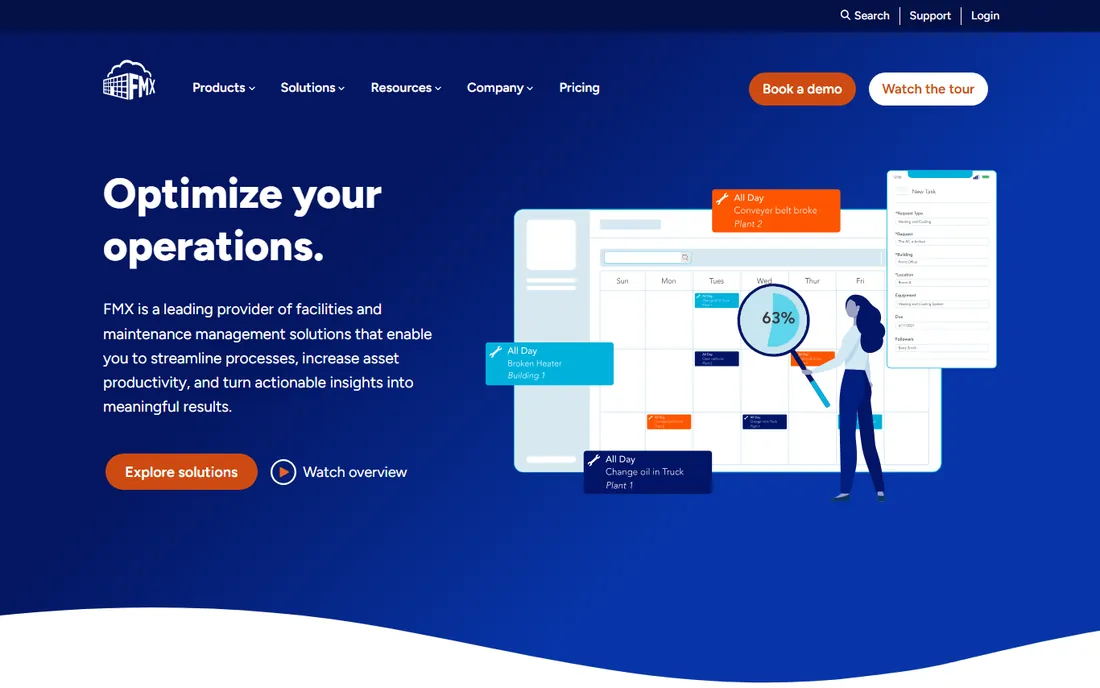
FMX is the approachable one. Where most CMMS products assume a maintenance manager, FMX assumes a school facilities director or church administrator who needs work orders handled without training. The interface is deliberately simple, so training effort stays low.
The catch is pricing opacity. One directory lists around $3,000/year, but that is a single unverified claim; get a written quote spelling out user limits and support terms. Pricing appears to be flat annual rather than per seat, which favors teams with many occasional requesters. If your requesters outnumber your technicians ten to one, that model is worth pricing.
What we like- Unusually easy-to-use interface designed for non-technical staff
- Covers maintenance, scheduling and asset tracking in one friendly tool
- Flat annual-style pricing can favor teams with many occasional users
Watch out for- No published pricing, so buyers must go through sales
- No free tier for ongoing use
#5
UpKeep
Best for: Maintenance teams in manufacturing, property and facilities living on mobile
Visit onupkeep.com
Starting priceSee website
Free planYes (free requester, viewer and vendor user types reported)
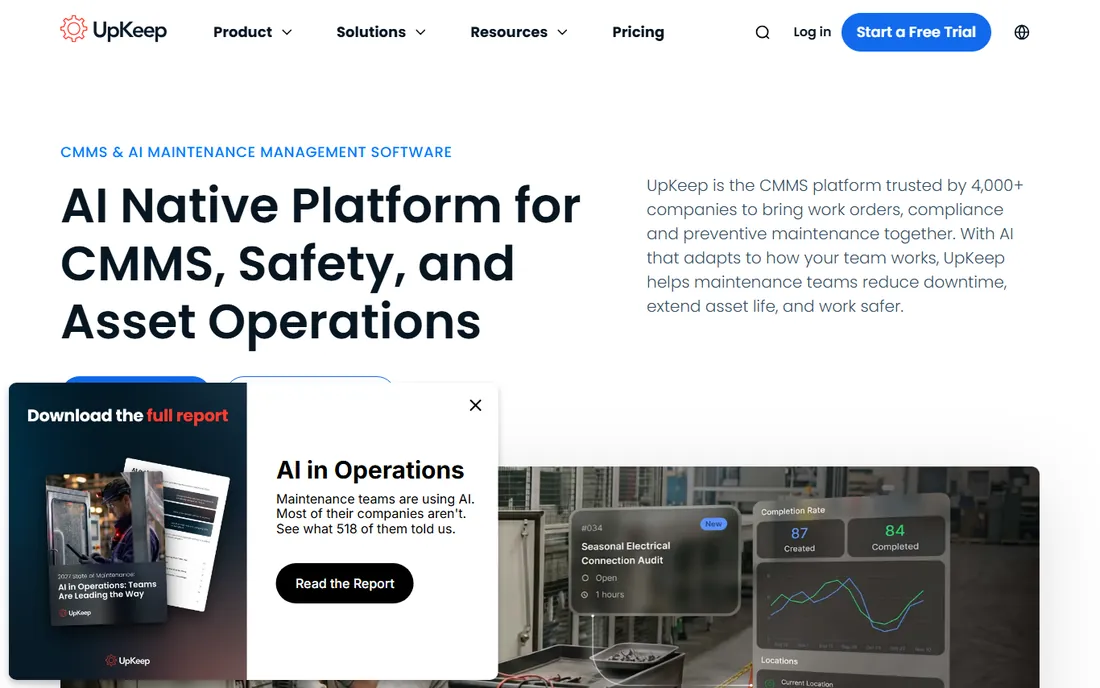
UpKeep is one of the best-known names in mobile CMMS. The practical strength is the ecosystem: templates, community and integrations (including QuickBooks) built up over years. Free requester, viewer and vendor user types let the whole organization participate without paying for every login.
The honest catch is the conflicting third-party numbers; treat any quoted figure as provisional and confirm the current entry tier, annual vs. monthly terms and what the free user types can actually do before rollout. Setup is fast and cloud-based. For a maintenance team that lives on phones and tablets, the maturity here is reassuring.
What we like- Long-established mobile-first CMMS with a large template and community ecosystem
- Free user types for requesters, viewers and vendors involve non-technicians at no cost
- Strong QuickBooks integration
Watch out for- Third-party price figures conflict ($24 vs $35 entry) and none were confirmed on the vendor's page
- Technician seats still carry per-user fees
#6
Facilio
Best for: Real-estate portfolios and operators managing connected buildings
Visit facilio.com
Starting priceSee website
Free planNo
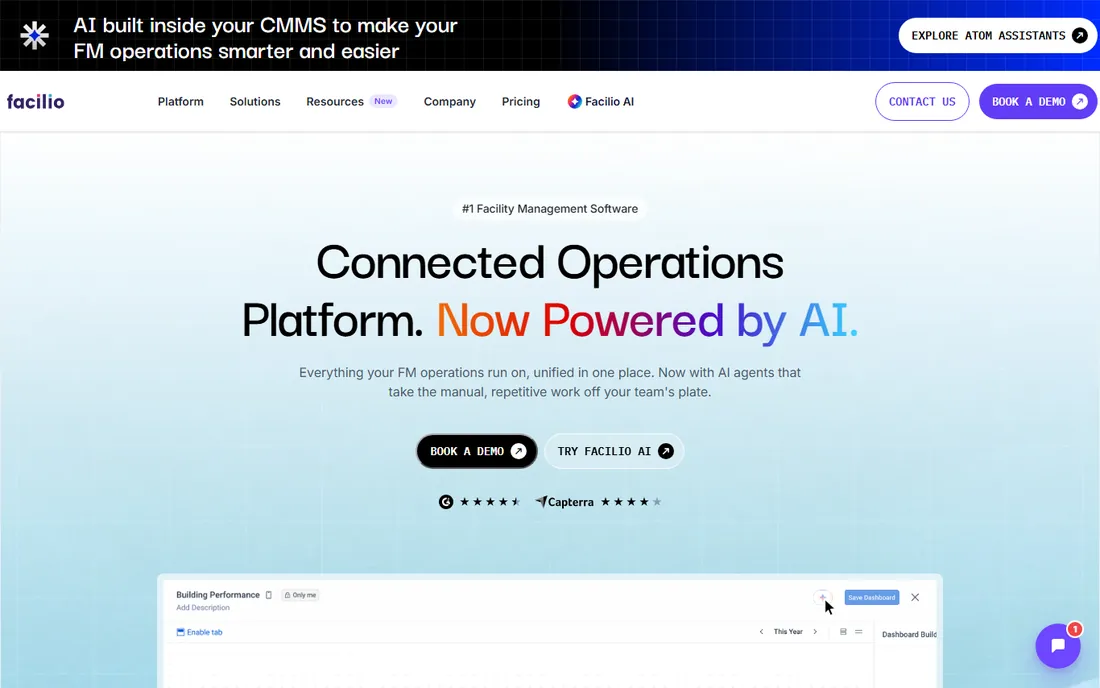
Facilio plays a different game. Instead of work orders for one building, it manages portfolios: real-time operational data and IoT across many properties, aimed at real-estate operators and large enterprises. A third-party source mentioned around $10,000/year as an entry point, which is unverified.
The catch is that this is a sales-led enterprise buy with implementation effort to match. Setup involves onboarding and systems integration, not self-serve signup. Small single-site teams should look elsewhere. Multi-site operators should ask for a scoped proposal with integration and support costs itemized, because the license is only part of the spend.
What we like- Purpose-built for portfolio-level operations, not just single-site work orders
- Strong IoT and real-time data story for many-property operators
- Modern platform architecture
Watch out for- No public pricing and enterprise positioning
- Overkill and over-budget for single-site teams
#7
eMaint
Best for: Reliability engineers and maintenance managers in asset-intensive industries
Visit emaint.com
Starting priceSee website
Free planNo
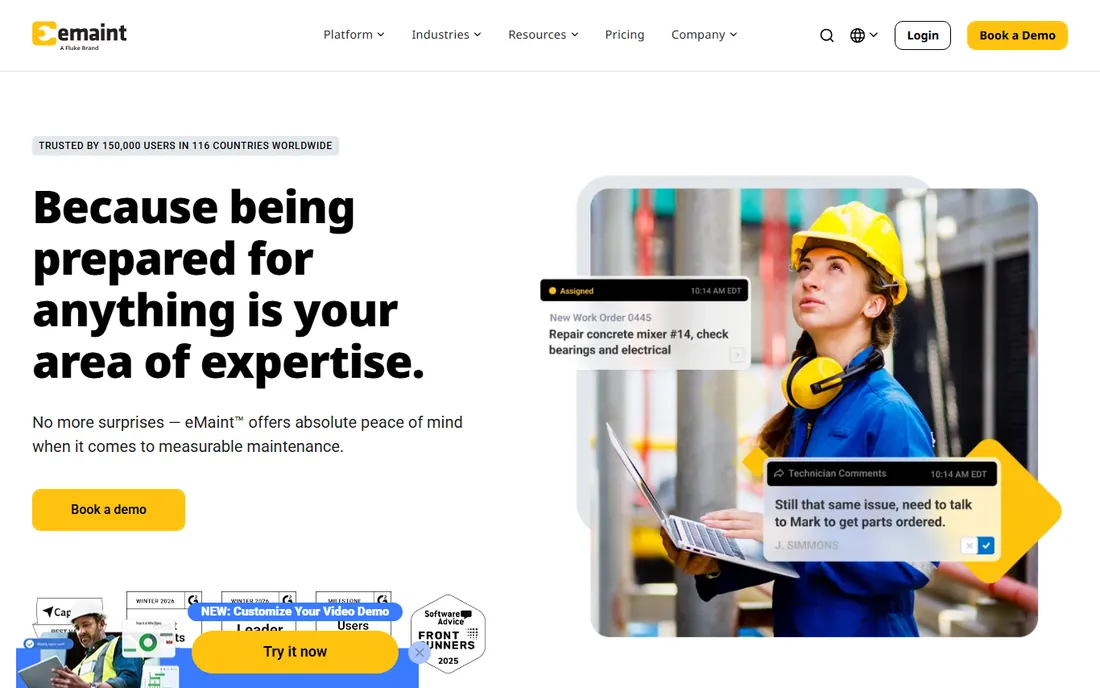
eMaint is the reliability professional's tool. Preventive maintenance, condition monitoring and reporting run deep, backed by Fluke's industrial pedigree. Third-party sources report Team around $69/user/month and Professional around $85, but these were not verified on the vendor's own page.
The honest catch is fit. This is priced and built for serious maintenance programs; a team that just needs work-order ticketing will find it heavy and expensive. Setup benefits from structured onboarding. Buyers should confirm which tier includes the reporting and API access their program needs before signing an annual contract. If "reliability-centered maintenance" is in your job title, this is your shortlist.
What we like- Long-standing CMMS in the Fluke family with deep reliability and condition-monitoring features
- API and integration depth suit IT-involved reliability programs
- Multi-site asset hierarchies are a strength
Watch out for- Priced and built for serious maintenance programs, not casual ticketing
- Interface feels more traditional than newer mobile-first rivals
#8
Fracttal One
Best for: Asset-intensive companies, especially in Latin America and Europe
Visit fracttal.com
Starting priceSee website
Free planYes (free version reported)
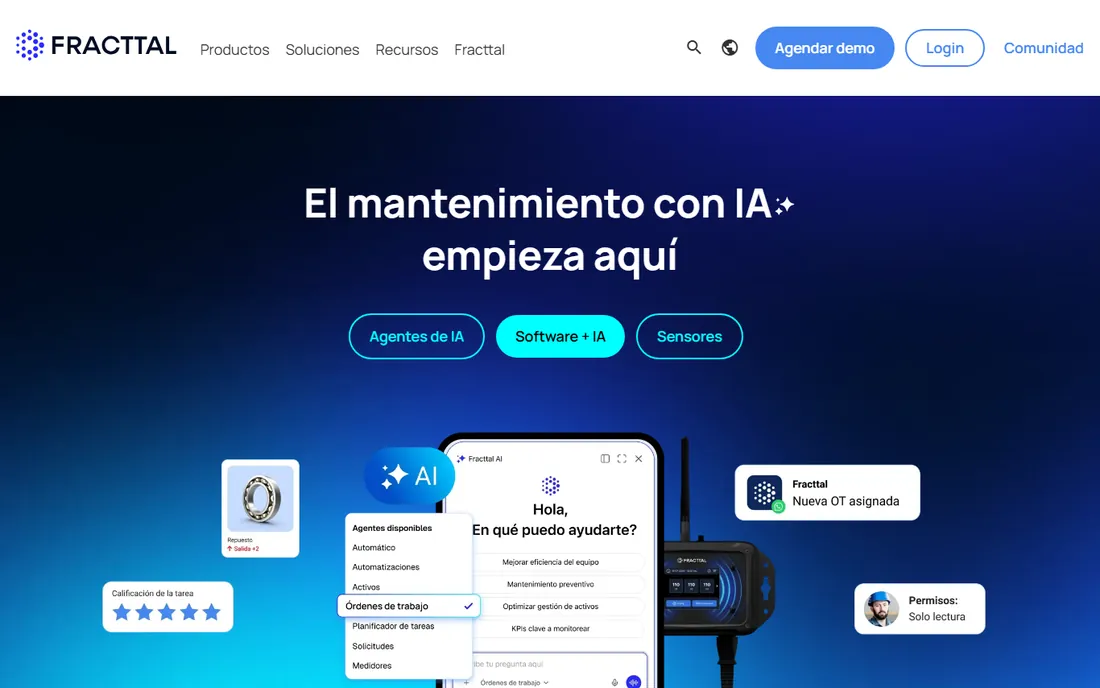
Fracttal One is the international pick. The cloud CMMS covers maintenance, assets and work orders with AI-assisted features, and multilingual support is a real differentiator for portfolios spanning Latin America and Europe. A free version is reported, which is unusual at this level of product.
The catch is pricing opacity and the unclear ceiling on the free tier. Request a written proposal defining user counts, asset limits and support SLAs before committing. Setup is cloud-based with vendor onboarding for larger accounts. For a regional portfolio that needs Spanish or Portuguese support, the fit is natural.
What we like- A free version is reported, rare among serious CMMS products
- Custom quote pricing lets larger portfolios negotiate
- Strong multilingual support for regional operations
Watch out for- No published pricing, so comparison shopping is slow
- The free version's limits were not verified
How we chose
We started with the categories buyers search: facility management software, facility management tools and CMMS software. For each candidate we checked product claims against public reviews on G2 and Capterra and practitioner discussion on Reddit, and compared work-order depth, preventive maintenance features, mobile apps and company-size fit. Pricing pages were checked where available; where a price could not be verified on the vendor's own page we wrote "See website" rather than guessing.
Per-user vs. flat: the pricing trap in CMMS
Most tools here charge per user per month, which looks cheap until you count the crew. Twenty technicians at $25 each is $500 a month; at $65 it is $1,300. The tricks that soften the math: free requester and viewer user types (UpKeep, MaintainX) let non-technicians participate free, and flat annual pricing (FMX) can favor teams with many occasional users. Before you compare, count three groups separately: technicians who need full access, managers who need reporting, and requesters who just submit work orders. Then price each vendor against that mix. The cheapest per-user price often loses to the vendor with the most generous free user types.
Frequently asked questions
What is the difference between CMMS and facility management software?
The terms overlap heavily. CMMS (computerized maintenance management system) traditionally focuses on work orders, preventive maintenance and asset tracking for equipment. Facility management software often adds space management, scheduling and vendor management for buildings. Most products here do both; the label matters less than the feature list.
Do we need facility management software or just a ticketing tool?
If the work involves assets, preventive schedules, parts inventory or compliance records, you need CMMS. If it is just "the sink is leaking" requests with no asset history, a ticketing tool or even a shared inbox suffices. The moment you want to know what was done to an asset last year, you have outgrown ticketing.
How much does facility management software cost?
Free tiers cover small teams (MaintainX, Limble, UpKeep, Fracttal One). Paid per-user plans in this category typically run $20 to $85 per user per month based on third-party reports, with enterprise platforms quote-only. Flat-rate options exist for specific segments. Always get the quote in writing; published directory figures conflict often.
How long does implementation take?
Cloud CMMS tools deploy in days to weeks; the long pole is asset data entry and preventive-maintenance schedule setup, not the software. Enterprise portfolio platforms (Facilio) take months with integration work. Start with one site or one asset class, prove the workflow, then expand.
Can technicians use it on their phones offline?
Most modern tools (MaintainX, Limble, UpKeep) are mobile-first, but offline behavior varies: some cache work orders fully, others need connectivity. If your techs work in basements, rooftops or remote sites, test the offline mode during the trial before committing.
What to look for before you buy
Start with the asset register, not the demo. The tool is only as good as the asset and preventive-maintenance data you put in, so ask each vendor how painful the initial data load is. Second, trial the mobile app with actual technicians; the manager's dashboard always looks good, the tech's workflow is where adoption lives or dies. Third, check the free user types: requesters, viewers and vendors should not consume paid seats. Fourth, ask about preventive maintenance depth specifically: recurring schedules, meter-based triggers and compliance checklists separate real CMMS from ticketing tools with an asset tab. Fifth, confirm reporting: can you get mean-time-between-failures and work-order backlog by asset without exporting to Excel?
Sources we checked (10)
- https://maintainx.com
- https://coastapp.com
- https://limble.com
- https://gofmx.com
- https://onupkeep.com
- https://facilio.com
- https://emaint.com
- https://fracttal.com
- https://www.g2.com/categories/facility-management
- https://www.capterra.com/facility-management-software/
Is your product missing or out of date?
We review this list regularly. Vendors can request a listing, send updated pricing or ask about featured placement.

Shihab Mia · Founder, Rankite
Shihab has spent more than a decade helping SaaS and e-commerce brands grow through search. He writes Rankite's software buying guides from pricing pages, documentation and public user reviews. More about Shihab.