How we make this list: we compare pricing pages, product documentation and public user reviews. Ratings come from G2, Capterra or Trustpilot, with the date we checked them.
Key takeaways
- Hubstaff and Time Doctor suit remote teams that need time tracking with activity levels and payroll integration.
- ActivTrak and Teramind suit companies that need productivity analytics and insider-risk detection.
- Employee tracking raises serious privacy and legal questions: notice, consent, and local law vary, and covert monitoring can break trust and law.
- The best tracking tool is the least intrusive one that still answers a real management question, with clear policies and employee notice.
Quick comparison
| Tool | Best for | Starting price | Free plan |
|---|
 Hubstaff Hubstaff | Time tracking with activity | See website | Yes |
 Time Doctor Time Doctor | Time tracking and productivity | See website | Free trial |
 ActivTrak ActivTrak | Productivity analytics | See website | Yes |
 Teramind Teramind | Insider risk and monitoring | See website | Free trial |
 Toggl Track Toggl Track | Simple time tracking | See website | Yes |
 Clockify Clockify | Free time tracking | Free | Yes |
 DeskTime DeskTime | Automatic time tracking | See website | Yes |
 Insightful Insightful | Workforce analytics | See website | Free trial |
Is your product missing or out of date?
We review this list regularly. Vendors can request a listing, send updated pricing or ask about featured placement.
The best employee tracking apps
Starting priceSee website
Free planYes
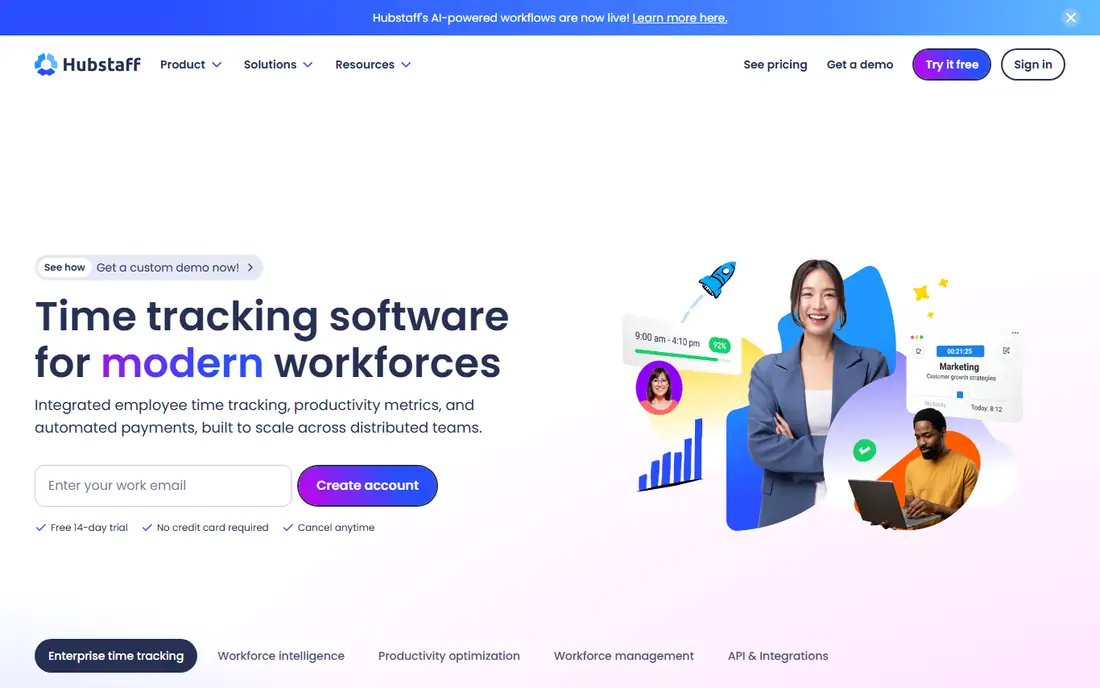
Hubstaff tracks time worked with activity levels based on keyboard and mouse use, optional screenshots, and app and URL tracking, plus payroll, invoicing, and scheduling features. Remote teams use it to verify hours, manage distributed staff, and pay accurately, with dashboards showing time by project and person. Its screenshot and activity features are optional, which lets companies choose less intrusive configurations.
Screenshot monitoring feels intrusive to many employees, and privacy settings need careful setup to stay lawful and trusted. Hubstaff also offers workforce analytics that show capacity and workload trends across teams. Hubstaff fits remote teams that need time tracking with activity context, configured transparently with employee notice.
What we like- Time tracking plus activity levels
- Payroll integration
- Screenshots optional
Watch out for- Screenshots feel intrusive
- Privacy settings need careful setup
#2Time Doctor
Best for: Time tracking and productivity4.4/5 on
G2 (491 reviews, checked Oct 2026)
Visit timedoctor.com
Starting priceSee website
Free planFree trial
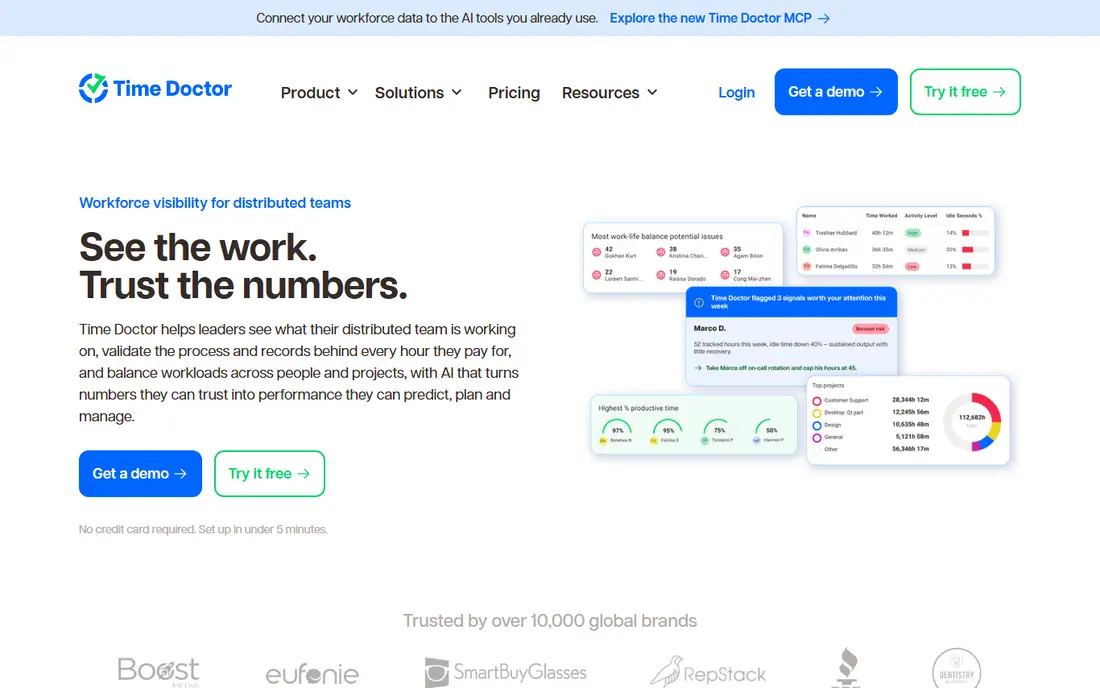
Time Doctor tracks time with productivity reports, app and website usage, optional screenshots, and payroll integration, aimed at remote teams and agencies billing by the hour. Its reports show productive versus unproductive time by category, helping managers spot overload and idle time. Agencies use it to bill clients accurately and to manage distributed teams.
Its monitoring features can feel invasive, especially screenshots and detailed activity logs, and setup takes time to configure categories and policies well. Time Doctor fits remote teams and agencies that need time tracking plus productivity reporting, with transparent policies and employee notice.
What we like- Time tracking plus productivity reports
- Payroll
- Integrations
Watch out for- Monitoring features can feel invasive
- Setup takes time
#3ActivTrak
Best for: Productivity analytics4.3/5 on
G2 (340 reviews, checked Oct 2026)
Visit activtrak.com
Starting priceSee website
Free planYes
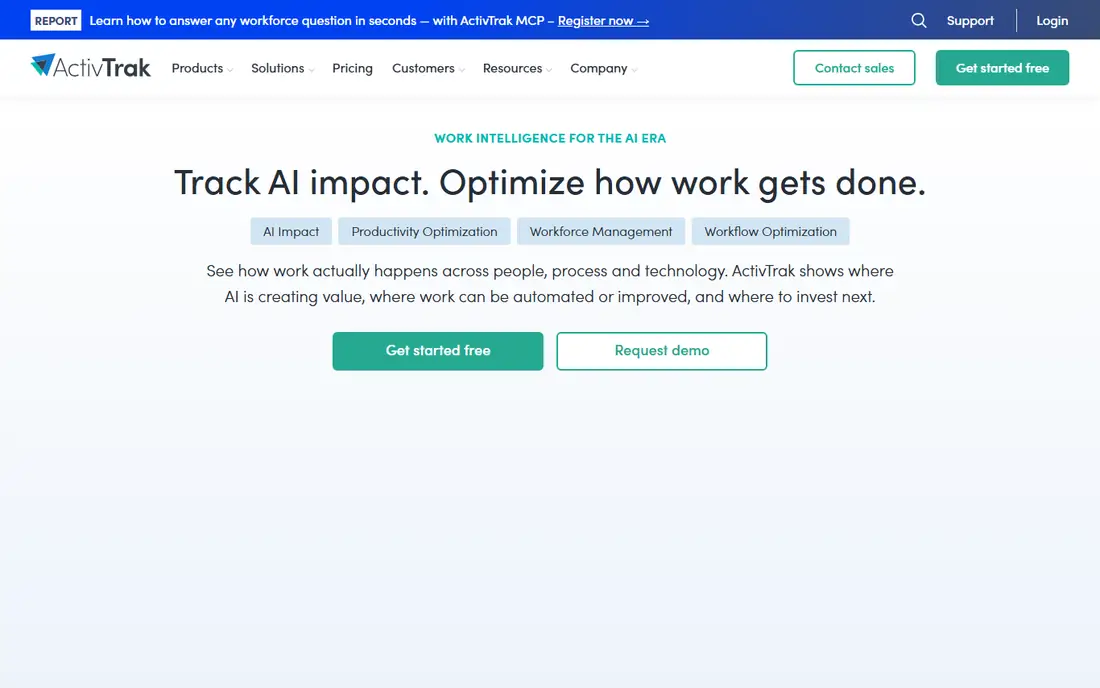
ActivTrak analyzes workforce productivity from app and website usage, work patterns, and focus time, with coaching features that help managers support rather than surveil teams. Its dashboards show productivity trends, burnout risk, and workload balance, which suits companies focused on outcomes and wellbeing alongside output. A free tier covers basic analytics for small teams.
Analytics depth needs paid tiers, and any monitoring tool carries perception risk if employees feel watched. ActivTrak fits companies that want productivity analytics framed as coaching and workforce insight, not surveillance, with clear employee communication.
What we like- Productivity analytics
- Workforce insights
- Coaching features
Watch out for- Analytics depth needs paid tiers
- Monitoring perception risk
#4Teramind
Best for: Insider risk and monitoring4.6/5 on
G2 (183 reviews, checked Oct 2026)
Visit teramind.co
Starting priceSee website
Free planFree trial
Teramind offers the deepest monitoring in this list: screen recording, keystroke logging, file tracking, and insider-risk rules that flag suspicious behavior, plus data loss prevention controls. Regulated firms and security-conscious companies use it to detect data theft and policy violations, with forensic detail that lighter tools lack. Its rules engine automates alerts for risky actions.
It is also the most intrusive tool here, and its legal and trust risks are highest: keystroke logging and recording need careful legal review and employee notice in most jurisdictions. Teramind fits regulated or high-risk environments with documented security needs and legal counsel involved, not general productivity tracking.
What we like- Deep monitoring
- Insider-risk rules
- Data loss prevention
Watch out for- Most intrusive in this list
- Legal and trust risks highest
#5Toggl Track
Best for: Simple time tracking4.6/5 on
G2 (1,589 reviews, checked Oct 2026)
Visit toggl.com
Starting priceSee website
Free planYes
Toggl Track is simple time tracking without invasive monitoring: users start and stop timers, tag projects, and generate reports, with a generous free tier. Its simplicity suits freelancers, agencies, and teams that need hours and billing data without screenshots or activity surveillance. Reports and integrations cover payroll and project management needs.
It offers no activity monitoring, so managers cannot verify activity beyond logged time, and manual timers need discipline. Toggl Track also offers timeline views that reconstruct the workday from app usage for users who forget timers. Toggl Track fits teams that want time data with trust, where employees log their own hours honestly.
What we like- Simplest time tracking
- Great reports
- No invasive monitoring
Watch out for- No activity monitoring
- Needs manual start and stop
#6Clockify
Best for: Free time tracking4.5/5 on
G2 (204 reviews, checked Oct 2026)
Visit clockify.me
Starting priceFree
Free planYes
Clockify offers free time tracking for unlimited users, with timers, timesheets, reporting, and project tracking that cover most small-team needs at no cost. Its simplicity and free tier make it the default for startups, nonprofits, and freelancers who need hours data without budget. Paid tiers add scheduling, approval, and advanced reporting.
It has no monitoring features, so it suits trust-based teams, and advanced features need paid plans. Clockify fits teams that want free, simple time tracking for unlimited users, without surveillance features.
What we like- Free unlimited users
- Time tracking plus reporting
- Simple
Watch out for- No monitoring features
- Advanced features need paid tiers
#7DeskTime
Best for: Automatic time tracking4.5/5 on
G2 (400 reviews, checked Oct 2026)
Visit desktime.com
Starting priceSee website
Free planYes
DeskTime tracks time automatically, categorizing apps and websites as productive or unproductive, with absence calendars, shift scheduling, and project tracking. Its automatic approach suits teams that forget manual timers, since it records work without constant start and stop actions. A free tier covers basic automatic tracking for individuals.
Automatic categorization can miscategorize legitimate work, and automatic tracking carries monitoring perception risk. DeskTime fits teams that want automatic time tracking with productivity categories, configured transparently with employee notice.
What we like- Automatic tracking
- Productivity categorization
- Absence calendar
Watch out for- Automatic tracking can miscategorize
- Monitoring perception risk
#8Insightful
Best for: Workforce analytics4.6/5 on
G2 (423 reviews, checked Oct 2026)
Visit insightful.io
Starting priceSee website
Free planFree trial
Insightful, formerly Workpuls, provides workforce analytics from time, app usage, and productivity trends, with signals for workload and wellbeing alongside output metrics. Its dashboards help managers balance teams, spot burnout risk, and plan capacity, framing analytics as workforce insight rather than surveillance. A free trial lets teams test reporting before committing.
As a newer brand, its track record is shorter than Hubstaff's or Time Doctor's, and monitoring features need policy care. Insightful fits companies that want workforce analytics with wellbeing signals, used transparently with employee notice.
What we like- Workforce analytics
- Productivity trends
- Employee wellbeing signals
Watch out for- Newer brand
- Monitoring features need policy care
How we chose
We compared pricing pages, product documentation, and public user reviews for employee tracking tools that are actively sold in 2026. We favored tools with real tracking or analytics capability, current availability, and clear privacy controls. We checked monitoring claims carefully, since intrusive features vary by configuration, and we left out tools that no longer sell a current product. Privacy and labor law vary by jurisdiction: this guide is general information, not legal advice, and employers should confirm requirements with qualified counsel before deploying monitoring.
Privacy and consent come first, not last
Employee tracking is legally and ethically sensitive in ways most software categories are not. Laws in the EU, UK, California, and other regions restrict monitoring, require notice, and in some cases require consent or works council agreement, with penalties for covert or excessive tracking. Beyond law, covert monitoring destroys trust: employees who discover secret screenshots or keystroke logging disengage, quit, or litigate, costing far more than any productivity gain. Before deploying any tool here, write a clear policy covering what is tracked, why, who sees it, and how long data is kept, share it with employees, and get legal review for every jurisdiction where staff work.
Choose the least intrusive tool that answers the question
Most management questions do not need screenshots or keystroke logs. Hours and billing need time tracking like Toggl or Clockify. Workload balance needs analytics like ActivTrak or Insightful. Security incidents need Teramind, but only with documented risk and legal review. Match intrusiveness to the question, disable features you do not need, and review configurations quarterly as teams and laws change.
Tell employees before tracking starts, in writing
Notice is not optional in most jurisdictions and is essential for trust everywhere. Tell employees in writing what will be tracked, when tracking runs, who accesses data, and how to raise concerns, before the first tracked hour. Train managers to use data for coaching and workload decisions, not punishment, and never use tracking data for decisions it was not disclosed to support.
Keep tracking data secure and short-lived
Tracking data is sensitive personal data: screenshots, keystrokes, and activity logs can expose health, union, and private information. Limit access to those who need it, encrypt data in transit and at rest, and set short retention periods with automatic deletion. A data breach of tracking logs harms employees and exposes the company to regulatory action, so treat this data with the same care as payroll records.
Audit tracking configurations quarterly
Tracking configurations drift: new features enable themselves, managers request broader access, and teams change size and location. Audit configurations quarterly against the written policy, checking which features run, who accesses data, and how long data is kept. Remove features and access that no longer serve a documented purpose.
Review whether tracking still earns its keep
Tracking tools often outlive their justification, running for years after the original problem faded. Review annually whether tracking still serves a documented purpose, whether a less intrusive alternative would work, and whether employees still trust the system. Tools that no longer earn trust should be narrowed or removed, not renewed automatically.
Frequently asked questions
Is employee tracking legal?
It depends on jurisdiction, notice, consent, and proportionality. Many regions require employee notice, limit intrusive features, and require legal bases for processing. Employers should get legal advice for each jurisdiction where staff work before deploying monitoring, and never deploy covert tracking without counsel.
Do employees need to consent to tracking?
In some jurisdictions yes, in others notice plus a lawful basis suffices, and in some, works council or union agreement is required. Rules vary sharply, so confirm requirements locally rather than assuming one policy covers all staff.
What is the least intrusive employee tracking tool?
Toggl Track and Clockify, which track time users log themselves without screenshots or activity surveillance. They suit trust-based teams that need hours and billing data without monitoring features.
Should small teams use Teramind?
Usually no. Teramind suits regulated or high-risk environments with documented security needs and legal counsel. Small teams tracking hours or productivity should use Hubstaff, Time Doctor, Toggl, or Clockify instead.
How do I introduce tracking without destroying trust?
Share a written policy before tracking starts, explain the business reason, disable unneeded intrusive features, limit data access and retention, and use data for coaching rather than punishment. Invite employee questions and review the policy regularly with staff input.
Sources we checked (8)
- https://hubstaff.com
- https://www.timedoctor.com
- https://www.activtrak.com
- https://www.teramind.co
- https://toggl.com
- https://clockify.me
- https://desktime.com
- https://www.insightful.io
Is your product missing or out of date?
We review this list regularly. Vendors can request a listing, send updated pricing or ask about featured placement.

Shihab Mia · Founder, Rankite
Shihab has 5+ years in B2B and SaaS SEO. He writes Rankite's software buying guides from pricing pages, documentation and public user reviews. More about Shihab.