How we make this list: we compare pricing pages, product documentation and public user reviews. Rankite is independent; if a vendor ever pays for a featured spot, that listing is clearly labeled Partner.
Key takeaways
- Most tools here fail or succeed on the same question: do they measure output or just activity? Hubstaff, Time Doctor and DeskTime tie hours to projects and payroll. ActivTrak and Insightful analyze work patterns instead.
- Apploye is the budget standout: a genuinely free plan for up to 10 users, with paid tiers from $4.50 per user per month.
- Teramind is the heavyweight: real-time monitoring plus insider threat detection, but it starts around $15 per user per month with a 5-seat minimum.
- Tell your team before you install anything. In several US states, employee monitoring without notice is illegal, and no tool is worth a lawsuit or a walkout.
Quick comparison
| Tool | Best for | Starting price | Free plan |
|---|
 Hubstaff Hubstaff | Remote and field teams that need GPS plus payroll | $4.99 per user/month (billed annually) | Free trial (14 days) |
 Time Doctor Time Doctor | Distributed teams that want verified billable hours | $6.67 per user/month (billed annually) | Free trial |
 ActivTrak ActivTrak | Workforce analytics without invasive tracking | $10 per user/month (billed annually) | Free (up to 3 users) |
 Teramind Teramind | Companies that need monitoring plus insider threat detection | From $15 per user/month (billed monthly, 5-seat minimum) | Free trial |
 Insightful Insightful | Large teams that want productivity intelligence | From $8 per user/month (billed annually) | Free trial (7 days) |
 DeskTime DeskTime | Automatic tracking with zero manual entry | $6.42 per user/month (billed annually, Pro plan) | Free trial (14 days) |
 Apploye Apploye | Small teams that want the most for the least | $4.50 per user/month (billed annually, Elite plan) | Free (up to 10 users) |
 Monitask Monitask | Small teams that want simple screenshot tracking | $6.49 per user/month | Free trial |
 WebWork Tracker WebWork Tracker | Teams that want tracking plus payroll in one tool | $3.99 per user/month (billed annually, Pro plan) | Free trial (14 days) |
Is your product missing or out of date?
We review this list regularly. Vendors can request a listing, send updated pricing or ask about featured placement.
The best employee productivity tracking software
Starting price$4.99 per user/month (billed annually)
Free planFree trial (14 days)
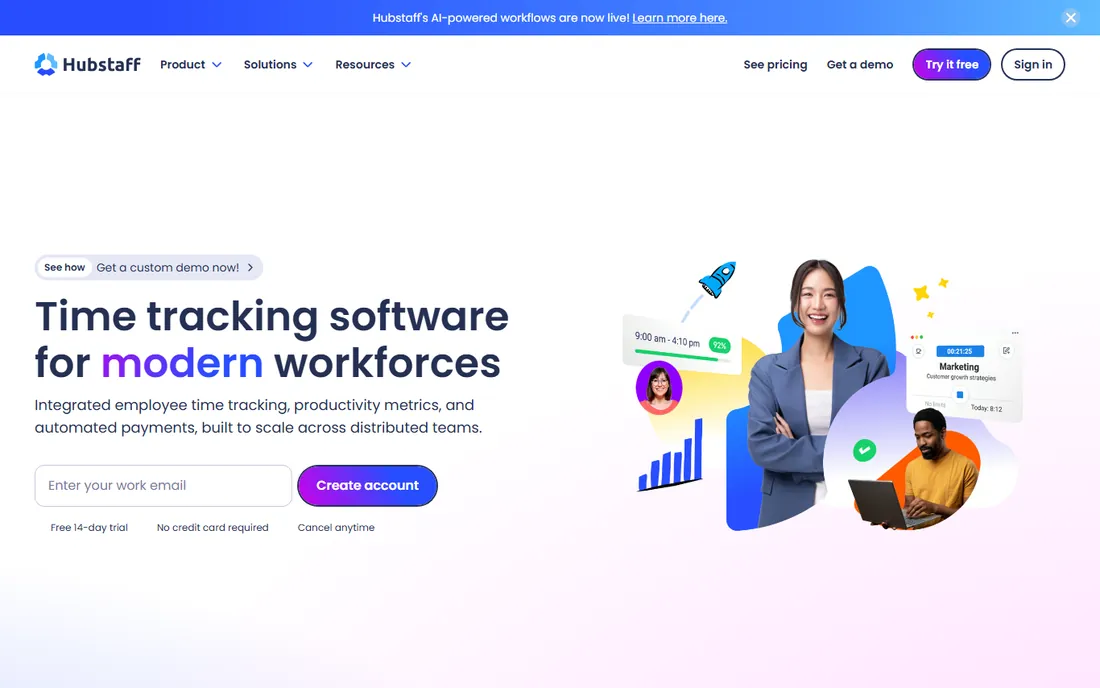
Hubstaff is the veteran of this category, trusted by more than 140,000 users. Its core loop is simple: track time automatically, measure activity levels, and turn the hours into payroll. GPS tracking and geofencing make it the default choice for field crews, delivery teams and anyone whose work happens away from a desk.
The newer AI features flag fake activity like mouse jigglers and scripted input that inflate hours. Combined with automated payments through Deel, Wise, PayPal and Payoneer, it closes the loop from tracked hour to paid invoice.
The catch is tiering. The $4.99 Starter plan caps screenshots and activity features, so most teams land on Grow or higher. Budget for the plan that includes the features you actually evaluated, not the entry price.
What we like- GPS and geofencing for field teams
- Automated payroll in multiple currencies
- AI detection of fake activity like mouse jigglers
- 14-day trial with no credit card
Watch out for- Screenshots capped on lower plans
- The useful analytics sit on higher tiers
- Per-user pricing climbs fast for large teams
Starting price$6.67 per user/month (billed annually)
Free planFree trial
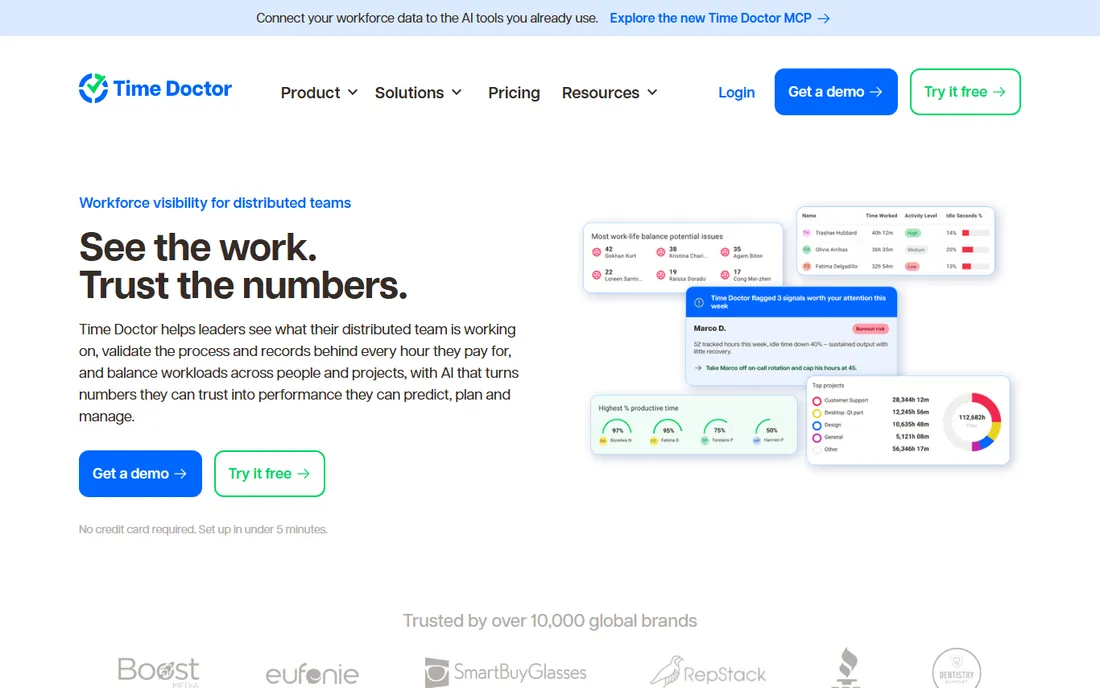
Time Doctor's pitch is verification. Every tracked hour connects to a task, a project and a record of what happened during it, so the numbers hold up when a client questions an invoice or an auditor asks questions. Distraction alerts nudge employees in real time when they drift to non-work sites, which managers either love or hate.
The company has leaned hard into AI. Time Doctor AI answers plain-language questions about team data, briefs managers on what needs attention, and drafts next steps for approval. It is included in every plan rather than gated behind enterprise tiers, and the MCP connection feeds tracked data into tools like ChatGPT and Claude.
The honest tradeoff is culture. Time Doctor is one of the more thorough trackers here, and thorough tracking needs thorough communication. Its own homepage now leads with "verification without surveillance" and per-role controls for a reason. Use those controls.
What we like- Deep productivity analytics with distraction alerts
- Every hour tied to tasks for payroll and client billing
- Time Doctor AI included in every plan
- SOC 2 Type 2 and HIPAA compliant
Watch out for- Screenshot-heavy approach can feel invasive
- Setup takes thought to configure well
- Pricing has crept up over the years
Starting price$10 per user/month (billed annually)
Free planFree (up to 3 users)
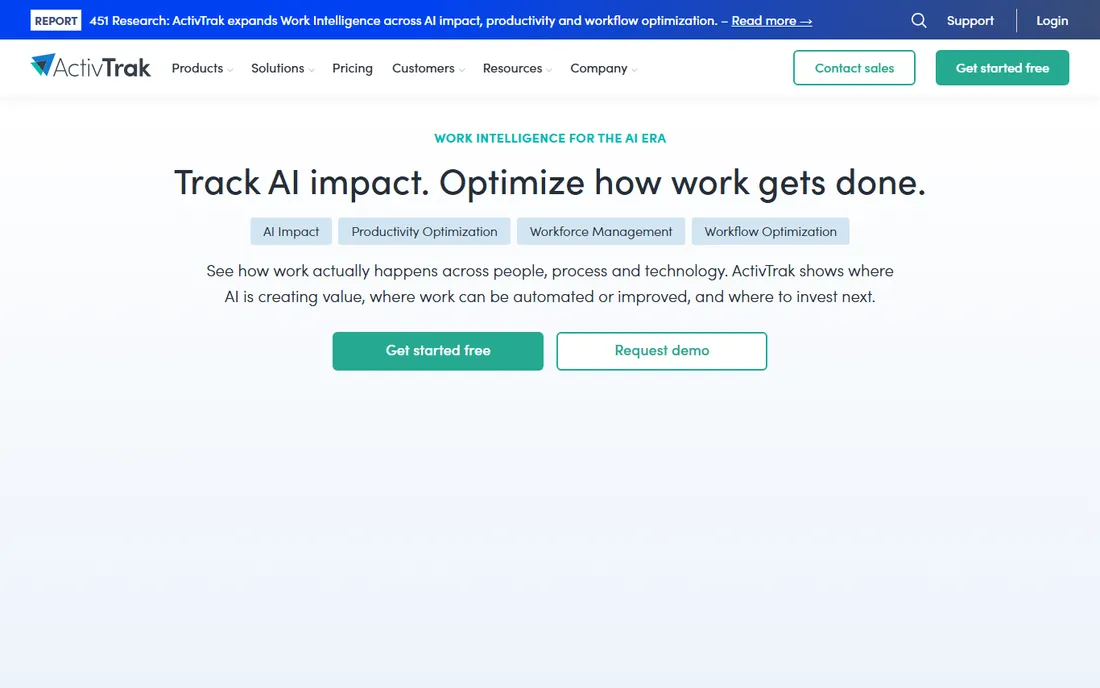
ActivTrak takes the opposite approach from the screenshot crowd. It collects behavioral work data, how time splits across apps, meetings and focus time, and turns it into workforce intelligence: capacity planning, productivity coaching, workflow bottlenecks and burnout risk. Screenshots are off by default and available only as a paid add-on.
That privacy-first stance is why HR leaders like it. Employees can see their own data, anonymization is configurable, and the conversation becomes about work patterns rather than surveillance. The 2026 platform adds AI adoption tracking, showing which teams actually use AI tools and where the productivity impact lands.
The limitation is deliberate. If you need proof-of-work screenshots for client billing or keystroke evidence for compliance, ActivTrak is not built for that. It answers "how is work going" rather than "what exactly did they do." For most knowledge teams, that is the right question.
What we like- Privacy-first design with no screenshots by default
- Free plan for up to 3 users
- Strong capacity planning and burnout detection
- Tracks AI tool adoption across the team
Watch out for- No keystroke-level detail for compliance-heavy use cases
- Screenshots cost extra
- The analytics depth takes time to learn
#4
Teramind
Best for: Companies that need monitoring plus insider threat detection
Visit teramind.co
Starting priceFrom $15 per user/month (billed monthly, 5-seat minimum)
Free planFree trial
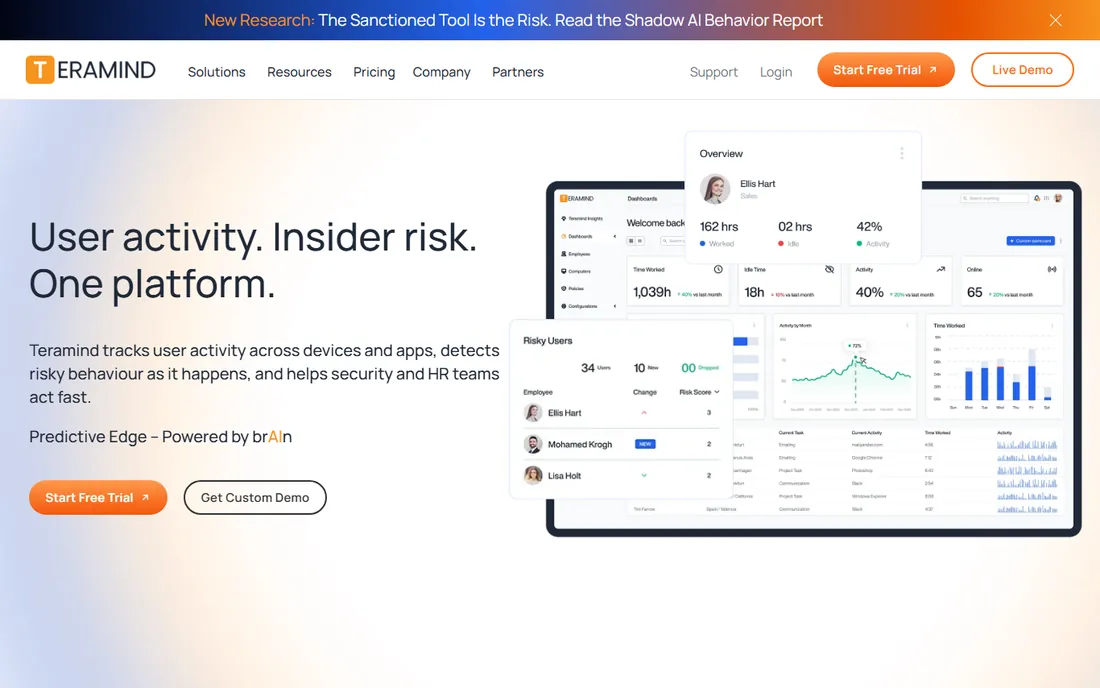
Teramind is two products in one: a workforce analytics platform and an insider threat detection system. It records sessions, tracks application and web activity, scores behavior risk, and enforces data loss prevention rules. If your industry has compliance requirements around data handling, Teramind covers productivity tracking and security monitoring in a single agent.
That depth explains the price. Plans start around $15 per user per month billed monthly, with a 5-seat minimum, and the tiers with full DLP and risk scoring cost more. Deployment options include on-premise for organizations that cannot send telemetry to the cloud.
Buy Teramind when security and compliance are part of the brief. If you only want to know whether the team is productive, the cheaper tools here do that job without the security apparatus. And note the overlap: we also cover Teramind in our insider threat detection guide, where the security half gets full attention.
What we like- Real-time monitoring with session recording
- Doubles as insider threat and DLP platform
- Leader in 50+ G2 categories
- Cloud or on-premise deployment
Watch out for- The most expensive tool on this list
- 5-seat minimum locks out tiny teams
- The depth can feel like overkill for pure productivity tracking
Starting priceFrom $8 per user/month (billed annually)
Free planFree trial (7 days)
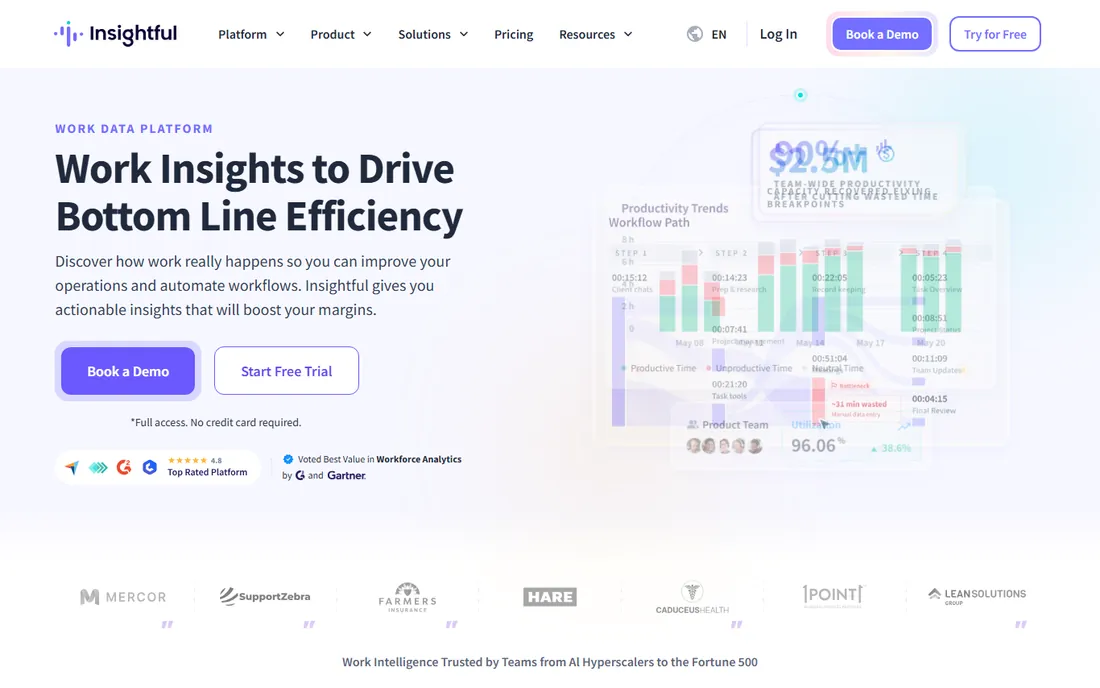
Insightful, formerly Workpuls, positions itself as work intelligence rather than monitoring. The platform measures productive time, utilization, meeting load and app usage across teams, then connects those patterns to business outcomes like margins and capacity. One customer, Mercor, credits it with preventing $9 million in weekly work fraud across 30,000+ contractors.
The privacy posture is explicit: full-depth observability without keystroke logging. For large and regulated teams, an on-premise deployment keeps data inside your own infrastructure.
The catch is evaluation time. Seven days is barely enough to see real patterns, so use the trial aggressively: connect a full team, not two people, and check whether the utilization reports answer questions your current tools cannot. Pricing runs $8 to $16 per user per month depending on tier.
What we like- 210,000 people tracked across 5,000+ organizations
- No keystroke logging by design
- On-premise option for large teams
- Strong utilization and capacity analytics
Watch out for- The 7-day trial is short for evaluation
- Pricing scales into the mid-teens per user on higher tiers
- The rebrand from Workpuls may confuse older reviews
Starting price$6.42 per user/month (billed annually, Pro plan)
Free planFree trial (14 days)
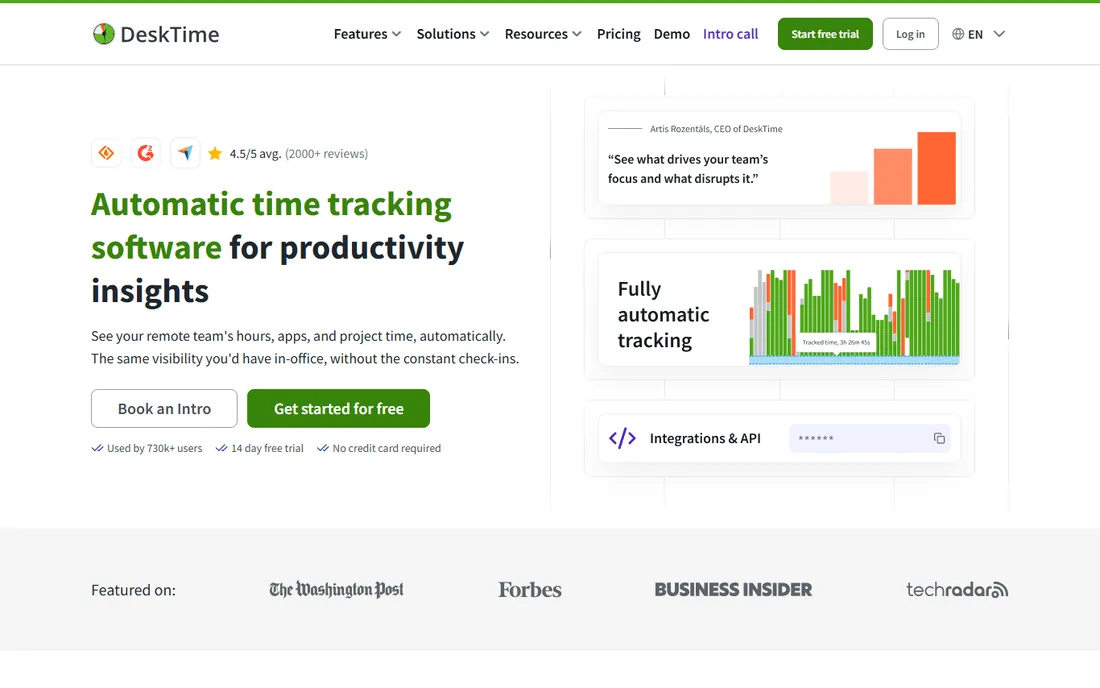
DeskTime's entire pitch is that nobody should ever start a timer. The app runs quietly, records apps, websites and documents, and sorts everything into productive or unproductive categories automatically. Employees see their own data, and the Private Time feature pauses all tracking for personal tasks, which defuses the biggest objection to automatic monitoring.
The maturity shows: shift scheduling, absence calendars, invoicing from tracked time, and an AI summary feature that narrates the workday. With 730,000 users, it is one of the most broadly deployed trackers in the world.
Pricing is straightforward: Pro at $6.42 per user per month billed annually, Premium at $9.17 with screenshots and API access. The automatic-everything model is the selling point and the risk. Make sure your team understands what is tracked before day one, because there is no timer to forget.
What we like- Fully automatic tracking from the moment the device turns on
- Private Time lets employees pause tracking
- 730,000+ users
- Project tracking with Jira, Asana and Trello integrations
Watch out for- Screenshots require the $9.17 Premium plan
- Automatic tracking means less employee control over what counts
- EU-based vendor, which matters for some US data policies
Starting price$4.50 per user/month (billed annually, Elite plan)
Free planFree (up to 10 users)
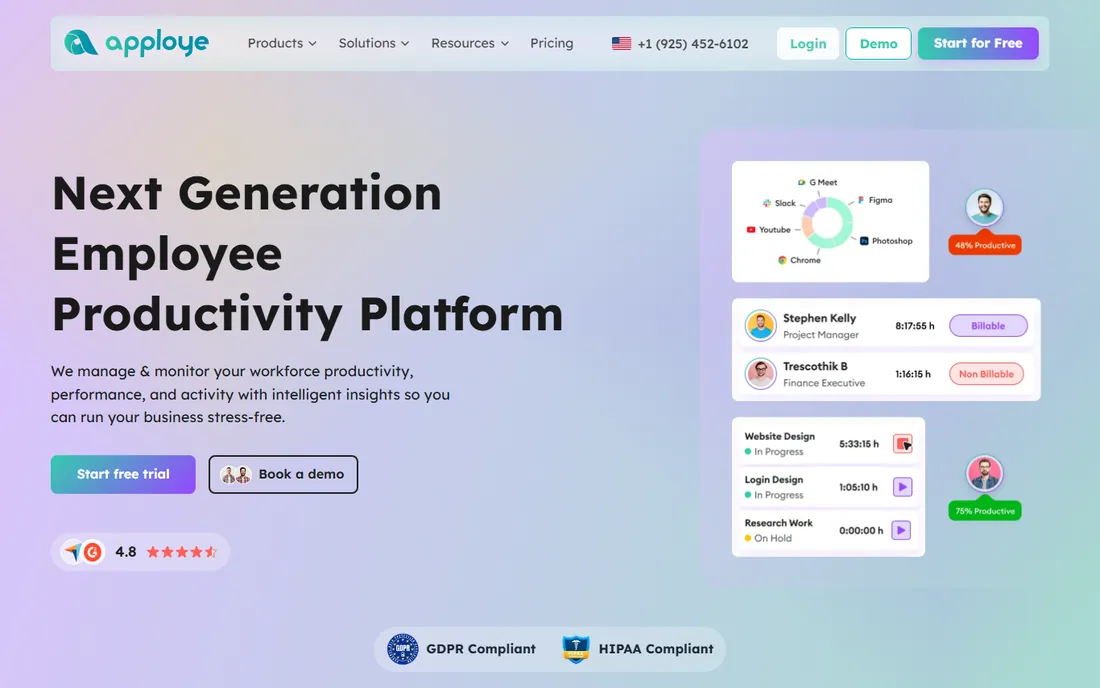
Apploye is the value play that makes the rest of this list look expensive. The Starter plan is free forever for up to 10 users, including time tracking, screenshots (one per hour), app and URL tracking, timesheets and invoicing. The paid Elite plan is $4.50 per user per month billed annually, and Power at $8 adds real-time screenshots and API access.
Feature coverage is genuinely broad: screenshot and video monitoring, activity tracking, performance rankings, automated payroll calculation, client invoicing, billable versus non-billable splits, offline tracking and integrations with Asana, Trello, Jira and Slack. GDPR and HIPAA compliance are claimed on the homepage.
The tradeoff is polish and scale. Apploye is a smaller vendor, and extras like stealth mode, extra screenshots and screen recording are paid add-ons that narrow the price gap. For teams under 50 people, though, the math is hard to beat. Start on the free plan and upgrade only when you hit its limits.
What we like- Free forever plan for up to 10 users
- Elite at $4.50 undercuts nearly everyone
- Payroll, invoicing and project tracking included
- 10-day trial with no credit card
Watch out for- Screenshot frequency limited on lower tiers
- Advanced features like video recording cost extra as add-ons
- Smaller vendor with less analyst coverage
Starting price$6.49 per user/month
Free planFree trial
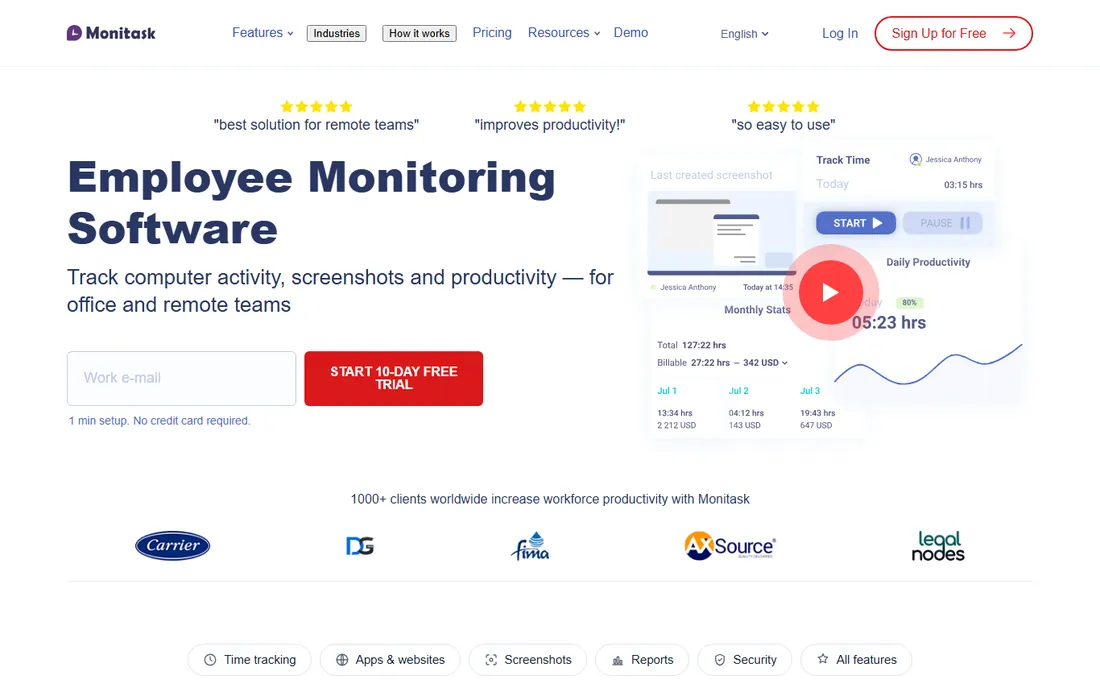
Monitask wins by saying no. No keystroke logging, no remote access to employee computers, no monitoring off the clock. Tracking runs only while the employee is clocked in and only with their permission. For small business owners who want basic accountability without becoming Big Brother, those limits are the feature.
What you get is straightforward: activity levels from mouse and keyboard input counts, periodic screenshots, app and website lists, and a real-time dashboard of who is online. Reports cover timesheets and productivity without drowning you in analytics.
The honest assessment is that Monitask is deliberately simple. There is no payroll automation, no AI layer, no capacity planning. At $6.49 per user per month, you are paying for uncomplicated tracking with an ethical stance. If that matches your needs, the simplicity is worth more than a longer feature list.
What we like- Consent-based tracking that only runs while clocked in
- No keystroke logging by design
- Clear about what it will not do
- Works on Mac, Windows and Linux
Watch out for- Fewer analytics than Hubstaff or Time Doctor
- No payroll features
- The feature set is deliberately narrow
Starting price$3.99 per user/month (billed annually, Pro plan)
Free planFree trial (14 days)
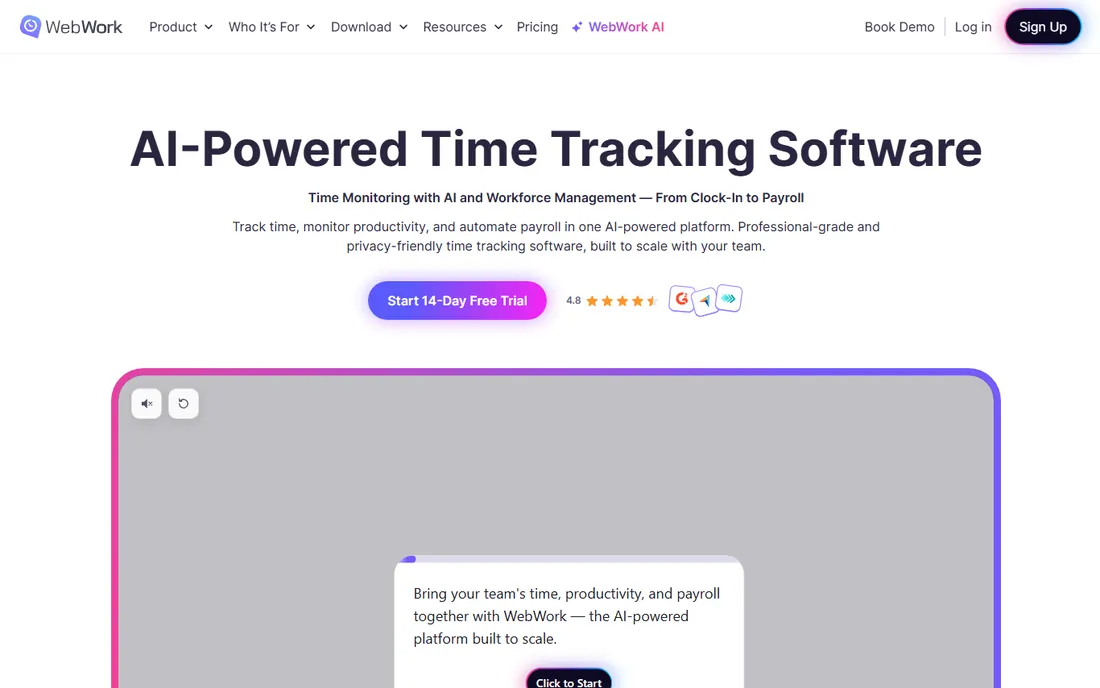
WebWork Tracker positions itself as the all-in-one: time tracking, screenshots, app and website monitoring, attendance, shift scheduling, invoicing, expenses and payroll, from $3.99 per user per month billed annually. That price includes features competitors gate behind higher tiers.
The configurability stands out. You choose visible or silent tracking, screenshots on or off, blurred or full, URLs tracked or disabled. For mixed teams with different roles and sensitivities, per-project settings beat one-size-fits-all. The newer agentic AI assistant analyzes performance, drafts standups and flags burnout risk.
The caveat is vendor maturity. WebWork is younger than Hubstaff or DeskTime, with less analyst coverage and fewer public case studies. The 14-day trial needs no credit card, so the risk of evaluating it is zero. For budget-conscious teams that want payroll bundled in, it deserves a trial slot alongside Apploye.
What we like- Cheapest paid plan on this list at $3.99
- Screenshots, payroll and shift scheduling included
- Fully configurable tracking levels
- Agentic AI assistant for performance insights
Watch out for- Younger vendor with less third-party validation
- The interface packs in many features
- Advanced AI features are still maturing
How we chose
We started from recent practitioner comparisons, including WebWork Tracker's September 2026 pricing-verified breakdown, plus G2, Capterra and TrustRadius reviews from the last twelve months. Every price comes from the vendor's own pricing page or homepage, checked in October 2026. We included both surveillance-heavy and privacy-first designs so buyers can choose their stance, and excluded tools without a working product. No vendor paid for placement, and we installed nothing.
The privacy conversation you need to have first
Before comparing features, sort out the legal and human side. Several US states, including Connecticut and Delaware, require employers to notify workers about electronic monitoring. The EU's GDPR sets a high bar for consent and data minimization. Beyond law, undisclosed tracking destroys trust faster than any productivity gain can repay. Every tool on this list works better when the team knows it is there.
Write a one-page monitoring policy before you buy: what is tracked, when it runs, who sees the data, how long it is kept. Share it and get acknowledgment, then configure the tool to match. ActivTrak, Insightful, DeskTime and Monitask ship privacy controls that make this easy. Teramind and Time Doctor can be configured tightly too, but check every default setting.
How to roll this out without a revolt
Start with a pilot team of volunteers, not the whole company. Two weeks surfaces configuration problems and honest feedback. Share the team's own reports back with them in week one, so the tool reads as transparency rather than surveillance.
Measure outcomes, not activity. Activity scores reward mouse movement, which rewards mouse jigglers. Tie the rollout to real goals: fewer missed deadlines, accurate client billing, balanced workloads. When someone's numbers look bad, start with a conversation, not a warning. Low activity often means deep work, long calls or a broken process, not laziness.
Finally, revisit the decision quarterly. Teams change, projects change, and the tool that fit a 10-person startup may not fit a 100-person company. Most of these tools are month-to-month or annual with no setup fee, so switching costs are low. The policy document matters more than the vendor.
Frequently asked questions
Is employee monitoring software legal?
In most US states, yes, on company-owned devices with employee notice. Connecticut, Delaware and a few others explicitly require advance notice of electronic monitoring. The EU requires a legal basis and proportionality under GDPR. Always check current law in your jurisdiction and get written acknowledgment from employees.
Will tracking software slow down my team's computers?
Modern trackers are lightweight background apps with minimal CPU impact. The heavier features are screenshot capture frequency and video recording. If performance matters, choose longer screenshot intervals and skip video recording.
Do employees really accept being tracked?
Acceptance depends on transparency and reciprocity. Teams accept tracking when they see their own data, understand what is measured, and get something back, like accurate overtime or protection from unrealistic deadlines. Secret tracking is what causes revolts.
What is the difference between time tracking and employee monitoring?
Time tracking records hours worked, usually tied to projects for payroll and billing. Employee monitoring adds activity detail: apps used, websites visited, screenshots, behavior scores. Many tools do both, but the distinction matters for your monitoring policy and for employee consent.
Can I track contractors with these tools?
Yes, and contractors are the least controversial case, since tracking ties directly to invoicing. Mention the tool in the contractor agreement, and keep tracking tied to deliverables and hours, not behavioral control, to avoid worker classification questions.
Which tool is best for a team under 10 people?
Apploye's free plan covers up to 10 users at no cost, which is hard to argue with. DeskTime and WebWork are strong low-cost alternatives with 14-day trials. Start free, and only pay when the free tier limits what you need.
Sources we checked (13)
- https://hubstaff.com
- https://www.timedoctor.com
- https://activtrak.com/
- https://teramind.co/
- https://insightful.io/
- https://desktime.com/
- https://desktime.com/pricing
- https://apploye.com/
- https://apploye.com/pricing/
- https://monitask.com
- https://webwork-tracker.com/
- https://www.webwork-tracker.com/blog/top-6-employee-monitoring-software
- https://flowace.ai/blog/best-employee-monitoring-software-in-us/
Is your product missing or out of date?
We review this list regularly. Vendors can request a listing, send updated pricing or ask about featured placement.

Shihab Mia · Founder, Rankite
Shihab has spent more than a decade helping SaaS and e-commerce brands grow through search. He writes Rankite's software buying guides from pricing pages, documentation and public user reviews. More about Shihab.