How we make this list: we compare pricing pages, product documentation and public user reviews. Ratings come from G2, Capterra or Trustpilot, with the date we checked them.
Key takeaways
- AWeber spells out its deal on its own homepage: a free plan up to 500 subscribers, paid plans from $15/month, which sets the small-business baseline.
- Brevo prices on emails sent rather than contacts, which suits businesses with large lists and infrequent sends.
- Mailchimp remains the integration king but its free plan keeps shrinking; check the current limits against your list size.
- Kit (formerly ConvertKit) owns the creator niche with paid newsletters and commerce, while Constant Contact wins on events and phone support.
Quick comparison
| Tool | Best for | Starting price | Free plan |
|---|
 Mailchimp Mailchimp | Integrations and ecommerce automation | See website | Yes |
 Constant Contact Constant Contact | Events, nonprofits and phone support | See website | No |
 Brevo Brevo | Email plus SMS and CRM in one | See website | Yes |
 Kit Kit | Creators and paid newsletters | See website | Yes |
 MailerLite MailerLite | Simple, clean and affordable | See website | Yes |
 GetResponse GetResponse | Webinars and conversion funnels | See website | Yes |
 AWeber AWeber | Ease of use with strong support | $15/month | Yes |
 Moosend Moosend | Affordable automation | See website | No |
Is your product missing or out of date?
We review this list regularly. Vendors can request a listing, send updated pricing or ask about featured placement.
The best email marketing software for small business
Email still pays for small businesses: it is cheap, direct and yours, unlike social reach. The tools below all send newsletters and automations, but they split on pricing models, free plans and specialties. Eight platforms for every kind of small business.
Starting priceSee website
Free planYes
Mailchimp is the name everyone knows, and its large integration library means it connects to nearly any store, site or tool a small business uses. Customer journeys and ecommerce automations (abandoned cart, win-back, post-purchase) are genuinely strong.
The catch is the pricing trajectory: the free tier keeps narrowing and paid plans scale aggressively with contact count. Audit your list size against current limits before committing. Mailchimp fits businesses that value integrations and ecommerce depth and will pay for them.
What we like- Largest integration ecosystem in the category
- Strong ecommerce automations
- Familiar to freelancers and agencies
Watch out for- Free plan limits have tightened repeatedly
- Pricing rises steeply with contacts
- The Intuit upsell path annoys some users
Starting priceSee website
Free planNo
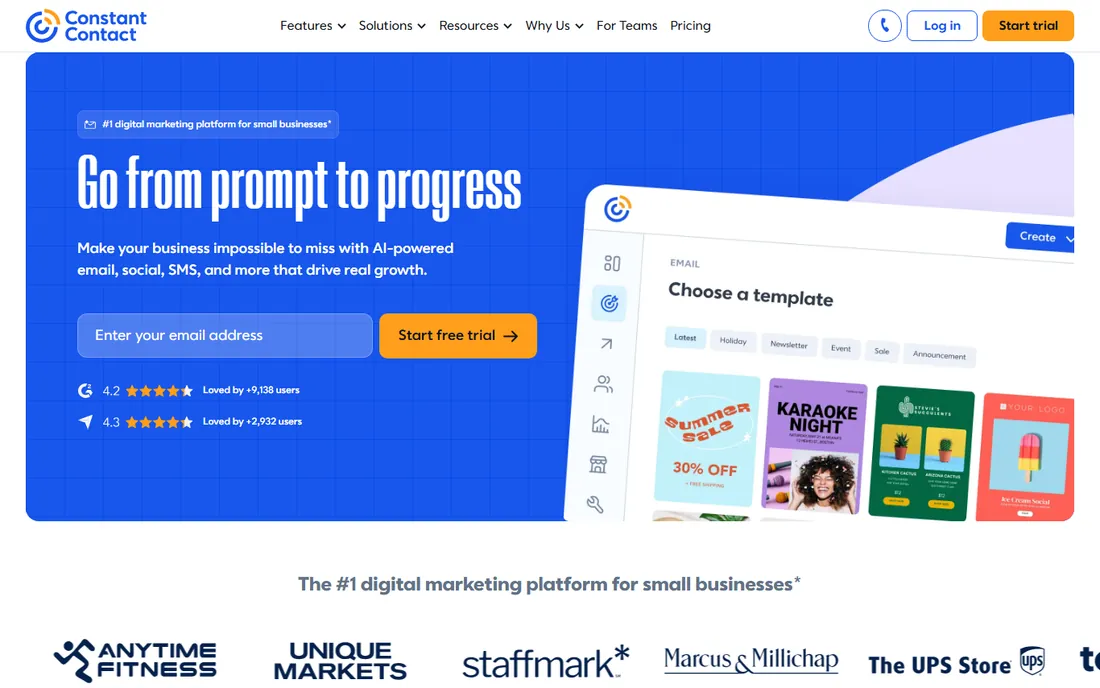
Constant Contact built its reputation on simplicity and support: real humans on the phone, event invitations with RSVP tracking, and an interface that a busy owner can learn in an afternoon. Nonprofits and event-driven businesses are its heartland.
There is no free tier, only a trial, and the automation builder is basic next to competitors. Constant Contact fits owners who want to call someone when stuck and run events, not marketing technologists.
What we like- Event marketing tools are best in class
- Phone support included
- Simple interface non-marketers can learn
Watch out for- No permanent free plan, trial only
- Automation depth trails Mailchimp and Brevo
- Pricing per contact
Starting priceSee website
Free planYes
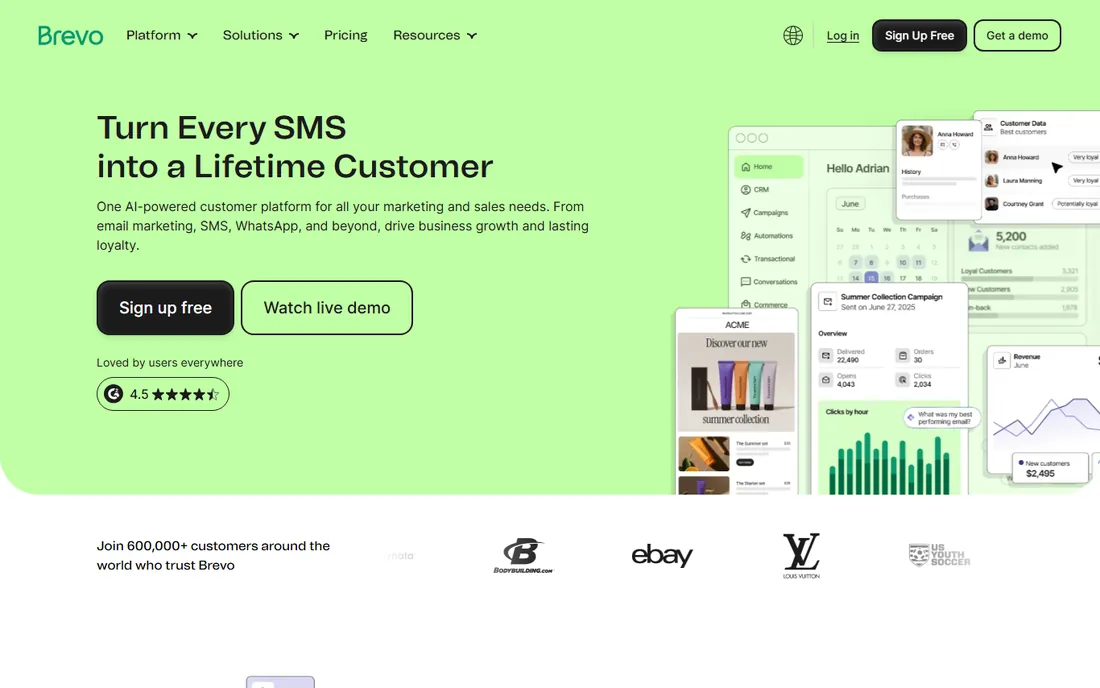
Brevo (formerly Sendinblue) flips the pricing model: unlimited contacts, pay for email volume. A business with 50,000 contacts sending monthly newsletters pays far less than on per-contact platforms. SMS, WhatsApp, live chat and a built-in CRM come along.
Template design and the editor feel less polished than Mailchimp's. Brevo fits businesses with large lists and modest send frequency, plus anyone wanting email, SMS and CRM from one login.
What we like- Prices on emails sent, not contacts, so big lists stay cheap
- SMS, WhatsApp, chat and CRM included
- Generous free tier
Watch out for- Email design tools trail Mailchimp
- The all-in-one breadth can confuse pure-email users
Starting priceSee website
Free planYes
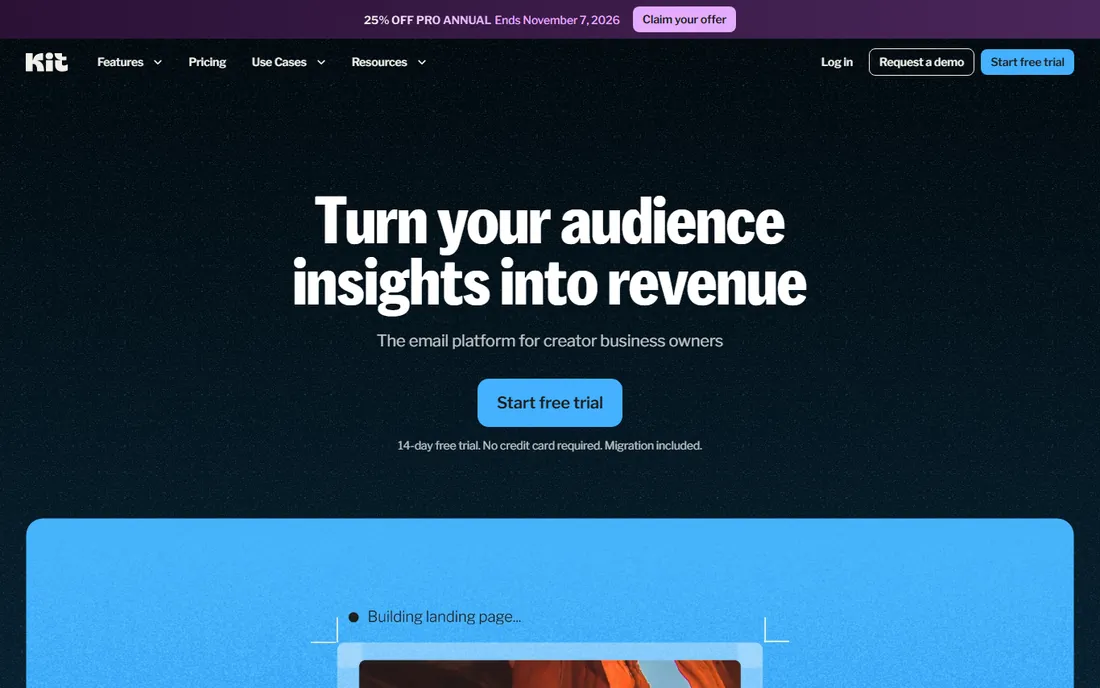
Kit, formerly ConvertKit, serves bloggers, YouTubers and course creators who monetize audiences: sell paid newsletters and digital products, tag subscribers by interest, and grow through the Creator Network. The free tier covers up to 10,000 subscribers.
The emails look plain by design; brand-heavy businesses will miss rich templates. Kit fits creators building a paid audience, not local businesses sending promotions.
What we like- Built for creators: paid newsletters, digital products and commerce
- Creator Network for cross-promotion
- Generous free tier up to 10,000 subscribers
Watch out for- Plain email design, no fancy templates
- Overkill if you just need a business newsletter
Starting priceSee website
Free planYes
MailerLite wins on simplicity: the editor is clean, the learning curve is short, and paid plans undercut most rivals. Landing pages and a website builder cover the basics beyond email.
Power users hit walls in segmentation and complex automation. MailerLite fits small businesses and bloggers who want to send good-looking emails without studying a manual.
What we like- Clean, fast interface beginners love
- Affordable paid plans
- Website builder and landing pages included
Watch out for- Free plan subscriber limits are strict
- Advanced automation and segmentation trail the leaders
Starting priceSee website
Free planYes
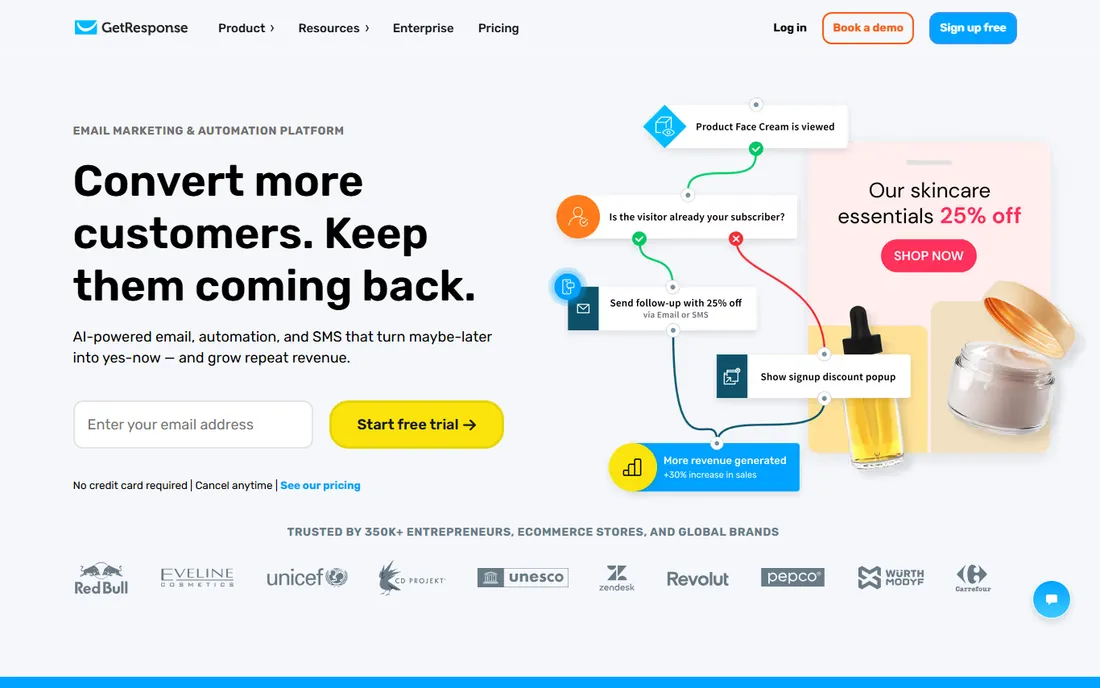
GetResponse differentiates with webinars inside the email platform: host, promote and follow up without a separate tool. Conversion funnels guide subscribers from landing page to sale, and a limited free tier lets you test.
The UI shows its age next to MailerLite, and power webinar hosts may still prefer dedicated tools. GetResponse fits course creators and coaches who sell through webinars and funnels.
What we like- Built-in webinars, a rarity in email tools
- Conversion funnels for lead generation
- AI campaign features
Watch out for- Interface feels dated in places
- Webinar quality varies
- Pricing sits mid-pack
Starting price$15/month
Free planYes
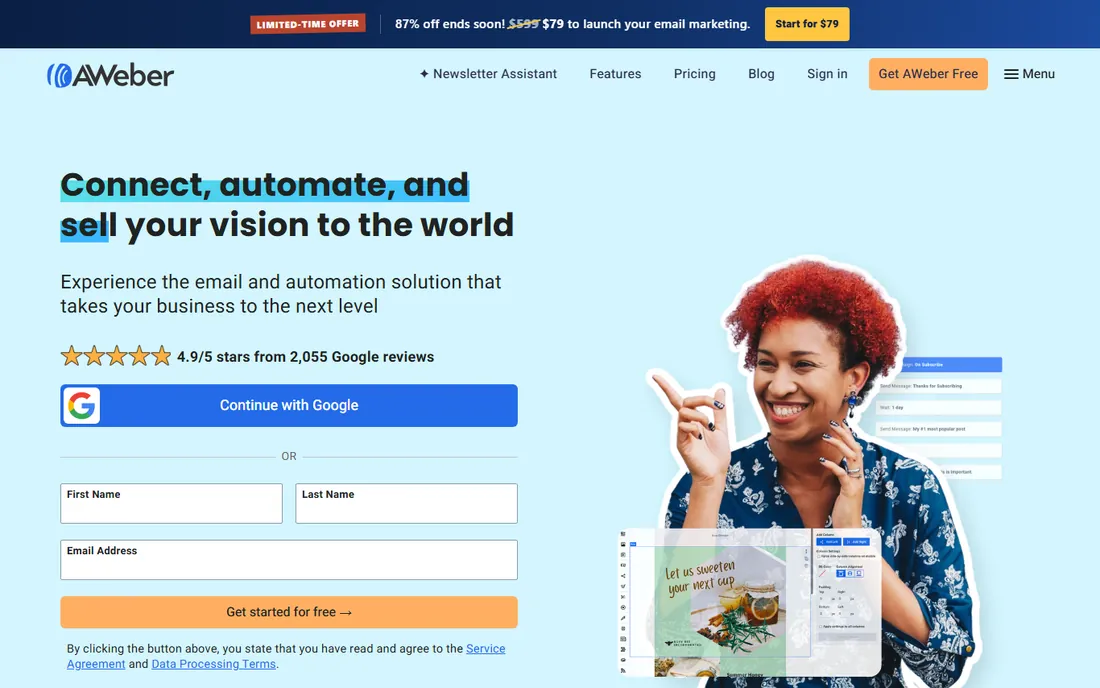
AWeber states its deal plainly on its homepage: a free plan for up to 500 subscribers and 3,000 emails monthly, paid plans from $15/month. The 24/7 human support and free white-glove migrations make switching painless, and landing pages, signup forms and ecommerce pages round out the toolkit.
Design-forward brands may find the templates conservative. AWeber fits small businesses that want dependable email with real humans on support and an honest free tier.
What we like- Free plan covers up to 500 subscribers with no time limit
- 24/7 phone, chat and email support
- Free migrations from competitors
- Landing pages and ecommerce included
Watch out for- Template design lags trendier rivals
- Automation is solid but not the most advanced
Starting priceSee website
Free planNo
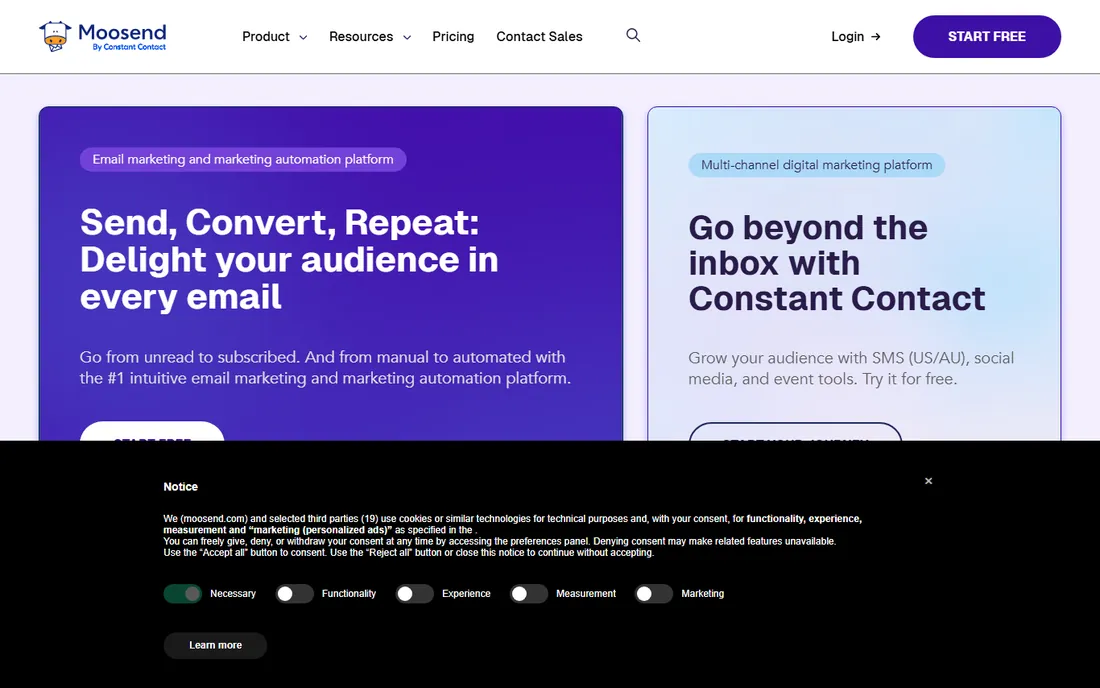
Moosend offers automation depth unusual at its price: visual workflows, segmentation and personalization with unlimited sends on paid plans. The 30-day trial lets you test properly.
There is no free-forever tier, and integrations trail the big names. Moosend fits budget-conscious businesses that want real automation without Mailchimp-level pricing.
What we like- Low pricing with unlimited emails on paid plans
- Visual automation builder with recipes
- Good reporting for the price
Watch out for- No permanent free plan, 30-day trial only
- Smaller integration ecosystem
- Template library is modest
What to check before you buy
Start with the pricing model against your reality. Per-contact pricing punishes list growth; per-email pricing (Brevo) punishes frequent senders. Model your list size and send frequency at 12 months out, not today.
Check the free tier limits precisely: subscriber caps, monthly send caps and which features are gated. Test deliverability basics during the trial: authentication setup (SPF, DKIM, DMARC), spam score checks and inbox placement. Verify the automations you will actually use, welcome series, abandoned cart, win-back, exist and are easy to build. Finally, confirm list import and migration support; moving an engaged list without losing subscribers is the moment most switches succeed or fail.
How we chose
We compared email marketing platforms with real small-business customer bases and workable free or low-cost entry points, using vendor sites, pricing pages and public reviews. AWeber's price comes from its own homepage; elsewhere we wrote See website where we could not verify a current figure on the vendor's own pricing page. We did not send test campaigns.
Growing a list from zero without buying one
Bought lists are the fastest way to destroy deliverability and the slowest way to build a business. Growing organically takes longer and works better. Here is the practical playbook.
Start with the transaction you already have. Every customer, every quote request, every support conversation is a permission opportunity. Add a clear opt-in at checkout, in the booking flow and in the email signature. The signup copy matters: "get our newsletter" converts poorly; "get the monthly pricing guide for homeowners" converts well because it promises something specific.
Create one lead magnet worth an email address. A checklist, a template, a short guide, a calculator: something your ideal customer would genuinely pay a few dollars for, given away for an address. Gate it behind a simple form (name and email only; every extra field cuts conversion). Promote it where your audience already is: your website header, your social profiles, your invoices.
Use content upgrades on your best pages. A blog post about "choosing the right CRM" gets a downloadable comparison worksheet; a pricing page gets a cost calculator. These convert at multiples of generic newsletter forms because the offer matches the reader's intent in that moment.
Run a referral loop early. Your happiest subscribers are your best recruiters. A simple "forward to a friend" link and an occasional incentive (a discount, early access) turn the list into its own growth channel. Even a five percent monthly referral rate compounds impressively.
Clean as you grow. Remove hard bounces immediately, sunset subscribers who have not opened in six months (after a re-engagement attempt), and never email people who did not opt in. A smaller engaged list outperforms a large cold one on every metric that matters: opens, clicks, conversions and deliverability.
Expect it to be slow, then sudden. The first five hundred subscribers take months; the next five thousand come faster because every issue reaches more potential forwarders. Consistency beats intensity: one good email a month for a year beats a burst of twelve followed by silence.
Frequently asked questions
How much does email marketing cost for a small business?
From $0 on free tiers to $15 to $30 monthly for lists under a few thousand subscribers. Costs scale with contacts on most platforms, so a 50,000-contact list can run into hundreds monthly.
Which email tool is easiest for beginners?
MailerLite and Constant Contact are consistently praised for simplicity. AWeber pairs ease with 24/7 human support, which helps when you get stuck.
What is the difference between per-contact and per-email pricing?
Per-contact platforms (Mailchimp, Constant Contact) charge by list size regardless of sends. Per-email platforms (Brevo) allow unlimited contacts and charge by volume sent. Large infrequent senders save with per-email pricing.
Do I need automation or just newsletters?
Start with newsletters plus a welcome series; that covers most small businesses. Add abandoned cart flows for ecommerce and win-back campaigns as you grow. Do not pay for automation depth you will not build.
How do I improve email deliverability?
Use a custom sending domain with SPF, DKIM and DMARC authentication, clean inactive subscribers regularly, avoid purchased lists and keep engagement high. All eight tools support authentication; the list hygiene is on you.
Can I switch email platforms without losing subscribers?
Yes. Export your list with engagement data, import it into the new tool, warm up the sending domain and expect a small dip during transition. AWeber and several others offer free migration assistance.
Sources we checked (9)
- https://www.mailchimp.com
- https://constantcontact.com/
- https://www.brevo.com
- https://kit.com
- https://www.mailerlite.com
- https://www.getresponse.com
- https://www.aweber.com
- https://www.moosend.com
- https://www.brevo.com/blog/mailerlite-alternatives/
Is your product missing or out of date?
We review this list regularly. Vendors can request a listing, send updated pricing or ask about featured placement.

Shihab Mia · Founder, Rankite
Shihab has 5+ years in B2B and SaaS SEO. He writes Rankite's software buying guides from pricing pages, documentation and public user reviews. More about Shihab.